> ## Documentation Index
> Fetch the complete documentation index at: https://velt.dev/docs/llms.txt
> Use this file to discover all available pages before exploring further.

# Comments

> Your users can add comments in context to ask questions, leave feedback, report bugs etc. We handle all complexity to ensure the comments are robust against content changes. We support many types of comment UX patterns as illustrated below.

<Tabs>
  <Tab title="Freestyle">
    With `Freestyle` comments, you can pin `Comments` on any elements on the page or draw area comments.

    [Open in larger window](https://demo-examples.vercel.app/async/comments/area-comments?background=000\&theme=dark)    
    [View Setup for Freestyle Comments](/async-collaboration/comments/setup/freestyle)

    <Frame>
      <iframe src="https://demo-examples.vercel.app/async/comments/area-comments?background=000&theme=dark" allow="camera; microphone" scrolling="no" frameBorder="0" height="500px" className="w-full" />
    </Frame>
  </Tab>

  <Tab title="Popover">
    With `Popover` comments, you can add `Comments` on table cells, like in Google Sheets.

    [Open in larger window](https://demo-examples.vercel.app/async/comments/popover-comments?background=000\&theme=dark)    
    [View Setup for Popover Comments](/async-collaboration/comments/setup/popover)

    <Frame>
      <iframe src="https://demo-examples.vercel.app/async/comments/popover-comments?background=000&theme=dark" allow="camera; microphone" scrolling="no" frameBorder="0" className="w-full" height="500px" />
    </Frame>
  </Tab>

  <Tab title="Stream">
    With `Stream` mode, your `Comments` will appear in a column on the right side.

    [Open in larger window](https://demo-examples.vercel.app/async/comments/stream-comments?background=000\&theme=dark)    
    [View Setup for Stream Comments](/async-collaboration/comments/setup/stream)

    <Frame>
      <iframe src="https://demo-examples.vercel.app/async/comments/stream-comments?background=000&theme=dark" allow="camera; microphone" frameBorder="0" height="500px" className="w-full" />
    </Frame>
  </Tab>

  <Tab title="Text">
    With `Text` comments, you can leave `Comments` as text highlights.

    [Open in larger window](https://demo-examples.vercel.app/async/comments/text-comments?background=000\&theme=dark)    
    [View Setup for Text Comments](/async-collaboration/comments/setup/text)

    <Frame>
      <iframe src="https://demo-examples.vercel.app/async/comments/text-comments?background=000&theme=dark" allow="camera; microphone" scrolling="no" frameBorder="0" height="500px" className="w-full" />
    </Frame>
  </Tab>

  <Tab title="Tiptap">
    Add comments to your Tiptap editor.

    [Open in larger window](https://documentation-app-demo.vercel.app/?focused=true)    
    [View Setup for Tiptap Comments](/async-collaboration/comments/setup/tiptap)

    <Frame>
      <iframe src="https://documentation-app-demo.vercel.app/?focused=true" allow="camera; microphone" scrolling="no" frameBorder="0" height="500px" className="w-full" />
    </Frame>
  </Tab>

  <Tab title="Inline">
    With `Inline` comments, you can add a more traditional style of comments.

    [Open in larger window](https://demo-examples.vercel.app/async/comments/inline-comments?background=000\&theme=dark)    
    [View Setup for Inline Comments](/async-collaboration/comments/setup/inline-comments)

    <Frame>
      <iframe src="https://demo-examples.vercel.app/async/comments/inline-comments?background=000&theme=dark" allow="camera; microphone" scrolling="no" frameBorder="0" height="500px" className="w-full" />
    </Frame>
  </Tab>

  <Tab title="Page">
    With `Page` comments, you can leave `Comments` at the page level.

    [Open in larger window](https://demo-examples.vercel.app/async/comments/page-comments?background=000\&theme=dark)    
    [View Setup for Page Comments](/async-collaboration/comments/setup/page)

    <Frame>
      <iframe src="https://demo-examples.vercel.app/async/comments/page-comments?background=000&theme=dark" allow="camera; microphone" scrolling="no" frameBorder="0" height="500px" className="w-full" />
    </Frame>
  </Tab>

  <Tab title="Chart">
    With `Chart` comments, you can leave `Comments` on popular charting libraries.

    [Open in larger window](https://analytics-chartjs-demo.vercel.app/?focused=true)    
    [View Setup for Chart Comments](/async-collaboration/comments/setup/chart-comments-setup/highcharts)

    <Frame>
      <iframe src="https://analytics-chartjs-demo.vercel.app/?focused=true" allow="camera; microphone" scrolling="no" frameBorder="0" className="w-full" height="700px" />
    </Frame>
  </Tab>

  <Tab title="Video">
    With `Video` comments, you can leave frame by frame `Comments` on videos.

    [Open in larger window](https://demo-examples.vercel.app/async/comments/video-comments?background=000000\&theme=dark)    
    [View Setup for Video Comments](/async-collaboration/comments/setup/video-player-setup/video-player-setup)

    <Frame>
      <iframe src="https://demo-examples.vercel.app/async/comments/video-comments?background=000000&theme=dark" allow="camera; microphone" scrolling="no" frameBorder="0" className="w-full" height="510px" />
    </Frame>
  </Tab>

  <Tab title="Lottie">
    With `Lottie` comments, you can leave frame by frame `Comments` on Lottie animations.

    [Open in larger window](https://demo-examples.vercel.app/async/comments/lottie-comments?background=1A1A1A\&theme=dark)     
    [View Setup for Lottie Comments](/async-collaboration/comments/setup/lottie-player-setup)

    <Frame>
      <iframe src="https://demo-examples.vercel.app/async/comments/lottie-comments?background=1A1A1A&theme=dark" allow="camera; microphone" scrolling="no" frameBorder="0" className="w-full" height="700px" />
    </Frame>
  </Tab>
</Tabs>

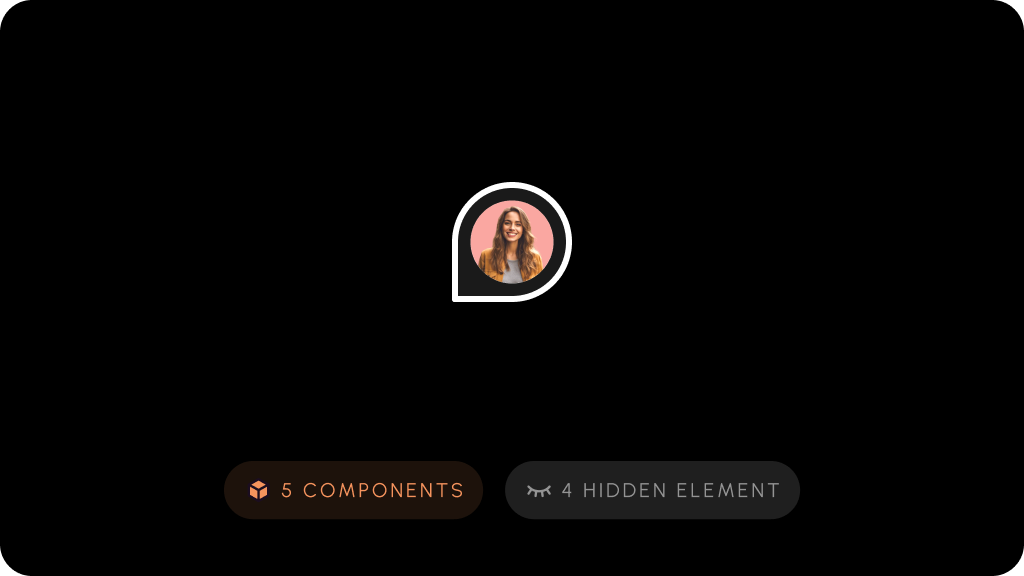
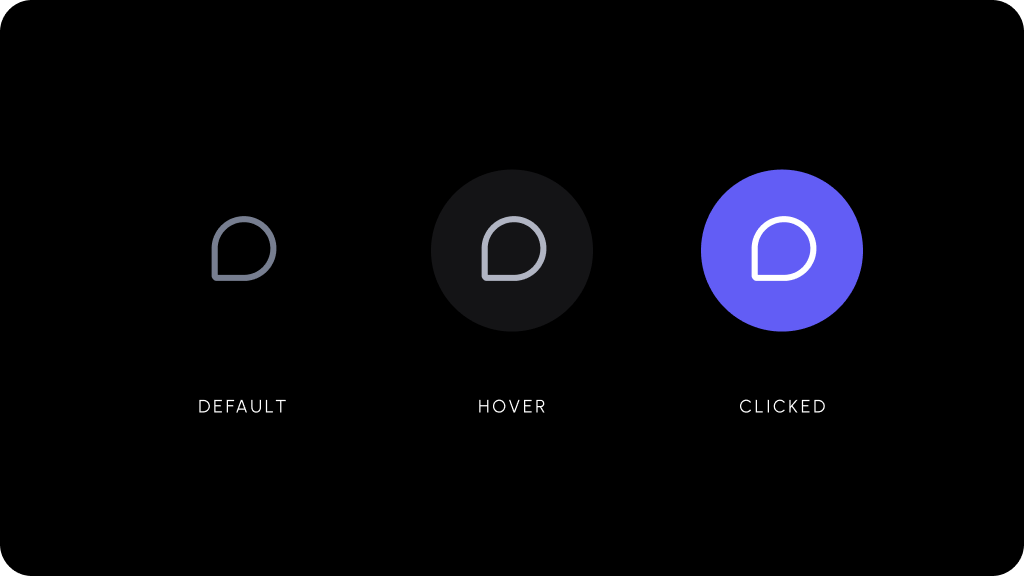
There are several customizable components that work as part of the `Comments` feature set.
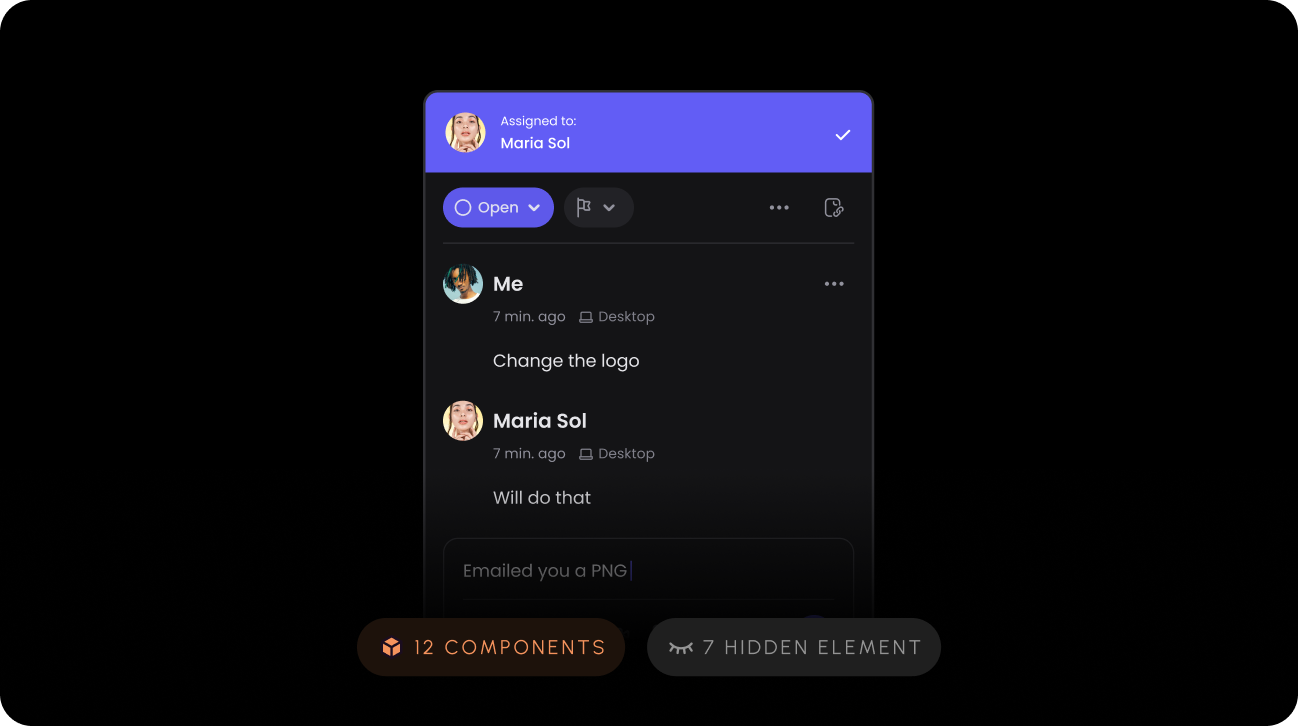
<Tabs>
  <Tab title="Comment Dialog">
    <Frame>
      <img src="https://mintcdn.com/velt/kAkMSIYF4ZlrlwLm/images/customization/velt-comment-dialog-1.png?fit=max&auto=format&n=kAkMSIYF4ZlrlwLm&q=85&s=317c3dc5977cd95af84575119ffbf3f9" alt="" width="1298" height="726" data-path="images/customization/velt-comment-dialog-1.png" />
    </Frame>
  </Tab>

  <Tab title="Comment Pin">
    <Frame>
      <img src="https://mintcdn.com/velt/kAkMSIYF4ZlrlwLm/images/customization/velt-comment-pin-1.png?fit=max&auto=format&n=kAkMSIYF4ZlrlwLm&q=85&s=368de01a99459da8605d7acd153480ba" alt="" width="1024" height="576" data-path="images/customization/velt-comment-pin-1.png" />
    </Frame>
  </Tab>

  <Tab title="Text Comment Tool">
    <Frame>
      <img src="https://mintcdn.com/velt/kAkMSIYF4ZlrlwLm/images/customization/velt-text-comment-1.png?fit=max&auto=format&n=kAkMSIYF4ZlrlwLm&q=85&s=5bff19c8d18636a33d998a4925322a3f" alt="" width="1024" height="576" data-path="images/customization/velt-text-comment-1.png" />
    </Frame>
  </Tab>

  <Tab title="Comment Tool">
    <Frame>
      <img src="https://mintcdn.com/velt/kAkMSIYF4ZlrlwLm/images/customization/velt-comment-tool-1.png?fit=max&auto=format&n=kAkMSIYF4ZlrlwLm&q=85&s=65ae5eea4040d5ed64947488f24c75c7" alt="" width="1024" height="576" data-path="images/customization/velt-comment-tool-1.png" />
    </Frame>
  </Tab>
</Tabs>