> ## Documentation Index
> Fetch the complete documentation index at: https://velt.dev/docs/llms.txt
> Use this file to discover all available pages before exploring further.
# Highcharts Comments Setup
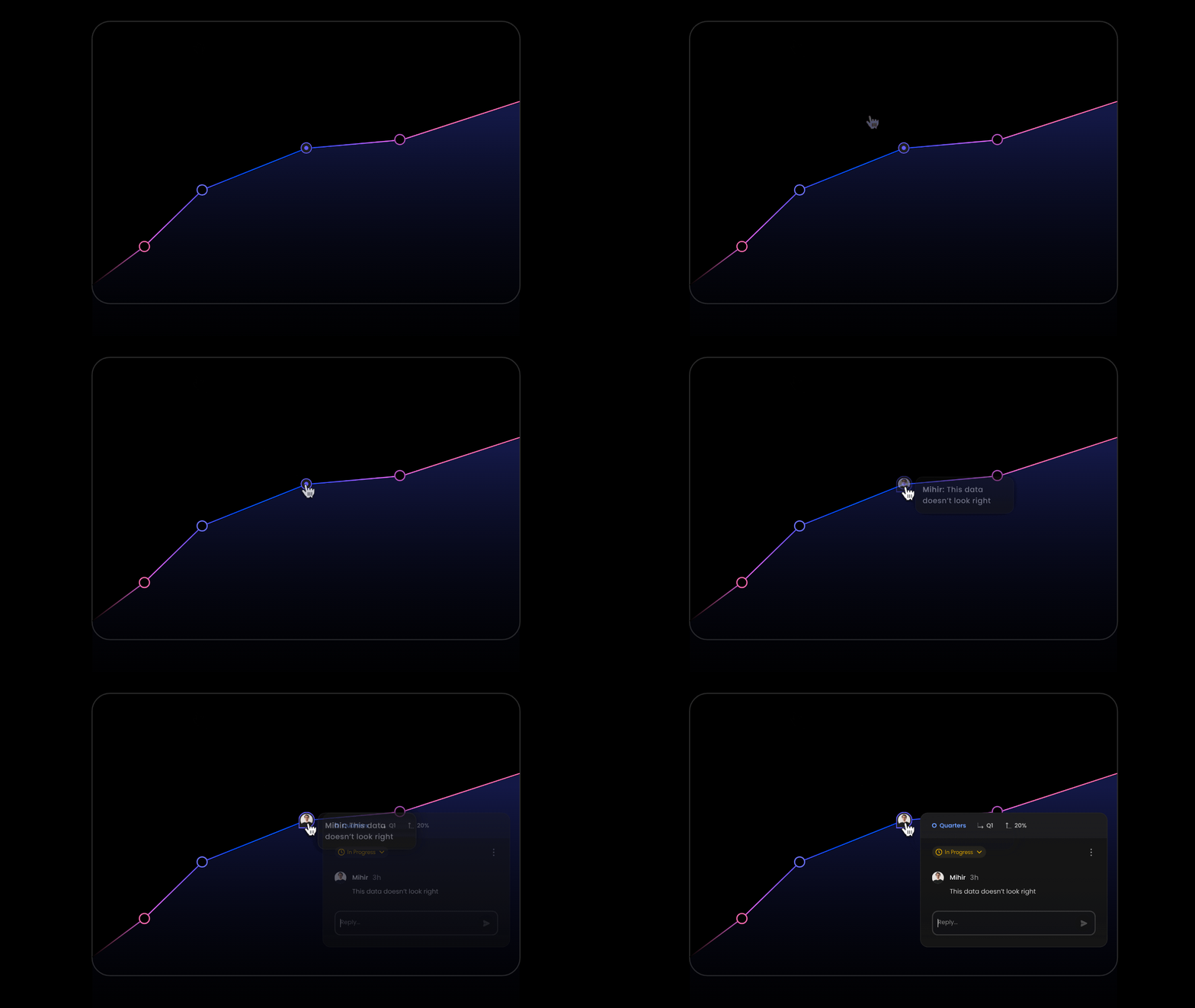 ```jsx theme={null}
import Highcharts from 'highcharts';
import HighchartsReact from 'highcharts-react-official';
```
* Add `VeltComments` once to the root of your app. This component is required to render comments in your app.
```jsx theme={null}
import { VeltHighChartComments, VeltComments } from '@veltdev/react';
```
* Create a `ref` and pass it into the `ref` property of the `HighchartsReact` component.
* This ref object will be used by Velt to get the Chart data and add comment pin to it.
```jsx theme={null}
const chartComponentRef = useRef(null);
```
* Give it a `position: relative` style. This will help position the Velt Comment Pins accurately.
```jsx theme={null}
```jsx theme={null}
import Highcharts from 'highcharts';
import HighchartsReact from 'highcharts-react-official';
```
* Add `VeltComments` once to the root of your app. This component is required to render comments in your app.
```jsx theme={null}
import { VeltHighChartComments, VeltComments } from '@veltdev/react';
```
* Create a `ref` and pass it into the `ref` property of the `HighchartsReact` component.
* This ref object will be used by Velt to get the Chart data and add comment pin to it.
```jsx theme={null}
const chartComponentRef = useRef(null);
```
* Give it a `position: relative` style. This will help position the Velt Comment Pins accurately.
```jsx theme={null}
```
* Conditionally render `VeltHighChartsComments` in the same container div as the `HighchartsReact` component.
* Set a unique `id` in the VeltHighChartsComments component to scope comments to the specific chart, isolating them from other charts.
* Pass the `chartComputedData` prop with the `ref` you created earlier.
```jsx theme={null}
{
chartComponentRef.current &&
}
```
* Pass an array to the `dialogMetadataTemplate` prop in the VeltHighChartsComments component.
* This array determines the chart metadata displayed in the comment dialog, representing the data point (e.g., x-axis and y-axis values) on which the comment was added.
* Customize the order of the keys or remove unnecessary keys to control how the metadata is presented in the comment dialog.
`Default: ['groupId', 'label', 'value']`
For example:
```jsx theme={null}
```
Coming Soon
```js React / Next.js theme={null}
import React, { useEffect, useRef, useState } from 'react';
import { VeltHighChartComments } from '@veltdev/react';
import Highcharts from 'highcharts';
import HighchartsReact from 'highcharts-react-official';
function HighChartsLineChartExample() {
const [data, setData] = useState(CHART_DATA);
const chartComponentRef = useRef(null);
const options = {
// your chart options
};
return (
{
chartComponentRef.current &&
}
);
}
```