> ## Documentation Index
> Fetch the complete documentation index at: https://velt.dev/docs/llms.txt
> Use this file to discover all available pages before exploring further.

# NivoCharts Comments Setup
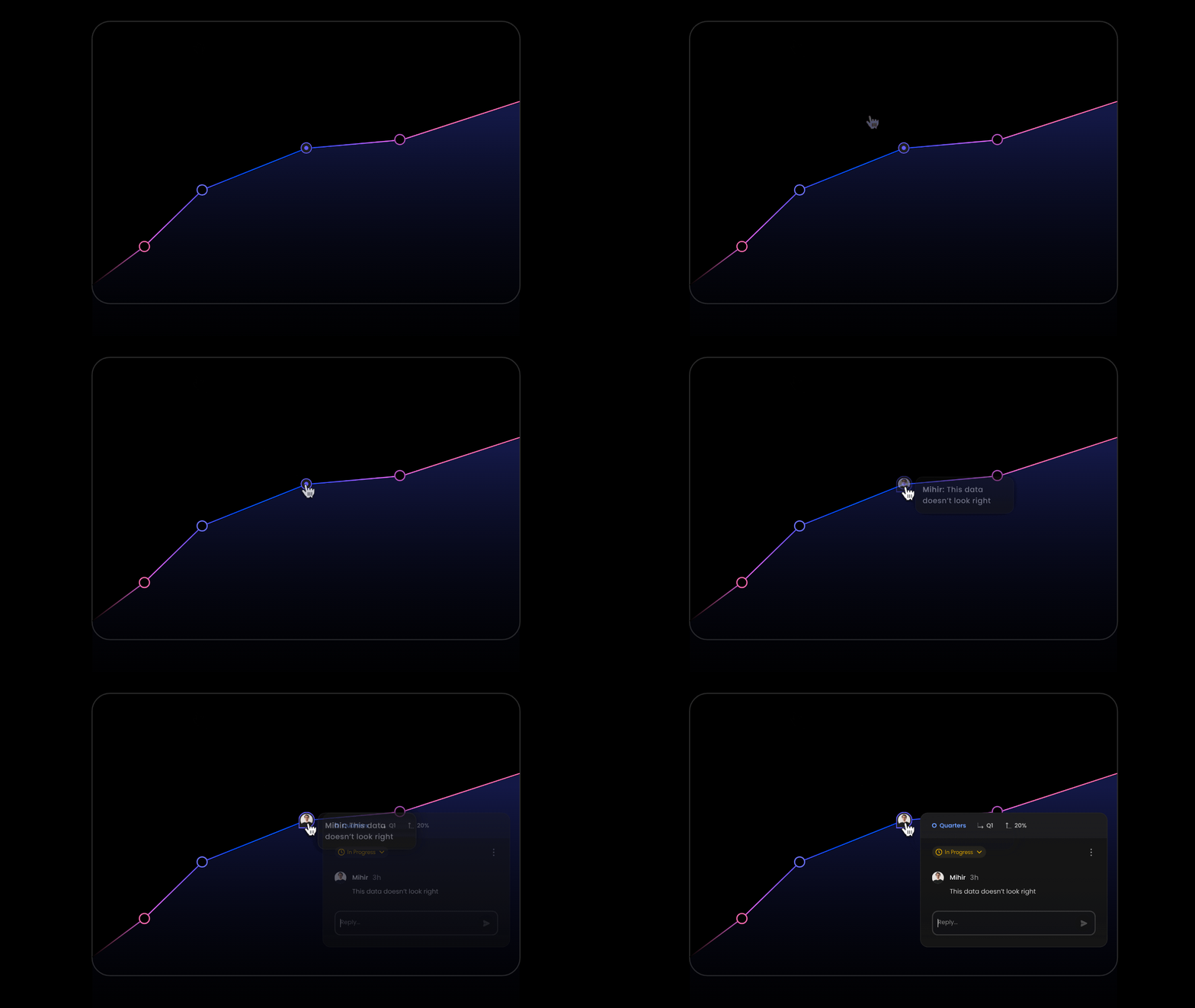
<img src="https://mintcdn.com/velt/gAz_vLsG-ukKamYM/gifs/Add-Charts-Comments.gif?s=fd119fbdf4018e3fd93fe06a4fb88f67" alt="" width="1280" height="720" data-path="gifs/Add-Charts-Comments.gif" />

<Tabs>
  <Tab title="React / Next.js">
    <Steps titleSize="h2">
      <Step title="Import components from Nivo Charts">
        ```jsx theme={null}
        import { ResponsiveLine } from '@nivo/line';
        ```
      </Step>

      <Step title="Import VeltNivoChartComments component from Velt">
        * Add `VeltComments` once to the root of your app. This component is required to render comments in your app.

        ```jsx theme={null}
        import { VeltNivoChartComments, VeltComments } from '@veltdev/react';
        ```
      </Step>

      <Step title="Add a container div for the Nivo Chart component">
        * Add a `nivo-chart-container` class to it. This will help us position the Velt Comment Pins accurately.

        ```jsx theme={null}
        <div style={{ height: 400, width: '100%' }} className='nivo-chart-container'>
          <ResponsiveLine
            data={data}
            layers={[ 
                'grid', 'markers', 'axes', 'areas', 'crosshair',
                'lines', 'slices', 'legends', 'points',
            ]}
            />
        </div>
        ```
      </Step>

      <Step title="Add VeltNivoChartComments to the Nivo Chart component">
        * Add a custom function as a layer inside your Nivo Chart component and return `VeltNivoChartComments` component.
        * Set a unique `id` in the VeltNivoChartComments component to scope comments to the specific chart, isolating them from other charts.
        * Pass the `chartComputedData` props to it.

        ```jsx theme={null}
        <ResponsiveLine
          data={data}
          layers={[ 
            'grid', 'markers', 'axes', 'areas', 'crosshair',
            'lines', 'slices', 'legends', 'points',
            // Add this function with VeltNivoChartComments
            // component to allow Velt comments inside the Chart
            (chartComputedData) => {
                return (
                    <VeltNivoChartComments id="NivoLineChartExample" chartComputedData={chartComputedData} />
                )
            }
          ]}
        />
        ```
      </Step>

      <Step title="(Optional) Customize the Chart Metadata displayed in the Comment Dialog">
        * Pass an array to the `dialogMetadataTemplate` prop in the VeltHighChartsComments component.
        * This array determines the chart metadata displayed in the comment dialog, representing the data point (e.g., x-axis and y-axis values) on which the comment was added.
        * Customize the order of the keys or remove unnecessary keys to control how the metadata is presented in the comment dialog.

        `Default: ['groupId', 'label', 'value']`

        For example:

        ```jsx theme={null}
        <VeltNivoChartComments
          id="NivoLineChartExample"
          chartComputedData={chartComputedData}
          dialogMetadataTemplate={['label', 'value', 'groupId']} />
        ```
      </Step>
    </Steps>
  </Tab>

  <Tab title="HTML (coming soon)">
    Coming Soon
  </Tab>
</Tabs>

<RequestExample>
  ```js React / Next.js theme={null}
  import { ResponsiveLine } from '@nivo/line';
  import { VeltNivoChartComments } from '@veltdev/react';
  import { useState } from 'react'

  function YourComponent() {
    const [data, setData] = useState(CHART_DATA);

    return (
      // add nivo-chart-container class to the parent element of your NivoChart
      <div style={{ height: 400, width: '100%' }} className='nivo-chart-container'>
          <ResponsiveLine
              data={data}
              layers={[ 
                  'grid', 'markers', 'axes', 'areas', 'crosshair',
                  'lines', 'slices', 'legends', 'points',
                  // Add this function with VeltNivoChartComments
                  // component to allow Velt comments inside Chart
                  (chartComputedData) => {
                      return (
                          <VeltNivoChartComments id="NivoLineChartExample" chartComputedData={chartComputedData} dialogMetadataTemplate={['label', 'value', 'groupId']} />
                      )
                  }
              ]}
          />
  	</div>
    )  
  }
  ```
</RequestExample>
