> ## Documentation Index
> Fetch the complete documentation index at: https://velt.dev/docs/llms.txt
> Use this file to discover all available pages before exploring further.
# Freestyle Setup
 Import the `VeltComments` component and the `VeltCommentTool` component.
```js theme={null}
import {
VeltProvider,
VeltComments,
VeltCommentTool
} from '@veltdev/react';
```
Add the `VeltComments` component to the root of your app.
This component is required to render comments in your app.
```js theme={null}
```
Add the `VeltCommentTool` component wherever you want to show the comment tool button.
Import the `VeltComments` component and the `VeltCommentTool` component.
```js theme={null}
import {
VeltProvider,
VeltComments,
VeltCommentTool
} from '@veltdev/react';
```
Add the `VeltComments` component to the root of your app.
This component is required to render comments in your app.
```js theme={null}
```
Add the `VeltCommentTool` component wherever you want to show the comment tool button.
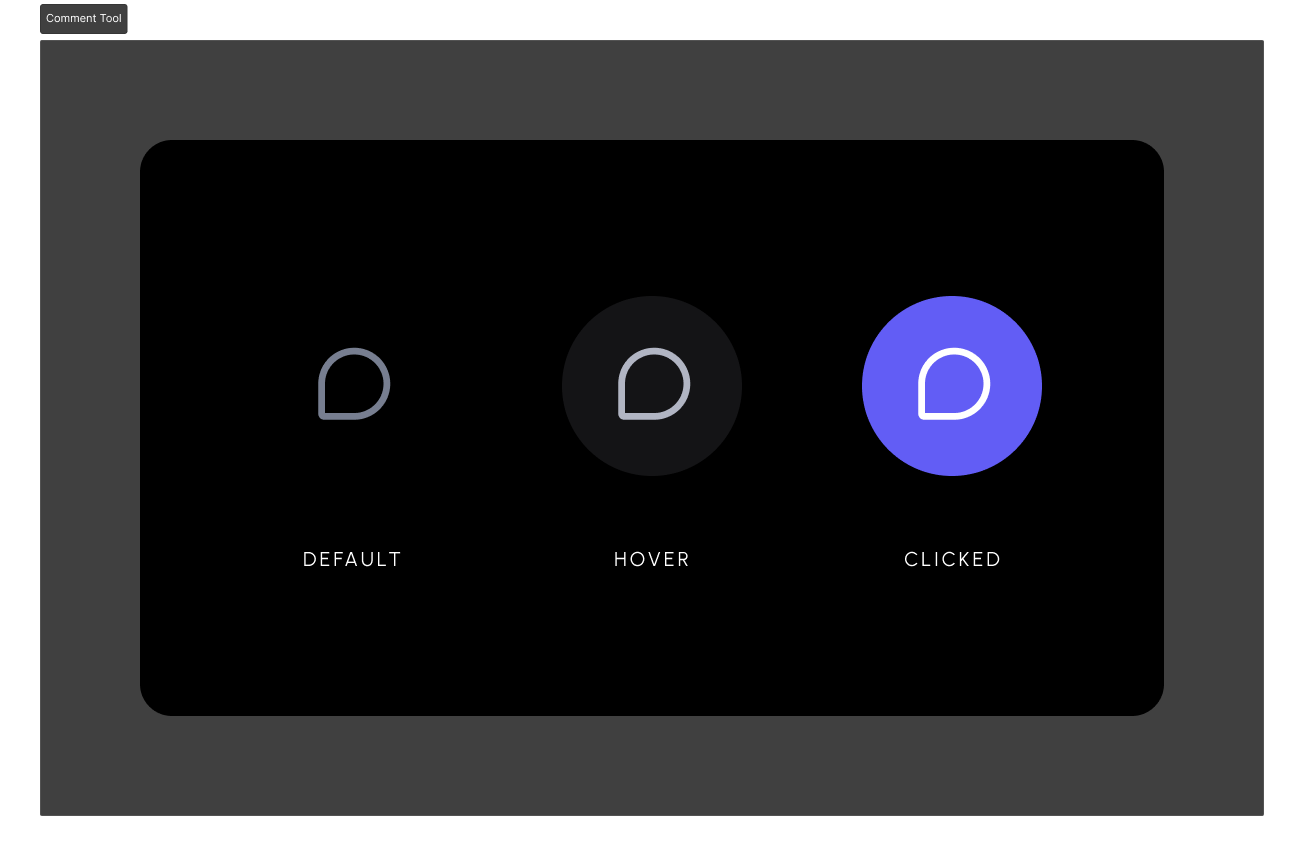 Clicking on it initiates comment mode & changes your mouse cursor to a comment pin. Now you can click anywhere on the document to attach comments to any elements.
```js theme={null}
Clicking on it initiates comment mode & changes your mouse cursor to a comment pin. Now you can click anywhere on the document to attach comments to any elements.
```js theme={null}
```
Test it out by opening the page with Velt components in your browser.
Click on the `Comment Tool` and click anywhere on the page to add a comment.
 Add the comment component to your template. Try to put it as close to the root level of your ``.
This component is required to render comments in your app.
```html theme={null}
```
Add the `` component wherever you want to show the comment tool button.
Clicking on it initiates comment mode & changes your mouse cursor to a comment pin. Now you can click anywhere on the document to attach comments to any elements.
```js theme={null}
Add the comment component to your template. Try to put it as close to the root level of your ``.
This component is required to render comments in your app.
```html theme={null}
```
Add the `` component wherever you want to show the comment tool button.
Clicking on it initiates comment mode & changes your mouse cursor to a comment pin. Now you can click anywhere on the document to attach comments to any elements.
```js theme={null}
```
Test it out by adding a comment.
You should be able to leave comments using the `Comment Tool`.
```jsx React / Next.js theme={null}
import {
VeltProvider,
VeltComments,
VeltCommentTool
} from '@veltdev/react';
export default function App() {
return (
);
}
```
```html HTML theme={null}
Comment documentation
```