> ## Documentation Index
> Fetch the complete documentation index at: https://velt.dev/docs/llms.txt
> Use this file to discover all available pages before exploring further.

# Page Mode Setup

<img src="https://mintcdn.com/velt/gAz_vLsG-ukKamYM/gifs/Add-Page-Comments.gif?s=2f4791eb674147f60d2247483183a31c" alt="" width="1280" height="720" data-path="gifs/Add-Page-Comments.gif" />

<Tabs>
  <Tab title="React / Next.js">
    <Steps titleSize="h2">
      <Step title="Import CommentsSidebar Components">
        Import the Comments Sidebar Components.

        ```jsx theme={null}
        import { 
          VeltProvider, 
          VeltCommentsSidebar, 
          VeltSidebarButton,
        } from '@veltdev/react';
        ```
      </Step>

      <Step title="Add Comments and Sidebar components">
        Add the `VeltComments` and `VeltCommentsSidebar` components to the root of your app.

        ```jsx theme={null}
        <div>
          <VeltComments />
          <VeltCommentsSidebar />
        </div>
        ```
      </Step>

      <Step title="Enable Page Mode">
        Set the `pageMode` attribute to true on the `VeltCommentsSidebar` component.

        ```js App.js theme={null}
          <VeltCommentsSidebar pageMode={true}/>
        ```
      </Step>

      <Step title="Add Sidebar button component">
        Add the Sidebar button to toggle the sidebar.

        ```jsx theme={null}
        <div className="toolbar">
          <VeltSidebarButton />
        </div>
        ```
      </Step>

      <Step title="Test Page Mode">
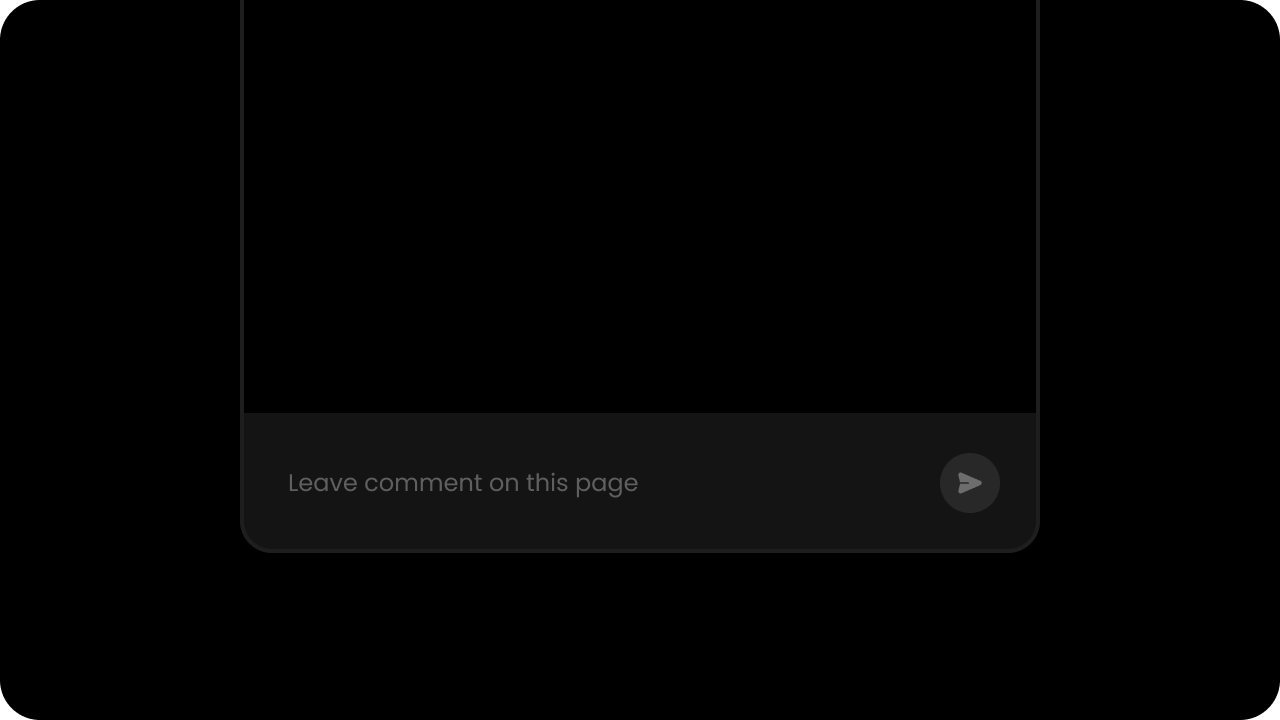
        Test Page Mode out by opening the sidebar. You should be able to leave Page Mode comments at the bottom of the Comments Sidebar.

        <img src="https://mintcdn.com/velt/vGgIoGfoceFP8dEI/images/page-comment.png?fit=max&auto=format&n=vGgIoGfoceFP8dEI&q=85&s=c57ffed63dcee779a529c3a0e2d2b989" alt="" width="1280" height="720" data-path="images/page-comment.png" />
      </Step>
    </Steps>
  </Tab>

  <Tab title="Other Frameworks">
    <Steps titleSize="h2">
      <Step title="Place the `<velt-comments-sidebar>` component">
        Place the `<velt-comments-sidebar>` component at the root of your app.

        ```html theme={null}
        <velt-comments-sidebar></velt-comments-sidebar>
        ```
      </Step>

      <Step title="Enable Page Mode">
        Enable Page Mode by setting the `page-mode` attribute to `true` on the `<velt-comments-sidebar>` component.

        ```html theme={null}
        <velt-comments-sidebar page-mode="true"></velt-comments-sidebar>
        ```
      </Step>

      <Step title="Place the `<velt-sidebar-button>` component">
        Place the `<velt-sidebar-button>` component wherever you want the toggle button to appear.

        ```html theme={null}
        <velt-sidebar-button></velt-sidebar-button>
        ```
      </Step>

      <Step title="Test Page Mode">
        Test Page Mode out by opening the sidebar. You should be able to leave Page Mode comments at the bottom of the Comments Sidebar.

        <img src="https://mintcdn.com/velt/vGgIoGfoceFP8dEI/images/page-comment.png?fit=max&auto=format&n=vGgIoGfoceFP8dEI&q=85&s=c57ffed63dcee779a529c3a0e2d2b989" alt="" width="1280" height="720" data-path="images/page-comment.png" />
      </Step>
    </Steps>
  </Tab>
</Tabs>

<RequestExample>
  ```jsx React / Next.js theme={null}
  import { 
    VeltProvider, 
    VeltCommentsSidebar, 
    VeltSidebarButton,
  } from '@veltdev/react';

  export default function App() {

    return (
      <VeltProvider apiKey="API_KEY">
        <VeltComments /> {/* Add VeltComments to the root of your app provider */}
        <VeltCommentsSidebar pageMode={true} /> {/* Add VeltCommentsSidebar to the root of your app provider */}

        <div className="toolbar">
          <VeltSidebarButton /> {/* Add VeltCommentSideBarButton wherever you want it to appear */}
        </div>

      </VeltProvider>
    );
  }
  ```

  ```html HTML theme={null}
  <!DOCTYPE html>
  <html lang="en">
    <head>
      <title>Collaboration App</title>
      <script type="module" src="https://cdn.velt.dev/lib/sdk@latest/velt.js" onload="loadVelt()"></script>
      <script>
        async function loadVelt() {
          await Velt.init("YOUR_VELT_API_KEY");
        }
      </script>
    </head>
    <body>
      <velt-comments></velt-comments> <!-- add to the root of your app-->
      <velt-comments-sidebar page-mode="true"></velt-comments-sidebar> <!-- add to the root of your app -->
      <div class="toolbar"> <!-- a component representing a toolbar-->
        <velt-sidebar-button></velt-sidebar-button> <!-- add wherever you want it to appear -->
      </div>
      

    </body>
  </html>
  ```
</RequestExample>