> ## Documentation Index
> Fetch the complete documentation index at: https://velt.dev/docs/llms.txt
> Use this file to discover all available pages before exploring further.
# Setup
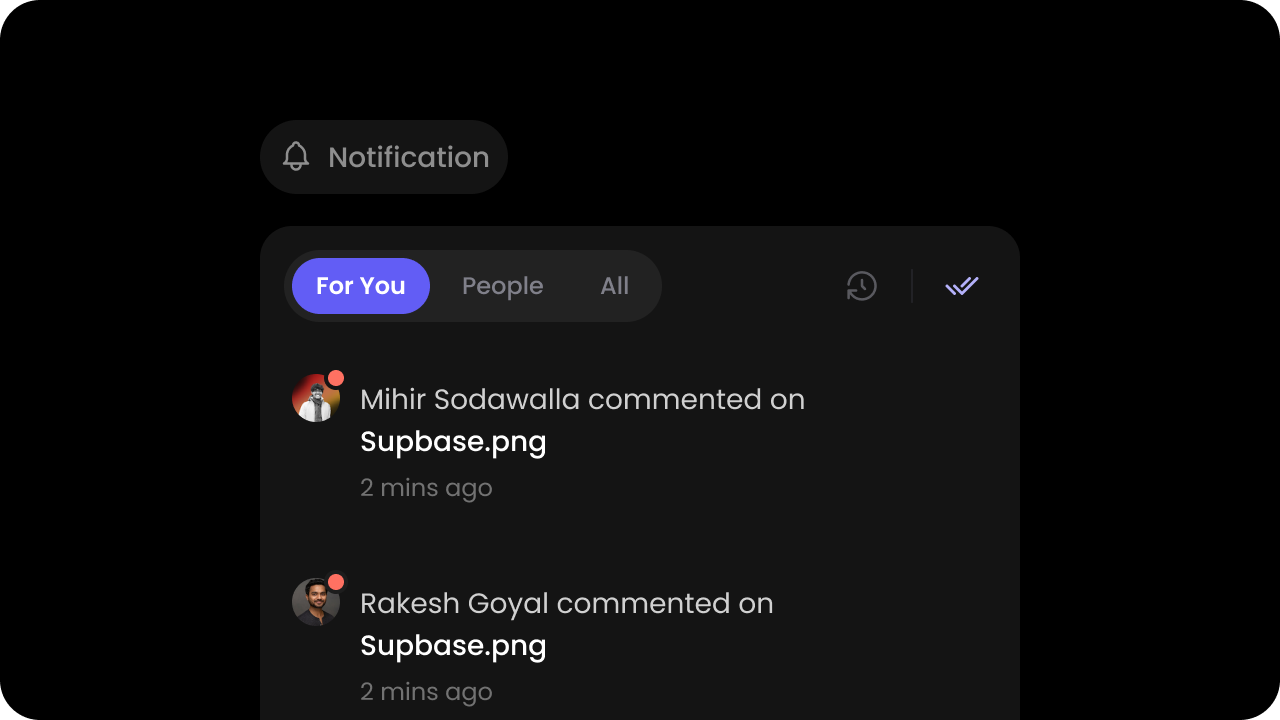 * Go to the [Notifications section](https://console.velt.dev/dashboard/config/notification) in the Configurations section of the Velt Console and enable Notifications.
Notifications will not work if you do not enable this first.
* Place the `Velt Notifications Tool` component wherever you want the Notifications button to appear.
```jsx theme={null}
* Go to the [Notifications section](https://console.velt.dev/dashboard/config/notification) in the Configurations section of the Velt Console and enable Notifications.
Notifications will not work if you do not enable this first.
* Place the `Velt Notifications Tool` component wherever you want the Notifications button to appear.
```jsx theme={null}
```
```jsx theme={null}
```
* By default, the Velt Notifications Panel is automatically added or removed when you use the `Velt Notifications Tool`.
* However, if you want to create a dedicated page or dedicated section for Notifications, you can embed the Velt Notifications Panel component directly there.
```jsx theme={null}
```
```jsx theme={null}
```
* By default, the user notification settings are disabled.
* You need to first enable this feature in the [Velt Console](https://console.velt.dev/dashboard/config/notification).
* Then enable settings on the notifications tool or panel in the UI. [Learn more](/async-collaboration/notifications/customize-behavior#enablesettings)
* You can then:
* Configure default settings with `setSettingsInitialConfig()` API and extend it to add more channels (eg: slack, jira, asana, linear etc.) where you intend to send notifications to your users. [Learn more](/async-collaboration/notifications/customize-behavior#setsettingsinitialconfig)
* Update settings programmatically with `setSettings()` API. [Learn more](/async-collaboration/notifications/customize-behavior#setsettings)
* Get current settings with `getSettings()` API. [Learn more](/async-collaboration/notifications/customize-behavior#getsettings)
* Subscribe to settings updates with `settingsUpdated` event. [Learn more](/async-collaboration/notifications/customize-behavior#on)
This feature currently only updates the settings for the current user in the current Velt document. If you are using multiple documents or folders, the settings will apply to the root document.
**Using Props:**
```jsx theme={null}
// You can enable this on either the tool or the panel
```
**Using APIs:**
```jsx theme={null}
const notificationElement = useNotificationUtils();
notificationElement.enableSettings(); // enables the settings feature
notificationElement.disableSettings(); // disables the settings feature
```
**Using Props:**
```html theme={null}
```
**Using APIs:**
```js theme={null}
const notificationElement = Velt.getNotificationElement();
notificationElement.enableSettings(); // enables the settings feature
notificationElement.disableSettings(); // disables the settings feature
```
* Opt in to a delay-and-batch pipeline that holds notifications, suppresses delivery if the recipient has already seen the activity, and groups notifications into digests before sending.
* Configure Notification Service in the [Velt Console](https://console.velt.dev/dashboard/config/notification) under API Key notification settings. [Learn more](/async-collaboration/notifications/customize-behavior#batching-and-delay-configuration)
```jsx React / Next.js theme={null}
import { VeltNotificationsTool } from '@veltdev/react';
function YourComponent() {
return (
)
}
```
```html HTML theme={null}
```