> ## Documentation Index
> Fetch the complete documentation index at: https://velt.dev/docs/llms.txt
> Use this file to discover all available pages before exploring further.
# Customize Behavior
## flockMode
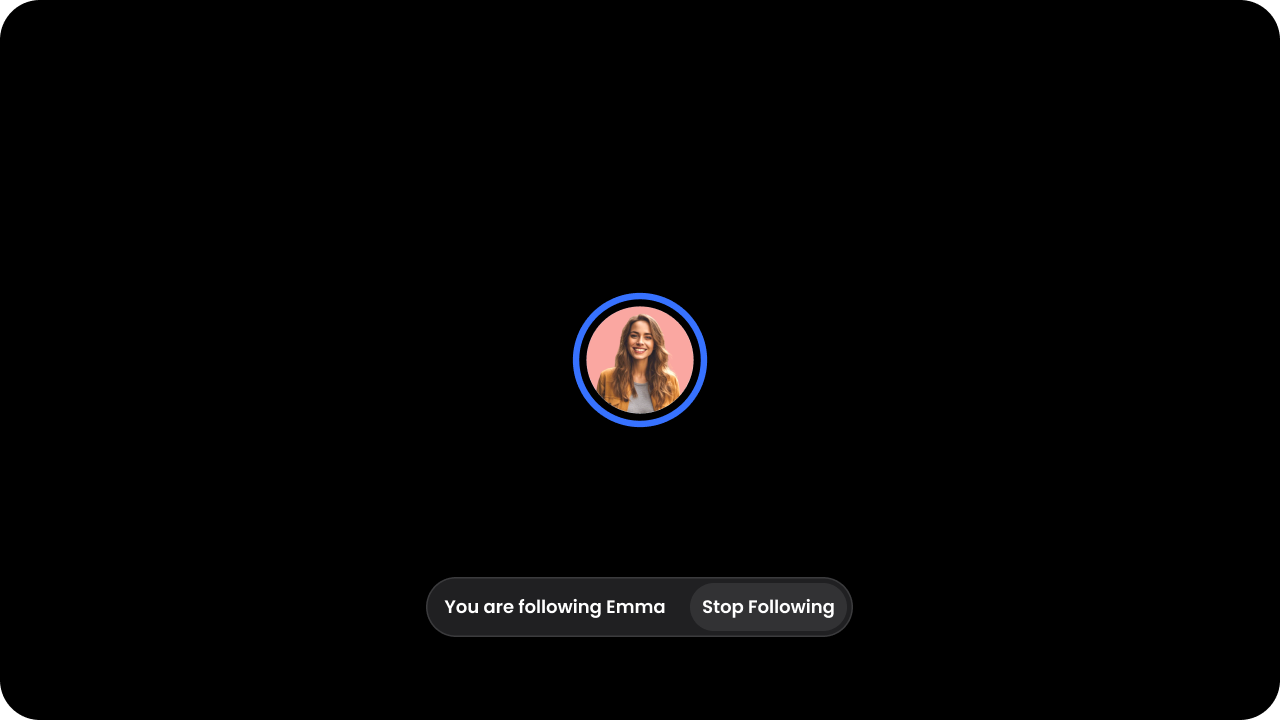
* To enable `Follow Me` Mode, set the `flockMode` attribute to `true`.
* This will enable `Follow Me mode` as an option for your `Users` globally, wherever Presence is shown.
* To start the shared flock session, click on a `User's` avatar to start following them.
* Learn more about it in the [Flock Mode feature section](/realtime-collaboration/flock-mode/overview).
 ```js theme={null}
```
Using API:
```js theme={null}
const presenceElement = client.getPresenceElement();
presenceElement.enableFlockMode();
```
```html theme={null}
```
Using API:
```js theme={null}
const presenceElement = Velt.getPresenceElement();
presenceElement.enableFlockMode();
```
## onNavigate
* Use a callback for custom navigation or side-effects.
* When the leader of a `Follow Me` session navigates, we can use the React Router to update the follower's position. In the callback you will receive a `PageInfo` object.
```js theme={null}
navigate(pageInfo.path)} />
```
```js theme={null}
let onNavigateHandler = (pageInfo) => navigate(pageInfo.path);
if (presenceDOMElement) {
presenceDOMElement.addEventListener("onNavigate", onNavigateHandler);
}
```
## defaultFlockNavigation
* Disable default `Follow Me` navigation.
* Our default navigation uses window\.location.href to detect navigation. If you are handling navigation using the callback method above, you should disable our default navigation.
* Default: `true`
```js theme={null}
```
```html theme={null}
```
## startFollowingUser()
* Start following a user by passing in their user ID.
```js theme={null}
// Start following the user
presenceElement.startFollowingUser(userId);
```
```js theme={null}
presenceElement.startFollowingUser(userId);
```
## stopFollowingUser()
* Stop following a user.
* If the current user is in a `Follow Me` session, they will be removed from that session. If there are no more followers in the session, the session will be destroyed.
```js theme={null}
// Stop following the user
presenceElement.stopFollowingUser();
```
```js theme={null}
presenceElement.stopFollowingUser();
```
```js theme={null}
```
Using API:
```js theme={null}
const presenceElement = client.getPresenceElement();
presenceElement.enableFlockMode();
```
```html theme={null}
```
Using API:
```js theme={null}
const presenceElement = Velt.getPresenceElement();
presenceElement.enableFlockMode();
```
## onNavigate
* Use a callback for custom navigation or side-effects.
* When the leader of a `Follow Me` session navigates, we can use the React Router to update the follower's position. In the callback you will receive a `PageInfo` object.
```js theme={null}
navigate(pageInfo.path)} />
```
```js theme={null}
let onNavigateHandler = (pageInfo) => navigate(pageInfo.path);
if (presenceDOMElement) {
presenceDOMElement.addEventListener("onNavigate", onNavigateHandler);
}
```
## defaultFlockNavigation
* Disable default `Follow Me` navigation.
* Our default navigation uses window\.location.href to detect navigation. If you are handling navigation using the callback method above, you should disable our default navigation.
* Default: `true`
```js theme={null}
```
```html theme={null}
```
## startFollowingUser()
* Start following a user by passing in their user ID.
```js theme={null}
// Start following the user
presenceElement.startFollowingUser(userId);
```
```js theme={null}
presenceElement.startFollowingUser(userId);
```
## stopFollowingUser()
* Stop following a user.
* If the current user is in a `Follow Me` session, they will be removed from that session. If there are no more followers in the session, the session will be destroyed.
```js theme={null}
// Stop following the user
presenceElement.stopFollowingUser();
```
```js theme={null}
presenceElement.stopFollowingUser();
```