> ## Documentation Index
> Fetch the complete documentation index at: https://velt.dev/docs/llms.txt
> Use this file to discover all available pages before exploring further.
# Comment Tool
> The button to add new comments.
We recommend that you familiarize yourselves with [UI Customization Concepts](/ui-customization/overview) before attempting to modify any components.
## VeltCommentToolWireframe
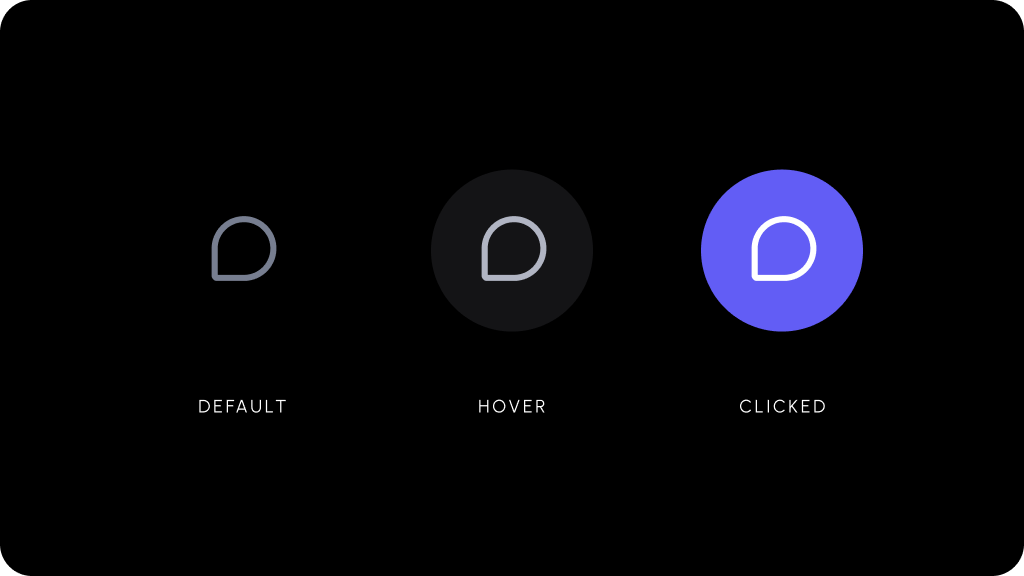 ```jsx theme={null}
{/* Your custom element */}
```
```html theme={null}
```
## Styling
### Disable ShadowDOM
* By default, ShadowDOM is used to ensure that your app's CSS does not interfere with the styling of the SDK components.
* Disable the shadow dom to apply your custom CSS to the component.
Default: `true`
```jsx theme={null}
```
```jsx theme={null}
```
### Dark Mode
```jsx theme={null}
{/* Your custom element */}
```
```html theme={null}
```
## Styling
### Disable ShadowDOM
* By default, ShadowDOM is used to ensure that your app's CSS does not interfere with the styling of the SDK components.
* Disable the shadow dom to apply your custom CSS to the component.
Default: `true`
```jsx theme={null}
```
```jsx theme={null}
```
### Dark Mode
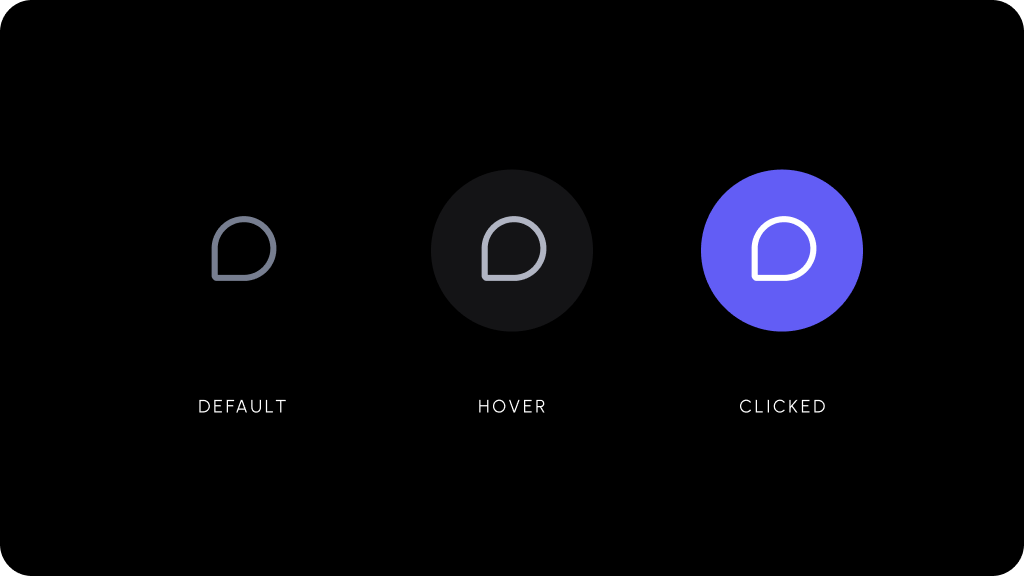 Default: `false`
```js theme={null}
```
```js theme={null}
```
Default: `false`
```js theme={null}
```
```js theme={null}
```