# Velt: Full Marketing Site
> Plain-text concatenation of every public marketing page on velt.dev (excluding /docs/*, which Mintlify serves at velt.dev/docs/llms-full.txt). Pages are separated by "---" and ordered roughly by importance.
# Velt: The Collaboration Stack for B2B
https://velt.dev/
Velt is the review and approval infrastructure layer for AI-generated work. Add powerful real-time and multiplayer features to your product with an embeddable SDK for comments, presence, annotations, notifications, recordings, and approval workflows.
## What you get
- **Comments**: block-anchored inline comments, threaded replies, reactions
- **Notifications**: in-app, email, and Slack delivery with native UI
- **Recordings**: Loom-style screen and webcam recording with auto-generated links
- **Presence & multiplayer**: live cursors, avatars, follow-me mode, shared state
- **Approval workflows**: review queues, status tracking, approve/reject UI
- **Admin console & analytics**: moderation, analytics, audit logs out of the box
## Built for B2B SaaS
Used by Stensul, trumpet, Privado, Cofactr, OpenEnvoy, and others. SOC 2 Type II and HIPAA compliant. Pre-built drop-in components for React, Next.js, Angular, Vue, and Vanilla JS, or use the headless APIs.
## Integration in minutes
Most teams ship a working integration in under 30 minutes. The free Hacker plan covers 100 Monthly Active Documents (MADs) for dev environments. Growth and Enterprise are contract-based.
[Read the Docs](https://velt.dev/docs)
---
# Velt Pricing: Collaboration SDK Plans
https://velt.dev/pricing
Pay only for meaningful collaboration usage. Velt bills on MADs (Monthly Active Documents): a document only counts when it has active CRUD operations from a Velt feature like comments, notifications, or CRDT. Documents that are merely initialized don't count.
## Plans
### Hacker: Free
For hackathon or side projects.
- 100 MADs
- All Features (15+)
- Pre-built Components
- Full Customization
- Basic Webhooks
- Real-time infrastructure
- Dev environments only (no production deployment)
### Growth: Contract-based
For teams shipping collaboration features to production.
- Everything in Hacker
- Production deployment
- Higher MAD limits
- Priority support
- Advanced webhooks and APIs
### Enterprise: Contract-based
For organizations with security, compliance, or self-hosting needs.
- Everything in Growth
- SOC 2 Type II / HIPAA
- Self-hosting: run all of Velt in your own cloud account, or keep just the data in your database
- 99.999% uptime SLA
- Dedicated support and account management
## Why MAD-based pricing?
Most collaboration vendors charge per MAR (Monthly Active Room): a room counts as active when any user connects, even if nothing happens. Velt only charges for documents where users actually use collaboration features. Typically about 20% of MARs perform meaningful collaboration actions, so MAD-based pricing is significantly cheaper for most workloads.
## Discounts
Special deals for early-stage startups (apply via the startup discount form). Volume discounts on Growth and Enterprise, book a demo to discuss.
---
# Velt Features: Full List
https://velt.dev/features
Velt ships 15+ collaboration features as drop-in components or headless APIs. Mix and match: install the package, drop in the React components you need, and the rest of the SDK stays dormant.
## Core features
- **Comments**: block-anchored, threaded, with replies and reactions
- **Notifications**: in-app, email, Slack delivery with native UI
- **Recordings**: Loom-style screen + webcam capture
- **Multiplayer**: live cursors, avatars, follow-me mode
- **Presence**: see who's online and where
- **Reactions**: emoji reactions on any element
- **Mentions**: @-mentions with notifications and permissions
- **Tasks**: turn comments into tasks with assignees and statuses
- **Activity logs**: full audit trail of every action
- **Admin console**: moderate content, view analytics, manage users
- **Webhooks & API**: sync events into your backend or other tools
## Platforms
React, Next.js, Angular, Vue, Vanilla JS. SDK works in single-page apps, server-rendered apps, embedded iframes, and Chrome extensions.
## Customization
Every component is themeable via design tokens, or run headless and render your own UI on top of Velt's APIs.
[Browse all features](https://velt.dev/features) · [View docs](https://velt.dev/docs)
---
# Velt for Enterprise
https://velt.dev/enterprise
Enterprise-grade collaboration infrastructure for organizations with security, compliance, or scale requirements.
## Security & compliance
- **SOC 2 Type II** certified
- **HIPAA** compliant
- **GDPR** ready
- Security and trust documentation at [trust.velt.dev](https://trust.velt.dev/)
## Deployment
Three deployment options. Named by where the data lives. Pick one per customer.
- **Velt Cloud**: We run it. 42 regions. SOC 2 Type II. HIPAA, BAA available.
- **Your database**: We run the service. Comments, files and user details stay in your database. We hold IDs only.
- **Your cloud**: Everything runs in your account. Nothing comes back to us.
GCP: available. AWS and Azure: private beta.
- Single-tenant deployment available
- Customer-managed encryption keys (CMEK)
Built to run inside a FedRAMP High boundary. If that's you, talk to us.
## Reliability
- 99.999% uptime SLA on Growth and Enterprise
- Real-time infrastructure built for horizontal scaling
- 24/7 monitoring with on-call rotation
## Support
- Dedicated Slack channel
- Account manager and solution engineer
- Quarterly business reviews
- Priority incident response
## Integration support
- White-glove onboarding
- Custom UI build assistance
- Architecture review with the Velt engineering team
[Trust portal](https://trust.velt.dev/)
---
# Velt vs. Alternatives
https://velt.dev/comparison
How Velt compares to other collaboration SDKs and infrastructure providers.
## Velt vs. Liveblocks
Velt ships ready-to-use UI components for comments, notifications, recordings, and approvals out of the box. Liveblocks focuses on primitives (presence, storage, broadcast), and you build the UI yourself. Velt also includes recordings, an admin console, approval workflows, and email/Slack notifications natively. Liveblocks doesn't.
Velt's MAD-based pricing typically runs ~5x cheaper than Liveblocks' MAR pricing for the same workload.
[Read the full comparison](https://velt.dev/liveblocks-alternative) · [Migrate from Liveblocks](https://velt.dev/migrate-from-liveblocks-to-velt)
## Velt vs. Cord
Cord shut down in 2024. Velt offers a drop-in replacement with similar comment APIs plus the rest of the collaboration stack: notifications, recordings, presence, admin console.
[Migrate from Cord](https://velt.dev/migrate-from-cord-to-velt)
## Velt vs. building it yourself
Building a production-grade comments system takes 3-6 engineering months and ~5 FTEs to maintain (real-time infra, conflict resolution, moderation UI, notification delivery, email templates, analytics, etc.). Velt is one npm install and a few component drops. Customers report saving 3 FTEs and shipping 5x faster.
---
# Velt Customers: Trusted by Google, Pendo & More
https://velt.dev/customers
Velt powers collaboration features for B2B SaaS products across enterprise, growth-stage, and high-velocity teams. Customers report 26% engagement increase, 3 FTEs saved, and 5x faster shipping after adopting Velt.
## Featured customers
- **Google**: collaboration features inside internal tools
- **Pendo**: in-app commenting on product analytics
- **Runway**: collaborative review on AI video edits
- **Stensul**: comments and approvals on marketing emails
- **trumpet**: buyer collaboration on B2B sales rooms
- **Privado**: comments on privacy assessments
- **Cofactr**: collaboration on supply-chain workflows
- **OpenEnvoy**: collaborative invoice review
## Stories
Customers use Velt to add comments to product analytics dashboards, marketing email editors, video review apps, sales rooms, internal admin panels, and compliance workflows. The same SDK works across all of these surfaces with different drop-in UIs.
[Read customer stories](https://velt.dev/customers)
---
# Liveblocks Alternative: Why Teams Pick Velt
https://velt.dev/liveblocks-alternative
Velt is a Liveblocks alternative for B2B SaaS teams that want a full collaboration stack, not just primitives.
## What's different
- **Drop-in UI**: Velt ships components for comments, notifications, recordings, approvals, admin console. Liveblocks ships primitives (presence, storage, broadcast). With Velt you get a working UI on day one; with Liveblocks you build it yourself.
- **More features**: Recordings, admin console, approval workflows, email/Slack notifications. Liveblocks doesn't ship these.
- **MAD pricing**: Velt bills on documents with actual collaboration. Liveblocks bills on MAR (any connected room). For the same workload Velt is typically ~5x cheaper.
- **Faster to ship**: Most teams ship a working Velt integration in under 30 minutes vs. weeks for a custom Liveblocks build.
## When to pick Liveblocks instead
If you need only presence and shared state for a Figma-like app and you have engineering capacity to build your own commenting UI, Liveblocks may fit.
[Migrate from Liveblocks](https://velt.dev/migrate-from-liveblocks-to-velt)
---
# Velt Launch Kit
https://velt.dev/launch-kit
Pre-built launch assets for teams adopting Velt: landing page templates, customer announcement copy, in-app onboarding sequences, and support documentation.
## What's included
- Product landing page templates (Next.js + Tailwind)
- Customer email announcement templates
- In-app feature spotlight components
- Support article templates for common questions
[Browse the launch kit](https://velt.dev/launch-kit)
---
# Add review and collaboration UI that looks like your product.
https://velt.dev/customization
Theme it with CSS variables, restructure it with wireframes, compose it from primitives in your own UI library, or build it headless, and extend behavior with events, hooks, and REST APIs.
// No more collaboration UI that looks like it came from somewhere else.
## Velt owns the behavior. You own the look.
Velt customization is how you make the collaboration UI match your product: Velt owns the core behavior, data, and real-time sync, and you own the presentation. Take over as much of the look as you want across four layers, CSS, wireframes, primitives, and headless, and extend behavior through custom actions, events, hooks, and REST APIs. A human or a coding agent can turn a design into a working Velt UI.
## One system across every layer.
CSS variables pass through the shadow DOM, so variable theming always works. Selector CSS and styled wireframes need shadowDom={false}. Wireframes are cloned markup, so your own interactive components do not run inside a slot. For your own UI library or interactivity, use primitives, which are real React components you can wrap in MUI, shadcn, or Radix. Many parts are off by default (reply avatars, priority, minimap, @here, device badge) and switch on with a prop. Behavior extends through element API methods, subscribable events, headless hooks that read, mutate, and control, and the REST APIs.
## Pick the layer that expresses your design.
Start at CSS and escalate only when the layer below cannot express your design. Mix layers on the same surface.
- **CSS**: theme
- **Wireframes**: your layout
- **Primitives**: compose, your UI
- **Headless**: build it all
*less effort, Velt does more to more effort, you do more*
**Behavior, any layer**: custom actions, events (.on), hooks (read / mutate / control), REST APIs
## From a color change to a full rebuild.
Four presentation layers plus a behavior axis, mixable per surface. Each card is the live SDK. Toggle to Code for the exact snippet.
### CSS theming
Recolor, respace, and retype with --velt-* CSS variables, or your own CSS or Tailwind. Variable theming even works through the shadow DOM. The fastest path.
```
// selector CSS needs shadowDom={false}; theme variables apply either way
body {
--velt-light-mode-accent: #4f46e5;
--velt-border-radius-md: 12px;
}
```
### Wireframes
Supply your own HTML layout per slot (header, thread card, composer, empty state) and add, remove, or reorder parts while Velt keeps the behavior and data wiring.
```
comments
```
### Primitives
Compose Velt's building-block components yourself and wrap them in your own UI library, MUI, shadcn, or Radix. Real React components, full control.
```
import { VeltCommentDialog } from '@veltdev/react';
```
### Headless hooks
Velt gives you data and actions through hooks. You build 100 percent of the UI, even on surfaces Velt cannot draw, like PDF, canvas, or a video timeline.
```
const { data } = useGetCommentAnnotations();
return data?.map((a) => (
));
```
### Mix per surface
Wireframe the dialog, use the sidebar as a primitive, theme both with CSS, all under one VeltWireframe registry. You are not locked into one layer.
```
{/* dialog slots */} {/* primitive, same app, one registry */}
```
### Your own data in the UI
Render your app's fields inside Velt components and wireframes with template variables and VeltData, and read that context back out. Threads can show your data, not just Velt's.
```
```
### Conditional UI and hidden features
Render differently by user, role, or any condition with VeltIf, and switch on parts that are off by default: reply avatars, priority, minimap, @here.
```
...
```
### UI variants
Define a collection of reusable component variants once, then apply them consistently across every surface in your product.
```
```
### Extend behavior with APIs, events, and hooks
Velt owns the core sync, but you customize behavior: attach custom actions and handlers, subscribe to events, mutate through hooks, and call the REST APIs.
```
commentElement.on('commentPinClicked').subscribe(onClick);
const { addComment } = useAddComment();
# REST: create a comment from your backend
POST https://api.velt.dev/v2/commentannotations/comments/add
```
### Design to code, agent-ready
The customization model is deterministic and documented end to end, so you or a coding agent can turn a Figma design into a working Velt UI.
```
// Decision tree (guide 02):
// only colors? CSS.
// new layout? Wireframes.
// own UI library or interactivity? Primitives.
// own everything? Headless.
```
## The full system, enumerated.
- Full set of --velt-* theme variables for color, radius, spacing, and type
- Separate --velt-light-mode-* and --velt-dark-mode-* color variables
- Stateful CSS classes to target, like --selected and --loading
- Custom font-family via --velt-default-font-family and class overrides
- shadowDom={false} for selector CSS and styled wireframes
- Wireframe components for every Velt surface
- Sub-components for each part via dot notation (Header, Body, Composer)
- Template variables like {annotation.status.id} and {user.name}
- velt-if, velt-class, and velt-data tokens
- Per-slot behavior wired by Velt
- Primitive components for full control (98+ for the Comment Dialog alone)
- Sub-component for nearly every child element
- Wrap in any UI library: MUI, shadcn, Radix
- Targeted single-component customization
- useGetCommentAnnotations, useAddComment, and more headless hooks
- Render on PDF, canvas, and video timelines
- Element API methods (getCommentElement and more)
- Subscribable events via .on()
- Action components (VeltButtonWireframe) with click callbacks
- Custom data via UI State (client.setUiState)
- REST APIs (POST /v2/commentannotations/comments/add and more)
- Reusable named UI variants
- Reply avatars, priority, minimap, @here, device badge (off by default)
- Coverage: comments, sidebar, notifications, reactions, presence, cursors, recorder, mentions, activity log, annotations
- Dark mode and theme presets
- Framework targets: React, Next.js, Vue, Angular, HTML
## Looks like the tools your users already know.
Velt can be styled into any pattern your users trust. These are in production today.
- **Canvas comments**: like Figma.
- **Cell comments**: like Google Sheets.
- **Video comments**: like Frame.io.
- **Co-editing**: like Google Docs.
- **Huddles**: like Slack.
- **Presence and cursors**: like Miro.
- **Notifications**: like Knock.
### Where it fits
- Sales enablement
- Fintech
- Operations
- AI-native SaaS
## FAQ
### Can I make Velt match my design system?
Yes. Theme everything with --velt-* CSS variables, override classes with !important, and reuse your own CSS or Tailwind. For selector-based CSS, set shadowDom={false} so your styles reach inside the component.
### Can I change the layout, not just the colors?
Yes. Wireframes let you supply your own HTML layout for each slot (header, thread card, composer, empty state) and add, remove, or reorder parts while Velt keeps the behavior and data wiring. This is the default for structural customization.
### Can I customize behavior, not just appearance?
Yes. Velt owns the core sync, but you extend behavior: attach custom actions and handlers to components, subscribe to events with .on(), mutate through headless hooks, and call the REST APIs (for example POST /v2/commentannotations/comments/add).
### Can I use my own React component library inside the comment UI?
Yes, with primitives, which are real React components you can wrap in MUI, shadcn, or Radix. Wireframes clone your markup, so interactive components do not run inside a slot. For your own interactivity, use primitives.
### Can I build a completely custom UI?
Yes. Headless hooks give you the data and actions, and you build 100 percent of the UI, including on surfaces Velt does not draw, like a PDF, a canvas, or a video timeline.
### Why isn't my CSS working?
Velt can render inside a shadow DOM, which your global stylesheets cannot reach. CSS variables still pass through, so variable theming works. For selector CSS or styled wireframes, set shadowDom={false}.
### Can I show my own data inside Velt components?
Yes. Template variables and VeltData render your app's fields inside components and wireframes, and you can read that context back out, so a thread can carry your own data.
### A part of the component I want is not showing.
Many parts are off by default (reply avatars, priority, minimap, @here, device badge) and switch on with a prop or method. Check the feature flags before assuming it is missing.
### Can an AI agent customize Velt from my design?
Yes. The customization model is deterministic and documented end to end, and the docs are available to coding agents through the MCP server, so an agent can turn a Figma design into a working Velt UI.
### Does customization cost extra?
No. Customization is part of the SDK, not a separately priced add-on. Velt is priced on usage (monthly active documents), not per seat, with a free tier for development and early production.
---
# Add a browser debugger for your Velt integration.
https://velt.dev/devtools
A Chrome extension that surfaces your installation, data, live event stream, and mounted components, and switches between SDK versions, all in the browser.
// Stop guessing why a component will not render or an event will not fire.
## One extension, humans and agents.
Velt DevTools is a Chrome extension that debugs your Velt integration in the browser: it shows your installation overview, the data Velt has surfaced in your product, a live event stream, and the components you have mounted, and it switches between SDK versions to reproduce a fix. Agent activity appears in the same event stream as human activity, because an agent is a user with type agent, so you can watch what an agent did.
## Nothing to add to your code.
The extension attaches to your running app and reads the Velt SDK live state, so there is nothing to add to your code beyond the SDK you already installed. It streams events as they fire, lists the Velt data surfaced in the page, locates and lets you interact with mounted components, and loads a different SDK version on demand to reproduce a bug or confirm a fix. It works wherever the SDK works: React, Next.js, Vue, Angular, and plain HTML.
## See exactly what Velt is doing.
Five panels in one extension, plus your agents in the same stream. Each is the live extension.
- **Installation overview**: Key details about your Velt installation at a glance: API key, environment, config, and what is mounted. Confirm the SDK is wired correctly before you debug deeper.
- **Data inspector**: View all the Velt data surfaced in your product: comments, threads, users, documents, and locations, the same data your users see.
- **Live event stream**: Monitor every Velt event in real time, searchable and timestamped, so you see exactly what fired and in what order as you click through your app.
- **Component inspector**: Find and interact with the Velt components mounted in your product, so you can locate the one misbehaving and act on it directly.
- **SDK version switching**: Switch between SDK versions right in the browser to reproduce a bug or confirm a fix, without changing your build.
- **Agent activity, visible**: Agent events stream beside human events, because an agent is a user with type agent, so you can watch and debug what an agent did, event by event.
## Every panel, every detail.
- Installation health check
- API key and environment display
- Detected SDK version
- Config inspection
- Mounted components list
- Comments and threads in the data tab
- Users and online presence in the data tab
- Documents and locations in the data tab
- Live event stream, real time
- Event search and filter
- Event types: Document is Set, Comment is Added, Multi Cursor Initiated, New User Detected, User Authenticated
- Event timestamps
- Locate and highlight mounted Velt components
- Interact with mounted components from the panel
- Switch between SDK versions in the browser
- No build change needed for version switching
- Agent events in the same stream as human events
- Works in development builds
- Works in production builds
- React, Next.js, Vue, Angular, and plain HTML
- No per-framework extension setup
- Chrome Web Store distribution
- No code changes beyond the SDK
## FAQ
### What is Velt DevTools?
It is a Chrome extension that debugs your Velt integration in the browser: an installation overview, a data inspector, a live event stream, a component inspector, and SDK version switching, all reading your running app.
### How do I install it?
Add the Velt DevTools extension from the Chrome Web Store, open your app with the Velt SDK running, and open the extension panel. There is no code to add beyond the SDK.
### Does it work in production, or only in development?
It attaches to your running app in either, so you can inspect a development build or reproduce an issue against production.
### Can I see which Velt events fired and when?
Yes. The live event stream lists every Velt event in real time, searchable and timestamped, so you can watch exactly what fired and in what order as you use your app.
### Can I test against a different SDK version?
Yes. Switch between SDK versions in the browser to reproduce a bug or confirm a fix, without changing your build.
### Does DevTools show agent activity?
Yes. An agent is a user with type agent, so agent events appear in the same stream as human events. The extension is where you watch and debug what an agent did.
### Which frameworks does it work with?
Every Velt SDK target: React, Next.js, Vue, Angular, and plain HTML. There is no per-framework setup for the extension.
### How do I add DevTools to my React app?
You do not add anything to the app. Install the extension, make sure the Velt SDK is running in your React app, and open the panel; it reads the live SDK state.
### What does DevTools cost?
The extension is free. It works with your free Velt API key, and Velt itself is priced on usage (monthly active documents), not per seat, with a free tier for development and early production.
---
# Add a control plane for the review layer you run in production.
https://velt.dev/platform
One console to measure adoption, debug live, explore and export every record, configure features, and automate it all through REST APIs and webhooks.
// No more building dashboards, debuggers, and audit exports for the SDK you adopted to stop building.
## One console for humans and agents.
The Velt admin console is one place to run the review and approval layer you embedded: measure adoption, debug live, explore and export records, configure features, and automate it through REST APIs and webhooks. It treats humans and agents like the SDK does: an agent is a user with type agent, so its activity appears in analytics, the data explorer, and every webhook, beside human users. The console is where you prove who allowed what.
## Everything to run it, included.
The console comes with every Velt account, with nothing to install. It manages API keys and Managed Domains, monitors usage and monthly active documents, configures features without a deploy, sends every event to your webhook endpoints with signing, retries, transforms, and encryption, and exposes platform-management REST APIs for workspace lifecycle, keys, domains, and configs. Agent activity is first-class throughout, because an agent is a user with type agent.
## Everything you need to run it in production.
Eight tools, one console. Toggle to Code where a capability is API driven.
- **Adoption analytics**: See whether the review layer is used: hours of engagement, active collaborators, comments and notifications added, week over week, with agents counted as users.
- **AI chat in the console**: Ask plain-English questions about your setup, usage, and data, and get answers without writing a query. The console's built-in assistant for debugging and reporting.
- **Live debugger**: Watch Velt state, data, events, and components update live as your users and agents act. Find the broken wire in minutes, not in a support thread.
- **DevTools Chrome extension**: Overview, Data, Events, and Components tabs in your browser, plus switch between SDK versions to reproduce a bug. Debug right where your product runs.
- **Data explorer and export**: Browse every comment, thread, recording, user, document, and location, then export to JSON or CSV. Your data is queryable and portable, not locked in.
- **Feature configuration**: Turn features on or off, manage API keys and Managed Domains, set email config and roles, all from the console. Change behavior without a deploy.
- **Platform-management REST APIs**: Provision and configure from your own code: workspaces, API keys, domains, auth tokens, and the email, notification, webhook, activity, and permission configs.
- **Webhooks and integrations**: Every event fires a signed webhook with retries, payload transforms, custom encryption, and failure recovery, plus two-way Slack sync and pre-built connectors.
## The whole control plane, in one place.
- Hours of engagement, week over week
- Active collaborators, agents counted as users
- Comments and notifications added
- Usage and monthly active document monitoring
- AI chat assistant (coming soon)
- Live debugger
- DevTools: Overview, Data, Events, Components
- SDK version switching
- Data explorer across folders, documents, users, threads
- Export to JSON and CSV
- Per-feature enable and disable
- API keys, testing and production
- Managed Domains and environments
- Email configuration and roles
- Workspace lifecycle REST APIs
- Webhook config: signing, retries, transforms, encryption
- Two-way Slack sync
- Activity and permission-provider config APIs
- MCP server for docs and setup
- Messaging, storage, CRM, analytics, automation connectors
## FAQ
### What is the Velt admin console?
It is the control plane for the review and approval layer you embed with Velt: one place to measure adoption, debug live, explore and export data, configure features, manage API keys and domains, and send events to your systems through webhooks and REST APIs. It comes with every Velt account.
### How do I see whether my users actually use the review features?
The console's adoption analytics tracks hours of engagement, active collaborators, and comments and notifications added, week over week, with agents counted as users. Export it for a QBR or a renewal.
### Can I export my Velt data?
Yes. The data explorer browses every comment, thread, recording, user, and document, and exports to JSON or CSV. Your data is portable.
### How do I debug a Velt integration?
Use the live debugger and the DevTools Chrome extension: Overview, Data, Events, and Components tabs in your browser, plus SDK version switching to reproduce a bug. See the DevTools page.
### Can I manage workspaces, API keys, and configs programmatically?
Yes. The platform-management REST APIs cover the full workspace lifecycle: create and get a workspace, create, update, and list API keys, manage domains and auth tokens, and read or update the email, notification, webhook, activity, and permission-provider configs, so you can provision tenants and automate onboarding.
### What can webhooks do?
Every event fires a signed webhook. You get retries, rate limiting, payload transforms, custom encryption, failure recovery, and two-way Slack sync, so review activity reaches your backend, analytics, or audit pipeline reliably.
### Does agent activity show up in the console?
Yes. An agent is a user with type agent, so agent comments, approvals, and actions appear in analytics, the data explorer, and every webhook beside your human users. The console is where you prove an agent proposed and a human approved.
### Can the console's data stay on our infrastructure?
Cloud by default, with a hybrid model where content and user PII stay on your infrastructure and Velt stores only minimal identifiers, plus multi-region and isolation options. Velt is SOC 2 Type II audited and supports HIPAA with a BAA.
### How do I get the admin console for my app?
It is automatic: create a free API key, add your domain under Managed Domains, install the SDK, and the console populates as your app sends events. First comment renders in about five minutes and the console is live the same day.
### What does the platform cost?
Velt is priced on usage, not seats: you pay for documents with review activity in a month (monthly active documents), and agents are users, not billed seats. The console, DevTools, webhooks, and REST APIs are part of the SDK. There is a free tier for development and early production.
---
# Notion-Style Comments in Your Product
https://velt.dev/notion-like-comments
Empower your users to collaborate in-app with block-anchored inline comments, page-level stream comments, @mentions, and native notifications inside your docs, wikis, and note products.
## Three building blocks
### Inline comments on database entries
Anchor threaded comments to any row, field, or block inside your database views. Comments stay pinned as users edit, sort, and reorder, exactly like Notion.
### Stream comments on pages
Drop a stream comment composer into any doc or page. Users leave threaded comments, replies, and reactions on the right rail without leaving your product.
### Native notifications
Velt Comments and Notifications work together. In-app, email, and Slack notifications fire instantly whenever a teammate replies or @mentions them.
## Works with your editor
Velt anchors comments to any DOM element or document range. Works with custom block editors, Tiptap, BlockNote, Lexical, CodeMirror, SlateJS, and any HTML-based document UI.
---
# Google Sheets-like Comments in Your Product
https://velt.dev/google-spreadsheets-like-comments
Add Google Sheets-style cell-anchored commenting to your spreadsheet or table product. Comments attach to individual cells, ranges, rows, or columns, and stay anchored even as users edit, sort, and filter.
## Use cases
- Spreadsheet apps
- Data tables
- BI dashboards
- Analytics tools
- Database UIs
## Features
- Cell, range, row, and column anchoring
- Threaded replies and reactions
- @mentions and notifications
- Realtime sync across users
---
# Tiptap Editor Comments
https://velt.dev/tiptap-editor-comments
Add production-grade commenting to Tiptap-based editors. Velt anchors comments to Tiptap nodes and selections, survives edits and formatting changes, and ships threaded replies, @mentions, and notifications out of the box.
## What's included
- Comment pins on any Tiptap node or selection
- Persistent anchoring across edits
- Side-panel and inline comment UI
- @mentions with notifications
- Email + Slack delivery
- Works in collaborative (multiplayer) Tiptap setups
[View docs](https://velt.dev/docs)
---
# Knock Alternative: Build Notifications Fast
https://velt.dev/knock-like-notifications
Velt is a Knock alternative for teams that want in-app notifications, email, Slack, and webhooks, plus the rest of the collaboration stack (comments, recordings, presence) in one SDK.
## What ships
- In-app inbox UI
- Email templates with customization
- Slack and Teams delivery
- Webhooks for custom destinations
- Per-user notification preferences
- Notification analytics
## Why pick Velt over Knock
- Drop-in inbox UI (Knock requires you to build the UI)
- Bundled with the rest of the collaboration stack
- MAD-based pricing instead of MAU
---
# Add Comments to Your Product: Fast
https://velt.dev/add-comments-quick
Add a production-ready commenting system to your product in under 30 minutes. Drop in the Velt React components, point them at your DOM, and you have block-anchored inline comments, threaded replies, reactions, mentions, and notifications.
## What ships
- Inline comment pins on any DOM element
- Side-panel stream comments
- Threaded replies and reactions
- @mentions with notifications
- Email and in-app notifications
- Admin moderation console
## Quickstart
```bash
npm install @veltdev/react
```
Wrap your app, point Velt at your user object, drop in the comment components, ship.
[View docs](https://velt.dev/docs)
---
# Add Notifications to Your Product: Fast
https://velt.dev/add-notifications-quick
Drop in a production-ready notification system: in-app inbox UI, native email delivery, Slack integration, and webhook events, in under 30 minutes.
## What ships
- In-app notification inbox UI
- Notification badges and toasts
- Email templates with full customization
- Slack delivery
- Webhook events for custom destinations
- Per-user notification preferences
[View docs](https://velt.dev/docs)
---
# Add Recordings to Your Product: Fast
https://velt.dev/add-recording-quick
Add Loom-style screen and webcam recording to your product in under 30 minutes. Users record from anywhere in your app and share a link; Velt handles storage, transcoding, and playback.
## What ships
- One-click record button (screen + webcam + audio)
- Auto-generated shareable links
- Built-in playback UI
- Comments and reactions on recordings
- Recording library and admin console
[View docs](https://velt.dev/docs)
---
# Migrate from Liveblocks to Velt
https://velt.dev/migrate-from-liveblocks-to-velt
Move from Liveblocks primitives to Velt's full collaboration stack. Teams typically migrate to get ready-to-use UI for comments, notifications, recordings, and approvals, and to cut spend with MAD-based pricing.
## Why teams migrate
- **Drop-in UI** instead of building components on top of primitives
- **More features**: recordings, admin console, approval workflows, email/Slack notifications
- **Lower bill**: MAD pricing is typically ~5x cheaper than MAR for the same workload
## Migration in three steps
1. **Install Velt** alongside Liveblocks, they can coexist during the migration.
2. **Replace components** one feature at a time. Comments and notifications first, then presence, then storage.
3. **Cut over**: remove Liveblocks and reconcile any custom UI you built.
Most migrations finish in 1-2 weeks. White-glove migration support is included for Growth and Enterprise.
---
# Migrate from Cord to Velt
https://velt.dev/migrate-from-cord-to-velt
Cord shut down in 2024. Velt is a drop-in replacement with a similar comment API plus the rest of the collaboration stack: notifications, recordings, presence, admin console.
## Migration in three steps
1. **Install**: `npm install @veltdev/react`. Wrap your app with VeltProvider, pass your existing user object.
2. **Swap components**: Replace Cord's CommentThread, ComposerWeb, etc. with Velt's equivalents. APIs are similar; most call sites need only a one-line change.
3. **Wire notifications**: Velt notifications work out of the box. Point your existing notification routing at Velt's webhooks.
Most Cord migrations take 1-3 days end-to-end. White-glove migration support is included for Growth and Enterprise customers.
---
# Velt Blog
https://velt.dev/blog
All Velt blog posts: guides, comparisons, tutorials, product updates, and thought leadership on collaboration, real-time infrastructure, and developer tooling.
## Posts
- [How to Add Commenting and Annotations To Your Apryse PDF Viewer (a build-vs-buy breakdown) September 2026](https://velt.dev/blog/apryse-webviewer-commenting-build-vs-buy): This September 2026 breakdown covers adding annotations and threaded comments to Apryse WebViewer, with a build vs buy comparison and full code example.
- [How to Add Commenting and Annotations To Your Nutrient PDF Viewer (a build-vs-buy breakdown) September 2026](https://velt.dev/blog/nutrient-pdf-viewer-commenting-options): Want comments and annotations on your Nutrient PDF viewer? Compare build vs. buy costs and see how Velt ships the full stack in days. (September 2026)
- [Private Comment Controls for Collaborative Apps Aug 2026](https://velt.dev/blog/private-comment-visibility-saas-apps): See how comment visibility models differ across tools and how to implement role-enforced, compliant private comments in your app. August 2026.
- [How to Add Commenting To Your SpreadJS Spreadsheet (a build-vs-buy breakdown) August 2026](https://velt.dev/blog/spreadjs-comment-layer-build-or-buy): SpreadJS commenting: build vs. buy (August 2026). See what 6 subsystems cost to build and how Velt covers them in 3 days or less.
- [How to Add Review, Approval & Audit Trails To Your CKEditor (a build-vs-buy breakdown) July 2026](https://velt.dev/blog/ckeditor-approval-audit-trail): Adding audit trails and approval workflows to CKEditor takes months to build. This July 2026 guide breaks down the tradeoffs and shows how Velt ships it faster.
- [How to Add Review, Approval & Audit Trails To Your SuperDoc Editor (a build-vs-buy breakdown) August 2026](https://velt.dev/blog/superdoc-approval-workflows-audit-trails): Compare building vs. buying review, approval, and audit trail support for SuperDoc editors in August 2026, with a full compliance and cost breakdown.
- [Build Timestamped Approval Workflows in SaaS (July 2026)](https://velt.dev/blog/approval-audit-trail-saas-products): Build compliant, timestamped approval workflows in your SaaS product. This July 2026 guide covers attribution, audit trail architecture, and implementation with Velt.
- [Approval Workflows for Regulated Software: Drop the Email Chains (July 2026)](https://velt.dev/blog/approval-compliance-workflow-drop-email-chains): Compliance failures cost $4M per incident. In July 2026, regulated software teams are replacing email chains with in-app approval workflows that hold up to audits.
- [Compliance Teams Switch to In-App Approvals (June 2026)](https://velt.dev/blog/email-approvals-to-in-app-review): Compliance teams are adopting in-app approval workflows to fix email chain failures, speed reviews, and meet audit requirements in June 2026.
- [Financial Software Audit Trails: SOX, SEC, FINRA Requirements (June 2026)](https://velt.dev/blog/financial-audit-trail-compliance-guide): Financial compliance audit trail guide for June 2026. Covers SOX, SEC, FINRA, MiFID II requirements, retention periods, and immutable storage specs.
- [The HITL AI Stack: From Generation to Approval to Audit (June 2026)](https://velt.dev/blog/hitl-ai-stack-generation-approval-audit): Learn how to build a HITL AI stack connecting generation to human approval and audit. Covers review infrastructure, compliance, and workflow patterns (June 2026).
- [FP&A Collaboration Tools: Why Slack Fails for Budget Sign-Offs (June 2026)](https://velt.dev/blog/fpa-collaboration-tools-slack-fails-budget-sign-offs): Why Slack fails FP&A budget sign-offs: 65% cite miscommunication as top barrier. Learn what budget approval workflows need beyond messaging apps in June 2026.
- [Why AI Agents Need Human Approval Before Taking Action (June 2026)](https://velt.dev/blog/why-ai-agents-need-approval-layer): Learn why AI agents need approval layers before executing actions. Build review workflows that match risk to oversight intensity. June 2026 guide.
- [Audit Trails for AI Decisions: Why Regulators Will Require Them (June 2026)](https://velt.dev/blog/audit-trails-ai-decisions-regulators-require): Learn why regulators will require AI decision audit trails in June 2026. EU AI Act fines reach €30M for non-compliance. Get the requirements now.
- [Designing Human-in-the-Loop Workflows for AI Products (June 2026)](https://velt.dev/blog/designing-human-in-the-loop-workflows-ai-products): Learn how to design human-in-the-loop workflows for AI products with review infrastructure, compliance requirements, and routing patterns. June 2026 guide.
- [How to Add Human Review to AI-Generated Output (June 2026)](https://velt.dev/blog/how-to-add-human-review-ai-output): Learn how to add human review to AI-generated output with review workflows, inline comments, and approval infrastructure. Complete guide for June 2026.
- [Zero Adoption Churn: How It Reveals Product-Market Fit for Review Infrastructure (May 2026)](https://velt.dev/blog/zero-adoption-churn-product-market-fit-review-infrastructure): Learn what zero adoption churn reveals about product-market fit for review infrastructure in May 2026. Real retention signals that matter for SaaS growth.
- [Human in the Loop AI: Why Every AI System Needs a Review Layer (May 2026)](https://velt.dev/blog/human-in-the-loop-ai-review-layer): Learn why human in the loop AI review layers catch errors, improve accuracy, and meet compliance requirements. Guide for building HITL workflows in May 2026.
- [Why Approval Workflows Belong in Your Product (Not in a Separate Tool) (May 2026)](https://velt.dev/blog/approval-workflows-in-product-not-separate-tool): Learn why approval workflows inside your product beat separate tools. Context preservation and faster reviews explained. May 2026 guide.
- [The Anatomy of a Modern Approval Workflow: 7 Components You Need (May 2026)](https://velt.dev/blog/approval-workflow-components): Learn the 7 components of modern approval workflows that cut cycle time from 4.7 to 1.8 days. May 2026 guide to routing, roles, and audit trails.
- [Adding Review States to Your App: Draft, In Review, Approved, Published (May 2026)](https://velt.dev/blog/adding-review-states-to-your-app): Learn how to add review states (draft, in review, approved, published) to your app. Complete implementation guide with state machines and workflows. May 2026.
- [Why 'Add Comments' Is the Wrong Way to Think About Collaboration Features (May 2026)](https://velt.dev/blog/why-add-comments-wrong-way-collaboration-features): Learn why review infrastructure requires more than commenting. Approval workflows, audit trails, and decision tracking matter in May 2026.
- [Manual Review vs Automated Review: Building a Risk-Based Workflow That Scales (May 2026)](https://velt.dev/blog/manual-review-vs-automated-review): Learn when manual review beats automation and when AI QA delivers better ROI. Complete guide to building risk-based review workflows in May 2026.
- [How to Add an Audit Trail to Your SaaS Product (May 2026)](https://velt.dev/blog/how-to-add-audit-trail-to-saas-product): Learn how to add audit trails to your SaaS product in May 2026. Complete guide covering immutable logging, compliance, and implementation patterns.
- [How AI Content Generators Created a 5x Review Backlog (And What to Do About It) (May 2026)](https://velt.dev/blog/ai-content-generators-5x-review-backlog): AI content generators created 5x review backlogs for teams. Learn why review capacity can't scale like content production and what to do about it. May 2026
- [Why Every AI-Generated Asset Needs a Human Review Layer (May 2026)](https://velt.dev/blog/why-ai-generated-assets-need-human-review): Learn why AI-generated assets require human review layers to catch errors, hallucinations, and compliance issues before publication. May 2026 guide.
- [How to Assess If Your SaaS Product Needs Review Infrastructure (April 2026)](https://velt.dev/blog/how-to-assess-saas-review-infrastructure-needs): Learn how to assess if your SaaS product needs review infrastructure. Spot the signals before feedback scatters and approval cycles slow. April 2026 guide.
- [How to Add an Approval Workflow to a React App (April 2026)](https://velt.dev/blog/add-approval-workflow-react-app): Learn how to add approval workflows to React apps with state management, routing logic, and notifications. Complete implementation guide for April 2026.
- [The Content Review Bottleneck: Why AI Made It Worse, Not Better (April 2026)](https://velt.dev/blog/content-review-bottleneck-ai-made-worse): Learn why AI made the content review bottleneck worse, not better. Discover how 94% more content overwhelmed review capacity in April 2026.
- [What Is the Difference Between Review Infrastructure and a Collaboration SDK? (April 2026)](https://velt.dev/blog/review-infrastructure-vs-collaboration-sdk): Learn the difference between review infrastructure and collaboration SDKs for B2B products. Compare approval workflows vs real-time sync. April 2026.
- [5 Types of Review Workflows and When Each Breaks Down (April 2026)](https://velt.dev/blog/review-workflows-types-breaking-points): Learn the 5 review workflow types (sequential, parallel, hierarchical, conditional, hybrid) and exactly where each breaks down at scale. April 2026 guide.
- [Why Review Tools Like Email and chat Apps Create Content Review bottlenecks (and what actually works) April 2026](https://velt.dev/blog/why-email-chat-fail-review-tools): Learn why email and chat apps create review bottlenecks and what review infrastructure solves in April 2026. Get anchored feedback and approval tracking.
- [Review and Approval Workflows: The Missing Layer in SaaS Products (April 2026)](https://velt.dev/blog/review-approval-workflows-missing-layer-saas): Learn how approval workflow SDKs fix the review bottleneck in SaaS products by keeping state, comments, and audit trails in-app. April 2026 guide.
- [What Is Review Infrastructure? Complete Guide (April 2026)](https://velt.dev/blog/what-is-review-infrastructure): Learn what review infrastructure is and how it embeds feedback, approvals, and audit trails in your product. Complete guide for April 2026.
- [Approval Workflow SDK: Complete Developer's Guide (April 2026)](https://velt.dev/blog/approval-workflow-sdk-complete-developers-guide): Complete guide to approval workflow SDKs for developers. Learn routing, permissions, and audit trails with code examples. Updated April 2026.
- [How to Eliminate Content Review Bottlenecks: Complete Guide (April 2026)](https://velt.dev/blog/eliminate-content-review-bottlenecks): Learn how to eliminate content review bottlenecks in your workflow. Complete guide covers the four delay patterns and proven fixes. April 2026.
- [Build vs Buy Collaboration Software: Complete Decision Guide (April 2026)](https://velt.dev/blog/build-vs-buy-collaboration-software): Build vs buy collaboration software: compare costs, timelines, and ROI for real-time collaboration decisions in June 2026.
- [How to Build a Messaging App from Scratch in 2026: Complete Developer Guide](https://velt.dev/blog/how-to-build-messaging-app-from-scratch): Learn how to build a messaging app from scratch in March 2026. Covers WebSocket setup, scaling, security, and tech stack choices for real-time chat apps.
- [Angular Text Editor: Getting Started Guide for March 2026](https://velt.dev/blog/angular-text-editor-getting-started-guide): Learn how to set up an Angular text editor in March 2026. Compare options, features, and collaboration tools to find the best fit for your Angular app.
- [Thread Management SDKs for Contextual Commenting (March 2026)](https://velt.dev/blog/thread-management-sdks-contextual-commenting): Compare top thread management SDKs for contextual commenting in March 2026. See how Velt, Liveblocks, Tiptap, and Ably handle comment anchoring workflows.
- [The Best React WYSIWYG Editors for Developers in March 2026](https://velt.dev/blog/best-react-wysiwyg-editors-for-developers): Find the best React WYSIWYG editors for developers in March 2026. Compare Velt, CKEditor, ProseMirror, Draft.js, Quill, and TinyMCE for collaboration features.
- [What is a Commenting SDK? A Complete Guide (March 2026)](https://velt.dev/blog/what-is-commenting-sdk): Learn what a commenting SDK is and how it adds Figma-style in-app comments to your product in days. Compare SDK vs API vs build-from-scratch. March 2026.
- [Best Vue.js Rich Text Editor Libraries in March 2026](https://velt.dev/blog/best-vuejs-rich-text-editor-libraries): Compare the best Vue.js rich text editor libraries in March 2026. See which editors include collaboration, CRDT sync, and live cursors out of the box.
- [Best Collaboration SDKs in 2026: Ranked by Features and Performance](https://velt.dev/blog/best-collaboration-sdks): Compare the best collaboration SDKs in 2026. Review features, pricing, and performance of top platforms like Velt, Liveblocks, and Tiptap for February 2026.
- [Building Scalable In-App Notification Systems: Proven Architecture and Best Practices (February 2026)](https://velt.dev/blog/scalable-in-app-notification-systems-best-practices): Learn how to architect scalable in-app notification systems with proven practices for performance, delivery guarantees, and cross-document aggregation. June 2026.
- [Rich Text Editor UI Design: Best Practices and Examples for February 2026](https://velt.dev/blog/rich-text-editor-ui-design-best-practices): Learn rich text editor UI design best practices for February 2026. Covers toolbars, responsive design, accessibility, and multiplayer features with examples.
- [Agent Skills vs MCP: The Complete Comparison Guide for February 2026](https://velt.dev/blog/agent-skills-vs-mcp-comparison-guide): Complete comparison of Agent Skills vs MCP for developers in February 2026. Learn when to use each, how they work together, and implementation best practices.
- [What Are Agent Skills: Everything You Need to Know (February 2026)](https://velt.dev/blog/what-are-agent-skills): Learn what agent skills are and how they teach AI coding agents current implementation patterns. Complete guide for developers in June 2026.
- [Velt vs Ably: Real-Time Collaboration Infrastructure Compared (February 2026)](https://velt.dev/blog/velt-vs-ably-real-time-collaboration-compared): Compare Velt vs Ably for real-time collaboration infrastructure. Learn about features, pricing, security, and implementation differences in February 2026.
- [Implementing CRDTs: Why Most Developers Give Up on Real-Time Editing (February 2026)](https://velt.dev/blog/why-crdt-implementation-fails): Learn why CRDT implementation takes months instead of weeks. Discover common pitfalls with Yjs, editor integration, and real-time sync in February 2026.
- [The Hallucination Tax: Why AI Coding Agents Struggle with Third-Party SDKs in February 2026](https://velt.dev/blog/ai-agent-sdk-hallucinations): AI agents hallucinate SDK code 5-22% of the time. Learn why AI coding agents struggle with third-party SDKs and how to stop hallucinations. February 2026.
- [Collaboration SDK Pricing Models: Infrastructure vs. Value-Based Billing (January 2026)](https://velt.dev/blog/collaboration-sdk-pricing-infrastructure-vs-value): Room-based pricing bills for infrastructure; collaborator-based bills for actual collaboration. Compare SDK pricing models in January 2026.
- [Velt vs Liveblocks: Collaboration Platforms Compared (Jan 2026)](https://velt.dev/blog/velt-vs-liveblocks-collaboration-platforms-compared): Compare Velt vs Liveblocks collaboration SDKs for custom apps. Explore real-time editing, AI features, and enterprise security in January 2026.
- [Best Screen Recording SDKs for Developer Tools (January 2026 Update)](https://velt.dev/blog/best-screen-recording-sdks-for-developer-tools): Compare the best screen recording SDKs for developers updated in January 2026. Velt, Loom, RecordRTC and more - integration guides, features, and use cases.
- [Best Screen Recording SDKs for Developer Tools (January 2026 Update)](https://velt.dev/blog/best-screen-recording-sdks-developers): Compare the best screen recording SDKs for developers updated in January 2026. Velt, Loom, RecordRTC and more - integration guides, features, and use cases.
- [Self-Hosted Collaboration Tools for Compliance (Jan 2026)](https://velt.dev/blog/self-hosted-collaboration-tools-compliance): Discover the top self-hosted collaboration tools for HIPAA, SOC 2, and GDPR compliance in Jan 2026. Compare features, security, and deployment options.
- [Knock Alternatives: Best Notification APIs (January 2026)](https://velt.dev/blog/knock-alternatives-notification-apis): Compare top Knock alternatives for notification APIs in 2026. Discover Velt's unified SDK combining notifications with comments, presence, and real-time collaboration features.
- [Best In-App Recording SDK (January 2026 Update)](https://velt.dev/blog/best-in-app-recording-sdk): Compare the best in-app recording SDKs for 2025. Velt offers Loom-style recording with AI transcription in under 1 hour.
- [Collaboration SDK Architecture: Primitives vs Frameworks Explained (January 2026)](https://velt.dev/blog/collaboration-sdk-architecture-primitives-vs-frameworks): Primitives give you infrastructure and months of development. Frameworks provide collaboration logic out of the box. Compare data models, permissions, and implementation time for collaboration SDKs.
- [Best Rich Text Editors: Top 10 Options Compared (Updated in July 2026)](https://velt.dev/blog/best-rich-text-editors-react-comparison): Compare the 10 best rich text editors for React updated for July 2026. Lexical, TipTap, Quill, SlateJS, Monaco, and more. Find the right editor for your app.
- [Velt vs Knock: Which Notification SDK is Better? (January 2026)](https://velt.dev/blog/velt-vs-knock-which-notification-sdk-is-better): Compare Velt vs Knock notification SDKs in January 2026. Learn which solution fits your app with our detailed feature analysis and implementation guide.
- [Top Chart Libraries for Modern Web Apps in January 2026](https://velt.dev/blog/chart-libraries-modern-web-apps): Compare Chart.js, D3.js, Recharts, Highcharts, Nivo, and Victory for modern web apps. Learn SVG vs Canvas rendering, React integration, and performance tips.
- [Enterprise-Ready Collaboration SDK: Complete Guide for January 2026](https://velt.dev/blog/enterprise-collaboration-sdk-guide): Build enterprise-ready collaboration with SOC 2, HIPAA, data residency, and self-hosting. Complete guide to choosing collaboration SDKs in May 2026.
- [Best Rich Text Editors in 2026: Top 10 Options Compared (January 2026)](https://velt.dev/blog/best-rich-text-editors-react-2026): Compare the top 10 rich text editors in 2026, from headless frameworks like Lexical and TipTap to code editors like Monaco. Find the right editor for your React app.
- [Best Canvas Library for Web and Mobile Apps in January 2026](https://velt.dev/blog/best-canvas-library-web-mobile-apps): Compare Konva.js, React Flow, and Fabric.js for web and mobile apps. Learn which canvas library handles 5,000+ objects at 60 fps in May 2026.
- [Best Notification SDKs: In-App & Email (January 2026)](https://velt.dev/blog/best-notification-sdks-in-app-email): Compare the top 5 notification SDKs for in-app alerts and email integration in January 2026. Expert analysis of Velt, OneSignal, Knock, Courier, and Novu.
- [Best Table Frameworks for Web Apps in January 2026](https://velt.dev/blog/table-frameworks-web-apps): Compare AG Grid vs TanStack Table for web apps in January 2026. Learn when to use component-based or headless frameworks for data grids.
- [Best Follow-Me Mode SDKs for Collaborative Presentations in December 2025](https://velt.dev/blog/best-follow-me-mode-sdks): Compare the best follow-me mode SDKs in May 2026. Velt, Liveblocks, Yjs, SuperViz, and TogetherJS ranked by live cursor tracking, viewport sync, and guided collaboration features.
- [Tiptap Cloud vs Velt: Which Collaboration SDK Fits Your App in December 2025?](https://velt.dev/blog/tiptap-cloud-vs-velt-collaboration-sdk): Compare Tiptap Cloud and Velt for collaboration features. Velt offers comments, multiplayer editing, and notifications across any DOM element vs Tiptap's editor-only approach.
- [Best Presence & Cursor SDKs Dec 2025](https://velt.dev/blog/best-presence-cursor-sdks): Compare the top 4 presence and cursor tracking SDKs for collaborative apps in November 2025. Find the best real-time collaboration solution for your project.
- [Best AI-Powered Collaboration SDKs for Auto-Tagging and Summarization (December 2025)](https://velt.dev/blog/best-ai-powered-collaboration-sdks-for-auto-tagging-and-summarization): Compare the best AI collaboration SDKs with auto-tagging and summarization in December 2025. Velt, Liveblocks, Tiptap, and Ably reviewed for developers.
- [Velt vs Liveblocks: Dec 2025 Comparison](https://velt.dev/blog/velt-vs-liveblocks-dec-2025-comparison): Compare contextual commenting SDKs for design and code review in November 2025. Velt vs Liveblocks features, pricing, deployment options, and framework support.
- [Best Multi-Framework Collaboration SDKs for React, Vue & Angular in December 2025](https://velt.dev/blog/best-multi-framework-collaboration-sdks-for-react-vue-angular): Compare the best multi-framework collaboration SDKs for React, Vue, and Angular in December 2025. See features, pricing, and why Velt leads with 25+ tools.
- [Building a React Native Text Editor: Complete Guide (December 2025)](https://velt.dev/blog/react-native-text-editor-guide): Build a performant React Native text editor with WebView, rich formatting, and real-time collaboration features. Complete implementation guide for December 2025.
- [Best Headless Collaboration APIs for Custom UI Development (December 2025)](https://velt.dev/blog/best-headless-collaboration-apis-for-custom-ui-development): Compare headless collaboration APIs for custom UI development in December 2025. Velt, Liveblocks, Pusher, and more. Real-time features, pricing, and security.
- [Best Emoji and Reaction SDKs for Interactive Web Apps in December 2025](https://velt.dev/blog/best-emoji-and-reaction-sdks-for-interactive-web-apps): Compare the best emoji and reaction SDKs for web apps in December 2025. Learn about Velt, Stream, SendBird, and custom solutions with real-time sync features.
- [Knock vs Courier Notification API: Which is Better in 2025?](https://velt.dev/blog/knock-vs-courier-notification-api): Knock vs Courier notification APIs in 2025. Key differences in workflow management, template design, pricing, and why Velt offers a better alternative
- [Real-Time Collaborative Editor Features Every Developer Needs (November 2025)](https://velt.dev/blog/collaborative-editor-features-guide): Build collaborative editors with 25 features in 10 lines of code. Learn WebSocket infrastructure, CRDTs, live cursors, and real-time sync in November 2025.
- [Velt vs Firebase 2025: Which is Better for Real-Time Collaboration](https://velt.dev/blog/velt-vs-firebase-real-time-collaboration): Compare Velt vs Firebase for real-time collaboration. Velt offers 25+ pre-built components in 10 lines of code. Firebase requires custom development.
- [Liveblocks vs Tiptap: Which is Best in 2025?](https://velt.dev/blog/liveblocks-vs-tiptap-collaboration-sdk): Compare Liveblocks and Tiptap to find the best collaboration SDK for your needs in 2025. Discover features, pricing, and implementation insights.
- [Ably Realtime Reviews, Pricing, and Better Alternatives](https://velt.dev/blog/best-ably-alternatives-realtime-collaboration): Compare Ably vs Velt, Pusher, Firebase, PubNub & Liveblocks for realtime messaging. Find the best platform with complete collaboration features in 2025.
- [Best In-App Video Recording SDK](https://velt.dev/blog/best-recording-sdks-loom-style-video): Compare the best in-app video recording SDKs in 2025. Learn how Velt, Loom SDK, and others stack up for screen and camera recording with AI features.
- [How to Customize a Commenting SDK](https://velt.dev/blog/how-to-customize-a-commenting-sdk): Learn how to tailor a commenting SDK to fit your brand and workflow, enhancing user experience and collaboration.
- [Best Commenting SDK for 2025 Ranked](https://velt.dev/blog/best-commenting-sdk-ranked): Discover the best commenting SDKs for 2025. Compare features, pricing, and performance to find the right fit for your app.
- [How Much Does a Commenting SDK Cost?](https://velt.dev/blog/commenting-sdk-cost): Learn about the costs associated with commenting SDKs, pricing models, and how to avoid hidden fees in 2025.
- [Top CRDT Libraries for Real-Time Data Sync Updated July 2026](https://velt.dev/blog/top-crdt-libraries-for-real-time-data-sync): Compare the best CRDT libraries for real-time data sync updated July 2026. Velt, Yjs, Automerge, and more ranked by performance, features, and ease of use.
- [How to Build a Rich Text Editor in Next.js - November 2025 Tutorial](https://velt.dev/blog/build-rich-text-editor-nextjs): Learn to build a rich text editor in Next.js with Tiptap. Step-by-step tutorial covering setup, optimization, and collaboration features. November 2025.
- [Best Contextual Commenting Systems for Design and Data Tools in November 2025](https://velt.dev/blog/best-contextual-commenting-systems): Compare top contextual commenting systems for design and data tools in November 2025. Find the best SDK for DOM element targeting and real-time collaboration.
- [Ably vs Liveblocks: Which Real-Time Collaboration Tool is Better? (November 2025)](https://velt.dev/blog/ably-vs-liveblocks-comparison): Compare Ably vs Liveblocks for real-time collaboration in November 2025. See which platform offers better features, faster implementation, and lower costs.
- [Liveblocks Review and Alternatives for 2025](https://velt.dev/blog/liveblocks-sdk-review-alternatives): Explore Liveblocks SDK reviews, its alternatives, and insights for developers looking to enhance real-time collaboration in their applications.
- [Tiptap v.s. Velt: Commenting SDK](https://velt.dev/blog/tiptap-vs-velt-comments-sdk-comparison): Compare Tiptap Comments vs Velt Comments SDK. Tiptap offers basic text editor commenting while Velt provides 25+ collaboration features in 10 lines of code.
- [Velt vs Pusher (October 2025)](https://velt.dev/blog/velt-vs-pusher-collaboration-sdk-messaging): Compare Velt vs Pusher for realtime collaboration. Velt offers 25+ features in 10 lines of code vs months building on Pusher. November 2025 comparison.
- [Custom Monaco-Editors: Collaboration Guide (October 2025)](https://velt.dev/blog/monaco-editor-collaboration-guide): Complete guide to incorporating real-time collaboration features, custom languages, and performance optimization into your custom Monaco Editor October 2025.
- [WebSockets in React Apps (Updated July 2026)](https://velt.dev/blog/websockets-react-guide): Get started with WebSockets in React Updated in July 2026. Learn how to build live chat, dashboards, and collaboration features, and skip the connection management headaches.
- [Velt vs Liveblocks 2025](https://velt.dev/blog/velt-vs-liveblocks-comparison): Compare Velt's 25+ pre-built collaboration features vs Liveblocks' backend-focused approach. See why Velt cuts build time from weeks to 10 lines of code.
- [Velt vs Liveblocks for Document Collaboration in 2025](https://velt.dev/blog/velt-vs-liveblocks-document-collaboration): Compare Velt vs Liveblocks for document collaboration in Nov 2025. See features, pricing, and implementation time differences.
- [WebSockets vs WebRTC: Full Guide 2025](https://velt.dev/blog/websockets-vs-webrtc-full-guide): Learn the core differences between WebRTC and WebSockets for real-time apps. Compare protocols, use cases, and performance to choose the right technology.
- [Commenting SDK: Build vs Buy Guide for 2025](https://velt.dev/blog/commenting-sdk-build-vs-buy-guide): Explore the costs and features of building vs buying a commenting SDK. Make informed decisions for your product's commenting needs.
- [Building with Yjs WebSocket Server Updated in July 2026](https://velt.dev/blog/yjs-websocket-server-real-time-collaboration): Yjs WebSocket server guide updated for July 2026: learn sync architecture, scaling hurdles, production ops, and when a managed SDK saves your team months of work.
- [How to Add Emojis to React Apps: Complete Guide (Updated July 2026)](https://velt.dev/blog/react-emoji-picker-guide): Learn how to add emoji pickers to React apps updated July 2026. Compare libraries, optimize performance, and build collaborative emoji reactions.
- [Top React Commenting SDKs for Web Apps in 2025](https://velt.dev/blog/best-react-commenting-sdks): Compare top React commenting SDKs: Velt, Liveblocks, Tiptap, Firebase. Find the best solution with our detailed feature comparison and guide.
- [Long Polling Guide: How It Works and When to Use It (2025 Guide)](https://velt.dev/blog/long-polling-guide-real-time-updates): Learn when to use long polling vs WebSockets for real-time features in October 2025. Complete guide with implementation tips, use cases, and SDK alternatives.
- [Mastering React Flow: Advanced Node-Based UI Development (Updated July 2026)](https://velt.dev/blog/react-flow-guide-advanced-node-based-ui): Master React Flow 12 for building node-based UIs updated in July 2026. Learn performance optimization, review workflows, and best practices for workflow
- [How to Add Live Cursors to Vue.js Applications](https://velt.dev/blog/vue-live-cursors-guide): Add live cursors to Vue.js apps in 5 minutes with Velt SDK. Complete guide covers setup, styling, authentication, and advanced features for October 2025.
- [CRDT Explained: Complete Guide to Conflict-Free Replicated Data Types (Updated July 2026)](https://velt.dev/blog/crdt-implementation-guide-conflict-free-apps): Learn CRDT implementation for conflict-free collaborative apps. Compare Yjs vs Automerge, CRDT vs OT, and build Google Docs-style features. Updated July 2026.
- [BlockNote Review: The Ultimate Open Source Block Editor (Updated July 2026)](https://velt.dev/blog/blocknote-collaborative-editor-guide): Complete BlockNote review for React developers. Learn setup, collaboration features, TipTap comparison, and how to add real-time editing updated July 2026.
- [Best WebSocket Libraries and Platforms for Node.js (Updated July 2026)](https://velt.dev/blog/best-nodejs-websocket-libraries): Comparing the best WebSocket libraries for Node.js updated in July 2026 (WS, Socket.IO, SockJS, µWebSockets, Primus, and Velt) on performance, features, and real-time scale.
- [Best JavaScript Rich Text Editors: Complete Guide Updated for July 2026](https://velt.dev/blog/best-javascript-rich-text-editors-react): Compare top JavaScript rich text editors for React apps updated for July 2026. TinyMCE, CKEditor, Quill, Lexical, Tiptap, and more with pricing, features, and collaboration options.
- [Velt’s 2024 Highlights](https://velt.dev/blog/velt-rewind-2024): Add powerful real-time and multiplayer features to your product with Velt's easy-to-use collaboration SDK. Integrate comments, live cursors, and more in minutes.
- [7 Key Features of Online Collaboration Tools and Software](https://velt.dev/blog/online-collaboration-tools-guide): Complete guide to online collaboration tools in September 2025. Compare features, integration options, and security for real-time team productivity solutions.
- [Tiptap Comments Reviews and Alternatives for 2025](https://velt.dev/blog/tiptap-comments-reviews-alternatives): Explore Tiptap Comments features, pricing, and alternatives like Velt for enhanced collaboration in 2025. Find the best solution for your team.
- [8 Best Firebase Alternatives in September 2025](https://velt.dev/blog/best-firebase-alternatives-realtime-apps): Compare the 8 best Firebase alternatives in Dec 2025: Supabase, Appwrite, AWS Amplify & more. Find the right backend for realtime apps with better pricing.
- [Socket.IO Explained: How It Works, Use Cases & Alternatives (Updated July 2026)](https://velt.dev/blog/socketio-vs-websocket-guide-developers): Learn Socket.IO vs WebSocket differences, performance comparison, and implementation guide. Discover when to use Socket.IO for real-time apps updated in July
- [Best Notification SDKs for In-App Messaging in 2025](https://velt.dev/blog/best-notification-sdks-developers): Compare the top notification SDKs for 2025. Velt, Knock, OneSignal, Firebase, and Airship reviewed for features, pricing, and developer experience.
- [Liveblocks Notifications vs Velt Notifications: Which is better in August 2025?](https://velt.dev/blog/liveblocks-vs-velt-notifications-sdk-comparison): Compare Liveblocks vs Velt for notifications. See which SDK saves development time with ready-made components vs building from APIs. Complete feature breakdown.
- [How to Add Loom‑Style Recording to Your App](https://velt.dev/blog/add-loom-style-recording-app-10-lines): Learn how to add Loom-style recording features to your app with Velt's SDK. Get screen capture, AI transcription, and instant sharing in minutes, not months.
- [How to Use Velt Webhooks to Automate Workflows](https://velt.dev/blog/velt-webhooks-automate-collaboration-workflows): Learn how to use Velt webhooks to automate collaboration workflows in November 2025. Setup guide, code examples, and integrations.
- [Loom Style In-App Recording SDK](https://velt.dev/blog/velt-in-app-recorder-loom-style-recording): Add Loom-style screen, video & audio recording to your app in minutes. AI transcription, embeddable player, and comment integration. Nov 2025.
- [Velt Huddle: In-App Audio, Video, and Screenshare Calls](https://velt.dev/blog/velt-huddle-slack-style-calls-sdk): Add Slack-style huddle calls to your app with 10 lines of code. Audio, video, and screenshare for React, Vue, Angular & more. SOC 2 compliant.
- [What Are Velt Webhooks?](https://velt.dev/blog/velt-webhooks-real-time-collaboration-events): Learn how Velt webhooks deliver instant collaboration events. Setup guide, security features, and real-world use cases. November 2025.
- [Best Commenting SDK for Google Docs Style Comments](https://velt.dev/blog/best-google-docs-commenting-sdks): Compare top commenting SDKs: TipTap, Firebase, Liveblocks vs Velt. Get Google Docs-quality comments in 10 lines of code with 25+ collaboration features.
- [Best Commenting SDK Use Cases](https://velt.dev/blog/best-commenting-sdk-use-cases): commenting-sdk-use-cases
- [How to Build Google Docs Style Comments with React](https://velt.dev/blog/build-google-docs-comments-react): Learn how to integrate Google Docs style comments in your app using Velt's SDK.
- [Self Hosted Comment SDK](https://velt.dev/blog/self-hosted-comment-sdk): Self-hosted comment SDK by Velt keeps your data private while delivering real-time collaboration. HIPAA, GDPR & SOC 2 compliant. November 2025.
- [Trumpet Boosts Engagement with Velt SDK (Dec 2025)](https://velt.dev/blog/how-trumpet-used-collaborative-features-from-velt-sdk-to-increase-their-engagement): See how Trumpet integrated Velt SDK's collaborative features to increase user engagement. Real results from comments, presence, and real-time collaboration tools.
- [How we won over Cord's customers](https://velt.dev/blog/how-we-won-over-cord-customers): Learn how Velt won premium Cord customers in November 2025 through strategic visibility, automated migration, and 10x value.
- [Migrating from Cord to Velt](https://velt.dev/blog/migrating-from-cord-to-velt): Learn how to migrate from Cord to Velt in November 2025. Get better commenting, notifications, and collaboration features with our guided 6-step migration process.
- [Making the internet more collaborative](https://velt.dev/blog/making-the-internet-more-collaborative): Velt raises $2.77M seed round backed by Y Combinator to make the internet collaborative. Learn how our SDK helps developers add collaboration features in under 1 hour. November 2025
---
# Velt Libraries
https://velt.dev/libraries
Add comments, co-editing, presence, and agent review to any editor, grid, canvas, or chart, for your users and your AI agents, or bring your own surface. Each library anchors Velt's review primitives to the surface you already render.
## Libraries
- [Tiptap](https://velt.dev/libraries/tiptap)
- [Lexical](https://velt.dev/libraries/lexical)
- [Slate](https://velt.dev/libraries/slatejs)
- [PlateJS](https://velt.dev/libraries/platejs)
- [CodeMirror](https://velt.dev/libraries/codemirror)
- [Ace Editor](https://velt.dev/libraries/ace)
- [Quill](https://velt.dev/libraries/quill)
- [Draft.js](https://velt.dev/libraries/draftjs)
- [BlockNote](https://velt.dev/libraries/blocknote)
- [TinyMCE](https://velt.dev/libraries/tinymce)
- [Monaco](https://velt.dev/libraries/monaco)
- [ProseMirror](https://velt.dev/libraries/prosemirror)
- [CKEditor](https://velt.dev/libraries/ckeditor)
- [Apryse](https://velt.dev/libraries/apryse)
- [Nutrient](https://velt.dev/libraries/nutrient)
- [SuperDoc](https://velt.dev/libraries/superdoc)
- [SpreadJS](https://velt.dev/libraries/spreadjs)
- [AG Grid](https://velt.dev/libraries/ag-grid)
- [TanStack Table](https://velt.dev/libraries/tanstack)
- [React Flow](https://velt.dev/libraries/react-flow)
- [Konva](https://velt.dev/libraries/konva)
- [Chart.js](https://velt.dev/libraries/chartjs)
- [Highcharts](https://velt.dev/libraries/highcharts)
- [Nivo](https://velt.dev/libraries/nivo)
- [Cursor](https://velt.dev/libraries/cursor)
- [Claude Code](https://velt.dev/libraries/claude)
- [Chat SDK Adapter](https://velt.dev/libraries/chat-sdk)
- [MCP server (beta)](https://velt.dev/libraries/mcp)
- [Nivo Charts](https://velt.dev/libraries/nivo-charts): Add comments, notifications, and review workflows to Nivo charts in minutes.
- [Yjs](https://velt.dev/libraries/yjs): Run Yjs apps without building or operating realtime infrastructure.
---
# Velt Demos
https://velt.dev/demos
Live demo gallery: interactive product demos showing how Velt powers collaboration in real applications.
## Demos
---
# Velt Use Cases
https://velt.dev/use-case
Use-case pages explore how teams in specific verticals (video editing, design tools, data platforms, and more) use Velt to add collaboration.
## Use cases
- [Analytics Product](https://velt.dev/use-case/analytics): Make your Analytics Product Collaborative
- [CRM Product](https://velt.dev/use-case/crm): Make your CRM Product Collaborative
- [Code IDE](https://velt.dev/use-case/coding-tool): Make your Code IDE Collaborative
- [Customer Support](https://velt.dev/use-case/customer-support): Make your Customer Support Product Collaborative
- [Documentation Product](https://velt.dev/use-case/docs): Make your Documentation Product Collaborative
- [Email Marketing Tool](https://velt.dev/use-case/email-marketing-tool): Make your Email Marketing Tool Collaborative
- [Form Builder](https://velt.dev/use-case/form-builder): Make your Form Builder Collaborative
- [No-Code Tool](https://velt.dev/use-case/no-code-tool): Make your No-Code Tool Collaborative
- [Presentation Product](https://velt.dev/use-case/presentation): Make your Presentation Product Collaborative
- [Session Replay Tool](https://velt.dev/use-case/session-replay-tool): Make your Session Replay Tool Collaborative
- [Sheets Product](https://velt.dev/use-case/sheets): Make your Spreadsheet Product Collaborative
- [Task Manager](https://velt.dev/use-case/task-manager): Make your Task Managers Collaborative
- [Video Editor](https://velt.dev/use-case/video-editor): Make Your Video Editor Collaborative
---
# Velt Integrations
https://velt.dev/integrations
Velt connects to the tools your team already uses: Slack, Discord, Microsoft Teams, HubSpot, Zapier, Sendgrid, Resend, Segment, and more. Each integration ships with a working drop-in flow you can configure from the Velt dashboard.
## Integrations
- [AWS S3](https://velt.dev/integrations/aws-s3): Storage: Write 6 lines to integrate Velt in AWS S3
- [Close CRM](https://velt.dev/integrations/close-crm): CRM: Write 6 lines to integrate Velt in Close CRM
- [Customer.io](https://velt.dev/integrations/customer-io): Email: Write 6 lines to integrate Velt in Customer.io
- [Discord](https://velt.dev/integrations/discord): Messaging: Discord
- [Google Cloud Storage](https://velt.dev/integrations/google-cloud-storage): Storage: Google Cloud Storage
- [HubSpot](https://velt.dev/integrations/hubspot): CRM: Write 6 lines to integrate Velt in HubSpot
- [Inngest](https://velt.dev/integrations/inngest): Workflow Automation: Write 6 lines to integrate Velt in Inngest
- [Loops](https://velt.dev/integrations/loops): Emails: Loops
- [Microsoft Azure](https://velt.dev/integrations/microsoft-azure): Storage: Write 6 lines to integrate Velt in Microsoft Azure
- [Microsoft Teams](https://velt.dev/integrations/microsoft-teams): Messaging: Microsoft Teams
- [OpenTelemetry](https://velt.dev/integrations/opentelemetry): Analytics: Write 6 lines to integrate Velt in OpenTelemetry
- [Resend](https://velt.dev/integrations/resend): Email: Write 6 lines to integrate Velt in Resend
- [Segment](https://velt.dev/integrations/segment): Analytics: Write 6 lines to integrate Velt in Segment
- [SendGrid](https://velt.dev/integrations/sendgrid): Email: Write 6 lines to integrate Velt in SendGrid
- [Slack](https://velt.dev/integrations/slack): Messaging: Slack
- [Windmill](https://velt.dev/integrations/windmill): Workflows: Windmill
- [Zapier](https://velt.dev/integrations/zapier): Workflows: Zapier
---
# Book a Velt Demo
https://velt.dev/book-demo
Schedule a 30-minute walkthrough with the Velt team. We'll go through your use case, show a live demo, and answer pricing, security, and integration questions.
## What to expect
- Live demo of the feature(s) most relevant to your product
- Architecture overview and integration guidance
- Pricing walkthrough: MAD-based pricing, volume discounts, startup discounts
- Q&A on security, compliance (SOC 2 Type II, HIPAA), and self-hosting
---
# Velt Solutions Consult
https://velt.dev/consult
Book a paid solutions consult with the Velt team. We work directly with your engineers to architect, prototype, and ship collaboration features inside your product.
## What we deliver
- Architecture review of your existing app
- Working prototype using Velt SDK + your data model
- Custom UI build assistance: React, Next.js, Angular, Vue, vanilla JS
- Help with auth, permissions, real-time scaling, and notifications
## Who this is for
Teams with a tight ship date or an unusual use case (custom editors, regulated industries, embedded iframes, Chrome extensions, mobile WebViews) who want our engineers in the room.
---
# Velt for Y Combinator Companies
https://velt.dev/yc
Special Velt offering for Y Combinator companies. Active YC batches and YC alumni get access to discounted Growth plans, white-glove onboarding, and a dedicated Slack channel with the founding team.
## What's included
- Discounted Growth plan pricing
- Free integration support: we'll pair with your engineers on the first build
- Direct line to the Velt founders
- Priority feature requests
[Apply](https://velt.dev/yc)
---
# Careers at Velt
https://velt.dev/careers
Velt is hiring engineers and designers to build the collaboration infrastructure layer for AI-generated work. Small team, high ownership, sub-week ship cycles, used by Google, Pendo, Runway, and others.
## Why join
- Ship to dozens of B2B SaaS customers with millions of MAUs collectively
- Work on real-time infrastructure, CRDTs, multiplayer UI, and developer tooling
- Backed by top investors; profitable revenue, sustainable growth
## Open roles
Roles update frequently. See the live list at https://velt.dev/careers.
[See open roles](https://velt.dev/careers)
---
# Thanks for Reaching Out
https://velt.dev/thank-you
Thanks for getting in touch with Velt. We've received your submission and a team member will follow up within one business day.
## While you wait
- [Read the docs](https://velt.dev/docs)
- [Get a free API key](https://console.velt.dev/) and start building
- [Browse customer stories](https://velt.dev/customers)
- [See the full feature list](https://velt.dev/features)
---
# Velt Privacy Policy
https://velt.dev/privacy
Velt's Privacy Policy explains how Velt collects, uses, stores, and protects personal information from users of the Velt SDK and the velt.dev marketing site.
## Topics covered
- What personal information Velt collects (account data, usage telemetry, integration data passed through the SDK)
- How that information is used (service operation, support, billing, product improvement)
- Third-party processors (cloud hosting, analytics, payment processing, customer support)
- User rights under GDPR and CCPA (access, deletion, correction, portability)
- Data retention and deletion timelines
- Contact information for privacy requests (privacy@velt.dev)
The full text of the Privacy Policy is the canonical legal document; see https://velt.dev/privacy for the authoritative version.
---
# Velt Terms of Service
https://velt.dev/terms
Velt's Terms of Service govern your use of the Velt SDK, dashboard, APIs, and marketing site.
## Topics covered
- Acceptance of terms and account eligibility
- Service description and acceptable use
- Subscription, billing, and refunds
- Customer data ownership and license to Velt to operate the service
- Intellectual property and trademarks
- Confidentiality
- Warranty disclaimers and limitation of liability
- Indemnification
- Termination and survival
- Governing law and dispute resolution
The full text of the Terms of Service is the canonical legal document; see https://velt.dev/terms for the authoritative version.
---
# How to Add Commenting and Annotations To Your Apryse PDF Viewer (a build-vs-buy breakdown) September 2026
https://velt.dev/blog/apryse-webviewer-commenting-build-vs-buy
This September 2026 breakdown covers adding annotations and threaded comments to Apryse WebViewer, with a build vs buy comparison and full code example.
*September 17, 2026*
Velt is review and approval infrastructure for teams building on Apryse PDF Viewer.
**TLDR:**
- Building review infrastructure on Apryse WebViewer takes 4 to 6 weeks before any actual review logic ships.
- Apryse's native XFDF annotations have no concept of threads, assignees, or resolution state. That's a separate layer you have to build or buy.
- Coordinate-based comment systems break on every zoom or resize inside WebViewer's iframe. DOM-bound anchoring doesn't.
- Build in-house only if your UX must live entirely inside the iframe with custom behavior, or you're shipping a single-user internal tool.
- Velt is review and approval infrastructure that layers over Apryse WebViewer, handling threads, @mentions, approval workflows, and audit trails without replacing the renderer.
## Why Apryse PDF Viewer Teams Weigh Building vs Buying Commenting
Velt is review and approval infrastructure for SaaS products. That distinction matters here, because what Apryse WebViewer teams actually need isn't a comment pin sitting on a PDF page. They need threads that persist across sessions, @mentions that trigger notifications, approval states that route documents to the right reviewer, and an audit trail that captures every decision. Velt's [comments and annotations for Apryse](https://velt.dev/libraries/apryse) are built for exactly this. That's a different problem than displaying a PDF.
Most teams hit this fork after WebViewer is already live. The viewer handles PDF display well. But the review layer: who said what, on which version, and whether it was approved, lives nowhere. So the question becomes: [build vs buy collaboration software](https://velt.dev/blog/build-vs-buy-collaboration-software).
Building means owning more than you'd expect. Before you write a single line of business logic, you're looking at real-time sync infrastructure, thread persistence, @mention resolution, a notification delivery system, and audit logging. According to our internal benchmarks, that's 4 to 6 weeks of engineering time before the actual review features take shape.
Buying means a different set of questions. Does the SDK attach comments to PDF elements cleanly, or does it fight the iframe boundary that WebViewer runs inside? Does it ship approval workflows out of the box, or do you still have to build state management on top of it? Can you use [self-hosted collaboration tools for compliance](https://velt.dev/blog/self-hosted-collaboration-tools-compliance) if data residency requires it?
Both paths are real. The rest of this article walks through what each one actually costs, and where Velt fits relative to the alternatives. If you want to skip ahead to the integration specifics, the [Velt docs](https://docs.velt.dev/) cover the WebViewer setup in detail.
## What "Commenting" Actually Means on an Apryse PDF Viewer
Most developers, when they first think about adding comments to a PDF viewer, picture something like a sticky note and a database row. One stores the text, the other stores the position. Ship it on Friday.
That mental model breaks fast.
### From Sticky Notes to Structured Review
Apryse WebViewer ships 35+ annotation types natively: inline marks, sticky notes, freehand draws, stamps. Those are display primitives. They store geometry and appearance in [XFDF format](https://docs.apryse.com/web/guides/xfdf), which is great for PDF fidelity. But XFDF has no concept of a thread, an assignee, a resolution state, or an @mention. It tells the viewer what to draw. It says nothing about who needs to act, what they decided, or whether the document is approved.
That gap is the review layer.
### The Data Model Underneath a Thread
A single production comment thread requires more than most teams budget for. At minimum, you need:
- A stable document ID that persists across sessions and doesn't break when the file is re-uploaded or versioned.
- A location anchor that survives page re-draws and zoom changes, going beyond a pixel coordinate baked in at comment time.
- A thread record carrying status, assignee, and resolution state so reviewers know what still needs action.
- A notification event log tied to @mentions so the right people actually see the feedback.
- A permission model controlling who can read, reply to, or resolve each thread.
That's not a feature. That's [review and approval infrastructure for SaaS](https://velt.dev/blog/review-approval-workflows-missing-layer-saas). And once your users have seen threaded review in tools like Figma or Notion, a floating sticky note with no resolution state won't clear the bar.
## The Hidden Engineering Cost of Building It Yourself for an Apryse PDF Viewer
Building the review layer yourself isn't one problem. It's six, each with its own maintenance surface that compounds over time.
### Subsystems That Look Small and Are Not
Here's what you're actually signing up for when you decide to build annotation and commenting infrastructure on top of an Apryse PDF viewer:
- Real-time sync across concurrent reviewers: WebSockets, [conflict resolution via CRDTs](https://en.wikipedia.org/wiki/Conflict-free_replicated_data_type), and reconnection handling. Every edge case you miss shows up in production during a deadline review.
- Stable location anchoring: PDF pages reflow on zoom and re-render. A pixel coordinate saved at comment time drifts. You need region IDs that survive document re-uploads and version changes.
- Thread and resolution state machine: pending, in-review, resolved, reopened. Each state transition needs persistence, attribution, and a trigger for downstream steps.
- @mention and notification pipeline: parsing mentions, resolving user IDs, delivering across email and in-app channels, and handling unread state per user.
- Permission model: org, folder, and document scope with cascading inheritance. Static role lists break the moment you need external reviewers or temporary access.
- Immutable audit trail: write-once semantics, SHA-256 hash chaining per event, indexed query layers for compliance exports.
### The Opportunity Cost Framing
Teams routinely spend 4 to 6 weeks on state management, permission checks, real-time sync, and audit logging before writing a single line of review business logic. The [audit trail for your SaaS product](https://velt.dev/blog/how-to-add-audit-trail-to-saas-product), done to a compliance standard, runs 3 to 6 months (based on internally tracked deployments) covering write-once storage, hash chaining, tiered retention, and indexed queries. That's engineering capacity your product's core document workflows don't get.
## How Velt's Commenting Works on an Apryse PDF Viewer
Apryse WebViewer runs inside a `div` container that hosts an iframe. Any coordinate-based comment system has to fight that boundary constantly, recalculating positions on every zoom, resize, or page jump. Velt sidesteps that entirely.
### Why DOM Binding Matters for a PDF Viewer
Velt binds comment threads to element IDs via `data-velt-document-id` and page-level location IDs, not pixel coordinates. When the viewer resizes or the user zooms to 150%, the thread stays anchored to the correct document and page because it's keyed to an identifier, not a position. Coordinate-based approaches require custom math to re-anchor after every layout change. Velt's approach requires none.
### Complete Integration Example
```jsx
// Install: npm install @veltdev/react @pdftron/webviewer
import { useEffect, useRef } from 'react';
import WebViewer from '@pdftron/webviewer';
import {
VeltProvider,
VeltComments,
VeltCommentTool,
useVeltClient,
} from '@veltdev/react';
// Inner component has access to the Velt client
function PDFViewerWithComments({ pdfUrl, documentId }) {
const viewerRef = useRef(null);
const { client } = useVeltClient();
useEffect(() => {
if (!client) return;
// Identify the current user with Velt
client.identify({
userId: 'user-123',
name: 'Alex Johnson',
email: 'alex@acme.com',
});
// Set the active document so Velt scopes all comments to this PDF
client.setDocument(documentId, { documentName: 'Contract Review' });
}, [client, documentId]);
useEffect(() => {
if (!viewerRef.current) return;
WebViewer(
{
path: '/webviewer/lib',
licenseKey: 'YOUR_APRYSE_LICENSE_KEY',
initialDoc: pdfUrl,
},
viewerRef.current
).then((instance) => {
// Optional: disable Apryse's built-in annotation tools if
// Velt is your sole review layer
instance.UI.disableElements(['annotationToolsButton']);
});
}, [pdfUrl]);
return (
// data-velt-document-id scopes Velt comments to this viewer instance
{/* VeltComments displays threaded comment pins over the viewer */}
{/* VeltCommentTool activates the comment cursor on click */}
);
}
// Root: wrap the app in VeltProvider with your API key
export default function App() {
return (
);
}
```
### What Velt Handles Automatically
Once `VeltProvider`, `identify()`, and `setDocument()` are in place, the review infrastructure runs without additional implementation. Velt automatically handles:
- Thread persistence and real-time sync across every concurrent reviewer, so two people opening the same PDF see the same comment state without any custom WebSocket work on your end.
- @mention parsing and notification delivery, routed to the right user without you building a notification pipeline.
- Resolution state tracking per thread, so reviewers can mark feedback resolved and the history stays intact.
- Four-level visibility controls (public, org-private, restricted, restricted-self), letting you scope who sees which comment threads without custom permission logic.
- An [audit trail for every action](https://velt.dev/audit-trail) keyed to the document ID, giving you a timestamped record of every annotation and review action.
The Velt docs cover additional configuration options for iframe-hosted viewers if you need finer control over how comment pins layer over the WebViewer container.
## From Commenting to Review and Approval: What Teams Actually Need
Every PDF review workflow follows the same arc. Commenting ships first, and within a week someone asks whether threads can be assigned so reviewers know what's theirs. Then someone asks whether a document can be marked approved so the team stops checking Slack. Then legal weighs in: they need a record of who approved version 3, and when.
Those aren't separate feature requests arriving out of nowhere. That's the full review and approval infrastructure arc, arriving in sequence, every time.
### Velt's Approval Layer on Top of Commenting
Velt's Declarative Approval Engine extends the commenting foundation without a second integration. You define a multi-step workflow via `POST /v2/workflow/definitions/create`, dispatch it with `POST /v2/workflow/executions/dispatch`, and record each reviewer decision via `POST /v2/workflow/steps/record-reviewer-decision`. Every decision writes automatically to Velt's immutable audit trail with no extra instrumentation required. For a deeper look at [timestamped approval workflows in SaaS](https://velt.dev/blog/approval-audit-trail-saas-products), the review workflow and the audit trail are the same system, not two systems stitched together.
That matters when legal asks for the approval record six months later.
### What This Looks Like in Practice
Stensul cut email review cycles from 8 days to 3 (tracked internally) after implementing Velt. The mechanism was the arc above: contextual commenting gave reviewers a shared surface on the document itself, and approval state gave stakeholders a clear signal that review was closed. No more "did anyone check this?" threads in Slack.
## Build vs. Buy: A Direct Comparison for Apryse PDF Viewer Teams
The table below captures the core trade-offs, but the numbers tell a specific story worth naming directly.
A custom WebSocket or CRDT sync layer alone takes weeks to get right. Add cascading permissions, an immutable audit trail, and an approval state machine on top of that, and you're looking at 3 to 6 months of engineering time before anything is compliance-grade. That's before ongoing maintenance.
Building in-house makes sense in two narrow cases: your annotation UX must live entirely inside Apryse WebViewer's iframe with deeply custom behavior, or you're shipping a single-document internal tool with no multi-reviewer sign-off requirement. In those situations, Apryse WebViewer's native XFDF export pipeline combined with a lightweight custom backend may be enough.
For anything else, including any product where multiple stakeholders review the same PDF, decisions need timestamping and attribution, or an approval state needs to exist, that's where Velt's review and approval infrastructure removes a multi-month build from the roadmap entirely. You get the Declarative Approval Engine, immutable audit log, Google Drive-style permission inheritance, and real-time CRDT sync without writing a single line of infrastructure code.
| Capability | Build in-house | Velt |
| --- | --- | --- |
| Time to production | 4 to 6 weeks minimum | Ships in 3 days or less (tracked internally) |
| Real-time sync | Custom WebSocket or CRDT implementation required | Included; Yjs/CRDT-backed |
| Approval workflows and audit trail | Separate build; 3 to 6 months for compliance-grade implementation | Included; Declarative Approval Engine and immutable audit log ship out of the box |
| Enterprise permissions | Custom cascading permission model required | Google Drive-style inheritance: Org, Folder, Document, Feature |
| Self-hosting and data residency | Full control; your infrastructure entirely | Supported via DataProviders; 45+ regions |
| Ongoing maintenance ownership | Your engineering team | Velt |
## FAQ
### How do Velt's Apryse PDF annotations handle zoom and resize without breaking comment positions?
Velt binds comment threads to stable document and page-level IDs via `data-velt-document-id`, not pixel coordinates baked in at comment time. When Apryse WebViewer zooms to 150% or the window resizes, threads stay anchored to the correct location because they're keyed to an identifier, not a position, eliminating the UI drift failure mode common in coordinate-based annotation systems.
### What's the fastest way to add threaded commenting to an existing Apryse WebViewer integration?
Install `@veltdev/react`, wrap your app in `VeltProvider`, call `identify()` and `setDocument()`, then drop `VeltComments` over the viewer container. Teams typically have threaded comments live within a single day, with approval workflows and audit trails extending that to 3 days or less based on internally tracked deployments.
### Should I build Apryse PDF annotations from scratch or use Velt?
Build in-house only if your annotation UX must live entirely inside the WebViewer iframe with deeply custom behavior, or you're shipping a single-document internal tool with no multi-reviewer sign-off requirement. For any product where multiple stakeholders review the same PDF, decisions need timestamping, or an approval state needs to exist, building from scratch takes 4 to 6 weeks before review logic ships and up to 3 to 6 months for compliance-grade audit trails.
### How does Velt's approval layer work on top of Apryse PDF annotations?
Velt's Declarative Approval Engine extends the commenting layer without a second integration: define a multi-step workflow via `POST /v2/workflow/definitions/create`, dispatch it with `POST /v2/workflow/executions/dispatch`, and record each reviewer decision via `POST /v2/workflow/steps/record-reviewer-decision`. Every decision writes automatically to Velt's immutable audit trail, so the review workflow and the compliance record are the same system, not two separate tools.
### Does Velt replace Apryse WebViewer's native XFDF annotation tools?
Velt layers over Apryse WebViewer as the review and approval infrastructure layer without replacing the viewer's display engine or XFDF pipeline. Teams can run both in parallel, using Apryse for high-fidelity PDF rendering while Velt handles threaded comments, @mentions, approval workflows, notification delivery, and audit trails. If Velt is the sole review layer, the Apryse annotation toolbar can be disabled via `instance.UI.disableElements()`, though that is a product decision, not a technical requirement.
---
# How to Add Commenting and Annotations To Your Nutrient PDF Viewer (a build-vs-buy breakdown) September 2026
https://velt.dev/blog/nutrient-pdf-viewer-commenting-options
Want comments and annotations on your Nutrient PDF viewer? Compare build vs. buy costs and see how Velt ships the full stack in days. (September 2026)
*September 17, 2026*
**TLDR:**
Velt is review and approval infrastructure for Nutrient PDF Viewer teams.
- Building threaded comments on Nutrient PDF Viewer from scratch takes 4 to 6 months across data modeling, sync, permissions, and edge cases.
- Annotation anchoring is the hardest part: pixel-coordinate approaches drift silently when PDFs reflow or zoom levels shift.
- Audit trails and permissions can't be retrofitted after the fact. Both require the right schema decisions in week one.
- Build only if you need to hook into Nutrient's display pipeline below the DOM, or if compliance bars every external data processor.
- Velt provides review and approval infrastructure that layers comments, presence, approval workflows, and audit trails on top of Nutrient in days.
## Why Nutrient PDF Viewer Teams Weigh Building vs Buying Commenting
Nutrient PDF Viewer gives you a solid display engine and a clean API surface. What it doesn't ship with is a review layer: no threaded comments, no annotation tools, no presence indicators, no approval states. Velt fills that gap directly as review and approval infrastructure, layering comments, approval workflows, presence, notifications, audit trails, and recording on top of Nutrient's display layer. That gap is intentional on Nutrient's part, but it means every team embedding the viewer faces the same decision: build commenting yourself, or bring in something purpose-built.
The build path looks deceptively short at first. You wire up a comment sidebar, store threads in your database, and call it done. But the real scope shows up later: anchor stability when pages reflow, permission scoping per document, real-time sync across reviewers, audit trails for compliance, notification routing, and the mobile edge cases that break coordinate-based anchoring. A realistic from-scratch build runs 4 to 6 months of engineering time, spread across data modeling, sync infrastructure, UI components, and permissions integration.
The buy path trades that time for integration work upfront and an ongoing vendor dependency. The right call depends on how central document review is to your product, and whether your team's time is better spent on features that move the product forward or collaboration plumbing. See the full [build vs buy collaboration software](https://velt.dev/blog/build-vs-buy-collaboration-software) breakdown for a deeper framework.
## What "Commenting" Actually Means on a Nutrient PDF Viewer
Before you can decide whether to build or buy annotation support for your Nutrient PDF viewer, you need to be clear on what "commenting" actually covers. The surface looks simple. It isn't. Adobe's guide to [PDF annotation and document review](https://www.adobe.com/au/acrobat/roc/blog/how-to-annotate-review-pdfs.html) shows how many distinct actions fall under the umbrella of "annotating a PDF."
There are two distinct layers here:
- Native PDF annotations follow the [PDF spec (ISO 32000)](https://www.iso.org/standard/63534.html) and get stored inside the file itself. Select a sentence, drop a sticky note, draw a markup. These travel with the document wherever it goes, and Nutrient's viewer displays them natively.
- Collaboration comments are a different thing entirely. These are threaded conversations anchored to document content, with resolved states, @mentions, reactions, and real-time presence. They live in a database, not in the file.
### Why the Distinction Matters for Developers
Nutrient handles the first layer well out of the box. The second layer is where teams run into trouble.
Building threaded comments with real-time sync, user presence, and persistent state on top of a PDF viewer means wiring together websockets, a comments data model, auth, and UI components from scratch. That's typically 4 to 6 months of engineering time before you have something production-ready. Velt is review and approval infrastructure that covers that second layer entirely: see [comments and annotations built for Nutrient](https://velt.dev/libraries/nutrient). Your team ships the feature without the build.
## The Hidden Engineering Cost of Building It Yourself for a Nutrient PDF Viewer
Building annotation support for a Nutrient PDF viewer from scratch sounds manageable at first. Then you start listing what actually needs to ship.
Comment threading, user presence, sticky annotations that survive document re-draws, permission layers, audit trails, real-time sync across concurrent reviewers, notifications, and mobile support. Each of these is its own project. Together, they represent roughly 4 to 6 months of engineering time for an experienced team, with the breakdown looking something like this: one month for the data model and sync layer, one month for UI components, one month for permissions and auth integration, and one to two months for edge cases like DOM instability, conflict resolution, and offline states.
### What Gets Underestimated
The pieces that blow up timelines tend to be the ones that look solved until they aren't.
- Annotation anchoring in a PDF context is harder than in a standard web app. PDFs reflow, pages re-render, and zoom levels shift coordinate systems. If your anchoring relies on pixel coordinates instead of stable element IDs, annotations drift silently. No error, no warning, just misplaced feedback by the time a second reviewer opens the file.
- Real-time sync requires conflict resolution logic. Two reviewers commenting on the same paragraph at the same moment will produce race conditions your data model needs to handle explicitly, not optimistically ignore.
- Permissions can't be bolted on later. If you build comment storage without access control baked into the schema, retrofitting reviewer-level vs. editor-level visibility is a rewrite, not a config change.
- [Audit trails](https://velt.dev/audit-trail) have the same problem. Once you need to prove who approved what and when, an append-only event log with immutable records is a hard architectural requirement. Building that after the fact means touching every write path in your system.
The opportunity cost matters too. Every sprint spent on annotation infrastructure is a sprint not spent on the features that actually set your product apart.
## How Velt's Commenting Works on a Nutrient PDF Viewer
Velt is review and approval infrastructure, and adding it to a Nutrient PDF Viewer integration is straightforward. You install the SDK, wrap your viewer in a `VeltProvider`, and attach a `VeltComments` component. Velt supports [editors, grids, and canvases](https://velt.dev/libraries) beyond Nutrient as well. From there, Velt handles the rest.
Here's what that looks like in practice with a React-based Nutrient setup. Start by installing the dedicated Nutrient-Velt package alongside the core Velt SDK:
```bash
npm i @veltdev/nutrient-velt-comments
npm i @veltdev/react
```
You can find the package on [npm: @veltdev/nutrient-velt-comments](https://www.npmjs.com/package/@veltdev/nutrient-velt-comments). For the complete setup guide, see the [Velt docs for Nutrient](https://velt.dev/docs/async-collaboration/comments/setup/nutrient):
```jsx
import { VeltProvider, VeltComments, VeltCommentTool } from '@veltdev/react';
export default function NutrientPDFViewer() {
return (
{/* Your Nutrient PSPDFKit viewer renders here */}
);
}
```
Once mounted, reviewers can pin comments to exact locations on the document. Threads stay anchored to DOM elements, not pixel coordinates, so they survive layout changes and zoom level changes without detaching.
### What You Get Out of the Box
Beyond comment pinning, Velt ships with the full collaboration infrastructure stack:
- Threaded comments with @mentions, so reviewers can loop in teammates without leaving the document.
- Presence indicators that show who's viewing the PDF in real time, reducing duplicated review effort.
- [Approval workflow builder](https://velt.dev/approval-flows) with discrete states (approved, needs revision, rejected), giving document owners a clear audit trail.
- Notifications routed to email or Slack when a thread is updated or a status changes.
No custom state management. No backend for storing comment data. Velt handles sync, persistence, and access control so your team ships the feature in days, not the 4 to 6 months a from-scratch build typically consumes. That's review and approval infrastructure doing its job.
## From Commenting to Review and Approval: What Teams Actually Need
Basic commenting gets teams started, but production document workflows demand more. Here's what that gap looks like in practice.
A reviewer leaves a comment on page 4 of a contract. The author replies. Someone else marks it resolved. Three days later, a compliance officer asks who approved the final version and when. If your commenting layer has no state model, no resolution tracking, and no audit trail, that question has no answer.
The features teams actually need go well beyond a text bubble:
- Comment threading and resolution states so conversations have a clear lifecycle, beyond an open-ended stream of replies.
- Annotation types beyond text, including drawing tools, shape overlays, and area selections that let reviewers point to exactly what they mean on a PDF page.
- [Review and approval workflows](https://velt.dev/blog/review-approval-workflows-missing-layer-saas) with named statuses so documents move through defined stages instead of getting stuck in informal back-and-forth.
- [Audit trails added to your SaaS product](https://velt.dev/blog/how-to-add-audit-trail-to-saas-product) log every action with a timestamp and user ID, which compliance teams require and which are nearly impossible to backfill once omitted from the data model.
- Permission controls that scope what each role can see, comment on, or approve, because not every reviewer should see every thread.
Velt ships all of this as review and approval infrastructure: comments, approval workflows, presence, notifications, audit trails, and recording. Not a UI widget bolted on top. The distinction matters when you're integrating into a Nutrient PDF viewer: you need comment anchoring that survives page reflows, presence indicators that show who's looking at which page, and notification routing that actually reaches people. Building that from scratch on top of Nutrient's SDK takes months. The architecture decisions you make in week one determine whether you can [add approval states to your app](https://velt.dev/blog/adding-review-states-to-your-app) in week six or whether you're rewriting the data model instead.
## Build vs. Buy: A Direct Comparison for Nutrient PDF Viewer Teams
The comparison table below captures the raw trade-offs, but numbers alone don't tell you when to build and when to buy. Understanding [what review and approval infrastructure is](https://velt.dev/blog/what-is-review-infrastructure) helps clarify which category your requirements fall into. Two conditions make building defensible.
The first is when your annotation behavior needs to be tightly coupled to Nutrient's internal display pipeline in ways no third-party SDK can reach. If your product depends on hooking directly into Nutrient's document model at a level below the DOM, custom is your only path. The failure mode here is underestimating how long that work takes: a custom sync layer, a write-once audit store, a state machine for approvals, and a role model scoped per document each take weeks of engineering time before you ship anything reviewers can use.
The second is when your compliance requirements prohibit any external data processor entirely, with no self-hosting option accepted. Velt supports self-hosted data via DataProviders, which covers most compliance-restricted environments, but if your legal team has ruled out every third-party data path categorically, that forecloses the buy option regardless of features.
Outside those two conditions, the table speaks for itself. Three days to a working comment thread versus four to six weeks of custom build, with real-time sync, audit trails, [approval workflow SDK](https://velt.dev/blog/approval-workflow-sdk-complete-developers-guide), and enterprise permissions included. No hand-rolling required.
## Build vs. Buy: A Direct Comparison for Nutrient PDF Viewer Teams
| Factor | Build from Scratch | Use Velt |
| --- | --- | --- |
| Time to first working comment thread | 4 to 6 weeks | Days |
| Total engineering time | 4 to 6 months | Integration only (days to weeks) |
| Annotation anchoring | Custom (pixel coordinates risk silent drift) | DOM element IDs: survives zoom, scroll, reflow |
| Real-time sync | Must build WebSocket layer + conflict resolution | Included out of the box |
| Permissions and access control | Must be designed into schema from week one | Built-in, scoped per document and role |
| Audit trail | Requires append-only event log architecture from day one | Included: timestamped, attributed, immutable |
| Approval workflows | Custom state machine required | Named states (approved, needs revision, rejected) included |
| Notifications (email / Slack) | Must build routing and delivery | Included out of the box |
| Presence indicators | Requires custom WebSocket presence layer | Included out of the box |
| Compliance / self-hosted data | Full control, but full responsibility | Self-hosted via DataProviders covers most compliance-restricted environments |
## FAQ
### Can I add comments to a Nutrient PDF viewer?
Yes. You can build comment functionality directly on top of Nutrient's PDF viewer using Velt's SDK. Velt binds comment threads to stable document elements, not pixel coordinates, so threads stay anchored even when users zoom, scroll, or reflow the document.
### Does Velt work with Nutrient's existing viewer setup?
Velt integrates alongside Nutrient without replacing it. You keep Nutrient handling PDF display; Velt layers in comments, presence, approval workflows, notifications, and audit trails on top of that existing setup.
### How do you add commenting and annotations to a Nutrient PDF viewer without building from scratch?
Install the Velt SDK, wrap your Nutrient viewer in a `VeltProvider`, and attach a `VeltComments` component. Velt handles thread storage, real-time sync, permissions, and presence so you ship in days, not the 4 to 6 months a from-scratch build typically takes.
### How long does it take to add Velt commenting to a Nutrient viewer?
Most teams ship in days, not the months a from-scratch build would require. The Velt SDK handles the data model, sync layer, UI components, and permissions so your team isn't building any of that from scratch.
### Do annotation threads stay anchored when the PDF is zoomed or scrolled?
Yes. Because Velt binds comments to document element IDs instead of fixed coordinates, threads remain correctly positioned regardless of how the viewer state changes.
### How does Velt keep comment threads anchored when a PDF is zoomed, scrolled, or reflowed inside a Nutrient viewer?
Velt binds threads to document element IDs, not pixel coordinates. When the viewer state changes through zoom, scroll, or page reflow, the anchoring survives because the element ID stays stable. Coordinate-based systems drift silently with no error and no warning.
### What happens to comments if a PDF page is replaced or updated?
Velt stores comment context against stable identifiers. If your document structure changes, threads can be remapped instead of lost, giving you meaningful continuity across document versions.
### What's the real engineering cost of building Nutrient PDF annotations yourself vs. using Velt?
A custom build runs 4 to 6 months for an experienced team: roughly one month each for the data model and sync layer, one month for UI components, one month for permissions and auth integration, and one to two months for edge cases like anchor drift, conflict resolution, and offline states. Velt ships all of that as prebuilt infrastructure, so your team skips the plumbing entirely.
### Nutrient PDF viewer build vs. buy: when does building your own annotation layer actually make sense?
Building is defensible in two cases: your product requires hooks directly into Nutrient's internal display pipeline below the DOM layer, or your legal team has ruled out every third-party data processor with no self-hosting exception accepted. Outside those two conditions, Velt's self-hosted DataProviders cover most compliance-restricted environments and the time difference is measured in months.
### What is the difference between native PDF annotations and collaboration comments on a Nutrient PDF viewer?
Native PDF annotations follow the ISO 32000 spec and live inside the file itself. Collaboration comments are threaded conversations stored in a database, with resolved states, @mentions, approval workflows, and real-time presence. Nutrient handles the first layer; Velt covers the second.
---
# Private Comment Controls for Collaborative Apps Aug 2026
https://velt.dev/blog/private-comment-visibility-saas-apps
See how comment visibility models differ across tools and how to implement role-enforced, compliant private comments in your app. August 2026.
*September 8, 2026*
A comment marked private isn't always actually private. Depending on how the tool handles visibility, restricted comments can still surface to the wrong people if role configuration is off, if the client does its own filtering, or if the visibility state isn't enforced at the query layer. If you're building comment visibility controls into your own app, as part of review and approval infrastructure, or assessing how a tool like Canvas, Jira, or Google Classroom structures this, the specifics matter a lot more than the feature name.
**TLDR:**
- Private comments scope visibility to a defined audience, with tools ranging from binary (public/private) to multi-level tiers (org, named users, author-only)
- Google Classroom private comments are scoped to the student-teacher pair on that assignment; teachers can see deleted private comments even after removal
- Canvas submission comments are private by default, visible only to users with grading permissions, not to other students
- In healthcare, legal, and financial services, misconfigured comment visibility is a compliance failure, not a UX issue, with healthcare breaches averaging $9.77 million per incident in 2024 (IBM Cost of a Data Breach Report)
- Velt ships four visibility levels as part of its review and approval infrastructure. That system covers comments, approval workflows, presence, notifications, audit trails, and recording, and it includes public, org-private, named-user restricted, and author-only, with org-wide enforcement via `enablePrivateMode()`
## What Private Comments Mean in Collaborative Software
Private comments are annotations or messages in a collaborative app that only specific people can see. While a regular comment is visible to everyone with access to the document, thread, or assignment, a private comment is scoped to a defined audience, typically the commenter and one other person, or the commenter and a restricted group.
Two use cases drive most private comment implementations. The first is information segmentation: keeping certain notes hidden from a broader audience. A teacher leaving grade feedback visible only to a student, a manager adding [internal review infrastructure](https://velt.dev/blog/what-is-review-infrastructure) notes to a shared document, or an attorney marking work product that shouldn't be discoverable. The second is one-to-one communication within a group context, where the collaborative space is shared but the conversation is not. Think instructor-to-student channels inside a class workspace, or internal team notes inside a client-facing doc.
Visibility restrictions work differently depending on the app. Some systems offer a binary choice: public or private. Others support multiple tiers, restricting a comment to an organization, a named set of users, or the author alone. How granular that model gets determines whether the tool can handle real information segmentation or just basic hiding.
## Private Comments in Google Classroom and Google Docs
Google Classroom has two distinct comment types that frequently get confused. Class stream comments are visible to everyone in the class. Private comments on an assignment are scoped strictly to the student-teacher pair on that assignment, so no other students can see them.
You access private comments through the assignment itself, not the class stream. Once a student submits work, both the student and the teacher can leave private comments on that submission. Those comments never surface to classmates.
### A Note on Deleted Private Comments
A common question: can students delete or edit private comments after submitting them? Students can delete their own private comments, but cannot edit them once posted. Whether a teacher retains visibility after a student deletes a comment depends on Workspace admin configuration. Google's support documentation notes this behavior is inconsistent across setups and does not guarantee teacher visibility of deleted comments. The practical takeaway: treat anything you submit as permanent.
Google Docs works differently. There's no dedicated private comment toggle. Visibility is controlled entirely by document sharing settings: if someone has access to the doc, they can see all comments. The only way to restrict comment visibility in Google Docs is to limit who has access to the document itself, which is a blunter instrument than a per-comment privacy control. Teams with stricter requirements often turn to [self-hosted collaboration tools for compliance](https://velt.dev/blog/self-hosted-collaboration-tools-compliance) instead.
## Private Comments on Canvas Assignments
Canvas submission comments are private by default. When an instructor or TA leaves a comment on a submitted assignment, only users with grading permissions on that assignment can see it. Other students have no access, so a comment on one student's submission is never visible to classmates.
Students can find teacher feedback by going to their Grades page and opening the relevant assignment. The submission comment thread appears there alongside any grade or rubric feedback the instructor has left.
One distinction worth knowing: submission comments are different from discussion replies in Canvas. Discussion posts and replies inside a course discussion board are visible to all participants in that discussion. If an instructor responds to a student's discussion post, other students can read that reply. The private channel only exists on the assignment submission itself, not in the discussion tool. This binary model, private on submission and public in discussion, is the same structural limitation that drives teams building their own review flows to look for more granular visibility tiers.
## Private Comments in Jira and Service Desk Tools
Jira has two separate mechanisms for comment privacy, and they serve different audiences.
In Jira Software, you restrict a comment using the padlock icon on the comment composer. This scopes visibility to a specific project role or group. One constraint trips teams up: you can only restrict a comment to a role or group you're a member of yourself. If your project roles aren't configured correctly, the padlock icon may offer no options, or the wrong ones, leaving agents without a working restriction path.
Jira Service Management handles this differently. Instead of role-based restrictions, it uses a dedicated "Internal Notes" mode. Comments submitted as Internal Notes are visible only to agents, never to the customer submitting the request. This is the standard pattern for keeping triage notes, escalation discussions, or vendor references out of the customer-facing ticket view.
The same pattern appears across other service desk tools. Teams building their own products can embed this same separation of agent-to-agent versus customer-facing directly into their apps using review and approval infrastructure that ships visibility tiers out of the box. [Zendesk calls the equivalent feature "Internal Notes"](https://www.getint.io/blog/new-feature-setting-up-public-private-comments-for-jira-service-desk-zendesk-servicenow) as well, toggled directly in the reply composer. ServiceNow uses a "Work Notes" field visible only to agents and fulfillers, separate from the "Additional Comments" field that customers can see. All three tools make the same architectural distinction: agent-to-agent communication and customer-facing communication are separate channels on the same ticket.
## Comment Privacy on Social Platforms: Reddit, Facebook, and Instagram
Social platforms handle comment privacy very differently from tools like Jira or Canvas, and understanding those differences helps clarify why search intent around "private comments" spans such different contexts.
There are three platforms where this question comes up most often, and each one takes a distinct approach.
### Reddit
Reddit comments are public by default. There's no per-comment privacy toggle. Anyone can read your comment history through your profile unless you've restricted it. The closest option is making your profile history private through account settings, which hides your post and comment history from other users, but this is profile-level, not per-comment. Comments you've already made on public subreddits remain indexed by search engines regardless.
### Facebook
Facebook's comment privacy is tied to post audience settings, not individual comments. If a post is set to Friends only, comments on that post are visible to that same audience. For story comments, you can control who can reply via the story settings before posting. There's no way to hide a single comment from a subset of viewers once a post is live without changing the entire post's audience.
### Instagram
Comments on a private Instagram account's posts are only visible to approved followers. But comments that same account leaves on public posts are visible to anyone who can see that public post. Privacy here is account-level and directional: your own content is protected, but your activity on other public content is not.
The common thread across all three is that comment privacy is a byproduct of audience controls, not a first-class visibility model. That's a meaningful contrast to collaborative work tools, which offer per-comment visibility tiers because the use cases actually require it.
## Comment Visibility Models: How Collaborative Apps Structure Privacy
Three dominant visibility models show up across collaborative apps, and each involves real tradeoffs.
| Model | How it works | Example tools | Key limitation |
| --- | --- | --- | --- |
| Binary | Public or private only | Google Classroom | No middle ground for org-internal notes |
| Role-based | Restricted to project roles or groups | Jira Software | Requires pre-configured groups; breaks if roles aren't set up |
| Multi-level | Tiered: public, org-private, named users, author-only | Velt, some enterprise tools | Needs clear UI or users accidentally expose sensitive content |
Binary models are easy to build and hard to misuse, but they fail the moment you need more than one audience tier. A teacher-student channel works fine; an enterprise workflow with legal, finance, and client stakeholders doesn't fit a two-state switch.
Role-based models scale better inside org-chart-structured tools. The catch is dependency: if your group configuration is wrong, the restriction either silently fails or offers no options at all.
Multi-level models cover the full range of information segmentation needs, but they shift complexity onto UI design. Choosing the right review and approval infrastructure matters here. Users need to know what they're selecting before they hit submit, not after.
## When Comment Visibility Controls Become a Compliance Requirement
In healthcare, legal, and financial services, comment visibility controls stop being a UX decision and become a structural compliance requirement. This is part of why review and approval infrastructure is increasingly treated as a missing layer in SaaS products. It is not a feature bolted on after launch, but a governance requirement baked into the product from day one.
Under HIPAA, clinical notes and internal care coordination commentary must be segmented from patient-accessible content. A comment system that exposes a nurse's internal triage notes to a patient portal view is [a potential HIPAA violation](https://www.konfirmity.com/blog/hipaa-for-saas), not a minor UI bug. According to [IBM's Cost of a Data Breach Report](https://www.ibm.com/reports/data-breach), healthcare data breaches cost organizations an average of $7.42 million per incident in 2025, the highest of any industry, and misconfigured access controls on internal communications are a consistent exposure vector. When the internal channel leaks into the patient-facing channel, the breach often isn't detected until after the damage is done.
Legal teams face a related but distinct problem. Attorney work product must remain protected from opposing discovery. If internal legal commentary lives in the same visibility tier as client-facing notes inside a shared document tool, that protection is structurally compromised regardless of intent.
Financial services add a third layer. Internal audit commentary, compliance flags, and analyst review notes must stay separated from client-facing records. Regulators expect that separation enforced at the system level, with an [audit trail for every action](https://velt.dev/audit-trail) proving who saw what and when.
The common requirement across all three verticals: comment visibility must be enforced by the system, not self-policed by users. A dropdown that defaults to public, with private as an opt-in, is an invitation for accidental exposure. Compliance-grade review and approval infrastructure needs role-enforced defaults, org-level private mode overrides, and immutable audit trails logging every visibility state change with timestamps and user attribution. See [adding an audit trail to your SaaS](https://velt.dev/blog/how-to-add-audit-trail-to-saas-product) for implementation patterns.
## Implementing Comment Visibility Controls in a SaaS App
Four decisions shape a comment visibility implementation that holds up in production.
- Store visibility metadata on the comment record itself, not in a separate access control table. A separate ACL table creates join complexity and sync drift; when the comment is fetched, its visibility rules should arrive with it as a first-class field.
- Enforce visibility at the query layer, server-side. Client-side filtering is not access control. A client that receives all comments and hides some is one network inspection away from a data leak. The server should only return comments the requesting user is permitted to see.
- Map visibility tiers to your existing role model instead of building a parallel permission system. If your app already has `org_member`, `reviewer`, and `admin` roles, your visibility options should reference those directly. This aligns with the [anatomy of a modern approval workflow](https://velt.dev/blog/approval-workflow-components).
- The fourth decision is comment anchoring. Coordinate-based positioning breaks whenever a layout reflows. A comment pinned to pixel coordinates `(450, 320)` on a dashboard widget detaches silently when the sidebar collapses or the window resizes. Anchoring strategy affects system architecture in meaningful ways. Element-bound anchoring, where the thread is tied to a stable data ID like a `row_id`, `widget_id`, or `document_entity_id`, survives layout changes because the anchor follows the element, not the screen position.
Here's a minimal comment object structure covering all four concerns:
```js
const comment = {
id: "comment_abc123",
anchor: {
type: "element",
elementId: "row_4821" // stable data ID, not pixel coordinates
},
body: "Flag this assumption for legal review.",
visibility: {
level: "restricted", // public | org | restricted | self
allowedUserIds: ["user_99", "user_102"]
},
authorId: "user_45",
createdAt: "2026-08-01T14:22:00Z"
};
```
At query time, your API filters on `visibility.level` and `visibility.allowedUserIds` before returning results. The client never sees comments it shouldn't.
## Velt's Four-Level Visibility System for Review and Approval Infrastructure
Velt is review and approval infrastructure for SaaS products. It ships comments, approval workflows, presence, notifications, audit trails, and recording as a pre-built layer teams embed directly into their apps. As part of that system, Velt ships four visibility levels: public, organization-private, restricted to specific named users, and restricted-self (author only). These map directly to [review states in a typical workflow](https://velt.dev/blog/adding-review-states-to-your-app). Users set visibility before submission via a dropdown or `updateVisibility()`, and can change it post-submission from the thread options menu. Organizations can enforce org-wide private mode through `enablePrivateMode()` or a Console toggle, with no per-user configuration required.
Here's how the four levels break down in practice:
- Public comments are visible to anyone with access to the document or workspace, which works fine for general feedback but creates exposure risk when notes contain sensitive context.
- Organization-private comments are visible only to members of the same organization, which covers most internal review scenarios without requiring any per-comment configuration.
- Named-user restriction limits a thread to specific individuals, which is the right call when a comment contains information that only one or two stakeholders should see.
- Restricted-self keeps a comment visible only to its author, useful for drafting notes or flagging personal reminders inside a live review workflow.
Private comments can also be shared across multiple organizations simultaneously, which matters for agency and multi-tenant workflows where a reviewer needs to collaborate across organizational boundaries without making comments fully public.
The audit trail Velt generates captures every comment, annotation, and approval state change with timestamps and user attribution, written synchronously and queryable via the Activity Logs REST API. That immutable log is the evidentiary record compliance-driven industries need to prove human oversight without building a separate logging layer.
## Final Thoughts on Private Comments and Visibility Controls in Collaborative Software
Visibility controls are one of those things that seem optional until someone sees something they shouldn't. The right model depends on your use case, but the architecture decision matters more than the UI: server-side enforcement, stable anchoring, and clear visibility defaults are what separates a working system from one that leaks. If you're building this into your own app, Velt ships it as part of its review and approval infrastructure, covering comments, approval workflows, presence, notifications, audit trails, and recording, so you get the full visibility model, audit trail, and approval state tracking without building any of it from scratch. to see it in your stack.
## FAQ
### What is the difference between private comments in Google Classroom vs. Canvas assignments?
Google Classroom private comments are scoped to a specific student-teacher pair on an assignment and never appear in the class stream. Canvas submission comments are private by default to users with grading permissions, but discussion replies inside a Canvas course board are visible to all participants. The private channel in Canvas only exists on the assignment submission itself.
### Can teachers see deleted private comments on Google Classroom?
Students can delete their own private comments but cannot edit them once submitted. Whether a teacher retains visibility after a student deletes a comment depends on the Workspace admin configuration. Google's support documentation does not confirm consistent teacher visibility of deleted comments across all setups. Students should treat submitted private comments as permanent regardless.
### How do I implement comment visibility controls in a SaaS app without building a parallel permission system?
Map visibility tiers directly to your existing role model, store visibility metadata as a first-class field on the comment record itself, and enforce filtering at the query layer server-side. Client-side hiding is not access control: a client that receives all comments and filters some is one network inspection away from a data leak. Velt's four-level visibility system handles this by shipping public, org-private, named-user, and author-only tiers out of the box, with `updateVisibility()` for programmatic control and `enablePrivateMode()` for org-wide enforcement.
### Jira role-based comment restrictions vs. Jira Service Management internal notes: which should I use?
Use Jira Service Management's Internal Notes mode when the goal is keeping agent communication out of customer-facing ticket views. Jira Software's padlock-based role restrictions are better suited for project-internal segmentation between team roles, but they break silently if your project role configuration is incomplete. If you need a reliable agent-to-customer separation, Internal Notes is the more predictable path.
### How do I keep review comments attached to the right element when my UI updates dynamically?
Bind comments to stable data IDs like `row_id`, `widget_id`, or `document_entity_id` instead of pixel coordinates. Coordinate-based positioning breaks whenever a layout reflows: a comment pinned to `(450, 320)` detaches silently when a sidebar collapses or a window resizes. Element-bound anchoring survives layout changes because the anchor follows the element, not the screen position. Velt uses DOM-aware element binding by default, so threads stay attached through UI updates without custom positioning logic.
---
# How to Add Commenting To Your SpreadJS Spreadsheet (a build-vs-buy breakdown) August 2026
https://velt.dev/blog/spreadjs-comment-layer-build-or-buy
SpreadJS commenting: build vs. buy (August 2026). See what 6 subsystems cost to build and how Velt covers them in 3 days or less.
*September 8, 2026*
Adding SpreadJS collaboration features to a financial model sounds like a contained project until you start listing what users actually expect: threaded comments anchored to the right cell after a sort or filter, @mentions that route to real inboxes, approval states, an immutable audit trail. Building all of that from scratch runs 4 to 6 weeks of baseline engineering before your first comment ships. This post lays out what each subsystem costs and when it makes more sense to buy.
**TLDR:**
- Building comment infrastructure for SpreadJS from scratch takes 4 to 6 weeks before your first comment ships, across 6 distinct subsystems.
- SpreadJS virtualizes its grid, so coordinate-based comment overlays break on scroll. You need data ID anchoring, not pixel positions.
- Building a compliant audit trail alone takes 3 to 6 months, covering write-once storage, SHA-256 hash chaining, and tiered retention.
- Build in-house only if you need full ownership of the real-time layer or your collaboration model won't map to a thread-and-resolution pattern.
- Velt is review and approval infrastructure for SpreadJS: it binds comment threads to `locationId` values built from cell references, ships comments, approval workflows, presence, notifications, audit trails, and recording, and integrates in 3 days or less (tracked internally).
## Why SpreadJS Spreadsheet Teams Weigh Building vs Buying Commenting
SpreadJS teams need review and approval infrastructure to close the gap between co-editing and sign-off. SpreadJS is a complete enterprise JavaScript spreadsheet solution used for financial reports, dashboards, and budgeting and forecasting models. If you're building on top of it, you're probably in FP&A, financial reporting, or budgeting territory, where reviewers are already [using Slack for budget sign-offs](https://velt.dev/blog/fpa-collaboration-tools-slack-fails-budget-sign-offs) to approve line items, approval decisions are scattered across threads with no version context, and nobody has a clean audit trail of who signed off on what. That is the review bottleneck that review and approval infrastructure is designed to close.
[Velt for SpreadJS](https://velt.dev/libraries/spreadjs) is that infrastructure: not a UI widget you drop in, but a system that ships contextual comments, approval workflows, presence, notifications, audit trails, and recording as a single integrated unit.
The [build vs buy collaboration software](https://velt.dev/blog/build-vs-buy-collaboration-software) question comes up here because SpreadJS v19 added a real-time collaboration server add-on for co-editing (using Operational Transformation) and native threaded cell comments with @mentions and resolve states. So your team gets co-editing and basic threaded comments. What you do not get is approval workflows, audit trails, or a notifications pipeline. And the native threaded comments bind to row and column indices, not stable data IDs, which means they can drift when SpreadJS virtualizes rows out of view during scrolling or filtering. Building the rest yourself looks scoped until you list the actual subsystems: thread state, stable cell anchoring, user identity, notifications, and approval routing. Buying means assessing whether review and approval infrastructure fits SpreadJS's virtualization model without fighting it.
Both paths are real options. The rest of this post lays out what each one actually costs.
## What "Commenting" Actually Means on a SpreadJS Spreadsheet
Commenting sounds like a simple feature until you map what it actually requires in a production spreadsheet context. A textarea on a cell is table stakes. What users expect when you [add review infrastructure to your spreadsheet product](https://velt.dev/use-case/sheets), after working in Google Sheets or tools like Datarails, is substantially more: threaded discussions tied to specific cells, @mentions with notifications, resolution tracking, and feedback that survives model updates.
### Thread persistence and cell binding
SpreadJS virtualizes its grid for performance. Rows and columns are painted on demand, which means there's no stable DOM element to anchor a comment to. [SpreadJS native threaded comments](https://developer.mescius.com/spreadjs/docs/features/cells/cell-threaded-comments) use row and column indices to identify cells (`threadedCommentManager.add(row, col)`), so they share this same fragility: scroll the sheet far enough, apply a filter, or sort the data, and the thread can no longer find its cell without custom reconciliation logic. Coordinate-based overlays drift the same way. The correct approach is binding each comment thread to a stable data ID, the row key plus column key, instead of a positional reference. Velt handles this natively: threads bind to data IDs instead of coordinates, so they survive layout changes without any custom positioning logic on your end.
### Version-aware anchoring in financial models
A budget model typically runs through 6 to 10 revision cycles before sign-off. Without version-aware anchoring, a comment left on an assumption in cycle 3 becomes detached noise by cycle 7 because the row moved, the label changed, or the section was restructured entirely.
That's the failure mode that pushes teams off in-app comments and back onto Slack threads, where feedback at least stays readable even if it loses all cell context.
Velt's anchoring uses data IDs instead of coordinates, so threads stay attached to the correct cell identifier as the model evolves. The comment from cycle 3 is still readable, still resolved or open, and still attached to the right line item in cycle 8.
## The Hidden Engineering Cost of Building It Yourself for a SpreadJS Spreadsheet
Teams building review infrastructure from scratch spend 4 to 6 weeks on baseline infrastructure before writing a single line of business logic. For a SpreadJS spreadsheet product, that baseline covers six distinct subsystems.
Here's what that actually means in practice: each subsystem below represents a separate engineering workstream, a separate failure mode, and a separate ongoing maintenance obligation.
### Subsystems required before the first comment ships
- Real-time sync layer: a WebSocket server or third-party messaging service with conflict resolution and reconnection logic, scoped to SpreadJS's cell and range model.
- Cell-level thread storage: a schema that attaches threaded comments to row and column identifiers and survives model version changes without orphaning threads.
- @mentions and notification pipeline: user lookup, in-app delivery, email fallback, and read-state tracking across every comment author and reviewer.
- Permission model: controls over who can comment on which sheets or ranges, accounting for finance, leadership, and external auditor access tiers.
- Resolution and approval state: discrete states (open, in review, resolved, approved) with timestamp and user attribution on every transition.
- [Financial software audit trail](https://velt.dev/blog/financial-audit-trail-compliance-guide): a write-once log of every comment, edit, resolution, and approval action with user attribution for [SOX compliance requirements](https://www.ibm.com/think/topics/sox-compliance) and SEC contexts.
### The ongoing maintenance burden
None of these are one-time builds. WebSocket infrastructure needs scaling, monitoring, and incident response. Notification pipelines need deliverability maintenance. Permission models need updates as org structures change. Building [compliant audit trail infrastructure](https://velt.dev/audit-trail) alone typically takes 3 to 6 months, covering write-once storage, SHA-256 hash chaining per event, tiered retention across hot and cold storage, and indexed query layers. Velt ships all of it as pre-built infrastructure.
Every sprint spent here is a sprint not spent on formula engine extensions, pivot enhancements, or data connectors. Those are the features that set a financial planning product apart. Comment infrastructure is not.
## How Velt's Commenting Works on a SpreadJS Spreadsheet
Velt's review and approval infrastructure binds comment threads to `locationId` values constructed from the cell reference itself, not from pixel position. Coordinate-based overlays break silently. Velt's review and approval infrastructure sidesteps this entirely by binding comment threads to `locationId` values constructed from the cell reference itself, not from pixel position.
### Velt location binding in a virtualized grid
The integration pattern is straightforward: listen to SpreadJS cell click events, then call `client.setLocation()` with a stable ID built from the sheet name, row index, and column index. Every comment the user posts gets anchored to that cell's thread, and it re-attaches correctly when the cell scrolls back into view or the model updates.
### Complete integration example
```jsx
// App.jsx — SpreadJS + Velt integration (React)
// Install: npm install @mescius/spread-sheets @mescius/spread-sheets-react @veltdev/react @veltdev/client
import { useEffect, useRef } from 'react';
import { SpreadSheets, Worksheet } from '@mescius/spread-sheets-react';
import '@mescius/spread-sheets/styles/gc.spread.sheets.excel2013white.css';
import {
VeltProvider,
VeltComments,
VeltCommentsSidebar,
useVeltClient,
} from '@veltdev/react';
function SpreadJSWithComments() {
const { client } = useVeltClient();
const spreadRef = useRef(null);
useEffect(() => {
if (!client) return;
// Identify the current user — replace with your own auth system
client.identify({
userId: 'user-001',
name: 'Finance Reviewer',
email: 'reviewer@example.com',
});
// Set the document context — one documentId per spreadsheet model
client.setDocument({
documentId: 'budget-model-q1-2026',
documentName: 'Q1 2026 Budget Model',
});
}, [client]);
function handleWorkbookInit(spread) {
spreadRef.current = spread;
const sheet = spread.getActiveSheet();
// Seed sample financial data
sheet.setValue(0, 0, 'Line Item');
sheet.setValue(0, 1, 'Q1 Budget');
sheet.setValue(0, 2, 'Q1 Actual');
sheet.setValue(1, 0, 'Revenue');
sheet.setValue(1, 1, 500000);
sheet.setValue(1, 2, 480000);
sheet.setValue(2, 0, 'COGS');
sheet.setValue(2, 1, 150000);
sheet.setValue(2, 2, 145000);
sheet.setValue(3, 0, 'Gross Margin');
sheet.setValue(3, 1, 350000);
sheet.setValue(3, 2, 335000);
// Bind Velt location to the clicked cell
// Comments will anchor to the cell ID, not pixel coordinates
sheet.bind(
GC.Spread.Sheets.Events.CellClick,
function (sender, args) {
if (!client) return;
const sheetName = spread.getActiveSheet().name();
const cellId = `${sheetName}-r${args.row}-c${args.col}`;
client.setLocation({
locationId: cellId,
locationName: `${sheetName} - Row ${args.row + 1}, Col ${args.col + 1}`,
});
}
);
}
return (
{/* Displays comment pins anchored to the active cell location */}
{/* Sidebar shows all threads across the document */}
);
}
export default function App() {
return (
);
}
```
### What Velt handles automatically after this setup
Once this is in place, Velt's review and approval infrastructure manages the following without any custom engineering on your end:
- Real-time thread sync across all active sessions, so reviewers see each other's comments the moment they're posted.
- @mention resolution and in-app notifications that route feedback to the right person without leaving the spreadsheet.
- Comment visibility controls scoped to public, org-private, or named reviewers, so sensitive financial data stays in front of the right eyes.
- A full, immutable audit trail of every comment, edit, and resolution, with timestamps and user attribution attached to each event.
## From Commenting to Review and Approval: What Teams Actually Need
Commenting is where the request starts, not where it ends. Once SpreadJS users can leave threaded feedback on cells, finance and operations teams immediately ask for the next layer: formal sign-off, assignment routing, and a timestamped record of who approved which version of the model. That is the approval layer of [Velt's review and approval infrastructure](https://velt.dev/approval-flows), and it builds directly on the same cell-level anchoring.
### Assignment and per-cell approval queues
Velt's [approval workflow SDK](https://velt.dev/blog/approval-workflow-sdk-complete-developers-guide) builds directly on the cell-level anchoring from the previous section. A finance lead can assign a specific thread to the CFO for sign-off. The CFO sees an "Assigned to me" filter in the sidebar, resolves the thread, and that action is written to the audit trail automatically. No separate approval tool required.
### Audit trail as a native output
The audit trail Velt generates captures every comment, approval state change, and resolution with timestamps and user attribution. It is written synchronously, before the API response returns, so there is no compliance gap between when an action occurs and when the record exists. For [SpreadJS products in FP&A](https://velt.dev/for/fintech) or financial reporting contexts, that record is the evidentiary proof that humans reviewed specific model versions. This is the 'one system, not two' architecture that defines Velt's review and approval infrastructure: the review workflow and the audit trail are the same system, not separate tools stitched together.
Stensul cut email review cycles from 8 days to 3 using Velt's review and approval infrastructure. The underlying system is the same one a SpreadJS financial tool needs: contextual comments anchored to specific artifacts, formal approval state transitions tied to exact versions, and an automatically generated, immutable audit trail. The sequence of review steps and the demand for a durable approval record are the same regardless of what is being reviewed.
## Build vs. Buy: A Direct Comparison for SpreadJS Spreadsheet Teams
| Capability | Build in-house | Velt |
| --- | --- | --- |
| Time to production | 4 to 6 weeks for baseline infrastructure | Teams ship in 3 days or less (tracked internally) |
| Ongoing maintenance | Full ownership: WebSocket infra, schema migrations, notification deliverability | Maintained by Velt; teams receive updates without re-engineering |
| Cell-level thread anchoring | Custom row/column ID system required; virtualised DOM adds complexity | Native via setLocation() with data IDs; no coordinate math |
| Real-time sync | Must build or source separately (WebSocket server, conflict resolution) | Included via Yjs/CRDT infrastructure |
| Audit trail | 3 to 6 months to build compliant write-once storage with hash chaining | Generated automatically for every comment, approval, and resolution action |
| Approval workflows | Separate state machine, routing logic, and UI components required | Included; configurable assign-to UI, resolution tracking, Declarative Approval Engine |
| Self-hosting | Full control; team owns infra and compliance posture | Supported via DataProviders for comments, annotations, recordings, and activity logs |
Building in-house makes sense when your team needs complete ownership of the real-time connection layer, your review model is highly bespoke (a novel multi-user formula authoring experience that does not map to a thread-and-resolution pattern, for instance), or you have dedicated infrastructure capacity and a multi-quarter runway. One signal worth tracking: Liveblocks added cell comment pins and multiplayer editing for Handsontable grids in May 2026, signaling that purpose-built grid collaboration is now a space multiple vendors are entering. For SpreadJS teams whose core differentiation lives in the calculation engine and data connectors, spending that runway on review and approval infrastructure is the trade-off worth weighing carefully.
## Final Thoughts on SpreadJS Review and Approval Infrastructure
Most SpreadJS teams underestimate the comment layer until they start building it. Stable cell anchoring in a virtualized grid, a write-once audit trail, and approval routing are not small additions. They are the kind of work that quietly consumes quarters. If your product lives in FP&A or financial reporting, that is time better spent on the features your users actually chose you for. to see how Velt fits your setup.
## FAQ
### How does Velt handle comment anchoring in SpreadJS's virtualized grid?
Velt binds comment threads to `locationId` values built from the cell reference (sheet name, row index, column index), not pixel coordinates. When SpreadJS virtualizes rows out of view during scrolling, filtering, or resizing, threads re-attach to the correct cell identifiers when those cells come back into view, with no custom positioning logic required on your end.
### SpreadJS collaboration: build the comment layer yourself or use Velt?
Building from scratch means owning six subsystems before the first comment ships: real-time sync, cell-level thread storage, @mention notifications, permission controls, approval state tracking, and audit trail infrastructure. That baseline runs 4 to 6 weeks of engineering time. Teams using Velt ship a working comment layer in 3 days or less (tracked internally), because Velt handles all six subsystems as pre-built infrastructure.
### What is version-aware comment anchoring in a SpreadJS financial model?
Version-aware anchoring means comment threads stay attached to the correct cell identifier as the model evolves across revision cycles, instead of becoming detached when rows move, labels change, or sections restructure. Velt achieves this by binding threads to data IDs instead of coordinates, so a comment left on an assumption in cycle 3 is still readable, still open or resolved, and still attached to the right line item in cycle 8.
### Can I add approval workflows on top of SpreadJS commenting without building a separate system?
Yes. Velt's approval workflows build directly on the same cell-level anchoring used for comments. A finance lead can assign a specific thread to a named reviewer, that reviewer sees an "Assigned to me" filter in the sidebar, and every state transition (open, in review, approved, rejected) writes to the audit trail automatically. The Declarative Approval Engine also supports multi-step pipelines defined via REST API for more formal sign-off chains, with no separate approval or logging system required.
### How does Velt's MAC pricing compare to MAU or MAR models for a SpreadJS product with many read-only users?
For financial reporting tools where most users are read-only viewers, MAC pricing is typically a fraction of total monthly active users, making it more cost-predictable than MAU-based billing or Liveblocks' MAR model, which scales with document count and not user activity. Users who open the spreadsheet but never comment, resolve a thread, or trigger an approval action are not billed. For financial reporting tools where most users are read-only viewers, MAC pricing is typically a fraction of total monthly active users, making it more cost-predictable than MAU-based billing or Liveblocks' MAR model, which scales with document count and not user activity.
---
# How to Add Review, Approval & Audit Trails To Your CKEditor (a build-vs-buy breakdown) July 2026
https://velt.dev/blog/ckeditor-approval-audit-trail
Adding audit trails and approval workflows to CKEditor takes months to build. This July 2026 guide breaks down the tradeoffs and shows how Velt ships it faster.
*August 12, 2026*
Building review and approval infrastructure on top of CKEditor is one of those projects that looks like two weeks of work and turns into six months. Contextual comments that survive DOM updates, approval state machines with role gating, append-only audit logs with SHA-256 hashing per event: none of that ships with the editor. Here's a practical look at your two paths and when each one makes sense.
**TLDR:**
- CKEditor has no built-in review layer. Comments, approval states, and audit trails are a separate architecture you have to build or buy.
- Building that layer yourself runs 4 to 6 months for a team of 2 developers before anything ships to users.
- Compliant audit trails require append-only storage with SHA-256 hashing per event. CKEditor's native revision history doesn't cover this.
- If you need multiplayer editing with no review workflow, a lower-level sync library fits better than a full review infrastructure stack.
- Velt is review and approval infrastructure for CKEditor: contextually anchored comments, configurable approval workflows, presence, notifications, immutable audit trails, and recording. It ships in days, not months.
## Why CKEditor Teams Hit a Review Bottleneck
Most teams paper over this gap with Slack threads, email chains, and spreadsheets tracking which version of a document is the "real" one. It works until it doesn't. A compliance audit arrives, a stakeholder disputes a change, or a published piece goes out before legal signed off, and suddenly the absence of a proper review trail has real consequences.
The core problem is architectural. CKEditor is a content editing library. Review and approval infrastructure (contextual comments anchored to document elements, formal approval state machines, immutable audit trails) is a separate layer entirely, and CKEditor doesn't ship it. Teams are left choosing between two paths:
- Build the review layer themselves, which means designing a comment data model, wiring up real-time sync, handling approval state machines, and logging every action in an immutable audit trail. That's months of engineering time before a single reviewer can leave a note.
- Bolt on a third-party tool that wasn't built for [CKEditor in-editor workflows](https://velt.dev/libraries/ckeditor), so review stays disconnected from the artifact, feedback lives outside the document, and context gets lost every time a thread moves to Slack or email.
Neither path is fast, and neither is cheap.
## What Review, Approval, and Audit Trail Actually Require on a CKEditor
Before any code gets written, it helps to map out exactly what you're committing to. Review, approval, and audit trail workflows each carry their own data requirements, and underestimating them is how you end up rebuilding things six months in.
### Comments
A comment is more than a string attached to a document. You need a data model that tracks the comment body, the author, a timestamp, the document version it was left on, and a stable anchor pointing to the exact CKEditor element it references. When the document gets edited and the DOM updates, that anchor has to survive. If your element IDs aren't stable across DOM updates, threads detach silently.
### Approval States
[Approval state machines](https://velt.dev/blog/adding-review-states-to-your-app) require states like draft, in review, approved, rejected, and changes requested at minimum. Each state transition needs to be recorded with who triggered it and when. You'll also need role-based access logic to control who can approve versus who can only comment.
### Audit Trails
An audit trail that holds up under compliance scrutiny is append-only. Every comment, every edit, every approval state change writes a new record. Nothing gets deleted or overwritten. That means your data layer needs to support immutable event logging, not a last-write-wins document state.
## The Build Path: What JavaScript Teams Actually Ship
When engineering teams decide to build CKEditor commenting from scratch, they typically underestimate how far the work stretches beyond the editor itself. The first milestone is usually a basic comment thread: store a text range, attach a note, display it inline. That takes a week or two. Then come the features that users actually expect once comments exist.
Here's what a typical build path looks like:
- **Anchoring comments to document positions that survive edits**: CKEditor's content changes constantly, so a naive character-offset approach breaks the moment someone types above a comment. You need a stable marker system tied to CKEditor's model layer.
- **Threaded replies and resolution states**: a flat list of notes quickly becomes unusable in real documents. Teams end up building a reply tree, read/unread tracking, and a resolved-versus-open toggle before the first internal demo. This is a core part of [review infrastructure](https://velt.dev/blog/what-is-review-infrastructure). Each of these pieces carries its own data model: a reply tree needs parent-child IDs and ordering logic, read/unread tracking requires per-user state that persists across sessions, and a resolution toggle has to propagate back to the document and any connected notification layer. That adds multiple weeks of work before approval states or audit trails enter the picture.
- **Approval workflows with role gating**: who can approve, who can only suggest, what happens when a document is rejected back to draft. This requires a permissions model that spans your auth system and CKEditor's read/write modes.
- **Immutable audit trails**: every comment event, approval state change, and user action needs a tamper-evident log. Append-only storage, SHA-256 hashing per event, and a replay API are the minimum for any compliance use case.
Most teams hit four to six months before this ships to users.
## The Buy Path: Adding Review and Approval Infrastructure to CKEditor with Velt
Velt is review and approval infrastructure built for exactly this use case. The review layer is the missing piece in most SaaS products, and Velt ships it as production-ready infrastructure: contextually anchored comments, configurable approval workflows, presence, notifications, immutable audit trails, and recording. All of it drops into CKEditor without a multi-month build.
Here's what the integration actually covers.
### Comments Anchored to CKEditor Content
Velt binds comments to the document element being discussed, not to pixel coordinates. When your CKEditor content reflows or someone edits the surrounding text, comment threads stay attached to the right passage. You get @mentions, emoji reactions, threaded replies, and private comments out of the box.
### Approval Workflows With Status Tracking
Velt's approval workflow lets you define reviewer roles, required sign-offs, and pass/reject states. Each CKEditor document can move through a configurable review cycle, with status visible to every participant in real time.
### Audit Trails That Hold Up
Every comment, status change, and approval decision is logged as an immutable event. Velt's [audit trail for every action](https://velt.dev/audit-trail) is append-only, with no update or delete path, so the record of who approved what, and when, stays intact for compliance purposes.
## Build vs. Buy: Decision Matrix for CKEditor on JavaScript
When you're adding review and approval infrastructure to CKEditor, the [build vs. buy](https://velt.dev/blog/build-vs-buy-collaboration-software) decision isn't really "should we build this?" It's "how much of this do we build, and what does getting it wrong cost us?"
### The Four Scenarios
Before running through the practical decision matrix below, consider your actual constraints: team size, timeline, whether audit trails are a compliance requirement or a nice-to-have, and how much ongoing maintenance you can absorb after launch.
| Scenario | Team Size | Timeline | Compliance Need | Recommendation |
| --- | --- | --- | --- | --- |
| Internal tool, no audit trail needed | 1-2 devs | Flexible | None | Build lightweight comment layer yourself |
| Product feature, audit trails required | 2-4 devs | 3-6 months | Moderate | Use Velt; building the audit layer alone takes 4-6 weeks |
| Compliance-driven industry (finance, legal, healthcare) | Any | Tight | High | Velt; immutable logs and approval workflows ship on day one |
| Multiplayer editing only, no review workflow | Any | Any | None | Consider a lower-level sync library |
### What "Build It Yourself" Actually Costs
Rolling your own review infrastructure for CKEditor means more than wiring up a comment box. You're looking at:
- A data model that stores comments anchored to document positions that survive edits and DOM updates
- An [approval workflow SDK](https://velt.dev/blog/approval-workflow-sdk-complete-developers-guide) handles role-based transitions (draft, in review, approved, rejected)
- An immutable audit log where every comment, status change, and edit is recorded with a timestamp, user ID, and payload hash
- A notification layer that fires when status changes
- UI components for threads, resolution states, and inline mentions
Realistically, that's 4 to 6 months of engineering time across a team of two experienced developers. The audit trail piece alone requires append-only storage with no update or delete path, which most teams underestimate until compliance asks for it.
### Where Velt Fits
Velt ships all of that as review and approval infrastructure you drop into your CKEditor implementation. Comments bind to DOM elements via data IDs, not pixel coordinates, so threads stay anchored when the document reflows or content is edited. [Approval workflows belong in your product](https://velt.dev/blog/approval-workflows-in-product-not-separate-tool), not a separate tool. Velt ships them pre-built as part of a complete stack: contextual comments, approval state machines, presence, notifications, immutable audit trails, and recording. The question is not whether Velt covers the use case; it's whether your use case needs the full stack or just part of it.
If you need multiplayer editing without any review workflow, a lower-level sync library may be a better fit. But if your users need to comment, approve, and leave a traceable record of decisions, building that yourself is a multi-month project with ongoing maintenance attached.
## Compliance and Audit Trail Considerations for CKEditor
Audit trails aren't optional for teams operating under SOC 2, HIPAA, GDPR, or financial reporting requirements. If your CKEditor-based workflow touches content under compliance requirements, every approval decision, comment, and revision needs a timestamped, tamper-evident record. Velt's review and approval infrastructure ships that audit trail as a native output of the approval workflow, not a separate integration step.
The problem is that CKEditor's native revision history tracks document changes, but it doesn't record who approved what, when a comment was resolved, or why a decision was made. That's a different data layer entirely.
### What a compliant audit trail actually requires
There are three things a real audit trail needs to satisfy most compliance frameworks:
- Immutability: records must be append-only with no update or delete path. See [adding an audit trail to your SaaS](https://velt.dev/blog/how-to-add-audit-trail-to-saas-product) for implementation patterns. [S3 Object Lock in compliance mode](https://docs.aws.amazon.com/AmazonS3/latest/userguide/object-lock.html) is a common approach, with SHA-256 hashing scoped to event ID plus timestamp plus user ID plus payload to prove records haven't been altered.
- Completeness: every state transition matters, including intermediate steps beyond final approvals. Understanding [manual review vs automated review](https://velt.dev/blog/manual-review-vs-automated-review) helps clarify which events need human sign-off. A reviewer leaving a comment, changing an approval status, or resolving a thread are all auditable events.
- Queryability: compliance teams need to pull records by document, user, date range, or decision type without engineering support.
Building this yourself on top of CKEditor means owning the event store, the hashing logic, and the query layer (a 3 to 6 month engineering project covered in detail in guides like this [immutable audit log pipeline walkthrough](https://oneuptime.com/blog/post/2026-02-06-immutable-audit-log-pipeline-otel/view)). Velt's review and approval infrastructure ships audit trails as a native, built-in output: every comment, approval state change, and resolution is logged automatically against a stable document and element ID, with write-once storage, SHA-256 hashing per event, and an indexed query layer available on day one.
## Final Thoughts on CKEditor Comments, Approvals, and Audit Trails
Most teams underestimate this build until they hit the audit trail requirement. At that point, the scope grows fast. If your users need to comment, approve, and leave a traceable record anchored to specific CKEditor content, building that yourself is months of work with ongoing maintenance attached. to see how Velt fits your setup.
## Frequently Asked Questions
Building review, approval, and audit trail workflows on top of CKEditor raises real architectural questions. The answers below cover the most common ones: how comment anchoring works without a custom mapping layer, what the realistic build timeline looks like, how Velt integrates with a JavaScript CKEditor implementation, and what compliance actually requires from an audit trail.
### How do you add comments to CKEditor without building a custom data model from scratch?
Velt drops into your CKEditor implementation as a JavaScript SDK running alongside the editor in the same DOM context. You apply data ID attributes to your CKEditor block elements, initialize the SDK with your organization and document identifiers, and comment anchors bind to those element IDs (not pixel coordinates), so threads survive content reflows and DOM updates automatically.
### How long does it realistically take to build CKEditor approval workflows and audit trails in-house?
The infrastructure baseline alone, covering state management, permission checks, real-time sync, and audit logging, runs 4 to 6 weeks before any business logic starts. A compliant audit trail with synchronous writes, append-only storage, and SHA-256 hashing per event adds months on top. Teams using Velt's Declarative Approval Engine ship approval states in 3 days or less.
### Velt vs. building CKEditor review workflows from scratch: which makes sense for a compliance-driven industry?
For compliance-driven industries like finance, legal, or healthcare, building from scratch means owning the entire compliance stack yourself: append-only storage, SHA-256 hashing scoped to event ID plus timestamp plus user ID plus payload, and a write path with no update or delete operations anywhere. Velt ships that audit trail as a native output of the approval workflow execution, making compliance readiness a property of the SDK instead of a separate engineering project.
### What does a compliant audit trail for a CKEditor-based content approval tool actually require?
A compliant audit trail requires three things: immutability (append-only records with no update or delete path, typically implemented via S3 Object Lock in compliance mode), completeness (every state transition logged, including intermediate steps before final approvals), and queryability (records filterable by document, user, date range, or decision type without engineering support). CKEditor's native revision history tracks document changes but does not capture who approved what or when a comment was resolved, so that layer has to be built or bought separately.
### Should I use Velt or a lower-level sync library for adding review workflows to CKEditor?
If your use case is multiplayer editing only with no review workflow, a lower-level sync library may be a better fit and Velt would be more than you need. If your users need to comment, approve, and leave a traceable record of decisions anchored to specific CKEditor content, building that yourself is a 4 to 6 month project with ongoing maintenance attached. Velt is the right call when the full review and approval stack is the requirement.
---
# How to Add Review, Approval & Audit Trails To Your SuperDoc Editor (a build-vs-buy breakdown) August 2026
https://velt.dev/blog/superdoc-approval-workflows-audit-trails
Compare building vs. buying review, approval, and audit trail support for SuperDoc editors in August 2026, with a full compliance and cost breakdown.
*August 12, 2026*
You finish building on top of SuperDoc and then someone asks: who approved this version, and when? That question points directly to review and approval infrastructure: SuperDoc has no approval states, no audit log, and no sign-off mechanism. For teams in compliance-sensitive workflows, that gap isn't a minor inconvenience, it's a real risk. This post walks through what this infrastructure actually requires, and where the build-vs-buy line falls.
**TLDR:**
- SuperDoc has no native approval states, audit logging, or formal sign-off mechanism, leaving review workflows broken by default
- Building comment anchoring, approval workflows, and audit trails from scratch takes 4 to 6 months once DOM instability and edge cases are factored in
- A compliant audit trail requires append-only storage, SHA-256 hashing per event, and identity-linked reviewer records tied to your auth system
- Tamper-proof audit trails and multi-stage approval workflows fall in buy territory; building them yourself risks failing a compliance audit
- Velt adds review and approval infrastructure to SuperDoc via SDK, covering comments, approval workflows, presence, notifications, audit trails, and recording without replacing the editor
## Why SuperDoc Editor Teams Hit a Review Bottleneck
SuperDoc gives teams a capable rich-text editor built on [ProseMirror's document model](https://marijnhaverbeke.nl/blog/collaborative-editing.html), with provider-agnostic real-time collaboration since v1.0 (December 2025). But the editor itself stops at the writing surface. The missing piece is review and approval infrastructure: the layer that handles comments, approval workflows, audit trails, and formal sign-off. Once a document moves into review, those gaps show up fast.
SuperDoc's February 2026 update added granular review permissions: a `permissionResolver` callback that controls who can resolve, reject, edit, or delete comments and tracked changes per user and per action. That's a useful addition for role-based review control. But it's not a document-level approval state machine. There's no discrete "pending," "in review," "approved," or "rejected" state attached to the document itself. Comments carry no status. Approvers have no formal sign-off mechanism that generates a timestamped record. That's the review and approval infrastructure gap SuperDoc doesn't fill on its own.
The audit trail problem is worse. When a compliance team or a manager asks who changed what, and when, SuperDoc doesn't log that at the document-action level. You either reconstruct the timeline from version history or you admit you don't have one.
These gaps aren't edge cases. They're the standard friction for any team using SuperDoc in a review-heavy workflow, whether that's legal redlines, content approvals, or financial document sign-off. The editor does its job. The review infrastructure around it doesn't exist yet.
## What Review, Approval, and Audit Trail Actually Require on a SuperDoc Editor
Before you can decide whether to [build or buy review and approval infrastructure](https://velt.dev/blog/build-vs-buy-collaboration-software), you need a clear picture of what "review, approval, and audit trail support" actually requires at the implementation level. These aren't UI features you bolt on in a weekend. Each one carries real engineering weight.
### Comment Threading and Anchoring
Comments need to bind to specific elements in the SuperDoc editor, not float loosely at a line number or pixel coordinate. When a document reflows or a section gets reorganized, threads have to follow their anchor. That means stable element IDs, a sync layer that persists thread state, and resolution logic that handles concurrent edits without dropping context.
### Approval Workflows
Approval state isn't a boolean. You need role-aware routing, multi-stage sign-off chains, status transitions that trigger downstream actions, and a way to block publishing until the right people have signed off. Wiring an [approval workflow SDK](https://velt.dev/blog/approval-workflow-sdk-complete-developers-guide) into an existing editor means touching your auth layer, your data model, and your notification system.
### Audit Trails
Every status change, comment, edit, and approval decision needs to be captured as an immutable, timestamped event. That's an append-only event log with no update or delete path, cryptographic integrity checks, and queryable history. Compliance teams will ask for this retroactively if you don't build it upfront.
Building all three from scratch takes 4 to 6 months of engineering time across data modeling, UI components, permissions integration, and edge case handling.
## The Build Path: What JavaScript Teams Actually Ship
When JavaScript teams decide to build review and approval workflows from scratch inside a SuperDoc editor, the scope tends to grow fast. What starts as "let's add a comments sidebar" becomes a multi-month engineering project once the real requirements surface.
Here's what a typical self-build actually covers:
- A comment data model with threading, resolution states, and document anchoring that stays stable across DOM updates. If your element IDs shift, threads detach silently with no error thrown.
- An [approval state machine tracking draft, in-review, approved](https://velt.dev/blog/adding-review-states-to-your-app), and rejected states, plus the logic that determines who can trigger each transition based on role.
- An [audit trail for your SaaS product](https://velt.dev/blog/how-to-add-audit-trail-to-saas-product) built on an append-only data store. Entries need SHA-256 hashes scoped to event ID, timestamp, user ID, and payload. No update or delete paths. S3 Object Lock in compliance mode if you're targeting compliance-driven industries.
- A notifications layer that fires on comment mentions, status changes, and approval decisions, wired into your existing auth model.
- A permissions layer that controls who can view, comment, approve, or export the audit log, scoped per document and per user role.
Most teams estimate 6 to 8 weeks. Engineering teams that have shipped it put the real number closer to 4 to 6 months, once edge cases like conflict resolution, offline states, and DOM instability get factored in.
That's the build path. Velt's review and approval infrastructure ships all of it as an SDK you drop into your SuperDoc integration.
## The Buy Path: Adding Review Infrastructure to SuperDoc Editor with Velt
Velt plugs directly into SuperDoc via a script tag or npm package and ships as review and approval infrastructure for the editor: comments, approval workflows, presence, notifications, audit trails, and recording all come prebuilt.
Here's what the integration path looks like in practice.
### What You Get Out of the Box
- Comment threads that bind to specific SuperDoc elements by data ID, not pixel coordinates. When a document reflows or a section moves, threads stay anchored to the right content without UI drift.
- Velt's [Declarative Approval Engine](https://velt.dev/approval-flows) with configurable states (draft, in review, approved, rejected) that attach directly to document versions. Reviewers can act without leaving the editor.
- [Immutable audit trails](https://velt.dev/audit-trail) that log every comment, status change, and user action with timestamps and user identity baked in. No separate logging service to wire up. Velt writes logs synchronously before the API response returns, so there's no window where an action occurred but the record doesn't yet exist.
- Role-based access controls that map to your existing auth model. Velt accepts a signed JWT, so permissions inherit from whatever identity provider you already run.
### What the Integration Looks Like
Install the SDK, initialize it with your auth token, and wrap your SuperDoc instance. Velt handles the real-time sync, the UI components, and the data persistence.
```jsx
import { VeltProvider, VeltComments, VeltPresence } from '@veltdev/react';
export default function SuperDocEditor({ documentId, authToken }) {
return (
{/* Your SuperDoc editor instance */}
);
}
```
The audit trail and approval state updates flow automatically from there. No separate event listeners, no custom database writes for review states. The review workflow and the audit trail are the same system in Velt, not two separate tools stitched together.
## Build vs. Buy: Decision Matrix for SuperDoc Editor on JavaScript
When deciding what to build yourself versus what to buy, the question goes beyond budget. It's about where your engineering time is best spent, and what breaks if you get it wrong.
For SuperDoc editors, the decision splits into three tiers based on feature complexity and compliance risk.
### Tier 1: Probably Build It Yourself
Simple read-only audit logging tied to a single user session, where no external compliance requirement exists, is something most teams can wire up in a weekend. The qualifying condition here is that your audit needs are purely internal and informal. The failure mode is assuming this scales when a client asks for tamper-proof records six months later. The minimum requirement is a stable data model from day one.
### Tier 2: Consider Carefully
Threaded comments, @mentions, and basic approval states fall in the middle. These seem simple but expand quickly. A DOM re-render breaks a comment anchor. A permission edge case surfaces at 2am. Budget 4 to 6 months of engineering time to do this properly.
### Tier 3: Buy It
Immutable audit trails with cryptographic integrity, multi-stage approval workflows, and real-time presence across a shared SuperDoc fall firmly in buy territory. The failure mode of building this yourself is shipping something that looks correct but fails a compliance audit. Velt is review and approval infrastructure for SaaS products: it ships comments, approval workflows, presence, notifications, audit trails, and recording ready to integrate, without requiring your team to solve distributed state, conflict resolution, or DOM anchoring from scratch.
| Feature | Build Time Estimate | Buy with Velt |
| --- | --- | --- |
| Basic audit logging | 1 to 2 weeks | Included |
| Threaded comments (DOM-aware) | 4 to 8 weeks | Included |
| Approval workflows | 6 to 10 weeks | Included |
| Tamper-proof audit trails | 8 to 14 weeks | Included |
| Real-time presence | 3 to 6 weeks | Included |
## Compliance and Audit Trail Considerations for SuperDoc Editor
Audit trails aren't optional for teams working in compliance-sensitive industries. If your SuperDoc editor touches financial documents, legal contracts, healthcare records, or any content subject to compliance review, every edit, approval, and rejection needs to be logged with enough detail to reconstruct exactly what happened and when.
What "enough detail" actually means depends on your context, but the baseline for most compliance frameworks requires four things: who made the change, what they changed, when it happened, and whether someone approved it. A git commit log gets you halfway there. It doesn't capture approval states, reviewer identity tied to an auth system, or the difference between a comment that was acknowledged versus one that was acted on.
### What a Compliant Audit Trail Actually Needs
There are three layers worth thinking through before you build or buy.
- Immutability: log entries can't be edited or deleted after the fact. This typically means an append-only data model backed by something like [S3 Object Lock in compliance mode](https://docs.aws.amazon.com/AmazonS3/latest/userguide/object-lock.html), with SHA-256 hashes scoped to event ID, timestamp, user ID, and payload.
- Reviewer identity resolution: the audit log needs to tie actions to verified user identities from your auth system, not ephemeral session tokens or display names that can change. Teams weighing [manual review vs automated review](https://velt.dev/blog/manual-review-vs-automated-review) will find this distinction especially relevant when scoping compliance requirements.
- Approval state capture: the log needs to record document edits and [timestamped approval workflow transitions](https://velt.dev/blog/approval-audit-trail-saas-products) alike, capturing when a document moved from draft to in-review to approved or rejected, and who triggered each transition.
Velt ships all three out of the box as part of its review and approval infrastructure. You get tamper-evident audit trails, identity-linked approval states, and full workflow history without building the data model yourself. Because Velt captures the full annotation and decision lifecycle natively, teams that ship review infrastructure automatically get a compliance audit trail: one system, not two.
## Final Thoughts
The build-vs-buy question for review and approval infrastructure has a cleaner answer than most teams expect. The hard parts, immutable audit trails, multi-stage approval workflows, DOM-aware comment anchoring, and real-time presence, aren't hard because they're poorly documented. They're hard because they interact with each other in ways that only surface under production load: a DOM re-render detaches a comment thread, an async log pipeline creates a gap that a compliance auditor later flags, a permission edge case shows up at the wrong moment. Those failure modes are exactly what takes a self-build estimate from 6 weeks to 6 months.
The decision matrix in this post draws the line where the engineering risk and the compliance exposure both spike. For informal, internal-only logging with no regulatory requirement, building is fine. For anything a compliance team will review, the correct call is to use infrastructure that has already solved those failure modes. Velt ships review and approval infrastructure as a drop-in SDK layer for SuperDoc: comments, approval workflows, presence, notifications, audit trails, and recording, with the review workflow and the audit trail as a single system instead of two tools stitched together.
If your team is at the point where SuperDoc's editor is working well but the review layer doesn't exist yet, that gap is worth closing before a client or an auditor asks the question first. to see how Velt integrates with your SuperDoc setup.
## Frequently Asked Questions
These are the five most common questions teams ask before choosing between building review infrastructure themselves or adding Velt on top of their SuperDoc editor.
### Does SuperDoc have a built-in approval workflow?
SuperDoc ships with commenting, track-changes, and (since February 2026) granular review permissions: a `permissionResolver` callback that controls who can resolve, reject, edit, or delete per user and per action. What it doesn't ship is a document-level approval state engine or an immutable audit trail. There are no discrete document states like pending, in review, approved, or rejected, no multi-step sign-off chains, and no timestamped record of who triggered each workflow transition. Teams that need these either build them separately or add Velt's review and approval infrastructure on top of the [SuperDoc editing surface](https://velt.dev/libraries/superdoc) using the Declarative Approval Engine.
### How long does it take to build review and approval infrastructure for a SuperDoc editor from scratch?
The infrastructure baseline (DOM-aware comment anchoring, permission checks, real-time sync, and audit logging) takes 4 to 6 weeks before any business logic is written. A compliant audit trail with write-once storage, SHA-256 hashing scoped to event ID plus timestamp plus user ID plus payload, and S3 Object Lock in compliance mode adds another 2 to 4 months on top. Most teams estimate 6 to 8 weeks upfront; engineering teams that have shipped it put the real number at 4 to 6 months once conflict resolution, offline states, and DOM instability get factored in.
### What does Velt add to SuperDoc that SuperDoc doesn't already provide?
Velt adds the review and approval infrastructure layer that SuperDoc doesn't ship: comments, approval workflows, presence, notifications, audit trails, and recording, all bound to the SuperDoc editing surface without replacing the editor itself. Comments bind to DOM elements by data ID instead of pixel coordinates, so threads stay attached to the right content when a document reflows or a section moves. Approval state is managed by Velt's Declarative Approval Engine, which runs multi-step sign-off chains and writes every decision to an immutable audit trail automatically.
### Can Velt's audit trail satisfy compliance requirements?
Yes. Velt's audit trail uses append-only storage with no update or delete path, SHA-256 hashing scoped to event ID plus timestamp plus user ID plus payload, and S3 Object Lock in compliance mode for immutability. Logs are written synchronously before the API response returns, so there is no window where an action occurred but the record does not yet exist, a gap that async log pipelines introduce and that regulators treat as noncompliant.
### Does adding Velt require replacing SuperDoc?
No. Velt wraps the SuperDoc surface. The editor stays intact; Velt adds the review layer on top.
### Velt vs. building custom review workflows for a SuperDoc editor: which makes sense?
For simple internal audit logging with no compliance requirement, building yourself is reasonable. For threaded comments, approval states, and real-time presence, the scope expands fast enough that buying is worth considering seriously. For immutable audit trails with cryptographic integrity and multi-stage approval workflows, the kind compliance teams will study closely, Velt is the clear call. Velt is review and approval infrastructure for SaaS products: the review workflow and the audit trail are the same system, so teams that ship the review layer get the compliance record automatically. Building that layer yourself means shipping something that can look correct but fail a compliance audit, and backfilling the data model afterward is a rewrite, not a patch.
### How do I add an immutable audit trail to a SuperDoc editor?
You have two options: build an append-only event log yourself using S3 Object Lock in compliance mode with SHA-256 hashes per event covering event ID, timestamp, user ID, and payload, or use Velt's review and approval infrastructure, which ships this out of the box. Velt writes logs synchronously before the API response returns, meaning there is no window where an action occurred but the record does not yet exist, a gap that batch-reconstructed or async log pipelines introduce and that regulators treat as noncompliant.
---
# Build Timestamped Approval Workflows in SaaS (July 2026)
https://velt.dev/blog/approval-audit-trail-saas-products
Build compliant, timestamped approval workflows in your SaaS product. This July 2026 guide covers attribution, audit trail architecture, and implementation with Velt.
*July 3, 2026*
Most in-product approval flows are just glorified comment boxes. They capture feedback but not decisions, and they definitely don't produce the kind of attributed approval records that hold up in a compliance review. If your product touches financial sign-off, content review, or anything subject to compliance requirements, your users need real review and approval infrastructure with a timestamped audit trail. A resolved thread won't cut it. Here's what that actually takes to build.
**TLDR:**
- A timestamped approval workflow requires 3 things: explicit sign-off states, assignment routing, and an attributed audit record tied to a specific version.
- SOC 2, HIPAA, and GDPR all require logged, attributed, tamper-evident approval records. Manual Slack-based approvals satisfy none of those requirements.
- Store approval timestamps in UTC ISO 8601 format and attribution by stable user ID, not display name. Names change; records break.
- Building approval infrastructure yourself means solving UTC normalization, race conditions, and permission checks across months of maintenance sprints.
- Velt is review and approval infrastructure for SaaS products, shipping comments, approval workflows, presence, notifications, audit trails, and recording as a JavaScript SDK.
## What Is a Timestamped Approval Workflow?
A timestamped approval workflow is a structured sign-off process where each decision is recorded with the reviewer's identity, the choice they made, and the exact moment it happened. That distinction from a task tracker or a comment thread matters more than it sounds.
Three things have to be present for a workflow to qualify:
- Explicit sign-off states (pending, approved, rejected) that mark where an item sits in the review chain
- Assignment routing that moves the right item to the right reviewer at the right step
- A timestamped audit record tying each decision to a specific user and version
In B2B SaaS contexts like financial sign-off, compliance review, or content approval chains, knowing who approved what and when is the entire value. A comment saying "looks good" buried in Slack gives you none of it.
## Types of Approval Workflows
Approval workflows aren't one-size-fits-all. The right structure depends on who's reviewing, what's being approved, and what your compliance requirements look like. Here are the three [approval workflow patterns](https://velt.dev/blog/approval-workflow-components) that show up most often in SaaS products:
- **Sequential approval** chains require each approver to sign off before the next person in line sees the request. Legal reviews a contract, then finance, then the VP. Every step is timestamped and attributed, so the audit trail shows exactly who acted when.
- **Parallel approvals** let multiple reviewers act simultaneously. All stakeholders get notified at once, and the request advances once a threshold is met, whether that's unanimous sign-off or a majority.
- **Conditional approvals** route requests based on rules. A budget request under $10k goes to a team lead; over $10k triggers a CFO review automatically. The branching logic lives in the workflow, so reviewers never have to manually escalate.
## What Attributed Approval Records Must Capture
Every attributed approval record needs a defined schema. "Approved at 14:32" tells you almost nothing useful in a downstream audit. Attribution means the record ties back to a verified, unique identity from your auth system, not a display name, a shared login, or a system user with no named owner.
| Field | Format or Values | Why it matters |
| --- | --- | --- |
| User identity | Verified user ID from your auth system | Prevents shared accounts from obscuring who acted |
| Timestamp | UTC, ISO 8601 | Eliminates timezone ambiguity across distributed reviewers |
| Action type | approved, rejected, delegated, revoked | Makes records queryable by outcome and by time |
| Source record ID | Document or entity ID, pinned to version | Links the decision to a specific state of the work |
| Previous and new state | State transition (e.g., pending to approved) | Lets you reconstruct the full decision sequence, and the final result |
## Why Timestamps and Attribution Matter for Compliance
Audit trails are table stakes, not a nice-to-have, especially in industries with compliance requirements. Any SaaS product where multiple people review, approve, or sign off on content needs a clear record of who did what and when. Without it, disputes about whether something was approved, by whom, and under what version of the content become impossible to resolve cleanly.
The compliance case is straightforward: regulations like SOC 2, HIPAA, and GDPR all require organizations to show that access and approval actions were logged, attributed, and tamper-evident. [SOC 2 audit trail requirements](https://linfordco.com/blog/audit-trail-soc-2/) make clear that evidence of activity must be detailed, structured, and retrievable on demand. [Adding an audit trail](https://velt.dev/blog/how-to-add-audit-trail-to-saas-product) to your product gives it the data layer to satisfy those requirements without your customers having to build their own logging infrastructure on top of yours.
## Manual vs. Automated Timestamped Approvals

When teams handle approvals manually, the process usually looks like this: someone sends a Slack message or email asking for sign-off, a reviewer responds with "approved" or a thumbs-up, and that exchange gets buried in a thread nobody can find six months later. The gap between [manual review vs automated review](https://velt.dev/blog/manual-review-vs-automated-review) becomes clear fast. There's no timestamp tied to a specific document state, no record of who saw what version, and no structured audit trail.
Automated timestamped approvals work differently. The approval action is captured at the infrastructure level, bound to a specific document or element, and stored with the approver's identity and an exact timestamp. That record exists independently of any chat tool or email client.
Here's a quick comparison of how the two approaches hold up across the factors that matter most in practice:
| Factor | Manual Approvals | Automated Timestamped Approvals |
| --- | --- | --- |
| Timestamp accuracy | Approximate, based on message send time | Exact, server-generated at action time |
| Approver attribution | Whoever sent the message | Authenticated user identity, tied to your auth system |
| Audit trail | Scattered across Slack, email, docs | Centralized, queryable, exportable |
| Version binding | Rarely captured | Bound to document state at approval time |
| Dispute resolution | Requires manual archaeology | Retrievable in seconds |
| Compliance readiness | Requires extensive manual prep | Structured data, ready for review |
The gap widens fast as your team or user base grows. One approval slip in a manual process is recoverable. A pattern of unattributed sign-offs across hundreds of documents is a compliance or legal problem waiting to surface. That's why [review and approval workflows](https://velt.dev/blog/review-approval-workflows-missing-layer-saas) are a missing layer in many SaaS products.
## Storing Approval Audit Data: Architecture Tradeoffs
When you add timestamped, attributed approvals to your product, you need to decide where that data actually lives. The choice shapes your query performance, compliance posture, and how much you build versus maintain.
There are three common approaches teams land on:
- **Store approval events in your existing relational database alongside your core app data**. This keeps joins simple and transactions atomic, but your schema carries the weight of an audit trail that can grow fast in high-volume workflows.
- **Write approval events to a dedicated append-only log or time-series store**. Reads are fast, the immutability story is clean, and you get a natural audit trail, but now you're operating a second data store with its own backup and retention policies.
- **Offload the entire approval state layer to a purpose-built **[**approval workflow SDK**](https://velt.dev/blog/approval-workflow-sdk-complete-developers-guide)** like Velt**, which stores timestamped, attributed approval events and surfaces them through an API your app queries. Your database stays focused on your core domain, and the audit trail ships without you writing the schema, the indexing logic, or the retention rules.
Most teams underestimate the second and third concerns. Timestamps need to be stored in UTC with enough precision to survive timezone edge cases in compliance reviews. [Best practices for database timestamps](https://www.tinybird.co/blog/database-timestamps-timezones) consistently point to UTC storage with local conversion only at the application edge. Attribution metadata, who approved, from which session, needs to be queryable by user ID and by document ID without full table scans. If you're building this yourself, plan for indexes on at least three columns from day one.
The SDK approach trades schema control for speed. Velt handles the storage architecture for approval audit trail data, so the tradeoff is real: you get less control over the raw data layer, but you skip months of work building indexing, retention, and query infrastructure that your core product doesn't compete on.
## How to Implement a Timestamped Approval Workflow in Your SaaS Product
Velt's SDK gives you timestamped, attributed approvals without building the state management, audit logging, or UI from scratch.
Here's the basic setup. First, install the SDK and wrap your app:
```bash
npm install @veltdev/react
```
```jsx
import { VeltProvider } from '@veltdev/react';
function App() {
return (
);
}
```
Then identify your authenticated user so every approval action gets attributed:
```jsx
import { useIdentifyuseVeltClient } from '@veltdev/react';
const client = useVeltClient();
client.identify({
userId: 'user-123',
name: 'Sarah Chen',
email: 'sarah@yourcompany.com',
});
```
From there, Velt automatically stamps every approval, rejection, or comment with the acting user's identity and a server-side timestamp. You don't manage that state yourself.
To render an approval component tied to a specific document or asset:
```jsx
import { VeltComments, VeltPresence } from '@veltdev/react';
function DocumentReview({ documentId }) {
const client = useVeltClient();
client.setDocument(documentId);
return (
);
}
```
Every action taken inside that document context gets written to Velt's audit trail with three things: who acted, what they did, and when. Your backend can query that trail at any time via the Activity Logs REST API, or you can surface it in-product using Velt's prebuilt audit log UI.
## Common Challenges When Building Approval Infrastructure
Building approval infrastructure from scratch is harder than it looks. Here are the pitfalls most teams hit before they give up and ship something half-baked.
- Timestamps get stored inconsistently across services, which means your audit trail shows approval times that don't match what users actually did. UTC normalization sounds simple until you're debugging a compliance report at 2am.
- Attribution breaks when users change display names or emails. If you store a name string instead of a stable user ID, your historical records become unreliable the moment someone updates their profile.
- [Review states in your app](https://velt.dev/blog/adding-review-states-to-your-app) need to stay consistent. The document record says approved. The activity log says pending. Now you have a support ticket and no single source of truth.
- Permission checks get bolted on after the fact. Teams build the happy path first, then realize approvers can approve their own work, or that revoked users still appear in audit logs. This is one reason [approval workflows belong in your product](https://velt.dev/blog/approval-workflows-in-product-not-separate-tool), not layered on afterward.
- Scaling concurrent approvals without race conditions requires careful locking logic that most teams underestimate until production traffic exposes it.
None of these are unsolvable. But each one adds weeks, and they tend to surface one after another. Velt's SDK handles UTC normalization, state consistency, and concurrent approval logic out of the box, so teams building on it skip most of this queue. The real cost, when building from scratch, is spread across months of maintenance, not a single build sprint.
## How Velt Provides Review and Approval Infrastructure for SaaS Products

Velt is [review and approval infrastructure](https://velt.dev/blog/what-is-review-infrastructure) for SaaS products, shipping comments, approval workflows, presence, notifications, audit trails, and recording as a JavaScript SDK your team drops into an existing product. For timestamped, attributed approvals, Velt handles the parts that take months to build correctly: cryptographic timestamps on every state change, reviewer identity tied to your existing auth system, and a full audit trail that persists without any custom backend work on your end.
## Final Thoughts on Attributed Approval Workflows in SaaS
A solid timestamped approval workflow is one of those things that feels optional until it suddenly isn't. Whether your trigger is a compliance audit, a legal dispute, or a customer asking who approved what, the data either exists or it doesn't. Velt's approval audit trail SDK gives you that record without the months of backend work. See what that looks like for your product by [booking a demo](https://velt.dev/book-demo).
## FAQ
### What is a timestamped approval workflow and how does it differ from a comment thread?
A timestamped approval workflow is a structured sign-off process where each decision is recorded with the reviewer's verified identity, the action taken, and a server-generated timestamp tied to a specific document version. A comment thread captures discussion; a timestamped approval workflow captures decisions, with explicit states like pending, approved, or rejected that make the record queryable and audit-ready.
### Should I build approval audit trail infrastructure myself or use an SDK like Velt?
Building it yourself means owning UTC normalization, stable user ID storage, append-only schema design, and indexing on at least three columns from day one. Most teams underestimate this by months. An approval audit trail SDK like Velt handles storage architecture, timestamping, and attribution out of the box, so your engineering effort goes toward your core product instead of infrastructure that doesn't set it apart.
### How do I add timestamped, attributed approvals to a SaaS product using Velt?
Install the Velt SDK, wrap your app in `VeltProvider`, and call `client.identify()` with a stable user ID from your auth system. From that point, every approval, rejection, or comment action inside a `setDocument()` context gets written to the audit trail automatically with the acting user's identity and a server-side timestamp, no custom state management required.
### What fields does a compliant attributed approval record need to capture?
At minimum: a stable user ID from your auth system, a UTC timestamp in ISO 8601 format, the action type (approved, rejected, delegated, revoked), the source record ID pinned to a specific version, and the state transition showing what changed. Storing a display name instead of a stable user ID is the most common attribution mistake, and it makes historical records unreliable the moment someone updates their profile.
### Human vs. AI reviewers in an approval workflow: can both appear in the same audit trail?
Yes. Velt's Declarative Approval Engine routes documents through multi-step pipelines mixing human reviewers and AI agents, and each participant appears in the audit trail with its own identity, action type, and timestamp. This matters for compliance review chains where an AI agent flags potential violations and a human approver signs off: both decisions need to be attributed and timestamped in the same queryable record.
---
# Approval Workflows for Regulated Software: Drop the Email Chains (July 2026)
https://velt.dev/blog/approval-compliance-workflow-drop-email-chains
Compliance failures cost $4M per incident. In July 2026, regulated software teams are replacing email chains with in-app approval workflows that hold up to audits.
*July 3, 2026*
Your software team probably has an approval process. The question is whether that process would survive an audit, or whether you'd spend the days before one manually stitching together email threads to prove who reviewed what. Teams in pharma, financial services, healthcare, and legal tech face this problem constantly. Their workflows touch external requirements beyond internal preferences, and an auditor asking to reconstruct six months of approval decisions won't accept a forwarded inbox thread as evidence.
The gap is structural. Email, Slack, and shared docs weren't built to produce tamper-evident, version-locked records. They produce noise. When an FDA inspector or SOX auditor asks who approved version 3.2 of a disclosure and when, the answer can't come from memory or inbox archaeology. It needs to come from a system that recorded the decision at the moment it happened. An in-app approval compliance workflow built on review and approval infrastructure fixes this at the source, not after the fact.
**TLDR:**
- Email chains fail FDA 21 CFR Part 11, SOX, and HIPAA requirements because they can't produce a tamper-evident, version-locked audit trail.
- Compliant in-app approval workflows require role-based access, immutable audit logs, structured review states, and in-context comments.
- Compliance failures cost organizations an average of $4 million per incident, and "we used email" is not an acceptable audit trail.
- When selecting approval workflow software, focus on immutable audit depth, role-based access that maps to your org, and stack integration.
- Velt is review and approval infrastructure that captures every approval action, comment, and state change inside your app with automatic audit logging.
## What Approval Workflows Mean in Compliance-Governed Software
In industries with compliance requirements, an approval is more than a sign-off. It's a legal record. Whether you're shipping a medical device labeling update, publishing a financial disclosure, or releasing a compliance-gated SaaS feature, every change needs a documented chain of custody: who reviewed it, what version they saw, and when they approved it.
That's what approval workflows do in this context. They're not task trackers. They're compliance infrastructure.
The gap between "someone said yes over email" and "we have a timestamped, auditable record of who approved version 3.2 of this document" is the gap regulators care about.
### What a Compliant Approval Workflow Actually Requires
Most teams don't realize how many discrete requirements sit inside a single approval event until an audit surfaces the gaps. A compliant review workflow for compliance-bound software typically needs:
- A clear assignment of reviewers by role, so there's no ambiguity about who had authority to approve a given artifact.
- Version locking at review time, so the record reflects exactly what the approver saw, not a later revision.
- Timestamped status transitions, capturing when a review moved from pending to approved or rejected.
- A rejection and re-review path, because a compliant workflow has to account for changes after feedback, beyond happy-path sign-offs.
- An immutable audit trail that can be exported or surfaced during an inspection without manual reconstruction.
None of this is exotic. But holding it together inside email threads and shared docs is where teams consistently fall short.
## Why Email Chains Fail Compliance Approval Requirements

Email creates a paper trail, but not the right kind. In compliance-heavy industries, approval workflows need more than a thread of replies: they need verifiable, timestamped records that auditors can actually parse. Email chains don't deliver that.
The core problems are structural:
- Approvals get buried in reply threads, making it impossible to confirm who signed off on what version of a document without manually reconstructing the chain. [Review tools like email](https://velt.dev/blog/why-email-chat-fail-review-tools) create these bottlenecks by design.
- Version control breaks down when reviewers work off attachments that have already been superseded, producing conflicting feedback on different drafts simultaneously.
- There's no enforceable sequencing. A junior reviewer can technically "approve" before a required senior sign-off has occurred, and nothing in the email workflow stops it.
- Audit trails are incomplete by default. Forwarded threads, BCC'd stakeholders, and replies sent from personal devices create gaps that compliance officers can't account for.
Software teams in finance, healthcare, and legal tech face a harder version of this problem. Their approval workflows must satisfy external requirements on top of internal preferences. FDA 21 CFR Part 11, SOX, and HIPAA all have specific expectations around electronic signatures, access controls, and records integrity. Email satisfies none of them reliably.
The result is that teams spend hours before each audit reconstructing approval histories from inboxes, forwarded threads, and Slack messages. That's not a minor inconvenience. [Research shows](https://hbr.org/2019/01/how-to-spend-way-less-time-on-email-every-day) knowledge workers already spend 28% of their workweek managing email. In compliance-heavy contexts, the overhead compounds because every gap in the record is a potential compliance finding.
## The Regulatory Environment Shaping Approval Workflow Requirements
Industries with strict compliance requirements don't get to improvise their approval processes. FDA 21 CFR Part 11, SOC 2, HIPAA, and FCA regulations each carry specific requirements around who approved what, when they approved it, and whether that approval can be reconstructed later during an audit. Miss one of those requirements and you're looking at findings, fines, or worse.
The pressure has grown. Research shows that compliance failures cost organizations an average of $4 million per incident, and regulators have made clear that "we used email" is not an acceptable audit trail.
What this creates, practically speaking, is a set of non-negotiable workflow requirements that most teams are trying to meet with tools that were never built for it.
## Core Components of a Compliant In-App Approval Workflow
Four [approval workflow components](https://velt.dev/blog/approval-workflow-components) separate a compliant in-app approval workflow from a loosely connected collection of buttons and status fields.
### Role-Based Access and Permission Scoping
Not every reviewer should see every asset. A compliant workflow ties approval permissions directly to organizational roles, so a junior analyst can comment but not approve, while a compliance officer holds final sign-off authority. This prevents unauthorized state changes and creates a defensible access log.
### Immutable Audit Trails
Every approval action gets timestamped and recorded against a specific user identity. Who approved what, and when, becomes queryable, with no manual reconstruction from memory required.
### Structured Review States
Drafts move through [defined review states](https://velt.dev/blog/adding-review-states-to-your-app): submitted, under review, approved, rejected, revision requested. Each transition is explicit, logged, and visible to all stakeholders in real time.
### In-Context Commenting
Feedback attached directly to the asset under review keeps discussion traceable. Comments anchored to specific elements mean auditors can see exactly what concern prompted a revision, and why it happened.
## Audit Trails in Compliance-Governed Approval Workflows: What Actually Gets Logged
When auditors review a software release, they go beyond asking "was this approved?" They want to know who reviewed it, when, what version they saw, and whether anything changed after sign-off. Email chains can't answer those questions reliably. In-app approval workflows can, because every action is captured at the source.
Here's what a well-structured [audit trail in SaaS](https://velt.dev/blog/how-to-add-audit-trail-to-saas-product) actually records in compliance-heavy environments:
- Reviewer identity and role at the time of approval: an authenticated record, not a name in a CC field that could belong to anyone with inbox access.
- Exact timestamp of each status change, from draft submission to final sign-off, with no gaps that require manual reconstruction.
- The specific document version each reviewer acted on, so you can prove no one approved a draft that was quietly edited afterward.
- Any comments or objections raised inline, preserved in context, not buried in a separate email thread.
Regulators under FDA 21 CFR Part 11, EU Annex 11, and SOC 2 Type II all require tamper-evident records. An in-app workflow writes those records continuously, not retroactively.
## Approval Workflow Requirements Across Compliance-Governed Industries
Compliance-governed industries don't treat approvals as a courtesy step. They're a compliance requirement, and the paper trail behind every decision can determine whether an audit goes smoothly or a product gets pulled from the market.
The specifics vary by industry, but the pattern holds across the board.
### How Requirements Differ by Sector
In life sciences, [FDA electronic records guidance](https://www.fda.gov/regulatory-information/search-fda-guidance-documents/part-11-electronic-records-electronic-signatures-scope-and-application) requires that electronic records include attributable, legible, contemporaneous, and audit-ready approval signatures. In financial services, SOX and FINRA rules require that material changes to reporting or disclosures pass through documented review chains before publication. In healthcare, HIPAA-adjacent workflows often require role-gated access controls tied directly to approval state.
What these frameworks share is a demand for three things:
- A clear record of who approved what, tied to a verified identity, not a forwarded email thread
- A timestamped sequence showing when each review occurred and in what order
- Evidence that no content was altered after approval was granted
Email chains fail all three. Forwarded threads get trimmed. Attachments get renamed. Reply-all chains branch into parallel conversations with no authoritative record of which version was actually signed off.
In-app approval workflows built into the content itself solve this by binding approval state to a specific document version, capturing reviewer identity at the moment of action, and writing the sequence to an immutable audit log. Learn more about [keeping approval workflows in your product](https://velt.dev/blog/approval-workflows-in-product-not-separate-tool), not a bolted-on separate tool.
## In-App Approval Workflows vs. Email Chains: A Direct Comparison
Teams in compliance-heavy industries assessing [manual review vs automated review](https://velt.dev/blog/manual-review-vs-automated-review) options tend to look at the same six dimensions before making a call. Previous sections covered specific log fields and component requirements in detail; this view shows how each gap compounds when multiplied across a real review cycle.
| Component | Email Chain | In-App Workflow |
| --- | --- | --- |
| Access control | None | Role-scoped permissions |
| Audit trail | Reconstructed manually | Timestamped, immutable log |
| Review states | Implied by thread position | Explicit, enforced transitions |
| Feedback context | Attached files, free text | Anchored to specific elements |
| Regulator readability | Low | High |
## How to Select Approval Workflow Software for Compliance-Heavy Environments
When selecting approval workflow software for a compliance-heavy environment, the criteria go beyond feature checklists. The wrong choice can leave your team exposed during an audit or force a costly rebuild six months in.
Here are the factors that separate tools built for compliance from those that aren't:
- Audit trail depth matters more than surface-level logging. You need a record of who approved what, when, and in what context: a full audit chain, not a bare timestamp. Look for immutable logs tied to specific document states.
- Role-based access controls should map to your actual org structure. Generic permission systems break down fast when you have external reviewers, legal sign-off steps, and internal stakeholders all touching the same asset.
- In-app approval workflows keep the entire decision record inside the product. See our [review infrastructure guide](https://velt.dev/blog/what-is-review-infrastructure) for how this works end to end.
- Integration with your existing stack determines whether compliance data stays consistent. A standalone approval tool that doesn't connect to your document storage or identity provider creates reconciliation problems.
- Configurability over rigid templates. Compliance requirements vary widely across industries, and a workflow locked to a specific step count or approval structure will need workarounds the moment your process changes.
The short version: if an auditor asked you to reconstruct every approval decision made in the last 18 months, could your current tooling do it without pulling data from three different sources?
## Velt Brings Review and Approval Infrastructure to Compliance-Bound SaaS Teams

Velt is built as review and approval infrastructure for teams that can't afford gaps in their audit trail. For compliance-bound SaaS teams, that means every review action, comment, and approval decision gets captured, timestamped, and tied to a specific user, all inside your app.
Here's what that looks like in practice:
- Approval states are tracked at the component level, so reviewers sign off on specific content blocks, not entire documents. Every state change is logged automatically.
- Comments are bound to the exact UI element under review. When layouts reflow, threads stay anchored. No lost context.
- Audit trails write themselves. Every annotation, approval, and rejection is stored with user identity and timestamp, ready for compliance export.
- Role-based access controls let you scope review permissions by team, project, or regulatory context, so only the right people can approve the right content.
- Notifications route to the right reviewer inside the app, cutting the back-and-forth that typically spills into email.
Velt integrates into your existing SaaS product without displacing it, including [approval workflows in React apps](https://velt.dev/blog/add-approval-workflow-react-app). Your compliance team stays in the tool they already use. Your audit data stays in your infrastructure. And your engineering team ships review workflows in days, not the months a custom build would require.
For teams in finance, healthcare, or any other sector where review accountability is non-negotiable, Velt gives you the review and approval infrastructure to meet that bar without rebuilding your product from scratch.
## Final Thoughts on Approval Workflow Requirements in Compliance-Governed Industries
Getting approval workflows right in compliance-heavy environments comes down to one question: can you reconstruct every decision, in order, without pulling from three different inboxes? If the answer is anything other than yes, your current process has a gap worth fixing before an auditor finds it. In-app approval workflows make that reconstruction automatic, no manual assembly needed. [See how Velt handles this](https://velt.dev/book-demo) for teams in finance, healthcare, and similar sectors.
## FAQ
### What is an in-app approval workflow in compliance-governed software?
An in-app approval workflow is a structured review and sign-off sequence built directly into the software where the content or record lives, so every reviewer action gets logged automatically against a specific user, document version, and timestamp. Each step produces a tamper-evident record without requiring manual reconstruction from inboxes or chat threads. In compliance-governed industries like pharma, finance, and medical devices, this is how you prove to auditors that your review process was followed correctly.
### Should I use email chains or in-app approval compliance tools for compliance-governed review processes?
Use in-app approval compliance tools. Email scatters approval records across individual inboxes, has no enforceable sequencing, and can't confirm which document version a reviewer actually saw, which means reconstructing an audit trail before an inspection takes hours of manual work. In-app review workflows write every action to an immutable log at the moment it happens, so the audit trail reflects what actually occurred, not whatever you can piece together afterward.
### How do I choose approval workflow software for a compliance-heavy environment?
Start with audit trail depth: you need immutable, queryable logs tied to specific document versions, with far more than bare timestamps. Then check whether role-based access controls map to your actual org structure (external reviewers, legal sign-off steps, and internal stakeholders often touch the same asset), and whether approval state data integrates with your existing identity and records management systems. If an auditor asked you to reconstruct every approval decision from the last 18 months, your current tooling should be able to produce that without pulling data from three different sources.
### What does a compliant review workflow in compliance-governed software actually need to capture?
At minimum: the reviewer's authenticated identity and role at the time of approval, the exact document version they acted on, a server-side timestamp for each status transition, the sequence of approvals relative to other reviewers, and any inline feedback or change requests made during review. Some frameworks like FDA 21 CFR Part 11 and EU Annex 11 also require evidence that no content was altered after sign-off, which is why version-locking at review time matters as much as the log itself.
### Can I add in-app approval workflows to an existing compliance-bound SaaS product without rebuilding it?
Yes. Velt's review and approval infrastructure embeds into your existing app without displacing it, so approval states, reviewer assignments, and audit trail data live within your product's data layer. Teams in pharma, finance, and similar industries can add structured review workflows with role-based access controls and automatic audit logging in days, connecting to whatever records management or compliance reporting systems they already run.
---
# Compliance Teams Switch to In-App Approvals (June 2026)
https://velt.dev/blog/email-approvals-to-in-app-review
Compliance teams are adopting in-app approval workflows to fix email chain failures, speed reviews, and meet audit requirements in June 2026.
*July 3, 2026*
Your compliance team spends more time hunting down approvals than reviewing the actual documents. Email chains fragment across inboxes, Slack threads add commentary with no formal sign-off state, and shared drives hold three versions of the same file with no indication which one legal actually approved. Moving to review and approval infrastructure collapses all of that into a single compliance review workflow where routing, feedback, and audit logs happen automatically in the tool where the work already lives.
**TLDR:**
- Email approvals fail audits because version confusion, missing accountability, and scattered records leave no reliable chain of custody for SOX, HIPAA, and SEC compliance.
- In-app approval systems cut cycle times from weeks to days by anchoring comments to document elements and routing reviews in parallel instead of serial email chains.
- Contextual anchoring ties approval requests to specific clauses or data fields, so reviewers see exactly what they're signing off on without hunting through attachments.
- Role-based routing automates multi-step workflows with pre-configured escalation paths, logging every state change with timestamps and identity verification for regulatory review.
- Velt provides review and approval infrastructure that integrates comments, approval workflows, presence, notifications, audit trails, and recording directly into SaaS products.
## Why Email-Based Compliance Approvals Create Risk
[Email threads don't hold up in audits](https://velt.dev/blog/why-email-chat-fail-review-tools). When a compliance approval lives in someone's inbox, there's no reliable record of who reviewed what, when they reviewed it, or what version they saw. Regulators want a clear chain of custody. An inbox full of "RE: RE: FWD: Q3 Policy Draft" doesn't provide one.
The risk shows up in real numbers. Research consistently shows organizations spend considerable time managing document-related tasks, and a large share of that is chasing approvals through fragmented channels. Every handoff over email is a potential gap in your audit trail.
There are a few specific failure points that come up repeatedly:
- **Version confusion** is nearly inevitable when reviewers reply to different email threads or download and edit local copies. By the time approvals come in, it's often unclear which version was actually reviewed.
- **Accountability gaps **appear when an approval gets buried, missed, or forwarded to someone who wasn't supposed to see it. There's no system enforcing who needs to act and by when.
- **No contextual record** means that even when approvals are logged, the reasoning behind a decision rarely travels with it. Compliance teams later have to reconstruct intent from scattered replies.
- **Access control **is essentially manual. Anyone on an email thread can forward it. Sensitive policy documents or financial disclosures can end up outside the intended reviewer pool with no audit record.
These aren't edge cases. They're what happens by default when approval workflows run through email.
## The Hidden Cost of Manual Approval Workflows
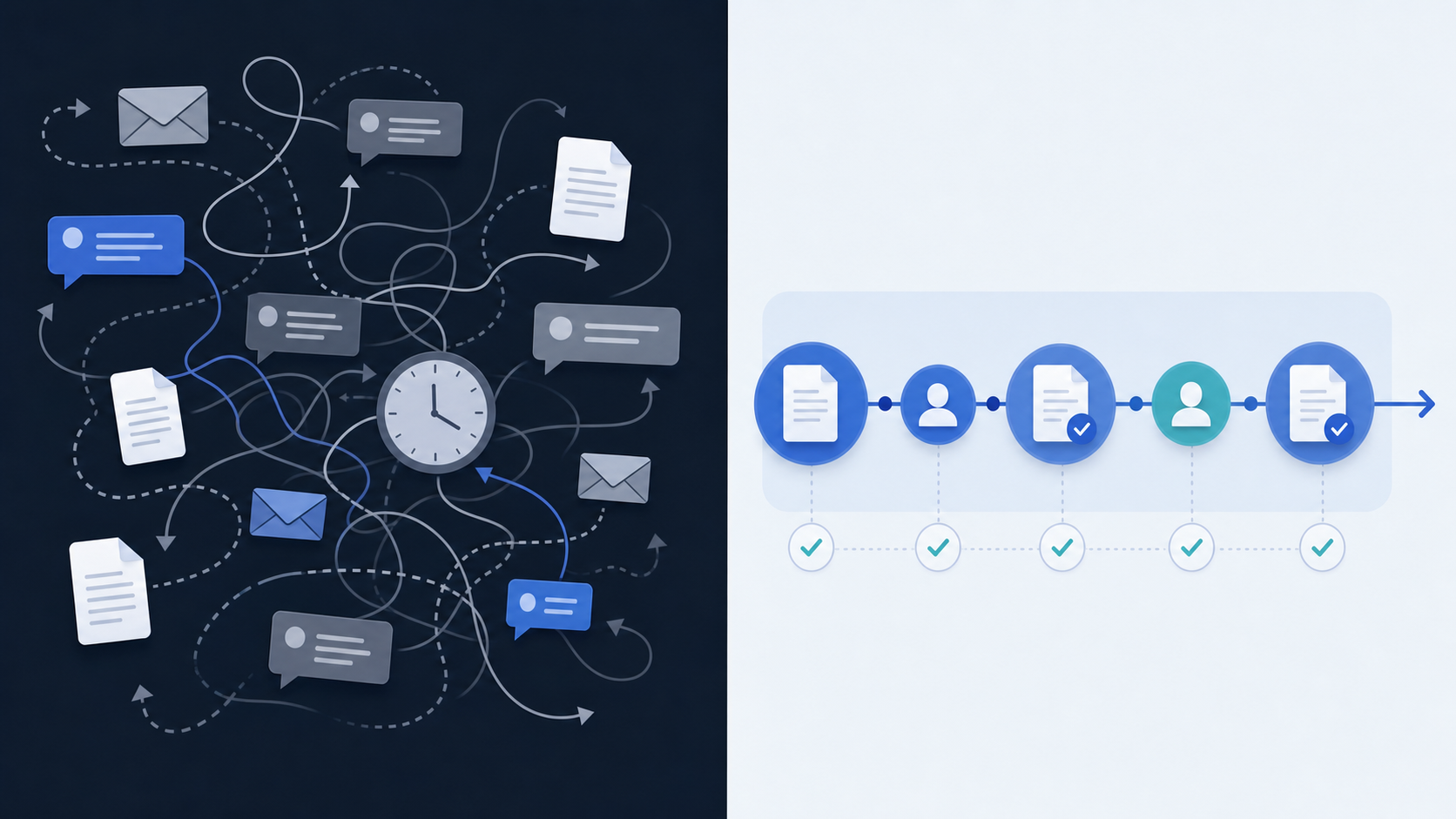
Every approval that travels through email adds invisible overhead that compounds fast. A reviewer misses a message. A document gets forwarded without the latest version attached. Someone replies to the wrong thread. By the time a decision lands, the paper trail is scattered across inboxes, Slack messages, and shared drives that nobody fully controls.
The numbers back this up. Studies consistently show that knowledge workers spend a large portion of their workweek managing email. For compliance teams, where every approval carries regulatory weight, that time sink carries real risk beyond lost hours.
[Manual workflows also make audit preparation painful](https://velt.dev/blog/manual-review-vs-automated-review). When regulators ask for a record of who approved what and when, teams have to reconstruct timelines from email threads, which is slow, error-prone, and sometimes incomplete. A compliance approval system that lives inside the product itself keeps that record intact automatically.
## What In-App Compliance Approval Systems Do
[In-app compliance approval systems](https://velt.dev/blog/what-is-review-infrastructure) move the entire review process inside the product where work actually lives. Instead of attachments circulated over email, approval requests are anchored directly to the artifact: a specific clause in a financial disclosure, a flagged field in a compliance report. Reviewers see the context without switching tools, without downloading files, and without losing their place in a chain of replies.
That's the structural difference from both email and standalone workflow software. Email carries the document away from its context. Standalone tools (think ticketing systems or form-based sign-off apps) track status but stay disconnected from the artifact itself. In-app systems keep the approval request, the reviewer's feedback, and the thing being reviewed in the same place.
The four capabilities that define a proper in-app compliance review workflow:
- [Contextual anchoring ties requests to document elements](https://velt.dev/blog/approval-workflow-components), so reviewers know exactly what they're approving and can respond in context
- Automated routing advances documents through reviewer stages based on predefined rules, with no manual forwarding required
- Real-time notifications reach reviewers inside the product, with enough context to act immediately
- Immutable audit logs record every action with timestamps and attribution automatically, ready for regulators without any assembly
## Audit Trail Requirements Driving the Shift
Industries under regulatory oversight are adopting in-app review because auditors are demanding it, not convenience. SOX, HIPAA, and SEC regulations require organizations to prove who approved what, and exactly when they approved it. Email threads can be deleted, forwarded out of context, or simply lost. When an auditor asks for documentation of a financial statement approval from 18 months ago, "check my sent folder" isn't an acceptable answer.
In-app compliance approval systems solve this by [generating immutable, timestamped records](https://velt.dev/blog/how-to-add-audit-trail-to-saas-product) at the moment each action occurs. Every reviewer comment, status change, and sign-off gets logged automatically, tied to a specific user and document version, without anyone having to remember to CC an audit mailbox.
### What a Complete Audit Trail Actually Captures
A well-built compliance review workflow goes beyond logging the final approval. It captures the full decision history:
- Every reviewer who accessed the document and when, [giving auditors a clear chain of custody](https://velt.dev/blog/adding-review-states-to-your-app) even for items that were reviewed but not changed
- Each comment, annotation, or suggested edit, tied to the exact version of the content it references so context is never ambiguous
- Status transitions with timestamps, showing when a review moved from draft to under review to approved or rejected
- Identity verification at each step, confirming that the person who clicked "approve" was the person authorized to do so
That level of granularity is what separates a system built for compliance from one that was retrofitted with a checkbox.
## How Contextual Anchoring Prevents Approval Drift
When a compliance reviewer opens an email thread to approve a document, all they see is the document itself. The surrounding context, what changed, who flagged it, why it was flagged, lives somewhere else: a Slack message, a prior email chain, a sticky note in a shared drive. That fragmentation is where approvals go wrong.
In-app compliance review keeps context attached to the content. [Comments left on clauses stay there](https://velt.dev/blog/how-to-assess-saas-review-infrastructure-needs) when the next reviewer opens the file. Version history is visible in the same view. Approval state is tied to the specific revision being reviewed, not to whatever happens to be current when someone finally replies.
This matters because compliance decisions are often revisited. An approver needs to know what was true at the moment of sign-off, not reconstruct it from memory or a chain of forwarded emails.
## Cutting Approval Cycle Times from Weeks to Days
Compliance teams that move from email chains to in-app review workflows consistently report faster cycle times, and the gap is wider than most teams expect.
The core reason is elimination of handoff latency. With email-based approvals, every step is a separate context switch:
- The reviewer receives a request and has to locate the relevant document
- They add comments and send a reply
- Then they wait for the next person to repeat the same sequence
In-app review collapses those steps: the reviewer opens the document and the approval interface is already there, with prior feedback visible in context. Here's how the timing tends to break down across a typical compliance review:
| Stage | Email-Based Workflow | In-App Review Workflow |
| --- | --- | --- |
| Routing request to reviewer | 1-2 days (manual forwarding) | Minutes (automated assignment) |
| Reviewer locating correct version | Hours (attachment hunting) | Instant (single source of truth) |
| Feedback consolidation | 2-3 days (threading across replies) | Real-time (comments anchored in-doc) |
| Final sign-off collection | 3-5 days (serial email chain) | Same-day (parallel approval states) |
| Audit trail assembly | Hours to days (manual reconstruction) | Instant (auto-generated log) |
The parallel approval state is worth calling out. Email workflows are almost always serial: one reviewer finishes, then the next gets the document. In-app compliance approval systems can route to multiple reviewers simultaneously, which alone can cut total cycle time by half or more on reviews requiring three or more signatories. Compliance approval systems that support in-context commenting also reduce revision loops. When a reviewer's note is anchored directly to the clause or data field in question, the next editor knows exactly what to fix without a follow-up clarification email.
## Multi-Step Approval Orchestration and Role-Based Routing
Compliance review workflows rarely follow a straight line. A new contract might need sign-off from legal, then finance, then a senior director, with each reviewer only seeing the document after the previous one approves. Email handles this badly. You get forwarded threads, missed reply-alls, and no reliable way to enforce the sequence.
In-app approval systems solve this by [building routing logic into the review layer](https://velt.dev/blog/approval-workflow-sdk-complete-developers-guide). You define the sequence, assign roles, and the workflow advances automatically when each stage clears.
### What Role-Based Routing Actually Looks Like
A few things change structurally when approval logic lives in-app:
- Each reviewer only sees the approval action when it's their turn, which cuts down on premature sign-offs and confusion about who's currently responsible.
- Roles are tied to permissions, so a junior analyst can comment and flag issues without accidentally triggering an approval state meant for a compliance officer.
- Escalation paths can be pre-configured, so if a reviewer hasn't acted within a set window, the item routes to a fallback approver without anyone chasing it manually.
- Every state change gets logged with a timestamp and the identity of who acted, giving compliance teams an audit trail that holds up during regulatory review.
This matters because regulators don't just want an outcome. They want proof of the process: who saw what, in what order, and when.
## Eliminating the Compliance Bottleneck Trap
[Compliance bottlenecks show up at the end](https://velt.dev/blog/review-approval-workflows-missing-layer-saas). A document gets finished, sent for review, returned with changes, then sent again. That late-stage gate is where schedules slip and audit records get thin.
[According to Compliance Week](https://www.complianceweek.com/artificial-intelligence/compliance-is-not-your-ai-bottleneck-your-operating-model-is/), the compliance function itself isn't usually the problem. The operating model around it is. And [research from ComplySafe](https://complysafe.io/en/blog/the-compliance-bottlenecks-hiding-inside-fast-growing-engineering-teams) points to the same pattern in fast-growing engineering teams: compliance gets treated as a final checkpoint instead of a thread woven through the work itself. That structural mismatch is what creates the bottleneck, not the compliance team's speed or capacity.
## Review and Approval Infrastructure for SaaS Products
Most tools in this space solve one half of the problem. Task management and ticketing systems track approval state but don't keep the conversation attached to the artifact. Commenting layers add contextual feedback but lack formal sign-off states. Review infrastructure brings both layers into a single system, a meaningful structural difference from either approach alone.
The feedback layer covers anchored comments and discussions tied to specific document elements, with version-aware context that stays readable across reviewers. The approval layer covers discrete workflow states (pending, under review, approved, rejected), routing logic, and the audit trail that ties each state transition to a specific user and document version. Compliance teams need both, and splitting them across separate tools just recreates the same fragmentation that email-based workflows already produce.
Velt is built as review and approval infrastructure for SaaS products, with the feedback and approval layers treated as one system instead of two separate integrations you wire together after the fact.
## How Compliance Teams Are Replacing Email-Based Approvals with Velt

Velt's review and approval infrastructure fits directly into the tools compliance teams already use, so approvals happen in context instead of across scattered inboxes. This is how the workflow runs in practice:
- Reviewers see flagged documents, contracts, or disclosures inside the app itself, with [comments anchored to specific clauses or items](https://velt.dev/blog/add-approval-workflow-react-app) under review.
- Each reviewer's decision gets captured as a structured approval state, not a reply-all email thread.
- Audit trails are generated automatically, so compliance officers don't have to reconstruct a decision history from forwarded messages before an exam.
- Notifications route to the right stakeholders when a review is pending, overdue, or escalated, without anyone manually chasing status.
Velt handles the full review cycle: comments, approval workflows, presence, notifications, audit trails, and recording. Teams get that infrastructure without building it from scratch.
## Final Thoughts on Replacing Email Approval Chains With Real Infrastructure
Compliance workflows that run through email fail the moment someone asks for proof of who approved what and when. Your reviewers need approval requests anchored to the actual content, not buried in forwarded threads with ambiguous version history. In-app compliance approval systems close that gap by keeping the review, the context, and the audit trail in one place. [Velt ships that infrastructure](https://velt.dev/book-demo) so compliance teams stop reconstructing approval history from scattered inboxes.
## FAQ
### Can I build a compliance approval system without replacing my existing tools?
Yes. In-app compliance review systems integrate directly into your current product, so approvals happen where work already lives without requiring a separate tool or workflow system. Reviewers stay in the same interface they use daily.
### What's the difference between in-app compliance approval and email-based review workflows?
In-app systems anchor approval requests directly to document elements with automated routing and immutable audit logs, while email scatters approvals across threads with manual forwarding and no structured state tracking. The structural difference is that in-app review keeps the approval request, reviewer feedback, and artifact in the same place with built-in audit trails.
### How long does it take to implement an in-app compliance review workflow?
Teams using review infrastructure like Velt typically ship approval workflows in days compared to the 4-6 weeks required to build state management, permission checks, real-time sync, and audit logging from scratch. The exact timeline depends on your existing architecture and customization requirements.
### What should a compliance audit trail capture for regulatory review?
A complete audit trail logs every reviewer who accessed the document with timestamps, each comment or edit tied to the specific content version, all status transitions from draft through approval or rejection, and identity verification at each step. Regulators require proof of who approved what and exactly when they approved it, along with the complete decision path.
### In-app compliance approval vs email threads for audit readiness?
In-app systems generate immutable, timestamped records at the moment each action occurs, automatically tying every decision to a specific user and document version. Email threads can be deleted, forwarded out of context, or lost, and require manual reconstruction when auditors request documentation of approvals from months prior.
---
# Financial Software Audit Trails: SOX, SEC, FINRA Requirements (June 2026)
https://velt.dev/blog/financial-audit-trail-compliance-guide
Financial compliance audit trail guide for June 2026. Covers SOX, SEC, FINRA, MiFID II requirements, retention periods, and immutable storage specs.
*July 3, 2026*
Everyone building financial software knows audit trails matter for compliance, but the gap between logging events and satisfying regulators is wider than most teams expect. You need immutable records with proper timestamps, before-and-after field capture, retention windows that vary by regulation, and storage that proves tampering didn't happen. A log stored in a mutable database fails under SOX and SEC frameworks no matter how detailed the entries are. Building review and approval infrastructure that meets these requirements means capturing authenticated users, precise actions, timezone timestamps, field-level changes, and cryptographic integrity proof. We're covering the specific requirements from SOX Section 404, SEC Rule 17a-4, FINRA, MiFID II, and GDPR so your audit trail financial software passes review without last-minute architecture changes.
**TLDR:**
- Compliant audit trails need five elements: authenticated user ID, precise action, timezone timestamp, before/after data state, and cryptographic integrity proof.
- Retention periods range from 1 year (PCI DSS) to 7 years (SOX), with SEC requiring the first 2 years in hot or warm storage, not cold archive.
- Most audit trail failures happen because logs miss field-level change tracking or store timestamps without timezone context, not because logs are missing entirely.
- Tamper-evidence detects alterations after the fact; immutability prevents them. Auditors expect both: append-only storage plus SHA-256 hash chaining.
- Velt ships review and approval infrastructure with immutable audit trails built in, so financial software teams get queryable, cryptographically verified logs without building custom storage pipelines.
## What Financial Regulators Actually Require from Audit Trails
Regulatory requirements for audit trails vary by jurisdiction and industry, but several frameworks set the baseline that most financial software teams end up building toward. Here's how the major regulations break down in practice:
| Regulation | Who It Covers | Core Audit Trail Requirements |
| --- | --- | --- |
| SOX Section 404 | US public companies | Immutable logs of all financial data changes, access events, and approvals with timestamps |
| SEC Rule 17a-4 | Broker-dealers | WORM (write once, read many) storage, minimum 6-year retention, third-party audit access |
| FINRA Rule 4511 | FINRA member firms | Complete books and records, indexed and accessible within 24 hours of regulatory request |
| MiFID II | EU investment firms | Full order lifecycle capture, microsecond timestamps, 5-year retention minimum |
| GDPR Article 30 | Any firm handling EU data | Records of processing activities, documented access controls, breach-ready log exports |
### What "Immutable" Actually Means to Regulators
Regulators don't accept audit logs that can be edited after the fact. Under [SEC Rule 17a-4](https://www.sec.gov/investment/amendments-electronic-recordkeeping-requirements-broker-dealers), records must be stored in [non-rewriteable, non-erasable format](https://velt.dev/blog/how-to-add-audit-trail-to-saas-product). [SOX Section 404 auditors](https://www.crowe.com/insights/sox-section-404-compliance-a-public-company-road-map) look for cryptographic integrity controls or write-protected storage that makes retroactive tampering detectable.
The practical bar is high:
- Every change event must capture who acted, what changed, the previous value, the new value, and a server-side timestamp
- Access logs must record read events alongside writes, since unauthorized viewing of financial data is itself a compliance event
- Retention windows range from 3 years (basic FINRA records) to 7 years (SOX-relevant financial statements), with some SEC categories requiring permanent retention
## The Five Elements Every Compliant Audit Trail Must Capture
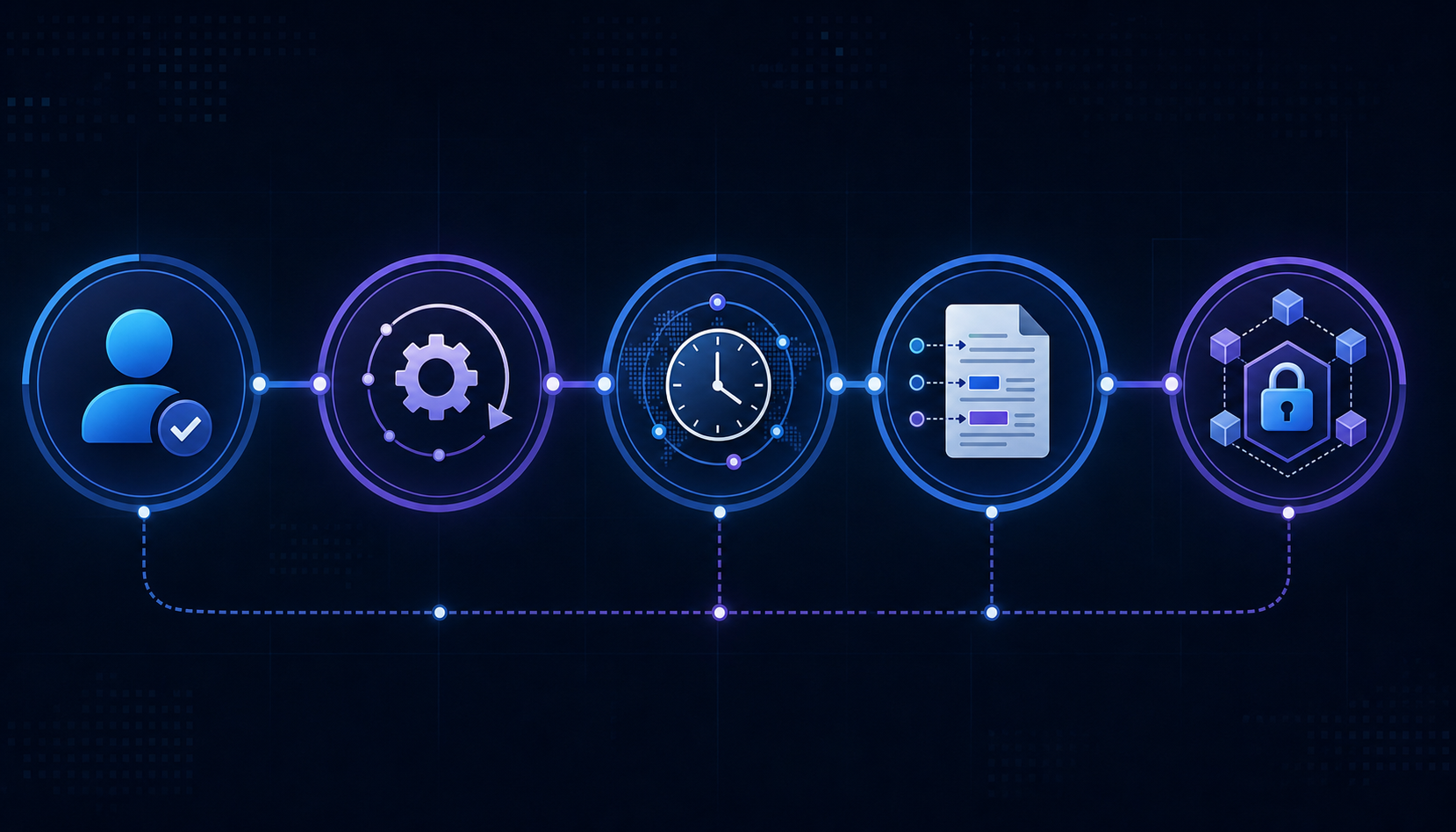
Regulators across jurisdictions align on a core set of data points that any audit log must capture. Getting one wrong can invalidate the entire record. Before digging into each element, though, it's worth knowing that most audit trail failures in compliance reviews aren't about missing logs entirely. They're about logs that capture the wrong level of detail or store it in a way that can't be verified as tamper-free.
- **Who took the action**: The record must tie every event to a specific, authenticated user identity, not a shared account or a system process label. SOX and SEC Rule 17a-4 both require identifiable actors. "Admin" is not a compliant entry.
- **What action was taken**: The log must record the precise operation, whether that's a record view, an edit, an approval, or a deletion. Vague action categories like "modified" fail when regulators ask what field changed and from what value to what value.
- **When it happened**: Timestamps must include timezone context and be sourced from a synchronized clock. Audit trails with inconsistent or local-time-only timestamps have been rejected in SEC examinations.
- **What data was affected**: The specific record, document, or transaction must be identified, along with the before and after state where applicable. Field-level change tracking is a baseline expectation under GDPR Article 5 and PCI DSS Requirement 10.
- **Whether the record is unaltered**: Cryptographic integrity verification, such as hashing or write-once storage, must prove the log hasn't been modified after the fact. A log that an administrator can edit is not a compliant audit trail under any of the major frameworks covered here.
## Retention Periods by Regulation: SOX, SEC, HIPAA, and PCI DSS
Retention periods vary more than most teams expect, and the difference between "minimum retention" and "immediately accessible" shapes your storage architecture as much as the number of years does.
| Regulation | Retention Period | Accessibility Requirement |
| --- | --- | --- |
| SOX | 7 years | Records must be indexed and retrievable on regulatory request |
| SEC Rule 17a-4 (Broker-Dealers) | 6 years | First 2 years must remain in an accessible on-site location |
| SEC (Investment Advisers) | 5 years | First 2 years on-site or readily accessible |
| HIPAA | 6 years | Measured from creation date or last effective date, whichever is later |
| PCI DSS Requirement 10.7 | 1 year minimum | Most recent 3 months must be immediately available for analysis |
A few things worth calling out here. SOX's 7-year window is non-negotiable, and "retrievable on request" means searchable: stored somewhere on a backup tape doesn't cut it. SEC's two-tier accessibility rule catches teams off guard: archiving everything after day one doesn't work. The first two years need to remain [reachable without a restoration process](https://velt.dev/blog/adding-review-states-to-your-app). The first two years need to remain reachable without a restoration process. HIPAA's clock starts from creation or last effective date, whichever is later, which can quietly extend your retention obligations beyond what teams initially budget for.
### What "Immediately Accessible" Actually Means
Regulators don't define this term loosely. For financial compliance audit trail purposes, [immediately accessible](https://velt.dev/blog/review-approval-workflows-missing-layer-saas) generally means records must be retrievable on short notice without a restoration process: hot or warm storage tiers, not cold archival. Your audit log compliance strategy needs to account for tiered storage costs alongside raw retention timelines.
## Tamper-Evidence vs. Immutability: What the Difference Means for Compliance
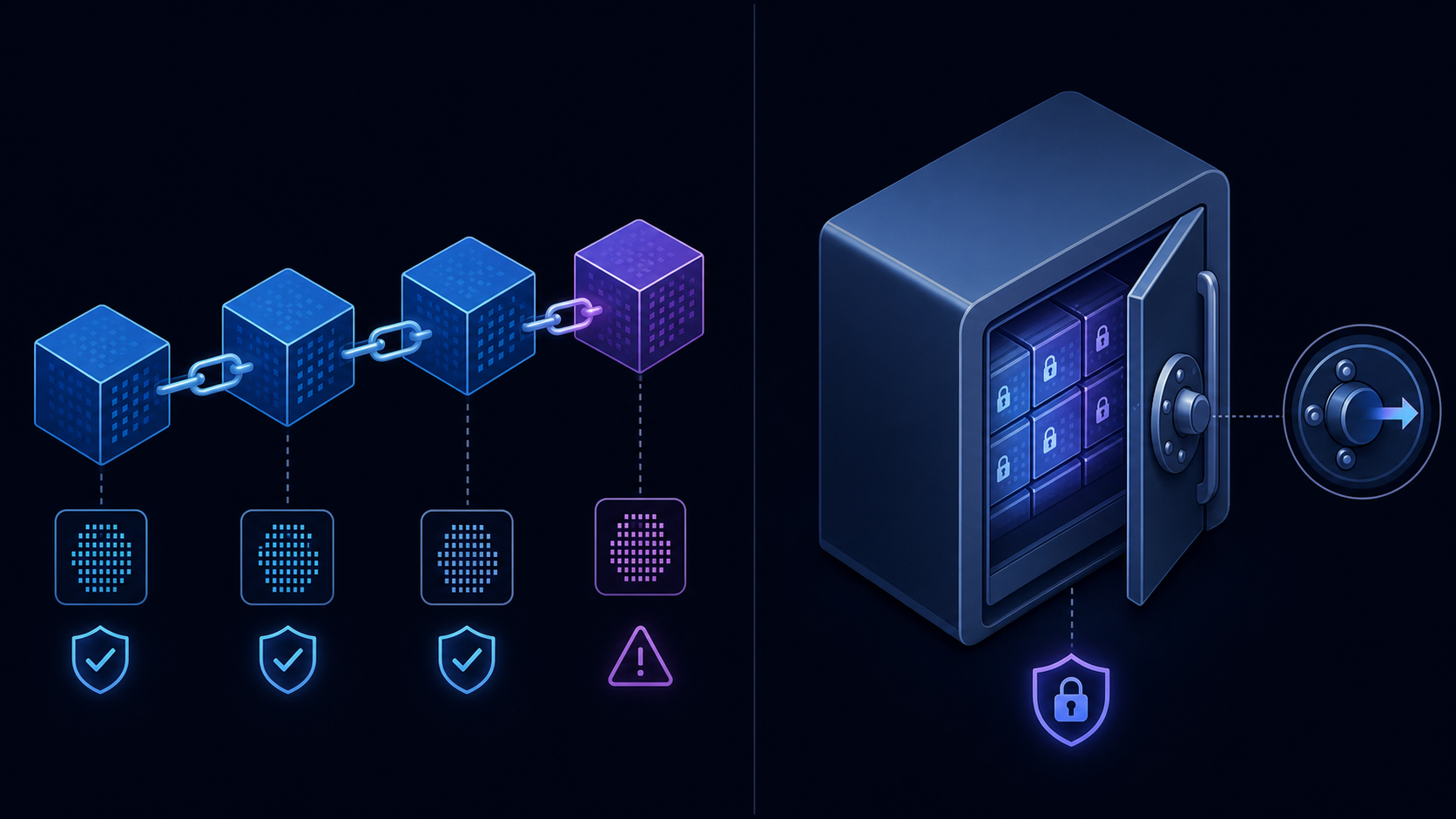
Regulators and auditors often use "tamper-evident" and "immutable" interchangeably, but they mean different things in practice, and the distinction affects how you architect your audit trail. A tamper-evident log can detect whether records have been altered after the fact while an immutable log physically prevents alteration from happening in the first place. Requirements vary by framework: SEC Rule 17a-4 explicitly mandates write-once (WORM) storage, while other frameworks focus on integrity verification without specifying the storage mechanism. In either case, immutable storage is widely regarded as best practice and gives you a stronger compliance position than tamper-evidence alone.
This is why that matters in a compliance context:
- Tamper-evidence through cryptographic hashing (SHA-256 chaining, for example) satisfies SEC Rule 17a-4 and most SOX audit requirements, since any modification breaks the hash chain and becomes detectable during review.
- Immutability through write-once storage (WORM drives, [append-only cloud storage](https://velt.dev/blog/what-is-review-infrastructure)) provides a stronger guarantee because there's no window between a modification occurring and its detection.
- PCI DSS v4.0 Requirement 10.3 calls for protection of audit logs from destruction and unauthorized modifications, which in practice means implementing cryptographic integrity controls at minimum to meet that standard.
For financial software operating under multiple frameworks simultaneously, the practical answer is to implement both: immutable storage as the foundation, with cryptographic hash chaining as a verification layer on top. Tamper-evidence gives you the audit proof; immutability gives you the defense-in-depth that examiners increasingly expect to see during reviews.
## Common Audit Trail Failures That Trigger Regulatory Findings
Audit trail failures rarely stem from missing logs entirely. More often, regulators find that logs exist but fall short in ways that are surprisingly consistent across organizations.
Here are the failure patterns that show up most frequently in regulatory findings:
- **Incomplete event capture**: Logs record that a record was changed but not what it contained before the change. Without [before-and-after field values](https://velt.dev/blog/review-infrastructure-vs-collaboration-sdk), auditors can't reconstruct what actually happened, which fails requirements under SOX, SEC 17a-4, and most banking regulations.
- **Timestamps without time zones**: A timestamp reading "14:32:07" is ambiguous across global operations. Regulators expect UTC or a clearly documented local time standard, and findings get issued when audit logs can't be matched across systems.
- **Logs stored in mutable systems**: If the same team that can edit financial records can also modify or delete the audit log, the log has [no evidentiary value](https://velt.dev/blog/manual-review-vs-automated-review). Immutability isn't optional for financial software under regulatory oversight.
- **Missing user context**: Logging that a record changed is insufficient if the log doesn't capture which authenticated user made the change. Shared service accounts with no individual attribution are a recurring finding.
- **Gaps during system migrations or outages**: Regulators expect continuity. A six-hour gap in audit coverage during a database migration is treated the same as no audit trail at all.
- **Retention cutoffs applied incorrectly**: Deleting logs at the system's default retention period instead of the applicable regulatory minimum is a common and avoidable finding.
Knowing these failure modes before an examination is far more useful than finding them during one.
## Building Review Infrastructure That Satisfies Audit Requirements
Most financial software teams treat audit logging as a checkbox: store some events, expose a table, call it done. That approach fails fast when regulators show up.
What auditors actually want is a system where every material action leaves an immutable, timestamped record tied to a specific user identity. That means write-once storage, cryptographic integrity checks, and log retention that matches your regulatory exposure. SOX requires seven years for public companies. FINRA Rule 4511 requires three years, with the first two in an immediately accessible format. MiFID II Article 25 requires five years. If your logs live in a mutable database table, none of those requirements are satisfied regardless of what your documentation says.
### What a Compliant Audit Trail Actually Looks Like
There are four properties regulators look for in practice:
- **Immutability**: records written once and never modified. In practice, that requires cloud object storage configured with an object lock policy (S3 Object Lock in compliance mode, for example), or an append-only log service where the write path has no update or delete operation. SHA-256 hashing per event with the hash input covering event ID, timestamp, user ID, and payload lets you prove during an audit that a specific record hasn't changed since it was written. Soft-deletable database rows with an `is_deleted` flag do not satisfy this, regardless of access controls.
- **Completeness**: every action captured, including errors, exceptions, and read events. "Every meaningful interaction" is broader than most teams expect: a reviewer opening a document without making changes, a failed login attempt, a bulk export, a permission change on a record. All of these are compliance-relevant events under SOX and SEC frameworks. If your logging fires only on successful writes, you have gaps an examiner will find.
- **Timeliness**: logs generated at the moment of the action, not batched or reconstructed after the fact. The write to the audit log should happen synchronously, before the API response returns to the client. Async log pipelines introduce a window where the action occurred but the record doesn't exist yet. That window is a compliance gap if the system fails during it. Batch-reconstructed logs from application logs after the fact don't meet the "contemporaneous record" standard that regulators expect.
- **Queryability**: auditors need to pull records by user, date range, document, or action type without waiting for engineering support. That requires indexed fields on user ID, timestamp, document or record ID, and action type, not a flat log file that requires a custom query to parse. When a regulator requests all activity on a specific account between two dates, your compliance team should be able to produce that export in minutes, not days.
Building this from scratch in financial software typically takes 3 to 6 months of engineering time: write-once storage configuration, SHA-256 hash chaining per event, tiered retention policies across hot and cold storage, and indexed query layers for user ID, timestamp, and record ID. Velt ships [review and approval infrastructure](https://velt.dev/blog/why-ai-generated-assets-need-human-review) with audit trails built in, so teams get compliant logging on day one without custom log pipeline work.
## Final Thoughts on Financial Software Audit Trail Compliance
Audit trail compliance isn't about logging more events. It's about capturing the right level of detail in a format regulators can verify as tamper-proof. Every action needs who, what, when, what data changed, and cryptographic proof the record is unaltered. Retention periods range from one year under PCI DSS to seven years under SOX, with the first two years in immediately accessible storage for firms under SEC oversight. If you're building financial software and need audit trails that satisfy regulatory requirements from day one, to see how Velt's review infrastructure handles this.
## FAQ
### What's the minimum retention period for audit trails in financial software?
It depends on your regulatory exposure. SOX requires 7 years for public companies, SEC broker-dealer rules require 6 years, and PCI DSS requires just 1 year with the most recent 3 months immediately accessible. The key is matching your retention window to the strictest regulation that applies to your operation.
### Audit trail financial software: tamper-evident vs immutable storage?
Tamper-evident logs detect modifications after the fact through cryptographic hashing, while immutable storage physically prevents alterations using write-once technology. Most financial compliance audit trail requirements technically accept tamper-evidence, but auditors increasingly expect immutable storage as the foundation with cryptographic verification on top.
### Can I store audit logs in a regular Postgres table and stay compliant?
A Postgres table with INSERT-only policy and a CHECK constraint blocking updates satisfies basic financial compliance audit trail requirements, but you'll hit performance and bloat issues at scale. Most teams handling millions of audit events daily eventually move to a separate time-series store or purpose-built audit log service to keep queries fast and storage costs under control.
### What information must every compliant audit log entry capture?
Every entry needs five elements: who took the action (authenticated user identity, not a shared account), what action occurred (specific operation with before/after values), when it happened (timezone-aware timestamp from synchronized clock), what data was affected (specific record and field-level changes), and cryptographic proof the record hasn't been altered.
### How do I build review infrastructure that actually passes financial audits?
Velt provides review and approval infrastructure with compliant audit trails built in, so teams get immutable logging, cryptographic integrity checks, and configurable retention on day one without building custom log pipelines. Velt's system captures every review action, approval decision, and access event with full user attribution and timestamps, stored in write-once format that satisfies SOX, SEC, and FINRA requirements out of the box.
---
# The HITL AI Stack: From Generation to Approval to Audit (June 2026)
https://velt.dev/blog/hitl-ai-stack-generation-approval-audit
Learn how to build a HITL AI stack connecting generation to human approval and audit. Covers review infrastructure, compliance, and workflow patterns (June 2026).
*July 3, 2026*
AI generates outputs in milliseconds, but your review process measures time in hours or days. You need a HITL AI architecture that connects generation to human decision-making without creating bottlenecks, and that means treating review and approval infrastructure as a first-class layer instead of an afterthought you patch in later. Velt provides that layer.
**TLDR:**
- HITL AI stacks fail at handoff, not generation. Most teams bolt on review and audit layers after, breaking workflows under production load.
- Knowledge workers switch context every 3 minutes. Every AI review interrupt compounds latency in high-volume pipelines fast.
- EU AI Act, SEC, and HIPAA now mandate immutable audit trails linking reviewer identity, decision state, and timestamps to every AI output.
- Risk tiering routes AI outputs by confidence score. Low-confidence goes to mandatory review, high-confidence auto-approves with logged audit events.
- Velt provides contextual commenting, approval state management, and audit trails for the review layer where most HITL workflows break.
## What Is the HITL AI Stack
The HITL AI stack is the set of layers that sit between an AI's raw output and the moment that output becomes an official record or decision, forming [what is review infrastructure](https://velt.dev/blog/what-is-review-infrastructure) for AI systems. It covers generation, review, approval, and audit in a connected sequence instead of isolated tools bolted together after the fact.
Each layer has a distinct job. The generation layer produces AI output. The review layer routes that output to the right human at the right time. The approval layer captures the human's decision with a clear status. The audit layer records what happened, who decided it, and when.
Here's how the four layers break down:
- **Generation**: an LLM or AI agent produces a draft, suggestion, flag, or action. This is the entry point into the stack.
- **Review**: the output is surfaced to a human reviewer with enough context to make a judgment. Without this layer, feedback gets lost in Slack threads or email chains.
- **Approval**: the reviewer accepts, rejects, or modifies the output. The system records the outcome as a durable state instead of a chat message. This layer is where [humans review, annotate, and approve or reject](https://velt.dev/blog/why-ai-generated-assets-need-human-review) what the AI produced and where quality actually gets enforced.
- **Audit**: every action in the chain gets logged with timestamps, user IDs, and version history so the workflow is reconstructable after the fact. This layer sits beneath both: a persistent record of every decision, who made it, and why.
To see how the layers connect, consider a fintech company using an AI model to generate dispute summaries for customer service agents. The generation layer produces a draft summary in under a second. The review layer surfaces that draft to a trained agent with the original transaction data alongside it, so the agent isn't reviewing in a vacuum. The approval layer records the agent's decision (accepted, edited, or rejected) as a durable state tied to the customer record. The audit layer logs every step with timestamps and agent IDs so compliance can reconstruct exactly what happened if a dispute is escalated to arbitration.
Remove any one layer and the workflow breaks in a predictable way. Without the review layer, agents see AI output stripped of context and make worse calls faster. Without the approval layer, decisions live in a chat log nobody queries at 2am during an audit. Without the audit layer, you have no defensible record when a regulator asks who approved a disputed AI-generated summary and on what basis.
The stack is a design pattern, not a single product. Teams assemble it from several components, and the integration choices they make determine whether the workflow holds together under real production conditions. But engineering teams typically scope the generation layer first and find that approval state tracking and audit logging need separate infrastructure only after the model is already in production. At that point, adding them means rebuilding handoff logic that was never designed to carry state. That's where things fall apart.
### Why Each Layer Needs Its Own Infrastructure
These layers have genuinely different requirements:
- The generation layer needs speed and scale, since AI can produce thousands of outputs per hour and the infrastructure has to keep up without creating bottlenecks upstream.
- The approval layer needs context, threading, and state management so reviewers can annotate specific elements, discuss ambiguous cases, and record a clear decision without losing the thread of why a call was made.
- The audit layer needs immutability and queryability, because a log nobody can search or export is just compliance theater.
Treating all three as one undifferentiated system is where HITL pipelines get fragile.
## HITL Workflow Patterns: Pre-Processing, In-Process, Post-Processing, and Feedback Loop
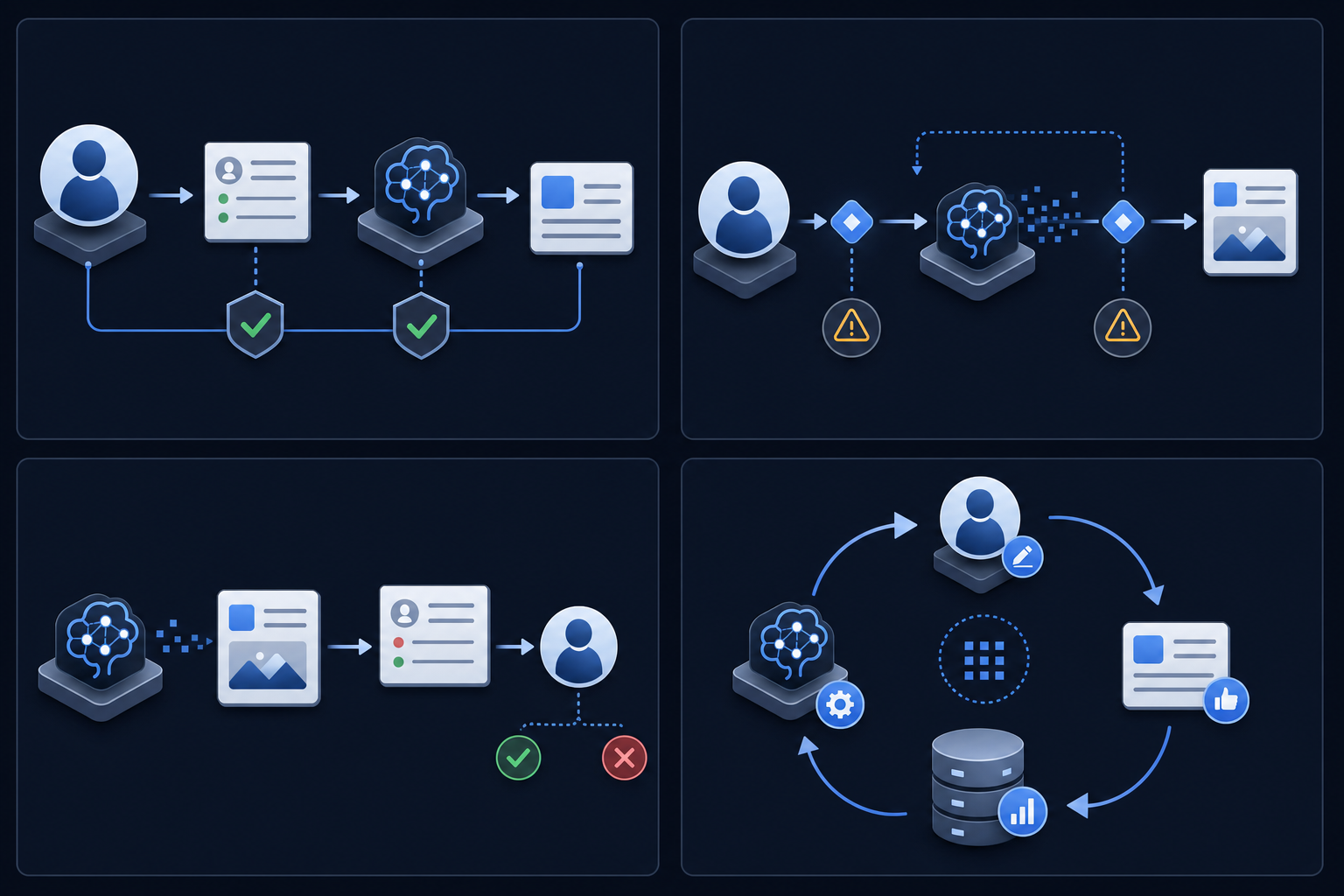
Pre-processing, in-process, post-processing, and feedback loop patterns each solve a different coordination problem between AI systems and human reviewers. Getting the pattern right matters because the wrong one either creates bottlenecks or lets errors through unchecked.
### Pre-Processing
Human review happens before the AI acts. A content moderator sets thresholds, a compliance officer approves prompt templates, or a data team validates training sets before a model runs. This pattern is common in compliance-driven industries where human sign-off is a legal requirement beyond quality preference.
### In-Process
Humans intervene mid-generation. A reviewer flags a partially generated document, an analyst corrects a data extraction mid-run, or a legal team member redirects an AI-drafted contract clause before the output finalizes. Latency is the trade-off here.
### Post-Processing
The AI generates a complete output, then a human audits it. This is the most common pattern because it preserves throughput. The risk is that errors accumulate before anyone catches them, especially in high-volume pipelines.
### Feedback Loop
Human corrections feed back into model behavior over time. Reviewers approve outputs while training the next version. This closes the gap between what the model produces today and what the team actually needs, and it's the pattern most teams underinvest in building.
| Pattern | When Review Happens | Primary Trade-off | Best Use Case |
| --- | --- | --- | --- |
| Pre-Processing | Human review occurs before the AI acts on any input | Legal compliance requirements outweigh throughput concerns | Clinical decision support and financial reporting where sign-off is legally required |
| In-Process | Humans intervene during generation while the AI is still producing output | Latency increases because the workflow pauses mid-generation for human input | Partially generated documents or data extractions that need mid-run corrections |
| Post-Processing | The AI completes generation first and humans audit the finished output | Errors can accumulate before anyone catches them in high-volume pipelines | Content production and sales enablement where throughput matters and errors are correctable |
| Feedback Loop | Human corrections are captured during review and fed back to improve future model behavior | Requires investment in building the feedback mechanism most teams skip | Closing the gap between current model output quality and actual team needs over time |
## Confidence-Based Escalation and Risk Tiering
Not every AI output carries the same risk. A model autocompleting a product description has a very different failure profile than one flagging a compliance violation or generating a contract clause. Treating all outputs as equally review-worthy creates bottlenecks; treating them all as safe creates liability.
Confidence-based escalation solves this by routing outputs to the right level of human attention based on risk tier.
### How risk tiering works in practice
Most HITL stacks assign outputs to one of three tiers:
- Low-confidence or high-stakes outputs go to mandatory human review before any action is taken, covering things like legal language, financial recommendations, or safety-critical decisions.
- Mid-confidence outputs get flagged for spot-check review, where a human samples outputs instead of reviewing every one.
- High-confidence, low-stakes outputs pass through automatically, with actions logged for later audit without blocking the workflow.
The routing logic typically pulls from model confidence scores, output category classifiers, and business rules defined by the team. A compliance team might require human review for any output below a 0.95 confidence score, while a content team routes only outputs below 0.70 to mandatory review and spot-checks the rest. A fintech app generating transaction dispute summaries might auto-approve nothing above $10,000 regardless of confidence score, while a marketing tool generating ad copy auto-approves anything above 0.80 with no dollar threshold at all.
### Why this matters for audit
Tiering decisions are themselves auditable events. Every routing call, whether an output was escalated, spot-checked, or auto-approved, should be logged with the confidence score and the rule that triggered it. Without that record, a post-incident review can't reconstruct why a given output bypassed human eyes.
Human review tooling that captures reviewer decisions in context, tied to the specific output and the escalation reason, makes that audit trail useful instead of merely present.
## State Management and Pause-Resume Infrastructure
When an AI generates a draft and a human reviewer steps in, the system needs somewhere to hold that in-between state. The output is no longer a queue item waiting to be processed, but it's not approved either. Managing that liminal state cleanly is where most HITL implementations break down.
A well-designed pause-resume layer tracks a few things:
- What the AI produced, versioned so reviewers can compare against edits made during review.
- Where in the review cycle the item sits, including who has claimed it, what feedback has been left, and whether it's been escalated.
- How long it's been sitting, since stale review items are a silent quality risk that compounds over time.
State here is more than a database field. It's the coordination layer between asynchronous humans and synchronous AI output pipelines.
## The Latency Problem: Why Human Review Creates Bottlenecks
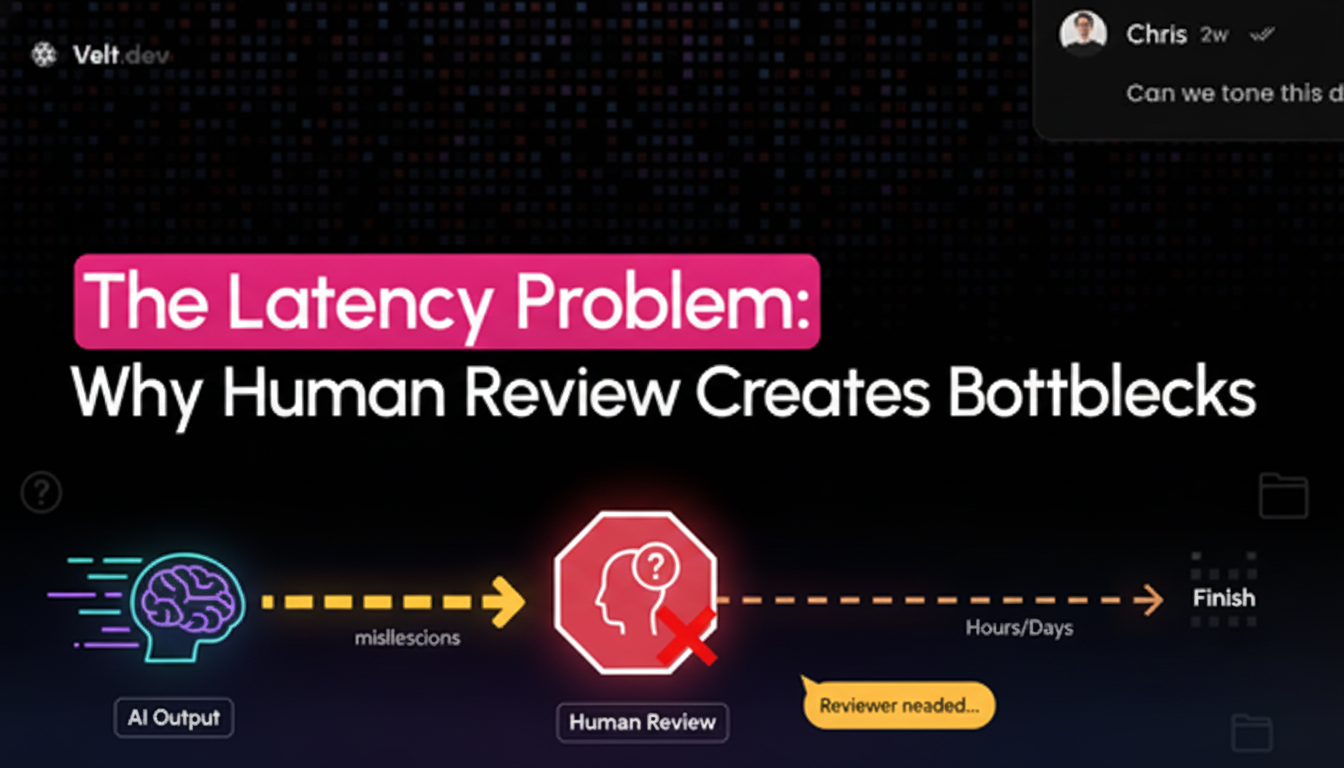
Human review is the bottleneck in almost every AI workflow. The model generates output in milliseconds, but then it waits. A reviewer needs to find it, read it, decide on it, and route it somewhere. That gap between generation and decision is where latency accumulates, and in high-volume pipelines it compounds fast. [Best practices for maintaining human oversight](https://www.tines.com/blog/humans-in-the-loop-of-ai/) focus on reducing this coordination overhead without compromising decision quality.
[Gloria Mark's UC Irvine research](https://www.fastcompany.com/944128/worker-interrupted-cost-task-switching/) found that knowledge workers switch context an average of every 3 minutes and 5 seconds. Every interrupt to review an AI output is a context switch with a recovery cost attached. Multiply that across a team processing hundreds of AI-generated items per day and the throughput loss gets real quickly. [Context switching increases 47% with AI use](https://www.advisable.com/insights/human-in-the-loop-trap-ai-oversight-startup-productivity-2026), as parallel workstreams multiply and review queues expand.
The bottleneck has three root causes: [reviewers lack context when making decisions](https://velt.dev/blog/eliminate-content-review-bottlenecks), there's no structured handoff between AI generation and human judgment, and there's no audit trail connecting decisions back to outputs.
Human-in-the-loop AI doesn't fail at the model layer. It fails at the handoff layer.
## Immutable Audit Trails: From Logs to Evidence
Audit trails in HITL AI systems go beyond logs. They're the evidentiary record that answers the hardest question any compliance workflow faces: who approved what, when, and why?
Every human decision in the loop [needs to be captured with enough fidelity](https://velt.dev/blog/how-to-add-audit-trail-to-saas-product) to reconstruct the full context later. That means the timestamp of the review, the version of the AI output that was reviewed, the identity of the reviewer, the action taken (approved, rejected, edited), and any comments attached to that action.
### What a Complete Audit Record Looks Like
Most teams assume their existing logging covers this. It rarely does.
Application logs capture system events. Audit trails for HITL workflows need to capture human intent. The difference matters in a compliance review or a post-incident investigation.
A complete audit record for each HITL decision should include:
- The exact AI-generated output the reviewer saw, instead of a reference ID pointing to a database row that may have since been modified.
- The reviewer's identity tied to an authentication source, not a self-reported username field anyone can edit.
- The decision state before and after review, so you can see whether an edit was minor or substantive.
- A timestamp anchored to a trusted clock source, not client-side time that can drift or be manipulated.
- Any attached rationale, particularly for rejections, since rejection reasoning is often the most valuable signal for retraining.
### Immutability as a Structural Property
Immutability can't be bolted on after the fact. Once a record is written, it needs to be structurally protected from modification. Append-only storage, cryptographic hashing of log entries, and write-once archival policies all serve this purpose depending on your compliance requirements.
The audit trail also needs to be queryable. An immutable log that takes three days to extract during an audit provides little practical value. Teams building HITL stacks should treat auditability as a first-class query concern from day one.
## Regulatory Mandates Driving HITL Adoption in 2026
Three regulatory frameworks are reshaping how AI systems get built and deployed in 2026, and all three treat human oversight as a hard requirement instead of a best practice.
- The **EU AI Act **classifies high-risk AI systems across sectors like hiring, credit scoring, and medical devices, making [review and approval workflows the missing layer](https://velt.dev/blog/review-approval-workflows-missing-layer-saas) in compliance strategies. Systems in these categories must log every decision, support human override, and pass conformity assessments before going live. Noncompliance carries fines ranging from 1.5% to 7% of global annual turnover depending on the violation type.
- The **SEC's AI disclosure rules** require public companies to document how AI-generated outputs in financial reporting were reviewed and approved before submission.
- **HIPAA guidance issued in late 2025** tightened audit expectations for AI tools used in clinical decision support, requiring traceable human sign-off on any AI recommendation that affects patient care.
Across all three, the pattern is the same: regulators want a record of who reviewed what, when, and what they decided. That's an audit trail requirement, which means the HITL workflow stack has moved from an engineering preference to a compliance dependency.
## Building Review and Approval Infrastructure for AI Workflows
The review and approval layer is where most HITL AI stacks fall apart. Generation is the easy part. Getting a human to see the output, make a judgment call, leave structured feedback, and pass it downstream with a clear record? That requires infrastructure most teams haven't built.
Here's what that layer actually needs to handle:
- Contextual commenting tied directly to the AI output being reviewed, not a separate Slack thread or email chain where feedback loses its connection to the artifact.
- [Approval state management and workflow tracking](https://velt.dev/blog/approval-workflow-sdk-complete-developers-guide), so downstream systems know what to act on.
- Audit trails that log who reviewed what, when, and what decision was made, which matters both for compliance and for training future AI iterations.
- Presence and notification routing so the right reviewer gets pulled in without manual coordination overhead.
[Velt's review and approval infrastructure](https://velt.dev/blog/review-infrastructure-vs-collaboration-sdk) handles this layer directly, giving teams comments, approval workflows, presence, notifications, audit trails, and recording without building it from scratch. In a HITL stack, that's the connective tissue between AI generation and human sign-off.
## Final Thoughts on the HITL AI Workflow Stack
Most HITL implementations fail between generation and audit because teams treat review infrastructure as something you can patch together from existing tools. The gap shows up the first time a regulator asks who approved a specific AI output and why, and your team realizes the decision trail lives across three systems that don't talk to each other. Velt ships review workflows, approval states, and audit trails as connected infrastructure so your HITL stack actually works in production. if you need it deployed in days instead of built over six months. The architecture either holds or it doesn't, and the answer becomes obvious the moment compliance pressure gets real.
## FAQ
### What's the difference between review infrastructure and approval workflow software?
Review infrastructure handles the contextual feedback layer first (anchored comments, presence, discussions tied directly to the artifact being reviewed), then tracks formal approval state and audit trail. Approval workflow software like Jira or DocuSign routes tasks and tracks sign-offs but doesn't keep the conversation attached to the thing being reviewed.
### Can I build a HITL AI stack using separate tools for each layer?
Yes, but integration overhead becomes the bottleneck. Generation happens in one system, review in another (often Slack or email), approval state lives in a third, and audit trails get scattered across all three. Teams that treat these as separate systems spend more time managing handoffs than improving the actual workflow.
### How long does it take to build review and approval infrastructure from scratch?
Teams building review infrastructure from scratch spend 4-6 weeks on infrastructure alone (state management, permission checks, real-time sync, and audit logging) before writing any business logic. That timeline assumes experienced developers and doesn't include approval state tracking or audit trail generation.
### HITL workflow stack with or without confidence-based escalation?
Confidence-based escalation routes outputs to the right level of human attention based on risk tier, preventing bottlenecks while maintaining quality control. Without it, you either review everything manually (creating latency) or auto-approve everything (creating compliance risk). The routing logic itself becomes an auditable event that compliance reviewers will ask about.
### When should I use pre-processing versus post-processing review patterns?
Pre-processing (human review before AI acts) is required in compliance-driven industries where sign-off is a legal requirement, like clinical decision support or financial reporting. Post-processing (review after generation) preserves throughput and works for content production or sales enablement where errors are correctable without compliance consequences.
---
# FP&A Collaboration Tools: Why Slack Fails for Budget Sign-Offs (June 2026)
https://velt.dev/blog/fpa-collaboration-tools-slack-fails-budget-sign-offs
Why Slack fails FP&A budget sign-offs: 65% cite miscommunication as top barrier. Learn what budget approval workflows need beyond messaging apps in June 2026.
*July 3, 2026*
Budget approvals break the same way every time in Slack. The CFO posts a request, three approvers chime in at different times with conflicting comments, and nobody can agree on which version of the model they're reacting to. [Finance leaders](https://blr.postclickmarketing.com/Global/FileLib/HLM/Does-your-Budgeting-Process-Lack-Accountability.pdf) consistently cite communication gaps and repeated budget iterations as top causes of delays. The problem is context collapse: messaging apps strip away the document, the numbers, and the version history. What's left is a thread about a thread with no record of what got approved. FP&A collaboration tools need infrastructure messaging apps can't provide. This translates to feedback anchored to the actual model, version control that tracks what changed, and sign-off that's a recorded action, not a reply buried in a channel.
**TLDR:**
- Budget sign-offs that should close in two days routinely stretch into two weeks when approvers work across disconnected tools.
- Workers spend 30% of their week chasing down information, pushing budget cycles out by weeks.
- Slack lacks approval states, spending thresholds, and sequential routing for budget workflows.
- Budget approvals need timestamped records tied to exact model versions to satisfy auditors.
- Velt anchors comments to line items and logs approvals automatically as review infrastructure.
## Why FP&A Teams Are Moving Beyond Messaging Apps for Budget Approvals
The root cause is context collapse. When budget approvals run through messaging apps, the document, the numbers, and the version history get stripped away. What remains is a conversation about a conversation, with no audit trail and no clear approval state.
FP&A teams need a workflow where feedback lives on the actual budget model, approvers can see exactly what changed, and sign-off is a recorded action instead of a buried reply.
## The Hidden Cost of Scattered Budget Conversations

When finance teams rely on Slack threads, email chains, and shared spreadsheets to run budget approvals, the real cost doesn't show up in any line item. It shows up in delays. A budget sign-off that should close in days can drag on for weeks when a key stakeholder misses a notification, a revised model gets attached to the wrong thread, or someone approves an outdated version of the forecast. These aren't edge cases. They're the default state for most FP&A teams without a structured approval workflow.
The compounding effect is real. [Research from IDC](https://www.idc.com) finds that workers spend nearly 30% of their workday searching for information or chasing people down for input. For FP&A teams, that friction lands hardest during budget cycles, when version confusion and approval bottlenecks can push planning timelines out by weeks.
A budget sign-off that should close in days can drag on for weeks when a key stakeholder misses a notification, a revised model gets attached to the wrong thread, or someone approves an outdated version of the forecast. These aren't edge cases. They're the default state for most FP&A teams without a structured approval workflow.
The compounding effect is real. [Research from IDC](https://www.idc.com) finds that workers spend nearly 30% of their workday searching for information or chasing people down for input. For FP&A teams, that friction lands hardest during budget cycles, when version confusion and approval bottlenecks can push planning timelines out by weeks.
The gap isn't effort. Most finance teams work hard. The gap is [infrastructure](https://velt.dev/blog/what-is-review-infrastructure): the absence of tools purpose-built for financial planning collaboration, where approvals are tracked, context stays attached to numbers, and every stakeholder knows exactly what they're signing off on.
## What Budget Approval Workflows Actually Require
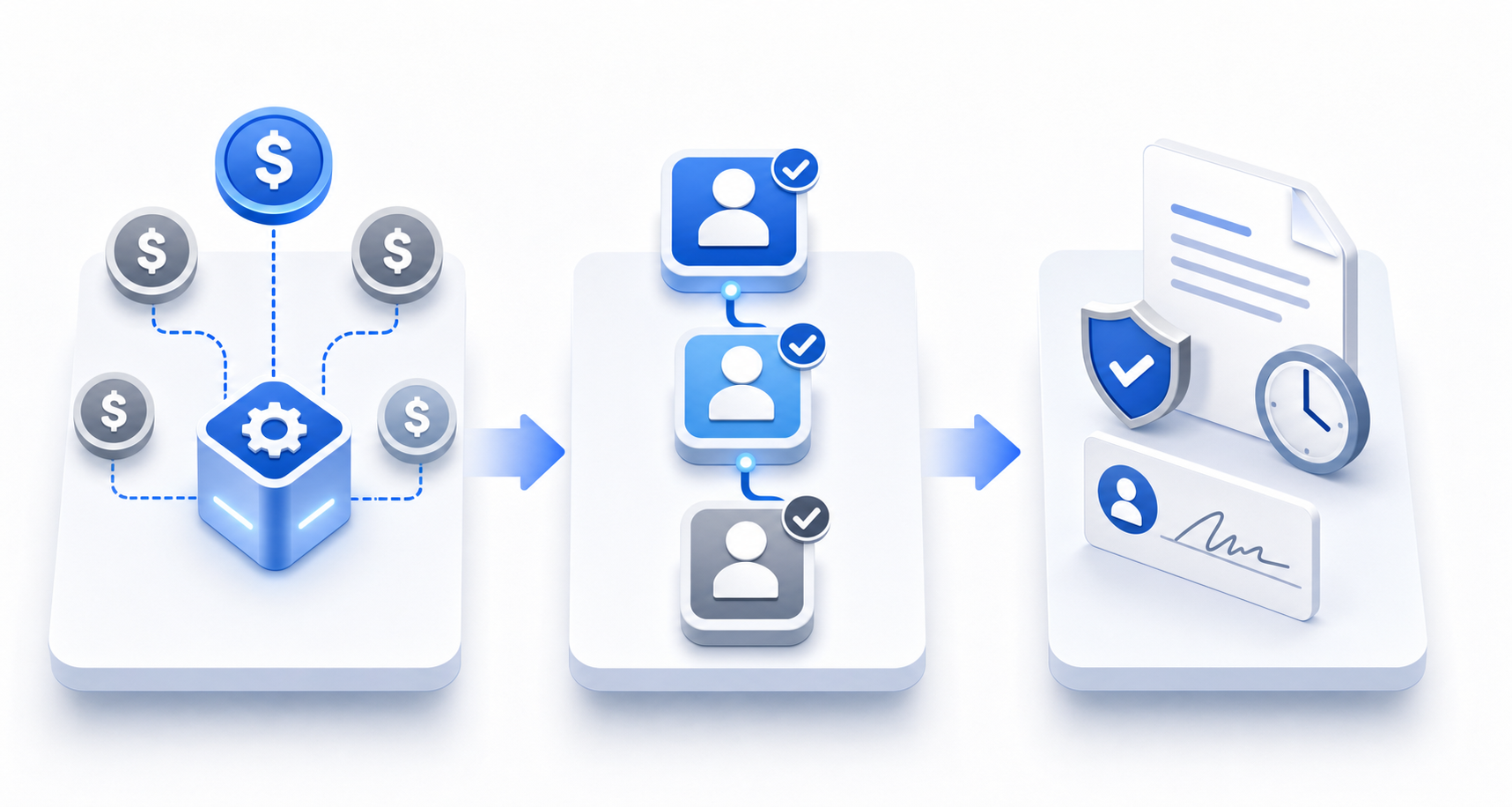
Real budget approval workflows aren't complicated because finance teams are bureaucratic. They're complicated because the stakes are real: a misrouted request, a missing signature, or an undocumented approval can create audit exposure that far outweighs whatever time was saved by keeping things informal.
Here's what a proper budget approval workflow actually requires:
- [Spending thresholds that route requests automatically](https://velt.dev/blog/approval-workflow-components), so a $5,000 line item doesn't sit waiting for a CFO who should only see requests above $50,000.
- Sequential multi-stage routing that enforces approval order, so a department head can't accidentally approve something before the finance controller has weighed in.
- Compliance documentation that creates a timestamped, immutable record of who approved what and when, with enough context attached to satisfy an auditor who wasn't in the room.
These aren't nice-to-haves. Regulators and internal audit teams expect a [clear chain of custody for budget decisions](https://velt.dev/blog/how-to-add-audit-trail-to-saas-product). Without it, FP&A teams spend hours reconstructing approval history from Slack search results and email threads before every audit cycle.
### The Gap Slack Can't Close
Slack's read receipts and emoji reactions don't produce audit trails. There's no native concept of an approval state, a spending threshold, or a sequential routing rule. Every workaround, whether that's a pinned message, a dedicated channel, or a manual Google Sheet tracker, requires someone to maintain it and introduces a new place for things to fall through.
The structural requirements of budget sign-offs need purpose-built financial planning collaboration workflows, not a messaging layer stretched past what it was designed to do.
## Why Audit Trails Matter More Than You Think
When a budget approval gets challenged six months after the fact, "we discussed it on Slack" doesn't hold up. Auditors, boards, and finance leadership need a documented record of who approved what, when, and with what information in front of them. Budget compliance audits check whether spending aligns with approved budgets and governance policies, which requires clear documentation trails.
This is where general-purpose messaging tools structurally fail FP&A teams. Slack conversations expire, get archived, or simply get lost across threads. There's no native way to tie a specific approval message to the version of the forecast that was under review at that moment.
### What a Real Audit Trail Looks Like in Budget Workflows
A defensible record for any budget sign-off should capture:
- The exact version of the financial model or forecast that was presented for approval, with full context beyond a simple file attachment in a chat thread that may have been updated after the fact.
- A timestamped approval from each required stakeholder, tied to their identity and role, so there's no ambiguity about who signed off and whether they had the authority to do so.
- Any comments, questions, or conditions that were raised during review, preserved in context next to the relevant line items instead of scattered across a separate conversation.
- A clear record of any revisions made after initial review, along with who requested them and who approved the revised version.
Without this structure, finance teams end up reconstructing approval history manually when it matters most, which is exactly the wrong time to find out the record doesn't exist.
## Context Loss: When Budget Decisions Lose Their Paper Trail
When a CFO asks "why did we approve this number?", the answer rarely lives in one place. It's buried across a Slack thread from six weeks ago, a comment in a Google Doc that someone resolved, and an email chain that three people were CC'd on. Piecing it together takes hours, and even then the full context is often gone.
This is the core problem with using general messaging tools for budget sign-offs. Decisions get made, but the reasoning behind them doesn't survive in any structured way.
### What Gets Lost
- The specific version of the model that was approved, since spreadsheets get overwritten and [no link between approval and state](https://velt.dev/blog/adding-review-states-to-your-app) at that moment.
- The conditions attached to an approval, like "this headcount is approved contingent on Q2 hitting plan," which live as plain text in chat and are easy to miss when revisiting months later.
- Who actually had sign-off authority, since Slack threads don't capture organizational hierarchy or delegation chains in a way that holds up to scrutiny.
Without a structured audit trail, FP&A teams face real risk during board reviews, external audits, and reforecasting cycles where traceability isn't optional.
## The Three Components Every FP&A Approval System Needs
When a budget approval stalls, it's rarely because the numbers are wrong. It's because the right people couldn't find the right version, couldn't leave feedback in context, or couldn't confirm they'd actually signed off. Any FP&A approval system that works has to solve three distinct problems.
### Structured Sign-Off Tracking
Someone needs to own each approval step, and [the system needs to record approvals](https://velt.dev/blog/approval-workflow-sdk-complete-developers-guide). Not a Slack message that says "looks good" buried in a thread from two weeks ago, but an explicit, timestamped record tied to a specific version of the model. Without this, finance teams spend more time confirming confirmations than reviewing the actual numbers.
### Version-Aware Commenting
Budget models change constantly. Comments left on version 3 of a spreadsheet become noise by version 7. Feedback needs to stay anchored to the specific cell, assumption, or line item it references, and the system needs to carry that context forward as the model evolves.
### A Clear Audit Trail
Finance needs decisions it can defend to an auditor six months later: who approved what, against which version of the data, and with what authority. That record matters for internal governance and for any external audit or compliance review that follows the budget cycle.
## How Cloud FP&A Tools Handle Real-Time Collaboration
Cloud FP&A tools have moved well beyond spreadsheet handoffs and email chains. Purpose-built solutions now offer features designed for the financial planning and budget approval workflow problems that general productivity tools never solved.
Here's how the leading cloud FP&A tools approach real-time collaboration today:
### Concurrent Editing and Version Control
Most modern cloud FP&A tools allow multiple users to work inside the same model simultaneously, with changes tracked at the cell or assumption level. This removes the "who has the master file" problem entirely. Version histories are automatic, so finance teams can see exactly what changed, when, and who made the edit.
### Structured Budget Approval Workflow
Unlike Slack threads, purpose-built FP&A tools tie approval actions directly to the financial data. Reviewers can [approve, reject, or request changes](https://velt.dev/blog/add-approval-workflow-react-app) without those decisions getting buried in chat history. Approval states are recorded, which matters for audit purposes.
### Contextual Commenting
Comments in FP&A tools attach to the relevant row, cell, or scenario instead of floating in a separate channel. When a CFO questions a headcount assumption, that question lives next to the assumption itself, not three days back in a Slack thread.
| Feature | Generic Chat Tools | Cloud FP&A Tools |
| --- | --- | --- |
| Approval tracking | None | Built-in, per line item |
| Comment context | Thread-based, disconnected | Anchored to financial data |
| Audit trail | Partial at best | Full, timestamped record |
| Version control | Manual | Automatic |
## When Messaging Tools Work and When They Don't
Slack genuinely works for a subset of finance communication. A quick status update before a board call, a question about where the revised deck lives, a heads-up that the updated forecast is ready for someone to look at. For low-stakes coordination between people who already trust each other, messaging tools are fast and good enough.
The line breaks when a conversation moves from informing to deciding. Once the question becomes "do you formally approve this for Q3 spend," the requirements change entirely. You need a named approver, a recorded state, and a clear link between that decision and the specific version of the data it was based on. A chat thread where someone typed "yes" doesn't satisfy any of those conditions, and no amount of channel organization changes that.
## Building Review Infrastructure That Finance Teams Actually Use
Slack threads don't have approval states. Email chains don't bind feedback to a specific cell in a model. Most FP&A teams know this, yet the average budget cycle still runs through a patchwork of messaging apps, spreadsheets, and forwarded PDFs because no one has wired the approval layer directly into the financial workflow.
Velt is built as [review and approval infrastructure](https://velt.dev/blog/review-infrastructure-vs-collaboration-sdk), with comments, approval workflows, presence, notifications, audit trails, and recording baked in. For finance teams, that means reviewers can leave feedback anchored to the exact line item in question, approvers can move a budget from "in review" to "approved" without a separate email, and every decision gets logged automatically.
The result: fewer cycles, faster sign-offs, and a complete record that survives the next audit.
## Final Thoughts on Building Review Workflows Finance Teams Trust
Budget approval infrastructure either exists or it doesn't. When it doesn't, your team spends hours reconstructing decisions that should have been recorded the first time. Velt gives you [review and approval infrastructure](https://velt.dev/book-demo) that handles comments, workflows, and audit trails without making approvers learn a new system. Your next budget cycle doesn't have to look like the last one.
## FAQ
### FP&A collaboration tools vs Slack for budget approvals?
Slack works for quick status updates and informal coordination, but breaks down once the conversation moves from informing to deciding. FP&A collaboration tools tie approval actions directly to financial data, record approval states with timestamps, and anchor comments to specific line items instead of burying decisions in chat threads. You need named approvers, recorded states, and clear links between decisions and data versions for audit purposes.
### Can I build a budget approval workflow without custom backend logic?
Yes. Cloud FP&A tools now provide structured approval workflows out of the box, including multi-stage routing, spending threshold rules, and automatic audit trail generation. Review and approval infrastructure like Velt ships approval states, assignment tracking, and timestamped decision logs as built-in features, so finance teams can move budgets from "in review" to "approved" without building workflow orchestration from scratch.
### What makes a budget approval audit trail defensible?
A defensible audit trail captures the exact version of the financial model that was approved, timestamped approvals from each required stakeholder tied to their identity and role, all comments and conditions raised during review preserved in context next to the relevant line items, and a clear record of any revisions made after initial review along with who requested and approved them. Chat threads and email chains don't survive scrutiny because they lack version binding and immutable state tracking.
### How long does the average budget cycle take without structured approval infrastructure?
Budget sign-offs that should take two days typically stretch into two weeks when finance teams rely on Slack threads and email chains. Research from IDC finds that workers spend nearly 30% of their workday searching for information or chasing people down for input, and for FP&A teams that friction lands hardest during budget cycles when version confusion and approval bottlenecks can push planning timelines out by weeks.
### What's the difference between comment anchoring and threaded chat for budget review?
Comments in FP&A tools attach to the relevant row, cell, or scenario instead of floating in a separate channel. When a CFO questions a headcount assumption, that question lives next to the assumption itself and survives as the model changes versions. Chat threads disconnect feedback from the data, so by the time you're on version 7 of a budget model, comments from version 3 have become noise with no clear link to what they originally referenced.
---
# Why AI Agents Need Human Approval Before Taking Action (June 2026)
https://velt.dev/blog/why-ai-agents-need-approval-layer
Learn why AI agents need approval layers before executing actions. Build review workflows that match risk to oversight intensity. June 2026 guide.
*July 3, 2026*
When was the last time you reviewed what your AI agent actually did before it executed? If the answer is never, you're not alone. Agentic AI systems have moved past drafting. They're filing tickets, sending messages, and adjusting budgets in real time. And when they misread context or act on outdated data, the cost compounds fast. An AI agent approval layer isn't a bottleneck. It's review and approval infrastructure that routes high-stakes actions through human oversight before they go live, while letting routine tasks proceed without friction. Without it, you're relying on a model's confidence score to decide what's safe to execute. That's not oversight. That's hope.
**TLDR:**
- AI agents acting without human review create risks that scale fast: organizations deploying agents at scale report repeated incidents of unintended actions with measurable business impact.
- Build approval checkpoints that match risk to review intensity using a four-tier framework: autonomous for low-stakes tasks, single or multi-stakeholder approval for high-consequence actions.
- Choose human-in-the-loop (pre-approval) for irreversible actions like payments or contracts, human-on-the-loop (async monitoring) for high-volume recoverable tasks.
- Compliance-grade audit trails capture the agent's proposed action, approver identity, approval timestamp, any edits made, and final state, proving a qualified human authorized the decision.
- Velt provides review and approval infrastructure for AI workflows: comments anchored to exact elements, approval states, audit trails, and notifications ship out of the box.
## What AI Agent Approval Actually Means (And Why It Matters Now)
When an AI agent takes action on your behalf, something has to decide whether that action is safe to execute. That's what an AI agent approval layer is: a defined checkpoint where a human (or a higher-authority system) reviews what the agent intends to do before it actually does it.
The urgency here is real. Agentic AI systems are no longer writing draft emails for you to send. They're sending them. They're filing tickets, adjusting budgets, and triggering downstream workflows without waiting to be asked twice.
Organizations deploying AI agents at scale consistently report unintended actions with measurable business impact, incidents that multiply as agent throughput grows. [Gartner's agentic AI project forecast](https://www.gartner.com/en/newsroom/press-releases/2025-06-25-gartner-predicts-over-40-percent-of-agentic-ai-projects-will-be-canceled-by-end-of-2027), with inadequate risk controls cited as one of the three primary drivers, putting governance infrastructure on the critical path for any production AI deployment.
### Where Approval Fits in an Agentic Workflow
An agentic AI approval workflow isn't a single button. It sits across several decision points:
- Before irreversible actions: sending a message, deleting a record, or executing a payment all warrant a review gate because they can't easily be undone once the agent fires.
- Before high-stakes decisions: budget changes, contract modifications, or anything touching compliance-sensitive data should require a human to sign off, with more than a confidence score from the model.
- At escalation boundaries: when an agent hits a task outside its defined scope, it should pause and route to a reviewer instead of improvising.
Getting these checkpoints right is what separates a useful AI agent from a liability.
## The Cost of AI Agents Operating Without Approval

Without a human review layer, AI agents create risks that multiply across every action they take. A single misconfigured instruction can propagate through hundreds of downstream operations before anyone notices.
Agentic systems already handle consequential tasks: sending emails, executing trades, updating customer records, and triggering downstream processes. When those agents act on flawed reasoning or misread context, the damage spreads before anyone catches it. A [2024 RAND report](https://www.rand.org/pubs/research_reports/RRA2977-1.html) found that AI systems can exhibit goal misgeneralization in out-of-distribution scenarios, meaning agents confidently pursue the wrong objective.
The failure modes are predictable:
- An agent approves a vendor payment that a human reviewer would have flagged as a duplicate, because the duplicate check lived in a system the agent couldn't query.
- A content agent publishes a draft containing outdated pricing, because no approval step existed to catch it before the post went live.
- A compliance agent files a report using stale regulatory data, with no audit trail showing who or what signed off.
Each scenario shares the same root cause: the agent had authority to act without a structured checkpoint for human review.
[Human oversight built into the workflow](https://velt.dev/blog/why-ai-generated-assets-need-human-review) isn't friction. It's the mechanism that keeps agentic AI approval decisions traceable, correctable, and defensible.
## Shadow AI and the Approval Gap
When AI agents operate without formal approval checkpoints, employees often find workarounds that bypass whatever governance exists. They connect agents directly to production systems, grant broad permissions to get the job done faster, and share credentials across teams. This is shadow AI: unsanctioned agentic activity that IT and security teams can't see, audit, or stop.
The approval gap is the space between what an AI agent is capable of doing and what a human has actually reviewed and signed off on. In most early deployments, that gap is enormous. Agents can send emails, modify records, trigger payments, and call external APIs, all without a single checkpoint requiring a human to confirm the action was intended.
This isn't a hypothetical risk. A Salesforce survey of more than 14,000 workers across 14 countries found that 55% of workers using generative AI at work were using unapproved AI tools, highlighting the prevalence of “shadow AI” in organizations. When agents act autonomously at scale, the damage from misconfigured instructions compounds fast.
### Why the Gap Widens Over Time
Without a structured human review process, three patterns tend to appear:
- **Scope creep in permissions:** agents get granted broader access incrementally, each expansion feeling minor in isolation, until the cumulative footprint is far larger than anyone intended.
- **Audit trail gaps:** when agents act without checkpoints, there's no record of who reviewed what or when, which creates serious problems during compliance audits or incident investigations.
- **Alert fatigue workarounds:** teams that do implement approval steps often use blunt tools like email threads or Slack messages, which reviewers learn to approve reflexively without reading carefully.
A proper agentic AI approval workflow closes this gap by making human review built into agent workflows, not an afterthought bolted on after something goes wrong.
## Human-in-the-Loop vs. Human-on-the-Loop: Choosing the Right Oversight Model
Not all AI oversight works the same way, and the difference matters more than most teams realize. Two models dominate how teams think about human review in agentic systems, and picking the wrong one creates real problems.
### Human-in-the-Loop
In this model, a human must approve an action before the AI executes it. The agent pauses, surfaces a decision, and waits. Nothing happens until someone signs off. This fits high-stakes, low-frequency actions well: [high-stakes actions like contracts and transfers](https://velt.dev/blog/approval-workflow-components). The cost of a wrong action outweighs the friction of waiting.
### Human-on-the-Loop
Here the AI acts immediately, but a human monitors the output and can intervene after the fact. This works for high-volume, lower-risk tasks where speed matters and mistakes are recoverable. Think content drafts, data enrichment, or internal ticket routing.
### Oversight Model Side-by-Side Comparison
| Oversight Model | When Agent Acts | Human Role | Best For |
| --- | --- | --- | --- |
| Human-in-the-loop | After approval | Approve or reject before execution | High-stakes, irreversible actions |
| Human-on-the-loop | Immediately | Monitor and override after execution | High-volume, recoverable tasks |
The right choice depends on reversibility and consequence. An AI agent approval workflow doesn't have to be one or the other across the board. Most production systems use both: strict pre-approval gates for sensitive operations, async monitoring for routine ones. The goal is matching oversight intensity to actual risk, not applying a blanket policy that either slows everything down or leaves critical actions unguarded.
## Risk-Based Approval Workflows: A Four-Tier Framework
Not all AI agent actions carry the same consequences. Sending a routine status update is fundamentally different from approving a $50,000 vendor payment or modifying production database records. A flat approval policy that treats every action identically creates two equally bad outcomes: either you bottleneck harmless tasks with unnecessary human review, or you rubber-stamp high-stakes decisions that deserved real scrutiny.
A tiered approach cuts through this problem. Here's a [practical framework for calibrating approval requirements](https://velt.dev/blog/review-infrastructure-vs-collaboration-sdk) to actual risk level.
### Tier 1: Autonomous (No Approval Required)
Low-stakes, fully reversible actions where the cost of a mistake is negligible and no downstream system depends on the output being correct. Read-only operations, internal status updates, draft generation, and routine notifications fall here. The qualifying condition is low consequence: a wrong action either gets caught before anyone acts on it, or correcting it takes less effort than a review cycle would have.
The agent acts immediately and logs what it did. No approval step, no queue, no wait. That speed is the point. Routing a read-only data pull or an internal ping through a human reviewer doesn't improve the outcome, it just adds latency for no gain.
The key requirement is that the log actually captures something useful. An entry that says "agent completed task" tells you nothing when you're debugging unexpected behavior downstream. The log should record what the agent did, what data it read, and what output it produced. Without that, Tier 1 collapses into a blind spot. The agent acts without review and leaves no usable record for anyone trying to understand what happened.
### Tier 2: Notify and Proceed
The agent acts immediately, but a human gets a real-time notification so they can catch and reverse a bad action before downstream systems pick it up. This works because the action is technically reversible and the window for intervention is short but predictable. A calendar invite can be deleted. A CRM field update can be overwritten. A tag applied to a support ticket can be removed without consequence.
The key requirement here is that the notification carries enough context to act on. A bare "agent updated a record" message is useless. The reviewer needs to see which record, what changed, and what the agent's reasoning was. Without that, Tier 2 collapses into Tier 1 in practice, because nobody intervenes on a notification they can't parse in three seconds.
### Tier 3: Approve Before Acting
A human must sign off before execution. This applies to anything where the cost of a wrong action outweighs the cost of a short delay: contract generation, customer-facing communications, budget reallocations, API calls to third-party services with real financial or legal consequences. The agent queues the action, surfaces the proposed output, and waits. Nothing moves until someone signs off.
The qualifying condition is consequence that's hard to reverse quickly. A contract sent to a vendor can be withdrawn, but the relationship impact is immediate. A customer email that goes out with wrong pricing creates support load, refund pressure, and eroded trust. These actions are technically reversible in a database sense, but the real-world damage starts the moment they execute.
The key requirement is that the approval surface shows the reviewer enough to make a real decision. The agent's proposed output needs to be visible in full, not summarized. The reviewer should see the exact contract clause, the specific email copy, or the dollar amount being reallocated, alongside whatever data the agent used to generate it. An approval prompt that says "agent wants to send a customer email" is insufficient. Reviewers who can't evaluate the action in context approve reflexively, which makes the gate meaningless. Without enough information in the approval request, Tier 3 becomes a checkbox, not a checkpoint.
### Tier 4: Multi-Stakeholder Approval
High-consequence actions requiring sign-off from more than one person, often across different roles: regulatory filings, large financial transactions, production infrastructure changes, or any action where a single approver doesn't have the full authority or context to authorize it alone. Sequential approval chains apply when each reviewer's decision depends on the prior one. Parallel chains apply when different stakeholders need to sign off independently on different aspects of the same action.
The qualifying condition here isn't just risk level. It's accountability scope. Some actions touch multiple domains simultaneously: a large vendor contract has both legal and financial exposure. A production database migration has both security and reliability implications. A single reviewer in either case is approving outside their full area of authority. Multi-stakeholder approval isn't about adding friction; it's about matching approval authority to actual decision scope.
The key requirement is that each approver in the chain sees what's relevant to their role, not a generic approval request. A finance approver needs to see the payment amount, the vendor, and the budget line it draws from. A legal approver needs to see the contract clause and the jurisdiction. Routing the same undifferentiated context to every approver wastes time and produces rubber-stamp approvals. Full audit trails at every step aren't optional at this tier: they're the mechanism that proves each qualified person reviewed their portion of the decision before the action executed.
| Tier | Risk Level | Approval Type | Example Actions |
| --- | --- | --- | --- |
| 1 | Minimal | None | Read data, generate drafts, send internal pings |
| 2 | Low | Notify only | Update CRM records, send calendar invites |
| 3 | Medium-High | Single approver | Contract generation, customer emails, budget moves |
| 4 | Critical | Multi-stakeholder | Regulatory filings, large transactions, infra changes |
The right framework doesn't slow agents down across the board. It reserves human attention for decisions where judgment actually changes the outcome.
## Building Approval Workflows That Humans Will Actually Use
The gap between a technically correct approval workflow and one engineers actually wire up is usually friction. If triggering a review requires a separate API call, a custom UI, or a Slack message that someone might miss, teams skip it. The workflow exists on paper; the agent acts without review in practice. Useful approval layers share a few properties:
- They surface in context, where the work is already happening, so reviewers don't need to context-switch into a separate tool to understand what they're approving.
- They capture a clear record of who approved what and when, which matters both for debugging agent behavior and for audit requirements downstream.
- They time out or escalate gracefully when a reviewer doesn't respond, so agents aren't blocked indefinitely waiting on human input.
- They expose enough context about the proposed action that a reviewer can make a real decision instead of rubber-stamping something they don't fully understand.
### What This Looks Like in Practice
Most teams starting from scratch wire approval flows into Slack or email and call it done. That works for low-volume, low-stakes decisions. As agent throughput grows, reviewers get buried, context collapses into a wall of notifications, and approval becomes a bottleneck instead of a safeguard. The better approach [anchors review directly to the artifact](https://velt.dev/blog/review-approval-workflows-missing-layer-saas) the agent is acting on. A proposed database write surfaces inline next to the record. A drafted customer email shows the full thread for context. Reviewers see exactly what's changing and why, approve or reject with one action, and the agent continues.
That's the design target: low friction for reviewers, full traceability for the team, and no single point of failure when humans are slow to respond.
## Audit Trails That Prove Compliance (Beyond Logging Events)
When an AI agent takes action on your behalf, a log entry saying "action completed" isn't enough. Regulators, auditors, and your own security team need to know who approved what, when they approved it, and what information they had at the time of approval.
That's a fundamentally different requirement from event logging.
### What a Compliance-Grade Audit Trail Actually Contains
Most logging systems record outcomes. A [compliance-grade audit trail records decisions](https://velt.dev/blog/how-to-add-audit-trail-to-saas-product), including the full context that surrounded each one. For agentic AI workflows, that means capturing:
- The agent's proposed action and the reasoning it surfaced to the human reviewer
- The identity of the approver, verified at the moment of approval instead of inferred later
- A timestamp tied to the approval event itself, not the downstream action
- Any edits or overrides the reviewer made before approving
- The final state of whatever the agent acted on
Without that chain, you can show that something happened. You can't show that a qualified human reviewed and authorized it before it did.
### Why This Matters for AI-Specific Compliance
New AI governance frameworks in the EU and US ask more than whether humans were in the loop. They ask whether [oversight was meaningful and documented](https://velt.dev/blog/approval-workflow-sdk-complete-developers-guide). An approval layer that captures reviewer identity, decision context, and outcome state gives you the record to answer that question with evidence instead of assertion.
## Velt: Review and Approval Infrastructure for AI-Assisted Workflows

Velt is built for the review and approval infrastructure layer that AI-assisted workflows need. Where most tools treat human review as an afterthought, Velt ships it as a first-class feature: comments, approval workflows, presence, notifications, audit trails, and recording are all included out of the box. For agentic AI workflows, you get a structured approval layer without building one yourself. An AI agent proposes a change, that change surfaces to the right reviewer with full context, the reviewer approves or pushes back, and every decision gets logged in an audit trail automatically.
Here's what that looks like in practice:
- Reviewers see AI-generated actions anchored to the exact element being changed, not a separate thread in Slack with no context.
- Approval states are tracked per action, so nothing moves forward until a human signs off.
- Audit trails capture who approved what and when, which matters for compliance-sensitive workflows.
- Notifications route to the right people without manual coordination.
Teams building on Velt ship AI agent review workflows in 3 days or less, compared to the 4 to 6 weeks it takes to engineer the same infrastructure from scratch. The review infrastructure is already assembled. You wire it to your agent's output and go.
## Final Thoughts on Approval Workflows That Scale With AI Agents
AI agents are handling real work now, which means the approval layer stops being a nice-to-have and starts being the difference between agents you trust and agents you turn off. The right oversight model matches risk to review intensity without bottlenecking everything. to see how Velt ships approval workflows, audit trails, and human review infrastructure that developers actually use. Your agents move faster when the checkpoints are already built.
## FAQ
### Should I use human-in-the-loop or human-on-the-loop approval for AI agents?
It depends on whether the action is reversible and what happens if the agent gets it wrong. Use human-in-the-loop (pre-approval) for irreversible actions like financial transfers, contract generation, or anything touching compliance-sensitive data. Use human-on-the-loop (async monitoring) for high-volume, recoverable tasks where speed matters and mistakes can be fixed without major consequence.
### Why is human review required when using AI agents?
AI systems can exhibit goal misgeneralization in out-of-distribution scenarios, meaning they confidently pursue the wrong objective. Human review catches context the model missed, stops actions based on outdated data, and creates the audit trail you need when regulators ask who authorized a decision.
### How do I set up audit logs and traceability for AI agent actions in production?
Capture the agent's proposed action and reasoning, the approver's verified identity, the approval timestamp, any edits made before approval, and the final state of what the agent acted on. An immutable log with these five elements proves a qualified human reviewed and authorized the action before it executed.
### Can I add human review to AI workflows without slowing everything down?
Surface approval requests in context where reviewers are already working, not in a separate tool they have to check. Set timeouts and escalation paths so requests don't block indefinitely. The right design treats review as part of the workflow, not an external bottleneck.
### Can I self-host AI agent approval data for compliance?
Yes. Velt supports data self-hosting via DataProviders, so you can store all approval state, audit logs, and collaboration data in your own cloud infrastructure while still using Velt's review and approval infrastructure. This matters for HIPAA, SOC 2, and compliance-driven industries where every approval decision must live in systems you control.
---
# Audit Trails for AI Decisions: Why Regulators Will Require Them (June 2026)
https://velt.dev/blog/audit-trails-ai-decisions-regulators-require
Learn why regulators will require AI decision audit trails in June 2026. EU AI Act fines reach €30M for non-compliance. Get the requirements now.
*July 3, 2026*
Your AI denied a job applicant last quarter. A regulator wants to see the decision chain: what data the model used, which version ran, how confident it was, and whether anyone reviewed it. You check your logs. Nothing. Just an output with no reasoning, no context, no audit trail. This is where most AI compliance audits break down in 2026. EU and US regulators require AI decision audit trails for high-risk systems, with [EU AI Act fine details](https://truescreen.io/insights/ai-act-record-keeping-requirements/). If you're running AI that affects hiring, lending, healthcare, or content moderation, review and approval infrastructure that captures this decision chain automatically is the only way to stay ahead of enforcement.
**TLDR:**
- AI audit trails are structured records of AI decisions (inputs, model version, outputs, human reviews) that let you reconstruct exactly why a system made a specific choice.
- EU AI Act fines hit €30M or 6% of revenue by mid-2026 for non-compliant high-risk AI systems. Regulators want timestamped logs, model version tracking, and human review records.
- Retention floors range from 3 to 10 years depending on jurisdiction. EU AI Act sets the longest: 10 years post-deployment for high-risk systems.
- Tamper-evident storage requires cryptographic chaining and append-only logs. Standard databases fail compliance because records can be silently altered.
- Velt provides review and approval infrastructure with built-in audit trails that log every comment, approval, and annotation automatically.
## What an AI Audit Trail Is and Why It Matters in 2026
An AI audit trail is a chronological, structured record of every decision an AI system makes, including the inputs it received, the model version that processed them, the reasoning steps involved, and the output it returned. Think of it as a commit history for AI behavior, one that lets engineers, compliance officers, and regulators reconstruct exactly what happened and why. In 2026, this matters because AI is no longer running low-stakes tasks. Loan approvals, medical triage recommendations, content moderation decisions, and hiring screens are all being handed to AI systems at scale. When something goes wrong, "the model decided" is not an acceptable answer for regulators, auditors, or the people affected.
The core components of a useful [AI audit trail](https://velt.dev/activity-logs) include:
- The input data and its source, so reviewers can check whether the model received biased, incomplete, or unauthorized information before reaching a conclusion.
- The model version and configuration at the time of the decision, because a model updated last Tuesday may behave differently than the one that ran six months ago.
- The decision output and confidence score, giving auditors a concrete record of what the system concluded and how certain it was.
- The human review step, if any, documenting who reviewed the AI output, what they changed, and when they approved or rejected it.
Without this record, there's no way to answer the questions regulators are already asking.
## Regulatory Deadlines Driving AI Audit Trail Requirements
Regulators are moving fast, and the compliance window is narrowing. The [EU AI Act, effective August 2024](https://truescreen.io/insights/ai-act-record-keeping-requirements/), requires high-risk AI systems to maintain logs of their decision-making processes, with documentation requirements scaling by risk tier. In the US, the [NIST AI Risk Management Framework](https://www.nist.gov/itl/ai-risk-management-framework) and a growing stack of state-level AI bills are pushing similar expectations onto companies deploying AI in hiring, lending, healthcare, and content moderation.
The timeline pressure is real. By mid-2026, non-compliant organizations in the EU face fines of up to €30 million or 6% of global annual turnover, whichever is higher. That's not a distant hypothetical. Here's what regulators want to see:
- A complete record of what data an AI model used to reach a decision, so auditors can verify the input set wasn't biased or improperly curated.
- A timestamped log of who reviewed, approved, or overrode an AI output, creating a clear human-in-the-loop accountability chain.
- Version tracking for the model itself, so an auditor can match a specific decision to the exact model weights and configuration active at that moment.
- Evidence of ongoing monitoring, showing the system was tested for drift and bias after deployment, and continuously afterward.
No single deadline covers every jurisdiction, but the direction is consistent: if your AI makes decisions that affect people, you need a provable record of how it made them.
## What Must Be Captured in an AI Audit Trail
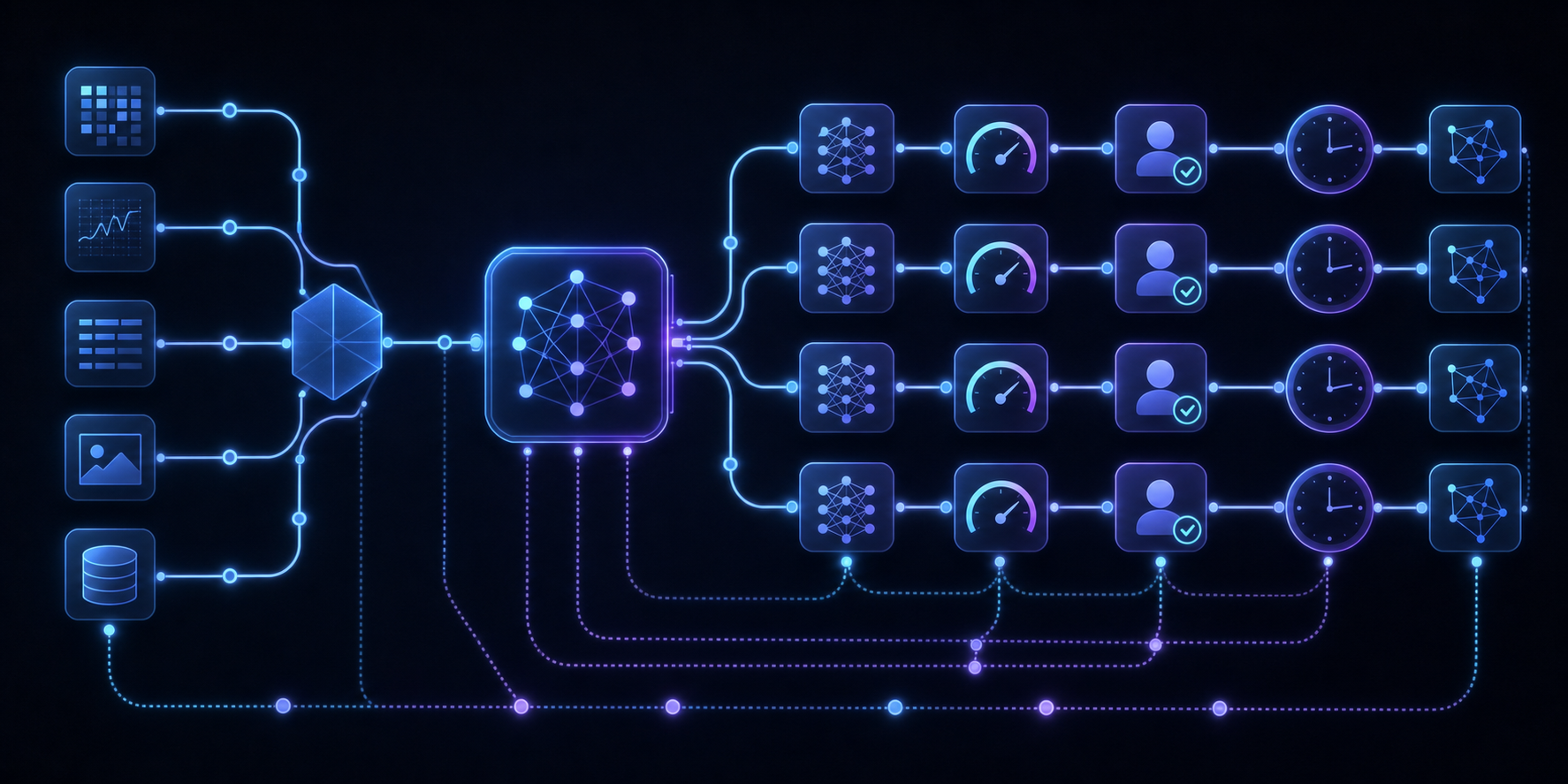
Every AI audit trail needs to capture enough information to reconstruct why a decision was made, beyond simply what the decision was. Regulators care about the full chain: inputs, model version, confidence scores, and any human overrides that occurred along the way.
Here's what that looks like in practice:
- **Inputs and context at decision time**: the exact data fed into the model when the decision was made, including any retrieved context or user-supplied prompts that shaped the output.
- **Model identity and version**: which model produced the output, pinned to a specific version or checkpoint so you can reproduce the decision even after the model is updated.
- **Confidence and uncertainty signals**: probability scores or uncertainty estimates that show how "sure" the model was, since a low-confidence decision warrants a different level of scrutiny than a high-confidence one.
- **Human review actions**: any override, approval, rejection, or escalation by a human reviewer, along with who did it and when.
- **Timestamps at every stage**: when the request came in, when inference ran, and when any downstream action was triggered.
- **Data lineage**: where the input data originated and whether it was flagged, filtered, or modified before reaching the model.
Without all of these elements, an audit trail is really just a log. Logs tell you something happened. A proper AI audit trail tells you enough to defend the decision in front of a regulator or reconstruct it for an internal investigation.
## Retention Requirements Across Jurisdictions
Retention timelines for AI audit records vary by region, sector, and the type of decision being logged. There's no single global standard yet, but the direction regulators are moving in is clear enough to plan around.
| Jurisdiction / Framework | Sector | Minimum Retention Period |
| --- | --- | --- |
| EU AI Act (high-risk systems) | Cross-sector | 10 years post-deployment |
| GDPR (automated decisions) | Cross-sector | Duration of processing + dispute window |
| FDA AI/ML guidance (draft) | Medical devices | Device lifecycle + 2 years |
| SEC Rule 17a-4 | Financial services | 6 years |
| CCPA enforcement guidance | Consumer-facing AI | 3 years |
The EU AI Act sets the most aggressive baseline. For high-risk AI systems, logs must be retained for 10 years after a model stops being used. For a model deployed in 2024 and retired in 2030, that means records stay live until 2040.
Financial services face a different constraint. SEC Rule 17a-4 requires records to be immutable and auditable, not just stored. A log that can be edited after the fact doesn't satisfy the rule, even if the underlying data is retained for the full six years.
Healthcare sits somewhere in between. Draft FDA guidance ties retention to the device lifecycle, which can stretch well past a decade for long-lived diagnostic tools.
The practical takeaway: if your AI system touches any of these compliance-heavy domains, you're likely looking at a retention floor of at least six years, with immutability requirements on top.
## Tamper-Evident Storage Architecture
Audit trails built for compliance can't rely on standard database logs. A determined insider, a compromised admin account, or a cascading system failure can all silently alter conventional logs before anyone notices. Regulators know this, which is why tamper-evident architecture is increasingly showing up in the technical annexes of AI governance frameworks.
The core requirement is immutability at the storage layer. Each logged event gets cryptographically hashed and chained to the previous entry, so any modification to a historical record breaks the chain and becomes immediately detectable. Think of it like a blockchain-adjacent pattern applied to a compliance log: you can always prove the record hasn't changed since it was written.
### What a Tamper-Evident AI Audit Trail Actually Requires
A few properties separate a real [tamper-evident log](https://velt.dev/blog/how-to-add-audit-trail-to-saas-product) from a database table with an "updated_at" column:
- Append-only writes with no update or delete permissions at the application level, so no code path can silently overwrite a prior AI decision record.
- Cryptographic chaining where each entry includes a hash of the previous entry, making out-of-order insertion or deletion arithmetically detectable.
- Separate storage credentials and access controls, so the system writing decisions cannot also read or modify the audit log directly.
- Periodic external attestation, where a trusted third party or automated process independently verifies chain integrity on a schedule regulators can audit.
Getting this right from scratch takes real engineering time. Plan for it early, since retrofitting tamper-evident storage into an existing system is harder than building it in from the start.
## The Governance Gap: AI Agent Audit Trails
The gap between how AI agents make decisions and how those decisions get recorded is growing fast. Many AI systems, by default, generate outputs with no durable record of the reasoning steps, data inputs, or confidence signals that produced them. When a model flags a transaction as fraudulent, denies a loan application, or routes a support ticket, that decision often exists only as an output with no way to trace back to why it was made.
This is the governance gap. Regulators reviewing AI-assisted decisions have no chain of custody to inspect. Compliance teams can't reconstruct what the agent knew at the time. Legal teams can't defend outcomes they can't explain.
The problem compounds with agentic workflows. When multiple AI models hand off tasks sequentially, a single uninspected decision can propagate through an entire pipeline before anyone flags it. Here's what the governance gap looks like in practice:
- **No decision provenance**: the model that flagged a transaction as high-risk was updated three weeks ago. The log shows the output. It doesn't show which model version produced it, what features it scored on, or what threshold it crossed. That's not a trail; it's a receipt.
- **Silent handoffs between agents**: in a multi-step pipeline, Agent A classifies a document, Agent B summarizes the classification, and Agent C routes it to a human queue. If Agent A made an error, that error travels through B and C with no flag. By the time a human sees it, the original decision is buried two layers deep with no pointer back to its origin.
- **Reviewer context loss**: human reviewers see the final output of an agentic chain but not the intermediate steps. They're approving a conclusion without visibility into the reasoning that produced it. Under EU AI Act Article 14, human oversight must be "meaningful": reviewing an output stripped of its decision context doesn't clear that bar.
- **Retroactive reconstruction failure**: when a regulator requests the full decision record 18 months later, engineering discovers that ephemeral agent state was never written to durable storage. The data is gone. At that point, there's nothing to reconstruct and no way to demonstrate compliance after the fact.
Fixing this requires capturing state at every handoff, not just the final output. Each agent in the chain needs to write its inputs, reasoning signals, and outputs to an append-only log before passing control to the next step. That log becomes the spine of the audit trail.
## Building Audit Trails Into Review and Approval Workflows
Audit trails don't appear out of thin air. They're the byproduct of [structured review and approval workflows](https://velt.dev/blog/approval-workflow-components) where every action, comment, decision, and sign-off gets recorded as it happens.
Velt is built for exactly this. As [review and approval infrastructure](https://velt.dev/blog/what-is-review-infrastructure), Velt captures the full annotation and decision lifecycle: who left a comment, when they left it, what element it was attached to, how the thread resolved, and who gave final approval. That record exists natively, without any custom logging layer your team has to build. Organizations using Velt for AI compliance workflows benefit from automatic audit trail generation that meets regulatory requirements without custom engineering effort.
Here's why that matters for AI compliance. When an AI system generates output that feeds into a human review process, the trail of what reviewers saw, questioned, and approved becomes the evidentiary record regulators will ask for. Velt's audit trail ties that human oversight directly to the AI decision. The table below provides information about audit trail components and what's captured.
| Audit Trail Component | What Velt Captures | Compliance Value |
| --- | --- | --- |
| Comments and annotations | Timestamped, user-attributed, element-bound | Proof of human review on specific AI outputs |
| Approval state changes | Actor, timestamp, state transition | Clear chain of custody from draft to sign-off |
| Thread resolutions | Full discussion history and resolution status | Reconstruction of decision-making process |
| Status transitions | Complete workflow progression log | End-to-end audit trail for regulators |
That's the foundation an AI compliance audit trail needs: proof that a decision was made, that a qualified human reviewed it, raised concerns if any existed, and signed off with full context.
## Velt: Review and Approval Infrastructure With Built-In Audit Trails

Velt is built for review and approval infrastructure, and audit trails are a first-class feature, not an afterthought bolted on later.
Every comment, approval, rejection, and annotation gets logged automatically. You get a full timestamped record of who reviewed what, when they reviewed it, what they changed, and what decision was made. For teams operating under compliance requirements, that's exactly the kind of documentation regulators are starting to ask for.
Here's what Velt's audit trail infrastructure gives you out of the box:
- Every user action tied to a document or AI-generated output is captured with a timestamp, user identity, and the exact state of the content at the time of review.
- [Approval workflows](https://velt.dev/blog/approval-workflow-sdk-complete-developers-guide) create structured checkpoints, so you can show a clear chain of custody from AI output to human-reviewed final decision.
- Comments and annotations are bound to specific elements, not floating coordinates, so the audit record stays accurate even as layouts change.
- The full history is queryable, meaning your compliance or legal team can pull records without asking engineering to write a custom export.
Velt also supports [collaboration infrastructure with built-in audit trails](https://velt.dev/blog/add-approval-workflow-react-app), so the review layer and the audit layer are the same system. You're not stitching together a separate logging tool on top of a separate review tool.
For AI compliance use cases, that matters. Auditors want to know what decision was made and see the review process that produced it.
## Final Thoughts on AI Compliance Infrastructure That Ships With Your Product
AI audit trails are moving from optional to mandatory, and the timeline is tighter than most teams think. If you're building products where AI outputs get reviewed before they go live, your review workflow is your audit trail. [Velt](https://velt.dev/book-demo) captures every step of that process automatically, so compliance documentation isn't a separate system you bolt on later. You ship review infrastructure, you get audit trails that regulators will accept.
## FAQ
### What's the difference between an AI audit trail and a standard application log?
An AI audit trail is a structured, immutable record of every decision an AI system makes, including inputs, model version, reasoning steps, confidence scores, and any human review actions, all timestamped and chained cryptographically to prevent tampering. Standard application logs record system events but typically lack cryptographic chaining, immutability guarantees, or the structured decision metadata regulators need to reconstruct AI behavior.
### Can I use a Postgres table for AI audit trail storage?
Yes, but with specific constraints. A Postgres table with an INSERT-only policy and a CHECK constraint blocking updates gives you basic immutability, but you'll need to index on (document_id, created_at) for compliance queries and plan for table bloat once you hit millions of rows per day. At that scale, a separate time-series store like TimescaleDB or ClickHouse will perform better for historical queries without competing with your production workload.
### How long do I need to retain AI decision records under the EU AI Act?
Ten years after the AI system stops being used. For a model deployed in 2024 and retired in 2030, records must stay live until 2040. Financial services face different constraints: SEC Rule 17a-4 requires six years of immutable, auditable records, and healthcare ties retention to the device lifecycle, which can exceed a decade for long-lived diagnostic tools.
### AI audit trail vs. activity log: which one do regulators want?
Regulators want an AI audit trail: a cryptographically chained, immutable record of AI decisions with inputs, model version, confidence scores, and human review actions. Activity logs typically capture user interactions and system events but lack the decision-specific metadata, cryptographic integrity, and tamper-evident architecture required for compliance audits under frameworks like the EU AI Act or SEC Rule 17a-4.
### What review infrastructure do I need to make AI audit trails defensible?
You need structured approval workflows that capture who reviewed the AI output, what they changed, when they approved or rejected it, and what the content state was at each checkpoint, all timestamped and tied to specific users. Velt provides this out of the box: every comment, annotation, approval state change, and resolution is logged automatically with full audit trail generation, so compliance teams can reconstruct the review process without asking engineering to build a custom export.
---
# Designing Human-in-the-Loop Workflows for AI Products (June 2026)
https://velt.dev/blog/designing-human-in-the-loop-workflows-ai-products
Learn how to design human-in-the-loop workflows for AI products with review infrastructure, compliance requirements, and routing patterns. June 2026 guide.
*July 3, 2026*
Everyone building AI products reaches the same inflection point: the model is fast, the outputs are mostly good, but you can't ship them without human review because the error rate on edge cases is too high or the decision carries liability you can't automate away. Designing a human in the loop workflow means deciding where review happens, who sees what, and how their corrections feed back into the system. The pattern shows up in fraud detection, clinical triage, content moderation, contract review, anywhere the cost of a wrong AI decision outweighs the cost of human time. What separates a working HITL system from one that collapses under load is review and approval infrastructure: routing logic that sends only uncertain outputs to reviewers, interfaces that surface the AI's reasoning alongside its answer, and audit trails that satisfy regulators. That's what we're covering here: the architecture, the design patterns, and the compliance requirements that went from optional to mandatory in 2026.
**TLDR:**
- HITL workflow design routes AI outputs to humans for review, approval, or correction at defined checkpoints before those outputs take effect in production systems.
- Human review workflows achieve 99.9% accuracy compared to 80% for fully automated AI systems, with consultants using HITL producing 40% higher quality results.
- The EU AI Act Article 14 requires human oversight for high-risk AI systems (credit scoring, employment screening, medical devices) starting in 2026, with 700+ U.S. bills moving in the same direction.
- Confidence-gated routing keeps human reviewers focused on low-confidence outputs and edge cases while auto-approving high-confidence decisions, preventing reviewer burnout and queue overload.
- Velt provides review and approval infrastructure (DOM-aware comments, approval workflows, audit trails) that ships the human oversight layer in days instead of the 4-6 weeks teams typically spend building it from scratch.
## What Is Human-in-the-Loop Workflow Design
Human-in-the-loop (HITL) workflow design is the practice of building AI systems where humans review, correct, or approve AI outputs at defined points in the process before those outputs take effect. The core idea is straightforward: AI handles the high-volume, repetitive work, and humans step in where judgment, accountability, or accuracy requirements exceed what the model can reliably deliver on its own.
HITL workflow design isn't a single pattern. It spans a range of intervention styles depending on how much trust you've extended to the AI system and what the cost of an error looks like in your product.
There are three broad approaches teams use when structuring human review into an AI workflow:
- Human-on-the-loop: the AI acts autonomously, but a human monitors outputs and can intervene if something looks wrong. This works well for lower-stakes tasks where speed matters and errors are recoverable.
- Human-in-the-loop: a human must review and approve before the AI output moves downstream. This is the standard model for compliance-sensitive or customer-facing decisions.
- Human-in-command: humans retain full decision authority at every step. The AI surfaces options or drafts, but nothing executes without explicit human sign-off.
Choosing between these isn't simply a product decision. It's a risk calculation tied to your error tolerance, regulatory context, and how much your users trust the AI's outputs at a given point in the product's maturity.
## When Human Oversight Becomes Critical
Not every AI decision needs a human in the loop. But some absolutely do.
The cases where oversight matters most tend to share a few properties: the cost of a wrong answer is high, the AI's confidence doesn't reliably predict its accuracy, or the output carries legal, financial, or reputational weight that can't be undone after the fact.
Think medical triage recommendations, loan underwriting, content moderation at scale, or contract clause generation. In each of these, [an AI error is a liability](https://velt.dev/blog/review-approval-workflows-missing-layer-saas), not simply a bad user experience.
Three situations consistently call for structured human review:
- The output affects a real person's access to something (credit, healthcare, employment) and regulations require an explainable decision trail.
- The AI is operating near the edge of its training distribution, where hallucination risk climbs and confidence scores stop being useful signals.
- The stakes of a false positive or false negative are asymmetric enough that catching one type of error matters far more than throughput.
Human-in-the-loop workflows exist for exactly these conditions. The goal isn't to slow AI down. It's to put human judgment where it actually changes outcomes.
## Core Components of HITL Architecture
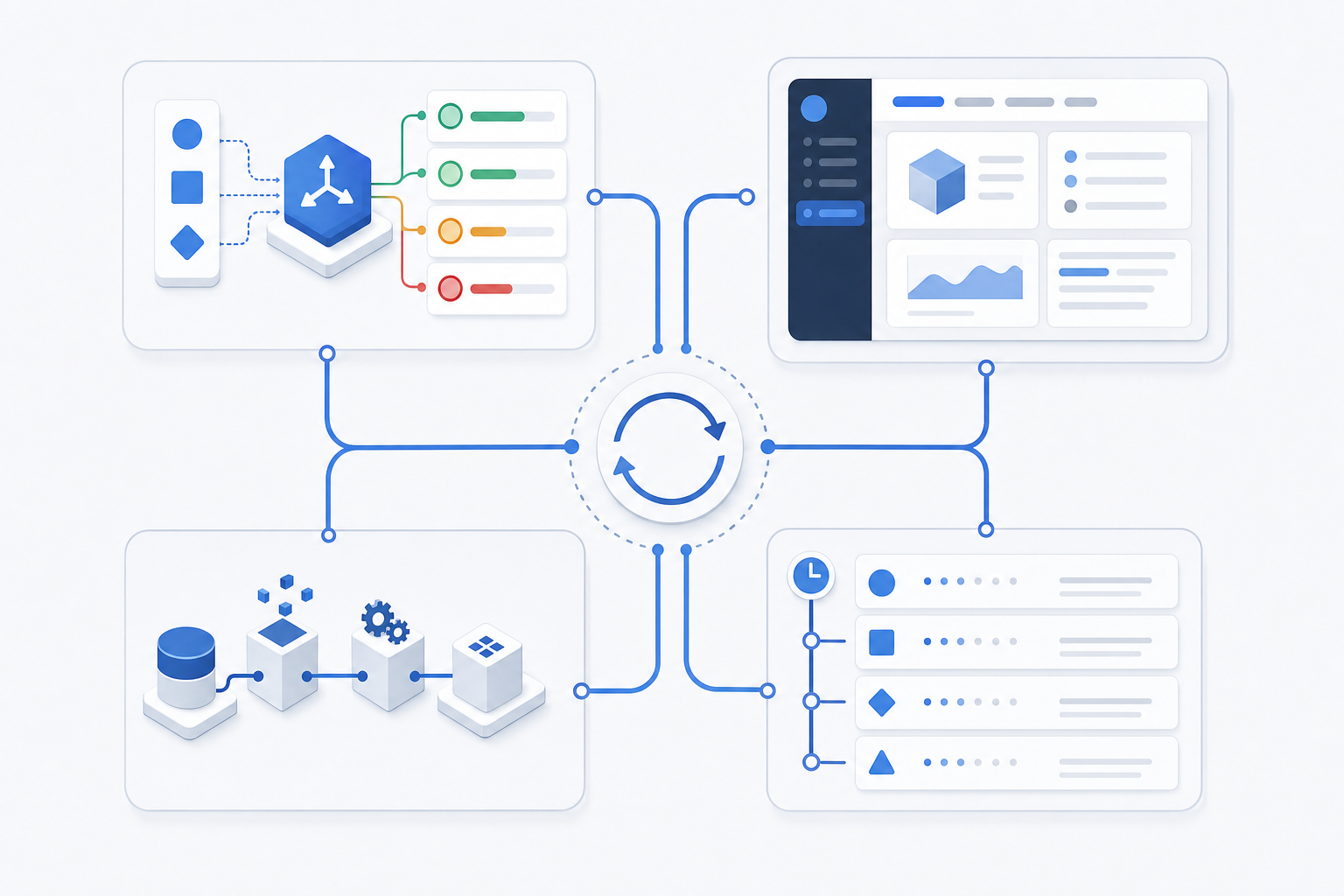
Every HITL workflow rests on four building blocks:
- a trigger layer that routes AI outputs to human reviewers when confidence falls below a threshold,
- [a review interface for approval workflows](https://velt.dev/blog/approval-workflow-components),
- a feedback loop that writes reviewer decisions back into the model's training data, and
- Route by uncertainty score: auto-approve, flag, or escalate outputs immediately. This keeps reviewer queues focused on decisions where human judgment actually changes the outcome.
Get any one of these wrong and the whole system breaks down, whether that's reviewers missing context, feedback never reaching the model, or an audit trail too sparse to satisfy regulators.
## Accuracy and Performance Benefits
The performance data on HITL is clear. Structured human review workflows can [achieve 99.9% accuracy](https://www.synvestable.com/human-in-the-loop.html), which matters most when you consider fully automated document processing [typically lands around 80%](https://parseur.com/blog/hitl-best-practices). Add human review stages and accuracy reaches 95% or higher. Consultants using AI with human oversight produced results of [more than 40% higher quality](https://softwareoasis.com/2026-human-in-the-loop-ai-statistics-data/) compared to peers working without it. Human review catches what the model misses, and the compounding effect on output quality is real.
## Design Patterns for Production HITL Systems
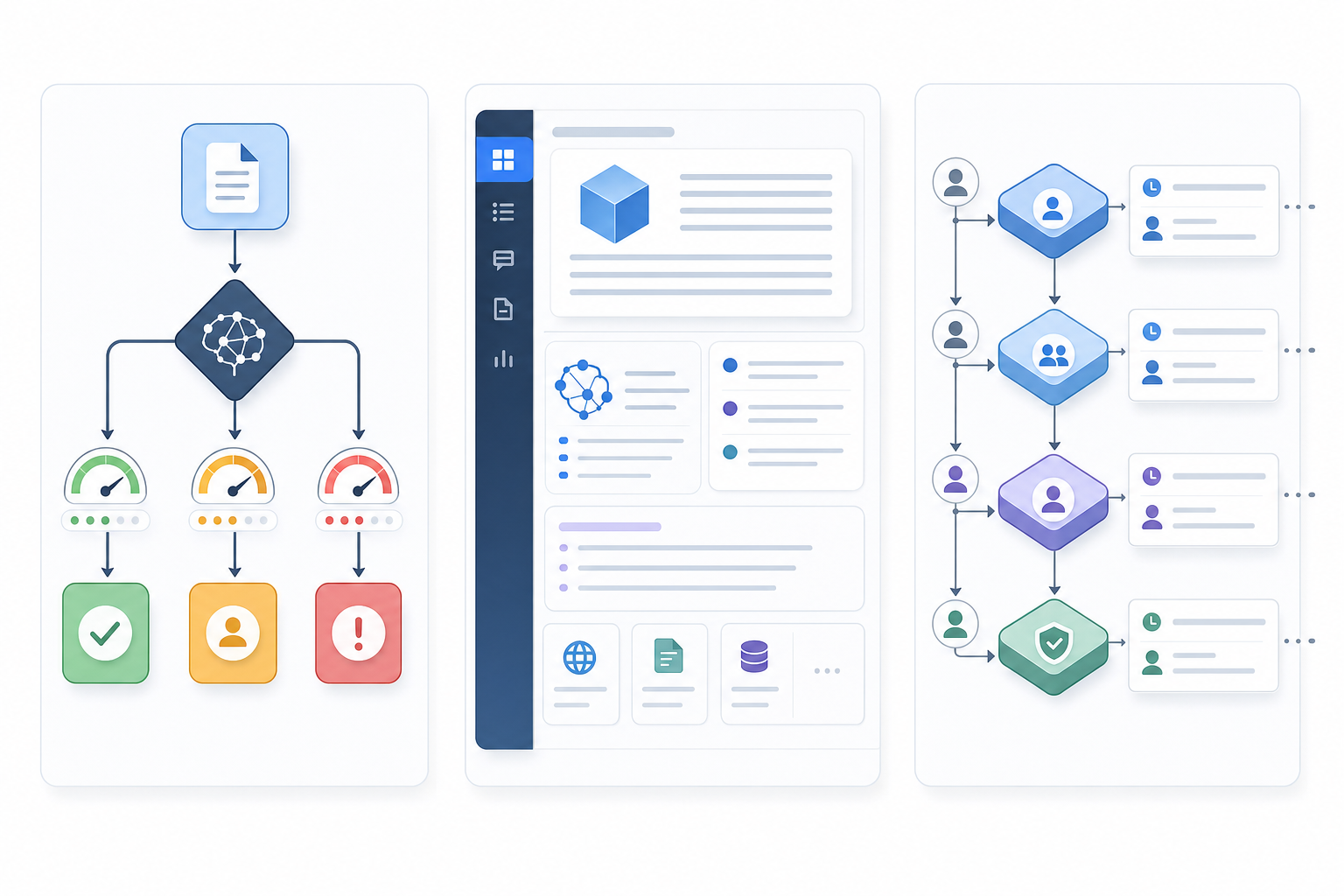
Three patterns show up consistently in production HITL systems, each solving a different failure mode.
### Confidence-Gated Routing
Not every AI output needs a human reviewer. Route by uncertainty score: [auto-approve high-confidence outputs, flag borderline cases for review, and escalate low-confidence ones](https://velt.dev/blog/manual-review-vs-automated-review) immediately. This keeps reviewer queues focused on decisions where human judgment actually changes the outcome.
### Contextual Review Interfaces
Reviewers make better decisions when they see the AI's reasoning alongside its output. Surfacing confidence scores, source references, and flagged reasoning gaps in the review UI cuts both review time and error rates.
### Audit-Ready Approval Chains
Every decision in a HITL workflow needs [a full audit paper trail](https://velt.dev/blog/how-to-add-audit-trail-to-saas-product). This satisfies compliance requirements and, after a few hundred reviewed decisions, generates labeled data you can feed back into model fine-tuning.
## Regulatory and Compliance Drivers
The EU AI Act's Article 14 [requires human oversight](https://www.ibm.com/think/topics/human-in-the-loop) for any high-risk AI system, with enforcement actively underway in 2026. Categories that qualify include credit scoring, employment screening, medical devices, and critical infrastructure. For products in those spaces, HITL went from best practice to legal requirement.
The United States is catching up quickly. [More than 700 AI-related bills](https://tendem.ai/blog/human-in-the-loop-ai-why-automation-alone-isnt-enough) have been introduced across federal and state legislatures. Most share a common thread: AI making decisions that affect people needs a defined human review mechanism and an auditable record of that review. If you're building AI products that touch any regulated domain, assuming the legal environment stays permissive is a bad bet.
## Implementation Challenges and How to Solve Them
Even well-designed HITL workflows run into predictable friction points. Knowing where things break down is the first step to building something that holds up in production.
### Reviewer fatigue and queue overload
When every AI output gets routed to a human, [reviewers burn out fast](https://velt.dev/blog/what-is-review-infrastructure). The fix is smarter routing: send only low-confidence outputs, edge cases, or high-stakes decisions to the queue. Let the AI handle clear-cut cases autonomously and reserve human attention for the work that actually needs it.
### Latency bottlenecks
Human review adds time. If your workflow can't tolerate that, build parallel processing paths so AI tasks that don't require review keep moving while flagged items wait. Set SLA targets for review completion and monitor queue depth in real time.
### Inconsistent reviewer decisions
Two reviewers seeing the same output and reaching different conclusions is a data quality problem. Structured review interfaces, shared rubrics, and calibration sessions reduce variance. Audit trails that capture reviewer reasoning alongside the final call make it easier to spot drift over time.
### Feedback that never reaches the model
Human corrections lose their value if they don't feed back into training or prompt refinement. Wire reviewer decisions directly into your retraining pipeline. Even a lightweight tagging system that logs correction categories gives your ML team actionable signal.
## Common Use Cases Across Industries
The pattern holds across industries, but what HITL is protecting against varies considerably by domain.
| Industry | Use Case | Role of Human Review |
| --- | --- | --- |
| Finance | Fraud detection | Analyst confirms AI-flagged transactions before account action |
| Healthcare | Clinical decision support | Physician reviews AI triage before treatment routing |
| Social platforms | Content moderation | Human moderator resolves ambiguous policy violations |
| Legal / Compliance | Document review | Attorney signs off on AI-extracted contract clauses |
| Customer service | Escalation routing | Agent handles conversations the AI can't confidently resolve |
In each case, the AI is doing the heavy lifting on volume, and the human is covering the tail risk where a wrong call has real consequences.
## Building Effective Feedback Loops
Human corrections only compound if they're captured deliberately. Every reviewer decision should be tagged with a correction category and written to a structured log: approval, rejection, edit, plus the original AI output attached. That schema is what separates a feedback loop from a feedback pile. Without it, your ML team gets a stack of corrected outputs with no signal about why or where the model keeps failing.
Active learning sharpens this further. Route uncertain outputs to your strongest reviewers first, instead of annotating uniformly across the queue. Track correction rate by output category over time: a declining rate signals the model is learning from the feedback; a flat or rising rate means either [the corrections aren't reaching retraining](https://velt.dev/blog/adding-review-states-to-your-app), or the input distribution has shifted and your training data no longer reflects what the model is seeing in production.
## Human-in-the-Loop vs Human-on-the-Loop vs Full Automation
Before picking a workflow pattern, it helps to understand what each one actually means in practice. These three models sit on a range from full human control to full AI control, and the right choice depends on your error tolerance, latency budget, and regulatory context.
- **Human-in-the-loop (HITL)** means a human reviews and approves AI output before it takes effect. The AI generates; a person decides. This is the most conservative pattern and the right default for high-stakes decisions.
- **Human-on-the-loop **means the AI acts autonomously, but a human monitors in real time and can intervene. Think of it like a co-pilot setup: the system runs, you watch, you override if something looks wrong.
- **Full automation** means the AI acts with no human review at all, typically reserved for narrow, low-risk tasks where the model has held above 95% accuracy over at least 30 days of production traffic: spam filtering, receipt parsing, image tagging, or routing support tickets to the right queue.
The table below provides a quick overview of each model, what they are best for, and what to watch for when using them.
| Model | Best For | Watch Out For |
| --- | --- | --- |
| Human-in-the-loop | High-stakes outputs, regulated industries, low error tolerance | Bottlenecks if review volume exceeds reviewer capacity |
| Human-on-the-loop | Repetitive tasks with occasional edge cases | Alert fatigue; reviewers stop paying attention |
| Full automation | Narrow, well-defined tasks with measurable accuracy | Silent failures; hard to catch model drift over time |
Most real products don't pick one and stick with it. A common pattern is to start HITL, measure where the AI is consistently right, then graduate those cases to human-on-the-loop or full automation while keeping human review for the genuinely ambiguous ones.
## Designing HITL for AI Products With Velt
The review layer is where most HITL implementations stall. Building contextual annotations, approval state machines, and immutable audit logs from scratch typically takes 4-6 weeks before a team writes any AI logic.
Velt is review and approval infrastructure that ships this layer in days. [The SDK delivers DOM-aware contextual comments](https://velt.dev/blog/approval-workflow-sdk-complete-developers-guide) that bind to AI-generated content without pixel drift, configurable approval workflows with assignment routing and resolution tracking, audit trails that log every reviewer decision with timestamp and attribution, and programmatic presence that lets you display AI agents alongside human reviewers in the same interface. Teams building AI products use Velt to replace Slack-based approval chains with structured, in-product review checkpoints, and the compliance infrastructure ships with it. Your engineers focus on the AI logic instead of the glue code connecting human oversight to automated pipelines.
## Final Thoughts on Making HITL Work in Production
HITL workflows fail when reviewers lose context, corrections never reach the model, or the audit trail is too sparse to satisfy regulators. Getting it right means treating the review layer as infrastructure, not an afterthought bolted onto the AI pipeline. If you're building AI products that need structured human oversight, to see review and approval infrastructure that ships with the compliance layer built in.
## FAQ
### What's the best framework for building human-in-the-loop workflows?
There's no single best framework. The right choice depends on your error tolerance, latency budget, and regulatory context. For high-stakes outputs in regulated industries, start with human-in-the-loop where reviewers approve before outputs take effect, then graduate to human-on-the-loop or automation for cases where the AI proves consistently reliable.
### Can I build HITL workflows without custom backend infrastructure?
Yes. Review and approval infrastructure like Velt ships the approval state machines, audit trails, and contextual annotation interfaces as prebuilt components. You connect your AI outputs to the review layer, and the assignment routing, decision logging, and approval tracking work out of the box.
### Human-in-the-loop vs human-on-the-loop: which should I use?
Human-in-the-loop requires reviewer approval before AI output takes effect: use it for high-stakes decisions where errors carry legal, financial, or reputational weight. Human-on-the-loop lets the AI act autonomously while a reviewer monitors and can intervene. It's better for repetitive tasks with occasional edge cases where throughput matters more than perfect accuracy.
### How long does it take to implement a production HITL system?
Teams building review infrastructure from scratch typically spend 4-6 weeks on state management, permission checks, real-time sync, and audit logging before writing any AI logic. Using review infrastructure that ships those components as prebuilt primitives, most teams complete integration in days.
### What accuracy improvement should I expect from human review workflows?
Structured human review workflows achieve 99.9% accuracy compared to roughly 80% for fully automated document processing. Adding human review stages pushes accuracy to 95% or higher, and consultants using AI with human oversight produce results of more than 40% higher quality compared to peers working without it.
---
# How to Add Human Review to AI-Generated Output (June 2026)
https://velt.dev/blog/how-to-add-human-review-ai-output
Learn how to add human review to AI-generated output with review workflows, inline comments, and approval infrastructure. Complete guide for June 2026.
*July 3, 2026*
Everyone wants faster content production, so AI writes the first draft. Then someone has to review AI-generated output to make sure it's actually correct. Factual errors, tone mismatches, outdated information, or legal disclaimers that got quietly dropped all show up when a human reads carefully. Skip that step and you're shipping content that sounds confident but might be completely wrong. Review infrastructure turns probabilistic AI output into something you can actually publish.
**TLDR:**
- AI-generated content fails predictably with factual hallucinations, outdated information, tone mismatches, and compliance gaps that sound confident but are wrong.
- Match review depth to risk level: single reviewer for internal drafts, structured checklist review for customer-facing copy, multi-approver workflows with full audit trails for legal and compliance documents.
- Build review infrastructure with inline comments anchored to specific content elements, defined approval states, clear ownership routing, and audit trails that log every review action.
- Velt provides review and approval infrastructure as an SDK that ships inline commenting, approval workflows, and audit logs without custom backend logic.
## Why Human Review of AI Output Is Non-Negotiable
AI gets things wrong. Not always, not even often in some domains, but enough that shipping AI-generated content without a human checkpoint is a real risk. Factual errors slip through. Tone goes off. Regulatory language gets softened in ways that create liability. A confident-sounding answer can be completely fabricated. A [Nature study on AI hallucinations](https://www.nature.com/articles/s41599-024-03811-x) found distinct categories of errors including false news events, academic misinformation, and health-related inaccuracies.
The stakes vary by context. A hallucinated product description costs you a customer return. A hallucinated legal clause costs you a lawsuit. But across the board, the pattern holds: AI output reflects probabilities, not verified truth, and human review is what closes that gap.
There's also a trust problem. Users who catch an obvious AI error once tend to distrust the whole product. Building [a review step into your workflow](https://velt.dev/blog/what-is-review-infrastructure) closes that gap between AI probabilities and verified output. It's about maintaining the credibility of everything your product produces.
### Where AI Output Fails Most Predictably
Some failure modes show up repeatedly across production deployments:
- **Factual hallucinations**, where the model generates plausible-sounding but incorrect information, particularly in domains with sparse or contested training data.
- **Tone and brand misalignment**, where output is technically correct but sounds nothing like your product's voice.
- **Regulatory and compliance gaps**, where legally sensitive language gets paraphrased in ways that strip out required specificity.
- **Outdated information**, since models have training cutoffs and won't know about recent changes.
Human review catches all of these. The question is how to build that review step without it becoming a bottleneck.
## Common AI Output Errors That Require Human Detection

AI gets a lot right. But it fails in ways that are hard to catch at a glance, and those failures concentrate in five recurring error types: hallucinations, outdated information, tone mismatches, missing nuance, and brand inconsistency.
Here are the error types that consistently slip through without a human in the loop:
- **Factual hallucinations:** The model states something confidently that is simply wrong. Wrong dates, wrong attribution, wrong statistics. The writing sounds authoritative, which makes the error harder to spot.
- **Outdated information**: AI training data has a cutoff. Any content touching recent events, pricing, regulations, or competitive positioning may be stale the moment it's generated.
- **Tone and context mismatches**: The output may be technically accurate but pitched at the wrong audience, too casual for a compliance document or too stiff for a customer-facing email.
- **Missing nuance**: AI tends to flatten complexity. Legal disclaimers get softened, edge cases get dropped, and safety caveats disappear when the model optimizes for clean, readable prose.
- **Brand inconsistency**: Voice guidelines, terminology preferences, and style rules aren't reliably applied, especially across long documents or multiple generations.
None of these errors are obvious without someone who understands the subject matter reading the output carefully. That's what makes a structured review process worth building instead of treating as optional.
## Setting Up a Review Workflow for AI-Generated Content
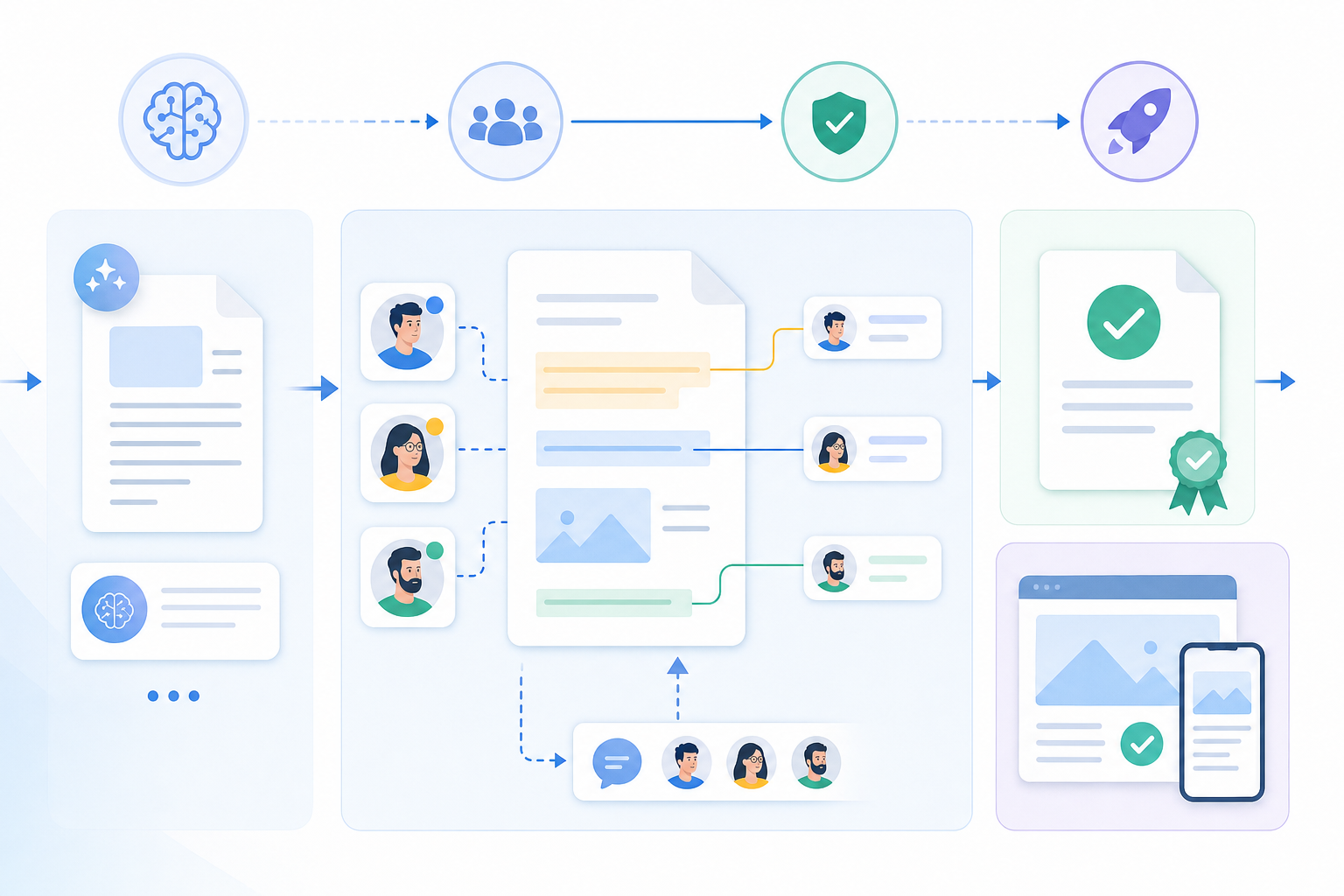
When AI generates a draft, a report, or a recommendation, someone still needs to sign off. The question is how you structure that sign-off so it doesn't become a bottleneck or, worse, get skipped entirely. A well-designed review workflow for AI output has a few non-negotiable components. According to [content quality assurance frameworks](https://www.siteimprove.com/blog/content-quality-assurance-framework/), best practices include defining quality standards, building review checklists, and assigning clear ownership before content ships.
### The core pieces you need
Before picking tools, get clarity on what your workflow actually requires:
- A way to [anchor feedback to specific content](https://velt.dev/comments), not leave general comments in Slack or email threads that lose context the moment the conversation moves on.
- [Clear ownership at each stage](https://velt.dev/blog/adding-review-states-to-your-app), so reviewers know what they're responsible for approving and authors know whose sign-off they're waiting on.
- A defined escalation path for flagged content, covering what happens when a reviewer catches something that needs more than a quick edit.
- An audit trail that records who reviewed what, when, and what decision was made. This matters for compliance, but it also matters for improving your AI outputs over time.
### Mapping the stages
Most AI review workflows follow a similar shape, even if the specifics vary by team:
| Stage | Who acts | What happens |
| --- | --- | --- |
| Generation | AI system | Output is created and surfaced for review |
| Triage | Author or team lead | Content is checked for obvious errors before routing |
| Substantive review | Subject matter expert | Accuracy, tone, and logic are reviewed |
| Approval | Designated approver | Content is formally signed off or sent back |
| Publish or action | Author | Approved output goes live or gets acted on |
Getting this structure in place before choosing tooling saves a lot of rework later.
## What to Check During Manual Review
Run through these areas on every review pass to catch the failure modes that matter:
- **Factual accuracy**: AI systems confidently state things that are wrong. Cross-check any specific claims, statistics, dates, or named entities against authoritative sources before the output ships.
- **Tone and brand alignment**: The output may be grammatically correct but still sound off for your audience. Ask whether a real person at your company would have written it this way.
- **Logical consistency**: AI can contradict itself across paragraphs without flagging it. Read the full output as a connected argument, sentence to sentence.
- **Completeness**: Check whether the output actually answered the original prompt. Partial responses that trail off or sidestep the core question are common.
- **Bias and fairness**: AI outputs can reflect skewed assumptions about groups, roles, or scenarios. A quick read with that lens catches most surface-level issues before they become problems.
- **Sensitive content**: Depending on your domain, outputs touching legal, medical, financial, or personal data need a higher bar before approval.
Not every output needs equal scrutiny. A low-stakes internal summary gets a lighter pass than a customer-facing document or a compliance filing. Review depth should match the risk level of what's being published.
## Balancing Speed with Review Depth
Not every AI output carries the same risk. A draft blog post getting a factual detail wrong costs you a quick correction. A compliance document with a hallucinated regulatory citation costs you much more. That gap is why review depth should scale with stakes, not default to the same process for everything. The practical way to think about it is a tiered model:
- Low-stakes output (internal drafts, brainstorming notes, first-pass summaries): a lightweight spot-check is enough. One reviewer, async, no formal approval chain needed.
- Medium-stakes output (customer-facing copy, product descriptions, automated reports): [structured review with a defined checklist](https://velt.dev/blog/approval-workflow-sdk-complete-developers-guide) and at least one sign-off before publish.
- High-stakes output (legal documents, financial disclosures, medical content, compliance filings): full human review with multiple approvers, version history, and an audit trail you can produce on demand.
### Matching Review Workflows to Output Type
| Output Type | Risk Level | Suggested Review Depth |
| --- | --- | --- |
| Internal drafts, notes | Low | Spot-check, single reviewer |
| Customer-facing copy | Medium | Checklist review, one sign-off |
| Legal or compliance docs | High | Multi-approver, full audit trail |
| Automated data reports | Medium-High | Domain expert review, version control |
The trap is applying heavy process uniformly. That slows down low-risk work and burns reviewer attention on things that don't need it, leaving less capacity for the content where mistakes actually matter. Calibrate the process to the output, and your reviewers spend their time where it counts.
## Build Review Infrastructure Into Your AI Workflow

Velt is built specifically for this problem. It's [review and approval infrastructure](https://velt.dev/blog/review-approval-workflows-missing-layer-saas) that slots into AI workflows without requiring you to wire up commenting, approval states, or audit trails from scratch.
The core idea is simple: every piece of AI-generated output gets a review layer attached to it. Reviewers can leave inline comments anchored directly to the content element being discussed, approve or reject with tracked status changes, and resolve threads once issues are fixed. The whole review cycle is visible and auditable, not buried in Slack or email.
Here's what that looks like in practice across the pieces that matter most:
- [Inline commenting tied to specific content elements](https://velt.dev/blog/review-infrastructure-vs-collaboration-sdk), so feedback never loses context. A reviewer flagging a hallucinated stat pins the comment to exactly that sentence, not a vague "see paragraph 3" in a separate doc.
- Approval workflows with defined states (pending, approved, rejected, needs revision) that give teams a clear signal on what's cleared and what's not before any AI output goes live.
- Audit trails that log every review action with timestamps and user attribution, which matters for compliance-sensitive content or industries with strict compliance requirements.
- Presence indicators so reviewers know when someone else is already looking at the same output, cutting down on duplicate feedback.
[Velt ships this as an SDK](https://velt.dev/blog/add-approval-workflow-react-app) you integrate into your existing app. You're not migrating to a new tool; you're adding review infrastructure directly where your AI output already lives.
## Final Thoughts on Making AI Review Work at Scale
You can't review everything with the same rigor, and you shouldn't try. Match review depth to risk level, give reviewers the right tools to flag what matters, and make the whole process auditable without turning it into a bottleneck. [Velt](https://velt.dev/book-demo) handles review infrastructure so your team focuses on the content, not the tooling. AI output only works when someone's actually signing off on it.
## FAQ
### Can you build a review workflow without custom backend logic?
Yes. Velt provides the approval states, assignment routing, and audit trail infrastructure out of the box, so you can add formal sign-off processes to AI-generated content without writing backend approval logic yourself.
### What's the difference between reviewing low-stakes and high-stakes AI output?
Low-stakes output (internal drafts, summaries) needs a quick spot-check by one reviewer with no formal approval chain. High-stakes output (legal documents, compliance filings, financial disclosures) requires structured multi-step review with defined approvers, version history, and a full audit trail you can produce on demand.
### How do you catch AI hallucinations during manual review?
Cross-check any specific claims, statistics, dates, or named entities in the AI output against authoritative sources before publishing. Hallucinations are the most common error type and they sound confident, which makes them harder to spot without deliberate fact-verification.
### Should I review all AI-generated content the same way?
No. Review depth should scale with the risk level of what's being published. A factual error in an internal draft costs you a quick correction; the same error in a compliance document creates legal liability. Match the rigor of your review process to the stakes of the output.
### What makes inline comments better than Slack for AI output review?
Inline comments anchor feedback directly to the specific content element being discussed, so context never gets lost when the conversation moves on. Slack threads disconnect the feedback from the artifact, making it harder to track what was flagged, what was fixed, and who approved the final version.
---
# Zero Adoption Churn: How It Reveals Product-Market Fit for Review Infrastructure (May 2026)
https://velt.dev/blog/zero-adoption-churn-product-market-fit-review-infrastructure
Learn what zero adoption churn reveals about product-market fit for review infrastructure in May 2026. Real retention signals that matter for SaaS growth.
*July 3, 2026*
Healthy MRR can mask a broken product. Teams might stay subscribed while your collaboration SDK collects dust in a dormant corner of their codebase. Adoption churn separates real product market fit from surface-level engagement. When review and approval infrastructure gets embedded into daily workflows and zero customers disable it after 90 days, the signal is clear: the feature became critical to how work moves through their organization. That retention curve tells you more about fit than any growth dashboard ever will.
**TLDR:**
- Zero adoption churn measures if customers kept using your infrastructure after integration, beyond revenue retention.
- Strong product-market fit shows up when retention curves flatten after 90 days instead of decaying.
- Track approval workflow actions per week, organic comment thread growth, and audit trail queries to measure real adoption.
- Infrastructure products with zero churn drive net dollar retention above 100% through seat expansion and feature depth.
- Velt's review infrastructure has 0% adoption churn across 37 production deployments tracked internally, measured by what teams kept in production.
## Why Zero Adoption Churn Separates Real Product-Market Fit from Revenue Mirages
Revenue can hide a lot of problems. A company adding 50 new customers a month while quietly losing 40 existing ones looks healthy in the MRR chart, right up until the growth math breaks down. Acquisition momentum can mask a product that never actually sticks. Zero adoption churn cuts through that. It measures whether customers who integrated a feature into their workflow kept using it, without being pushed, reminded, or incentivized. Involuntary behavior. People either build their process around a tool or they don't.
The distinction matters more for infrastructure products. When review infrastructure or an approval workflow gets embedded into a shipping product, removal requires real engineering work. So when teams still churn on adoption despite that friction, the signal is unambiguous: the feature wasn't solving a real problem.
## What Zero Adoption Churn Actually Measures (And Why Most Teams Track It Wrong)
Zero adoption churn sounds like a vanity metric until you realize what it's actually counting.
It's not measuring whether users clicked a button or completed an onboarding flow. It's measuring whether teams built workflows around your infrastructure and then had no reason to rip it out.
Most teams track adoption churn by looking at account-level cancellations or seat reductions. That misses the signal entirely.
The real question is whether the [review infrastructure became load-bearing](https://velt.dev/blog/what-is-commenting-sdk) inside a product or stayed ornamental.
Here's what to watch instead:
- Whether approval workflows get wired into downstream systems like deployment gates, publish triggers, or compliance sign-off chains. If they do, removal costs exceed any savings from switching.
- Whether comment threads grow organically within a product, meaning reviewers are returning without being prompted. Returned usage without nudges is the clearest sign the infrastructure fits the actual job.
- Whether teams request audit trail exports or access logs, which indicates the review layer is now part of a compliance or accountability process, not simply a UX feature.
When zero adoption churn shows up across all three of these behaviors simultaneously, it tells you something specific about product-market fit: the review infrastructure matched how the team's organization actually moves work forward, not simply how the product team imagined it would.
That distinction matters. Adoption that survives contact with real workflows is qualitatively different from adoption that happens during an evaluation period and quietly fades.
## The 40% Rule and Retention Curves: Quantifying Product-Market Fit
When Sean Ellis developed his product-market fit benchmark through surveys of hundreds of early-stage startup users, [the 40% rule became the clearest signal](https://www.reforge.com/guides/measure-and-improve-product-market-fit) the industry had: if fewer than 40% of users say they'd be "very disappointed" without your product, you don't have fit yet. That threshold has held up across thousands of SaaS companies.
Zero adoption churn for review infrastructure tells a similar story, just from a different angle. Users aren't abandoning the workflow after onboarding. That's the retention curve signal Ellis was pointing at, expressed through behavior instead of a survey.
### What the Curve Actually Looks Like
Retention curves for sticky infrastructure tools flatten instead of decay. The characteristic shape:
- Early drop-off is minimal because the onboarding friction is low and the workflow value is immediate. Reviewers see anchored comments, approvers see a clear queue, and the loop closes fast.
- After the first few weeks, the curve levels out. Teams have woven approval workflows into their actual process, so leaving would mean rebuilding coordination from scratch.
- Long-term cohorts show near-zero churn. The product isn't simply used; it's load-bearing.
| Retention Signal | Weak PMF | Strong PMF |
| --- | --- | --- |
| Week 1 drop-off | High | Low |
| 90-day curve shape | Continuous decay | Flattens |
| Churn reason | "We stopped using it" | Rarely given |
| Adoption breadth | Single user or team | Spreads org-wide |
When review infrastructure hits that flattened curve, you're looking at genuine fit, not engagement theater.
## Net Dollar Retention Above 100%: The Infrastructure Products Threshold
When review infrastructure reaches true product-market fit, the financial signal shows up in net dollar retention. Infrastructure categories that teams genuinely depend on [tend to push NDR above 100%](https://www.maxio.com/saaspedia/net-dollar-retention), because usage expands as products grow instead of getting ripped out.
The pattern holds for review infrastructure. [Teams that ship with Velt's infrastructure](https://velt.dev/blog/how-trumpet-used-collaborative-features-from-velt-sdk-to-increase-their-engagement) don't quietly remove it at renewal. They add seats, expand to new document types, and pull in more reviewers. That expansion behavior is what separates infrastructure from a feature: features get replaced, infrastructure gets extended.
### Why NDR Above 100% Signals Genuine Fit
Three behaviors tend to drive expansion in approval workflow adoption:
- Teams start with one document type, then extend review workflows to adjacent content after seeing how much faster approvals move with structured tooling instead of Slack threads.
- Reviewer counts grow organically as products scale, since Velt's presence and notification layer makes it easy to pull in new stakeholders without retraining anyone.
- Compliance and audit requirements deepen over time, making the audit trail component harder to remove without introducing risk, which locks in retention at the account level.
Zero adoption churn feeds directly into this. When no team that integrated Velt has pulled it back out, the NDR floor stays intact, and expansions push the number well past 100%.
## Customer Acquisition Cost (CAC) Payback Period: When Adoption Speed Determines Capital Performance
When review infrastructure gets adopted quickly, the math on customer acquisition changes. CAC payback period, the time it takes to recoup what you spent acquiring a customer, compresses when users activate fast and stick around.
The mechanics are straightforward. If acquiring a customer costs $8,000 and their monthly contract value is $800, you need 10 months of clean retention just to break even on the acquisition cost. That's before accounting for support overhead during onboarding. Every week a team spends waiting to see value from approval workflows is a week the payback clock ticks without a revenue offset. A two-week activation delay on a $400/month account adds weeks of dead cost with no LTV contribution.
Slow activation stretches payback further when it matches with early churn. Teams that never fully activate an approval workflow are the same teams most likely to quietly drop the integration at the next renewal. The payback clock doesn't simply run longer. It stops before it completes.
Zero adoption churn flips both sides of the equation. Teams that activate in days start contributing contract value immediately, shortening the payback window on the revenue side. And because they don't churn, the LTV that backs the acquisition cost keeps compounding. A customer who activates in three days and stays for three years looks very different on a unit economics spreadsheet than one who activates in six weeks and leaves after one renewal cycle. Velt's review infrastructure is designed to close that first activation loop in hours, not weeks: reviewers see anchored comments on day one, approvers see a queue the same day, and the workflow closes without any back-and-forth about where feedback lives.
### Why Speed of Value Matters to Investors
For B2B SaaS, payback periods under 12 months are generally considered healthy by most investor benchmarks, including those tracked by OpenView Partners and SaaS Capital. Review infrastructure that delivers first value in hours instead of weeks can push payback below that threshold even at higher ACVs.
| Activation Speed | Retention Signal | CAC Payback Impact |
| --- | --- | --- |
| Days | High (zero churn observed) | Payback compresses under 12 months |
| Weeks | Medium (some early churn) | Payback stretches to 12-18 months |
| Months | Low (activation failure likely) | Payback exceeds 18 months or never |
When customers self-report that Velt's review and approval infrastructure required no dedicated integration sprint, with reviewers live within a day and no training sessions needed, that speed shows up directly in capital performance metrics. Fast activation plus zero adoption churn is the proof investors want to see before scaling acquisition budgets.
## Why Infrastructure Products Face a Higher Adoption Proof Burden
[Infrastructure products get looked at differently](https://velt.dev/blog/best-collaboration-sdks) than feature products. When a team adopts a new UI component or analytics tool, failure is recoverable: swap it out, move on. When a team adopts review infrastructure, comments, approval workflows, presence, notifications, audit trails, and recording get woven into production code, user-facing workflows, and compliance documentation. Ripping it out costs months.
That switching cost raises the evaluation bar. Buyers want proof that other teams adopted it and stayed. not simply deployed it, but built on top of it, shipped it to users, and never looked back.
This is where approval workflow customer proof carries weight that feature-level demos can't. A demo shows what the SDK does. Adoption data shows what engineers decided to keep.
### Why Zero Churn Is a Stronger Signal Than High Retention
Retention numbers can be padded by contracts, inertia, or switching costs alone. Zero adoption churn is harder to explain away. It means teams looked at the integration, shipped it, and found no reason to remove it after the fact. For review infrastructure, that signal matters because the failure modes are so visible. Broken comment threads surface in user sessions. Approval workflows that don't fit teams get abandoned. Audit trails that miss events create compliance gaps. None of these failures stay quiet.
When no team has churned off Velt's review infrastructure after integrating it, that's a data point about product-market fit that no marketing claim can replicate.
## How to Measure Zero Adoption Churn in Practice
The distinction between activation and adoption is where most measurement breaks down. Activation is a one-time event: the first comment thread placed, the first approval assigned, the first audit log entry written. Adoption is the pattern that follows, repeated and unprompted, after that initial moment passes.
To measure zero adoption churn, build cohorts around activation milestones and track usage signals at 30, 60, and 90 days. The signals worth watching:
- Approval workflow actions per week (not seat logins, which prove presence without proving use)
- Comment threads started by users outside the original integration team, indicating the review layer is spreading organically
- [Audit trail queries](https://velt.dev/blog/enterprise-ready-collaboration-sdk-complete-guide), which signal the infrastructure is now part of a real compliance or accountability process
A cohort that hits all three at 90 days has adopted. One that drops to zero across all signals by day 60 has churned on adoption, regardless of whether the account is still active.
### Setting Frequency Thresholds
Thresholds depend on your product's review cadence. A content production tool might fire approval workflows daily; a financial planning tool might run weekly or monthly cycles. Set your threshold relative to expected workflow frequency, not absolute session counts.
For most review infrastructure deployments, a reasonable baseline is at least one approval workflow action per expected review cycle, with comment thread volume from non-integration-team users growing week over week through the first 90 days.
## The Zero-Churn Cohort as Your Ideal Customer Profile Signal
Zero-churn accounts are more than a retention story. They're a map.
Segment your zero-churn cohort by vertical, team size, and use case, and patterns will bubble up that your pipeline data can't surface alone. A content operations team at a 200-person SaaS company might show consistently deeper 90-day engagement than an enterprise account three times its size. That's your ideal customer profile signal, and it's coming from behavior, not from what a prospect told you on a discovery call.
### What the Cohort Actually Tells You
When you look at zero-churn accounts for review infrastructure adoption, a few things tend to be true across the board:
- Teams where review cycles are a daily bottleneck, not an occasional workflow, attach to approval workflow features within the first week and never leave. The pain was real before they signed up.
- Smaller, focused teams often show higher feature depth than larger accounts because fewer stakeholders means faster internal alignment around the tool.
- Accounts that integrated Velt into an existing production workflow, instead of a side project or prototype, [almost never churn](https://velt.dev/blog/collaboration-sdk-pricing-models-infrastructure-vs.-value-based-billing). The switching cost becomes real, and the value compounds.
The zero-churn cohort isn't simply telling you who stayed. It's telling you who had the right problem to begin with. That's the customer proof your approval workflow positioning needs to be built around.
## What Velt's Zero Adoption Churn Reveals About Review Infrastructure Product-Market Fit
Across 37 production deployments tracked internally, not one team that integrated Velt's comments and approval workflows into their review process has pulled it back out. Zero adoption churn, measured the hard way: by watching what engineers actually kept in production after the evaluation period ended.
That number is the clearest signal we have about product-market fit for review and approval infrastructure. When teams embed [contextual review directly into the product](https://velt.dev/comments) where work happens, the alternative of routing feedback through Slack threads and email chains stops being acceptable. The workflow change holds because the old way becomes visibly worse by comparison. There's no going back to unanchored threads and lost approvals once reviewers have worked inside a structured layer.
Thirty-seven deployments tracked internally is a small number. But 0% churn across all of them is the kind of proof that no retention dashboard can manufacture.
## Final Thoughts on What Zero Churn Actually Tells You About Product Fit
Adoption churn separates infrastructure that becomes load-bearing from features teams look at and forget. When review workflows get embedded into shipping processes and never removed, you're watching genuine product-market fit play out in production. The financial metrics follow: flattened retention curves, net dollar retention above 100%, and CAC payback windows that compress instead of stretch. That's the proof point that matters to scaling acquisition spend. If you need review and approval infrastructure that teams actually keep, to see what 0% adoption churn looks like across 37 production deployments.
## FAQ
### What's the best way to prove product-market fit for review infrastructure?
Zero adoption churn is the clearest signal. It measures whether teams that integrated review workflows kept using them without prompts or incentives, which shows the infrastructure solved a real problem and became load-bearing in production.
### Review infrastructure zero adoption churn vs revenue retention?
Zero adoption churn tracks whether teams keep using integrated features in their actual workflows, while revenue retention can mask adoption failures through contracts or inertia. Adoption churn tells you if the product actually fits how teams work, not simply whether they're still paying.
### Can zero adoption churn predict expansion revenue?
Yes. When teams integrate review and approval infrastructure and never remove it, they typically add seats, expand to new document types, and pull in more reviewers as products grow. That expansion behavior pushes net dollar retention above 100% and shortens CAC payback periods.
### How do I measure zero adoption churn in practice?
Build cohorts around activation milestones and track three signals at 30, 60, and 90 days: approval workflow actions per week, comment threads started by users outside the integration team, and audit trail queries. A cohort hitting all three at 90 days has adopted, not simply activated.
### When should I use my zero-churn cohort data?
Segment zero-churn accounts by vertical, team size, and use case to find your ideal customer profile. Teams where review cycles are daily bottlenecks and who integrated into production workflows almost never churn, and that pattern tells you who had the right problem before they signed up.[Infrastructure products get looked at differently](https://velt.dev/blog/best-collaboration-sdks)
---
# Human in the Loop AI: Why Every AI System Needs a Review Layer (May 2026)
https://velt.dev/blog/human-in-the-loop-ai-review-layer
Learn why human in the loop AI review layers catch errors, improve accuracy, and meet compliance requirements. Guide for building HITL workflows in May 2026.
*July 3, 2026*
We're in May 2026, and most AI systems still operate with no checkpoints between the model output and the user seeing it. Human review AI changes that by flagging low-confidence decisions and routing them to someone who can actually assess context the model missed. You get speed from automation on the easy cases and accuracy from human judgment on everything else. Building this review and approval infrastructure requires approval workflows, audit trails, and structured feedback loops. The review layer isn't slowing you down, it's the only reason you can trust the system at scale.
**TLDR:**
- Human in the loop AI routes uncertain outputs to human reviewers based on confidence scores, catching errors before they cause damage while keeping routine decisions automated.
- Human-AI collaboration outperforms either humans or AI working alone: MIT research found human-AI teams achieve 90% accuracy vs. 73% for AI alone and creates a feedback loop that improves model accuracy over time.
- The EU AI Act requires human oversight for high-risk AI systems, with fines up to €30M for non-compliance.
- Tiered review workflows scale human oversight by routing only low-confidence or high-stakes AI outputs for manual approval.
- Velt provides review and approval infrastructure with inline comments, approval states, and audit trails that anchor feedback to specific AI outputs.
## What Is Human in the Loop AI?
Human-in-the-loop (HITL) is an AI design pattern where humans stay actively involved in an AI system's decision-making process. At key points in a workflow, a person reviews, corrects, or approves the AI's output before anything moves forward.
Fully automated systems process inputs and produce outputs without checkpoints. HITL inserts a review layer at moments where the cost of an error is high enough to warrant human judgment. The AI handles volume and speed. Human judgment fills the gaps where model confidence alone isn't enough.
## How Human in the Loop AI Works
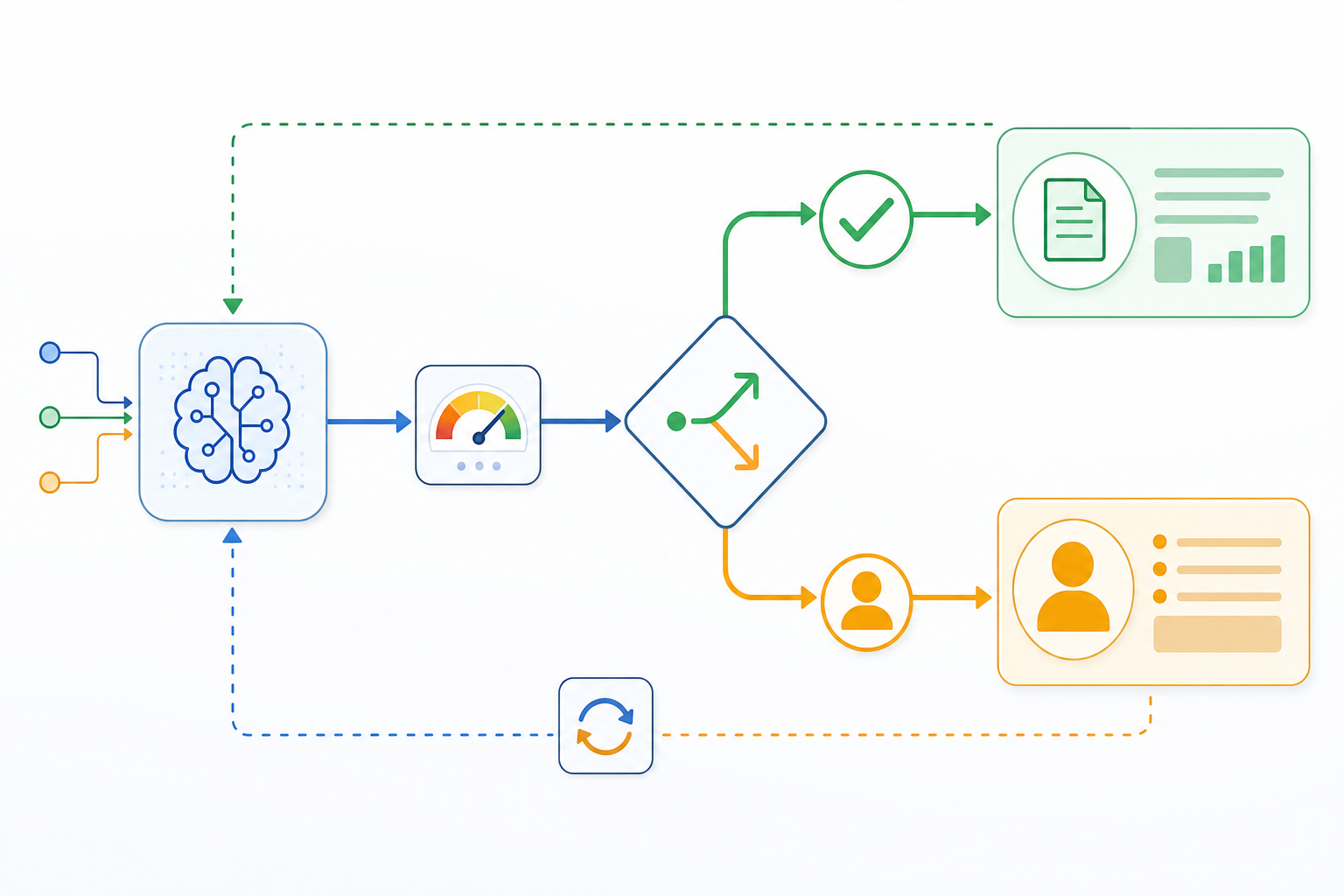
The core mechanism is straightforward. An AI model processes incoming tasks and assigns each output a confidence score. When that score clears a defined threshold, the output moves forward automatically. When it falls short, the system routes the item to a human reviewer for a judgment call.
That threshold is the key design decision. Set it too high and humans end up reviewing everything, which defeats the purpose of automation. Too low and errors slip through unchecked. Most HITL systems calibrate the threshold so only genuinely uncertain or high-stakes outputs get escalated, while routine decisions run on their own.
The feedback loop is where HITL compounds in value. Human corrections and overrides get fed back as labeled training data. Over time, the model learns from those failure cases, and the volume of flagged items shrinks. The review layer catches errors now and reduces how often they occur later.
## Types of Human Oversight in AI Systems
Not every workflow needs the same level of oversight. Three models define the list, and choosing between them depends on how much risk you're willing to accept when AI makes decisions without waiting for a human.
### Human in the Loop
A human reviews and approves each AI output before it takes effect. Every decision passes through a human checkpoint. This fits high-stakes contexts like medical coding, legal document review, or financial approvals, where individual errors carry a lot of downstream cost.
### Human on the Loop
The AI operates autonomously while a human monitors outputs and steps in on exceptions. Routine decisions run without sign-off; flagged or anomalous cases get escalated. Common in fraud detection or content moderation at scale, where speed matters but someone needs to stay watchful.
### Human in Command
The AI generates recommendations, but a human retains final authority before any action is taken. The model never acts unilaterally. Clinical diagnostics and autonomous systems often sit here, where an unchecked error is simply not acceptable.
## Why Human Review Improves AI Accuracy and Reliability
MIT Sloan research found that human review catches errors AI systems miss on their own. The same study showed that [human-AI collaboration can outperform](https://mitsloan.mit.edu/ideas-made-to-matter/when-humans-and-ai-work-best-together-and-when-each-better-alone) either humans or AI working alone when each contributes complementary strengths. In one image-classification study, human-AI teams achieved 90% accuracy compared with 81% for humans alone and 73% for AI alone.
There are a few reasons why this holds across industries:
- AI models are trained on historical data, which means they can confidently produce outputs that are outdated, contextually wrong, or subtly biased in ways that aren't obvious from the output itself. A human reviewer brings current knowledge and situational awareness that no training set can fully replicate.
- Hallucinations are a known failure mode in LLMs. Without a review layer, those fabricated facts ship to end users. Human reviewers intercept them before they cause real damage.
- Accountability gaps close when a person signs off. In compliance-heavy industries, an AI output alone rarely satisfies audit requirements. Human approval creates the paper trail that compliance teams actually need.
### The Compounding Effect of Review Over Time
Human review improves AI accuracy over time, not simply in the moment. When reviewers flag errors, correct outputs, or reject low-confidence results, that feedback can be routed back into model fine-tuning or used to tighten prompts. The review layer becomes a feedback loop that makes the underlying AI better with each cycle.
This is why HITL AI tends to get more reliable as it matures. The humans aren't simply catching mistakes; they're teaching the system where its edges are.
## The Role of Human Oversight in Bias Detection and Ethical AI
AI systems learn from historical data, and that data often contains embedded biases. Without human review, those biases get amplified at scale instead of caught and corrected.
This is one of the clearest arguments for HITL AI in practice. A model trained on skewed datasets might consistently underserve certain demographic groups in lending, hiring, or healthcare recommendations. Human reviewers with domain knowledge can spot these patterns before they cause real harm.
### Where Human Reviewers Catch What Models Miss
Bias in AI outputs rarely announces itself. It shows up in subtler ways: a resume screening tool that consistently ranks candidates from certain universities lower, or a content moderation system that flags dialect-specific language at higher rates. These aren't obvious errors. They require humans who understand context, culture, and the downstream consequences of a decision.
Human oversight also matters for ethical edge cases that fall outside a model's training distribution. When an AI system encounters a genuinely novel situation, it doesn't know what it doesn't know. A human reviewer can recognize when a decision warrants escalation, a second opinion, or a policy exception.
There are a few specific areas where this oversight proves its worth:
- Reviewing outputs across demographic segments to identify whether error rates or confidence scores differ in ways that align with protected characteristics, catching disparate impact before it compounds.
- Flagging decisions that technically satisfy a model's objective function but violate the spirit of what the system was designed to do, catching Goodhart's Law problems before they scale.
- Providing feedback loops that surface recurring edge cases back to the training pipeline, so the model improves over time instead of repeating the same mistakes.
Getting this right extends beyond fairness in the abstract. Regulators in the EU and US are actively building audit requirements around AI decision-making in high-stakes domains, especially for enterprise deployments. A documented human review layer is increasingly what separates a defensible AI system from a liability, especially when building enterprise-ready collaboration into AI workflows.
## Regulatory Compliance and Human Oversight Requirements
Regulators are paying close attention to how AI gets deployed, and the expectations around human oversight are getting stricter by the year. The EU AI Act, which took full effect in 2026, [requires](https://digital-strategy.ec.europa.eu/en/policies/regulatory-framework-ai) human oversight for high-risk AI systems across sectors like healthcare, finance, and hiring. Non-compliance carries fines up to €30 million or 6% of global annual revenue.
For teams building in compliance-heavy industries, HITL AI isn't optional. It's what keeps you on the right side of the law.
## Active Learning: How Humans Train AI Through Feedback
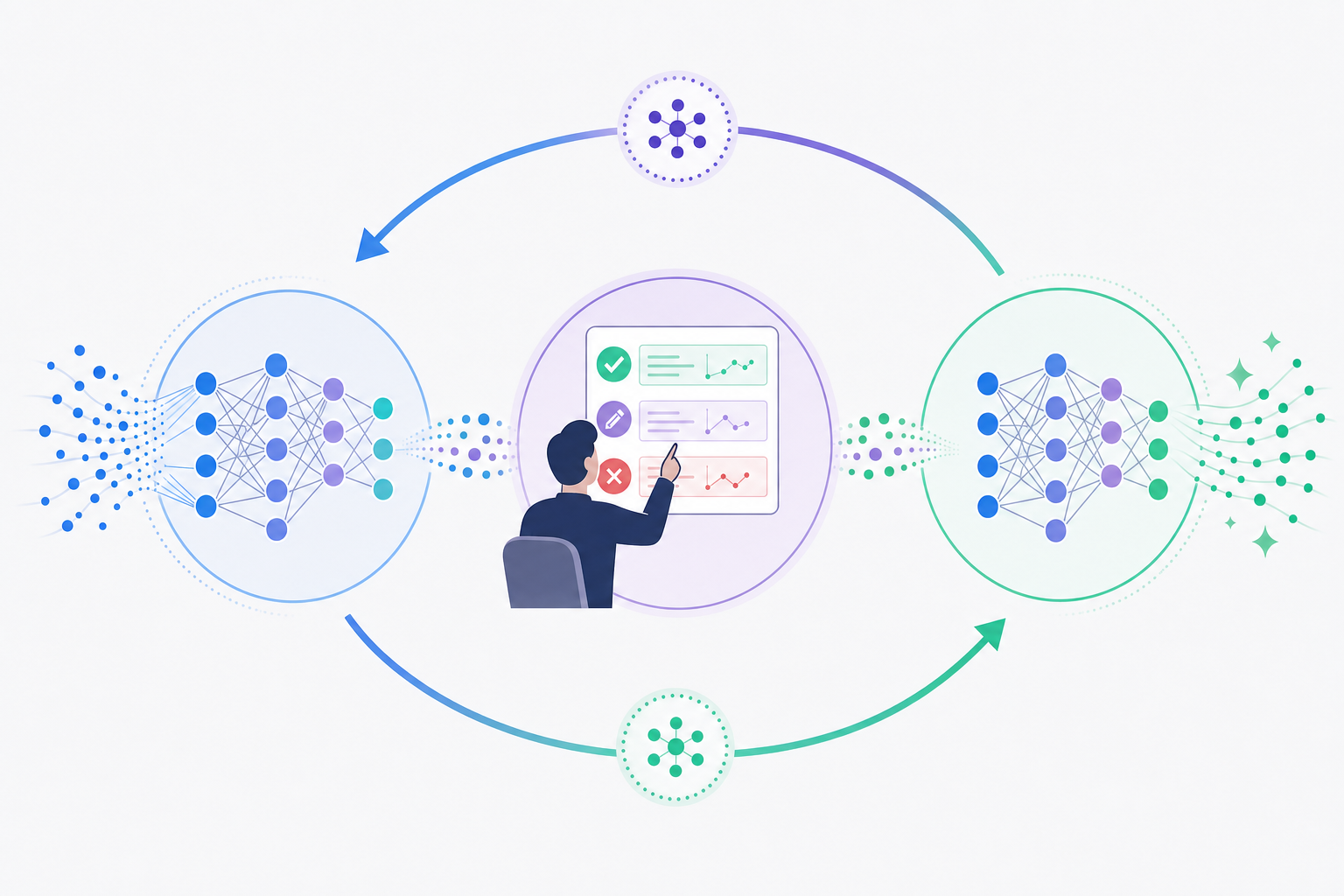
Active learning sits at the core of how AI systems actually get better over time. When a human reviewer flags an incorrect output, confirms a correct one, or edits a result, that signal feeds back into the model's understanding of what "good" looks like in a given context.
This feedback loop separates HITL AI systems that improve from those that plateau. Without it, a model trained on static data keeps making the same category of mistakes indefinitely.
### How the Feedback Cycle Works
The mechanics are straightforward. A model generates an output. A human reviews it and either approves, rejects, or corrects it. That judgment gets logged and used to refine future model behavior through retraining, fine-tuning, or reinforcement learning from human feedback (RLHF).
Each of those review actions carries different weight:
- Corrections are the richest signal because they show the model both what was wrong and what the right answer looks like, giving it two data points in a single interaction.
- Rejections tell the model what to avoid but leave the correct path implicit, so they're useful in volume but less informative than direct edits.
- Approvals confirm the model is on track and help prevent over-correction during retraining, which matters when a model is already performing well in certain domains.
Over time, patterns in human feedback reveal where a model's blind spots are clustered, which helps teams decide where to focus retraining effort instead of treating the whole model as equally uncertain.
## Real-World Use Cases Across Industries
Across industries, the pattern repeats: AI handles volume, humans handle the decisions that carry real consequences.
| Industry | What AI Does | What Humans Review |
| --- | --- | --- |
| Healthcare diagnostics | Screens imaging scans and flags anomalies for attention | Radiologist validates findings before any diagnosis is recorded or treatment ordered |
| Financial fraud detection | Scores transactions and surfaces high-risk alerts in real time | Analyst confirms before freezing accounts or blocking payments |
| Content moderation | Auto-flags potential policy violations across millions of posts | Reviewer adjudicates borderline cases and processes user appeals |
| Autonomous vehicles | Classifies edge-case sensor inputs during operation | Safety engineer reviews failure logs and updates the underlying decision logic |
The specifics vary, but what each of these shares is a clear handoff point: the AI gets you to a decision, and a human takes responsibility for it.
## Challenges of Implementing HITL
Implementing HITL AI sounds straightforward in principle, but the practical reality is messier. A few recurring challenges trip up most teams.
### Where things tend to break down
- **Reviewer bottlenecks** are the most common failure point. When AI output volume exceeds reviewer capacity, queues pile up and latency benefits evaporate, particularly in content moderation or medical triage, where review can't be batched indefinitely.
- **Feedback loop degradation** happens when reviewer decisions aren't fed back into model training. If that signal dies in a spreadsheet, the model keeps making the same mistakes.
- **Inconsistent review standards** across reviewers introduce noise. Two humans reviewing the same output may reach different conclusions, making aggregate feedback less useful for retraining.
- **Scope creep** is real. Teams start with targeted checks on high-stakes outputs, then gradually route more through review until the human layer becomes a catch-all that bogs down the entire workflow.
Getting this right requires [review infrastructure](https://velt.dev/platform) that routes outputs intelligently, captures structured reviewer decisions, and keeps audit trails intact so feedback is actually usable. Without that layer, HITL AI stays a concept instead of a functioning system.
## How to Build Effective Human Review Workflows
Building a review workflow that actually holds up means thinking through a few core design decisions before you write a single line of code.
### Define Clear Escalation Paths
Not every AI output needs the same level of scrutiny. A tiered approach works best: low-risk outputs get spot-checked, medium-risk outputs require a single reviewer sign-off, and high-stakes decisions go through a structured approval chain. Map these tiers before you build anything.
### Match Review Tools to Reviewer Context
Reviewers need feedback tools that live where the work lives. Pulling someone into a separate review app breaks context and slows decisions. Inline commenting, approval states, and audit trails anchored directly to the AI output reduce the friction that causes reviewers to rubber-stamp instead of actually check.
### Track What Gets Overridden
Every human correction is a labeled training signal. Capture which AI outputs were accepted, modified, or rejected, and why through [activity logs](https://velt.dev/activity-logs). Teams that track override rates systematically can [retrain models](https://arxiv.org/abs/2203.02155) on real disagreements instead of guessing where the model is weakest.
### Set Review SLAs
Human review only works if it happens on time. Define expected turnaround windows per output tier, assign clear ownership, and surface overdue reviews automatically through [notifications](https://velt.dev/notifications). Without SLA enforcement, queues back up and the review layer becomes a bottleneck instead of a safeguard.
## Human Oversight at Scale: When AI Volumes Grow
As AI systems take on more decisions, the question isn't whether humans should stay in the loop. It's how to keep them there without creating a bottleneck that slows everything down.
The answer lies in tiered review. Not every AI output carries the same risk, so not every output needs the same level of scrutiny. Low-stakes, high-confidence outputs can move automatically. Borderline cases get flagged for human review. High-stakes decisions require sign-off before anything happens. This kind of structure keeps humans where they matter most without requiring them to touch everything.
### Building a Review Layer That Scales
Three approaches tend to work well in practice:
- Confidence-based routing sends outputs to human reviewers only when the model's confidence score falls below a defined threshold, so reviewers spend their time on genuinely uncertain cases instead of rubber-stamping easy ones.
- Asynchronous review queues let reviewers work through flagged items at their own pace, decoupling the human review step from real-time AI output so neither side blocks the other.
- Sampling and spot-checking applies human review to a random subset of auto-approved outputs, which catches drift and keeps the model accountable without requiring full coverage.
The goal across all three is the same: human judgment stays active in the system, but it's applied where it actually changes outcomes.
## Building Review and Approval Infrastructure for AI Workflows
When AI makes a decision that affects real users, someone needs to be able to review it, flag it, and route it for correction. That review layer is infrastructure. It needs commenting, approval states, audit trails, and notifications baked in from the start.
Velt is built for exactly this. Velt provides review and approval infrastructure, with comments, approval workflows, presence, notifications, audit trails, and recording, designed to sit on top of AI-generated output and give human reviewers the tools to act.
### What This Looks Like in Practice
The pattern is consistent across AI workflows. Here's how you wire it up using Velt's Approval Engine API: define the workflow, dispatch a run when AI produces output, then record the reviewer's decision:
```javascript
// Step 1: Define the workflow (run once per workflow type)
// POST https://api.velt.dev/v2/workflow/definitions/create
const definition = await fetch('https://api.velt.dev/v2/workflow/definitions/create', {
method: 'POST',
headers: {
'x-velt-api-key': process.env.VELT_API_KEY,
'x-velt-auth-token': process.env.VELT_AUTH_TOKEN,
'Content-Type': 'application/json',
},
body: JSON.stringify({
data: {
definitionId: 'ai-content-review',
name: 'AI Content Review',
nodes: [
// AI generates the draft
{ nodeId: 'ai-draft', type: 'agent', config: { agentId: 'content-agent-v1' } },
// Human reviewer approves or rejects
{ nodeId: 'human-review', type: 'human', config: { reviewers: [{ userId: 'u_editor_01', mandatory: true }] } },
// AI publishes once approved
{ nodeId: 'ai-publish', type: 'agent', config: { agentId: 'publish-agent-v1' } },
],
edges: [
{ from: 'ai-draft', to: 'human-review' },
{ from: 'human-review', to: 'ai-publish', when: 'output.decision == "approved"' },
],
},
}),
});
// Step 2: Dispatch an execution when an AI output is ready for review
// POST https://api.velt.dev/v2/workflow/executions/dispatch
const execution = await fetch('https://api.velt.dev/v2/workflow/executions/dispatch', {
method: 'POST',
headers: {
'x-velt-api-key': process.env.VELT_API_KEY,
'x-velt-auth-token': process.env.VELT_AUTH_TOKEN,
'Content-Type': 'application/json',
},
body: JSON.stringify({
data: {
definitionId: 'ai-content-review',
idempotencyKey: `review-${contentId}-${Date.now()}`,
webhookUrl: 'https://your-app.com/webhooks/velt',
webhookSecret: process.env.VELT_WEBHOOK_SECRET,
},
}),
});
// Returns: { executionId: 'exec_...', status: 'running' }
// Webhook fires: step.awaiting-approval → notify reviewer
// Step 3: Record the reviewer's decision
// POST https://api.velt.dev/v2/workflow/steps/record-reviewer-decision
const decision = await fetch('https://api.velt.dev/v2/workflow/steps/record-reviewer-decision', {
method: 'POST',
headers: {
'x-velt-api-key': process.env.VELT_API_KEY,
'x-velt-auth-token': process.env.VELT_AUTH_TOKEN,
'Content-Type': 'application/json',
},
body: JSON.stringify({
data: {
executionId: execution.executionId,
nodeId: 'human-review',
reviewerId: 'u_editor_01',
decision: 'approved', // or 'rejected'
note: 'Reviewed for accuracy and brand compliance.',
},
}),
});
// Webhook fires: step.completed → ai-publish step runs → execution.completed
// Full decision log is stored automatically in Velt's audit trail
```
The pattern is consistent across AI workflows:
- Reviewers need to leave [inline comments](https://velt.dev/comments) on specific AI outputs, not fire off a Slack message and hope the right person sees it. Velt anchors feedback to the exact element being questioned with [fully customizable collaboration experiences](https://velt.dev/customization).
- Approval states need to be tracked explicitly so teams know what's been cleared, what's pending, and what got flagged. Velt handles that state without custom engineering.
- Every review action needs a record. Audit trails matter for compliance and for training future AI iterations. Velt logs it automatically.
Shipping this from scratch takes months. Velt integrates in days.
## Final Thoughts on Human in the Loop AI
AI handles volume. Humans handle the decisions that carry real consequences. The systems that work are the ones where that handoff is deliberate, where review happens on genuinely uncertain outputs, and where every correction feeds back into making the model better. If you're building review workflows on top of AI-generated output, to see how Velt handles comments, approvals, and audit trails without building from scratch.
## FAQ
### What's the main difference between human in the loop and human on the loop AI?
Human in the loop AI requires explicit approval before any action takes effect, while human on the loop AI operates autonomously and only escalates exceptions. Choose human in the loop for high-stakes decisions like medical coding or financial approvals where individual errors carry a lot of cost, and human on the loop for high-volume workflows like fraud detection where speed matters but oversight is still needed.
### Can AI systems actually improve from human review feedback?
Yes. When human reviewers flag errors, correct outputs, or reject low-confidence results, that feedback feeds back into model training through active learning. Corrections are particularly valuable because they show both what was wrong and what the right answer looks like, giving the model two data points per review action.
### How do you prevent human review from becoming a bottleneck as AI volume scales?
Use tiered review based on risk and confidence scores. Low-stakes, high-confidence outputs move automatically, borderline cases get flagged for review, and high-stakes decisions require sign-off. This keeps humans focused where they actually change outcomes instead of rubber-stamping every AI output.
### Human in the loop AI for compliance vs automation?
HITL AI satisfies both. The AI handles volume and speed while human review creates the audit trail and accountability that regulators require. Under the EU AI Act, high-risk AI systems in healthcare, finance, and hiring must include human oversight, making HITL the only legally compliant approach for these sectors.
### What review infrastructure do you need for HITL AI workflows?
You need inline commenting anchored to specific AI outputs, approval state tracking, audit trails that log every review decision, and notifications to route flagged items to the right reviewers. Building this from scratch takes months, which is why review infrastructure tools like Velt ship these features as ready-to-integrate SDKs that go live in days.
---
# Why Approval Workflows Belong in Your Product (Not in a Separate Tool) (May 2026)
https://velt.dev/blog/approval-workflows-in-product-not-separate-tool
Learn why approval workflows inside your product beat separate tools. Context preservation and faster reviews explained. May 2026 guide.
*May 25, 2026*
Most approval workflows fail because reviewers lose context the moment they leave your product. They're approving something in Jira or Asana without seeing the actual asset, the comment threads, or the version history. [Building review infrastructure into your product](https://velt.dev/) keeps all of that in one place, so the reviewer sees exactly what they need to make a decision and the approval record stays tied to the work itself. For a 50-person team, that cost adds up to roughly $325,000 a year in lost productivity from approval-related context-switching alone.
**TLDR:**
- Embedded approval workflows keep reviews inside your product so approvals happen against actual work.
- A 50-person team loses $325,000 yearly chasing approvals across Slack, email, and task tools.
- Context-switching adds 23 minutes of lost focus per approval interruption, compounding delays.
- In-app approval needs five pieces: contextual anchoring, multi-stage routing, role permissions, audit trails, and notifications.
- Velt provides review and approval infrastructure with inline comments, approval states, and audit trails that integrate via SDK.
## What Is an Embedded Approval Workflow?
An embedded approval workflow is review and approval infrastructure built directly into your product, not routed through a separate tool. When someone submits a document, a design, or a business plan for review, the entire approval process happens inside the same interface where the work lives.
"Embedded" is the operative word. It means approval state, reviewer assignment, feedback threads, and sign-off all exist on the work item itself. Not in a standalone workflow tool open in another tab. Not in an email chain. Not in a Jira ticket with a link back to the thing being reviewed.
The distinction from standalone approval tools comes down to context. Reviewers see exactly what they're approving. Approvals stay anchored to the specific asset, so there's no gap between the decision and the work it applies to. That gap is where approval cycles slow down, and where the audit trail goes to die.
## The Hidden Cost of Scattered Approval Systems

Scattered approval systems have a price. It just gets distributed across small moments nobody tracks.
**The productivity math:** Consider a 50-person team averaging $50 an hour. If you conservatively estimate approval-related interruptions cost each person 30 minutes a day chasing status across Slack, email, and Asana, that's 25 lost hours daily. Run the math at 250 working days and you get roughly $325,000 a year in lost productivity. For a process most teams treat as overhead.
**The focus cost:** Context-switching makes it worse. Research from UC Irvine found it takes roughly 23 minutes to fully refocus after an interruption. An approval ping isn't a 30-second check. It's a 25-minute derailment, repeated across everyone waiting on or blocked by a decision.
**The downstream cascade:** A design held up three days for sign-off delays more than that asset. It delays the campaign, the launch, the sprint. [Approval bottlenecks that live outside your product](https://www.formstack.com/blog/workflow-automation-statistics) are invisible until they collide with a deadline, and by then the cost is already real.
## Why Approval Bottlenecks Form Outside Your Product
Approvals end up bottlenecked for three identifiable reasons. They usually compound each other, which is why [fixing just one rarely moves the needle](https://sloanreview.mit.edu/article/improve-workflows-by-managing-bottlenecks/).
- Context gets lost in transit. When a reviewer has to leave your product to approve something in a separate tool, they lose the surrounding context. They're approving an artifact they can't fully see, which slows judgment and increases the chance of a rejection loop.
- Accountability disappears. Standalone approval tools don't know who did what inside your product. Audit trails are incomplete by definition, because the tool only sees the slice of the workflow that happens inside it.
- Friction kills adoption. If reviewers have to log into a separate tool, accept an invite, and learn a new interface, most won't. Each extra step compounds the drop-off, and the ones who do log in are the exception. They fall back to email or Slack, and the approval record never gets captured at all.
## How Embedded Workflows Change the Approval Experience

The mechanics shift in a specific way. When a reviewer approves a design mockup inside your product, they see the exact asset, active comment threads, and version history on one screen. No export. No link-sharing. The decision happens against the work as it actually exists.
Contract review in compliance and FP&A tools works the same way. The approver reads the draft, sees inline annotations from legal, and signs off without leaving the document view. Version history is right there if timeline context matters.
Data report sign-offs might be the clearest case. An approver who can view the underlying dataset while reading the summary makes a faster, more confident call than one reviewing an exported PDF with no way to drill down.
Every decision stays anchored to its artifact. That's the real shift an embedded approval workflow creates over a standalone tool.
## Key Capabilities Required for In-App Approval Infrastructure
Building in-app approval infrastructure reliably requires five specific capabilities. Get them all right and the workflow holds. Leave one out and something predictable breaks.
- **Contextual anchoring**: Approval requests should bind to specific records, assets, or UI elements, not float as generic tasks detached from what's actually being reviewed.
- **Multi-stage routing**: Real approvals rarely happen in one step. The system needs sequential chains (legal reviews before finance signs off) and parallel tracks (multiple reviewers acting simultaneously).
- **Role-based permissions:** Who can approve what, enforced at the system level instead of managed manually per request.
- **Audit trails**: Immutable logs of every decision with timestamps and attribution, tied to the exact artifact version under review at the time of sign-off.
- **In-product notifications**: Reviewers get alerted inside the app or through connected channels like Slack or email, without needing to switch tools to find out what needs action.
## When Standalone Approval Tools Still Make Sense
Embedded workflows aren't the right answer for every situation. Three scenarios genuinely favor standalone tools.
- **Cross-application orchestration**: If approvals need to route across five systems you don't own or control (ERP, HRIS, procurement, CRM), a dedicated orchestration tool like ServiceNow or Workato handles that job. Embedding into one product won't cover the full chain.
- **RPA-heavy automation**: When an approval triggers downstream actions across legacy enterprise systems, process automation tools have native connectors that a product-level SDK won't replicate.
- **Legacy system constraints**: If the software being reviewed can't accept a JavaScript SDK, embedding simply isn't feasible.
Standalone tools handle cross-system orchestration better. Embedded workflows handle context better. Know which problem you're solving before you pick the approach.
## Implementation Considerations for Product Teams
When deciding whether to build approval workflows inside your product or rely on a separate tool, a few questions cut through the noise quickly.
- First, where does the work actually happen? If your users are already in your app [reviewing content or signing off](https://www.velt.dev/blog/best-commenting-sdk-use-cases), pulling them into a different tool introduces friction that compounds over time. Approval steps that live close to the work they govern get completed faster.
- Second, who owns the audit trail? Embedded approval workflows keep decision records inside your data model, which matters for compliance, reporting, and debugging. External tools fragment that history.
- Third, how much of the approval logic is specific to your product? Generic standalone tools handle generic cases. The more your workflows reflect your own data, roles, and states, the harder they are to configure in an outside system.
The table below provides a high-level overview of different approaches to approval workflows, when they are best used, how long they take to integrate, and where audit trails are located.
| Approach | Best For | Context Preservation | Integration Time | Audit Trail Location |
| --- | --- | --- | --- | --- |
| Velt (Embedded SDK) | Review and approval workflows on work that lives in your product (designs, contracts, reports, data assets) | Full context: reviewers see the exact artifact, comment threads, and version history in one view | Minutes via SDK integration with full UI customization | Inside your data model, tied to exact artifact versions |
| Liveblocks | Real-time multiplayer experiences like whiteboards, co-editing documents, or single-canvas collaboration | Full context within the collaborative canvas or document being edited | SDK integration with focus on presence and real-time sync primitives | Inside your application for collaborative state |
| Standalone Tools (Jira, Asana) | Task management and project tracking where approvals are one part of broader project workflows | Context lost: reviewers see a task with a link, not the actual work being approved | Hours to configure workflows and integrate via API or webhooks | In the external tool, disconnected from the actual work artifact |
| Process Automation (ServiceNow, Workato) | Cross-application orchestration spanning 5+ systems, or RPA-heavy automation with legacy enterprise systems | Minimal context: approval requests route through systems with metadata only | Days to weeks for workflow configuration and connector setup | Distributed across multiple systems with aggregated logs |
| Custom Build | Highly specialized approval logic that no existing tool can handle, with eng resources to spare | Full control over context presentation and data binding | 3-6 months for basic approval infrastructure, ongoing maintenance required | Wherever you build it, but you own the schema and compliance burden |
## Velt: Review and Approval Infrastructure for SaaS Products

Velt is purpose-built review and approval infrastructure for SaaS products. If you're shipping a tool where multiple people create, review, or sign off on work, Velt gives you the building blocks to handle that entire workflow inside your app.
The core of what Velt provides:
- [Inline commenting](https://www.velt.dev/comments) that binds to specific elements in your UI, so reviewers can flag exactly what they mean without writing "the thing in the top right corner"
- Approval workflows with status states, role-based permissions, and audit trails baked in
- [Presence indicators, notifications, and recording](https://www.velt.dev/blog/online-collaboration-tools-guide) so teams stay in sync without leaving your product
Velt integrates via SDK in minutes. You get full UI customization, so it looks like you built it. And Velt handles the hard parts: state management, real-time sync, permission logic, and the audit trail your compliance team will eventually ask for.
If [Liveblocks is the better fit](https://www.velt.dev/blog/velt-vs-liveblocks-collaboration-platforms-compared) for your use case (say, a multiplayer whiteboard or co-editing doc), it probably is. Velt is the right call when your product needs review and approval infrastructure: structured sign-off, [comment threads](https://www.velt.dev/blog/thread-management-sdks-for-contextual-commenting), status tracking, and a record of who approved what.
## Final Thoughts on Where Approvals Should Actually Happen
Your users are already in your product making decisions. Pulling them into another tool to approve those decisions kills context and slows everything down. [Embedded approval infrastructure](https://velt.dev/) collapses that gap, which is why teams with reviewers who need to see the work they're approving choose it over standalone tools. Building it takes longer than buying it, and the compliance record matters more than most teams realize upfront. if you want to see what a pre-built version looks like.
## FAQ
### How do I choose between embedded approval workflows and standalone approval tools?
Embedded workflows are better if approvals happen on work that already lives in your product (designs, contracts, reports) and you need decisions anchored to specific artifacts with full context. Standalone tools make sense when you're routing approvals across five systems you don't control, or when legacy constraints prevent SDK integration.
### Can I add approval workflows to my SaaS product without building from scratch?
Yes. Velt provides approval infrastructure as an SDK that integrates in minutes, giving you status states, role-based permissions, audit trails, and inline commenting without building from scratch. You get full UI customization so it looks native to your product.
### How do in-app approval workflows reduce review cycle time?
Reviewers see exactly what they're approving without switching tools or losing context, which cuts judgment time and reduces rejection loops. The decision happens on the work itself, not on an exported copy discussed in email, so there's less back-and-forth before sign-off.
### What does it cost to run approvals outside your product?
For a 50-person team at $50/hour, if approval-related context-switching costs each person 30 minutes daily chasing status across Slack and email, that's around $325,000 annually. Add the 23-minute refocus time after each interruption and the cost compounds across everyone blocked waiting on decisions.
### When should I use Velt instead of Liveblocks for approval workflows?
Velt is built for review and approval infrastructure with structured sign-off, comment threads, status tracking, and audit trails. Liveblocks is better for single-canvas multiplayer experiences like whiteboards or co-editing documents where real-time presence is the primary need.
---
# The Anatomy of a Modern Approval Workflow: 7 Components You Need (May 2026)
https://velt.dev/blog/approval-workflow-components
Learn the 7 components of modern approval workflows that cut cycle time from 4.7 to 1.8 days. May 2026 guide to routing, roles, and audit trails.
*May 25, 2026*
Most teams think their approval bottleneck is people moving slowly. It's not. It's unclear routing, missing escalation contacts, and no way to see who's actually holding the queue right now. The approval workflow components we're breaking down here are what separate a 1.8-day decision cycle from a 4.7-day one, and every single component solves a specific failure mode you're already hitting if you're running approvals through Slack threads. These components form the core of review and approval infrastructure.
**TLDR:**
- Structured workflows cut approval time from 4.7 days to 1.8 days vs. email or Slack review.
- Define four roles upfront: requester, reviewer, approver, and escalation contact.
- Parallel routing cuts cycle time when reviewers don't depend on each other's decisions.
- Standardize intake criteria so nothing enters review missing context or deadlines.
- Velt ships review and approval infrastructure with built-in audit trails and routing logic.
## What Is an Approval Workflow
An approval workflow is a structured process that routes a piece of work through a defined sequence of reviewers, each of whom can approve, reject, or request changes before the work moves forward. At its core, it answers two questions: who needs to sign off, and in what order.
Most teams already have approval workflows. They're just running them through email threads and Slack messages. Tracking status, collecting feedback, and keeping a record of decisions becomes genuinely painful.
## The Shifting Economics of Approval Workflows in 2026
Creation got cheap. Review didn't.
Between 2023 and 2025, the share of content produced with AI-assisted drafting jumped from 22% to 68%. More assets, same review capacity. The queue backs up at approval now, not production. Teams running structured approval workflows typically cut decision cycles to roughly half the time of teams relying on email and Slack. Across dozens of assets per month, that gap compounds fast. Approval is where content operations teams are leaving the most time on the table.
## Component 1: Roles and Responsibilities
Every approval workflow has four distinct roles. Blur them and you get the classic "who's supposed to handle this?" standstill where assets sit untouched while each stakeholder assumes someone else is on it.
- **Requester**: submits the work and owns moving it through the process
- **Reviewer**: reads, annotates, and requests changes
- **Approver**: holds final sign-off authority
- **Escalation contact**: the tiebreaker when reviewers conflict or a deadline slips
The reviewer/approver distinction is where most teams go wrong. Reviewers can flag issues. Approvers unblock the work. When those roles overlap, feedback becomes impossible to categorize as blocking or advisory, and things stall indefinitely. Escalation contacts usually get skipped during setup, then desperately needed when two stakeholders disagree the day before launch. Define them upfront, before you need them.
## Component 2: Submission and Intake Mechanisms
Approval workflows fail before they start when requests arrive incomplete. A reviewer opens the submission, finds no brief, no deadline, no supporting context, and the first action becomes asking what's missing. That delay is entirely preventable.
Good submission mechanisms capture what reviewers need upfront: the asset itself, a brief, a stated deadline, and any approval criteria specific to the request. Whether the team enforces that through a form, a required checklist, or a shared template is a tooling decision. What matters is that nothing enters the queue in a half-finished state.
That discipline pays off downstream. The most common intake failure isn't bad content. It's an asset rejected because a reviewer couldn't review it properly without context. Standardize what "ready for review" actually means, and the back-and-forth rejection loop mostly disappears before it starts.
## Component 3: Approval Logic and Routing Rules
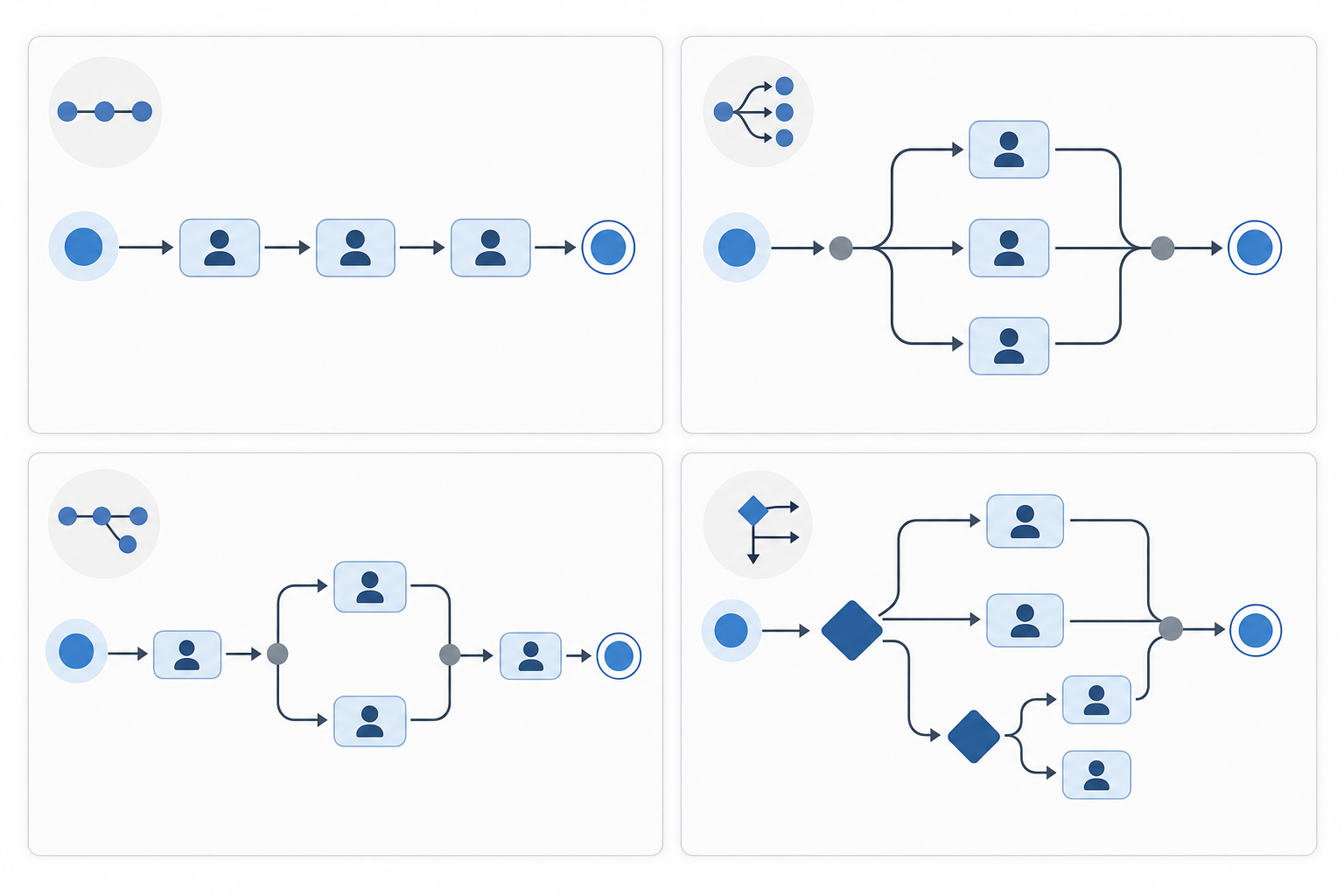
Routing logic is the decision engine underneath everything else. Most teams default to sequential routing (one reviewer at a time, in order) because it's simple. The problem: it adds wait time when reviewers don't actually depend on each other's decisions.
Parallel routing fixes that. Legal and compliance can review at the same time instead of one after the other. For independent sign-offs, this alone cuts cycle time without any process redesign.
Threshold-based and conditional routing take it further. Route a brief under $10,000 to the marketing manager; over $50,000, escalate automatically. Tag something high legal risk and it goes to counsel regardless of who submitted it. The rules run at submission time, so no one has to manually decide where something belongs. That question is what slows down ad hoc approval more than almost anything else.
Threshold-based and conditional routing take it further. Route a brief under $10,000 to the marketing manager; over $50,000, escalate automatically. Tag something high legal risk and it goes to counsel regardless of who submitted it. The rules run at submission time, so no one has to manually decide where something belongs. That question is what slows down ad hoc approval more than almost anything else.
| Routing Type | How It Works | Best For |
| --- | --- | --- |
| Sequential | One reviewer at a time, in order | Linear decisions with dependencies |
| Parallel | All reviewers notified simultaneously | Independent reviews, faster cycles |
| Hybrid | Combination of sequential and parallel stages | Multi-department approvals |
| Conditional | Routes based on request attributes | Variable risk, tiered thresholds |
## Component 4: Notifications and Escalation Protocols
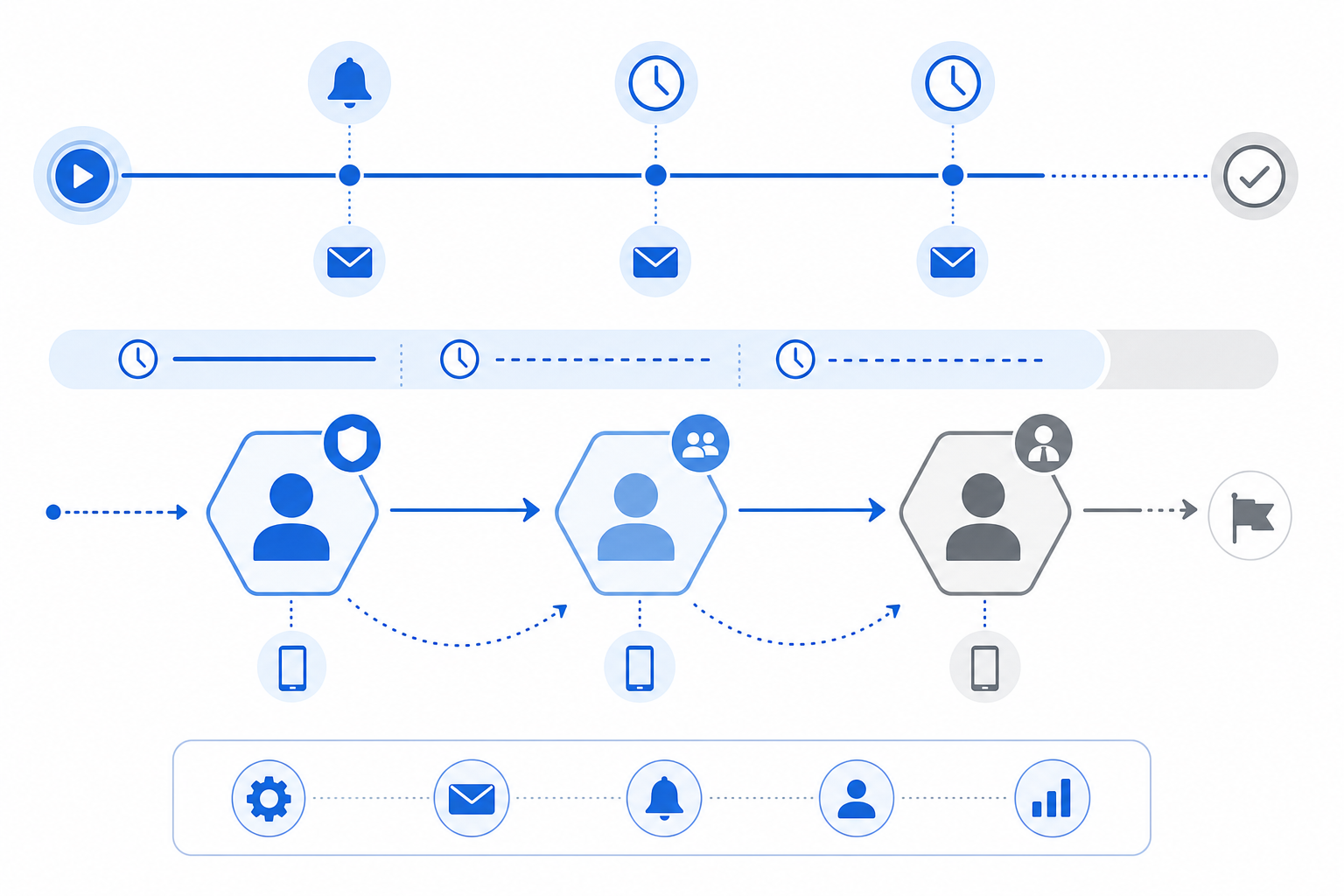
Routing gets work to the right person. Notifications get that person to act on it.
The gap between "assigned" and "reviewed" is where most approval delays actually happen. An [automated notification at assignment](https://www.velt.dev/blog/best-notification-sdks-developers) closes that gap immediately. Reminder triggers at 24 and 48 hours catch items that got buried. Neither requires manual follow-up from the requester, which is what most teams are doing instead.
Escalation protocols handle what reminders can't. When a deadline passes and an approver hasn't responded, the workflow needs a rule for what happens next, not a person to notice it manually. That means setting SLA windows per request type and wiring up automatic escalation to a backup approver when those windows expire. Backup approver delegation separates a workflow with a single point of failure from one that keeps moving when someone's out of office or slow to respond.
> "A notification system that fires once at assignment and never again is just a to-do list with extra steps."
The escalation chain should be explicit: primary approver first, then backup, then a manager-level contact if both miss the window. Each handoff should be logged with a timestamp so there's a clear record of when the escalation fired and who picked it up.
## Component 5: Status Tracking and Visibility
Without visibility, every stakeholder becomes a manual status reporter. "Where is my request?" shouldn't require pinging anyone. A real-time approval dashboard solves this: current stage, time elapsed per step, and who holds the queue. That last part matters most. [Tracking stuck assets](https://www.velt.dev/activity-logs) for three days is actionable. Knowing it's "in progress" is not.
Cycle time metrics and approval completion rates turn bottlenecks from suspicions into data. If one reviewer stage consistently runs twice as long as others, that's a workflow problem worth fixing, not a people problem worth ignoring.
## Component 6: Decision Criteria and Approval Standards
Undefined criteria are the most common reason approvals stall or get challenged after the fact. An approver inventing their standard each time will be inconsistent, slow, and hard to defend if a decision gets questioned. Predefined standards fix this. Before anything enters review, define what "approved" actually means: does it meet brand guidelines, fall within the authorized budget, and pass compliance checks on regulated claims? Explicit criteria turn a judgment call into a verifiable checklist.
Three categories cover most workflows:
- **Compliance checks**: regulatory language, required disclosures, legal sign-off on anything governed by policy
- **Budget thresholds**: spend-level authority mapped to specific approver roles so the right person signs off at the right dollar amount
- **Quality standards**: asset-specific criteria that must be met before sign-off, defined per request type rather than left to individual interpretation
Document these per workflow. Standards that live only in someone's head disappear when that person is out of office, and they can't be audited when a decision gets questioned months later. [Marketing approval workflow optimization](https://www.marq.com/blog/marketing-approval-workflow/) requires standardized briefs and tiered paths by risk.
## Component 7: Audit Trails and Compliance Records
Every approval decision needs a paper trail. Audit trails capture who approved what, when they approved it, what version they reviewed, and any comments or conditions attached to the decision. Without this record, compliance audits become guesswork and accountability disappears.
Good audit infrastructure goes beyond simple logs. It records the full decision context: the state of the asset at approval time, the reviewer's identity, timestamps, and any escalations that occurred. In [compliance-heavy industries](https://www.velt.dev/blog/enterprise-ready-collaboration-sdk-complete-guide), this isn't optional.
Velt builds audit trails directly into its review and approval infrastructure. As part of its collaboration infrastructure (comments, approval workflows, presence, notifications, audit trails, and recording), the audit trail record exists without any extra instrumentation.
## Common Approval Workflow Bottlenecks and How to Fix Them
Approval friction adds up fast. On a 100-person team, 30 minutes of daily back-and-forth across stakeholders compounds into a meaningful productivity loss every week. [Research on organizational bottlenecks](https://sloanreview.mit.edu/article/improve-workflows-by-managing-bottlenecks/) shows they're best managed as interconnected systems, not in isolation. Most delays trace back to five patterns, each with a direct fix:
- Unclear routing: define conditional rules at submission time and skip manual routing after the fact
- Missing approvers: require backup delegation before any workflow goes live, not after the first missed deadline
- Insufficient visibility: surface who currently holds the queue, beyond overall status
- Over-engineered processes: audit stage count quarterly and cut any stage that hasn't blocked a real decision in two cycles
- No escalation rules: set SLA windows per request type with automatic escalation triggers wired in from the start
## Build vs. Buy: Review and Approval Infrastructure for Product Teams
Building approval workflow architecture from scratch takes longer than most teams expect. You're looking at routing logic, state machines, notification delivery, audit logging, and a comment layer that stays in sync across concurrent editors. A realistic estimate is four to six months of engineering time before you have something production-ready.
Velt ships all of that as [review and approval infrastructure](https://www.velt.dev/blog/collaboration-sdk-architecture-primitives-vs-frameworks-explained) you can wire into your app in days. [comments, approvals, and audit trails](https://www.velt.dev/blog/best-collaboration-sdks) are included out of the box.
If you're building a multiplayer whiteboard, Liveblocks is the better fit. But for product teams that need structured review and approval workflows with a real audit trail, Velt is purpose-built for that use case.
## Final Thoughts on Approval Workflow Components
Approval bottlenecks cost more than most teams budget for. The fix isn't adding headcount, it's replacing manual handoffs with rules that execute automatically. [Approval workflow architecture](https://velt.dev/) handles the state machines, notification triggers, and audit logs you'd otherwise build from scratch. to see how the routing logic and escalation chains work in a live environment.
## FAQ
### Approval workflow Streamlit vs Reflex for internal tools?
Streamlit is faster for prototyping data-heavy internal dashboards with basic approval flows, but Reflex gives you full control over the UI and ships as a production-ready app. If you need custom routing logic or multi-department workflows, Reflex is the better fit.
### Can I build approval workflows without building a full state machine?
Yes. Velt ships approval routing, notifications, escalation triggers, and audit trails out of the box so you don't have to wire up state machines, notification delivery, or logging infrastructure yourself.
### How long does it take to implement approval infrastructure from scratch?
Building approval workflow architecture from scratch typically takes four to six months of engineering time once you account for routing logic, state machines, notification delivery, audit logging, and comment synchronization across concurrent editors.
### What is dynamic routing in approval workflows?
Dynamic routing evaluates request attributes at submission time to automatically assign approvers based on predefined rules (budget thresholds, risk tags, request type) without requiring manual triage or decision-making after submission.
### When should I use parallel routing instead of sequential approval?
Use parallel routing when reviewers make independent decisions that don't depend on each other's outcomes (legal and compliance reviewing simultaneously, for example). For workflows where one decision must happen before another, sequential routing is the right choice.
---
# Adding Review States to Your App: Draft, In Review, Approved, Published (May 2026)
https://velt.dev/blog/adding-review-states-to-your-app
Learn how to add review states (draft, in review, approved, published) to your app. Complete implementation guide with state machines and workflows. May 2026.
*May 25, 2026*
When you're building a content or document product, review processes either live in your app or they leak into Slack threads and email chains that lose context the moment someone closes a tab. The fix is treating draft, in review, approved, and published as real application state, not afterthoughts. Review and approval infrastructure gives reviewers clarity on what needs attention, gives writers certainty on what's been resolved, and gives your audit log the attribution it needs for compliance. This post covers the state machine patterns, the React implementation details, and how teams ship this in days instead of weeks.
**TLDR:**
- Review states (draft, in review, approved, published) make implicit workflows explicit
- Building approval infrastructure from scratch takes weeks before writing business logic
- Velt ships state machines, permissions, and audit trails preconfigured for React apps
- Sequential workflows gate reviews in order; parallel workflows send to all reviewers at once
- Velt provides review and approval infrastructure for B2B SaaS products
## What Are Approval States and Why They Matter
Approval states are a state machine pattern for documents and content. Work moves through defined stages: Draft, In Review, Approved, Published. Transitions are gated by human sign-off or automated rules. Without them, reviewers forget what version they approved and authors ship content that never got a second pair of eyes.
The pattern matters because it makes implicit workflow explicit. Each state carries specific permissions, a defined set of allowed transitions, and a clear owner.
### Why Developers End Up Building This
Most teams start with a boolean: `is_approved`. Then requirements grow.
- You need a draft state that's hidden from non-authors before it's ready for review.
- You need an "in review" state that locks editing while reviewers annotate.
- You need an audit trail showing who approved what and when.
That boolean becomes a state machine. The state machine needs UI. The UI needs real-time sync. [Teams that build this from scratch](https://www.gartner.com/en/documents) typically spend 4-6 weeks on infrastructure (state management, permission checks, real-time sync, and audit logging) before writing a single business-logic line.
## The Review Bottleneck Problem in 2026
Today, most content and document workflows still break down at the same point: review. Files get emailed back and forth. Feedback lands in Slack threads that lose context. Stakeholders approve verbally and then deny doing so. [Gallup research](https://www.gallup.com/workplace/349484/state-of-the-global-workplace.aspx) puts low engagement at a cost of $10 trillion in lost productivity annually, and poorly structured review workflows are a direct contributor to that friction.
The core issue is state. Most apps track whether a document exists, but not where it is in its lifecycle. There's no programmatic difference between a draft no one has seen and a file waiting on legal signoff. This is the problem that review states solve. When your app can represent draft, in review, approved, and published as actual application state, a few things follow naturally:
- Reviewers know exactly what needs their attention without checking Slack or email.
- Writers and editors stop guessing whether feedback has been resolved.
- Audit trails write themselves because state transitions are tracked events. If you're evaluating [commenting tools](https://velt.dev/blog/best-commenting-sdk-for-2025-ranked), our ranked guide covers the top solutions.
Building this from scratch takes longer than most teams expect. The state machine is straightforward, but the surrounding infrastructure, permissions, notifications, comment threading tied to specific states, gets complicated fast.
## Common Approval State Models
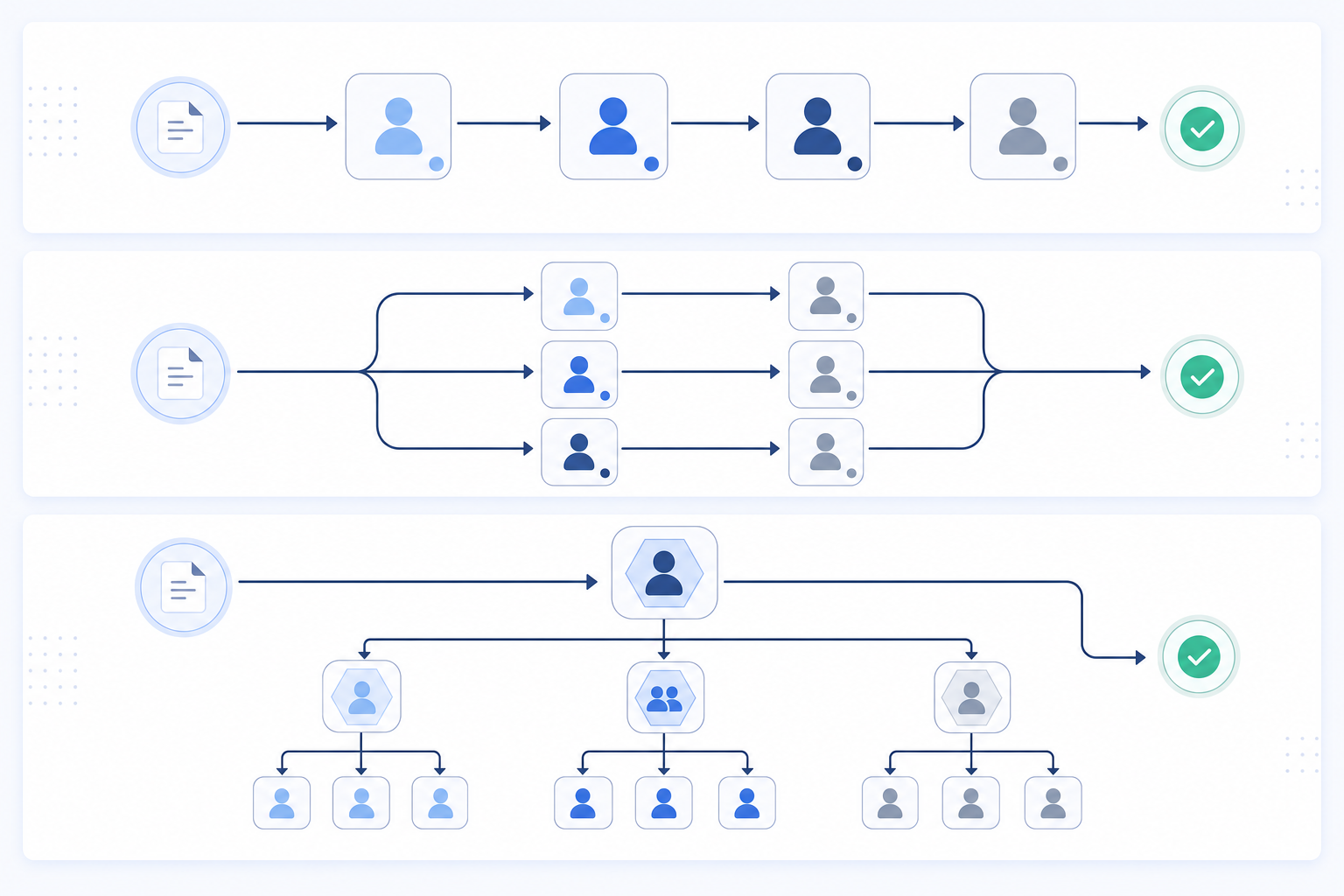
Most apps start with a simple boolean: published or not published. That works until it doesn't, usually around the time a second person needs to review something before it goes live.
There are a few patterns that teams consistently land on once they outgrow the binary model.
### Linear State Chains
The most common pattern. A document moves through a fixed sequence: `draft` → `in_review` → `approved` → `published`. Each transition requires an explicit action, and moving backward is either blocked or treated as a separate state like `changes_requested`.
### Branching Workflows
Some content types need parallel review from multiple stakeholders before approval. Legal, design, and editorial might all need to sign off independently. The document only advances when all branches resolve.
### Role-Gated States
Certain transitions are restricted by role. A contributor can submit for review, but only an editor can approve. Only an admin can publish. This is where most homegrown implementations start leaking complexity, because role checks end up scattered across components instead of living at the state layer.
### Model Side-by-Side Comparison
| Model | Best For | Main Tradeoff |
| --- | --- | --- |
| Linear chain | Simple editorial workflows | Can't handle parallel review |
| Branching | Compliance, multi-team sign-off | More complex state logic to maintain |
| Role-gated | Any production content workflow | Requires tight permission modeling |
## Implementing Approval States in React Applications
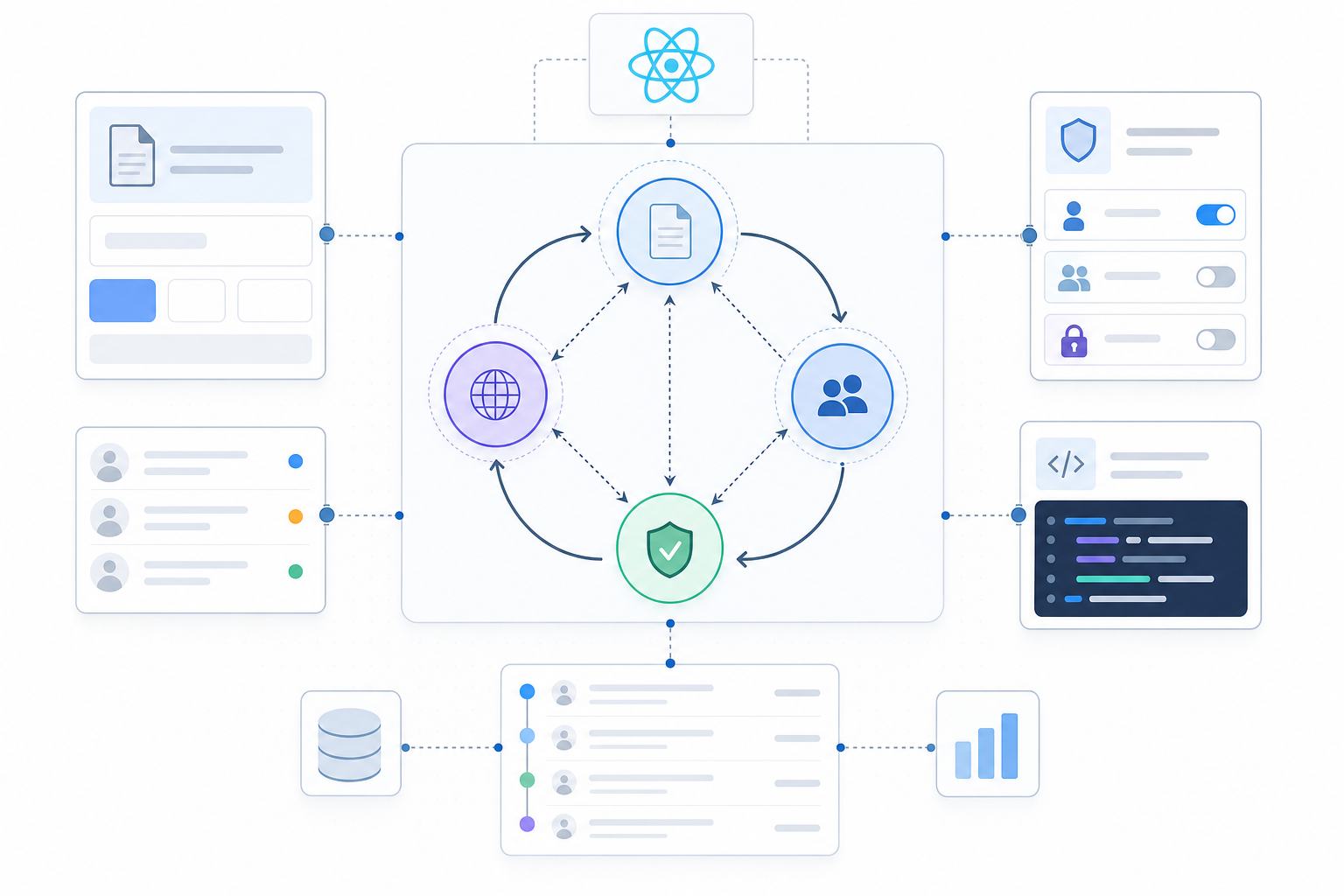
React gives you the component structure, but approval state logic is where things get complicated fast. You need to track state transitions, enforce who can move content from one stage to the next, and reflect all of that in your UI without creating a mess of prop drilling and context hacks.
Here's a straightforward way to think about the state machine:
- Each document lives in one of four states: `draft`, `in_review`, `approved`, or `published`. Transitions only flow forward unless you explicitly allow rollbacks.
- Permissions gate transitions. A contributor can submit for review, but only a reviewer can approve. Only an admin publishes.
- Every state change should write to an audit log and also update local state.
### State Transition Logic
Before writing any React code, though, you should map your allowed transitions as data:
```js
const TRANSITIONS = {
draft: ["in_review"],
in_review: ["approved", "draft"],
approved: ["published", "in_review"],
published: [],
};
```
This keeps your transition rules in one place and makes permission checks straightforward. Your UI reads from this object to decide which buttons to render, instead of scattering conditional logic across components. Building this yourself is doable. Velt ships review and approval infrastructure with this state machine, permission model, and audit trail already wired together, so you're not rebuilding it from scratch on every project. You can add [contextual comments](https://velt.dev/comments) with full state integration.
## Approval Workflow Patterns: Sequential vs Parallel
Two structural choices shape how review states behave in practice: whether approvals happen one at a time or all at once.
Sequential workflows move a document through reviewers in a fixed order. Legal reviews the draft, then finance, then the VP. Each stage gates the next. This works well when later reviewers need earlier feedback before they can evaluate the content meaningfully.
Parallel workflows send the document to multiple reviewers simultaneously. All reviewers get access at the same time, and the document advances when a threshold is met, say, three out of five approvals. This cuts turnaround time considerably when reviewers are independent of each other.
### Choosing the Right Pattern
Consider these factors when picking a structure:
- Sequential is worth the wait when each reviewer's feedback directly informs the next stage, like legal compliance checks before editorial review. If legal flags a clause, editorial shouldn't be reviewing that version anyway.
- Parallel works well for peer review scenarios where no single reviewer's opinion should block others from weighing in concurrently. Three engineers reviewing the same API spec don't need to go one at a time.
- Hybrid approaches are common: parallel review within a stage, sequential across stages. A compliance review might collect sign-offs from legal and security simultaneously, then hand off to the publishing team only after both approve.
- Time sensitivity matters. If a document needs to ship in 24 hours, forcing sequential review through four stakeholders is a bottleneck. Parallel collapses that to a single waiting period.
- Reviewer dependency matters too. If reviewer B needs to read reviewer A's notes before forming an opinion, parallel routing will produce conflicting, uninformed feedback. Sequential keeps context intact.
A good rule of thumb: default to parallel unless there's a clear reason one reviewer's output should shape the next reviewer's input. Most teams start sequential because it feels safer, then switch to parallel when they realize reviews are the slowest part of their pipeline.
Velt lets you configure either pattern through workflow definitions attached to document state, so your UI stays consistent regardless of which routing logic runs underneath.
## Adding Audit Trails to Your Approval States
State transitions without attribution are incomplete records. Knowing a document moved from `in_review` to `approved` on Tuesday matters less than knowing who approved it, when exactly, and after how many rounds of feedback. For compliance-driven industries like finance, healthcare, and legal, this distinction isn't academic. Auditors want a timestamped, immutable record of every decision with full identity attribution before anything goes out the door. Velt's [activity logs](https://velt.dev/activity-logs) capture every action with complete attribution.
### Activity Logs vs Audit Trails
Basic logs capture events. Audit trails connect events to identity, context, and sequence:
- Activity log: "Document approved on March 4"
- Audit trail: "Sarah Chen approved v3 on March 4 at 14:47 UTC, following two change requests from legal on March 2 and 3"
Velt captures every state transition, comment, and approval with full attribution. For teams considering [enterprise-ready collaboration infrastructure](https://velt.dev/blog/enterprise-ready-collaboration-sdk-complete-guide-for-2026), our 2026 guide covers requirements and implementation. You can push custom business events into the same timeline using `createActivity()`, so "Contract signed" and "Document approved" share a single record. No separate logging pipeline needed.
## Building Approval States with Velt

Everything covered above (state machines, audit trails, sequential and parallel routing) is what Velt ships as review and approval infrastructure. You don't wire up a custom state management layer or build comment threading that ties to document state.
Velt's approval workflows include a configurable assign-to UI, inline assign buttons on thread cards, and resolution tracking with a full user audit trail. Activity logs capture every event across the collaboration lifecycle automatically, covering comment creation, edits, presence changes, and state transitions, without a separate logging pipeline.
Here's a minimal React setup that wires Velt into a document review workflow. Drop this in, swap the API key and user data, and your review states are live:
```jsx
'use client'; // Required for Next.js
import { useEffect } from 'react';
import {
VeltProvider,
VeltComments,
VeltCommentsSidebar,
useVeltClient,
} from '@veltdev/react';
// Step 1: Define your approval state machine
const TRANSITIONS = {
draft: ['in_review'],
in_review: ['approved', 'draft'],
approved: ['published', 'in_review'],
published: [],
};
// Step 2: Document wrapper — sets the active document for Velt
function DocumentReviewWrapper({ documentId, children }) {
const { client } = useVeltClient();
useEffect(() => {
if (client) {
client.setDocuments([
{ id: documentId, metadata: { documentName: 'Contract v3' } },
]);
}
}, [client, documentId]);
return
{children}
;
}
// Step 3: Root app — wrap everything in VeltProvider
export default function App() {
const currentUser = {
userId: 'user-123',
organizationId: 'org-abc',
name: 'Sarah Chen',
email: 'sarah@example.com',
photoUrl: 'https://i.pravatar.cc/300',
};
return (
{
// Call your backend to generate a Velt auth token
return await fetchVeltTokenFromBackend();
},
}}
>
{/* Sidebar shows all comments grouped by approval state */}
{/* Enables contextual commenting tied to document state */}
{/* Your document content goes here */}
);
}
```
Here's what that means for your team's actual workload:
- The state machine, permissions, notifications, and audit trail come preconfigured out of the box, so the work left for your team is product logic and UI customization. See our [January 2026 Velt vs Liveblocks comparison](https://velt.dev/blog/velt-vs-liveblocks-collaboration-platforms-compared-(jan-2026)) for detailed feature analysis.
- Velt exposes 115+ primitive components, so you're not locked into an opinionated UI. You style and compose it to fit your product.
- Teams ship approval states in 3 days or less, compared to weeks when building from scratch. For broader context, our [2026 platform rankings](https://velt.dev/blog/best-collaboration-sdks-2026) cover features and performance across review and approval tools.
The review layer is handled. You ship the thing that actually sets your product apart.
## Final Thoughts on Implementing Review States in Production
Approval states turn chaotic Slack threads into structured workflows with clear ownership and accountability. [Review states for React](https://velt.dev/) applications need more than just a state machine. You need permissions, notifications, comment threading, and audit logs that work together. Velt gives you all of that out of the box, so you ship review workflows in days and move on to features that actually set your product apart. to see it in your app.
## FAQ
### Can I build approval states in React without building the full state machine myself?
Yes. Velt ships the state machine, permission model, and audit trail already wired together as review and approval infrastructure, so you skip the weeks most teams spend building transition logic, role checks, and activity logging from scratch.
### Approval states sequential vs parallel workflow?
Sequential workflows move documents through reviewers one at a time in a fixed order (legal, then finance, then VP). Parallel workflows send to multiple reviewers simultaneously and advance when a threshold is met (3 out of 5 approvals). Sequential works when later reviewers need earlier feedback; parallel cuts turnaround time when reviewers are independent.
### How do I add an audit trail to document approval workflow?
Velt captures every state transition, comment, and approval with full identity attribution automatically. You can push custom business events like "Contract signed" into the same timeline using `createActivity()`, creating a single audit record that merges collaboration history with business logic without building a separate logging pipeline.
### What's the difference between activity logs and audit trails?
Activity logs capture events ("Document approved on March 4"). Audit trails connect events to identity, context, and sequence ("Sarah Chen approved v3 on March 4 at 14:47 UTC, following two change requests from legal on March 2 and 3"). Audit trails are required for regulated industries where every decision needs attribution before content goes live.
### When should I use approval states SDK instead of building it in-house?
If your team would spend more than a week building the state machine, permission gates, notification system, and audit logging, review and approval infrastructure cuts that to days. Teams building review workflows for content production, compliance software, or internal tools consistently ship faster with Velt than building from scratch.
---
# Why 'Add Comments' Is the Wrong Way to Think About Collaboration Features (May 2026)
https://velt.dev/blog/why-add-comments-wrong-way-collaboration-features
Learn why review infrastructure requires more than commenting. Approval workflows, audit trails, and decision tracking matter in May 2026.
*May 25, 2026*
B2B SaaS teams at companies like HubSpot, Notion, and Jira have all shipped some form of in-app commenting. You add a comment box, ship it, move on. That's the pattern everyone follows because it feels like table stakes. But comments capture conversations, not decisions. When your users need to route approvals through stakeholders, track who signed off on which version, or satisfy audit requirements, the comment thread has no answer. What you're really building is [a review layer, far beyond commenting](https://velt.dev/). The framing shift matters because it changes everything downstream.
**TLDR:**
- Review capacity is the bottleneck in 2026, not content creation
- Comments capture feedback; approval workflows capture decisions
- Velt provides review and approval infrastructure for SaaS products
- Context-aware comments bind to data IDs, not pixel coordinates that break
- Velt is review infrastructure with comments, approvals, audit trails, and notifications
## The Review Capacity Problem That Comments Can't Solve
Most product teams frame collaboration features the same way: add [a comment box](https://velt.dev/blog/what-is-commenting-sdk), ship it, done. That mental model belongs to a world where content creation was the bottleneck. It isn't anymore. AI generates content, code, designs, and business artifacts at a pace that comment threads weren't built to handle. The creation side scaled. The review side didn't. But what teams actually need is review capacity: the ability to route work through the right people, collect structured feedback, track approval states, and maintain a record of what changed and why. Commenting is one small piece of that. Presence, approval workflows, audit trails, and notifications are the rest.
The framing matters because it changes what you build. Teams that think "add comments" ship a comment box. Teams that think "review infrastructure" ship something that actually moves work forward.
## What Collaboration Features Actually Mean in 2026
Commenting is table stakes now. Any app built in the last two years ships some form of comment thread. The question teams are actually asking in 2026 is whether their feedback workflows hold up under production conditions like version-controlled assets, multi-stakeholder review cycles, compliance sign-offs, and audit requirements. But that question deserves a different answer than "add a comment box."
What teams need is review and approval infrastructure: the full set of behaviors that lets feedback move through an organization and reach a decision. That includes:
- Threaded comments anchored to specific elements, not floating in a sidebar with no context
- Approval states that track who signed off, on what version, and when
- Presence indicators so reviewers know who else is looking at the same asset
- Notifications that route the right person at the right step, instead of everyone all at once
- Audit trails that satisfy compliance requirements without manual documentation
The gap between "we have comments" and "we have review infrastructure" is where most SaaS products stall. Users leave feedback, nothing gets resolved, and [the workflow falls back to Slack threads](https://velt.dev/blog/best-commenting-sdk-use-cases) and email chains because the in-app experience lacks structure.
## The Approval Workflow Gap
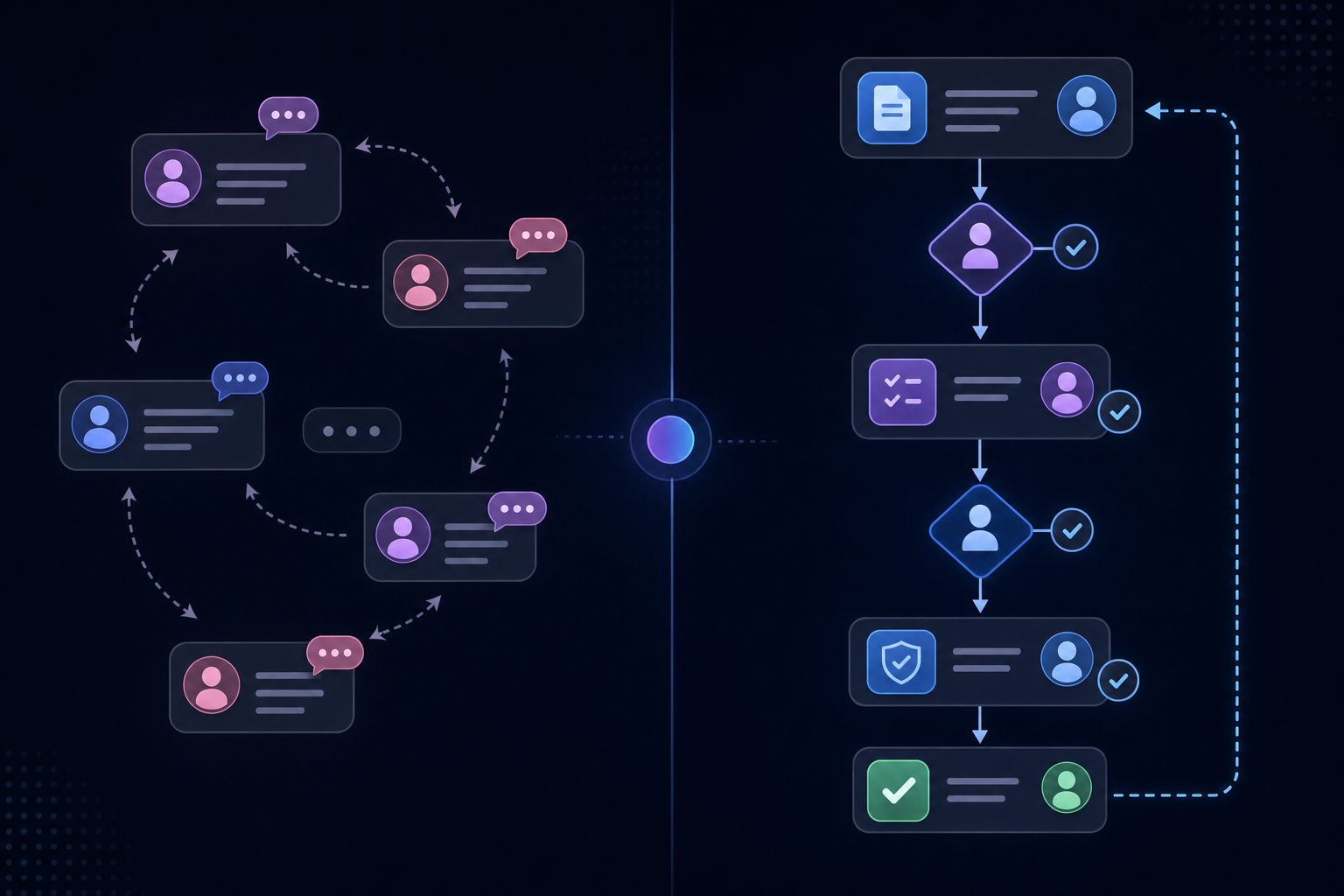
Comments capture feedback. Approval workflows capture decisions. These are different things, and conflating them is how products end up with threads that go nowhere. A comment is someone saying "change the headline." An approval is someone saying "this is ready to publish, and my name is on it." The accountability gap between those two states is where content gets stuck in most SaaS products.
Most teams build the comment side and assume the approval side will sort itself out. It doesn't. Without explicit sign-off states, someone has to manually chase down whether a given comment was resolved and approved by the right person. That chase happens in Slack, which has no memory, no audit trail, and no way to tie the decision back to the artifact. [Effective approval workflows require clear documentation](https://www.spendflo.com/blog/approval-workflows) of each decision point and stakeholder responsibility.
What we hear consistently: teams come in looking for commenting. When approval workflows come up, the response is "oh, we need that too." They had the problem. They just hadn't framed it that way yet. A proper approval workflow has at least three moving parts: explicit sign-off states (pending, approved, rejected), assignment routing that sends the right document to the right reviewer at the right step, and a timestamped record that ties each decision to a specific user and version. None of those are comments. They're structured workflow states that sit on top of the review layer.
Velt ships all three as part of its approval workflow infrastructure. You configure the assign-to UI, set the approval states, and Velt handles routing, state management, and attribution. The result is a full audit trail that answers "who approved this, on which version, and when" without anyone chasing down a Slack thread. For teams in regulated industries like finance or healthcare, that record isn't optional. It's the whole point.
## Audit Trails: The Missing Piece in Most Collaboration SDKs
When a compliance auditor asks "who approved this contract and when," a comment thread has no good answer. Comments capture conversations. Audit logs capture decisions, and that difference is where regulated industries get stuck. Healthcare, finance, and legal teams need more than a record of what was said. They need to know who accessed a document, what changed at each version, which approvals were given by whom, and exact timestamps attached to each action. That's an audit trail, not a comment.
Most commenting systems blur this line entirely. No immutable records, no formal retention policies, no compliance-ready exports. When a clinical document needs filing or a financial statement needs sign-off, "check the comment thread" doesn't hold up under scrutiny. [Audit trail compliance requirements](https://www.inscopehq.com/post/audit-trail-requirements-guidelines-for-compliance-and-best-practices) demand chronological records with attribution and timestamps.
[Velt's audit logs](https://velt.dev/activity-logs) track comment creation, edits, deletions, presence changes, and approval states across the full collaboration lifecycle. All of it is accessible via REST API or prebuilt UI components, attributed to the right user, at the right timestamp.
## Context-Aware vs. Pixel-Based: Why Most Commenting Breaks
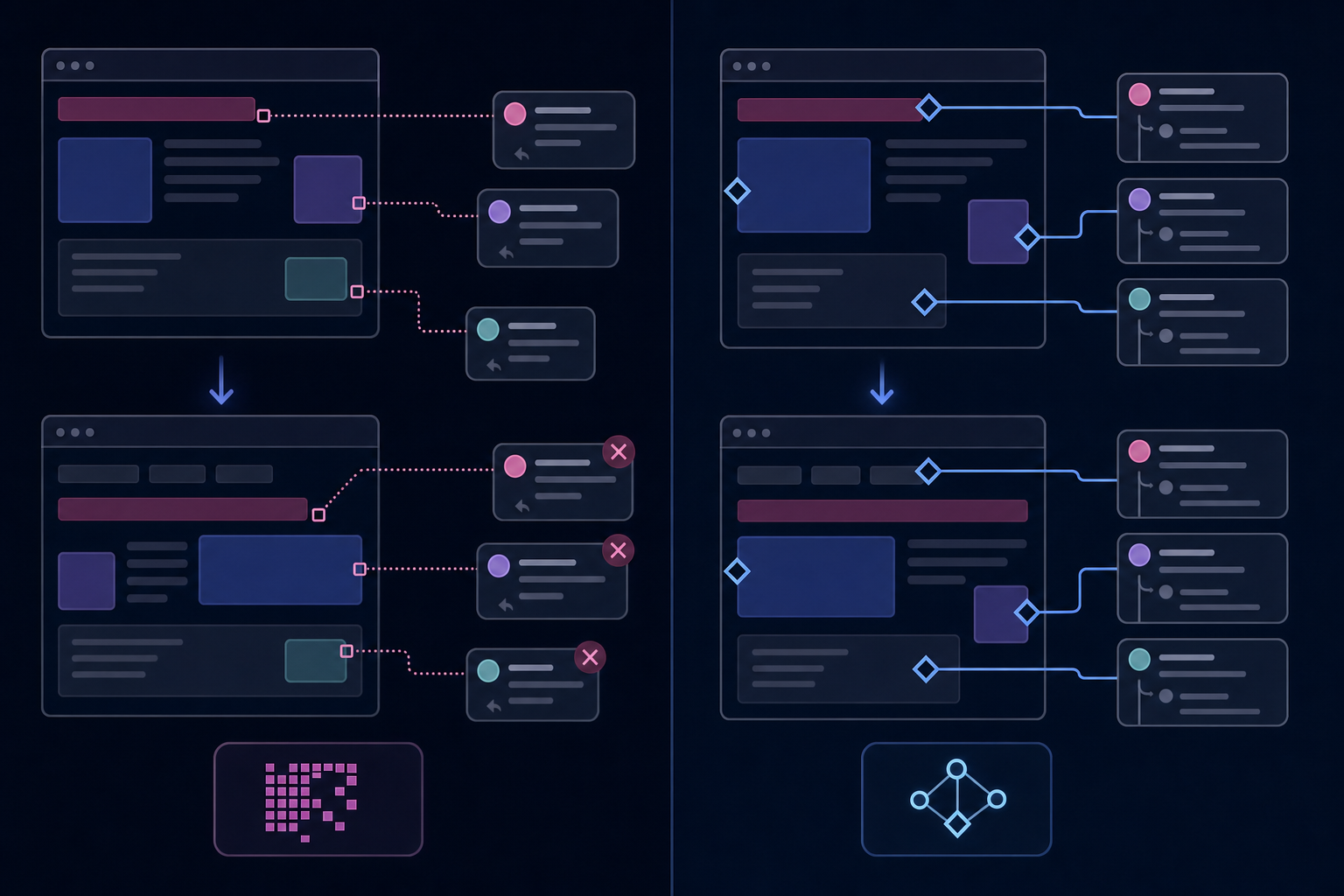
Pixel-coordinate commenting sounds fine until someone resizes their browser, updates their layout, or adds a data row. The comment is anchored to a screen position, not an element. When the interface changes, the thread floats off into nowhere or lands on the wrong thing entirely. This is UI drift, and it quietly kills in-app commenting adoption. Users leave feedback, the interface updates, and suddenly no one can tell what a comment was actually about. The thread becomes a liability instead of a record.
### How Velt Handles This Differently
Most commenting tools were built around a document metaphor, where content is static and coordinates hold. SaaS apps don't work that way.
Velt binds [comment threads to data IDs](https://velt.dev/blog/best-contextual-commenting-systems-november-2025): a `slide-id`, a `widget-id`, a `video-timestamp`. Not pixel coordinates. When the layout reflows, the thread stays attached to its element. No coordinate remapping, no orphaned comments, no lost context.
That binding is what makes review and approval infrastructure viable inside a real app. Without it, you're shipping a feature that degrades the moment your product ships its next update.
### What this looks like in code
Here's a minimal React setup that wires up Velt with data-ID anchoring. Comments bind to `data-velt-document-id` elements, so threads survive layout changes.
```jsx
// 1. Install: npm install @veltdev/react
// App.jsx — wrap your app with VeltProvider
import { VeltProvider, VeltComments, VeltCommentTool } from '@veltdev/react';
import DocumentView from './DocumentView';
import AuthInit from './AuthInit';
export default function App() {
return (
{/* Mounts the comment layer — no other config needed to start */}
);
}
// AuthInit.jsx — identify the current user
import { useEffect } from 'react';
import { useVeltClient } from '@veltdev/react';
export default function AuthInit() {
const { client } = useVeltClient();
useEffect(() => {
if (!client) return;
const user = {
userId: 'user-123',
organizationId: 'org-abc',
name: 'Jane Smith',
email: 'jane@example.com',
photoUrl: 'https://i.pravatar.cc/300',
};
client.identify(user);
}, [client]);
return null;
}
// DocumentView.jsx — bind comments to data IDs, not pixel coordinates
import { useEffect } from 'react';
import { useVeltClient } from '@veltdev/react';
export default function DocumentView() {
const { client } = useVeltClient();
useEffect(() => {
if (!client) return;
// Set the document context so threads are scoped to this asset
client.setDocument('campaign-brief-v3', {
documentName: 'Q3 Campaign Brief',
});
}, [client]);
return (
{/* Each section gets a unique data-velt-document-id.
Comments attach to the ID, not the pixel position.
Resize the window, reorder sections — threads stay put. */}
Headline
Q3 product launch — driving sign-ups through paid search.
Budget
$40,000 across Google and LinkedIn.
{/* Comment tool lets reviewers pin threads to any element */}
);
}
```
## Review Infrastructure as a Category
The term "commenting" undersells what users actually need. When product teams, compliance reviewers, or content approvers work inside a SaaS app, they're not simply leaving notes. They're running a workflow: flagging issues, assigning owners, tracking resolution, signing off, and generating an audit trail. That workflow is review infrastructure, and it's a distinct category from general-purpose collaboration. General collaboration tools (presence, cursors, and real-time sync) handle simultaneous editing. Review infrastructure handles the full lifecycle of feedback: where it's anchored, who owns it, what state it's in, and whether it's resolved.
Velt is built for this use case. The distinction matters because building review infrastructure yourself means solving for comment threading, approval states, notifications, presence, and audit trails as separate problems. Teams that try this typically spend months before shipping anything.
Velt ships all of it as review and approval infrastructure, integrated as a single SDK.
| Feature | Velt | Liveblocks |
| --- | --- | --- |
| Primary Use Case | Review and approval workflows with compliance requirements, audit trails, and structured feedback loops | Real-time multiplayer experiences like whiteboards, design tools, and single-canvas collaboration |
| Comment Anchoring | Data ID-based binding (comments attach to element IDs like slide-id or widget-id, survive layout changes) | Pixel coordinate-based (comments can drift when UI reflows or elements move) |
| Approval Workflows | Built-in approval states, sign-off tracking, and decision capture with full attribution | Not included (requires custom backend logic to build approval flows) |
| Audit Trails | Immutable logs of all actions (comments, edits, approvals, presence) with timestamps and user attribution, compliance-ready exports | Basic activity tracking (not designed for compliance or formal audit requirements) |
| Permissions Model | Document-aware permissions that respect your app's access control at the element level | Room-based permissions (better for shared canvas experiences than document workflows) |
| Backend Requirements | Minimal (approval routing, state management, and permissions handled by SDK) | Custom sync logic required for complex workflows beyond basic real-time primitives |
## How Velt Thinks About the Review

## Layer
Velt is review and approval infrastructure for SaaS products. That means contextual comments, approval workflows, presence, notifications, audit trails, and recording shipped as a single integrated SDK, not as separate features bolted together after the fact.
The five categories where this matters most:
- Content production teams that can't publish unchecked work, where [review loops stay inside the tool](https://velt.dev/comments) instead of in a shared Google Doc comment thread that no one checks.
- Compliance and FP&A software where every decision requires a timestamp, an owner, and a record that survives an audit.
- Physical-world operations where supply chain and logistics decisions get made inside the tool and need traceable sign-off.
- Internal apps where review workflows are expected by the people using them but rarely get built by the teams shipping them.
- Analytics products where insight discussions drift to Slack the moment there's no in-app structure to hold them.
In each case, the core problem is the same. Review state lives outside the product. Velt puts it back inside, anchored to the right element, routed to the right person, with a record that holds up when anyone asks what happened and why.
## Final Thoughts on Moving Beyond Comment Boxes
Your users don't need another place to leave comments. They need review workflows that route feedback to the right people, track decisions, and keep a record that survives an audit. [Review infrastructure](https://velt.dev/) treats this as a complete system, not as features you patch together over six months. Velt handles commenting, approvals, presence, notifications, and audit trails as a single SDK. if you want to see what that looks like in production, or keep building it yourself and ship sometime next quarter.
## FAQ
### What's the difference between commenting infrastructure and review infrastructure?
Commenting captures feedback; review infrastructure captures decisions. Review infrastructure includes comments plus approval states, audit trails, presence indicators, notifications, and assignment workflows that let feedback move through an organization and reach a decision with full accountability.
### Can I build review workflows without custom backend logic?
Yes. Velt ships approval states, assignment tracking, and audit trails as part of the SDK. You drop in the components and configure them; Velt handles routing, state management, and permission enforcement without requiring backend work on your end.
### Review infrastructure Velt vs Liveblocks?
Velt is built for review and approval workflows with document-aware permissions, approval states, and audit trails out of the box. Liveblocks is a real-time primitive better suited for multiplayer whiteboards or single-canvas experiences where you're building custom sync logic. If you need review workflows with compliance requirements, Velt is the better fit.
### How does Velt prevent comments from breaking when the UI changes?
Velt binds comment threads to data IDs (like `slide-id` or `widget-id`), not pixel coordinates. When your layout reflows or elements move, the thread stays attached to its element. This prevents UI drift where comments float off into nowhere or land on the wrong thing after updates.
### What makes an audit trail different from a comment history?
An audit trail is an immutable record of who did what and when, with formal timestamps and attribution that survives compliance audits. A comment history shows conversations but lacks the formal retention, attribution, and compliance-ready exports required for regulated industries like healthcare, finance, and legal.
---
# Manual Review vs Automated Review: Building a Risk-Based Workflow That Scales (May 2026)
https://velt.dev/blog/manual-review-vs-automated-review
Learn when manual review beats automation and when AI QA delivers better ROI. Complete guide to building risk-based review workflows in May 2026.
*May 25, 2026*
When your team was smaller, manual review vs automated review wasn't really a question. Everything got a human look. Now you're processing enough volume that manual review on everything creates a bottleneck, but automating the wrong checks just moves low-quality work downstream faster. The answer isn't picking one or the other. It's building review and approval infrastructure, the kind Velt provides, that routes low-stakes changes through automated checks and flags high-stakes ones for human judgment, without making you swap tools at each stage.
**TLDR:**
- Manual review catches context and judgment calls; automated review handles volume and consistency.
- Risk-based routing sends high-stakes changes to humans and low-stakes to automation.
- AI narrows the gap between automated checks and substantive review by reasoning about intent.
- Velt provides review and approval infrastructure that scales from manual commenting to automated QA.
## What Manual Review and Automated Review Actually Mean
Manual review means a human reads, assesses, and responds to content or work output before it moves forward. In a software context, that looks like a pull request where someone leaves inline comments, requests changes, and eventually approves or rejects. In a content or design context, it's a stakeholder dropping feedback in a doc or a shared file.
Automated review means software checks the work instead. Linters, type checkers, test runners, and accessibility scanners fall here. They catch what they're programmed to catch, fast and consistently.
The gap between these two has been shrinking. AI can flag issues, summarize changes, and surface risks that previously required a senior engineer's eye.
## The Core Differences Between Manual and Automated Review
Manual review catches the things automated tools miss: tone, contextual judgment, edge cases that require domain knowledge. Automated review catches the things humans miss: consistency errors, scale violations, anything that requires checking hundreds of items without fatigue. Neither is strictly better. Here's where each breaks down:
- Manual review slows to a crawl under volume. A team that handles 50 assets per week starts missing things at 500.
- Automated review fails on ambiguity. Rules-based checks can't read intent.
The smarter question isn't which one wins. It's where each one belongs in the same workflow. The table below breaks down six factors: speed per review, edge case accuracy, cost per decision, best use cases, primary limitations, and scaling behavior.
| Factor | Manual Review | Automated Review |
| --- | --- | --- |
| Speed per review | Minutes to hours depending on complexity and reviewer availability | Seconds to minutes, runs on every save or commit |
| Accuracy on edge cases | Catches contextual issues, brand voice problems, and judgment calls that require domain knowledge | Misses ambiguity and novel situations outside predefined rules |
| Cost per decision | High labor cost but low false positive rate. Reviewer time scales linearly with volume. | Low marginal cost after setup. High initial investment in rule definition and tool configuration. |
| Best use cases | Architectural decisions, regulatory edge cases, client-facing brand content, cross-functional impact assessment | Compliance flag checking, formatting validation, broken link detection, accessibility scanning, high-volume repetitive checks |
| Primary limitation | Bottlenecks under volume. A team handling 50 reviews per week starts missing issues at 500. | Fails on intent and context. Can't assess whether logic holds under novel assumptions. |
| Scaling behavior | Requires adding more reviewers. Quality degrades with reviewer fatigue at high volume. | Scales horizontally with infrastructure. Consistency improves as volume increases and rules get refined. |
## When Manual Review Still Wins
Some decisions carry stakes that rules can't measure. When a financial model changes how a business forecasts headcount, the review is assessing whether the logic holds under assumptions an automated scanner has never encountered.
A few places where human review stays necessary:
- Brand voice on client-facing content. Automated tools check grammar. They can't tell you whether a sales deck sounds like the brand or sounds like a template.
- Regulatory edge cases in compliance workflows. When a document sits near an exception, reviewers need [judgment about intent](https://velt.dev/blog/enterprise-ready-collaboration-sdk-complete-guide-for-2026), beyond pattern matching.
- Architectural decisions with cross-functional impact. A change to a data schema touches five teams. Automated checks test syntax. Humans assess the blast radius.
- Content that carries legal or reputational exposure. A marketing campaign crossing into a new market, or a contract clause with novel language, needs a person, not a rule.
Manual review here isn't legacy. It's the judgment layer for what rules can't anticipate.
## When Automation Delivers Higher ROI
Automation pays off fastest when the review process is repetitive, high-volume, and rule-driven. Checking whether a contract contains required disclosure language, confirming a data report matches its source figures, or flagging accessibility violations in a UI all follow consistent logic that doesn't require human judgment on every pass. [Research from McKinsey](https://www.mckinsey.com/capabilities/mckinsey-digital/our-insights/the-economic-potential-of-generative-ai) estimates that knowledge workers spend roughly 25% of their time on review and approval tasks. Automating even a fraction of that recaptures hours per person per week.
Automation ROI is strongest when:
- The criteria for a passing review can be written down as rules, because AI checks rules faster and more consistently than people do.
- Volume is high enough that manual review creates a bottleneck, slowing releases or approvals downstream.
- The cost of a false negative (missing a real issue) is lower than the cost of the delay manual review introduces.
Human review still wins when judgment, context, or accountability can't be codified into a ruleset.
## The Hybrid Model: Routing Review Based on Risk
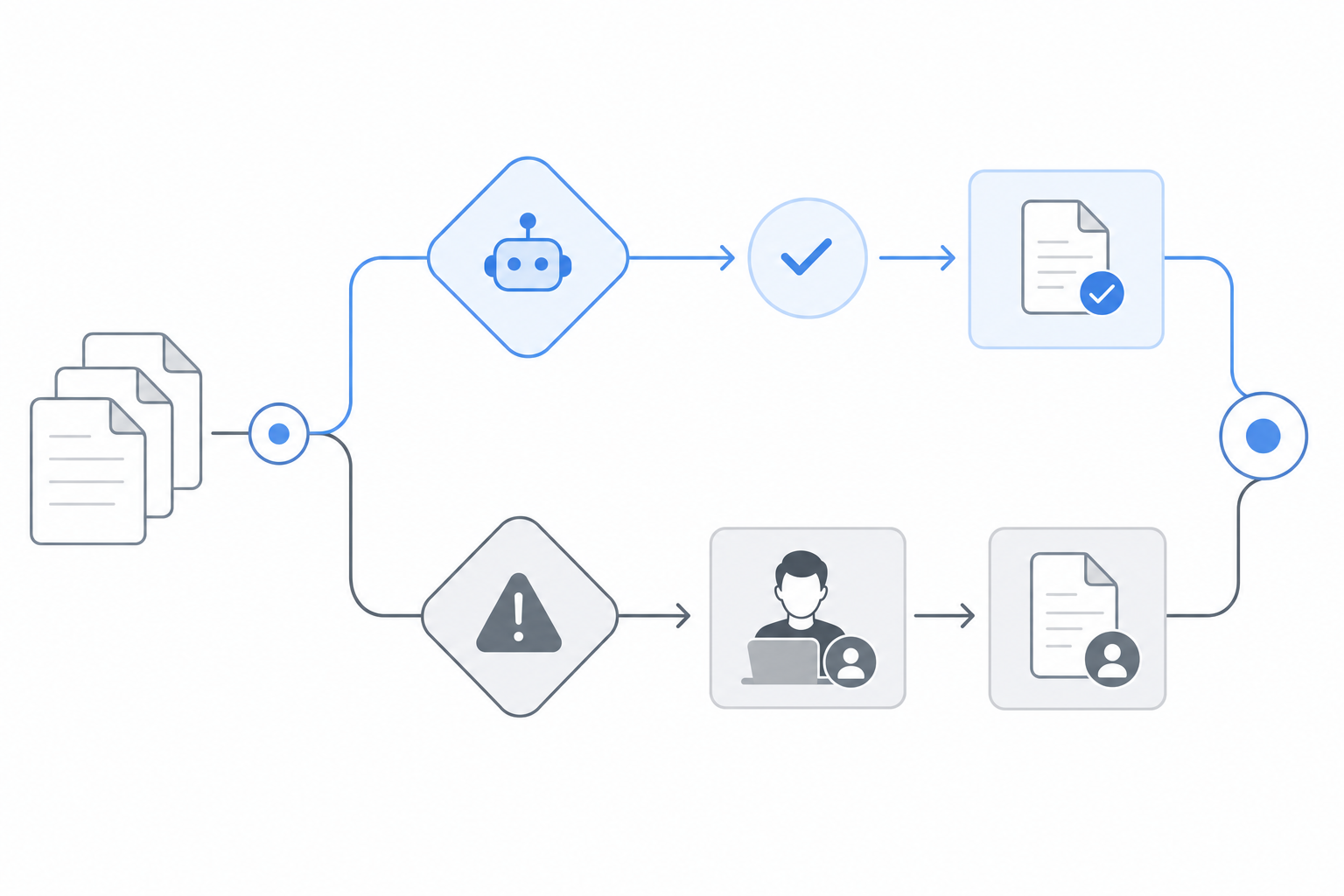
Risk-based routing is how mature review workflows actually operate. Low-stakes changes go straight through automated checks. High-stakes changes get routed to human reviewers. The split isn't arbitrary; it follows a logic tied to consequence.
Think about what makes a change risky: regulatory exposure, revenue impact, brand visibility, or customer-facing scope. A pricing update on a checkout page carries more consequence than fixing a typo in internal docs. Treating both with the same review depth wastes time on one and underprotects the other.
### Routing Criteria That Work in Practice
A few signals that reliably predict where human judgment adds value:
- Content touching compliance-sensitive data fields or compliance language warrants human sign-off, since automated checks can catch formatting errors but miss contextual misuse.
- Changes affecting high-traffic pages or monetized surfaces carry revenue risk that automation alone shouldn't clear.
- Any update that modifies access controls, permissions logic, or security configurations should go to a human reviewer regardless of how clean the automated scan looks.
Automated checks still run on everything. The question is whether human review gets layered on top.
## How AI Changes the Review Automation Range

AI pushes the review automation range further than rule-based tooling ever could. Static scripts check for known patterns. AI reasons about intent, context, and quality in ways that don't require you to pre-define every possible failure mode. A few concrete changes worth knowing:
- AI can flag issues it was never explicitly trained to catch. A model reviewing a sales deck doesn't need a rule that says "don't make unverified revenue claims": it understands what a claim is and why unverified ones create risk. That's a different category than a linter catching a missing field.
- It reduces false positives that frustrate reviewers and erode trust in automated feedback over time. A rules-based accessibility scanner flags every image missing an alt attribute. An AI-assisted scanner can distinguish decorative images from informational ones and skip the false alarm.
- It learns from reviewer behavior, so the gap between automated suggestions and human judgment narrows with use. If your team consistently overrides a certain flag as irrelevant, the AI adjusts. A static rule doesn't.
The result is that the line between "automated pre-check" and "substantive review" gets blurry. That changes how you should think about where humans stay in the loop.
## The Economics of Review: Cost Per Decision
Every review cycle carries a cost most teams don't fully account for. There's the obvious part: reviewer time. But the less visible costs add up faster. Waiting on feedback delays downstream work. Miscommunication between reviewers and authors triggers rework cycles. [Missed issues slip into production](https://velt.dev/activity-logs) and generate support tickets or compliance findings. Automated review, though, catches the predictable failures early, before a human ever looks. That changes the math. Human reviewers spend time on judgment calls, not formatting errors or missing fields. The cost per decision drops when each decision actually requires a decision.
## Building a Review Workflow That Scales
The review workflow that works for a 5-person team usually breaks somewhere around 20. A Slack thread that held feedback fine at small scale becomes a liability when 8 reviewers are commenting simultaneously and nobody can tell which version they're looking at. Scaling review means picking the right method for each stage of your pipeline. Some content genuinely needs a human eye. Other checks, formatting rules, broken links, compliance flags, can run automatically on every save.
The teams that get this right treat review as infrastructure, not process. They define which checks are automated, which require human sign-off, and [what the handoff between them looks like](https://velt.dev/webhooks-and-api) before anything goes to production.
## Velt: Review and Approval Infrastructure for the Full Range

Velt is review and approval infrastructure that covers the full range described in this article. On the manual end, [contextual comments bind to specific elements](https://velt.dev/comments) in your app, not to Slack threads or email chains. Approval workflows track formal sign-off with configurable assignees and resolution states. Audit trails log every decision, timestamped and attributed, so [nothing gets lost](https://velt.dev/blog/velt-webhooks-real-time-collaboration-events).
On the automated end, Velt's AI layer can flag issues before a human ever opens the file. Rules-based checks run on submission. AI suggestions surface inline, in the same thread where human reviewers respond.
The result is a single review infrastructure that scales from a one-person manual check to a fully automated QA pipeline, without swapping tools at each stage.
## Final Thoughts on Manual vs Automated Review
Review automation isn't replacing manual review.
It's redefining what manual review should spend time on. The workflows that scale are the ones that route decisions by consequence, not by habit, so your team reviews what matters instead of everything. AI now handles the prechecks that used to need a senior engineer, and [according to recent research](https://www.sonarsource.com/state-of-code-developer-survey-report.pdf), 47% of developers say reviewing and validating AI-generated output is now their most critical skill for 2026. But judgment on brand, compliance edge cases, and cross-team impact still belongs to humans.
Velt covers both ends without forcing you to swap tools when your volume or complexity changes. [See how it routes review](https://velt.dev/book-demo) in a 20-minute walkthrough and you'll understand why teams stop treating review as a bottleneck.
## FAQ
### Manual review vs automated review: which one is faster?
Automated review is faster for repetitive, high-volume checks like catching broken links or compliance flags. Manual review is slower but catches contextual judgment calls like brand voice or cross-functional impact that automation can't assess. Speed alone doesn't determine which method fits your workflow.
### What's the best way to decide between manual and automated review?
Route based on risk, not blanket policies. Low-stakes changes like internal doc typos should go through automated checks only. High-stakes changes like pricing updates on checkout pages or regulatory content need human sign-off. The split follows consequence: revenue impact, regulatory exposure, brand visibility, or customer-facing scope.
### Can AI review tools replace human reviewers completely?
No. AI can flag issues it was never explicitly trained to catch and reduce false positives, but it breaks down on decisions that require domain knowledge or judgment about intent. Financial model assumptions, brand voice on client-facing content, and architectural decisions with cross-functional impact still need a person.
### How do you build a review workflow that scales past 20 people?
Treat review as infrastructure, not process. Define which checks run automatically (formatting, broken links, compliance flags), which require human sign-off, and what the handoff between them looks like. The workflows that break at scale are ones where feedback lives in Slack threads or email chains with no version control or audit trail.
### Which software tools support inline commenting for cross-functional reviews?
Velt provides contextual comments that bind to specific elements in your app, with approval workflows and audit trails built in. The comments stay attached to the element being discussed, so feedback doesn't get lost when layouts change or when multiple reviewers comment at once.
---
# How to Add an Audit Trail to Your SaaS Product (May 2026)
https://velt.dev/blog/how-to-add-audit-trail-to-saas-product
Learn how to add audit trails to your SaaS product in May 2026. Complete guide covering immutable logging, compliance, and implementation patterns.
*May 25, 2026*
Your SaaS product needs [an audit trail](https://velt.dev/activity-logs), and you're staring at weeks of engineering work you didn't budget for. The requirements sound simple at first: log who did what and when. Then you talk to your auditor and realize they want immutable records, cryptographic proof that nothing changed, retention policies that span years, and a UI where users can actually query the logs. Rolling your own means building append-only storage, hash chains, query interfaces, and compliance-ready exports before you've logged a single event that matters. Velt's review and approval infrastructure captures audit trails automatically, so you ship with compliance-ready logging on day one.
**TLDR:**
- Audit trails log who changed what and when in your app with immutable, tamper-proof records.
- SOC 2, HIPAA, and GDPR require audit logs; regulators expect non-repudiation, beyond basic logs.
- Approval workflows need audit trails tracking every state change, reviewer, and timestamp.
- Velt provides audit trail infrastructure as part of its review and approval SDK.
## What an Audit Trail Is and Why Your SaaS Product Needs One
An audit trail is a time-ordered, immutable record of every action taken inside your app. Who changed what, when, and from what previous state. For SaaS products handling approvals, financial data, or multi-user workflows, this isn't optional infrastructure. Regulators expect it. Enterprise buyers ask for it in security reviews. And when something breaks, it's the first thing your support team reaches for.
The gap between "we log some events" and a real audit trail SaaS implementation is wider than most teams expect. A proper audit log is tamper-proof, queryable, and surfaced directly in your UI where users can see it.
## Core Components of an Effective SaaS Audit Trail
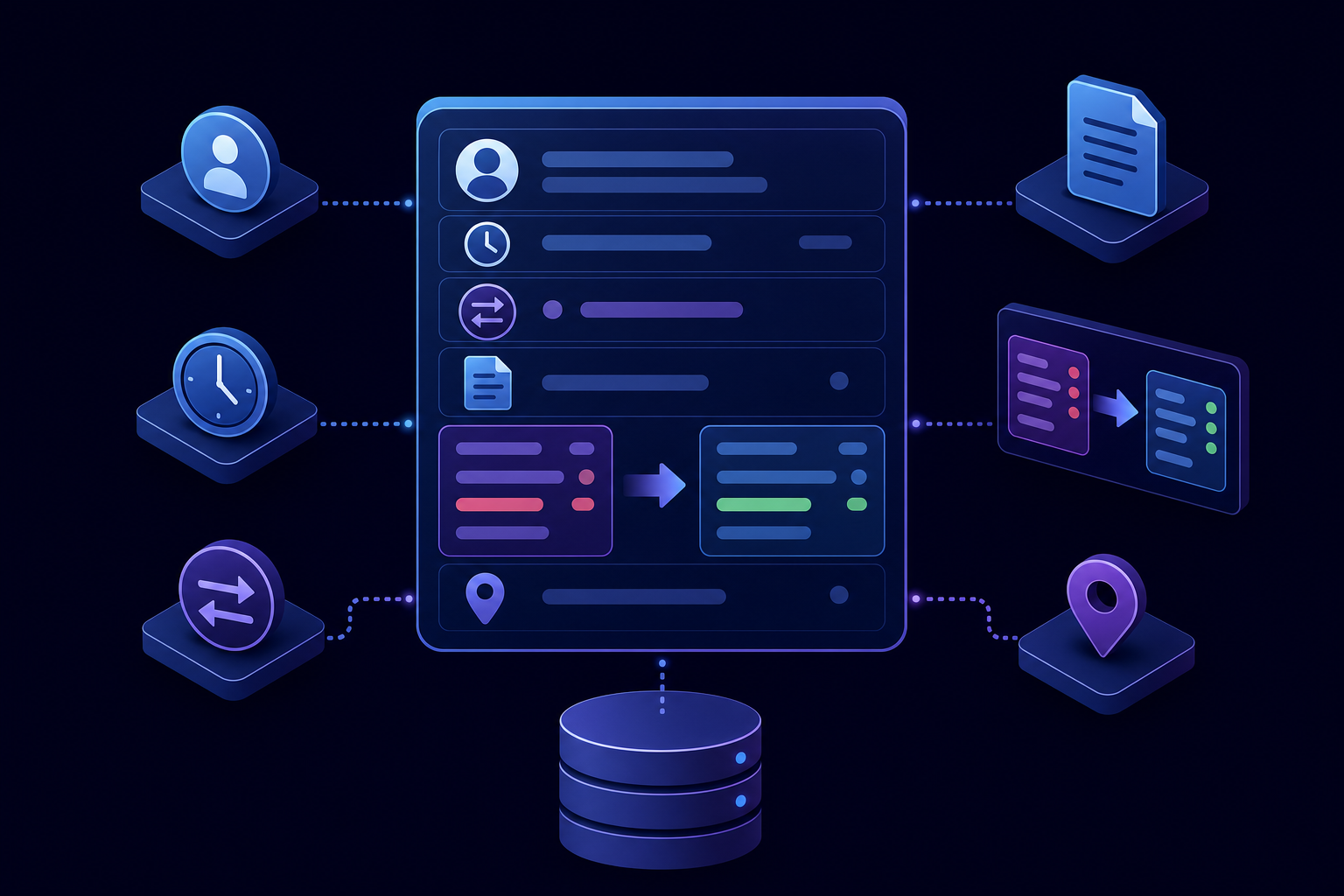
Every useful audit log captures the same core fields. Miss one and you end up with a record that's technically complete but practically useless when an enterprise buyer asks, "who approved this and when?"
The minimum viable event schema:
- User identity (ID, name, role) so you can trace actions back to a specific person, beyond the session.
- Timestamp in UTC with millisecond precision, because ordering matters in approval workflows.
- Action type (created, edited, deleted, approved, rejected) as a controlled vocabulary, not a free-text field.
- Resource identifier that points to exactly what was acted on.
- Before and after state so you can reconstruct what changed, beyond knowing that something changed.
- IP and session context for security investigations.
Schema discipline separates thorough logging from noise. Raw payloads with no structure become unqueryable at scale.
## Compliance Requirements Driving Audit Trail Adoption
Regulatory pressure is the most common reason engineering teams get a ticket for "add audit logging" in their sprint. [SOC 2 Type II requires audit trails](https://linfordco.com/blog/audit-trail-soc-2/) that log access to sensitive data. [HIPAA mandates audit controls](https://www.kiteworks.com/hipaa-compliance/hipaa-audit-log-requirements/) for any system touching protected health information. GDPR gives users the right to know what happened to their data and when.
The bar has gotten higher. Auditors now ask for tamper-evident logs, beyond basic logging. That distinction matters: a mutable database table isn't going to satisfy a SOC 2 auditor who wants proof nobody quietly deleted a record.
Build this yourself and you're looking at weeks of work.
## Building Immutable Audit Logs: Why Tamper Resistance Matters
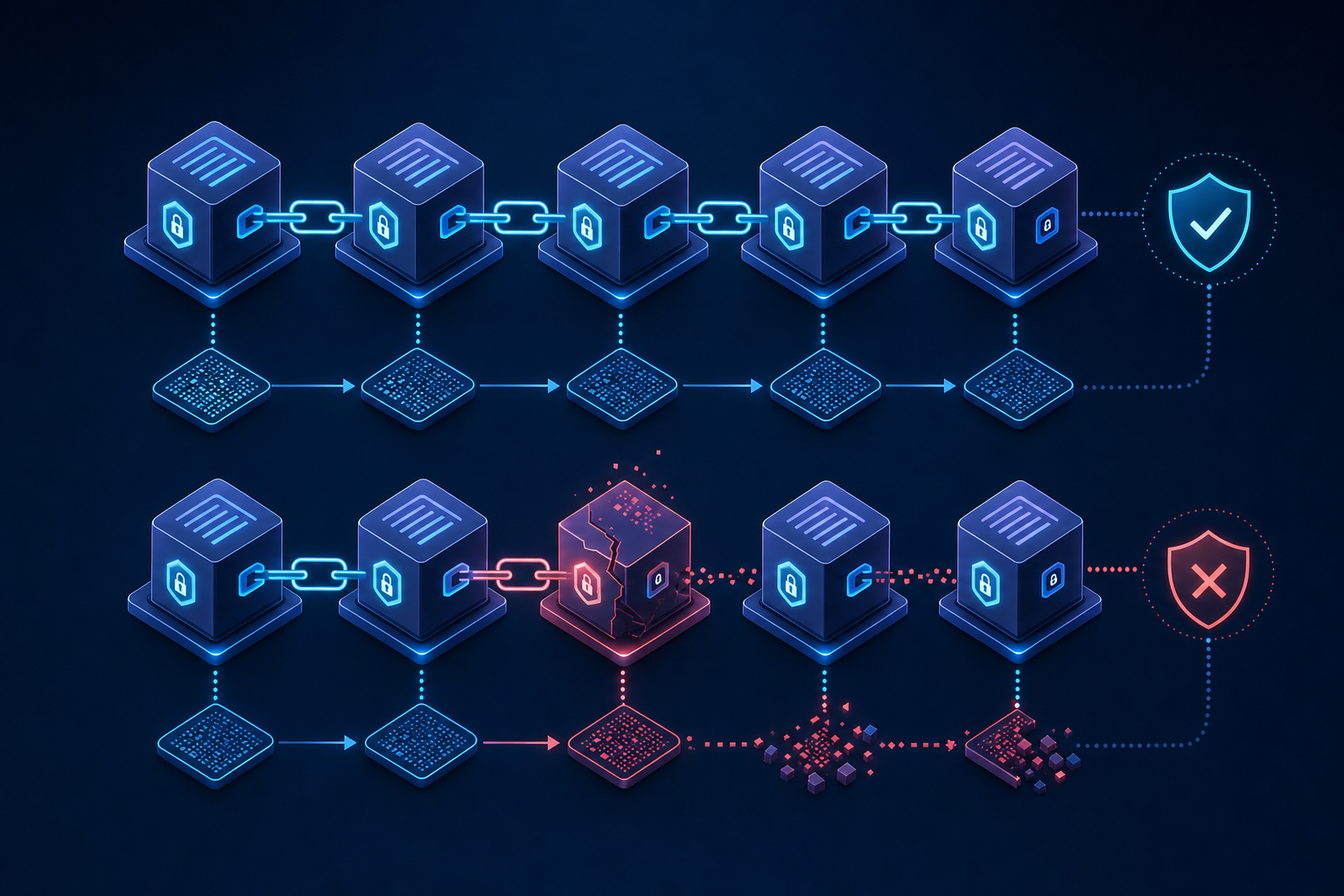
The difference between a log and an audit trail is provability. Regular app logs are mutable rows you can silently edit after the fact. An audit trail has to prove nothing changed since the event was written. Auditors have a name for this property: non-repudiation and three patterns deliver it:
- Append-only storage: INSERT only, no UPDATE or DELETE. A solid starting point, but a DBA with direct database access can still alter records.
- Cryptographic hash chains: each record includes a hash of the previous entry. Alter anything and the entire chain breaks, making tampering detectable.
- WORM storage: AWS S3 Object Lock, Azure Immutable Blob Storage. Modification is blocked at the storage layer, with no override path.
Blockchain-based audit logs come up in these conversations. They're rarely the right call for SaaS. Hash chains plus WORM storage gets you the same non-repudiation at a fraction of the infrastructure cost.
## What Events to Track in a SaaS Audit Trail
Most SaaS products need to track three categories of events.
- The first is **user actions**: logins, logouts, failed authentication attempts, password changes, and permission updates. These are the bread and butter of any access audit.
- The second is **data changes**: record creation, edits, deletions, and exports. For each change, you want the before state, the after state, who made it, and when.
- The third is **workflow events**: approval submissions, rejections, status transitions, and comment activity. These matter most in audit trail approval workflow contexts, where a regulator or internal reviewer needs to reconstruct a decision.
## Technical Implementation Patterns for Audit Trails
Audit trail architecture breaks down into three patterns: event sourcing, change data capture, and append-only storage with optional hash chaining. Each has real tradeoffs worth knowing before you write a line of code.
### Event Sourcing vs. Change Data Capture
Event sourcing logs intent: "user approved document." Change data capture (CDC) logs state diffs at the database level. CDC is easier to retrofit onto an existing app, but it misses application-level context like who triggered an action or why. Event sourcing gives you richer logs but requires architectural buy-in upfront.
### Where Immutability Actually Lives
Append-only tables in Postgres get you most of the way there. For stricter compliance needs, consider write-once object storage or cryptographic hash chaining so records can't be altered without detection.
| Implementation Approach | Time to Ship | Immutability Model | Compliance Readiness | Query Interface | Maintenance Burden |
| --- | --- | --- | --- | --- | --- |
| Custom Build (Event Sourcing) | 6-12 weeks for basic implementation, additional time for UI and query tooling | Requires manual implementation of append-only storage, hash chains, or integration with WORM storage services | Schema and retention policies must be designed and validated against audit requirements | Build your own API endpoints, filtering logic, and UI components to surface records | Ongoing maintenance for schema migrations, storage scaling, and compliance updates |
| Custom Build (Change Data Capture) | 2-4 weeks to retrofit CDC onto existing database | Database-level logging with append-only tables, limited tamper protection without additional work | Captures state diffs but misses application context like user intent and workflow state | Raw database records require transformation layer to become queryable by business users | CDC pipeline maintenance, handling schema changes, filtering noise from high-frequency events |
| Velt SDK | Same day integration, audit logging starts automatically with VeltProvider setup | Immutable by design, records cannot be edited or deleted after creation | Pre-built for SOC 2 and compliance use cases, captures user identity, timestamps, and full state context | REST API and built-in UI components for filtering by document, user, or time range | No maintenance required, updates and compliance features ship automatically |
### Performance and Scalability Considerations
Synchronous audit logging is the fastest way to add latency you didn't budget for. Every event that writes to the database inline with the user's request adds round-trip time. At low volume it's invisible. At scale, it compounds. The fix is straightforward, though: decouple logging from the request path. Write events to an in-memory queue or message broker (Kafka, SQS, Redis Streams), then flush asynchronously. Users get fast responses; your audit system gets everything it needs, slightly delayed.
Two patterns worth building in early:
- Batching: group writes into [bulk inserts on a configurable interval](https://velt.dev/blog/velt-webhooks-real-time-collaboration-events) instead of one INSERT per event. Velt's activity log system uses configurable debounce timing for exactly this reason.
- Storage tiering: keep hot recent events in a queryable store and archive older data to cheap object storage. In practice, the vast majority of compliance queries target recent activity instead of records from years prior, so there's no reason to pay primary database pricing for data that rarely gets touched.
High-frequency events like presence changes and cursor movements can overwhelm a log table fast. Sample or debounce these instead of writing every tick.
## Audit Trail Storage and Retention Best Practices
Logs are only as trustworthy as the infrastructure storing them. A few decisions made early in your architecture will determine whether your audit trail holds up during a compliance review or falls apart under scrutiny.
### Storage Options
Where you store logs shapes both durability and query performance. Most teams land on one of three approaches:
- A dedicated append-only table in your primary database works well for smaller products where audit queries run infrequently. A Postgres table with an INSERT-only policy and a `CHECK` constraint blocking updates is a solid starting point. Index on `(document_id, created_at)` and you can answer most compliance queries without a separate store. The tradeoff: audit queries compete with your production workload for I/O, and at millions of rows per day, table bloat becomes a real problem.
- A separate time-series or columnar store (TimescaleDB, ClickHouse, BigQuery) scales better once log volume grows into the millions of rows. Columnar compression cuts storage costs on repetitive event data, and time-range queries that would crawl on a row store run in seconds. The cost is additional overhead: you now manage a second database, a write pipeline between them, and schema consistency across both.
- An immutable log service with write-once semantics gives you the strongest tamper-evidence story for compliance-heavy industries. AWS CloudTrail, Azure Monitor, or a purpose-built audit log SaaS stores events in WORM-style storage where deletion is blocked at the infrastructure layer. You get non-repudiation without building it yourself, but you also hand off query flexibility and accept per-event pricing that compounds fast at scale.
### Retention Policies
How long you keep records depends on your compliance obligations. SOC 2 doesn't mandate a specific retention period, but 12 months is a common baseline that most auditors expect to see; your auditor may ask for more depending on the scope of your controls. [HIPAA requires six years](https://www.hipaajournal.com/hipaa-retention-requirements/) for certain documentation under §164.316(b)(2)(i), measured from the date of creation or the last effective date. Build your retention periods into the schema from day one so you're not migrating data later.
Soft deletes with a hard expiration job are a clean pattern here. You mark records inactive, but they stay queryable until the retention window closes.
## Approval Workflow Audit Trails: Tracking Review and Sign-Off
Generic audit logs capture system events. Approval workflows demand something more specific: every state transition needs a named decision-maker, a timestamp, and the context that existed at the moment of sign-off. When a financial document moves from "pending" to "approved," the audit trail should answer who approved it, what version they reviewed, whether objections were raised before sign-off, and whether any escalation steps were skipped. Without that chain of custody, you have a record that something changed, not a record of the decision itself.
Three scenarios make this concrete:
- Compliance audits: regulators reviewing FP&A approvals or legal signoffs need an unbroken chain from draft to final decision.
- Dispute resolution: "who approved this and when" needs an exact answer, not an approximation from someone's memory.
- Operations reviews: if an approval took 14 days, the log should show where it stalled and who was responsible.
[Content production, financial planning, and legal tools](https://velt.dev/blog/best-collaboration-sdks-2026) all share this pattern. The approval state is the artifact. Everything else is context.
## Adding Audit Trail Infrastructure with Velt

Velt ships audit trail infrastructure as part of its review and approval infrastructure, so you're not bolting logging on after the fact. Every user action, comment, approval state change, and annotation gets [recorded automatically](https://velt.dev/blog/velt-webhooks-automate-collaboration-workflows) with a timestamp, user identity, and document context. The setup is minimal. Add the `VeltProvider`, wrap your app, and Velt starts capturing events. You can [query the audit log programmatically](https://velt.dev/activity-logs), filter by document or user, and surface records directly in your UI.
Velt stores logs as immutable records. Entries can't be edited or deleted after the fact, which matters for compliance use cases like SOC 2 or internal controls.
## Final Thoughts on Audit Logging for Compliance
The gap between basic event logging and a compliance-ready [audit trail SaaS](https://velt.dev/) system is bigger than most teams expect. You need immutability, retention policies, and queryable records that auditors will actually accept. to see how Velt handles this without the engineering overhead.
## FAQ
### Audit trail SaaS vs custom logging infrastructure?
Velt ships immutable audit trails out of the box as part of its review and approval infrastructure, capturing every comment, approval state change, and user action automatically. Custom logging requires weeks of engineering work to build append-only storage, schema discipline, queryable APIs, and UI components to surface the records.
### How do I build an immutable audit log SDK into my SaaS product?
Add Velt's SDK to your app, wrap your component tree with the `VeltProvider`, and audit logging starts automatically. Every user action gets recorded with timestamp, user identity, resource context, and before/after state. The logs are immutable by design and queryable via REST API or surfaced directly in your UI.
### What's the difference between audit trail approval workflow tracking and regular event logs?
Approval workflow audit trails capture decision context, beyond state changes. You get who approved what version, what objections were raised before sign-off, and whether escalation steps were followed. Regular event logs tell you something changed. Approval audit trails tell you who decided and what they reviewed.
### Can I add audit trails without slowing down my app?
Yes. Write audit events to an in-memory queue or message broker like Kafka or SQS, then flush asynchronously. Users get fast responses while your audit system captures everything, slightly delayed. Velt uses configurable debounce timing for high-frequency events to prevent log table bloat.
### When should I use hash chains vs append-only storage for audit logs?
Append-only storage prevents accidental edits but a DBA with database access can still alter records. Hash chains make tampering detectable since each record includes a hash of the previous entry. For strictest compliance, combine hash chains with WORM storage like AWS S3 Object Lock where modification is blocked at the infrastructure layer.
---
# How AI Content Generators Created a 5x Review Backlog (And What to Do About It) (May 2026)
https://velt.dev/blog/ai-content-generators-5x-review-backlog
AI content generators created 5x review backlogs for teams. Learn why review capacity can't scale like content production and what to do about it. May 2026
*May 25, 2026*
AI tools made content creation instant, but review capacity hasn't moved. The result is a structural backlog that no amount of process tweaking will fix. What's missing is review and approval infrastructure built directly into your product.
*Last updated: May 1, 2026*
**TLDR:**
- AI tools let teams produce 10x more content, but human reviewers still process ~400 pieces per hour before accuracy drops
- Review backlogs grew 3-5x within six months of AI adoption across content, compliance, and ops teams
- Slack and email fragment approval chains with no audit trail or formal sign-off tracking
- Velt embeds review and approval infrastructure directly into your product with contextual comments, approval workflows, and audit logs
## Why AI Content Generators Created a 5x Review Backlog
AI tools like Jasper, Copy.ai, and ChatGPT let small teams produce content at a scale that would have required entire departments five years ago. The problem is that output volume scaled instantly while review capacity didn't. One writer can now generate ten times the drafts, but a human editor still takes the same amount of time per piece. [Studies show](https://contentmarketinginstitute.com) content teams using AI generators report review backlogs growing 3x to 5x within the first six months of adoption.
## The Fundamental Asymmetry Between Creation and Verification

Content generation scales with compute. Human verification scales with headcount, and headcount doesn't move fast.
A writer using AI can produce ten drafts in the time it used to take to write one. But a reviewer still takes the same amount of time per draft. Their job requires reading carefully, catching brand violations, checking facts, applying legal constraints, and making judgment calls. None of that gets faster when your AI tooling improves.
That's the asymmetry. Generation is now cheap and instant. Review is still slow and expensive. Every gap between the two is a piece of content sitting in a queue, waiting on a human who has too many other pieces in front of it.
## What Happens When Your Review Queue Grows Faster Than Your Team
When the queue grows faster than headcount, you face a binary trap: throttle creation to match review capacity (negating the ROI of AI tools) or let content ship without full review (accepting compliance and quality risk).
Both happen constantly. Often in the same week.
The downstream ripple is predictable. A delayed piece holds up a campaign, which pushes a launch window, which cascades into quarterly pipeline numbers. Meanwhile, reviewers bury themselves in context-switching between unrelated pieces and make worse calls as fatigue accumulates. Missed deadlines and reviewer burnout are the same backlog expressing itself in different parts of the org.
The quieter cost is quality erosion. Research shows AI-generated content achieves only [25% higher engagement rates](https://autofaceless.ai/blog/ai-writing-statistics-2026) when properly reviewed versus unreviewed content, yet rushed approvals start looking like real approvals.
Standards drift. When something ships with a factual error or a brand violation, the cleanup cost dwarfs whatever was saved by moving fast.
## How Different Industries Are Experiencing the Review Bottleneck
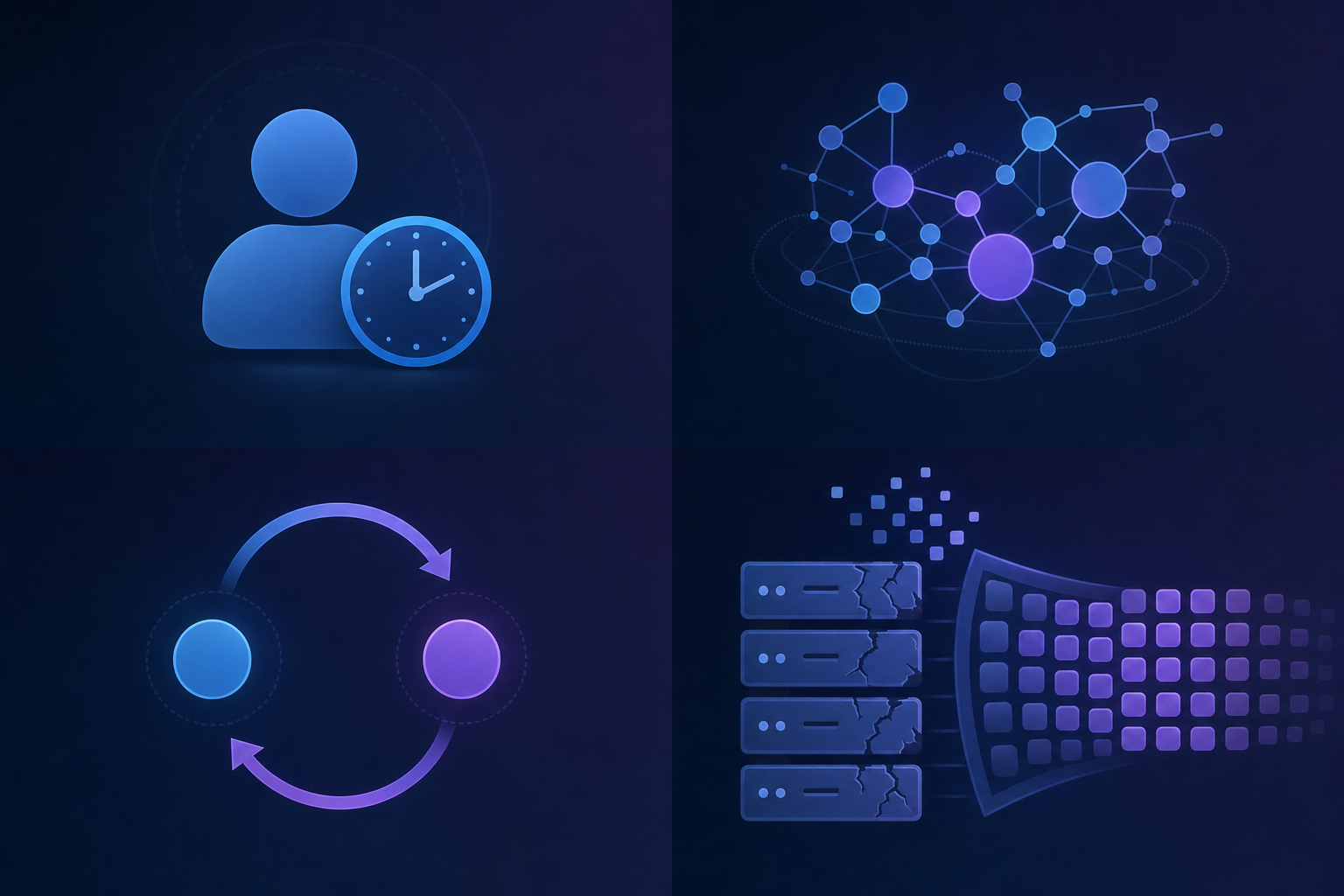
The AI content review backlog hits differently depending on what you're building. In content production and sales enablement, marketing teams report output volumes increasing 3-5x in the past year, with review capacity staying flat. Compliance teams in FP&A face a similar squeeze: AI-drafted financial disclosures require legal sign-off, but legal hasn't grown headcount to match. In internal tools, product teams are shipping AI-generated copy and UI text faster than design and legal can review it. The bottleneck looks the same across all of them: generation is instant, but human review is still measured in days.
## Four Structural Reasons Review Capacity Doesn't Scale Like Content Production
Review capacity doesn't scale with content volume because the two rely on completely different inputs. Content production gets cheaper and faster as AI tooling improves. Review stays expensive because it requires human judgment.
Four structural reasons why:
- Each piece needs a qualified reviewer, and that person's time is fixed. You can't parallelize human attention the way you can parallelize LLM inference.
- Review requires context that accumulates over time: brand history, prior decisions, legal constraints. New reviewers can't just jump in.
- Feedback loops between reviewer and writer add latency that compounds across a backlog.
- Most review tooling wasn't built for asynchronous, high-volume queues. It was built for one-to-one editing.
## The Hidden Costs of Unreviewed or Poorly Reviewed Content
Shipping content to clear the backlog moves risk downstream. Brand damage from off-voice copy accumulates quietly until a piece goes viral for the wrong reason. Compliance violations are faster: one unchecked claim in a financial or health-adjacent context can invite regulatory scrutiny that far outpaces any speed gain from moving quickly.
Google actively downgrades AI-generated content that lacks meaningful editorial review. Review shortcuts compound into ranking losses over months. And when a reader catches a factual error before your team does, they don't file a support ticket. They leave, and they tell someone.
## Approval Infrastructure as the Missing Layer in AI-Assisted Workflows
Every systemic problem eventually gets [a systemic solution](https://velt.dev/). Databases solved data persistence. Auth solved identity. Payment APIs solved transactions. Teams stopped reinventing each layer and started treating it as infrastructure.
The AI content review backlog fits that same pattern. It's a missing layer: a place where content enters a formal review state, gets routed to the right reviewer, collects contextual feedback, and requires documented sign-off before anything ships. Project management tools track tasks. They don't track approval states, reviewer assignments, or audit-ready decision logs.
That gap is what review and approval infrastructure fills.
## Why Traditional Collaboration Tools Weren't Built for Review-Heavy Workflows
Slack was built to move information between people, not to track whether that information reached a formal decision. There's no concept of "in review" vs. "approved," no way to surface who signed off, or when. Email fragments feedback across threads and versions blur fast. When something ships with an error and you need to reconstruct the approval chain, you're sifting through inboxes. The architecture of these tools was never meant to hold the weight of [formal review](https://velt.dev/blog/best-commenting-sdk-use-cases). That's a tooling mismatch, not a workflow problem.
| Tool Category | What It Was Built For | Review Capacity Limitation | Missing Infrastructure |
| --- | --- | --- | --- |
| Slack | Moving information between people in real-time | No formal approval states. Feedback fragments across threads with no version control or audit trail. | Approval workflows, reviewer assignment, decision logs, contextual anchoring |
| Email | Asynchronous one-to-one or one-to-many messaging | Threads blur across versions. Reconstructing approval chains requires sifting through inboxes. | In-context feedback, approval state tracking, structured review queues |
| Project Management Tools | Task tracking and timeline management | Track tasks, not approval states. No contextual feedback anchored to content elements. | Reviewer routing, content-anchored comments, formal sign-off documentation |
| Velt | Review and approval infrastructure for SaaS products | Scales review capacity without adding headcount by embedding contextual comments, approval workflows, and audit trails directly in your product. | Nothing. Ships with comments, approvals, presence, notifications, audit trails, and recording. |
## Building Review Capacity Into Your Product, Not Around It
When [feedback lives inside the product](https://velt.dev/comments) where content lives, reviewers stop hunting for the right version across tabs. Context sticks. Approval states are visible without digging through threads. Each individual review gets cheaper, and that's how capacity scales without adding headcount. This is the core argument for [building review and approval infrastructure](https://velt.dev/blog/how-to-customize-a-commenting-sdk) directly into your product. Velt gives you exactly that: comments, approval workflows, presence, notifications, audit trails, and recording, wired into your app instead of bolted on from outside.
## How Velt Embeds Review and Approval Infrastructure Directly Into SaaS Products

[Velt is review and approval infrastructure](https://velt.dev/enterprise). Teams in content production, compliance, and internal tools drop it in and get contextual comments, approval workflows, and audit trails without building them from scratch. That's how you absorb 5x content volume without 5x review delays.
## Final Thoughts on Scaling Review Capacity for AI-Generated Content
You can't fix [AI content review backlogs](https://velt.dev/) by working harder or hiring faster. The problem is architectural: generation happens in your product, but review happens everywhere else. Velt solves this by putting comments, approvals, and audit trails directly where your content lives. Context stays attached, reviewers stop hunting across tools, and capacity scales without adding headcount. [Schedule a demo](https://velt.dev/book-demo) to walk through your specific use case.
## FAQ
### Can you handle AI-generated content review without increasing headcount?
Yes. Building review infrastructure directly into your product lets each reviewer handle more volume without adding delays. Velt gives you contextual comments, approval workflows, and audit trails that reduce per-review time by keeping feedback anchored to the content itself, not scattered across Slack and email threads.
### AI content review backlog vs traditional editorial backlog?
The AI content review backlog is structurally different because generation scales instantly while review capacity stays fixed. Traditional editorial backlogs grew linearly with team output. AI tools let one writer produce 10x the drafts overnight, creating 3-5x backlogs within months. The gap isn't process, it's that human review has cognitive limits AI generation doesn't.
### What happens when review queues grow faster than your team can approve?
You face a binary trap: throttle AI content creation to match review capacity (negating the ROI of your AI tools) or ship content without full review (accepting compliance and quality risk). Both options show up in the same workflow, often in the same week. The real cost is delayed campaigns, reviewer burnout, and quality erosion.
### How do compliance teams handle AI-generated content at scale?
Compliance review requires documented approval states, reviewer assignments, and audit-ready decision logs. Traditional collaboration tools like Slack and email don't track formal approval chains or who signed off when. Velt provides approval workflows and audit trails built into your product so legal and compliance teams can review AI-generated financial disclosures, marketing claims, and internal documentation without reconstruction headaches.
### Why don't project management tools solve the review bottleneck?
Project management tools track tasks. They don't track approval states, contextual feedback anchored to specific content elements, or audit-ready sign-off chains. Review infrastructure requires a different layer: a place where content enters formal review, gets routed to qualified reviewers, collects feedback in context, and requires documented approval before shipping. That's what Velt provides.
---
# Why Every AI-Generated Asset Needs a Human Review Layer (May 2026)
https://velt.dev/blog/why-ai-generated-assets-need-human-review
Learn why AI-generated assets require human review layers to catch errors, hallucinations, and compliance issues before publication. May 2026 guide.
*May 25, 2026*
Everyone assumed the hard part was getting AI to generate content that didn't sound like a robot. Turns out the actual problem is verifying that content before it ships. Your AI content quality review process is probably a mix of Slack messages and shared docs, which means there's no record of who reviewed what or when they signed off. What you need is review and approval infrastructure: a structured system for comments, approvals, and audit trails that scales with AI output volume.
**TLDR:**
- AI generates 10x more content than humans, but review capacity has not scaled with it.
- Hallucination rates exceed 15%, and 47% of enterprise AI users made decisions based on fabricated content.
- Review infrastructure prevents errors from reaching production and provides audit trails.
- Velt embeds review and approval workflows directly into your product with comments, approvals, and audit logs.
## The AI Content Explosion Created a Review Bottleneck
The bottleneck in most AI workflows is not generation speed. It is review capacity. AI systems now produce millions of images per day, and the majority of newly created web pages contain AI-generated content. Teams that once shipped dozens of assets per week now generate hundreds, but human reviewers are still working at human speed. The gap is real: generation throughput scaled exponentially while review capacity stayed linear. That mismatch is where things break down. Unverified output gets published, errors slip through, and compliance issues surface after the fact because there is no structured process to catch them before they ship.
[According to McKinsey](https://www.mckinsey.com/capabilities/mckinsey-digital/our-insights/the-economic-potential-of-generative-ai), generative AI could add up to $4.4 trillion in annual value across industries, but that value only materializes when the output is actually trustworthy. What teams actually need is review and approval infrastructure that keeps pace with AI output volume. Right now, most do not have it. They have Slack threads, shared docs, and no audit trail of who reviewed what or when they signed off.
## Why AI Output Cannot Be Trusted Without Human Verification
AI outputs look convincing. That's the problem. A language model generates text with the same confident, fluent tone whether the underlying claim is accurate or fabricated, which makes errors genuinely hard to catch on a scan. A misquoted statistic reads just as cleanly as a correct one. A wrong attribution carries the same authoritative register as something grounded in real sourcing.
Even the latest models carry [hallucination rates exceeding 15%](https://arxiv.org/abs/2309.05922), and in 2024, [47% of enterprise AI users](https://www.reuters.com/technology/artificial-intelligence/nearly-half-enterprise-ai-users-made-decisions-based-hallucinated-content-2024/) admitted to making at least one major business decision based on hallucinated content. The failures aren't always dramatic: a subtly wrong number in a sales deck, a slightly off brand claim, a citation that points to a real paper but misrepresents its findings. These errors pass automated checks because those checks don't understand intent. AI can't flag its own uncertainty reliably, which is exactly why a human review layer isn't optional for anything customer-facing or compliance-sensitive.
## The Hidden Cost of Not Implementing Review Workflows
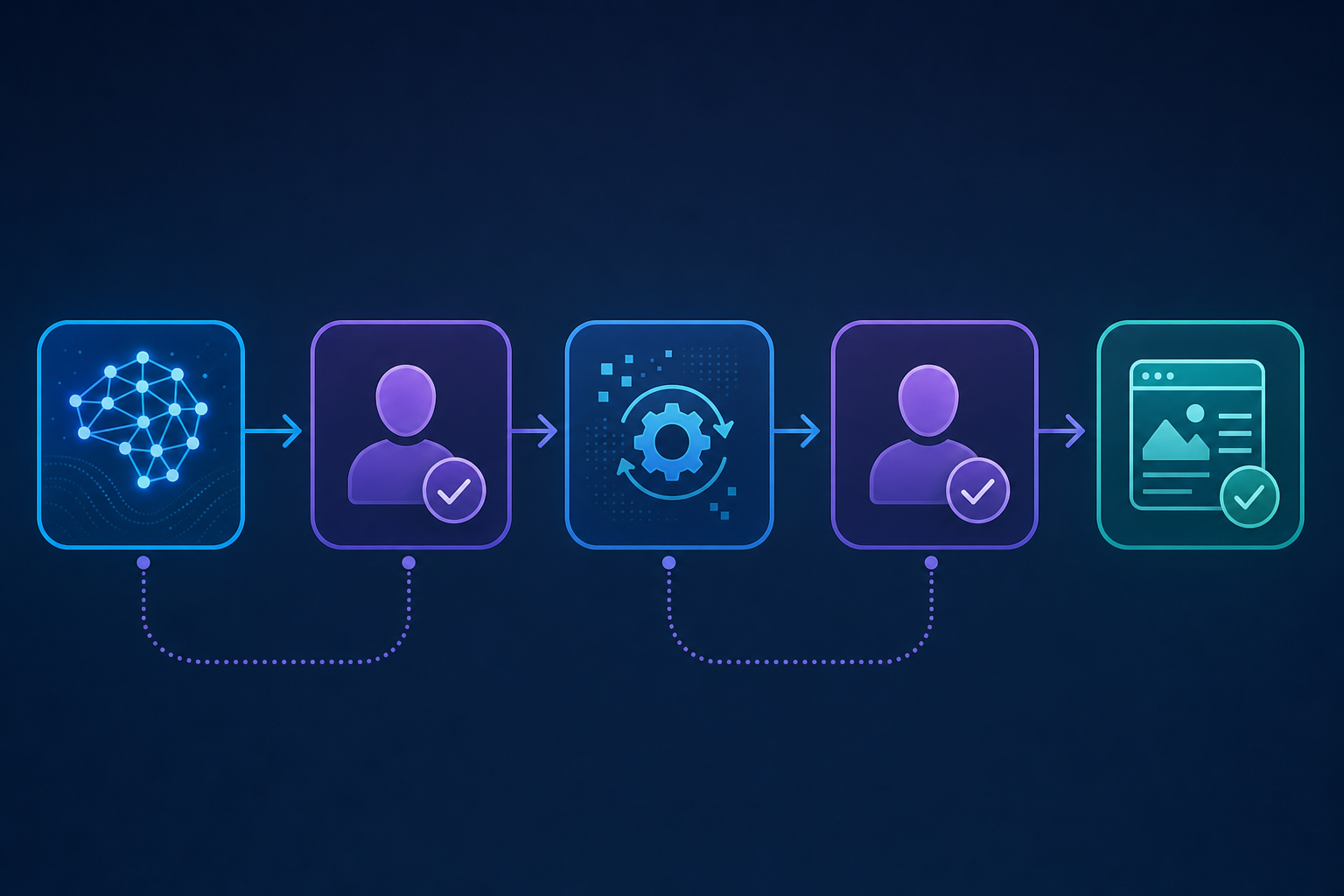
The hidden cost of skipped review workflows is not the errors that get caught. It is everything that slips through unchecked.
Knowledge workers spend an average of 4.3 hours per week verifying AI output. That works out to roughly $14,200 per employee per year in verification overhead alone, and that is when a process exists at all. When it does not, that time is also invisible: no tracking, no accountability, no audit trail. Approvals happen in Slack threads that vanish. Nobody can prove what was reviewed, who signed off, or when.
The indirect costs compound quickly. A factual error in a published sales asset can stall deals. A compliance gap in a financial document can trigger audits. These are not edge cases. They are what happens when review stays informal. Review infrastructure is not overhead you add to a workflow. It is what makes the workflow defensible.
## Where to Insert Human Review Checkpoints in AI Workflows
Knowing when to pause an AI workflow and hand off to a human reviewer is where most teams get this wrong. They either review too late (after content is already distributed) or too early (before the AI has done enough useful work). The right checkpoints depend on the asset type and risk level.
Here's where review layers tend to matter most:
- After first-pass generation, before any downstream use (catch factual errors, tone mismatches, or hallucinated citations before they get embedded in documents or sent to customers).
- Before publishing or distribution (a second human pass after any AI editing or reformatting catches regressions introduced in post-processing).
- After AI-assisted personalization (anytime the AI is filling in personalized fields or tailoring copy per audience segment, a reviewer should spot-check a representative sample).
- Before feeding output into another AI system (errors compound when one model's output becomes another's input, so [a human gate between pipeline stages](https://velt.dev/) limits downstream drift).
### Matching Review Depth to Risk Level
Not every asset needs the same scrutiny. A rough internal summary carries less risk than a customer-facing legal disclosure. Matching review depth to consequence keeps teams from burning reviewer time on low-stakes output.
| Asset Type | Risk Level | Recommended Review Layer |
| --- | --- | --- |
| Internal summaries | Low | Async comment thread, no approval gate |
| Marketing copy | Medium | Single reviewer with annotation trail |
| Customer-facing contracts | High | Multi-stage approval with audit log |
| Compliance documents | Critical | Mandatory sign-off with versioned history |
Building this kind of structured review into your AI workflow means the review itself becomes auditable along with the output.
## Building Review Infrastructure That Scales With AI Volume
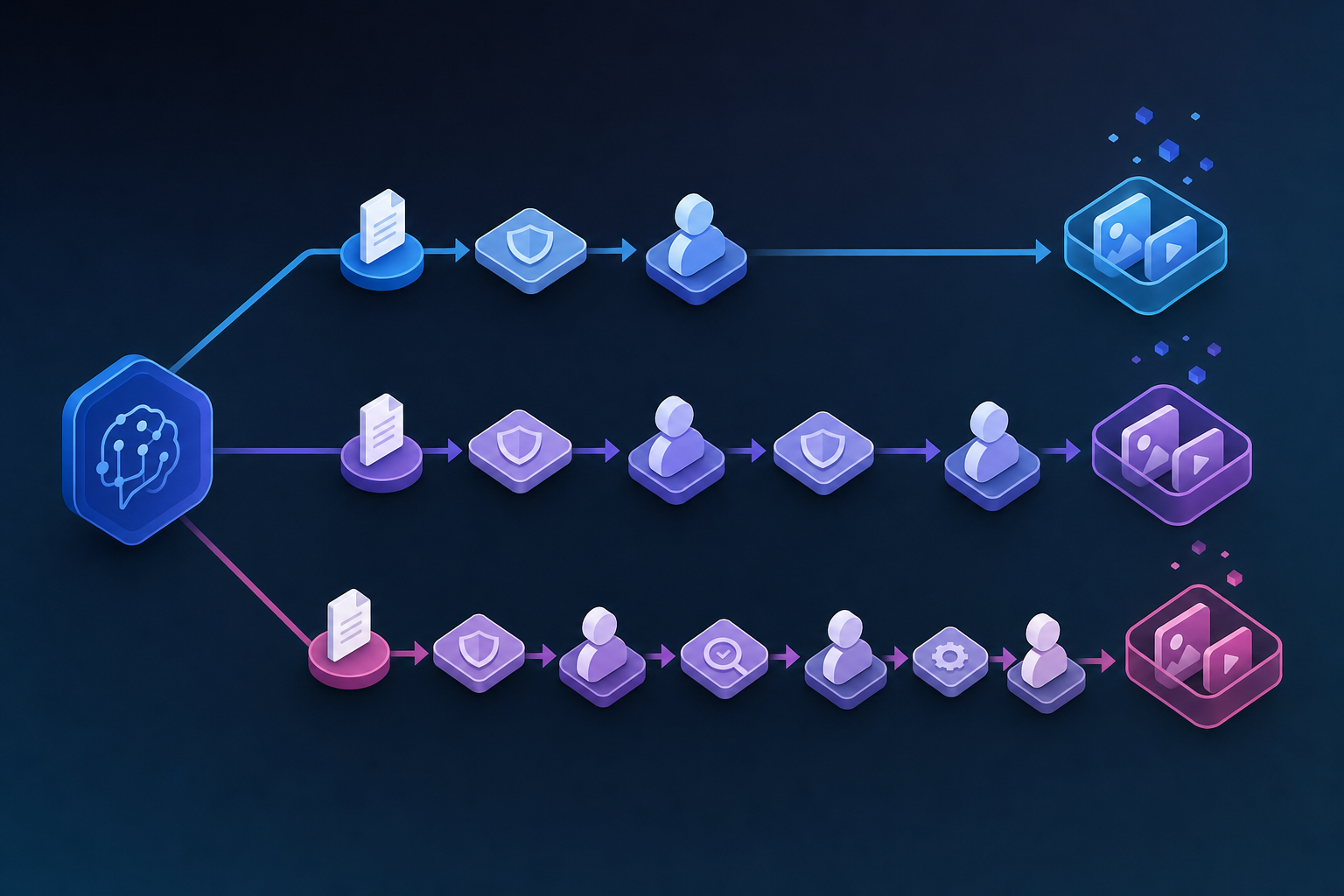
As AI output volumes grow, ad-hoc review processes break down. A single reviewer checking outputs in a shared doc doesn't hold up when your team is generating hundreds of assets per week. Review infrastructure needs to scale with that volume. That means structured workflows where comments, approvals, and status changes are tracked per asset, not buried in Slack threads or email chains.
Confidence-based routing is the design pattern that actually holds up at volume. Not every AI output carries the same risk, so treating them identically wastes reviewer time and buries the things that genuinely need attention.
The routing logic can stay simple:
- Low-confidence or compliance-sensitive output gets a named reviewer and a formal approval gate before it moves forward.
- High-confidence, low-risk output goes through async review or periodic spot-checks, keeping the queue from backing up.
- Internal draft summaries need a comment thread, not a full approval chain.
This keeps human attention focused where it matters, which is the only way review scales without becoming the new bottleneck.
## How Velt Embeds Review and Approval Into Your AI Workflow
[Velt](https://velt.dev/platform) provides exactly this kind of review and approval infrastructure, with comments, approval workflows, presence, notifications, audit trails, and recording built in. Teams get a consistent review layer across every AI-generated asset, with full visibility into who reviewed what and when.
Velt embeds review and approval infrastructure directly into the product where AI-generated assets live. Review that happens outside the product (in Slack, email, or a separate doc) loses context the moment it leaves. Velt keeps feedback anchored to the exact element being reviewed, whether that's a generated image, paragraph, or visualization. Reviewers leave comments, set approval states, and trigger notifications without switching tabs. Your team gets a full audit trail of every decision made on every AI-generated asset.
## How Velt Embeds Review and Approval Into Your AI Workflow

Velt is review and approval infrastructure that slots into the product where AI-generated assets already live. Reviewers annotate specific outputs directly, route content through configurable approval stages, and every decision gets logged with full attribution in Velt's activity trail. No reconstructing who approved what in a Slack thread from three weeks ago.
For teams in compliance-focused industries, that accountability layer is not optional. It is what makes AI output defensible before it reaches production. Velt gives you comments, approval workflows, presence, notifications, audit trails, and recording without building any of it from scratch.
## Final Thoughts on Closing the Review Gap in AI Workflows
The bottleneck is not generation speed anymore. It is review capacity, and fixing that means building [AI review workflow](https://velt.dev/) infrastructure that scales with output volume instead of breaking under it. Velt gives you comments, approvals, presence, notifications, and audit trails without pulling reviewers out of the product where work actually happens. to see it in action. Your team already generates AI content at scale, so the review layer should work at that same scale.
## FAQ
### Can you build an AI review workflow without slowing down production?
Yes. Review infrastructure does not add wait time when it is built into the product where assets already live. Velt embeds comments, approval gates, and audit trails directly in your app, so reviewers annotate specific outputs and route them through configurable stages without switching tabs or waiting on email chains.
### What's the difference between automated AI checks and a human review layer?
Automated checks catch formatting errors and broken links. A human review layer catches factual drift, tone mismatches, and hallucinated citations that confidence scores miss entirely. Even high-confidence AI output carries hallucination rates above 15%, which is why both layers matter for anything customer-facing or compliance-sensitive.
### How do you route AI outputs to the right reviewer without creating a backlog?
Confidence-based routing is the pattern that scales. Low-confidence or compliance-sensitive outputs get a named reviewer and a formal approval gate. High-confidence, low-risk outputs go through async review or periodic spot-checks. This keeps human attention focused where it actually matters without bottlenecking the queue.
### When should you insert human review checkpoints in an AI content workflow?
Insert checkpoints at three stages: after first-pass generation (before downstream use), before publishing or distribution (to catch regressions introduced in post-processing), and after AI-assisted personalization (to spot-check variable fields). Matching review depth to risk level keeps you from burning reviewer time on low-stakes output.
### What's the actual cost of skipping review on AI-generated content?
Knowledge workers spend 4.3 hours per week verifying AI output, roughly $14,200 per employee annually. That is when a process exists. Without one, the cost is invisible until an error reaches production: a factual mistake stalls a deal, a compliance gap triggers an audit, or an unsigned disclosure surfaces during diligence. Review infrastructure is not added friction. It is what makes AI output defensible.
---
# How to Assess If Your SaaS Product Needs Review Infrastructure (April 2026)
https://velt.dev/blog/how-to-assess-saas-review-infrastructure-needs
Learn how to assess if your SaaS product needs review infrastructure. Spot the signals before feedback scatters and approval cycles slow. April 2026 guide.
*May 25, 2026*
*Last updated: April 27, 2026*
Your reviewers are losing context between tools, your approvers can't pull an audit trail without digging through email, and feedback lives everywhere except where the work actually happens. Running a [review infrastructure evaluation](https://velt.dev/) helps you spot these patterns before they turn into blockers. The signal to act isn't when users complain, it's when they start working around your product instead of in it.
**TLDR:**
- Four signals your product needs review infrastructure: scattered feedback, no approval states, users leaving your app to review, and direct feature requests for commenting.
- Manual review workflows are expensive. Knowledge workers spend 28% of their week on email; SMB managers lose 12.4 hours weekly to manual reporting.
- The build vs. buy matrix covers four factors: compliance requirements, review volume, integration complexity, and team capacity.
- Building from scratch takes 3 to 6 months, then another quarter for edge cases, before ongoing maintenance starts.
- Velt ships commenting, approval workflows, presence, notifications, audit trails, and recording via SDK. No starting from zero.
## Signs Your SaaS Product Needs Review Infrastructure
Four signals tend to surface before teams realize they need dedicated review infrastructure.
1. Feedback is scattered across Slack threads, email chains, and comment docs with no connection to the actual asset being reviewed. Reviewers lose context, approvers miss updates, and nothing has a clear owner.
2. Your product has no formal approval states. Work moves from "in progress" to "done" with no auditable record of who signed off, when, or why. For any team selling into compliance-heavy industries, that gap becomes a real blocker.
3. Users are spending time outside your product to complete review cycles. If they're screenshotting your UI and pasting it into Google Docs, your product has a workflow hole.
4. You're getting inbound requests for commenting, annotation, or approval features. That's direct signal from your users that review infrastructure belongs inside your product.
Any one of these signals is worth taking seriously. If two or more show up at once, the gap is already costing you. The next question is how much.

## Calculate the Hidden Cost of Manual Review Workflows
Slow review cycles have a price, and most teams underestimate it badly.
The scale of this problem is documented across multiple studies. Research shows knowledge workers spend roughly [28% of their workweek](https://www.guideflow.com/blog/team-collaboration-software-tools) managing email and another 14% searching for information, with 64% of employees losing at least three hours a week to ineffective collaboration. Additional research on workflow automation statistics shows that SMB managers lose an average of [12.4 hours weekly](https://calliber.net/blog/workflow-automation-statistics-ai-teams) to manual reporting alone, representing roughly 30% of a standard work week consumed by tasks automation could handle in minutes.
There are a few cost categories worth thinking through:
- **Review delays push release dates.** If approval sign-off is a blocker and the average review cycle takes three days longer than it should, that compounds across every release.
- **Missed feedback creates rework. **Comments buried in a Slack thread don't reliably make it into the build. Rework from missed context costs more than the original task.
- **No audit trail means compliance risk. **When a regulator or a client asks who approved what and when, "check Slack" is not an answer.
If any of these feel familiar, that's the clearest signal your team needs review infrastructure, not better habits.
## The Review Infrastructure Decision Matrix
The choice between building, buying, or patching together review infrastructure usually comes down to four factors.
| Factor | Build Custom | External Tools | Embedded Infrastructure (Velt) |
| --- | --- | --- | --- |
| Compliance requirements | Full control, high engineering cost | No audit trail | Audit-ready by default |
| Review volume | Scales with investment | Breaks under load | Scales by design |
| Integration complexity | High, ongoing maintenance | Low start, messy over time | Moderate upfront, clean long-term |
| Team capacity | Requires dedicated engineers | None needed | Days to ship |
If two or more rows land in the external tools column for your situation, the cracks are already showing. Compliance requirements alone should take that column off the table entirely. A review workflow that can't produce an audit trail isn't a workflow, it's a liability. Velt's review infrastructure ships with [audit-ready defaults](https://velt.dev/enterprise#compliance-tools), so you're not backfilling that capability six months later when a customer asks for it.
## Assessing Review Infrastructure Requirements by Product Category
Different product categories have different thresholds for when review infrastructure stops being optional. A quick evaluation by category can save weeks of scoping the wrong requirements.
### Content Production Tools
If your users produce, edit, or approve any kind of output (documents, designs, campaigns, reports), you almost certainly need review infrastructure. Feedback scattered across Slack threads and email chains is a workflow problem that gets worse as team size grows. The signal here is straightforward: if users are leaving your app to give feedback, you've lost the loop.
### Compliance and FP&A Tools
[Audit trails](https://velt.dev/activity-logs) are non-negotiable in compliance-heavy contexts. If your product touches financial reporting, approvals, or sign-off chains, you need version-aware commenting and a timestamped record of who approved what.
### Internal Tools and Data Analytics
The bar is lower here, but annotation and approval states still matter when outputs get acted on by other teams. If a dashboard drives decisions, someone needs a way to flag, question, or sign off on the numbers without leaving the app.
## Building Review Workflows: The True Cost Analysis
Building review infrastructure from scratch looks straightforward until you start counting the pieces. You need [comment threading](https://velt.dev/comments), version tracking, approval states, notification logic, permission scoping, and an audit trail. Each one is a small project on its own.
The engineering cost adds up fast. Most teams that have gone down this road report spending 3 to 6 months on an initial implementation before hitting the edge cases that require another quarter of work. That's before you factor in ongoing maintenance as your product changes.
There are a few questions worth asking before you commit:
- How many engineers will own this long-term, and do they have bandwidth to treat it as a real product area?
- Will you need to rebuild pieces of it every time your data model changes?
- What happens when a reviewer disputes what was approved and you have no audit trail to reference?
The hidden cost is usually not the build. It's the years of incremental fixes, the bugs that surface only in production, and the review features that never get built because the team is busy maintaining what already exists.
## Measuring Review Infrastructure Impact
Once review infrastructure ships, tracking whether it's working requires both quantitative and qualitative signals.
Quantitative measures to watch:
- Approval cycle time, before and after deployment
- Review rounds per asset (fewer rounds indicate cleaner feedback loops)
- Time-to-first-response from reviewers
- Version iterations before final sign-off
Qualitative indicators matter just as much:
- Are reviewers using in-app tools, or defaulting back to email?
- Can approvers pull a complete audit trail without reconstructing thread history?
- Is cross-functional feedback landing in one place, or still scattered?
If the numbers are moving in the right direction and reviewers have stopped defaulting to Slack, the infrastructure is working. If approval cycle time hasn't budged or audit trail requests still require manual reconstruction, something in the workflow needs adjusting. The metrics tell you what changed. The qualitative signals tell you whether it stuck.
## How Velt Embeds Review and Approval Infrastructure Into Your Product
Velt drops review and approval infrastructure directly into your product via SDK. You add commenting, approval workflows, presence indicators, notifications, audit trails, and session recording without building any of it from scratch.
The integration is component-based. You wrap the elements you want reviewed, configure your user context, and Velt handles state, threading, and permissions. Your reviewers see feedback anchored to the exact asset, document, or UI element being discussed, not a Slack thread that loses context by Tuesday. That's the core of how Velt keeps review in-context from comment to sign-off.
Approval states are tracked at the element level. You can gate downstream actions on approval status, so nothing moves forward until the right people sign off. Audit trails write automatically, which matters if your users are in [compliance-heavy industries](https://velt.dev/blog/enterprise-ready-collaboration-sdk-complete-guide-for-2026) or need accountability on changes.
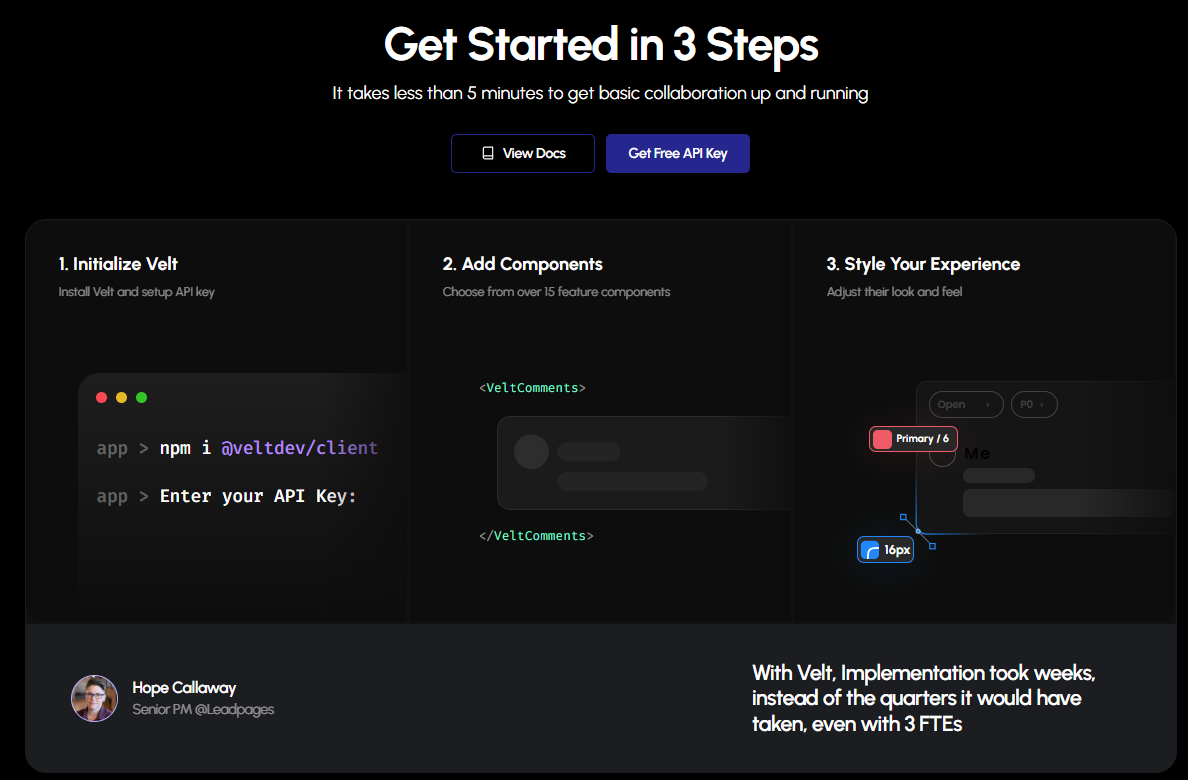
## Final Thoughts on Review Workflow Integration
If your users are screenshotting your UI to paste into Google Docs for feedback, that's not a workflow preference, it's a missing feature. [Review infrastructure](https://velt.dev/) stops being optional the moment approval delays start pushing release dates or compliance questions surface with no audit trail to reference. Velt embeds commenting, approval workflows, and timestamped records directly into your product, so reviewers never have to leave to do their job.
[Talk to our team](https://velt.dev/book-demo) to map out what review infrastructure looks like for your specific product category.
## FAQ
### When should you add review infrastructure to your SaaS product?
The clearest signal is when users start working around your product instead of in it. If they're screenshotting your UI to paste into Google Docs, or routing feedback through Slack threads with no connection to the asset being reviewed, review infrastructure belongs inside your product. Two or more of these patterns showing up at once means the gap is already costing you.
### How long does it take to build review infrastructure from scratch?
Most teams report 3 to 6 months to ship an initial implementation, then another quarter working through edge cases, before ongoing maintenance begins. That timeline doesn't account for the features that never get built because the team is busy keeping the existing system running.
### What's the difference between a collaboration SDK and review infrastructure?
A collaboration SDK typically covers real-time sync, presence, and cursors. Review infrastructure goes further: it includes comment threading, approval states, audit trails, notification logic, and permission scoping. Velt ships all of these together, which is why it maps to review and approval workflows, not multiplayer editing alone.
### How do you measure whether your review infrastructure is working?
Track approval cycle time, review rounds per asset, and time-to-first-response before and after deployment. On the qualitative side, watch whether reviewers are actually using in-app tools or defaulting back to email. If cycle times are flat and audit trail requests still require manual reconstruction, something in the workflow needs adjusting.
### Can you add review infrastructure to a product that already has its own commenting system?
Yes. Velt integrates at the component level, so you can scope it to specific elements or workflows without replacing what's already built. Teams typically use it to add approval states, audit trails, and notification logic on top of lighter commenting they've already shipped.
---
# How to Add an Approval Workflow to a React App (April 2026)
https://velt.dev/blog/add-approval-workflow-react-app
Learn how to add approval workflows to React apps with state management, routing logic, and notifications. Complete implementation guide for April 2026.
*May 25, 2026*
You're building a document tool, a sales enablement app, or an FP&A app, and now users are asking for review workflows. You know you need approval states, assignee logic, and some kind of audit trail, but you're not sure whether to build it yourself or pull in review and approval infrastructure. The build-versus-buy question matters here because [approval workflows in React](https://velt.dev/) look simple on the surface but get complicated fast once you add real-time sync, notifications, permissions, and edge case handling. Here's what actually goes into shipping one.
**TLDR:**
- Building approval workflows means state machines, permissions, real-time sync, notifications, and audit logging. Each piece adds up fast.
- Choose your routing pattern (sequential, parallel, or conditional) before writing any code. The wrong pick early is a painful refactor later.
- WebSockets handle in-app status updates. Webhooks handle external alerts like Slack or email when an item hits `pending_review`.
- Watch for race conditions, deleted reviewers, and resubmission loops. These are the edge cases most teams miss in production.
- Velt ships comments, approval states, notifications, and audit trails as prebuilt components for React, Vue, Svelte, and Angular.
## What Approval Workflows Are and Why React Apps Need Them
Approval workflows are structured processes where content, data, or actions move through a defined sequence of review steps before reaching a final state. In practice, that means a document gets flagged for review, a reviewer approves or rejects it, and the system records what happened and when.
React apps need this because users expect it. React powers [39.5% of developer environments](https://survey.stackoverflow.co/2024/technology) per Stack Overflow's annual survey, and [over 40% of enterprise apps](https://www.pkgpulse.com/guides/javascript-framework-adoption-by-company-size) are built with it. Most of those apps will eventually need approval logic, and state management is where that logic lives or dies. Approval bottlenecks slow critical work across most teams. Without built-in workflow states, users fall back on Slack threads and email chains, and your app becomes a passive viewer instead of the source of truth.
## Types of Approval Workflow Patterns for React Applications
Approval routing controls who reviews what and in what order. It sounds like a detail, but [poor approval processes](https://www.wrike.com/workflow-guide/approval-workflow/) are one of the top reasons decisions stall inside organizations. Get the routing wrong and no amount of good UI fixes it.
Pick your pattern before writing any code. The three core structures map to different product architectures, and the wrong choice early means a painful refactor once real users hit edge cases.
| Pattern | How it works | Best for |
| --- | --- | --- |
| Sequential | Reviewers approve one at a time in a fixed order | Compliance review, financial documents, legal sign-off |
| Parallel | All reviewers receive the request simultaneously | Fast-moving content approvals, sales collateral |
| Conditional | Routing branches dynamically based on content attributes or rules | FP&A tools, ops tools with variable approval chains |
The conditional pattern is the most flexible but also the hardest to maintain. Start with sequential unless your users clearly need something else.
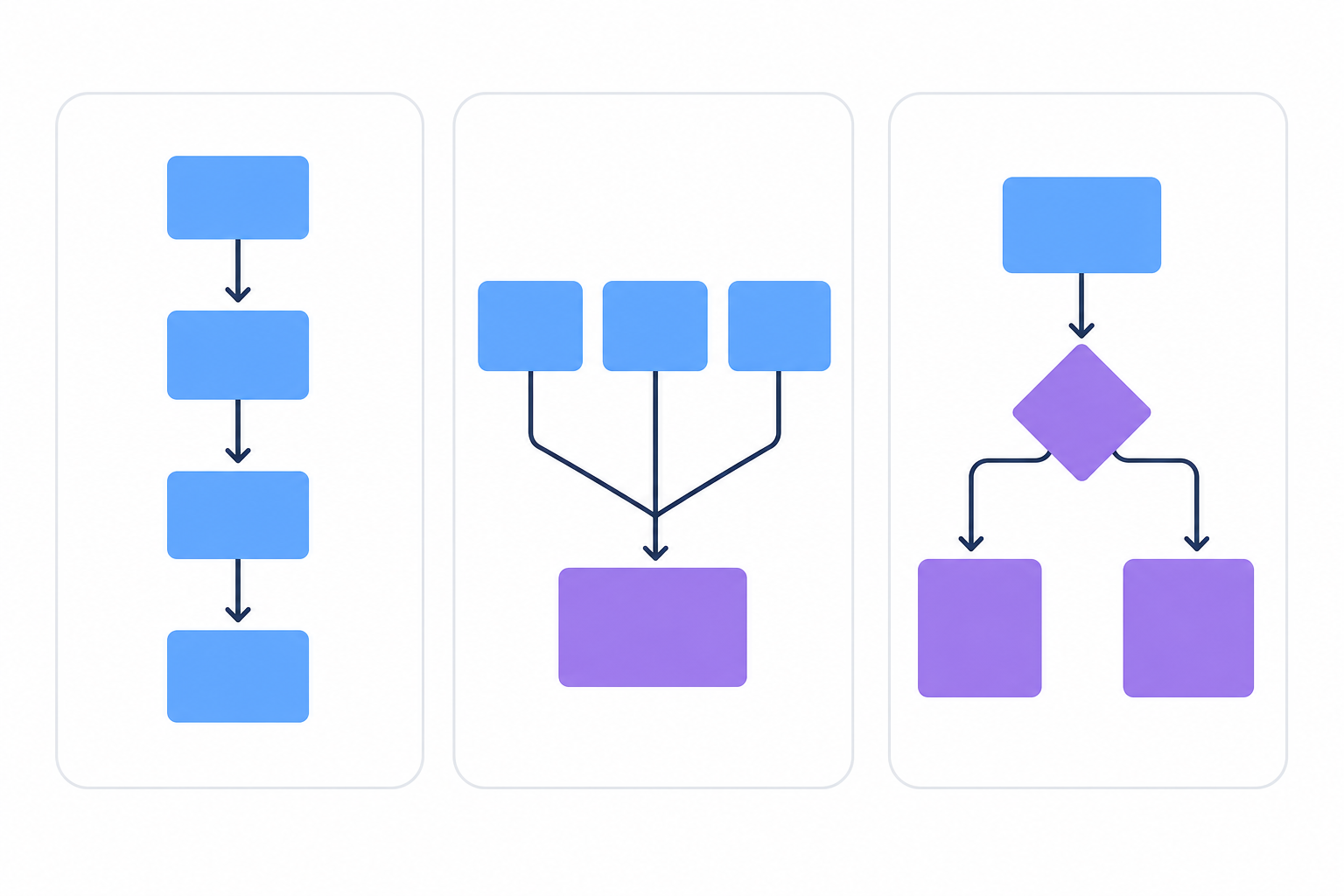
## Building the Core Approval Workflow Component Structure
Start with a clear state machine before any UI work. Define what states an item can occupy and which transitions are valid:
```typescript
type ApprovalStatus = 'draft' | 'submitted' | 'pending_review' | 'approved' | 'rejected';
interface ApprovalItem {
id: string;
status: ApprovalStatus;
submittedBy: string;
assignedTo?: string;
reviewedAt?: Date;
rejectionReason?: string;
}
```
Your component hierarchy should mirror the workflow stages:
- `ApprovalProvider` holds global workflow state and dispatches status transitions
- `ApprovalQueue` lists items pending review, filtered by the current user's role
- `ApprovalCard` displays a single item with approve, reject, and request-changes actions
- `ApprovalHistory` keeps an immutable log of past decisions with timestamps
Keep all transitions centralized in a reducer or context. A single `dispatch({ type: 'APPROVE', itemId })` pattern gives you one place to add logging, permission checks, or side effects. Keep data flowing one direction: context down, events up.
## Implementing Approval State Management in React
Approval workflows typically cycle through a handful of states: `pending`, `in_review`, `approved`, and `rejected`. Keeping those states consistent across components, users, and sessions is the hard part.
Here are the three most common approaches:
- Local `useState` works for simple single-user flows but breaks down the moment multiple reviewers or async updates enter the picture.
- A state manager like Redux or Zustand gives you shared state across components, but you're still writing all the transition logic and persistence yourself.
- A purpose-built SDK like Velt handles state sync, persistence, and real-time updates out of the box, so you're wiring up UI instead of rebuilding infrastructure.
## Adding Notifications and Real-Time Updates to Approval Workflows
Most approval implementations fall apart at the notification layer. A reviewer has no idea they're needed unless the app tells them.
Webhooks and WebSocket connections solve different parts of this. [Webhooks](https://velt.dev/blog/velt-webhooks-automate-collaboration-workflows) fire server-side on state changes. They're the right tool for triggering external alerts like Slack messages or emails when an item reaches `pending_review`. [WebSocket connections](https://velt.dev/blog/websockets-react-guide) handle the in-app side, pushing status updates to all connected clients the moment a reviewer acts. No polling, no stale state.
For the in-app notification UI, build a persistent inbox component filtered by `assignedTo === currentUser.id`, sorted by submission date.
## Building Approval Workflow UI Components
Every approval workflow needs five core UI components:
- Approval action buttons (approve, reject, request changes) with disabled states during async transitions to prevent double-submission
- Status badges that combine color and text labels, never color alone, for screen reader accessibility
- Assignee dropdowns filtered by role so reviewers only see valid options
- Inline comment threads anchored to the item under review, not floating in a sidebar
- History timeline showing who acted, what they decided, and the exact timestamp
Keep each component stateless where possible. Pass status and handlers as props and let the parent context own transitions. This makes components reusable across different workflow types without rewriting the core logic.
## Handling Approval Workflow Edge Cases and Errors
Production approval workflows break in ways that are easy to miss during development. A reviewer account gets deleted mid-review. Two approvers click "approve" simultaneously and trigger duplicate notifications. A document gets submitted for approval while it's already under review.
Here are the most common failure points to guard against:
- Concurrent state changes can cause race conditions if your backend doesn't use atomic operations or optimistic locking when updating approval status.
- Deleted users in the reviewer chain should be handled by either reassigning the review or escalating to an admin, not silently blocking the workflow.
- Resubmission logic needs explicit checks to prevent cycling a document back into "pending" while it's already awaiting approval.
## Approval Workflow Best Practices for Production React Apps
Four practices that separate a prototype from a production-ready workflow:
- Log every state transition on both the server and client. Record who acted, when, and the previous state. SOC 2 and HIPAA audits expect exactly this.
- Verify permissions at the API layer on every transition. A disabled button does nothing to prevent a direct API call.
- Test your state machine explicitly, covering invalid transitions (approved back to pending) and concurrent updates beyond the happy path.
- Version-control your workflow configurations. When business requirements shift, config-as-code beats tribal knowledge every time.
## Real-World Use Cases: Where Approval Workflows Add Value in React Apps
The right features to build depend on your product category.
- Content and marketing tools: parallel review so brand, legal, and editorial act simultaneously. [Inline commenting anchored to specific content](https://velt.dev/blog/best-commenting-sdk-use-cases) beats routing feedback through Slack.
- Sales software: sequential sign-off chains for contracts, with an audit trail logging every decision by name, timestamp, and action taken.
- FP&A tools: conditional routing by document type or dollar threshold, with immutable logs that hold up to compliance audits.
- Compliance-driven industries (healthcare, finance, legal): enterprise-grade audit and compliance features are requirements, not optional features.
## Adding Review and Approval Infrastructure with Velt
[Building approval workflows from scratch](https://velt.dev/blog/commenting-sdk-build-vs-buy-guide-for-2025) takes months. State machines, permission checks, real-time sync, audit logging, notification routing. Each piece looks manageable until you're three sprints deep and still haven't shipped the feature your users actually asked for.
Velt is review and approval infrastructure for React apps. Drop in Velt and you get contextual comments, approval states, real-time notifications, and immutable audit trails as prebuilt components. The approval workflow layer covers assignee routing, status transitions, resolution tracking, and a full user audit trail. Velt also supports Vue, Svelte, and Angular.
For teams building content production tools, compliance software, FP&A apps, or internal tooling, [Velt covers the full stack](https://velt.dev/blog/best-react-commenting-sdks-2025) enterprise buyers expect: comments anchored to specific elements, presence, notifications that push to Slack or email, and audit logs that satisfy SOC 2 requirements. The alternative is building all of that yourself. Some teams do. Most eventually wish they hadn't.
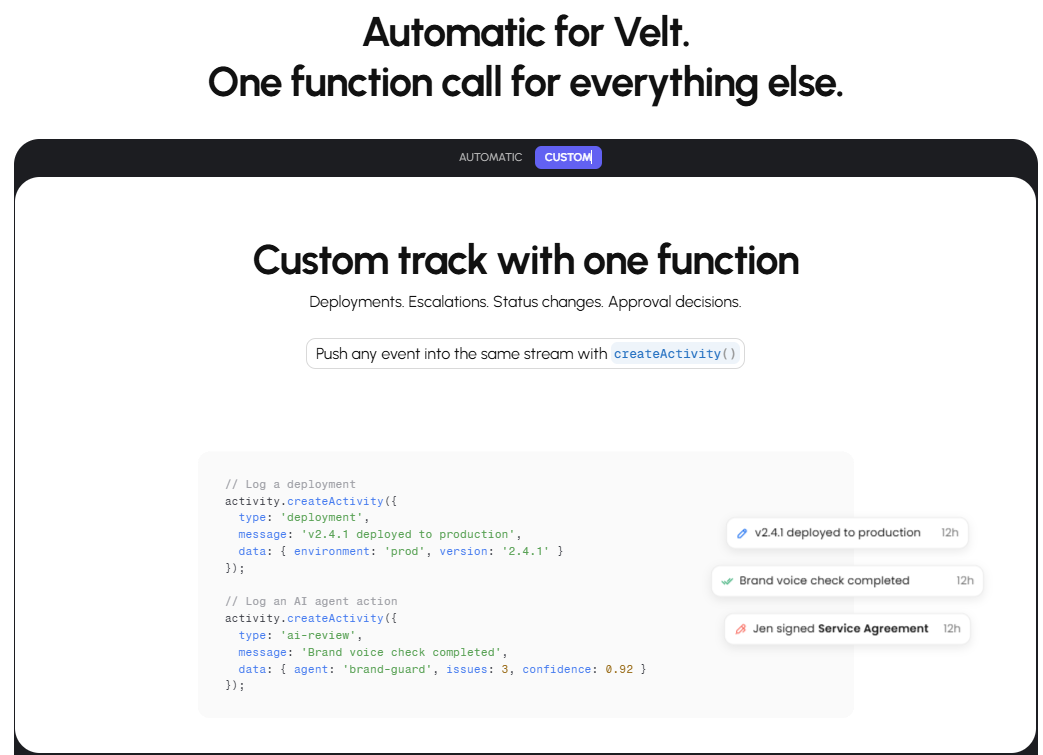
## Final Thoughts on Approval Infrastructure for React
You can build [approval workflows in React](https://velt.dev/) yourself, or you can use Velt and move on to the features your users actually requested. to see how fast you can add review infrastructure to your app. Most teams put their engineering cycles toward product differentiation, not rebuilding collaboration primitives.
## FAQ
### What's the difference between sequential and parallel approval workflows in React?
Sequential workflows route a review request through one approver at a time in a fixed order, so the next reviewer only sees the item after the previous one acts. Parallel workflows send the request to all reviewers simultaneously, which speeds up approvals but requires logic to handle partial approvals and conflicts. Sequential is the right default for compliance and legal sign-off; parallel works well for fast-moving content reviews where all stakeholders can act independently.
### How do you handle real-time status updates across multiple reviewers?
WebSocket connections are the standard approach. When a reviewer approves or rejects an item, the server pushes the updated status to all connected clients immediately, so no other reviewer is working from stale state. Pair this with optimistic UI updates on the acting client so the interface feels instant, then sync up with the server response.
### When should you build an approval workflow yourself instead of using a purpose-built SDK?
Build it yourself if your workflow logic is genuinely simple (one state, one reviewer, no audit requirements) and you have no plans to add real-time sync, notifications, or compliance logging. Once any of those requirements appear, the engineering cost climbs fast. Most teams underestimate how much time goes into edge cases like deleted reviewers, race conditions, and permission enforcement at the API layer.
### How do you prevent race conditions when two reviewers approve an item at the same time?
Use atomic operations or optimistic locking on the backend when updating approval status. A simple check-and-set pattern means only the first write wins and subsequent writes return a conflict error. On the frontend, disable action buttons immediately on click and restore them only if the server returns an error, which prevents duplicate submissions during the async window.
### What audit trail data should a production approval workflow log?
Log the item ID, the previous status, the new status, the user ID of who acted, and an ISO 8601 timestamp for every state transition. Store these records as immutable append-only entries: never update or delete them. SOC 2 and HIPAA audits expect a complete, tamper-evident history of who approved what and when.
---
# The Content Review Bottleneck: Why AI Made It Worse, Not Better (April 2026)
https://velt.dev/blog/content-review-bottleneck-ai-made-worse
Learn why AI made the content review bottleneck worse, not better. Discover how 94% more content overwhelmed review capacity in April 2026.
*May 25, 2026*
*Last updated: April 24, 2026*
Your team adopted AI for content and the [content review bottleneck](https://velt.dev/) immediately got worse. More drafts, more lost feedback, more versions floating with no clear approval state. The problem isn't that AI creates bad content. It's that AI creates so much content your existing review infrastructure can't keep up. What you're missing isn't better AI. It's review and approval infrastructure built for the throughput AI just created.
**TLDR:**
- AI scaled output but not review. 94% of B2B teams produce more content with the same number of reviewers.
- AI drafts need more passes, not fewer. Hallucinated facts, voice drift, and fabricated citations each require their own check.
- The four bottlenecks (approval delays, scattered feedback, version confusion, missing audit trails) all got worse with AI volume.
- Slack and email can't scale review. No approval state, no version history, no audit trail.
- The fix is review infrastructure in your product. Velt ships comments, approvals, presence, notifications, and audit trails in minutes.
## AI Promised Speed, Delivered Volume Instead
AI writing tools did increase output. After generative AI went mainstream, [94% of B2B teams](https://authoritytech.io/curated/ai-content-volume-trap-6-percent-performance-2026) increased content volume. The content review process didn't scale with it. The same human reviewers now face twice the queue.
There are a few reasons the AI content review problem compounds itself:
- AI drafts often need more editorial passes, not fewer. They lack brand nuance, strategic context, and the judgment that comes from actually knowing your audience.
- Volume creates false urgency. When there's always more content waiting, reviewers rush approvals instead of catching what matters.
- Review workflows weren't built for this throughput. Most teams still cobble together Google Docs comments, Slack status updates, and spreadsheets to track approvals.
The content review bottleneck didn't appear because teams got lazy. It appeared because the tools that generate content scaled, and the tools that govern it didn't.
## The Four Types of Content Review Bottlenecks (And How AI Multiplied Each One)
Before AI, content review bottlenecks fell into four recognizable patterns. AI scaled output without fixing any of them. In most cases it made them worse.
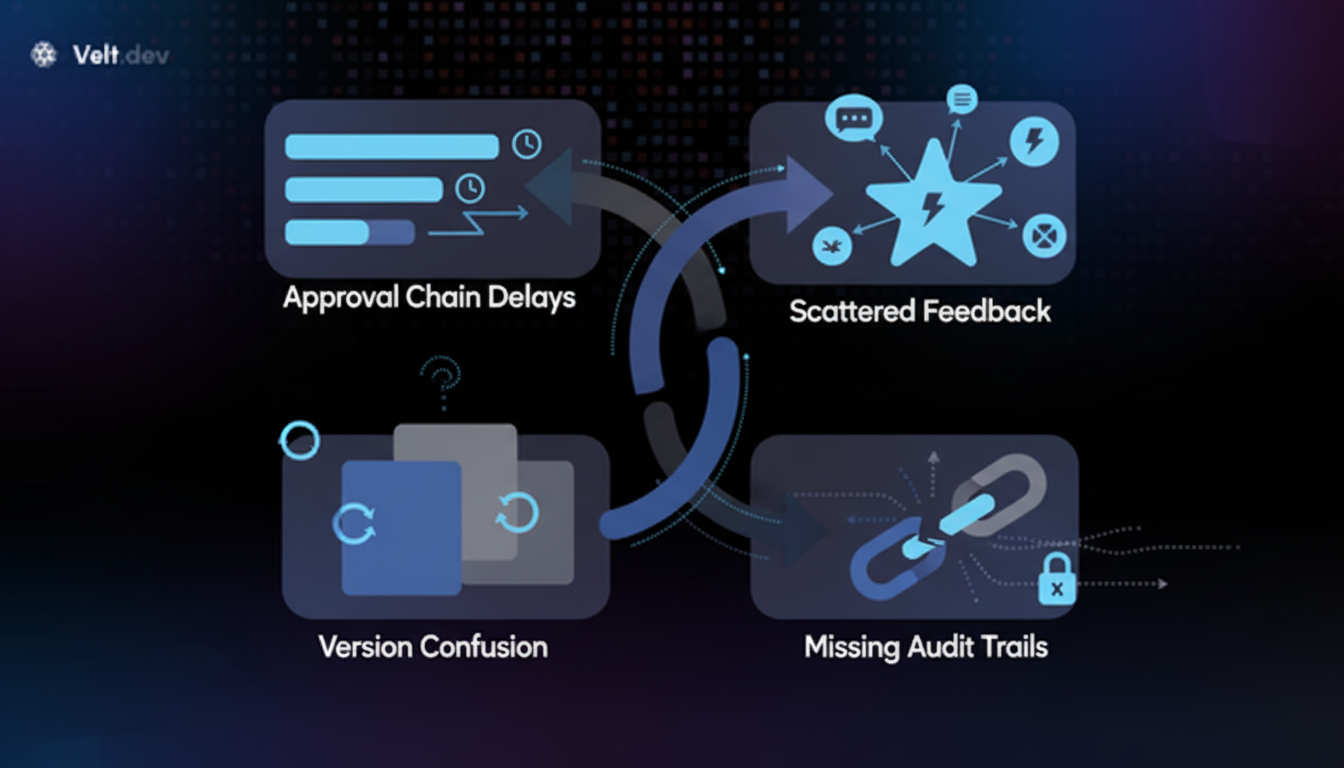
### Approval Chain Delays
Stakeholders wait on each other sequentially. One reviewer holds up the next. AI generates five times the drafts, so the queue multiplies while human bandwidth stays flat.
### Scattered Feedback
Comments live in Slack, email, Google Docs, and verbal calls simultaneously. Reviewers lose track of what changed. AI drafts arrive in even more places, spreading the feedback surface wider.
### Version Confusion
Teams struggle to confirm which draft is current. AI tools often produce dozens of variations per asset in a single session, and without structured version control, reviewers frequently annotate the wrong file.
### Missing Audit Trails
Compliance-focused industries require documented sign-off histories. When feedback is informal and distributed, reconstruction is painful. [Activity logs that track every action](https://velt.dev/activity-logs) turn undocumented decisions into auditable trails. Higher content volume means more undocumented decisions, not fewer.
The through-line across all four: volume grew, but the review infrastructure did not. AI accelerated the input side of the content review process without touching the coordination layer that determines whether content actually ships.
## Why AI Content Requires More Human Review, Not Less
The assumption that AI reduces review workload is backwards. [77% of workers](https://dotfusion.com/blogs/content-operations-for-enterprise-guide) report AI has increased their workload, not decreased it, and 61% associate AI adoption with higher burnout. The reason isn't surprising once you've reviewed AI-generated content at scale.
Human drafts have predictable failure modes. AI drafts introduce a different category entirely:
- Hallucinated facts that sound authoritative but can't be sourced anywhere
- Brand voice drift, where copy is competent but generically so, stripping out the specificity that makes content credible
- Context errors, where the AI misread the product, audience, or use case and built a confident argument on a false premise
- Missing or fabricated citations that require manual verification before anything goes live
- Homogenized phrasing that both editors and search algorithms flag as low-signal content
Each failure mode requires its own dedicated review pass. Before AI, a single editorial pass could catch most issues in a draft. Now, teams run multiple specialized reviews on every piece, and the content review process has more stages than it did when humans wrote everything from scratch. Teams facing this now weigh [whether to build or buy commenting infrastructure](https://velt.dev/blog/commenting-sdk-build-vs-buy-guide-for-2025).
## The Slack and Email Death Spiral for Content Approval

Every new draft generates a new Slack thread, a new email chain, or a new comment doc. None of them talk to each other. Approval status exists nowhere centralized, so anyone who needs to know where a piece stands has to ask someone who might not know either.
AI scaled this problem hard. Content creation became async and instant. Review stayed manual, reactive, and dependent on whoever happened to check their notifications.
The result is a familiar gap:
- No audit trail connecting feedback across channels
- No approval state visible to the whole team
- No way to see, at a glance, what's approved, what's stuck, and what's waiting on whom
That infrastructure mismatch is where the content review bottleneck actually lives.
## The Operations Gap:
The content review process breaks down not at the writing stage, but at the handoff stage. AI tools have made content faster to produce, but the approval and revision workflows that follow haven't kept pace. More drafts moving through an undefined process means more slack messages, more missed feedback, and longer cycles.
A few places where the operations gap shows up:
- Reviewers receive content through email or chat, with no clear version history attached, so comments pile up on the wrong draft.
- Approval chains aren't documented anywhere, which means stakeholders get looped in late or out of order.
- Feedback from multiple reviewers arrives in different formats with no single source of truth to check it against.
The irony is that teams investing in AI generation are often the ones feeling this most acutely. Output scales instantly. The review infrastructure around that output does not. Learning [how to customize commenting infrastructure](https://velt.dev/blog/how-to-customize-a-commenting-sdk) helps teams match review tools to their content process.
## Moving Review Infrastructure into Your Product (Not Your Inbox)
The content review process doesn't have to live in email threads, Slack pings, or comment PDFs. When review infrastructure moves into the product itself, feedback stays attached to the actual content, and approvals have a clear audit trail.
| Capability | Velt | Slack / Email | Google Docs | Collaboration SDK (Liveblocks) |
| --- | --- | --- | --- | --- |
| Feedback anchored to content | Yes | No | Partial | Requires custom build |
| Approval state tracking | Yes | No | No | No |
| Version history on comments | Yes | No | Partial | No |
| Audit trail | Yes | No | No | No |
| Presence indicators | Yes | No | No | Yes |
| Scales with AI output volume | Yes | No | No | Partial |
| Integrates into your product | Yes | No | No | Yes |
| Ships in minutes | Yes | No | No | No |
Velt is built for exactly this. It gives teams review and approval infrastructure that sits inside your app: [comments anchored to specific elements](https://velt.dev/comments), approval workflows with status tracking, presence indicators, notifications, and full audit trails. You drop it into your codebase and your reviewers stop asking "which version is this?" because the context is right there.
Velt integrates in minutes. Feedback stops fragmenting across tools, giving you [Google Docs style commenting](https://velt.dev/blog/best-google-docs-commenting-sdks-2025) with full review infrastructure. And your AI content review process gets the structured, traceable foundation it actually needs to work.
## Final Thoughts on Moving Past the AI Content Review Bottleneck
Your [AI content review](https://velt.dev/) problem isn't about needing better editors. It's about needing better infrastructure. When review workflows live in your product instead of scattered across communication tools, your team can actually keep up with the volume AI creates. Velt gives you comments, approvals, presence, and audit trails that integrate in minutes, not months. to see how review infrastructure works when it's part of your app.
## FAQ
### Why does AI-generated content require more review passes than human-written drafts?
AI drafts introduce failure modes that human writing rarely does: hallucinated facts, brand voice drift, fabricated citations, and context errors built on false premises. Each category needs its own dedicated review pass, so teams that once ran a single editorial pass now run several specialized ones per piece.
### What are the signs your content review process can't keep up with AI output?
The clearest signs are a growing queue of unapproved drafts, reviewers approving content without catching errors, feedback scattered across Slack and email with no single source of truth, and no clear visibility into what's approved versus what's waiting. If your team can't answer "what's the status of this piece?" in under 30 seconds, the process has broken down.
### Which tools support inline commenting for cross-functional content reviews?
Velt gives teams comments anchored directly to DOM elements inside their app, so feedback stays attached to the specific content being discussed, not floating in a separate thread. For teams building multiplayer whiteboards or canvas-style editors, Liveblocks is the better fit.
### When should you use Velt instead of Liveblocks for your review workflow?
Use Velt when you need review workflows, approval states, presence indicators, notifications, and audit trails built into your product. Liveblocks is the better choice when you're building a Figma-style canvas app or need real-time co-editing as the primary feature.
### Can Slack and email handle content review at scale?
Not reliably. Slack and email fragment feedback across threads with no centralized approval state, no version history attached to comments, and no audit trail. They work for small volumes, but once AI increases your content throughput, the lack of structure in those tools becomes the bottleneck itself.
---
# What Is the Difference Between Review Infrastructure and a Collaboration SDK? (April 2026)
https://velt.dev/blog/review-infrastructure-vs-collaboration-sdk
Learn the difference between review infrastructure and collaboration SDKs for B2B products. Compare approval workflows vs real-time sync. April 2026.
*May 25, 2026*
*Last updated: April 22, 2026*
When you're choosing between [review and approval infrastructure](https://velt.dev/) and a collaboration SDK, you're really choosing between two different data models. Collaboration SDKs sync state across connected clients using flat room structures. Velt moves work through approval states using hierarchical permissions and immutable audit trails. Without those review primitives, workflows break: feedback gets lost in Slack, approvals happen in reply-all emails, and nobody knows which version actually got sign-off. Both are collaboration tools, but they solve fundamentally different problems.
**TLDR:**
- Review infrastructure handles formal approvals with audit trails; collaboration SDKs sync real-time edits
- Collaboration SDKs require you to build approval states, permission cascading, and audit logging yourself
- Velt ships review workflows with native approval states, immutable audit logs, and hierarchical permissions
- Liveblocks fits multiplayer canvases; Velt fits B2B products requiring formal sign-off and compliance tracking
- MAC pricing charges only active collaborators (~20% of total users), not all connected users
## What Review Infrastructure Actually Means
Review infrastructure is the layer of a software product that handles the complete lifecycle of getting work formally reviewed, approved, and signed off. With [61% of companies integrating AI-driven productivity features](https://dailyremote.com/advice/remote-work-statistics-2026) like automated action items and meeting summaries by end of 2026, structured review processes matter more than ever. Beyond commenting.
Actually approved, with a traceable record of who said yes, when, and why.
That distinction matters more than it sounds. General collaboration tools let people talk around work. Review infrastructure makes decisions happen on the work itself. The required components are specific: contextual commenting anchored to the artifact being reviewed, configurable approval workflows with defined states, and immutable audit trails that log every action for accountability.
Think about what breaks down when review infrastructure doesn't exist in a product. Feedback lives in Slack threads. Approvals are a reply-all email. Nobody knows if version three or version four was the one that got sign-off. In industries like finance or healthcare with compliance requirements, that's more than annoying. It's a compliance failure waiting to happen.
## What Collaboration SDKs Are Designed to Solve
[Collaboration SDKs](https://velt.dev/blog/best-collaboration-sdks-2026) are developer toolkits built around one core problem: how do multiple people work on the same thing at the same time without stepping on each other? The primitives they expose reflect that goal. Live cursors showing where someone else is. Real-time document sync so edits don't conflict. Presence indicators so you know who's in the room.
The mental model is synchronous. Two people, same document, same moment. Collaboration SDKs handle the underlying infrastructure that makes that possible: WebSockets, CRDTs for conflict resolution, and room-based state management. Liveblocks is the clearest example of this category. It gives you the engine. What you build with it is up to you.
That's the tradeoff baked into the design. [Collaboration SDKs are intentionally low-level](https://velt.dev/blog/collaboration-sdk-architecture-primitives-vs-frameworks-explained-(january-2026)). They don't prescribe what "done" looks like, what an approval state means, or how decisions get recorded. Those concerns fall outside their scope. You get the real-time sync layer. The review logic, the approval states, the audit trail? You wire those up yourself.
For certain use cases, that's exactly right. Building a Figma-style canvas, a multiplayer whiteboard, or a custom sync engine? A collaboration SDK gives you the flexibility to do it your way. The tradeoff is the engineering overhead of building everything above the socket layer from scratch.
## The Core Architectural Difference Between Review and Collaboration
### State Machines vs. Sync Engines
A collaboration SDK is a sync engine. It keeps shared state consistent. A review system is a state machine. Work enters as a draft, moves through review rounds, and exits as approved or rejected. Those are different problems requiring different infrastructure.
With Velt, approval workflows are first-class objects. A comment thread can be open, assigned, or resolved. An approval can be pending, approved, or rejected. Every transition is logged to an immutable audit trail with a user ID and timestamp. None of that logic exists in a raw collaboration SDK because the SDK has no concept of "approved." You'd have to build it yourself.
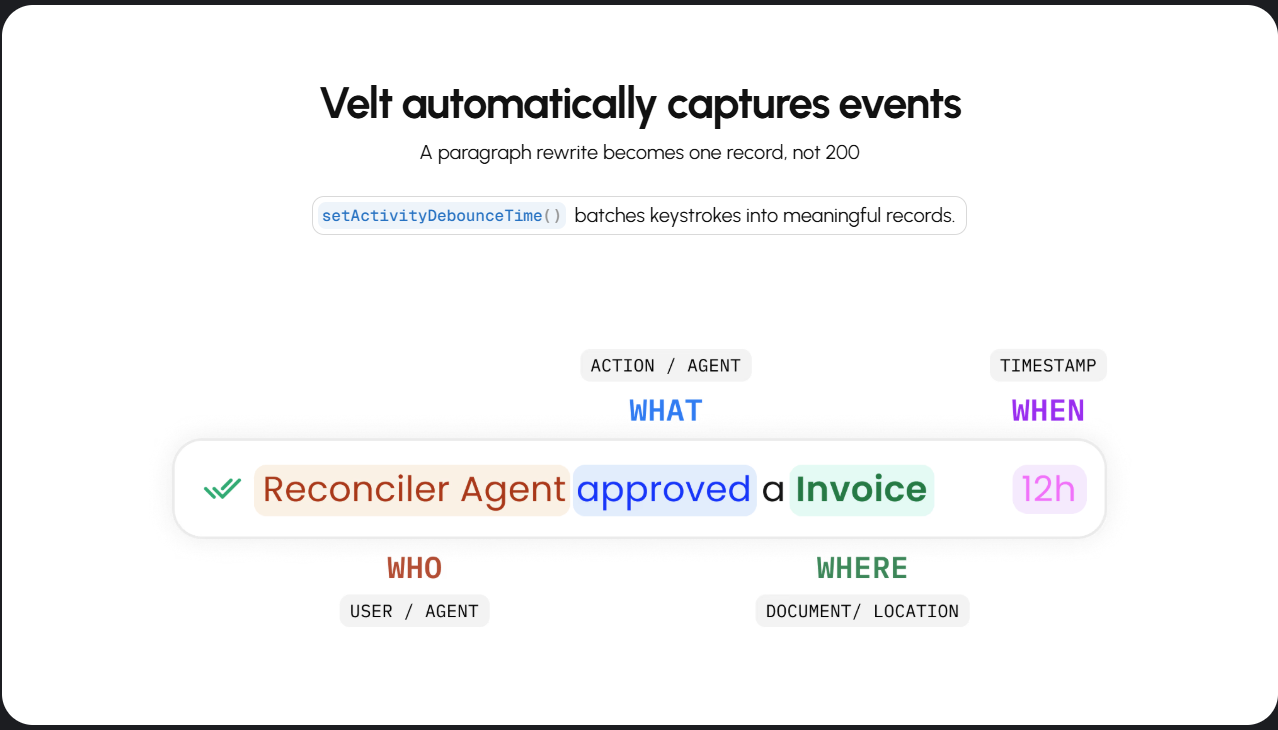
### Hierarchy vs. Flat Rooms
The permission models reflect this divergence clearly.
Flat room models work when every document is independent. When you're building entity-heavy SaaS where a document lives inside a folder inside a workspace inside an organization, you need permissions to cascade. Otherwise, you're manually syncing access control across thousands of rooms. That's not a small problem.
Review infrastructure assumes work is nested in organizational context. Collaboration SDKs assume work is isolated to a session. Both assumptions are valid. They just produce very different architectures.
| Dimension | Review Infrastructure (Velt) | Collaboration SDK (Liveblocks) |
| --- | --- | --- |
| Data model | Recursive: Org → Folder → Doc | Flat: Tenant → Room |
| Permission model | Inherited, cascading | Per-room JWT tokens, static |
| Approval states | Native, configurable | Not offered |
| Audit trail | Built-in, immutable | Not offered |
| DOM awareness | Element-bound, prevents UI drift | Requires custom coordinate math |
| Glue code | Out of the box (global inbox, notifications) | Manual build required |
| Data sovereignty | 45+ regions | 2 regions |
## When Building Multiplayer Experiences Matters More Than Review
Not every product needs approval workflows. Some need pure real-time sync, and for those, a collaboration SDK is the right call.
Multiplayer whiteboards and creative canvas apps are the clearest examples. Users aren't moving work through review stages. They're drawing, editing, and building together in real time. Presence indicators and conflict resolution matter far more than audit trails. Liveblocks is built for exactly this. If your core use case is a shared canvas where multiple users manipulate objects simultaneously, that's where a sync engine wins.
The same logic applies to presence-only features. If you need live cursors and nothing else, adding review infrastructure is overkill.
## When Formal Approval Workflows Become Critical
Some workflows can't treat approval as a reply in a thread. When decisions carry legal, financial, or regulatory weight, you need structured sign-off baked into the product itself.
The clearest cases:
- Financial documents requiring multiple reviewers before release, with each action timestamped and attributed to a specific user
- Healthcare or compliance content where every edit must be logged for audit purposes
- Sales collateral that can't go out without brand and legal sign-off across departments
- Supply chain or logistics plans where a bad call has real-world consequences
In these scenarios, a general collaboration SDK leaves you responsible for building RBAC, approval state machines, and audit logging yourself. Velt ships all of it as review and approval infrastructure, so those requirements do not turn into a separate build sprint.
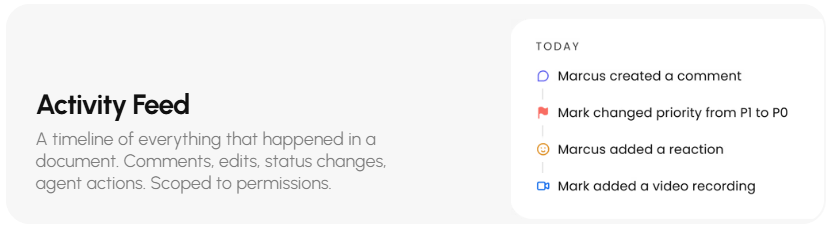
## The Hidden Costs of Infrastructure-Only Solutions
When weighing build vs. buy, the real question is whether you want to spend the next six months building UI components. Infrastructure-only tools hand you primitives: the socket layer and sync engine. They don't prescribe a sidebar, notification bell, inbox, or comment composer. Someone still has to build those.
That someone is your engineering team. The list compounds fast:
- Comment UI with threading, mentions, and rich text editing
- A global inbox aggregating notifications across documents
- Permission-aware visibility controls that respect your access model
- Approval state UI with assignment dropdowns and resolution tracking
- Audit trail components surfaced directly in the app
Each item looks like a feature. It's actually a project. Velt sits firmly in the frontend-complete category, shipping the UI alongside the review logic. Prebuilt comment composers, sidebar panels, and notification inboxes ship out of the box. You can customize all of them through 115+ UI primitives, meaning you connect components instead of architecting them from scratch. For most B2B SaaS teams shipping review and approval features, faster wins.
## How Data Sovereignty Requirements Impact Your Choice
For teams in industries with compliance requirements, data residency is a hard constraint. Healthcare data under HIPAA, financial records under SOC 2, government information with jurisdictional requirements: these determine where data lives and how it's secured.
Velt lets you [self-host collaboration data in your cloud](https://velt.dev/blog/enterprise-ready-collaboration-sdk-complete-guide-for-2026), whether that's AWS S3, GCS, Azure Blob, or on-prem. Instead of building custom routing logic, pass a config object to point the infrastructure at your own endpoints:
```javascript
import { VeltProvider, VeltDataProvider } from '@veltdev/react';
import { AppRouter } from './AppRouter';
export default function App() {
return (
);
}
```
If your product sells into enterprise accounts with strict security review processes, this matters at the procurement stage.
## **Velt's Review and Approval Infrastructure for B2B Products**
The choice between a collaboration SDK and review infrastructure comes down to the core action you need users to take. If you are building a multiplayer whiteboard, Figma clone, or any unconstrained canvas where users manipulate objects simultaneously, [Liveblocks is the right tool](https://velt.dev/blog/liveblocks-sdk-review-alternatives-2025). You need a fast, flexible sync engine to handle real-time state.
If you are building B2B software (whether for content production, financial planning, supply chain operations, or analytics), the core action is usually a decision.
Review is a blocking step in these workflows. Getting it wrong has compliance and business consequences. [Automated compliance workflow software](https://www.getfileflo.com/blog/automated-compliance-workflow-software) can reduce manual compliance work by 82%, turning 40-hour processes into 5-minute automations with audit trails documenting every compliance action automatically.
Review is a blocking step in these workflows. Getting it wrong has compliance and business consequences. In these scenarios, you don't just need users connected at the same time. You need structured approval states, configurable permissions, and immutable audit trails.
Velt is review and approval infrastructure built exclusively for this second category. It handles the complete review layer, frontend and backend, so your engineers stay focused on your core product.
## Final Thoughts on Review Workflows vs Collaboration Features
The right tool depends entirely on whether you're syncing a canvas or moving work through approval states. Collaboration SDKs handle real-time multiplayer experiences. [Review infrastructure](https://velt.dev/) handles structured decision workflows with audit trails, hierarchical permissions, and approval routing built in. If your product needs formal sign-off processes, Velt ships everything so you're not building review logic for the next quarter. to talk through your specific workflow.
## FAQ
### What's the actual difference between review infrastructure and a collaboration SDK?
Review infrastructure manages formal approval workflows, decision tracking, and audit trails for work that needs sign-off. Collaboration SDKs handle real-time synchronization so multiple people can edit the same thing simultaneously without conflicts. The first is a state machine moving work through defined stages; the second is a sync engine keeping shared state consistent.
### Can I use Velt if I'm building a multiplayer whiteboard or design tool?
No, Liveblocks is the better choice for that use case. Velt is built for B2B products that need structured review workflows, approval states, and decision accountability. If your core feature is a shared canvas with real-time object manipulation, a collaboration SDK focused on sync primitives fits better.
### What's the build cost if I use a backend-only collaboration SDK instead of Velt?
You'll spend engineering time building the comment UI, notification inbox, approval state machine, permission inheritance logic, and audit trail components. Each item is a contained project, but together they represent quarters of capacity. Velt ships 115+ prebuilt UI primitives covering the full review surface, so that frontend work stays off your backlog.
### When does approval infrastructure become a compliance requirement?
When decisions carry legal, financial, or regulatory weight. Financial documents requiring timestamped multi-reviewer sign-off, healthcare content needing edit logs for audit purposes, and sales collateral requiring cross-department approval before publication all require structured workflows baked into the product. Email threads and Slack replies don't meet those requirements.
### How does MAC pricing compare to MAU or MAR models?
MAC (Monthly Active Collaborator) charges only for users who performed collaboration actions during the month. A user who views documents without commenting doesn't count. In practice, MACs run roughly 20% of total active users. MAU models charge for every connected user regardless of activity, and MAR (Monthly Active Room) pricing scales with document count instead of users.
---
# 5 Types of Review Workflows and When Each Breaks Down (April 2026)
https://velt.dev/blog/review-workflows-types-breaking-points
Learn the 5 review workflow types (sequential, parallel, hierarchical, conditional, hybrid) and exactly where each breaks down at scale. April 2026 guide.
*May 25, 2026*
Last updated: April 23, 2026
Most teams don't choose [review and approval infrastructure](https://velt.dev/) based on what their content needs. They default to whatever their existing tools offer, scaling the process until sequential reviews stall the pipeline or parallel workflows create endless contradiction loops. Fixing these bottlenecks requires matching your review structure directly to your compliance and velocity requirements.
**TLDR:**
- Match your review workflow to your compliance needs. Use sequential gates for compliance-heavy content and parallel lanes for fast-moving creative work.
- Stop making executives bottlenecks. Delegate hierarchical approval steps to senior individual contributors unless a signature is legally required.
- Adopt a hybrid approach for enterprise compliance. Run non-conflicting reviews in parallel before routing content through a sequential legal checkpoint.
- Integrate Velt as your review and approval infrastructure. Anchor comments directly to DOM elements and track every decision with immutable audit logs.
## Sequential Review Workflow (And Why It Stalls at Scale)
In a sequential review workflow, content moves through a fixed chain of reviewers, one at a time, in a predetermined order. Reviewer A approves before Reviewer B even sees it. Simple in theory. Brutal in practice once volume grows.
The core problem is compounding. Each reviewer's delay doesn't slow down one piece of content. It pushes back every piece behind it in the queue. Legal waits on marketing. Compliance waits on creative. Each handoff adds friction that multiplies across the pipeline.
> "Sequential review trades parallelism for accountability. That tradeoff makes sense for ten pieces of content. It falls apart at a hundred."
At scale, the wait-for-one-person model just doesn't hold. It's a structural problem built into the workflow itself, not something you fix with better tooling or clearer deadlines.
### Where It Still Makes Sense
Sequential review isn't always wrong. There are specific scenarios where the ordered handoff is the right call:
- Compliance-sensitive content where each reviewer's sign-off is a legal prerequisite for the next, and you need a clear audit trail showing who approved what and when.
- High-stakes documents where a later reviewer's judgment depends on seeing the earlier reviewer's notes first, like a legal team that needs to read compliance flags before adding their own.
- Small teams running low volume, where the bottleneck risk is low enough that the accountability upside outweighs the slowdown.
Outside those cases, sequential review tends to be the default choice instead of the deliberate one.
## Parallel Review Workflow (And When Conflicting Feedback Kills Momentum)
Parallel review sends content to multiple stakeholders at the same time. Everyone reviews simultaneously, so the calendar math looks great: instead of five sequential reviewers taking five days each, you collapse three weeks into one.
The catch shows up when legal says "remove this claim," brand says "keep it, it's core messaging," and the content owner has no framework for resolving the conflict. Without a clear decision hierarchy defined before review starts, conflicting feedback creates revision loops. The author ends up arbitrating stakeholder disagreements, which isn't their job.
### Where It Works and Where It Doesn't
Parallel review holds up when roles are defined upfront. Who has veto power? Who's advisory only? Without answers to those questions before the cycle begins, you're not running a parallel workflow. You're running a committee.
It works well for:
- Campaigns with distinct ownership lanes (legal reviews for risk, brand reviews for tone) where feedback tracks don't overlap and each reviewer operates within a clearly scoped domain.
- Teams with a named decision-maker who has final authority to resolve conflicts when stakeholder opinions collide.
It breaks down when every stakeholder assumes equal weight, producing contradictory edits with no resolution mechanism in place. The author becomes the tiebreaker by default. This stalls the entire cycle and often produces watered-down content that satisfies no one.
## Hierarchical Approval Workflow (And Where Control Becomes a Bottleneck)
Hierarchical approval workflows route content up the org chart before anything ships. A manager approves, then a director, then a VP. Each tier adds a layer of authority and, inevitably, a layer of latency.
The accountability logic is sound. Centralized control catches errors before they're public and keeps brand or compliance standards consistent across teams. Where it breaks is when executives become the approval layer for decisions that don't require their judgment. A VP signing off on a product one-pager that three other reviewers already cleared isn't governance. It's a bottleneck wearing a governance costume.
### When Tiered Authority Makes Sense
- Industries with compliance requirements where sign-off authority is legally defined and cannot be delegated, making each approval tier a compliance requirement instead of a process preference.
- High-visibility external communications where executive context genuinely changes the output instead of merely adding a signature.
- Decisions carrying cross-functional budget or legal implications that only someone with that scope of ownership can clear.
Outside those cases, the tier structure should be questioned. Approval authority delegated to senior individual contributors moves faster and rarely sacrifices quality. The key distinction: reserve executive review for decisions only executives can make.
## Conditional (Rule-Based) Workflow (And the Complexity Tax)
Conditional workflows route content automatically based on predefined rules. If the content targets a compliance-heavy market, it goes to compliance. If it's a paid ad, it routes to legal. If it's internal only, it skips both. On paper, this is the smartest workflow type: low-risk content moves fast, high-risk content gets scrutiny, and no one wastes time reviewing things they don't need to see.
The problem is maintenance. Rules encode assumptions about how your business works today. When those assumptions change, and they always do, someone has to update the logic. A new product category, a market expansion, a rebrand. Any of these can break routing rules in ways that aren't obvious until something ships without the right review.
### Where the Complexity Tax Compounds
Edge cases are where things break down. Rules handle the predictable distribution of content well. But hybrid assets (like something that is both customer-facing and a compliance document) don't fit neatly into predefined lanes. Teams end up forcing these into a single category or manually overriding the system. This defeats the purpose of automation.
Conditional workflows make sense when:
- Your content types are stable and clearly categorized with minimal overlap between routing lanes.
- You have someone who owns the rule logic and actively updates it as business requirements shift.
- Volume is high enough that manual routing would create a genuine bottleneck, making automation worth the configuration overhead.
When rules grow past a certain threshold of complexity, the workflow itself needs a review cycle. That's usually the sign to simplify the routing logic or shift toward a hybrid approach.
## Hybrid Review Workflow (And Why It Works for Enterprise Compliance)
Hybrid workflows skip the "one size fits all" approach. They combine sequential gates, parallel reviews, and conditional routing based on what each stage actually needs.
For enterprise compliance teams, that's precision, not unnecessary complexity. In practice, [most growing marketing teams](https://www.marq.com/blog/marketing-approval-workflow/) adopt this approach, using hybrid workflows where some reviews run in parallel while final sign-off stays sequential.
The structure typically looks like this: parallel review runs first across non-conflicting stakeholders (brand, creative, product). Then content hits a sequential compliance checkpoint before final sign-off. Speed where oversight isn't required. Control exactly where it is.
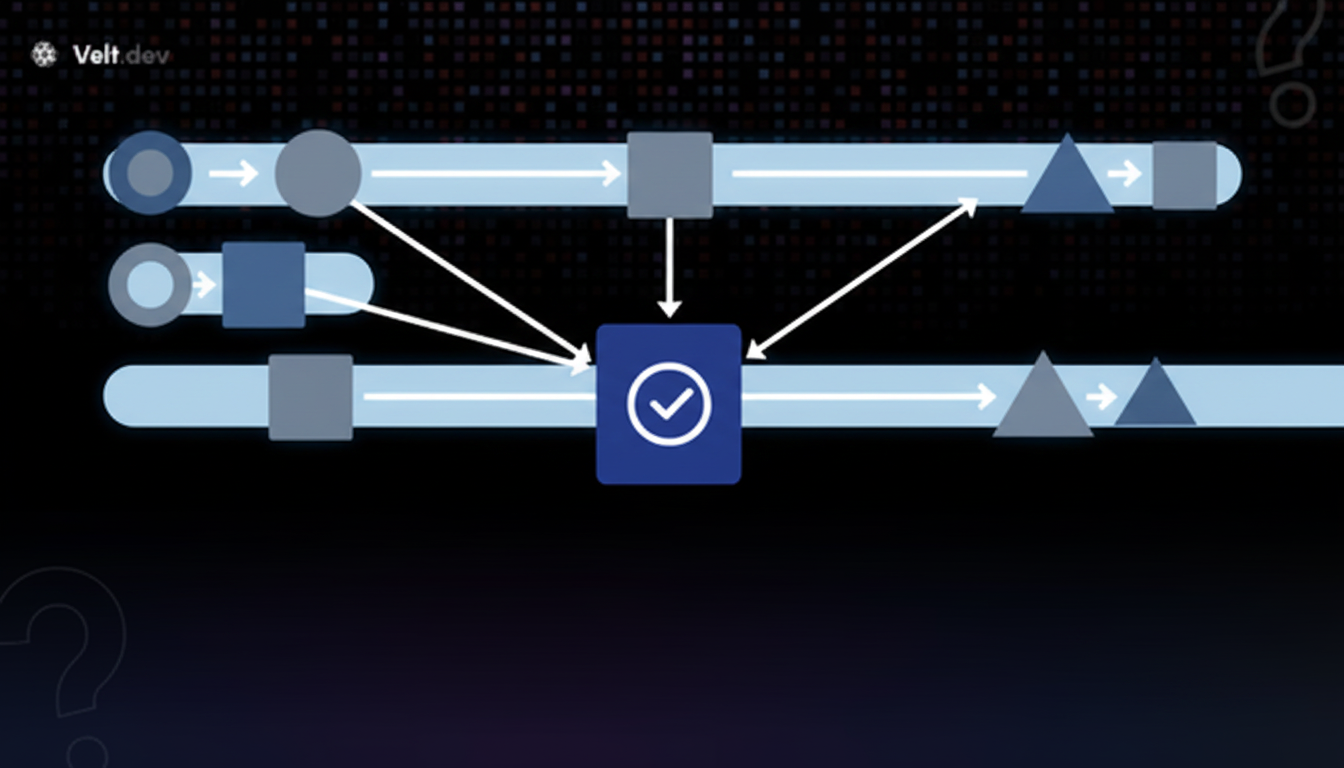
### Why Industries with Compliance Requirements Default Here
In financial services, healthcare, and legal-adjacent content production, a single workflow pattern rarely covers the full review surface. Creative feedback doesn't need the same gate structure as a compliance sign-off. Forcing both through the same pattern either slows down low-risk content or under-reviews high-risk content. Given that more than [80% of compliance teams](https://www.regology.com/blog/the-state-of-regulatory-compliance-in-2026-what-the-data-is-telling-us) still rely on manual processes and spreadsheets, structured hybrid workflows offer a path beyond ad hoc tracking.
Hybrid workflows solve this by letting stage requirements drive the structure. Parallel lanes handle creative and brand in tandem. A sequential gate handles legal or compliance sign-off after. Conditional rules determine which content hits the compliance layer at all.
The tradeoff is coordination overhead. Hybrid workflows require clear ownership at each stage transition. Without that, the handoff between parallel and sequential phases creates the same ambiguity that kills parallel-only reviews. Organizations running hybrid workflows well tend to document stage owners explicitly along with reviewers, keeping transitions clean even as volume scales.
| Workflow Type | Best Use Cases | Key Advantage | Main Bottleneck |
| --- | --- | --- | --- |
| Sequential Review | High-compliance content. Small teams with low volume. | Clear accountability. Explicit audit trails. | Compounding delays. One absent reviewer stalls the queue. |
| Parallel Review | Clear ownership lanes. Designated final decision-maker. | Speed. Cuts weeks into days. | Conflicting feedback. Risk of endless revision loops. |
| Hierarchical Approval | Legally defined sign-offs. High-visibility external communications. | Centralized control. Consistent standards. | Executives become bottlenecks for low-level decisions. |
| Conditional (Rule-Based) | High volume. Predictable, distinct categories. | Speed for low-risk work. Scrutiny where needed. | High maintenance. Edge cases break routing logic. |
| Hybrid Workflow | Enterprise compliance. Managing diverse content. | Parallel speed for creative, sequential gates for compliance. | Handoff complexity. Requires explicit stage ownership. |
## How Velt Eliminates Workflow Bottlenecks with Review and Approval Infrastructure
Every workflow type described above breaks down at the same underlying points: feedback loses context, approvals scatter across tools, and no one can reconstruct who approved what or when.
Velt's review and approval infrastructure targets each of those directly. [Contextual comments](https://velt.dev/blog/best-contextual-commenting-systems-november-2025) bind to DOM elements via data IDs, so feedback stays attached to the exact piece of content being reviewed regardless of layout changes. No more "see my Slack message about the third paragraph" ambiguity.
Velt's approval workflows handle configurable routing, assign-to interfaces, and resolution tracking out of the box. Sequential gates, parallel assignments, conditional routing based on content type. Velt supports all of it without requiring teams to build approval state management from scratch.
[Audit logs](https://velt.dev/activity-logs) cover every decision with immutable, timestamped records: comment creation, edits, deletions, access requests, and presence changes. For [compliance-heavy workflows](https://velt.dev/enterprise) in financial services or high-stakes content production, that's the full decision trail, not a high-level summary of approvals.
Programmatic composer control lets teams [customize the review interface](https://velt.dev/customization) to match their specific workflow pattern. Whether that's a simple sequential handoff or a multi-stage hybrid approval chain, the review and approval infrastructure stays consistent. The workflow shape is yours to define.
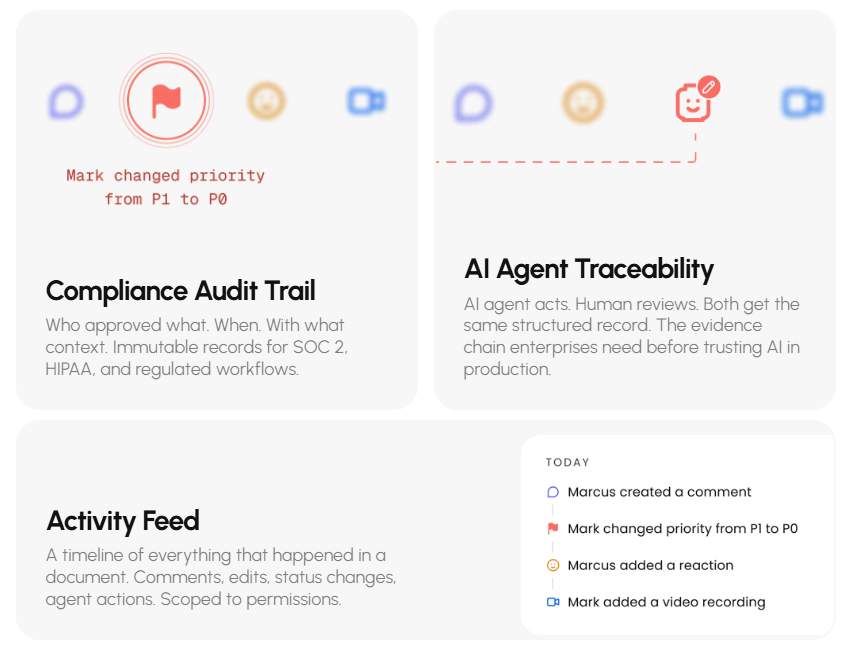
## Final Thoughts on Workflow Design for Review Teams
Your [content review workflow](https://velt.dev/) breaks down the same way at scale: feedback loses context, approval states scatter across tools, and nobody can trace who signed off on what. Sequential, parallel, hierarchical, conditional, or hybrid structures all hit these bottlenecks unless the underlying infrastructure keeps decisions attached to the content itself.
to see how Velt handles contextual comments, configurable routing, and audit trails across any workflow pattern you need. The right workflow isn't about choosing one structure forever. It's about having the flexibility to change how content moves through review as your team and compliance requirements shift.
## FAQ
### How do I choose the right review workflow for my team?
Base your decision on content volume and compliance needs. Compliance-heavy content usually requires sequential gates, while fast-moving creative work demands parallel or hybrid approaches.
### When should I use a sequential review workflow?
Use sequential workflows for compliance-heavy content where one sign-off is a legal prerequisite for the next. They also make sense for small teams where the risk of compounding delays is low.
### Why do conditional workflows break down at scale?
Conditional routing encodes assumptions about your business today. When new products or edge cases break those rules, you end up with a high maintenance tax and manual overrides that defeat the automation.
### What makes a hybrid review workflow effective for enterprise compliance?
Hybrid workflows provide speed where you can and control where you must. You can run brand and creative reviews in parallel, then route the content through sequential gates for final compliance sign-offs.
### How does review and approval infrastructure fix workflow bottlenecks?
Dedicated infrastructure anchors feedback directly to DOM elements so context isn't lost. Velt handles the configurable routing, approval states, and audit trails so you don't have to build state management from scratch.
---
# Why Review Tools Like Email and chat Apps Create Content Review bottlenecks (and what actually works) April 2026
https://velt.dev/blog/why-email-chat-fail-review-tools
Learn why email and chat apps create review bottlenecks and what review infrastructure solves in April 2026. Get anchored feedback and approval tracking.
*May 25, 2026*
*Last updated: April 24, 2026*
You can write a blog post in four hours and watch it sit in review for twelve days because nobody knows whose turn it is, what's already been resolved, or which version is current. That's what happens when [content review bottlenecks](https://velt.dev/) run through tools that weren't built for review work. Chat threads decay. Email creates feedback silos. Comments float without context. The tools everyone defaults to can't anchor feedback, track approvals, or create audit trails. What breaks the bottleneck isn't working harder. It's switching to review and approval infrastructure designed for the job.
**TLDR:**
- Review bottlenecks now cause longer delays than content creation itself.
- Slack and email scatter feedback across threads with no anchoring or audit trail.
- Context switching between review tools drains 20% of cognitive capacity per switch.
- Velt embeds review infrastructure directly into products with anchored comments and tracked approvals.
## The Hidden Cost of Content Review Bottlenecks
Content gets stuck in review, not creation. A blog post takes four hours to write and twelve days to approve. A four-step approval process adds twelve business days minimum, assuming zero revision rounds.
AI changed how fast teams produce content. It did not change how fast teams review it. When a writer produced one asset a week, a slow review process was an inconvenience. Now that same writer produces ten, the backlog becomes a content review bottleneck that stalls entire publishing schedules.
The math is unforgiving. Four approval stages at three days each means nearly three weeks before anything ships. Multiply that across five writers producing five assets weekly, and you're sitting on a backlog with no structural fix in sight.
Human review capacity is finite. AI output is not. That gap is where deadlines pile up and schedules collapse.
## Why Slack Was Never Built for Structured Reviews
Slack is genuinely great at fast, informal communication. The problem is that review work is structured, sequential, and needs a paper trail. Slack has none of those properties by design.
When feedback lives in a channel, it decays. A commenting SDK binds comments directly to content. A comment posted Monday about a specific headline is buried under 200 messages by Wednesday. Finding it means scrolling, searching, or asking someone to re-explain feedback they already gave.
The deeper issue is anchoring. Slack has no way to tie a comment to the specific thing being reviewed. "The second paragraph feels off" means nothing without the paragraph next to it. Reviewers paste screenshots, share links, describe locations in prose. Every workaround adds friction and ambiguity.
There's also no approval state. You can't look at a channel and know what's been signed off versus what's still open. Instead you get:
- Reactions used as pseudo-approvals (does a thumbs-up mean "I read it" or "approved to publish"?)
- Follow-up messages asking "are we good on this?"
- Duplicate feedback from reviewers who missed earlier comments
Slack solves communication. Fixing a content review bottleneck requires review infrastructure, where every comment is anchored, every approval is tracked, and nothing gets lost in the feed.
## Email Creates Review Black Holes
Email might be worse than Slack for review workflows, and that's saying something.
The core problem is isolation. When you email a draft to three reviewers, each inbox becomes its own silo. Reviewer A and Reviewer B can both respond with conflicting feedback, neither aware the other has already weighed in. You now have to merge two separate threads while managing a third reviewer who replied to the wrong version entirely.
Version control collapses fast. Someone forwards an older draft. Someone else edits inline and sends back a Word attachment. Now you have three documents floating across four inboxes with no clear record of which is current.
Approval status is the final casualty. There's no shared view of who has signed off. The only way to know is to search your inbox, cross-reference replies, and hope nothing slipped to spam. That's not a review process. It's archaeology.
## Context Switching Drains 40% of Your Team's Productive Time

The tool-switching alone is exhausting. The average employee moves between apps and websites [nearly 1,200 times a day](https://conclude.io/blog/context-switching-is-killing-your-productivity/). When review workflows scatter across Slack, email, Google Docs comments, and whatever project tracker your team uses, every feedback loop becomes a five-tab exercise.
Each switch carries a real cognitive tax. Approximately [20% of cognitive capacity](https://reclaim.ai/blog/context-switching) is lost during a context switch, and it takes over 20 minutes to fully recover focus after an interruption. For reviewers juggling live work alongside approval requests, that math compounds fast.
This is where the content review bottleneck stops being a scheduling problem. It becomes a productivity drain baked into your team's daily rhythm. Approvals slow down not because people are careless, but because the tools keep pulling them out of the work itself.
## The Audit Trail Gap That Compliance Teams Fear
[97% of Chief Audit Executives](https://www.forbes.com/councils/forbestechcouncil/2026/01/20/how-audit-pressure-and-regulatory-scrutiny-make-ai-the-new-standard-for-governance/) have listed regulatory compliance as a top priority in their 2026 audit plans. For teams in finance, healthcare, or legal, that pressure lands directly on review workflows. Regulators don't want your Slack export. They want timestamped, attributed, tamper-proof records of who reviewed what, when, and what they decided.
Email and Slack can't provide that. Messages get deleted. Threads get archived. Approvals live as informal replies with no binding record. If a compliance audit asks you to reconstruct a decision timeline from six months ago, good luck tracing it across inboxes and DMs. [Thread management SDKs](https://velt.dev/blog/thread-management-sdks-contextual-commenting) maintain structured records automatically.
The risk scales with the stakes. A missed approval record in a compliance-driven content workflow isn't a scheduling problem. It's a liability.
## Review and Approval Infrastructure: A Different Category Entirely
Review infrastructure is a distinct category. Not a project tracker. Not a chat tool. Something [built directly for commenting](https://velt.dev/comments) with structured feedback and formal sign-off.
There are four capabilities that actually matter here. [Full customization](https://velt.dev/customization) means teams can adapt these to their exact workflow:
| Capability | Velt | Slack | Email |
| --- | --- | --- | --- |
| Comment Anchoring | Binds to specific DOM elements via data IDs. Stays attached as layouts reflow. | No anchoring. Reviewers describe locations in prose or paste screenshots. | No anchoring. Feedback lives in inbox threads with no connection to content location. |
| Approval Tracking | Programmatic workflows with trackable states. Sign-off is recorded with timestamps. | No approval state. Emoji reactions stand in as pseudo-approvals with ambiguous meaning. | No shared approval view. Status requires cross-referencing reply threads across inboxes. |
| Audit Trail | Immutable logs timestamp every comment, edit, and approval automatically. | No audit trail. Messages can be edited or deleted with no tamper-proof record. | No audit trail. Threads can be deleted or forwarded selectively. Decision timelines are unrecoverable. |
| Version Awareness | Comments stay anchored across versions. Feedback doesn't orphan when content is rewritten. | No version awareness. Comments become meaningless after the section they reference is rewritten. | Version control collapses. Reviewers work on different drafts with no record of which is current. |
Bolting review onto communication tools doesn't solve the content review bottleneck. It redistributes it across more inboxes. The category mismatch is the problem. Velt is review and approval infrastructure, built to sit inside the product where work actually happens.
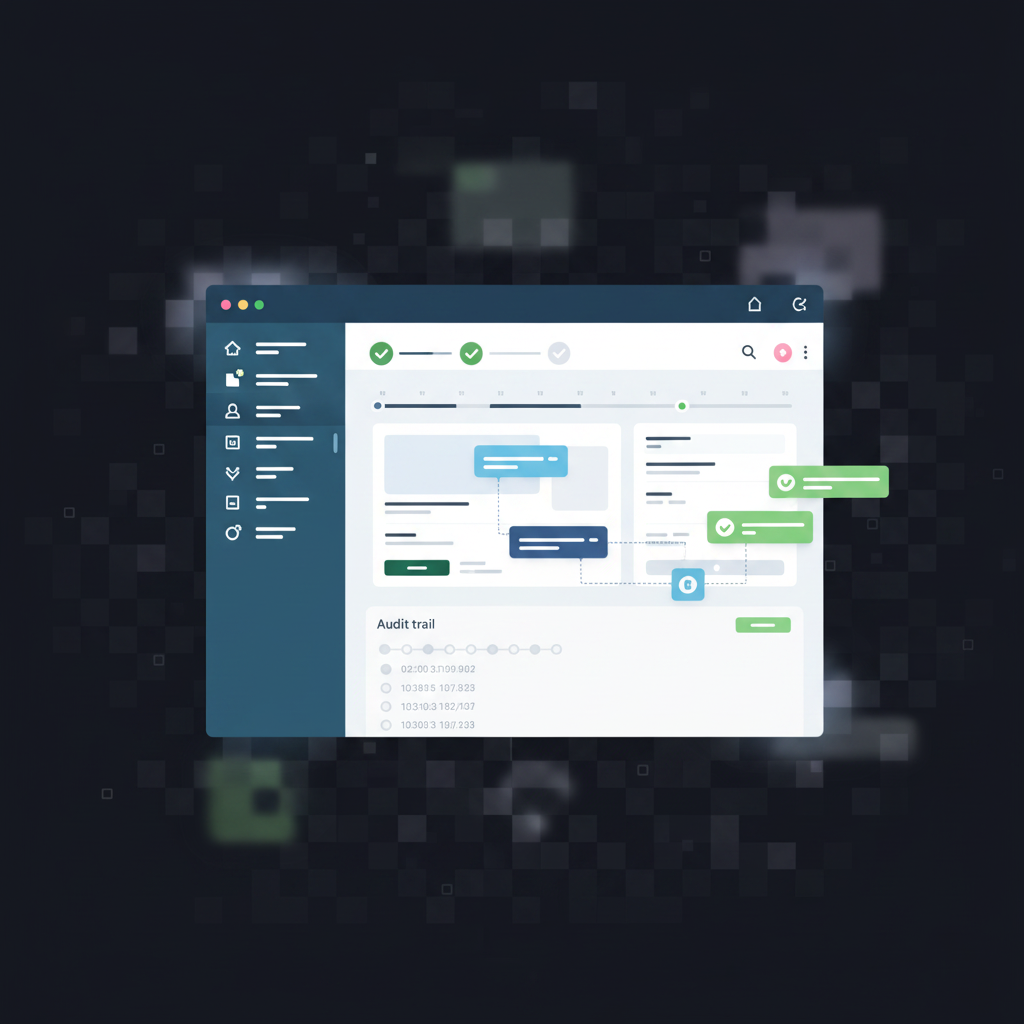
## How Velt Solves What Slack and Email Can't
Velt embeds review and approval infrastructure directly into the product where work happens. No tab switching, no inbox archaeology, no ambiguous emoji approvals.
Comments bind to specific DOM elements via data IDs, not pixel coordinates. [How to customize a commenting SDK](https://velt.dev/blog/how-to-customize-a-commenting-sdk) depends on your specific content types and review patterns. When a reviewer flags a paragraph or a dashboard widget, that comment stays anchored to the exact element even as layouts reflow. The feedback is self-locating.
Approval workflows track state programmatically. Reviewers are assigned, sign-off is recorded, and nothing ships without a traceable decision. Activity logs timestamp every action automatically, creating an immutable record that compliance teams can actually use.
Real-time presence means reviewers see who's in a document without sending a "did you get a chance to look at this?" message. Review rounds get shorter because coordination overhead drops.
Stensul cut email review cycles from 8 days to 3 after integrating Velt. That's what happens when review infrastructure replaces communication tools trying to do a job they weren't built for.
## Final thoughts on fixing what slows content down
You can't solve a [content review bottleneck](https://velt.dev/) by working harder in tools that scatter feedback across channels and inboxes. Review infrastructure exists as a category because communication tools fundamentally can't anchor comments, track approval states, or create audit trails. When you embed that infrastructure where work happens instead of bolting review onto chat apps, publishing schedules stop collapsing under their own coordination weight. to see the difference.
## FAQ
### Can you fix a content review bottleneck without replacing Slack or email?
Yes, but you need to add review-specific tooling that lives where the work happens. Slack and email can stay for general communication, but review workflows need context anchoring, approval tracking, and audit trails that those tools can't provide.
### Slack vs email for content approvals?
Both fail at the same core problems: no comment anchoring to specific content elements, no approval state tracking, and no audit trail. Email is worse because it creates isolated silos where reviewers can't see each other's feedback, leading to conflicting comments across separate threads.
### How do you track who approved what when feedback lives in Slack threads?
Thumbs-up reactions are ambiguous (does it mean "I read this" or "approved to publish"?), and messages can be edited or deleted with no immutable record of the original decision.
### What causes most revision rounds in content review workflows?
Context-free feedback. When a comment like "fix the third bullet" gets posted in Slack without anchoring to the actual content, creators have to guess which version, which section, and whether the feedback still applies after earlier edits. The round trip to clarify intent adds days to every review cycle.
### When should you use review infrastructure instead of project management tools?
When feedback needs to be anchored to specific content elements and approval decisions need audit trails. Project trackers handle task assignment but can't bind comments to the exact paragraph, widget, or dashboard element being reviewed. Velt provides DOM-aware comment anchoring, programmatic approval workflows, and timestamped activity logs that turn every review decision into a traceable record.
---
# Review and Approval Workflows: The Missing Layer in SaaS Products (April 2026)
https://velt.dev/blog/review-approval-workflows-missing-layer-saas
Learn how approval workflow SDKs fix the review bottleneck in SaaS products by keeping state, comments, and audit trails in-app. April 2026 guide.
*May 25, 2026*
Creation happens in seconds. Review takes days. Your product handles the first part, then hands approval off to email chains and Slack threads that break context every time. [Approval workflow SDKs](https://velt.dev/) attach approval states, comment threads, and audit logs directly to the objects in your app so reviewers never leave to complete a workflow. If your users ship content, financial documents, or business plans, the approval layer is where velocity dies. This post shows you how to fix that without building it from scratch.
**TLDR:**
- Review cycles average 3.6 days in most orgs because approval still runs on Slack and email.
- An approval workflow SDK keeps state, comments, and audit trails inside your product, not external tools.
- Production approval infrastructure requires state management, routing logic, audit logs, and permission inheritance.
- Velt ships contextual comments, approval chains, and immutable audit trails as drop-in SDK components.
*Last updated: April 17, 2026*
## Why Approval Workflows Have Become the Critical Bottleneck in SaaS Products
AI has made creation fast. Review hasn't kept up.
Teams are shipping more content, more business plans, and more financial documents than ever before. But the approval side of that equation still runs on Slack threads, email chains, and calendar invites. Pricing approval cycles take an average of 3.6 days in most organizations, with some stretching past two weeks. [Organizations that implement formal approval processes](https://influenceflow.io/resources/content-approval-workflows-complete-guide-for-teams-in-2025/) cut approval cycle times by days. That's an infrastructure problem, not a people problem. The bottleneck used to be generation. Now it's sign-off. Most SaaS products weren't built with that in mind. They handle the create side well, then hand the review step off to external tools that carry no context, no audit trail, and no formal approval state.
That gap is where deals stall, compliance risks accumulate, and product velocity quietly dies. Approval workflows are no longer a backlog item. They're the missing layer in the product itself.
## What Makes an Approval Workflow SDK Different from Standalone Tools
Standalone approval tools ask your users to leave the product. An SDK keeps them in it.
Tools like DocuSign or Monday.com handle approvals, but they're destinations. Your users context-switch out of your app, into someone else's, complete a step, and come back. The thread of context breaks every time. Feedback from two weeks ago lives in an email. Sign-off confirmation lives in a different tab. Nobody remembers why a decision was made. An approval workflow SDK, on the other hand, works differently. It attaches approval states, comment threads, and audit trails directly to the objects inside your app. The reviewer sees the document, the conversation, and the approval button in one place. No export, no redirect, no re-explaining what version you're on.There's also a data angle. With standalone tools, your approval history lives in their system. With an SDK, it lives in yours. For compliance-heavy products, that's not a minor detail.
The table below looks at the different review and approval approaches, the pros and cons, and what each is best for.
| Approach | Context Preservation | Implementation Time | Data Ownership | Maintenance Burden | Best For |
| --- | --- | --- | --- | --- | --- |
| Approval Workflow SDK (Velt) | Full context stays in-app. Comments, status, and audit trails bind to your entity IDs. No tab switching. | Days. Drop in components, configure webhooks, bind to existing object model. | Approval history, comments, and audit logs live in your infrastructure. You control retention and export. | Zero ongoing maintenance. SDK handles state sync, CRDT resolution, notification routing, and audit capture. | SaaS products where review happens on domain objects (reports, plans, content). Compliance-heavy verticals requiring defensible audit trails. |
| Standalone Tools (DocuSign, Monday.com) | Context breaks on every handoff. Users export from your app, review elsewhere, return with disconnected feedback. | Weeks. Integration requires mapping your objects to their data model, managing OAuth flows, syncing state bidirectionally. | Approval data lives in vendor system. Access via their API with rate limits and retention policies you don't control. | Low for the approval layer itself, but high for keeping state in sync between systems. Version conflicts common. | Contract signing, external vendor approvals, processes that don't require tight product integration. |
| Build In-House | Full control over UX and context flow, assuming you build it correctly. Most teams underestimate scope. | 6+ months. Requires comment threading, CRDT sync for real-time updates, webhook infrastructure, permission model, audit logging, notification system. | Complete ownership. Approval data schema and retention fully under your control. | High and ongoing. You own state management bugs, sync conflicts, permission edge cases, audit compliance updates, and notification delivery reliability. | Products with extremely custom approval logic that no SDK supports, or where in-house infra is a competitive moat. |
## The Architecture of Review and Approval Infrastructure
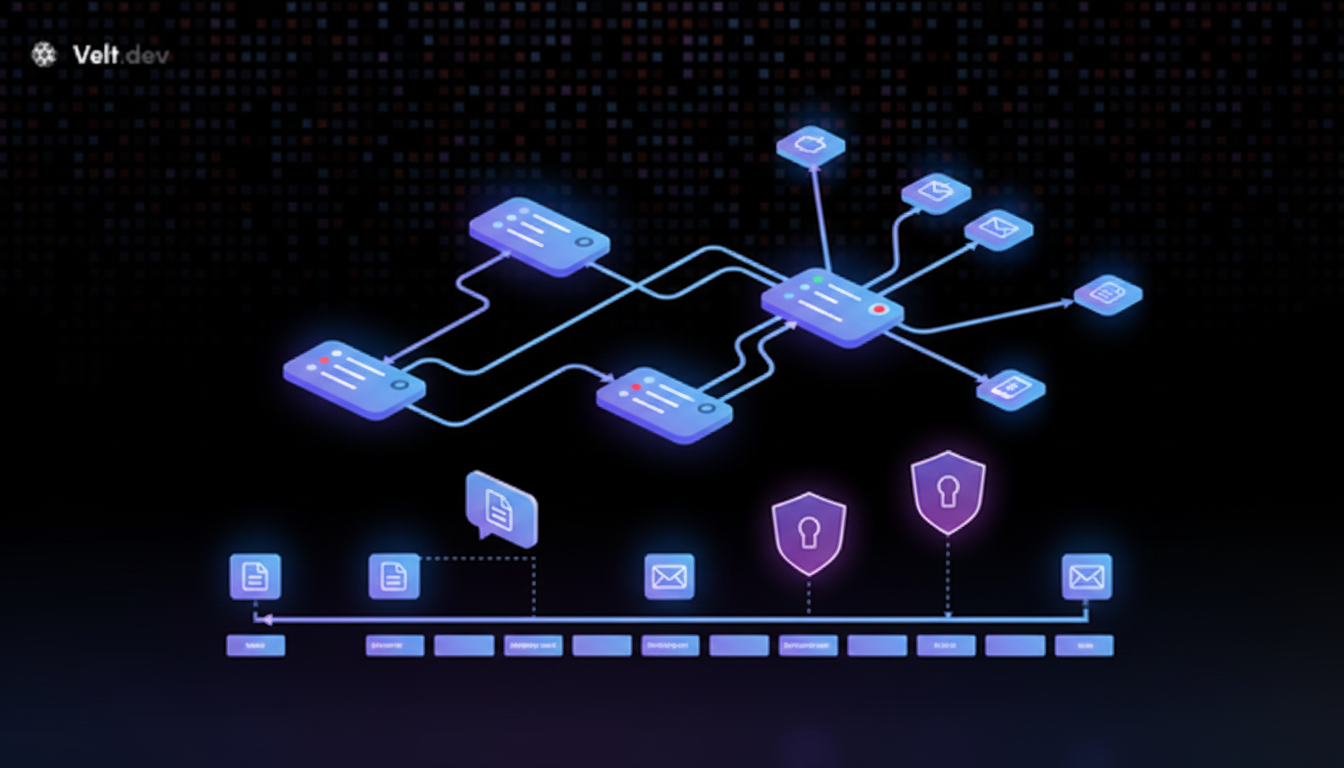
Production-ready approval workflows have more moving parts than most teams initially account for. A status dropdown gets you nowhere close. [Radically simplifying workflow processes](https://www.mckinsey.com/capabilities/people-and-organizational-performance/our-insights/want-to-break-the-productivity-ceiling-rethink-the-way-work-gets-done) requires rethinking how work gets done end-to-end. Every component listed below depends on the others to function correctly, from Velt comments to audit trails.
Here are the layers that make up proper review and approval infrastructure:
- **Approval state management**: each reviewable object needs a trackable state (pending, in review, approved, rejected) that persists and updates in real time across all uses, a core collaborative editor feature that keeps all reviewers synchronized.
- **Routing logic**: who gets notified, in what order, and under what conditions based on role or assignment.
- **Contextual comments**: feedback anchored to the specific element being reviewed, not floating disconnected in a sidebar.
- **Notification delivery**: @mentions, status changes, and assignment events pushed via email, Slack, or in-app channels.
- **Audit trail capture**: immutable logs of who approved what, when, and from which prior state.
- **Permission inheritance**: reviewers see only what they're allowed to see, without requiring per-object token management.
Skip audit trails and you have no compliance story. Skip permission inheritance and enterprise deals stall in procurement. This is why approval workflows belong to infrastructure, not a feature you bolt on in a sprint.
## Core Features Every Approval Workflow SDK Should Provide
Every approval workflow SDK looks similar on a spec sheet. The difference shows up in production, when a workflow breaks because delegation wasn't programmatic, or a compliance audit reveals gaps in the audit trail. Choosing the right comments SDK directly impacts the quality of your review infrastructure. Here's what actually matters:
- Configurable approval chains
- Assignment and delegation
- Status tracking and resolution management
- Audit logs
- Human-in-the-loop gates
### Configurable Approval Chains
Not every approval needs the same path. Sales collateral might need one sign-off. A financial report might need three, in sequence. Look for support of both single-approver and multi-step chains, with conditional routing based on role, document type, or assignment rules.
### Assignment and Delegation
Reviewers get reassigned. The SDK should expose programmatic assignment APIs beyond a static dropdown. Inline delegation, "assigned to me" filters, and unassigned flagging reduce the chance a review stalls because one person missed a notification.
### Status Tracking and Resolution Management
Every reviewable object needs a persistent state: pending, in review, approved, rejected, updating in real time across all users. Resolution tracking should tie to specific users and timestamps captured in activity logs. You need to know who closed a thread and when.
### Audit Logs
Teams underestimate this until a compliance review surfaces the gap. Audit logs should capture comment creation, edits, deletions, status changes, and access events, granular enough to generate a compliance report and accessible via REST API.
### Human-in-the-Loop Gates for AI Workflows
71% of leaders identified human-in-the-loop approvals as their top AI governance priority for 2026. As AI agents draft financial documents and update business plans autonomously, someone still needs to sign off before those outputs go live.
The approval gate determines whether an AI-generated draft publishes, gets flagged, or routes to a specific person based on risk level. Velt is building AI review agents for exactly this use case. The same infrastructure handling human-to-human approvals handles AI-to-human handoffs, with the same audit trail, permission model, and notification layer.
## Implementation Patterns: Building Approval Workflows into Your Product
Four integration patterns cover most approval workflow use cases in production SaaS apps. Picking the right pattern depends on how your data model is structured and where you need governance enforced. Here's how each one works in practice:
- Bind approval state to domain objects
- Configure webhooks
- Integrate UI components selectively
- Gate publishing behind approval state
### Bind Approval State to Domain Objects
Skip generic "document" abstractions. Bind approval state directly to your existing entity IDs: `slide-id`, `report-id`, `sku-id`. Velt attaches comment threads, status, and audit records to those IDs so state travels with the object, not the URL.
```jsx
// npm install @veltdev/react
import { VeltProvider, VeltComments, VeltCommentTool, useVeltClient } from '@veltdev/react';
import { useEffect } from 'react';
// 1. Wrap your app with VeltProvider
export default function App() {
return (
);
}
// 2. Bind Velt to your domain object ID
// Comments, approval status, and audit logs all attach to this ID
function ReportReviewPage({ reportId }) {
const { client } = useVeltClient();
useEffect(() => {
if (client) {
client.setDocument(reportId, { documentName: 'Q1 Financial Report' });
}
}, [client, reportId]);
return (
{/* comment threads bind to reportId */}
{/* lets reviewers annotate any element */}
);
}
// 3. Gate publish behind approval state (server-side — Node.js / Express)
app.post('/reports/:id/publish', async (req, res) => {
const approval = await fetch(
`https://api.velt.dev/v1/documents/${req.params.id}/approval`,
{ headers: { Authorization: `Bearer ${process.env.VELT_API_KEY}` } }
).then(r => r.json());
if (approval.status !== 'APPROVED') {
return res.status(403).json({ error: 'Pending approval' });
}
// proceed with publish
});
```
```jsx
// npm install @veltdev/react
import { VeltProvider, VeltComments, VeltCommentTool, useVeltClient } from '@veltdev/react';
import { useEffect } from 'react';
// 1. Wrap your app with VeltProvider
export default function App() {
return (
);
}
// 2. Bind Velt to your domain object ID
// Comments, approval status, and audit logs all attach to this ID
function ReportReviewPage({ reportId }) {
const { client } = useVeltClient();
useEffect(() => {
if (client) {
client.setDocument(reportId, { documentName: 'Q1 Financial Report' });
}
}, [client, reportId]);
return (
{/* comment threads bind to reportId */}
{/* lets reviewers annotate any element */}
);
}
// 3. Gate publish behind approval state (server-side — Node.js / Express)
app.post('/reports/:id/publish', async (req, res) => {
const approval = await fetch(
`https://api.velt.dev/v1/documents/${req.params.id}/approval`,
{ headers: { Authorization: `Bearer ${process.env.VELT_API_KEY}` } }
).then(r => r.json());
if (approval.status !== 'APPROVED') {
return res.status(403).json({ error: 'Pending approval' });
}
// proceed with publish
});
```
### Configure Webhooks for Routing
Approval events should trigger your existing notification infrastructure. Configure webhooks to fire on status changes and @mentions, then route to Slack, email, or your internal queue. Velt exposes these as clean webhook payloads, not opaque callbacks. For full webhook configuration options and API reference, see our [webhooks and API documentation](https://velt.dev/webhooks-and-api).
### Integrate UI Components Selectively
You don't need to replace your UI. Drop in the approval status badge, comment thread, and assignment dropdown as discrete components. Each one connects to the same underlying state layer, so they stay in sync without custom glue code.
### Gate Publishing Behind Approval State
The step most teams miss: block the publish action until approval state resolves. Read the approval state from Velt's REST API server-side before your publish endpoint runs. No approval, no publish. That's the actual governance layer.
## Use Cases: Where Approval Workflows Unlock the Most Value
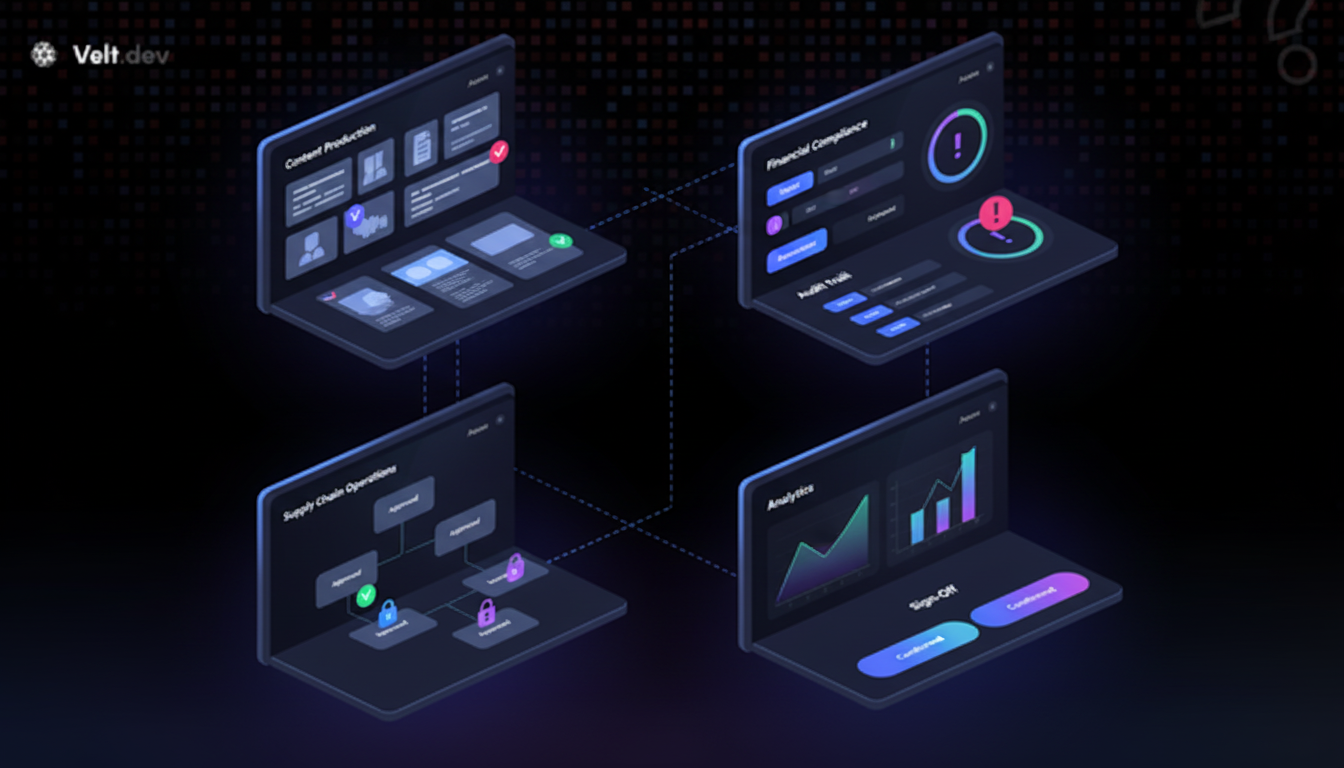
Approval workflows deliver the most value where review failures have real consequences. These four categories show where the ROI concentrates:
- Content production and sales enablement
- Compliance and financial workflows
- Supply chain and operations
- Analytics and insights
### Content Production and Sales Enablement
Marketing and sales teams publish at scale, and unchecked content carries brand and legal risk. Stensul cut email review cycles from 8 days to 3 after implementing Velt. In-app [commenting SDK use cases](https://velt.dev/blog/best-commenting-sdk-use-cases) like this show how reviewers leaving feedback directly on the asset and approvers clicking one button to sign off can collapse revision rounds fast.
### Compliance and Financial Workflows
Financial documents require timestamped, attributed sign-off before they leave the system. Approval workflows in FP&A tools give procurement and legal teams a defensible audit trail without chasing sign-offs across email threads.
### Supply Chain and Operations
Business plans get approved in Slack, then nobody can reconstruct why a purchasing decision was made. Embedding approval state into logistics and procurement tools keeps the decision record with the data it was based on.
### Analytics and Insights
Dashboards surface a finding. Someone needs to approve the recommendation before it becomes a budget action. In-app approval workflows let that sign-off happen on the chart itself, with the full context still visible.
## How Velt Ships Review and Approval Infrastructure for SaaS Products

Velt is the implementation layer for everything this post describes. Drop in the SDK and you get contextual comments bound to your entity IDs, configurable approval chains, real-time status updates, and immutable audit logs, without building any of it yourself. Velt is the implementation layer for everything this post describes. Drop in Velt and you get contextual comments bound to your entity IDs, configurable approval chains, real-time status updates, and [immutable audit logs](https://velt.dev/blog/liveblocks-sdk-review-alternatives-2025), without building any of it yourself.
The component model is modular. Use the approval status badge alone, or combine it with the comment thread, assignment dropdown, and notification hooks. Each piece connects to the same underlying state layer. No custom sync logic required. For teams looking at different SDKs, our [Velt vs Liveblocks](https://velt.dev/blog/velt-vs-liveblocks-for-documents-2025) comparison breaks down the architectural differences for document collaboration workflows.
For compliance use cases, Velt's audit trail captures every status change, comment edit, and access event, accessible via REST API and detailed enough to generate a report on demand. SOC 2 Type II and HIPAA BAA are included, not add-ons. If you're assessing other collaboration SDKs, our Liveblocks alternative guide covers the key differences in architecture and compliance features.
Leadpages integrated Velt in days, not the 6+ months their engineering team had estimated for an internal build. trumpet saw roughly 10% higher user engagement post-integration.
If the patterns in this post match what you're building, [docs.velt.dev](https://docs.velt.dev/) is where to start.
## Final Thoughts on Treating Approval Workflows as Infrastructure
Building [approval workflow infrastructure](https://velt.dev/) in-house means your team owns state management, audit logging, webhook routing, and permission inheritance indefinitely. Velt gives you those layers as an SDK so approval chains live inside your product, not scattered across Slack threads and email chains. The integration takes hours, not months, and you keep full control over your data model. If approval bottlenecks are stalling your roadmap, [schedule a Velt demo](https://velt.dev/book-demo) to see how it maps to your objects.
## FAQ
### What's the best way to add approval workflows to a SaaS product in 2026?
An approval workflow SDK like Velt integrates directly into your product so reviewers stay in-context instead of switching to external tools. You get approval state management, contextual comments, audit trails, and notifications without building any of it yourself.
### Approval workflow SDK vs building internal review tools?
An SDK ships in days and includes audit logs, permission inheritance, and notification routing out of the box. Building internally takes 6+ months and requires maintaining comment threading, CRDT sync, webhook infrastructure, and compliance-ready audit trails.
### How do you implement human-in-the-loop gates for AI workflows?
Bind approval state to the AI-generated object (document, report, plan) using your existing entity IDs, then block the publish action server-side until approval resolves. Velt handles the approval UI, notifications, and audit trail while your backend enforces the gate.
### What features should an approval workflow SDK include?
Multi-step approval chains with conditional routing, programmatic assignment and delegation APIs, real-time status tracking across all users, immutable audit logs accessible via REST API, and permission inheritance so reviewers see only what they're authorized to access.
### Can approval workflows reduce compliance risk in financial software?
Yes. Approval workflows create an immutable audit trail of who approved what, when, and from which prior state. For FP&A and compliance tools, that record is accessible via REST API and detailed enough to generate reports during audits without reconstructing decisions from email threads.
---
# What Is Review Infrastructure? Complete Guide (April 2026)
https://velt.dev/blog/what-is-review-infrastructure
Learn what review infrastructure is and how it embeds feedback, approvals, and audit trails in your product. Complete guide for April 2026.
*May 25, 2026*
When AI outputs 40 drafts before your reviewer opens their laptop, you need somewhere for that sign-off to happen. [Review infrastructure](https://velt.dev/) is the system you embed in your product to handle contextual comments, approval states, and audit trails right where the work lives. Not a separate tool. Not a workflow that routes through email. Infrastructure built into the app itself so review can keep pace with AI-generated output.
**TLDR:**
- Review infrastructure embeds feedback, approvals, and audit trails directly in your product instead of Slack or email.
- AI scaled content creation 10x, but review capacity stayed flat. Review is now the bottleneck in most workflows.
- Scattered review processes cost organizations 20-30% of annual revenue in lost approvals and duplicated effort.
- Building review infrastructure from scratch requires comment threading, presence, notifications, permissions, and audit logs: typically 6 months of engineering.
- Velt provides drop-in review and approval infrastructure that ships contextual comments, approval workflows, presence, notifications, and audit trails in days.
*Last updated: April 17, 2026*
## What Review Infrastructure Means in Software Development
Review infrastructure, in software development, refers to the embedded systems that let teams give contextual feedback, track approvals, and maintain audit trails directly inside the products where work happens. Not a separate tool. Not a Slack thread. Infrastructure that lives in the app itself. This is worth separating from how "infrastructure review" gets used elsewhere. IT infrastructure reviews, highway project assessments, fund performance audits: those are about assessing external systems. Review infrastructure in software development is the opposite angle. It's what you build into your software so that review can happen at all.
The category is new because the need is new. AI tools now generate content, code, and business data faster than teams can sign off on it. Creation is no longer the bottleneck. Review is. And most SaaS products ship zero tooling to handle it.
## Why Review Became the Bottleneck in 2026

AI flipped the ratio between creation and review. A content team with generative tools can produce 50 email variants before lunch. A dev with Cursor can scaffold a full feature in an afternoon. Supply chains running AI forecasting generate hundreds of production decisions per shift that humans still need to sign off on. Output scaled 10x. Review capacity didn't move. The result is a specific kind of backlog that's easy to miss. It doesn't look like a bug queue or a sprint board. It looks like a Slack thread asking "did anyone check this?" Or an email chain with six people CC'd and no clear decision. Or a document that went live because no one wanted to hold things up.
> Review didn't get slower. The volume of things requiring review just outpaced every system built to handle it.
The pattern repeats across categories: in content production, AI drafts get published before brand or legal review; in compliance software, financial documents circulate without a clear sign-off trail; in internal tools, infrastructure changes get made without attribution. Creation scaled. The review layer never got rebuilt to match.
## The Hidden Cost of Scattered Review Processes
Scattered review processes don't feel expensive until you add them up. IDC research puts the figure at [20 to 30% of annual revenue](https://www.idc.com) lost to re-keying, duplicated effort, and lost approvals across organizations. That's not an abstract number. It's what happens when approvals live in inboxes, feedback lives in Slack, and no one can reconstruct who signed off on what. Three costs compound fast:
- Context switching when reviewers have to locate the thing being reviewed, find the feedback thread, and get their bearings each time
- No audit trail when sign-off happens in a DM or a meeting, leaving compliance teams with nothing to show auditors
- Unclear approval states where "I think someone approved this" becomes the default, especially under deadline pressure
For teams in content production or compliance, that last one is particularly damaging. A document that goes out without a clear approval state creates downstream liability that a Slack message can't fix.
## Core Components of Review Infrastructure
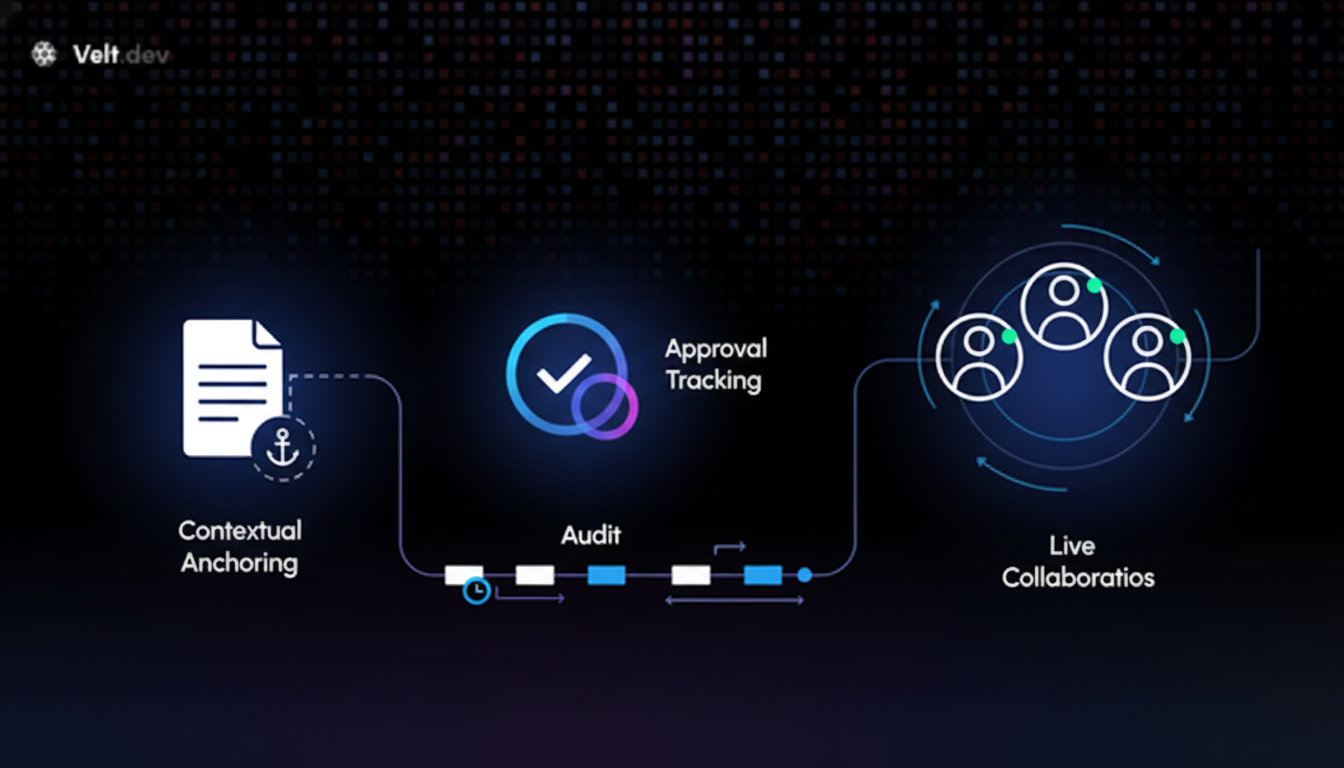
Review infrastructure is built from a set of foundational primitives that every SaaS product eventually needs, but few teams budget time to build properly. Think of how teams treat auth. Nobody builds OAuth from scratch anymore. You pick Clerk or Auth0 and move on. The same logic applies here. Let's look at the four components:
- Contextual anchoring
- Approval state tracking
- Real-time presence and notifications
- Audit trail generation
### Contextual Anchoring
Feedback is useless without context. Pixel-based comment anchoring breaks when layouts reflow. Element-bound anchoring ties a comment thread to a data ID like `slide-id` or `widget-id`, keeping feedback attached to the thing being reviewed regardless of UI changes. Velt uses DOM-aware anchoring for exactly this reason.
### Approval State Tracking
A comment thread is not an approval. Review infrastructure tracks discrete states: assigned, under review, approved, rejected. Without this layer, teams default to "I think someone approved it," which is how compliance incidents happen.
### Real-Time Presence and Notifications
Reviewers need to know who else is looking and when something needs their attention. Presence signals prevent duplicated effort. In-app notifications with @mentions replace the Slack thread that would otherwise hold the conversation.
### Audit Trail Generation
Every approval, comment edit, and state change should produce an immutable log, beyond a "recently updated" timestamp. A full record of who did what and when makes post-mortems possible and keeps compliance-heavy industries on track.
## Review Infrastructure vs Approval Workflow Software
People use these terms interchangeably, but they solve different problems. Approval workflow software routes tasks. It tells the right person that something needs their attention, tracks whether they clicked approve or reject, and moves the item to the next step. Tools like Jira approvals, DocuSign, or ServiceNow workflows do this well. What they don't do is keep the conversation attached to the artifact. You click approve inside the workflow tool, but the actual feedback happened in a separate thread, a marked-up PDF, or a meeting no one recorded. The routing worked. The context got lost.
That gap is exactly what review infrastructure fills. The [approval workflow software market](https://www.verifiedmarketresearch.com) is valued at $1.5 billion in 2024 and projected to reach $3.5 billion by 2033, growing at 9.8% annually. The growth makes sense: teams know they need formal sign-off. What the category hasn't solved is the feedback layer that precedes the approval.
Review infrastructure and approval workflow software aren't competing. They're sequential. Contextual comments, presence, and anchored feedback come first. Formal approval state and audit trail come second. Velt handles both in one layer, embedded directly in the product where the work lives. If you're weighing Velt against Liveblocks, our [Velt vs Liveblocks comparison](https://velt.dev/blog/velt-vs-liveblocks-comparison-2025) breaks down where each fit. The table below provides a high-level overview of the review components we looked at earlier and how they are tackled by review infrastructure (like Velt) and approval workflow approaches.
| Category | Review Infrastructure (Velt) | Approval Workflow Software (Jira, DocuSign, ServiceNow) |
| --- | --- | --- |
| Primary Function | Embeds contextual feedback, comments, and presence directly in the product where work happens | Routes tasks between people and tracks formal sign-off states across systems |
| Where Feedback Lives | Anchored to specific DOM elements by data ID, keeping comments attached to the exact artifact being reviewed | Separate from the artifact: feedback happens in external threads, PDFs, or meetings that get referenced but not preserved |
| Audit Trail | Automatic immutable log of every comment, edit, approval state change, with timestamps and attribution built into the workflow | Tracks approval status and routing history, but not the contextual discussion that led to the decision |
| Integration Approach | Drop-in SDK that embeds review layer directly in your app's UI, ships in days | Standalone tools that require custom integrations and manual context transfer between systems |
| Use Case Fit | AI-generated content review, real-time collaboration on documents/designs, compliance workflows requiring contextual sign-off | Multi-step approval chains, contract signing, IT service requests, project phase gates |
| Market Size | New category built for AI-scaled content bottlenecks | $1.5B market (2024) projected to reach $3.5B by 2033 at 9.8% CAGR |
## How Review Infrastructure Supports AI-Augmented Workflows
AI creates instantly. Verifying what it creates still takes a human. That gap is where review infrastructure earns its place.
In content operations, a generative tool can draft 40 campaign emails before a reviewer opens their laptop. Without anchored feedback and approval states embedded in the product, those drafts route through Slack, get commented on in a Google Doc, and go live before legal or brand signs off. The volume outpaces the process. Velt fits into this as the human oversight layer. AI agents produce output; review infrastructure gives human reviewers a structured place to respond, approve, or reject, with every decision logged. The audit trail isn't manual. It's a byproduct of the workflow itself. In compliance and FP&A software, the stakes are higher. An AI-generated financial summary still needs a CFO's eyes before it reaches a board. Velt tracks that sign-off formally, with timestamps and attribution, not a "LGTM" buried in a thread.
The same logic applies to data-rich analytics. When AI surfaces an insight in a dashboard, teams need to [discuss it in context](https://velt.dev/blog/best-contextual-commenting-systems-november-2025) and reach a decision before acting. Velt keeps that conversation on the chart, not scattered across five different tools.
## Building Review Infrastructure: The Build vs Buy Decision
Building review infrastructure from scratch sounds doable until you start listing what it actually requires. If you want to weigh the full tradeoffs, see our build vs buy guide for review infrastructure.
[Comment threading](https://velt.dev/comments) alone touches auth, state management, WebSockets, and database schema. Add presence and you're writing conflict resolution logic. Add notifications and you're building aggregation across documents, @mention parsing, and [email/Slack routing](https://velt.dev/webhooks-and-api). Add permissions and you're implementing cascading rules across org, folder, and document levels. None of these are hard in isolation. Together, they're six months of engineering before a single user leaves a comment. This is the glue code tax. Primitive tools like raw WebSocket libraries hand you the socket. Everything else is your problem. The folder tree, the notification inbox, the permission inheritance, the audit log schema. Each piece seems small. The integration cost between them is where sprints disappear.
Velt ships all of it as drop-in infrastructure.
## Review Infrastructure for Velt: Shipping Review and Approval in Days

[Velt](https://velt.dev/customization) is review infrastructure you drop into a web app instead of building yourself. Comments bind to DOM elements by data ID, not pixel coordinates. Approval states are discrete and trackable. Every change produces an immutable audit log automatically. The integration covers the full stack: contextual comments, approval workflows, real-time presence, in-app notifications, and recording. Stensul cut email review cycles from 8 days to 3 after deploying Velt. trumpet saw roughly a 10% lift in user engagement.
Leadpages reported the integration took days, not the 6+ months an internal build would require.
For [compliance-heavy teams](https://velt.dev/blog/enterprise-ready-collaboration-sdk-complete-guide-for-2026)
, the audit trail is the headline. [Over 90% of organizations](https://approveit.today/blog/quick-fire-facts-about-workflow-automation-(2025-edition)) report that automating approval workflows reduces errors and speeds up decisions. Velt makes that audit trail a byproduct of the workflow, with timestamps, attribution, and approval states logged without any extra instrumentation.
The case for Velt is straightforward: if review is the bottleneck, and [AI-generated content](https://community.atlassian.com/forums/App-Central-articles/AI-Generated-Content-in-Confluence-Ownership-Risks-and-Control/ba-p/3203308) keeps raising the volume of what needs sign-off, the answer is infrastructure that scales with it. Not more Slack threads.
## Final Thoughts on Review Infrastructure for AI Workflows
AI output scales faster than human review capacity, and most products ship zero tooling to close that gap. [Review infrastructure](https://velt.dev/) keeps approval workflows attached to the artifact instead of scattered across Slack and email. You can build it yourself or integrate Velt and ship comments, approvals, and audit trails this week. if you want to see how it fits your product.
## FAQ
### What is review infrastructure?
Review infrastructure is the embedded system that lets teams give contextual feedback, track approvals, and maintain audit trails directly inside the products where work happens. It includes contextual comment anchoring, approval state tracking, real-time presence, in-app notifications, and automatic audit trail generation built into the app itself, not scattered across Slack or email.
### Review infrastructure vs approval workflow software.
Approval workflow software routes tasks and tracks formal signoffs (like Jira approvals or DocuSign) but doesn't keep feedback attached to the artifact being reviewed. Review infrastructure handles the contextual feedback layer first (anchored comments, presence, discussions), then tracks the formal approval state and audit trail in one unified system.
### Can you build review workflows without losing context in Slack threads?
Yes. Velt binds comment threads to DOM elements by data ID (like `slide-id` or `widget-id`), keeping feedback attached to the exact thing being reviewed even when layouts change. Every approval, comment edit, and state change produces an immutable audit log automatically, with timestamps and attribution built in.
### When should I use review infrastructure instead of building it myself?
If building contextual comments, approval tracking, notifications, presence, and audit logs would take your team more than a few weeks, review infrastructure makes sense. Velt ships all of this as drop-in infrastructure: teams like Stensul cut email review cycles from 8 days to 3, and Leadpages reported the integration took days, not the 6+ months an internal build would require.
### How does review infrastructure support AI-generated content workflows?
AI creates content 10x faster than humans, but verification still requires human review. Review infrastructure provides the formal oversight layer: contextual feedback on AI-generated drafts, discrete approval states tracked before publication, and automatic audit trails logging every decision with timestamps and attribution, not buried in Slack threads.
---
# Approval Workflow SDK: Complete Developer's Guide (April 2026)
https://velt.dev/blog/approval-workflow-sdk-complete-developers-guide
Complete guide to approval workflow SDKs for developers. Learn routing, permissions, and audit trails with code examples. Updated April 2026.
*May 25, 2026*
You've scoped the approval workflow feature, and the dev estimate is three months minimum. State management, approver routing, permission enforcement, notification triggers; every piece needs custom logic before users can submit a request and wait for sign-off. An approval workflow SDK replaces that build with integration: prebuilt components handle the review lifecycle from submission through decision capture, plus the edge cases like escalation, re-routing, and audit logging that consume most of the engineering effort. The real cost isn't choosing between SDKs - it's whether your custom build can scale to enterprise workloads without becoming the performance bottleneck when document counts hit five figures. [Velt](https://velt.dev/) handles these scenarios at production scale.
**TLDR:**
- Approval workflow SDKs handle routing, permissions, and audit trails so you don't build state machines from scratch
- Real-time permission providers validate access on every request, unlike JWTs which stay valid until expiry
- Batched API calls cut network overhead by 80-90% when displaying approval status across multiple documents
- DOM-aware comment threads pin reviewer feedback to exact UI elements, preventing context loss during layout changes
- Velt SDK combines task assignment, resolution tracking, and hierarchical permissions for production approval workflows
## What is an approval workflow SDK
An approval workflow SDK gives developers the building blocks to add structured review and authorization processes directly into their apps. Instead of wiring up custom state machines, permission checks, and notification logic from scratch, you get prebuilt components that handle the full lifecycle: submitting content for review, routing it to the right approvers, capturing decisions, and notifying stakeholders when something changes. For teams building SaaS apps where content, data, or actions require sign-off before going live, this matters a lot. The alternative is months of backend engineering just to support something users expect by default.
## Core approval workflow SDK patterns
Four core patterns show up across nearly every approval workflow implementation. Understanding the trade-offs between them is the foundation of good SDK design.
| Pattern Type | How It Works | Key Advantages | Main Disadvantages | Best Used When |
| --- | --- | --- | --- | --- |
| Sequential Approvals | Routes requests through approvers one at a time in a fixed order. Each reviewer must complete their decision before the next reviewer receives the request. | Creates clear audit trail with chronological decision chain. Order of sign-off is legally documented. Simple to understand and troubleshoot. | Total review time multiplies with each added step. Single slow approver blocks entire workflow. Inflexible to changing priorities. | Compliance-heavy workflows where legal order matters. Financial approvals requiring hierarchical sign-off. Compliance-driven industries with mandatory review sequences. |
| Parallel Approvals | Multiple reviewers receive and act on requests simultaneously. Decisions are collected and checked against consensus rules. | Much faster than sequential processing. Reduces bottleneck risk from individual approvers. Can capture diverse perspectives simultaneously. | Requires clear consensus rules for conflicting decisions. More complex to audit. Can create confusion about final decision authority. | Time-sensitive approvals with tight deadlines. Situations requiring input from multiple departments. Low-risk decisions where speed matters more than hierarchy. |
| Conditional Routing | Approval paths branch based on runtime data like request size, risk score, user role, or content type. Rules engine determines which path each request follows. | Keeps low-stakes items out of full review queue. Scales efficiently as request volume grows. Reduces unnecessary approver workload. | Complex to configure initially. Rules logic can become difficult to maintain. Edge cases may fall through routing gaps. | High-volume workflows with varying risk levels. Organizations with clear tier-based approval policies. Apps processing both routine and exceptional requests. |
| Approval Matrices | Rules-based system maps request attributes to approver groups automatically. Matrix defines which combinations of attributes require which approvers. | Scales across large organizations without manual routing. Automatically adapts to org structure changes. Handles complex approval requirements systematically. | Initial matrix setup requires careful planning. Can be over-engineered for simple workflows. Requires ongoing maintenance as org evolves. | Enterprise environments with hundreds of approvers. Complex approval requirements based on multiple factors. Organizations with frequent structural changes. |
### Sequential approvals
One approver at a time, in a defined order. Simple to audit, but every added step multiplies total review time. Works well for compliance-heavy flows where order of sign-off matters legally.
### Parallel approvals
Multiple reviewers act simultaneously. Faster, but you need to define a consensus rule: does one rejection block everything, or do you need a majority?
### Conditional routing
Approval paths branch based on runtime data like request size, risk score, or user role. This keeps low-stakes items out of the full review queue.
### Approval matrices
Rules-based routing that maps request attributes to approver groups automatically. Scales well across large orgs where manually assigning reviewers per request is not realistic.
> "The right pattern isn't the most sophisticated one - it's the one that matches how your team actually makes decisions."
The real complexity is handling edge cases: what happens when an approver is unavailable, deadlines pass, or a request needs re-routing mid-review. Your SDK needs hooks for all of it.
## SDK integration requirements and developer workflow
Getting an approval workflow SDK into production involves more than dropping in a script tag. Here's what the integration path actually looks like:
- An auth layer that maps your existing users to approver roles
- A document or entity model your app uses to scope approval contexts
- A webhook or event bus for routing decisions to downstream systems
### What to check before committing
The gap between "running a demo" and "handling real data" is where most teams get surprised. Watch for SDKs that require per-document token issuance at scale. If your app has 10,000 documents, managing 10,000 individual access grants is unsustainable. Hierarchical permission inheritance, where access cascades from org to folder to document, cuts that overhead considerably. You should also check whether the SDK bills based on connections or on actual collaborator actions. Room-based or connection-based billing tends to inflate costs fast as document counts grow, even when most users are just reading. Customizing a commenting SDK helps optimize these costs.
## Security architecture and permission models
Security in approval workflows goes beyond who can approve what. When permissions change, those changes need to take effect immediately, not after a token expires. We've identified four security architecture and permission models that you need to consider:
- Static tokens versus real-time permission providers
- Hierarchical permission inheritance
- Multi-tenancy
- Feature-level permissions
### Static tokens vs. real-time permission providers
JWT-based auth has a structural problem: tokens are snapshots. If a user's role changes mid-session, they retain whatever access the token granted until expiry. A revoked approver could still act on a pending request. A real-time permission provider checks your backend as the source of truth on every request, including login, so access changes take effect instantly. When assessing [comment SDK](https://velt.dev/blog/best-commenting-sdk-for-2025-ranked) options, check out the best commenting SDKs for 2025.
### Hierarchical permission inheritance
Most B2B SaaS apps have nested structures where organizations contain folders and folders contain documents. Hierarchical inheritance, where access cascades from org to folder to document, keeps management tractable at scale without issuing separate tokens per resource.
### Multi-tenancy
Approval workflows in multi-tenant apps require hard data isolation between organizations. This should be a native SDK capability. Cross-org access switching and per-org permission scoping should work without custom socket reconnection logic.
### Feature-level permissions
Role-based access at the feature level controls which collaboration actions are available to specific users. An external reviewer might read comments but not approve. A manager might approve but not reassign. Granular feature permissions keep approval logic precise without overcomplicating your user model.
## Performance and scalability considerations
Approval workflows that feel snappy with 10 users can fall apart at 10,000. Automation reduces manual errors by up to 90% and [improves process speed by 40-60%](https://www.feathery.io/blog/workflow-automation-statistics), but only if the underlying SDK doesn't become the bottleneck. Two optimizations matter most at scale:
- First, batched API calls. Instead of issuing one request per document, a well-designed SDK groups them. `batchedPerDocument` mode for comment count queries cuts network overhead by up to 80% when displaying data across multiple documents simultaneously.
- Second, internal service call batching reduces total SDK network requests by up to 90%, which is the difference between a snappy dashboard and a slow one at enterprise scale.
Debounce timing gives you control over request frequency, letting you tune the balance between latency and throughput based on your app's traffic patterns.
## Human-in-the-loop approval patterns
Automated pipelines need exit points where a human makes the final call. The pattern is straightforward: an agent or automated process reaches a decision gate, pauses execution, and waits for authorization before continuing. The critical implementation details live in the edges. Your SDK needs:
- A reliable pause/resume hook that persists state across sessions, so a restart doesn't orphan an in-flight request.
- Timeout handling with configurable escalation, for example if no one approves within 24 hours, automatically route to a manager.
- A clear way to surface pending requests to the right reviewers without requiring constant polling.
Escalation logic is where most teams cut corners. Build it into the routing layer from the start. If the primary approver misses a deadline, the request should re-route automatically with full context intact. Just keep in mind that comment annotation and programmatic composer controls help here. Pre-populate review context the moment a request enters the human review queue, so approvers see exactly what needs a decision without hunting for background.
## REST APIs and backend integration
REST APIs let backend systems drive approval workflows without a live frontend session. That matters for automation pipelines, ETL jobs, and integrations with CRM or ERP tools that need to create, update, or query approval state programmatically. Webhook support extends this further. [Velt webhooks](https://velt.dev/blog/velt-webhooks-real-time-collaboration-events) fire when approval events occur, pushing state changes to external systems in real time, so a ticket in your support tool or a record in your CRM reflects the latest status without polling. Configurable debounce timing prevents webhook flooding in high-frequency environments. For migrations or bulk operations, asynchronous REST endpoints handle large-scale data movement without blocking active workflows, which matters when reorganizing document hierarchies or consolidating workspaces after an acquisition. Learn more about [webhooks and APIs](https://velt.dev/webhooks-and-api) for extended integration capabilities.
## Audit trails and compliance requirements
Every approval decision leaves a paper trail whether you plan for it or not. The question is whether that trail is structured enough to be useful when an auditor asks for it. At the SDK level, audit logging captures the full lifecycle: who submitted, who reviewed, what decision was made, and when. The `resolvedByUser` property records which user closed each annotation, giving you a per-action audit record without custom logging code. Activity logs track all collaboration events across creation, edits, deletions, and access changes, with REST API endpoints for pulling that event stream into compliance dashboards or external reporting tools.
For compliance-heavy industries, this goes from nice-to-have to required. HIPAA, SOC 2, and finance-sector frameworks all require demonstrable approval histories with named actors and timestamps. The `attachmentDownloadClicked` event lets you intercept, log, or conditionally block every file access, which matters when sensitive documents are part of the review package. The `source` field in permission provider requests identifies which module triggered each access check, making it straightforward to trace permission decisions across complex integrations.
## Real-time collaboration features in approval workflows
Approval cycles slow down when context lives outside the app. Reviewers check email, approvers miss Slack messages, and no one knows whether a decision has been made. Bringing collaboration into the workflow itself closes that loop. That's why in-app commenting lets reviewers annotate directly on the content under review. @mentions route the right people into a thread without a separate message. These are [key features of online collaboration tools](https://velt.dev/blog/online-collaboration-tools-guide-2025) in modern workflows. Presence indicators show whether an approver is active, so submitters know whether to wait or escalate. Notifications fire on every state change, keeping stakeholders informed without polling or follow-up messages.
A unified inbox aggregates activity across every document in an org, so approvers see all pending items in one place instead of checking individual files. Paired with the "Assigned to Me" filter, reviewers triage their queue the same way they would in a dedicated task tool, without leaving the app.
## Implementing approval workflows with the Velt SDK

The [Velt SDK](https://velt.dev/platform) assembles into a functional approval workflow by combining four systems: comment annotations for review feedback, task assignment for routing, resolution tracking for status, and hierarchical permissions for approval authority.
Each piece has a clear role. DOM-aware comment threads pin reviewer feedback to the exact element under review, not a floating coordinate. The `setAssignToType()` method routes requests to specific approvers. The "Assigned to Me" filter gives each reviewer their personal queue. `resolvedByUser` records who closed each item, creating the audit trail. And permission inheritance enforces who can approve at the document, folder, or org level without per-document configuration.
Companies that automate approval workflows report [up to 90% fewer manual errors](https://kissflow.com/workflow/workflow-automation-statistics-trends/) and 40-60% faster cycle times, so the ROI compounds quickly once the integration is in place. Agent Skills can accelerate that setup further: a single prompt to your AI coding agent handles provider configuration, comment setup, and notification wiring without reading through the full docs.
## Final thoughts on approval workflow implementation
Building approval workflows from scratch takes months, but an [approval workflow SDK](https://velt.dev/) cuts that down to days if it matches your actual requirements. The difference between a good SDK and a frustrating one shows up in permission updates, billing models, and how it handles the edge cases your team will hit in production. You need real-time access control, audit trails that work out of the box, and routing logic that adapts to your org structure. [Book a Velt demo](https://velt.dev/book-demo) if you want to talk through how this fits your specific setup.
## FAQ
### How does real-time permission checking work versus JWT-based auth?
Real-time permission providers check your backend as the source of truth on every request, including login. If you revoke a user's approval rights in your database, they lose access immediately: no waiting for token expiry.
### What's the difference between sequential and parallel approval patterns?
Sequential approvals route requests through reviewers one at a time in a fixed order, which creates an audit trail but multiplies total review time. Parallel approvals let multiple reviewers act simultaneously, which is faster but requires consensus rules to handle conflicting decisions.
### Can I build approval workflows without writing custom state management code?
Yes. An approval workflow SDK handles the full lifecycle (submission, routing, decisions, notifications) through prebuilt components. You configure the routing logic and permission rules instead of building state machines from scratch.
### How do I prevent approval costs from scaling with document count?
Look for SDKs that bill based on active collaborators instead of connections or rooms. Connection-based pricing inflates fast as document counts grow, even when users are just reading. Collaborator-based billing scales with actual usage.
### What happens when an approver is unavailable or misses a deadline?
Your SDK should support configurable escalation rules that automatically re-route requests to a backup approver after a defined timeout. Build this into the routing layer from the start so pending requests don't get orphaned.
---
# How to Eliminate Content Review Bottlenecks: Complete Guide (April 2026)
https://velt.dev/blog/eliminate-content-review-bottlenecks
Learn how to eliminate content review bottlenecks in your workflow. Complete guide covers the four delay patterns and proven fixes. April 2026.
*May 25, 2026*
A [content review bottleneck](https://velt.dev/) is any point in your production cycle where finished work sits idle waiting on feedback, approval, or revision. It shows up in four recognizable patterns, and the fix is review and approval infrastructure that captures feedback in context, routes it to the right reviewer, and runs approvals in parallel instead of sequence.
*Last updated: April 10, 2026*
**TLDR:**
- Content review bottlenecks occur when work sits idle waiting on feedback, not when teams are actively creating
- The four core delay patterns: single-editor dependency, revision loops, sequential chains, and quality ambiguity
- Element-bound comments eliminate version confusion by anchoring feedback to specific DOM IDs, not coordinates
- Parallel approvals cut review time from 9 days to 3 by running non-blocking feedback alongside critical sign-offs
- Velt is a JavaScript SDK that embeds contextual collaboration directly into web apps, preventing tool sprawl
## What is a content review bottleneck and why it kills productivity
A content review bottleneck is any point in the production cycle where content sits idle, waiting on feedback, approval, or revision before it can move forward. The content exists. The work is done. But the clock keeps running anyway.
The productivity cost is real and measurable. Research shows senior engineers spend an average of [4.3 minutes reviewing AI-generated suggestions](https://arxiv.org/abs/2502.10883) versus 1.2 minutes for human-written code. Teams using AI heavily saw a [91% increase in PR review time](https://arxiv.org/abs/2502.10883) despite faster generation speeds. The bottleneck moved downstream instead of disappearing.
Speed up generation and you pile pressure onto the approval stage. Reactive fixes like chasing people on Slack or scheduling another sync rarely work long-term. The bottleneck simply reforms wherever the process has friction.
## The four core bottleneck types in content review workflows
Most content review delays trace back to one of four recognizable patterns. Knowing which one is slowing your team down is half the battle.
| Bottleneck Type | Primary Symptom | Root Cause | Solution Approach |
| --- | --- | --- | --- |
| Single-Editor Bottleneck | Content stuck in under review status for days, always tied to the same reviewer name | All approvals funnel through one person who becomes the single point of failure | Distribute review authority across multiple qualified reviewers with explicit assignment routing |
| Revision Loop Bottleneck | Three or more revision rounds on a single piece with no clear resolution | Vague feedback without actionable criteria sends creators back to square one repeatedly | Use contextual commenting with specific element-level feedback and defined acceptance criteria |
| Sequential Review Bottleneck | Long elapsed time despite short individual review windows | Artificial dependencies where Reviewer B waits for Reviewer A even when their work is independent | Implement parallel approvals by separating blocking from non-blocking reviews |
| Quality Ambiguity Bottleneck | Content passes with one stakeholder but gets rejected by the next with no audit trail | No defined standards means every reviewer applies personal taste inconsistently | Define quality benchmarks and use read/unread status tracking so all feedback is visible before sign-off |
### Single-Editor Bottleneck
Every approval runs through one person. When they're unavailable, everything stalls. Symptom: content sitting in "under review" status for days at a time, always tied to the same name.
### Revision Loop Bottleneck
Vague feedback like "make it pop more" sends writers back to square one. The content bounces between reviewer and creator indefinitely. Symptom: three or more revision rounds on a single piece with no clear resolution criteria.
### Sequential Review Bottleneck
Reviewer B can't start until Reviewer A finishes. Legal waits on marketing. Marketing waits on legal. Even when each individual review is fast, the chain creates compounding delays. Symptom: long elapsed time despite short individual review windows.
### Quality Ambiguity Bottleneck
No defined standards means every reviewer applies personal taste. Approvals become subjective, inconsistent, and slow. Symptom: content that passes review with one stakeholder gets rejected by the next, with no audit trail explaining why.
## Diagnostic benchmarks: is your review cycle underperforming?
Before you can fix a review bottleneck, you need to know if one actually exists. Without baselines, slow feels normal until a deadline breaks. Here are a few numbers worth benchmarking against:
- An ideal [documentation review cycle time](https://kpidepot.com/kpi/documentation-review-cycle-time) sits below 30 days. If yours is drifting past that, the delay is structural. Async communication compounds the problem: research shows it [slows task completion by 20.1 minutes](https://blog.gainapp.com/asynchronous-collaboration/), a 58.8% speed decrease versus real-time methods.
- Your total cycle time per asset shouldn't exceed 30 days
- If your revision round count should regularly hits three or more, you're dealing with a process problem that metrics can help you isolate.
## Contextual commenting: eliminate the "which version?" problem
Feedback gets scattered across email threads, Slack messages, doc comments, and recorded walkthroughs. By the time a revision request reaches a creator, the original context is gone. The structural fix is binding feedback directly to the artifact itself. When a reviewer pins a comment to a specific element, section, or timestamp, "change the header" becomes unmistakable instead of ambiguous.
[Velt's contextual commenting](https://velt.dev/comments) does this through DOM-aware location binding, tying threads to specific element IDs instead of pixel coordinates. Coordinate-based systems lose their anchoring when layouts reflow. Element-bound comments stay attached to the right component regardless, so reviewers and creators always share the same reference point when a thread opens.
## Asynchronous review workflows without the speed penalty
Async gets blamed for slowness, but the real culprit is unstructured async. Scattered feedback across five tools with no clear ownership or deadlines is slow. Structured async, where reviewers have a single place to comment, defined windows to respond, and automatic notification when their turn arrives, can be faster than synchronous review precisely because it removes scheduling overhead. The difference comes down to centralization. When feedback lives in one place, tied directly to the asset, reviewers don't spend time reconstructing context. Check out the [Best Commenting SDK for 2025 Ranked](https://velt.dev/blog/best-commenting-sdk-for-2025-ranked) for options. They open the thread, see exactly what needs attention, respond, and move on. No meeting needed.
## Parallel approvals: breaking the sequential approval chain
Sequential review chains feel logical until you map them out. Legal reviews first, then brand, then the VP. Each stage takes three days. That's nine days minimum for a single asset, and that's if nobody's out sick. The fix isn't rushing individual reviewers. It's questioning which dependencies are real. Legal and brand rarely need each other's input before they can start. They're sequential by habit, not by necessity.
To improve this, you can break your approval flow into two tiers:
- **Blocking approvals**: sign-offs that genuinely gate the next step, such as compliance, legal, and final publish clearance.
- **Non-blocking input**: feedback that's valuable but doesn't hold up progress, like brand preference, copy tone, or stakeholder opinions.
Non-blocking reviewers should get access at the same time as blocking ones. Their comments get considered during revision, not before review even starts. That single reorganization can cut a nine-day chain to three. But, assignment routing matters here as well. When each reviewer is explicitly tagged to their scope, parallel review stops feeling chaotic. Everyone knows what they own, what they're not responsible for, and when to expect a response.
## Real-time co-editing: when synchronous collaboration beats async
Async works well for structured handoffs, but some sessions are too high-bandwidth for it. When two people are actively debating copy direction, or a designer and writer are iterating on the same landing page in real time, a comment thread creates more friction than it resolves. The back-and-forth just migrates to Slack anyway.
Real-time co-editing earns its place in three specific situations:
- rapid iteration where waiting even an hour compounds delay,
- live disambiguation where a five-second clarification prevents a full revision cycle, and
- final-hour reviews where a locked document creates an artificial queue.
Presence indicators solve that last one directly. When reviewers can see who's actively in the file, they stop stepping on each other. See [Real-Time Collaborative Editor Features](https://velt.dev/blog/collaborative-editor-features-guide) for more.
## Assignment and delegation: routing feedback to the right reviewer
Broadcast feedback requests are where work goes to stall. When a comment says "team, thoughts?" with no named owner, every reviewer assumes someone else will respond first. Days pass. Nothing happens. Explicit assignment, though, breaks that pattern. Naming a specific reviewer on a specific thread converts a passive comment into a tracked task. The assigned person gets notified, the thread appears in their queue, and accountability becomes visible instead of assumed.
An "assigned to me" filter makes this actionable at scale. For React teams, check out [Top React Commenting SDKs](https://velt.dev/blog/best-react-commenting-sdks-2025). Instead of scanning every open thread across a document, reviewers pull up only what's theirs. Triage time drops, and nothing sits unread because it looked like someone else's problem.
Auto-routing by content type takes this even further. Legal copy routes to legal. Brand language routes to brand. Technical specs route to the subject matter expert, not the project manager who forwarded the request. No coordination meeting required.
## Read/unread status management: surfacing unreviewed feedback
The approval-complete assumption is one of the most common sources of rework. A reviewer marks a task done. A creator revises based on partial feedback. Then a second reviewer surfaces comments that were already there but never seen. The cycle restarts. Read/unread status tracking, though, closes that gap. When every comment has a visible awareness state, stakeholders stop assuming a thread has been seen just because it has not gotten a response. Unread indicators surface outstanding feedback directly, so nothing gets missed before a sign-off happens.
Velt exposes an `unread` property on each annotation and provides dedicated unread icon indicators as UI components. Learn [How to Customize a Commenting SDK](https://velt.dev/blog/how-to-customize-a-commenting-sdk) to fit your needs. Teams can build review gates around that state, or use it as a queue signal to confirm every open thread has been acknowledged before the asset moves forward.
## Private and scoped feedback: separating internal and client-facing comments
Not all feedback belongs in the same room. An agency reviewing client copy might need to flag an internal concern about pricing strategy without surfacing that note to the client. A compliance team needs to annotate a compliance-sensitive document without their notes appearing in the shared review thread. When internal and external feedback share the same visibility layer, reviewers start self-censoring or moving sensitive comments to Slack, which breaks the single source of truth the review system was supposed to create.
Velt's private comments handle this through three visibility tiers: public, organization-only, and private. A compliance note stays invisible to client reviewers. Internal strategy discussion stays within the org. Only explicitly public threads cross that boundary. For agencies and compliance-heavy teams, internal sign-off and client-facing review can happen in the same asset, in the same workflow, without version-forking or access gymnastics.
## How Velt eliminates content review bottlenecks at the SDK level

Every bottleneck type covered in this guide shares one root cause: feedback detached from the artifact it describes. That separation creates rework, missed comments, and tool sprawl.
Velt tackles this at the SDK level. Contextual comments bind to DOM element IDs instead of coordinates, so threads stay anchored through layout changes. Organization-level notification configuration means admins set preferences once, not per document. The "assigned to me" filter converts scattered threads into a personal queue. Private visibility tiers keep internal and client-facing feedback in the same asset without mixing them.
The result is a single collaboration layer embedded where content actually lives. No context-switching. No version confusion. Faster cycles, full audit trail.
## Final thoughts on speeding up content approvals
Every [content review bottleneck](https://velt.dev/) traces back to the same root cause: feedback scattered across tools instead of bound to the work. You can't optimize a process that requires people to hunt for context before they can respond. Centralized, contextual comments collapse review cycles without changing how your team actually works. if you want to see what structured async review looks like in practice.
## FAQ
### How do I identify which type of bottleneck is slowing down my review process?
Track two metrics: total cycle time per asset and number of revision rounds. If your cycle time exceeds 30 days or revision rounds consistently hit three or more, you have a process problem. Single-editor bottlenecks show content stuck "under review" with the same person; revision loops produce vague feedback with no resolution criteria; sequential chains show long elapsed time despite fast individual reviews; quality ambiguity results in inconsistent approvals between stakeholders.
### When should I use real-time co-editing versus async commenting for content review?
Use real-time co-editing in three situations: rapid iteration where even an hour's delay compounds problems, live disambiguation where a five-second clarification prevents a full revision cycle, and final-hour reviews where a locked document creates an artificial queue. For most structured handoffs and feedback that doesn't require immediate back-and-forth, async commenting is faster because it removes scheduling overhead.
### Can internal team feedback and client-facing comments exist in the same review workflow?
Yes, through visibility scoping. Private comments support three tiers: public (visible to everyone with document access), organization-only (visible only to your team), and private (visible only to the author). This lets compliance teams annotate sensitive documents, agencies flag internal pricing concerns, or legal teams add notes without exposing those threads to external stakeholders - all within the same asset and workflow.
### What's the difference between blocking and non-blocking approvals in parallel review?
Blocking approvals genuinely gate the next step: compliance, legal, final publish clearance. Non-blocking input is valuable feedback that doesn't hold up progress, like brand preference or stakeholder opinions. Give non-blocking reviewers access at the same time as blocking ones so their comments get considered during revision instead of forcing a sequential chain that artificially extends your cycle time.
### How does element-based comment binding prevent feedback from getting lost during layout changes?
DOM-aware commenting ties threads to specific element IDs instead of pixel coordinates. When layouts reflow or components re-render, coordinate-based systems lose their anchoring and comments float to the wrong location. Element-bound comments stay attached to the correct UI component automatically, so reviewers and creators always share the same reference point when opening a thread.
---
# Build vs Buy Collaboration Software: Complete Decision Guide (April 2026)
https://velt.dev/blog/build-vs-buy-collaboration-software
Build vs buy collaboration software: compare costs, timelines, and ROI for real-time collaboration decisions in June 2026.
*May 25, 2026*
Your users expect real-time collaboration inside your app now, not eventually. The [build vs buy collaboration software](https://velt.dev/) question comes down to whether your team has three to six months to architect WebSocket infrastructure and permission systems from scratch, or whether you need something to ship in weeks. Speed matters because every delayed month is a month competitors with better tooling can pull users away, but the real gap shows up in year two when you're still maintaining sync logic while bought solutions are handling that infrastructure for you.
**TLDR:**
- Building real-time collaboration costs 60% more in maintenance than initial development
- SDK integration cuts time-to-market from 3-6 months down to days or weeks
- Most teams choose hybrid: buy infrastructure (WebSockets, CRDT), build custom UI
- Enterprise compliance (SOC 2, HIPAA, data residency) takes 12-18 months to build yourself
- Velt offers 115+ primitive components so you control the experience without rebuilding sync logic
## Understanding Build vs Buy Collaboration Software
Every B2B product eventually hits the same wall: users want to collaborate inside your app, not around it. Comments, live cursors, notifications, co-editing: these features have shifted from differentiators to expectations. The question is never really *whether* to add them. It's whether your team builds them from scratch or buys an SDK that already handles that stack.

"Build" means your engineers own the real-time infrastructure, UI components, permission logic, and notification systems. "Buy" means integrating a pre-built solution. Both paths carry real tradeoffs across cost, speed, and long-term ownership, and getting it wrong directly affects user retention.
## The True Cost of Building Collaboration In-House
Most teams anchor on upfront dev cost when they consider a build. That's a mistake. The initial sprint to ship real-time comments or live presence is rarely the expensive part; maintaining it is. Industry benchmarks put software maintenance at roughly [60% of total lifecycle costs](https://adevs.com/blog/software-maintenance-costs/). For collaboration infrastructure, that burden is unusually high. WebSocket connections degrade, conflict resolution bugs surface at scale, and permission edge cases multiply as your data model grows. Every engineer hour spent on sync bugs is an hour not spent on your core product. At the end of the day, running persistent WebSocket servers, managing CRDT state, and scaling presence across concurrent users adds real infrastructure cost on top of all that.
## Time to Market: Development Timelines vs Integration Speed
Building real-time collaboration from scratch takes months. You're architecting WebSocket infrastructure, designing permission models, handling conflict resolution, and building UI components users actually trust. Realistically, a small team is looking at three to six months before anything ships. An SDK, though, can cut that to days or weeks. That gap matters because every month your collaboration features are delayed is a month competitors with better tooling can pull users away. And doin't forget that speed compounds. Shipping faster means earlier user feedback, faster iteration, and quicker paths to the retention lift that collaboration features reliably produce.
## When Building Makes Strategic Sense
While it may seem like buying is the way to go, building definitely has real merit in specific scenarios.
- **The collaboration logic is your core product.** If you're building the next Figma or Linear, real-time interaction is your competitive moat. Buying someone else's infrastructure means that moat is rented.
- **Your workflows are genuinely novel.** If no SDK maps to your data model or interaction patterns, you'll spend more time fighting the abstraction than building from scratch.
- **You have strict proprietary constraints.** Some [industries with compliance requirements need collaboration data](https://velt.dev/blog/enterprise-collaboration-sdk-guide) to never touch a third-party server, even with self-hosting options.
- **You have the engineering depth to maintain it. **Ownership has real value when the problem is core enough to be worth the long-term commitment.
The honest question is whether the problem is unique enough to your product to be worth what you're giving up in speed and focus.
## When Buying Delivers Better ROI
Buying wins in more situations, though, than most teams initially admit. If collaboration is a feature your product needs instead of the reason your product exists, you're almost always better off buying an SDK. The case for buying over building is clearest when:
- **Your team lacks real-time infrastructure depth.** WebSocket scaling, CRDT conflict resolution, and presence systems are specialized skills that most product teams don't have, and hiring for them is expensive.
- **Compliance is non-negotiable.** SOC 2 Type II, HIPAA, and data residency requirements take multiple quarters to build toward without a dedicated security team, with real liability if you get it wrong.
- **Speed is the actual competitive advantage. **Nearly 60% of developers now favor a build-and-buy hybrid, recognizing that buying the infrastructure layer frees engineering effort for product decisions that set you apart.
The ROI math tilts hard toward buying when you factor in no infrastructure ops, no security audits from scratch, and no maintaining sync logic as your data model evolves.
## Total Cost of Ownership: Comparing Long-Term Investment
Upfront development cost is the wrong anchor. A useful build vs buy comparison models 3-5 year ownership, not a single sprint budget. The full picture includes costs that often go untracked:
- Engineering salaries maintaining WebSocket infrastructure and sync logic
- Cloud spend on persistent real-time servers at scale
- Security auditing and compliance certification
- Feature parity work as competitor collaboration UX raises user expectations
- Incident response when real-time bugs surface in production
The table below provides a good high-level overview of the cost categories and how they play out for building and buying.
| Cost Category | Build | Buy (SDK) |
| --- | --- | --- |
| Initial development | High | Low |
| Ongoing maintenance | High | Low |
| Infrastructure ops | High | Managed |
| Compliance work | DIY | Mostly covered |
| Feature parity upkeep | Ongoing burden | SDK roadmap |
That last row is underappreciated. Collaboration UX expectations move fast. Keeping up with what Figma or Notion ship means continuous engineering investment that never really ends. [Over 30%](https://leobit.com/blog/total_cost_of_ownership_for_custom_software_development/) of tech development projects run over budget and behind schedule, often because teams modeled build cost without modeling ongoing expenses that follow.
[Buying compresses most of these costs](https://velt.dev/blog/collaboration-sdk-pricing-models) into a predictable licensing line, which has real value when planning headcount and infrastructure spend 18 months out.
## Technical Complexity: Real-Time Infrastructure Challenges
Real-time collaboration looks simple until you're building it. WebSockets drop, reconnect unpredictably, and require stateful server management at scale. [CRDT conflict resolution](https://velt.dev/blog/headless-collaboration-apis-custom-ui) (the logic that keeps two users from overwriting each other mid-keystroke) is a research-level problem that takes months to implement correctly.
Permission inheritance across org, folder, and document hierarchies means a single access change must cascade instantly across thousands of records. Miss it, and users retain access they shouldn't have. A global notification inbox that surfaces activity across an entire workspace also requires cross-document indexing your data model likely wasn't designed for. Building that retroactively is painful.
## Security, Compliance, and Enterprise Requirements
Compliance isn't a feature you add later. [SOC 2, HIPAA, and data residency controls](https://velt.dev/blog/self-hosted-collaboration-tools-enterprise-compliance) each require dedicated security engineering, external audits, and legal review, often 12 to 18 months of runway before you can close an enterprise deal. Building that from scratch is a real cost center. You have to keep in mind that vendors who've already absorbed those costs pass the benefit directly to buyers.
## The Hybrid Approach: Building on Top of SDKs
Most teams don't actually face a binary choice. The real decision is where to draw the line.
Buying an SDK doesn't mean accepting someone else's UI. The best collaboration SDKs expose enough primitives that you can build completely custom interfaces on top of battle-tested real-time infrastructure. You get WebSocket management, CRDT sync, and permission inheritance handled for you, while your team controls exactly how it looks and behaves in your product.
The key is checking how much of the stack a given SDK actually exposes. Some lock you into their default UI components. Others offer 115+ primitive components so you can construct fully custom collaboration UIs without rebuilding the sync layer beneath them. For most product teams, the calculus is actually much simpler: buy the infrastructure, build the experience.
## How Velt Gives You The Best Of Both Worlds

With Velt, real-time infrastructure, CRDT sync, permission inheritance, and a global notification system come handled out of the box. The SDK integrates in minutes. But you're not locked into any default UI. 115+ primitive components let your team build fully custom collaboration experiences without touching the sync layer beneath.
Enterprise requirements are already covered: data self-hosting, SOC 2 Type II, HIPAA, and 45+ data regions. [Pricing follows a Monthly Active Collaborator model](https://velt.dev/blog/commenting-sdk-cost-2025), so you pay for users who actually collaborate.
## Final Thoughts on Building vs Buying Collaboration Features
Most teams overestimate how much they need to build and underestimate what maintaining [collaboration software](https://velt.dev/) actually costs long-term. The SDK approach gives you production-ready infrastructure in days, not months, while your engineers focus on the product decisions that set you apart. to see how buying the stack doesn't mean giving up control of the experience. Your collaboration features should ship fast and feel native, and there's no rule that says you need to build both layers yourself.
## FAQ
### How long does it take to build collaboration features from scratch?
Most teams need three to six months to ship real-time collaboration features in-house, covering WebSocket infrastructure, conflict resolution, permission logic, and UI components. An SDK cuts that timeline to days or weeks, which matters when competitors can pull users away during those months of development.
### What's the real difference between building and buying collaboration software?
Building means your team owns the entire stack (real-time infrastructure, CRDT sync, permission inheritance, and notification systems) plus all the maintenance that comes with it. Buying means integrating a pre-built SDK that handles the infrastructure layer while your team controls how it looks and behaves in your product.
### When does building collaboration in-house actually make sense?
Building makes sense when real-time collaboration is your core product (like Figma or Linear), your workflows are genuinely novel and no SDK fits your data model, or you have strict proprietary constraints that prevent third-party infrastructure. You also need the engineering depth to maintain it long-term.
### How much does it cost to maintain collaboration infrastructure over time?
Industry benchmarks put software maintenance at roughly 60% of total lifecycle costs. For collaboration infrastructure, you're looking at ongoing costs for WebSocket server ops, CRDT state management, security audits, compliance certification, feature parity work, and incident response; on top of the initial build.
### Can you customize an SDK enough to avoid a generic collaboration UI?
The best SDKs expose primitives that let you build completely custom interfaces on top of battle-tested infrastructure. Look for solutions offering 100+ primitive components so you can construct fully custom collaboration UIs without rebuilding the sync layer, WebSocket management, or permission inheritance yourself.
---
# How to Build a Messaging App from Scratch in 2026: Complete Developer Guide
https://velt.dev/blog/how-to-build-messaging-app-from-scratch
Learn how to build a messaging app from scratch in March 2026. Covers WebSocket setup, scaling, security, and tech stack choices for real-time chat apps.
*By Rakesh Goyal · March 17, 2026*
Building a messaging feature often starts as a simple project expected to take a few weeks to [create a chat app](https://velt.dev/), but quickly becomes complex with WebSocket authentication, message persistence, and message ordering issues. The basic functionality is straightforward, but edge cases consume development time. Network interruptions, concurrent user limits, and geographic latency turn what seemed like simple socket programming into a multi-month infrastructure project.
**TLDR:**
- Building a messaging app requires planning user types (consumer, enterprise, niche) and core features like real-time text delivery, persistence, and notifications before choosing your stack.
- WebSocket connections create persistent bidirectional channels with sub-second latency, replacing HTTP polling that wastes bandwidth checking for messages every few seconds.
- Scaling beyond thousands of concurrent users needs horizontal server clusters, Redis Pub/Sub for cross-server message routing, and load balancers with sticky sessions.
- Velt provides a JavaScript SDK that adds real-time chat, comments, presence, and notifications to your app without building WebSocket infrastructure or message queues.
## What a Messaging App Is and Why Build One in 2026
The [global instant messaging app market](https://www.researchandmarkets.com/report/instant-messaging) reached USD 179.85 billion in 2026 and continues growing as more businesses and consumers rely on real-time communication.
A messaging app is software that lets users send text, images, videos, and files to each other in real time over the internet. Unlike traditional SMS, these apps work across devices and offer features like group chats, read receipts, typing indicators, and media sharing.
Building a messaging app makes sense for different use cases. Consumer apps serve general audiences. [Enterprise apps](https://velt.dev/blog/enterprise-collaboration-sdk-guide) target workplace teams with channels and integrations. Niche apps serve specific communities, whether that's healthcare providers needing HIPAA compliance or gamers wanting voice chat during matches. Creating one from scratch gives you control over data, monetization, and features that existing apps don't offer.
## Planning Your Messaging App: Requirements and Core Features
Defining the target audience is the first step. Consumer apps need simple onboarding and broad device support. Enterprise apps require admin controls and integration hooks. Niche apps might need specialized features like medical-grade encryption or gaming voice channels.
MVPs work best when focused on core functionality first. One-on-one messaging is simpler to build than group chats, which introduce complications like member management and message routing. Early decisions about multimedia support are important, since handling images and videos requires storage infrastructure and bandwidth considerations.
Every messaging app needs user authentication to verify identities, real-time text delivery with sub-second latency, message persistence so conversations survive app restarts, notifications for new messages, and connection handling for spotty networks.
Non-functional requirements matter just as much. Defining uptime targets, maximum message latency, and concurrent user capacity at launch shapes tech stack and hosting choices.
Features like read receipts, reactions, and typing indicators can be deferred to later versions.
## Choosing Your Technology Stack for Real-Time Messaging
Backend choices affect how easily concurrent connections can be handled. Node.js excels at real-time scenarios because of its event-driven architecture. Python with Django or Flask works well for teams familiar with Python, though async libraries like asyncio are needed for WebSocket handling.
Database selection depends on data structure requirements. SQL databases like PostgreSQL work well for complex queries and relationships between users, groups, and messages. NoSQL options like MongoDB handle high write volumes better and scale horizontally more easily.
| Technology | Best For | Pros | Cons |
| --- | --- | --- | --- |
| Node.js + Socket.IO | Real-time web and mobile apps | Event-driven architecture, large ecosystem, excellent WebSocket support | Callback complexity, single-threaded limitations |
| Python + Django Channels | Teams with Python experience | Clean syntax, Django integration, strong async support | Slower concurrent connection handling than Node.js |
| PostgreSQL | Complex queries and relationships | ACID compliance, powerful querying, JSON support | Vertical scaling limits, slower writes at high volume |
| MongoDB | High write volumes and flexible schemas | Horizontal scaling, fast writes, document storage | Weaker consistency guarantees, complex joins |
| Redis | Message routing and caching | Sub-millisecond latency, Pub/Sub built-in, simple API | In-memory storage limits, persistence trade-offs |
WebSockets create persistent bidirectional connections between client and server, making them the standard choice for real-time messaging.
## How to Create a Messaging App in Python
Python offers several approaches for building chat apps, from command-line tools to web-based messaging:
- Django Channels extends Django for WebSocket connections using ASGI to manage persistent real-time messaging.
- Flask-SocketIO wraps the Socket.IO protocol with minimal setup.
- Desktop apps use Tkinter or PyQt for GUI layers.
- Socket programming handles networking with the `socket` library for TCP connections, where servers broadcast messages to connected clients or peer-to-peer setups skip central servers entirely.
## How to Create a Messaging App for Android and Mobile
Native Android development uses Java or Kotlin in Android Studio. Build activities for chat screens, implement RecyclerView for message lists, and apply Material Design components. Firebase Cloud Messaging handles push notifications when users leave the app. Cross-device frameworks let you write once and deploy to iOS and Android. React Native uses JavaScript with native components, sharing most of your codebase. Flutter uses Dart and draws its own UI for consistent appearance across devices. Both save time versus separate native codebases, though native gives direct control over device optimizations.
## Building a Web-Based Chat Application
WebSocket API connects browsers to your chat server in real time without plugin downloads. [React and Vue ship component libraries](https://velt.dev/blog/websockets-react-guide) for chat UIs, though vanilla JavaScript reduces bundle size. Client code listens for incoming messages and pushes outbound text through the same persistent connection.
CSS Grid or Flexbox handle responsive layouts where message threads scroll separately from input fields. HTML5 semantic tags improve screen reader support, and CSS3 animates typing indicators without JavaScript overhead. Store auth tokens in HttpOnly cookies instead of localStorage to block XSS token theft.
## Real-Time Communication Architecture and WebSocket Implementation
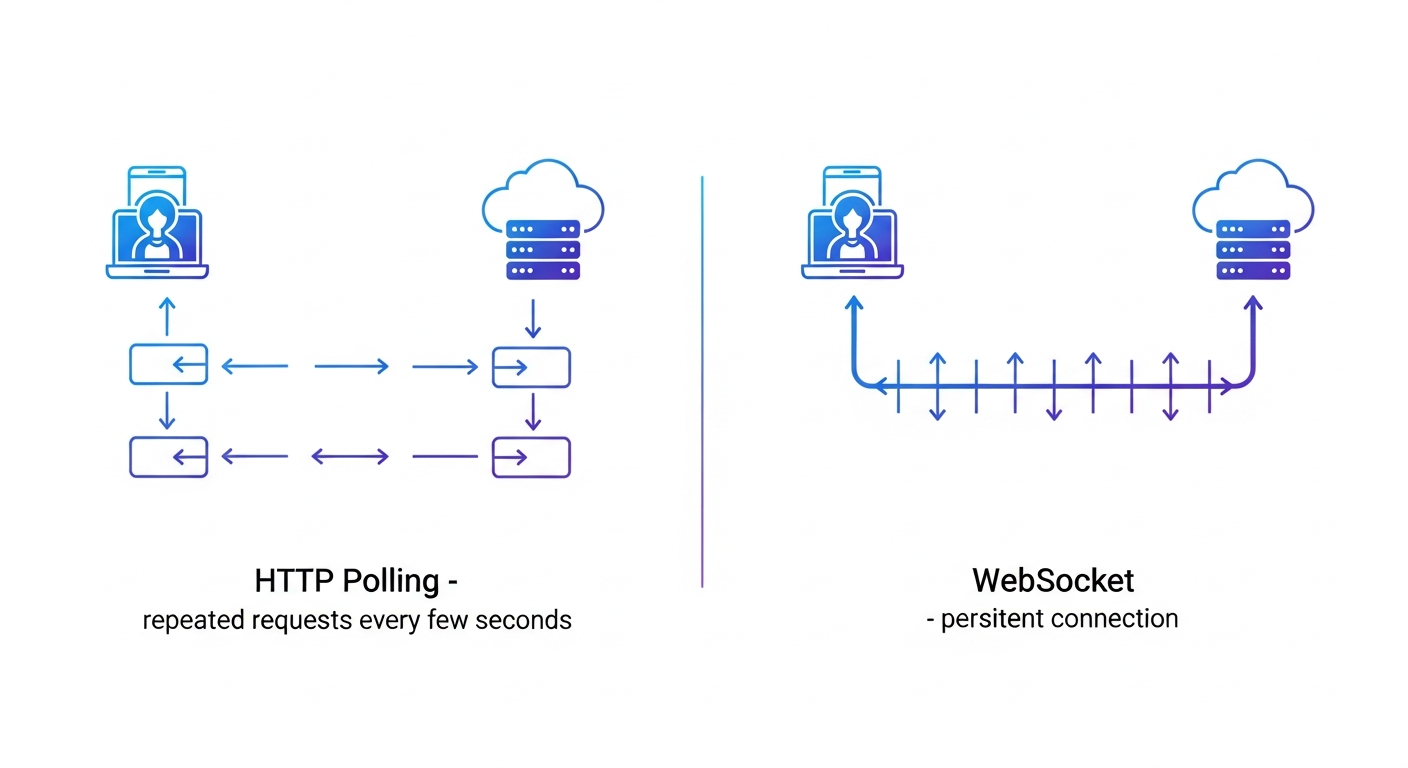
HTTP polling creates unnecessary bandwidth usage by checking for messages every few seconds. [WebSocket replaces this with a persistent connection](https://velt.dev/blog/socketio-vs-websocket-guide-developers) that supports bidirectional data flow, reducing latency from seconds to milliseconds. But WebSockets also improve the chat architcture in other ways as well:
- Connection management involves tracking active sockets on the server and associating each connection with a user ID for message routing. When messages arrive, the system looks up the recipient's socket and sends data directly through the open connection.
- Network failures are handled with exponential backoff: retry after 1 second, then 2, then 4, capping at 30 seconds. Unsent messages are queued locally and transmitted after reconnection.
- Heartbeat pings identify dead connections. A ping sent every 30 seconds expects responses within 5 seconds. Connections that don't respond are closed to clear stale sockets from the server.
## Security, Authentication, and End-to-End Encryption
User authentication verifies identity before granting chat access. OAuth 2.0 integrates third-party logins like Google or GitHub. Username and password authentication requires bcrypt or Argon2 for password hashing, never storing plaintext credentials.
JWT tokens contain encoded user claims that the server validates on each request. WebSocket connections accept this token during the initial handshake, authenticating the entire session.
WSS encrypts WebSocket traffic with TLS, protecting messages between client and server. End-to-end encryption means only sender and recipient can read message content using public-private key pairs. Signal Protocol libraries handle key exchange and forward secrecy.
## Scaling Your Messaging App for Growth
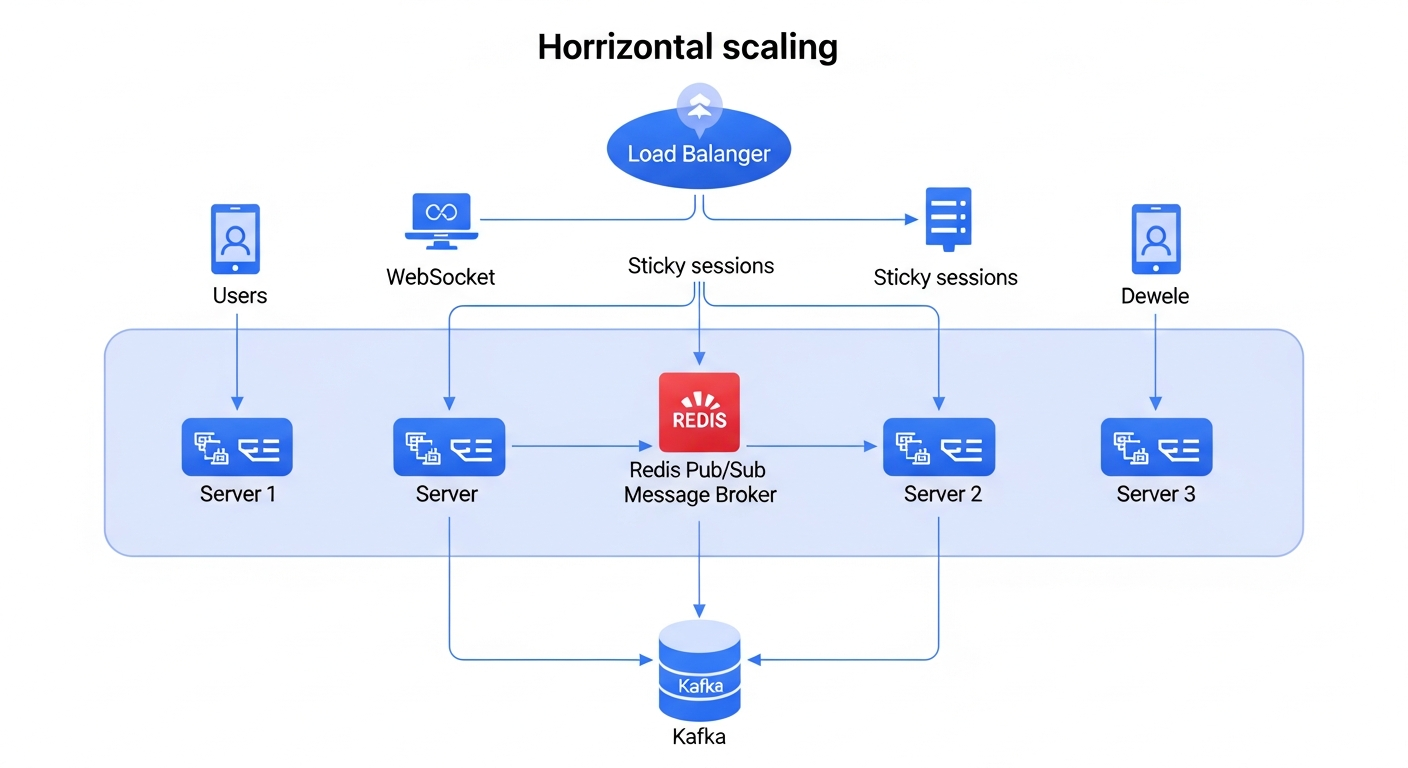
[Over 60% of mobile app time](https://ripenapps.com/blog/mobile-app-industry-statistics-2026/) goes to social media and messaging apps, creating pressure to handle massive concurrent connections. Horizontal scaling adds more servers instead of upgrading a single machine. [Load balancers distribute WebSocket connections](https://velt.dev/blog/best-websocket-infrastructure-providers-multiplayer-apps), but sticky sessions keep each user pinned to one server so messages route correctly. Redis Pub/Sub broadcasts messages across servers. When User A on Server 1 messages User B on Server 2, Server 1 publishes to Redis, which pushes to Server 2 for delivery. Message queues like Kafka buffer high-volume traffic, preventing server overload during spikes.
## Free and Low-Cost Tools to Create a Messaging App
Firebase offers free tier hosting with real-time database access, authentication, and cloud functions that handle thousands of daily active users before billing kicks in. [AWS Free Tier](https://aws.amazon.com/free/) includes EC2 instances and RDS databases for 12 months. Heroku's free dynos work for small projects but sleep after 30 minutes of inactivity.
Open-source libraries reduce development costs. [Socket.IO handles WebSocket connections](https://velt.dev/blog/best-nodejs-websocket-libraries), Rocket.Chat provides a self-hosted Slack alternative, and Matrix protocol supports decentralized messaging.
No-code builders like Bubble and Adalo let non-developers prototype chat interfaces through visual editors, though they limit customization and lock you into their hosting. Free tiers cap storage at 10-50GB and restrict concurrent connections to hundreds instead of thousands.
## Common Challenges When Building a Chat Application
Although there are a lot of technologies ready to implement and best practices on building chat applications, there are still challenges:
- Message latency increases when servers process thousands of simultaneous connections. Geographic distance between users and servers creates 100-300ms roundtrip delays. CDN edge servers near users reduce this by routing connections to closer data centers.
- Offline sync requires queuing outbound messages locally with timestamps, then transmitting sequentially after reconnection. Version vectors prevent duplicate deliveries when network interruptions trigger multiple send attempts.
- Group chats amplify server load since each message reaches dozens of recipients simultaneously. Redis caching prevents repeated database queries for identical message content.
- Message ordering breaks during out-of-sequence delivery. Assign server-side sequence numbers and buffer messages client-side until gaps resolve. Lamport timestamps manage ordering across distributed servers.
## Testing, Deployment, and Monitoring Your Messaging App
Even after the development is over, your work is far from done. To make sure you have a great user experience, you'll need to not simply test prior to deployment (to optimize for scalability, performance, and security) but implement a consistent monitoring strategy. Below are a few best practices to consider:
- Load testing simulates concurrent users before launch. Apache JMeter and Artillery create WebSocket connections at controlled rates; K6 writes tests in JavaScript and reports connection failures, latency percentiles, and throughput. Run tests against staging environments matching production to find server or database bottlenecks.
- Monitor message latency by timestamping outbound and inbound messages. Prometheus collects server metrics while Grafana visualizes latency and connection counts. Set alerts when latency exceeds 200ms or delivery rates fall below 99%.
- Deploy using blue-green strategies with two identical environments, switching traffic after verification. Canary deployments route 5-10% of users to updated servers first.
- Sentry captures exceptions with stack traces. Log WebSocket disconnections, authentication failures, and database timeouts.
## Building Messaging Features Without Building from Scratch Using Velt

Adding chat to an app no longer requires building WebSocket infrastructure or managing message queues from scratch. [Velt's SDK](https://velt.dev/) provides production-ready collaboration features in minutes instead of months. Velt handles tech stack challenges through WebSocket and Yjs infrastructure that manages real-time sync, conflict resolution, and connection handling automatically. The SDK provides in-app comments, live presence, notifications, and screen recording without requiring thousands of lines of backend code.
Velt operates as a middle ground between full custom builds and generic APIs. The solution provides DOM-aware positioning that binds messages to specific UI elements, unified notifications across the entire app hierarchy, and enterprise security with role inheritance and self-hosting options.
Deployment options include managed hosting or customer-controlled infrastructure depending on organizational requirements.
## Final Thoughts on Chat App Development
This guide covers the full range of options for [how to create a messaging app](https://velt.dev/), from socket programming in Python to cross-device mobile frameworks. The hardest part is not writing the initial code but handling edge cases like offline sync and message ordering at scale. Architecture choices determine whether an app can handle 100 users or 100,000. Testing WebSocket connections under load before launch prevents costly production bottlenecks.
## FAQ
### How long does it take to build a messaging app from scratch?
A basic MVP with one-on-one messaging takes 2-4 weeks for an experienced developer, while a production-ready app with group chats, media support, and proper scaling infrastructure typically requires 3-6 months of development time.
### What's the hardest part of building a real-time chat app?
Managing concurrent WebSocket connections at scale is the biggest technical challenge. You need to handle connection drops, implement message queuing, set up load balancing across servers, and prevent message ordering issues when thousands of users send messages simultaneously.
### Can I build a messaging app without learning WebSocket programming?
Yes. Pre-built SDKs like Velt handle the real-time infrastructure so you can add chat features by integrating their API instead of building WebSocket servers, managing connection state, and writing message routing logic yourself.
### Is Python a good choice for building messaging apps?
Python works well for messaging apps using Django Channels or Flask-SocketIO for WebSocket handling. The main tradeoff is that Node.js handles concurrent connections more efficiently due to its event-driven architecture, but Python is fine for small to medium-scale apps.
### What's the difference between WebSocket and end-to-end encryption in messaging apps?
WebSocket (WSS) encrypts data between your device and the server so network traffic stays private. End-to-end encryption means only you and your recipient can read messages; even the server can't decrypt them. WhatsApp uses both layers together.
---
# Angular Text Editor: Getting Started Guide for March 2026
https://velt.dev/blog/angular-text-editor-getting-started-guide
Learn how to set up an Angular text editor in March 2026. Compare options, features, and collaboration tools to find the best fit for your Angular app.
*By Rakesh Goyal · March 16, 2026*
Your Angular app needs text editing, so you start looking at options. What you'll find is that getting formatting to work is easy, but adding collaboration is where things fall apart. Most [Angular text editors](https://velt.dev/) focus on single-user editing and treat features like comments or presence indicators as afterthoughts you'll build yourself. We ranked the main editors based on Angular compatibility, setup time, and whether they actually include collaboration features or just leave you to wire them up manually.
**TLDR:**
- Angular text editors range from basic formatting tools to full collaboration SDKs
- Velt provides real-time multiplayer editing, comments, and voice calls built-in for Angular apps
- CKEditor and TinyMCE need paid add-ons for collaboration; Quill and ProseMirror lack it entirely
- Setup time varies from minutes (Velt) to days (ProseMirror) depending on feature requirements
- Velt is a collaboration SDK with text editing included, handling backend sync and storage automatically
## What is an Angular Text Editor?
An Angular text editor is a rich text editing component that works inside Angular apps. With [over 51,737 companies worldwide using Angular](https://www.cmarix.com/blog/angular-statistics-and-trends/) and the framework commanding a 48.24% market share among specialized front-end frameworks as of 2026, text editing capabilities remain a core requirement for enterprise applications. It lets users format text, add images, create lists, and build structured content without touching HTML directly. These editors vary in scope. Basic ones handle formatting like bold, italics, and links. More advanced options include tables, code blocks, and custom styling. Some support real-time collaboration for multi-user editing. When choosing an editor, consider features, bundle size, and how it fits with Angular's component architecture and change detection.
## How We Ranked Angular Text Editors
We ranked these editors across six criteria that matter when building Angular apps:
- First, Angular compatibility. We checked whether the editor ships with native Angular bindings or requires wrapper components. Editors built for React or vanilla JavaScript can work in Angular, but the integration path varies in complexity.
- Second, setup friction. We measured how quickly you can get from npm install to a working editor in your component. This includes TypeScript support, module imports, and configuration overhead.
- Third, customization depth. We looked at styling flexibility, toolbar configuration, and plugin architecture. Some editors lock you into preset themes while others expose granular control over every UI element.
- Fourth, feature scope. Basic formatting is table stakes. We checked whether each editor supports tables, media embeds, markdown shortcuts, and [collaborative features](https://velt.dev/blog/collaborative-editor-features-guide) like comments or live cursors.
- Fifth, documentation clarity. We assessed whether the docs include Angular-specific examples, migration guides, and troubleshooting sections.
- Finally, maintenance health. We reviewed release frequency, issue response times, and whether the project is actively developed or in maintenance mode.
## Best Overall Angular Text Editor: Velt

Velt is a collaboration SDK that brings text editing and real-time multiplayer features to Angular apps. [Research shows](https://gitnux.org/workplace-collaboration-statistics/) that teams using collaborative platforms see a 25% increase in project completion speed compared to traditional methods, with 85% of remote workers relying on collaboration tools for daily check-ins. Call the init function with your API key, and you get a text editor with comments, live cursors, and presence indicators already wired up. The SDK handles what takes most teams months to build: commenting infrastructure, notifications, voice and video calls, and screen recording.
### **Key Features**
- Official Angular support with init function integration using API key
- Real-time collaboration features including comments, live cursors, and presence indicators built-in
- Voice and video calls with AI-powered transcription and comment categorization
- Backend synchronization, storage, and real-time updates handled automatically without custom code
- Enterprise security with SOC 2 Type II compliance and data self-hosting across 45+ regions
### **Limitations**
- Usage-based pricing model may differ from traditional per-seat licensing expectations
- Requires API key and account setup compared to purely open-source alternatives
- Designed for collaboration-heavy apps instead of simple single-user editing
- Learning curve for teams unfamiliar with collaboration SDK architecture
- Newer solution compared to existing editors like CKEditor or TinyMCE
### **Bottom Line**
Velt is best used for Angular applications requiring real-time multiplayer editing and complete collaboration features from day one. Teams building collaborative tools, design platforms, project management apps, or any SaaS product where users need to work together in real-time will benefit most from Velt's pre-built collaboration infrastructure that eliminates months of custom development work.
## CKEditor
CKEditor is a mature rich text editor with official Angular support through dedicated npm packages. The official Angular component for CKEditor 5 supports Angular 13+ and includes WYSIWYG editing with customizable toolbars, plugin architecture for extending functionality, and image upload with table management capabilities. CKEditor works well for content management systems or blog apps that need reliable formatting options without real-time collaboration.
### **Key Features**
- Official Angular integration through npm packages with TypeScript support for Angular 13+
- Customizable toolbar and plugin architecture for extending functionality
- Built-in image upload and table management capabilities
- WYSIWYG editing interface with reliable formatting options
- existing ecosystem with extensive documentation and community support
### **Limitations**
- CKEditor 4 support ends in December 2028, requiring migration planning
- Real-time collaboration features require purchasing separate commercial add-ons
- No native support for presence indicators, live cursors, or multiplayer editing
- Comment systems and notifications need separate implementation or paid plugins
- Backend synchronization for collaboration requires manual integration work
### **Bottom Line**
CKEditor is best used for content management systems, blogging platforms, or documentation tools where single-user editing with reliable formatting is the primary requirement. Teams building traditional CMS applications or internal tools that don't need real-time collaboration will benefit most from CKEditor's mature feature set and straightforward Angular integration.
## ProseMirror
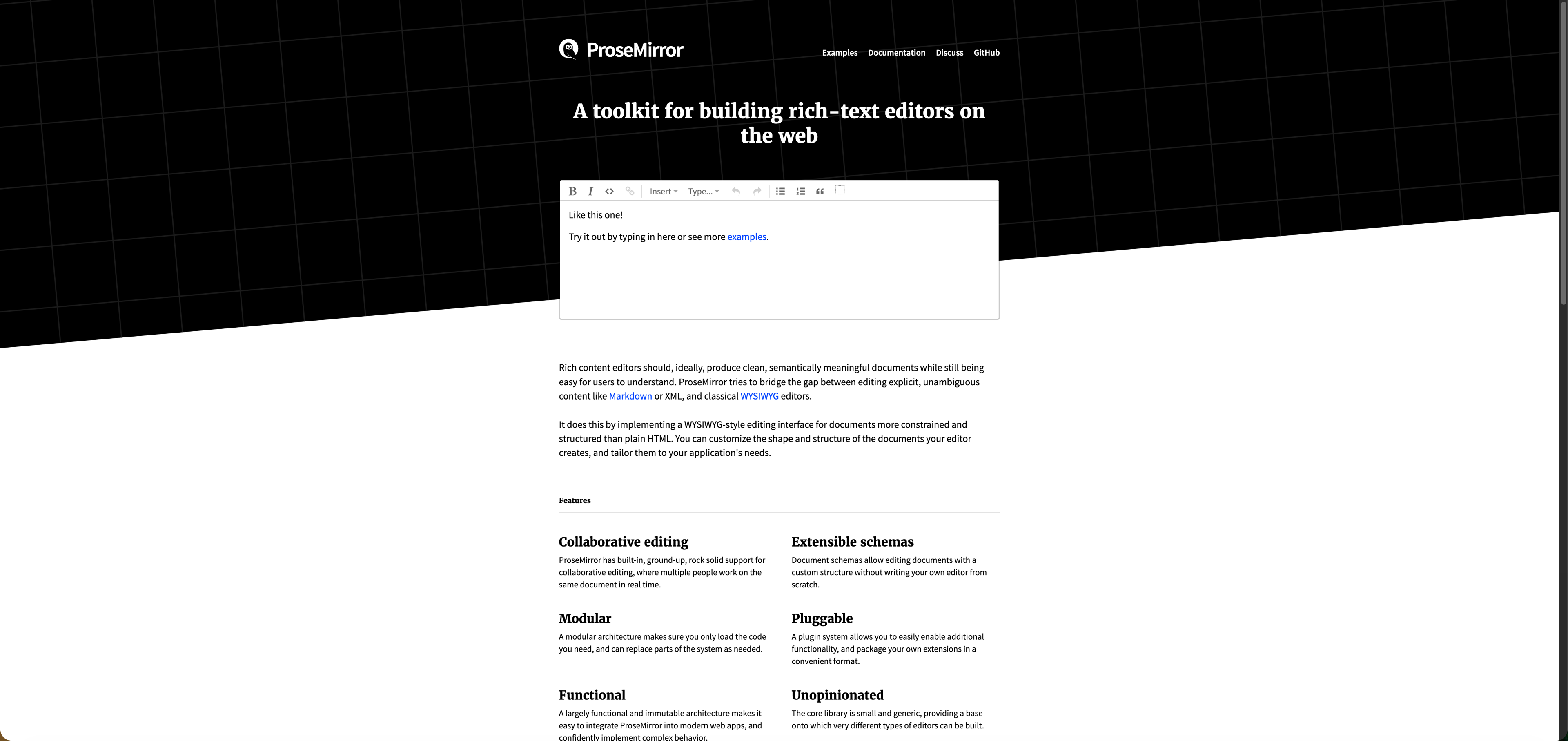
ProseMirror is a toolkit for building rich text editors that works in Angular through custom implementations. Unlike drop-in editors, it gives you primitives and concepts to construct your own editing interface from the ground up. The library provides a schema-based document model that defines custom content structures, a plugin system for extending functionality, and a tree-like node structure for representing documents.
### **Key Features**
- Schema-based document model that allows defining custom content structures
- Plugin system for extending functionality with granular control
- Tree-like node structure for representing documents programmatically
- Framework-agnostic design that can be integrated into Angular applications
- Deep customization capabilities for teams needing complete control over editor behavior
### **Limitations**
- No pre-built UI components or Angular bindings included out of the box
- Requires thousands of lines of custom code before users can type formatted text
- Steep learning curve requiring deep JavaScript expertise to implement
- No collaboration features provided, requiring separate implementation from scratch
- Setup and development time measured in weeks or months instead of hours
### **Bottom Line**
ProseMirror is best used by engineering teams with deep JavaScript expertise who need complete control over editor behavior and can dedicate months to building a custom solution. Teams with specific technical requirements that off-the-shelf editors cannot meet, or those building highly specialized editing experiences, will benefit most from ProseMirror's low-level primitives and flexibility.
## Draft.js
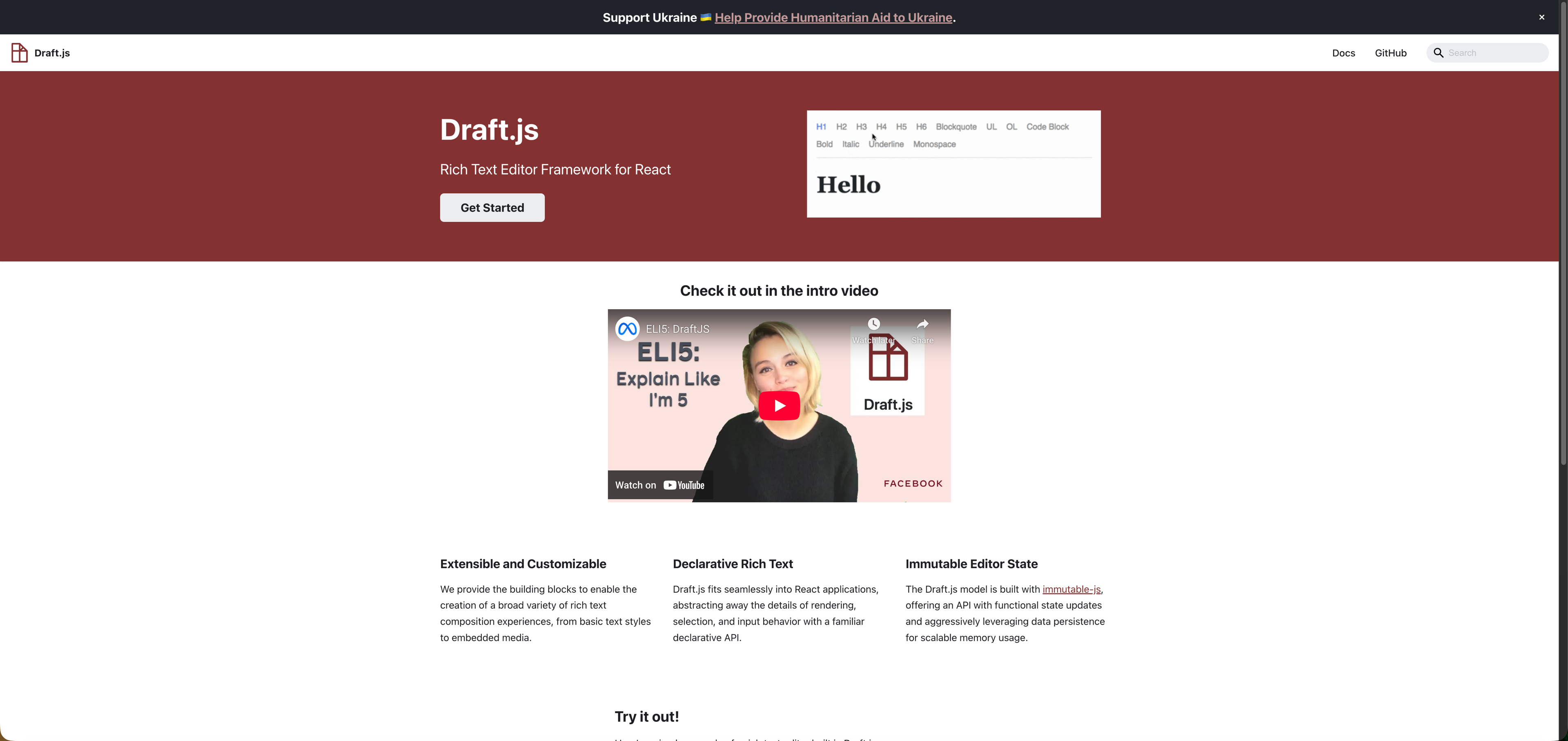
Draft.js is a React-based rich text editor framework from Facebook that can be integrated into Angular apps with additional wrapper libraries. The framework uses an immutable data model and provides extensible building blocks for creating rich text composition experiences, including an entity system for embedding media and custom content. Meta recommends migrating to Lexical as Draft.js is no longer actively maintained.
### **Key Features**
- Immutable data model for predictable state management
- Entity system for embedding media and custom content types
- Extensible building blocks for creating custom rich text experiences
- Strong typing support with TypeScript definitions
- Mature framework with existing patterns from Facebook's production usage
### **Limitations**
- No longer actively maintained by Meta, with official recommendation to migrate to Lexical
- Built for React only, requiring complex Angular wrappers for integration
- No native collaboration features or real-time editing capabilities
- Lacks official Angular support or documentation
- Integration complexity makes it impractical for Angular projects in 2026
### **Bottom Line**
Draft.js is not recommended for Angular apps in 2026 given its deprecated status and React-only focus. Teams currently using Draft.js should plan migration to actively maintained alternatives, while new projects should choose editors with native Angular support or framework-agnostic architectures that provide straightforward integration paths.
## Quill

Quill is a framework-agnostic rich text editor with Angular integration through community wrapper packages like ngx-quill. The editor provides a modular architecture where developers can add or remove features through its module system, including support for code formatting, mathematical formulas, and custom content types. Quill offers built-in themes and a straightforward API for implementing WYSIWYG editing in Angular applications.
### **Key Features**
- Angular components via ngx-quill for straightforward integration
- Theme system with Snow and Bubble themes included
- Module system for code formatting and formulas
- Customizable toolbar configuration
- Framework-agnostic core that works across different JavaScript environments
### **Limitations**
- Quill v2 has known issues with HTML output and list formatting
- Relies on third-party Angular wrappers instead of official support
- No native collaboration features like real-time editing or live cursors
- Comment systems and presence indicators need separate implementation
- Backend synchronization for multiplayer editing requires manual integration work
### **Bottom Line**
Quill is best used for content creation tools, blogging platforms, or documentation systems where single-user WYSIWYG editing is the primary requirement. Teams building straightforward content editors that don't need real-time collaboration will benefit most from Quill's simple API and lightweight footprint, though the community wrapper dependency should be considered for long-term maintenance.
## TinyMCE
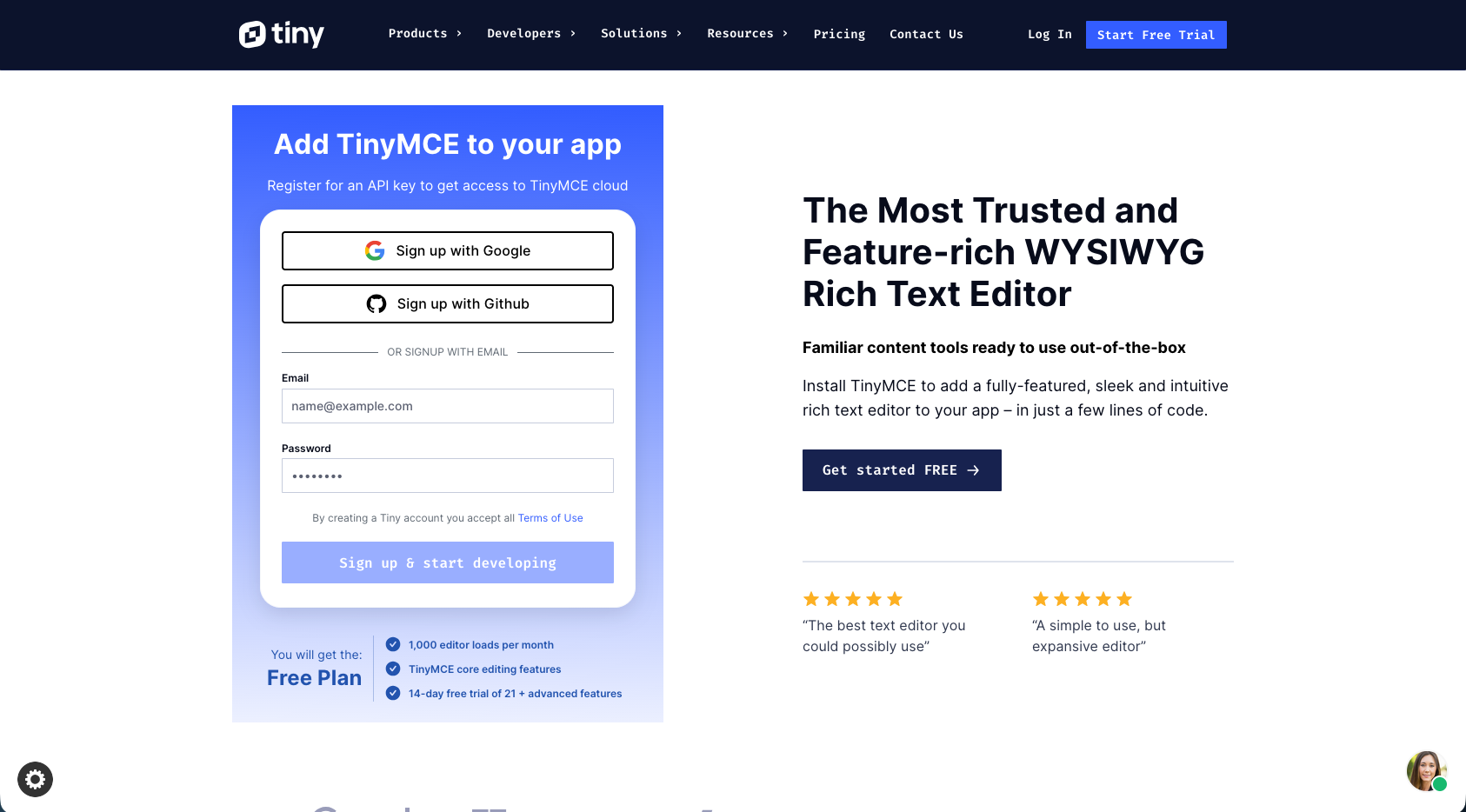
TinyMCE is a commercial WYSIWYG editor with an official Angular component wrapper available through npm as @tinymce/tinymce-angular. The editor provides over 400 APIs and 12+ framework integrations, with options for cloud-hosted or self-hosted deployment and premium plugins for AI assistance, advanced paste handling, and spell checking. TinyMCE works well for enterprise Angular apps that need document editing features like Word import/export but don't require real-time multiplayer collaboration.
### **Key Features**
- Official Angular component wrapper through @tinymce/tinymce-angular package
- Over 400 APIs with support for 12+ framework integrations
- Cloud-hosted or self-hosted deployment options available
- Premium plugins for AI assistance, advanced paste handling, and spell checking
- Document editing features including Word import/export capabilities
### **Limitations**
- Production use requires paid licensing for commercial applications
- Real-time collaboration features need separate premium add-ons
- Focuses on single-user editing instead of multiplayer experiences
- Comment systems and presence indicators require additional paid plugins
- Backend synchronization for collaboration requires manual integration work
### **Bottom Line**
TinyMCE is best used for enterprise Angular applications requiring extensive document editing capabilities and Word integration where single-user editing is the primary use case. Teams building content management systems or document-heavy applications with budget for commercial licensing will benefit most from TinyMCE's extensive API and enterprise-grade features, though collaboration requires additional investment.
## Feature Comparison Table of Angular Text Editors
Here's how these editors stack up across the features Angular developers care about when building collaborative or content-rich apps.
| Feature | Velt | CKEditor | ProseMirror | Draft.js | Quill | TinyMCE |
| --- | --- | --- | --- | --- | --- | --- |
| Official Angular Support | Yes | Yes | No | No | Community Package | Yes |
| Real-time Collaboration | Yes | Add-on | No | No | No | Add-on |
| Contextual Comments | Yes | No | No | No | No | No |
| Live Cursors & Presence | Yes | No | No | No | No | No |
| Voice/Video Calls | Yes | No | No | No | No | No |
| AI Features | Yes | No | No | No | No | Premium |
| Screen Recording | Yes | No | No | No | No | No |
| Setup Time | Minutes | Hours | Days | Days | Hours | Hours |
| Backend Required | No | No | Yes | Yes | Yes | No |
| Active Maintenance | Yes | Yes | Yes | No | Yes | Yes |
| Pricing | Usage-based | Free/Commercial | Open Source | Open Source | Open Source | Commercial |
## Why Velt is the Best Angular Text Editor
Velt solves the collaboration problem that other Angular text editors ignore. Traditional editors like CKEditor and TinyMCE provide formatting and content creation, then leave you to build the collaboration layer yourself. That means months of engineering work to add comments, presence indicators, notifications, and real-time sync.
Belt was built as a [collaboration SDK](https://velt.dev/blog/multi-framework-collaboration-sdks) that includes text editing, not a text editor with collaboration tacked on. You get WYSIWYG editing, contextual comments, live cursors, voice calls, and screen recording from a single SDK that handles backend sync and storage automatically. The alternative is assembling pieces: pick an editor, add a websocket provider for real-time features, build your own commenting system, wire up notifications, and manage state conflicts across users.
For Angular developers building collaborative apps in 2026, [Velt removes the choice](https://velt.dev/blog/enterprise-collaboration-sdk-guide) between building collaboration from scratch and skipping collaboration features entirely.
## Final Thoughts on Text Editing in Angular Apps
The right [Angular text editor](https://velt.dev/) depends entirely on whether your users work alone or together. For solo content creation, open-source options like Quill or CKEditor give you formatting tools without much overhead, but they leave collaboration as an exercise for your engineering team. Velt flips that equation by starting with multiplayer features and including text editing as part of the package, so you skip the months of building comments, presence, and sync logic yourself. [See it in an Angular app](https://velt.dev/book-demo) during a short demo.
## FAQ
### How do I choose the right Angular text editor for my project?
Start by defining whether you need single-user or multi-user editing. If you need real-time collaboration (comments, live cursors, presence), Velt provides these features out of the box. For basic formatting without collaboration, CKEditor or Quill offer simpler implementations. Match your choice to your feature requirements and engineering bandwidth.
### Can I add real-time collaboration to CKEditor or TinyMCE?
Yes, but it requires purchasing separate commercial add-ons from these vendors, then integrating them into your Angular app. You'll still need to handle notifications, presence indicators, and backend sync yourself. Velt includes all collaboration features in a single SDK without additional add-ons.
### Which Angular editor works best for teams without extensive JavaScript experience?
Velt and CKEditor offer the fastest setup paths with official Angular support and pre-built components. Both include documentation with Angular-specific examples. ProseMirror and Draft.js require deep JavaScript expertise and weeks of custom development before you have a working editor.
### What's the difference between a text editor SDK and a collaboration SDK?
Text editor SDKs like CKEditor and Quill focus on formatting and content creation for single users. Collaboration SDKs like Velt include text editing plus real-time features like comments, live cursors, notifications, and voice calls, with backend sync handled automatically. The second approach removes months of engineering work.
### Do I need to build my own backend for these Angular text editors?
It depends on the editor. ProseMirror, Quill, and Draft.js require you to build backend infrastructure for storage and real-time sync. CKEditor and TinyMCE handle storage but need separate backend work for collaboration. Velt includes backend sync, storage, and real-time updates without custom server code.
---
# Thread Management SDKs for Contextual Commenting (March 2026)
https://velt.dev/blog/thread-management-sdks-contextual-commenting
Compare top thread management SDKs for contextual commenting in March 2026. See how Velt, Liveblocks, Tiptap, and Ably handle comment anchoring workflows.
*By Rakesh Goyal · March 16, 2026*
Your users need to leave feedback on specific parts of your interface, whether that's a design mockup, a video frame, or a data visualization. You could build [comment resolution](https://velt.dev/) workflows and thread management yourself, but that's a massive detour from your roadmap. The smarter move is using an SDK that handles the hard parts. The problem, though, is choosing the right one. Some thread management SDKs give you complete solutions with UI included. Others provide real-time infrastructure but expect you to build everything else. We ranked the top SDKs based on their threading features, contextual anchoring support, and how much development work they actually save you.
**TLDR:**
- Thread management SDKs add contextual commenting to apps without building from scratch
- Velt provides dynamic comment anchoring that auto-repositions threads when content changes
- MAC-based pricing charges only for active collaborators, typically 80% less than MAU models
- Other players like Liveblocks offers real-time sync but requires custom ENG work for most features
## What are thread management SDKs for contextual commenting?
There are three elements to implementing comments in your application using an SDK:
- **Thread management SDKs**. These give developers pre-built tools to add contextual commenting directly into their apps. Instead of building discussion threads from scratch, you can integrate an SDK that handles the comment infrastructure, from nested replies to user mentions and notifications.
- **Contextual commenting systems**. These let users attach feedback to specific elements. Comments stay anchored to exact locations, so everyone knows what's being discussed. Each comment can spawn replies, creating discussion threads that preserve context.
- **Comment resolution workflows**. These let users mark threads as resolved once feedback is resolved, keeping active discussions separate from completed ones. Thread management SDKs handle data synchronization across users, store comment metadata, track resolution states, and trigger notifications when someone joins a thread.
## How we ranked thread management SDKs
We assessed thread management SDKs based on publicly available documentation, published specifications, and developer resources. This ranking reflects what you can verify before choosing an SDK, not proprietary benchmarks or internal testing.
The criteria we focused on:
- Depth of threading features like nested replies, hierarchical organization, and thread grouping
- Comment resolution workflows and status tracking capabilities
- Contextual anchoring support for attaching comments to specific UI elements or content
- Notification systems for mentions, replies, and thread updates
- Collaboration features beyond basic commenting
- Published uptime guarantees and service level commitments
- Pricing transparency and billing model clarity
- Developer integration experience based on documentation quality, setup speed, and SDK size
Each SDK excels in different areas. Some offer a lot of infrastructure with minimal UI components, while others provide complete solutions including pre-built interfaces. We favored SDKs that support threaded discussions with contextual anchoring, instead of general real-time infrastructure requiring custom development.
## Best Overall Thread Management SDK: Velt
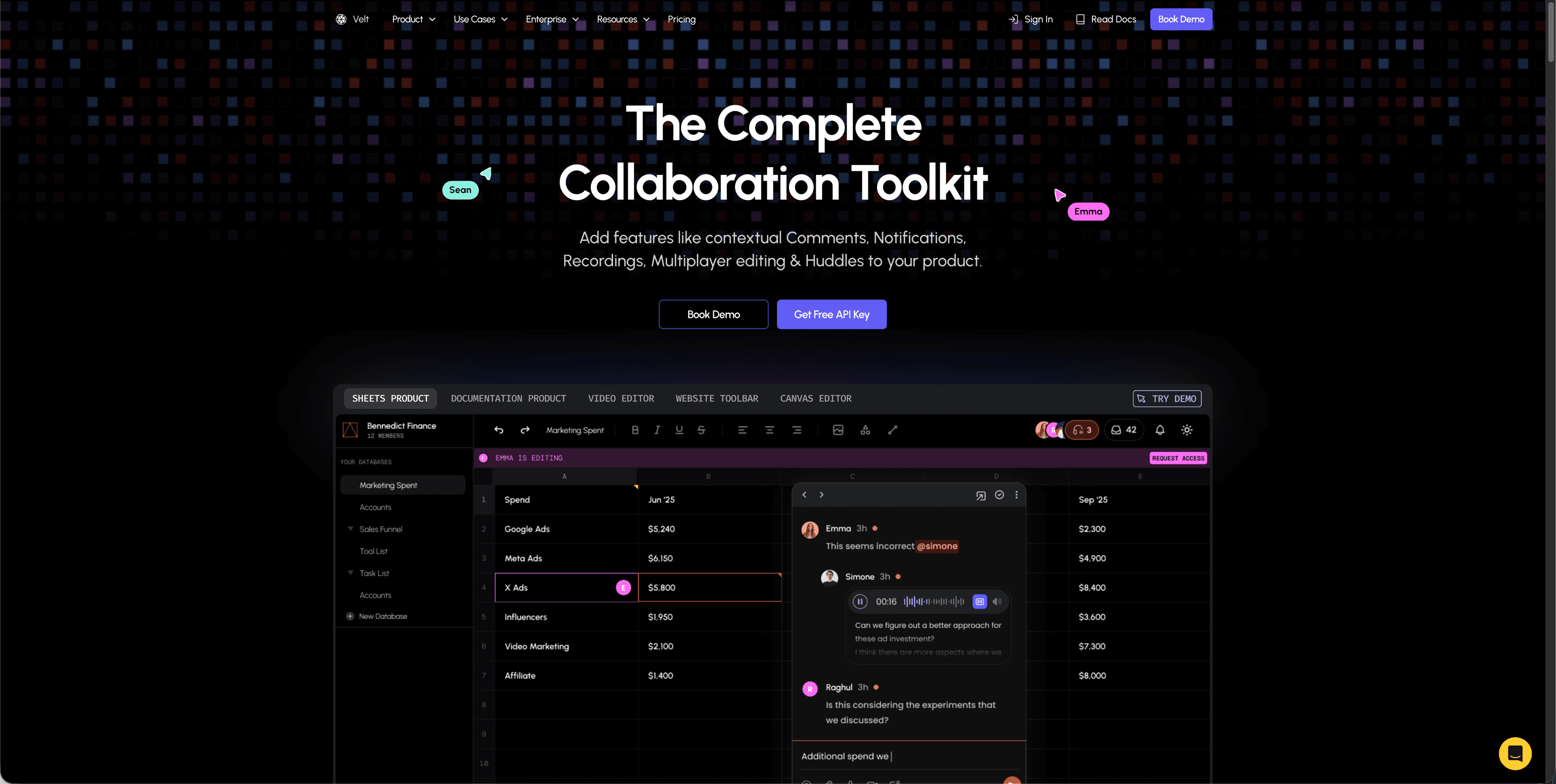
Velt handles thread management without the usual development overhead. The SDK includes everything you need for contextual commenting, from nested reply structures to resolution workflows, in a single integration. Dynamic comment anchoring makes us different us from basic threading systems. Comments automatically reposition when your content changes, with [context-aware design tools boost efficiency 30%](https://medium.com/@marketingtd64/why-context-aware-ui-is-gaining-ground-in-2025-9aac327466b8) in feedback cycles. If a user adds text above an existing comment, the thread stays attached to the correct element without requiring manual updates or custom positioning logic.
### Key Features
Velt offers a number of important features related to thread management:
- Complete contextual commenting with threaded discussions, status management, priority levels, and resolution tracking. Automatic comment positioning handles dynamic content without requiring custom logic.
- Real-time presence indicators, live cursors, audio/video recording attachments, and voice huddles within comment threads.
- Built-in notification system supporting in-app, email, and webhook delivery for thread updates.
### The Bottom Line
Velt provides the full UI layer alongside the infrastructure. Comment boxes, notification menus, and user avatars come styled and functional. You can customize the appearance to match your app without building these interfaces from scratch.
Velt charges based on Monthly Active Collaborators (MAC) who actually use the features, not all connected users. We maintain [99.999% uptime](https://velt.dev/pricing) for enterprise accounts and support data self-hosting for teams with strict compliance requirements.
## Liveblocks
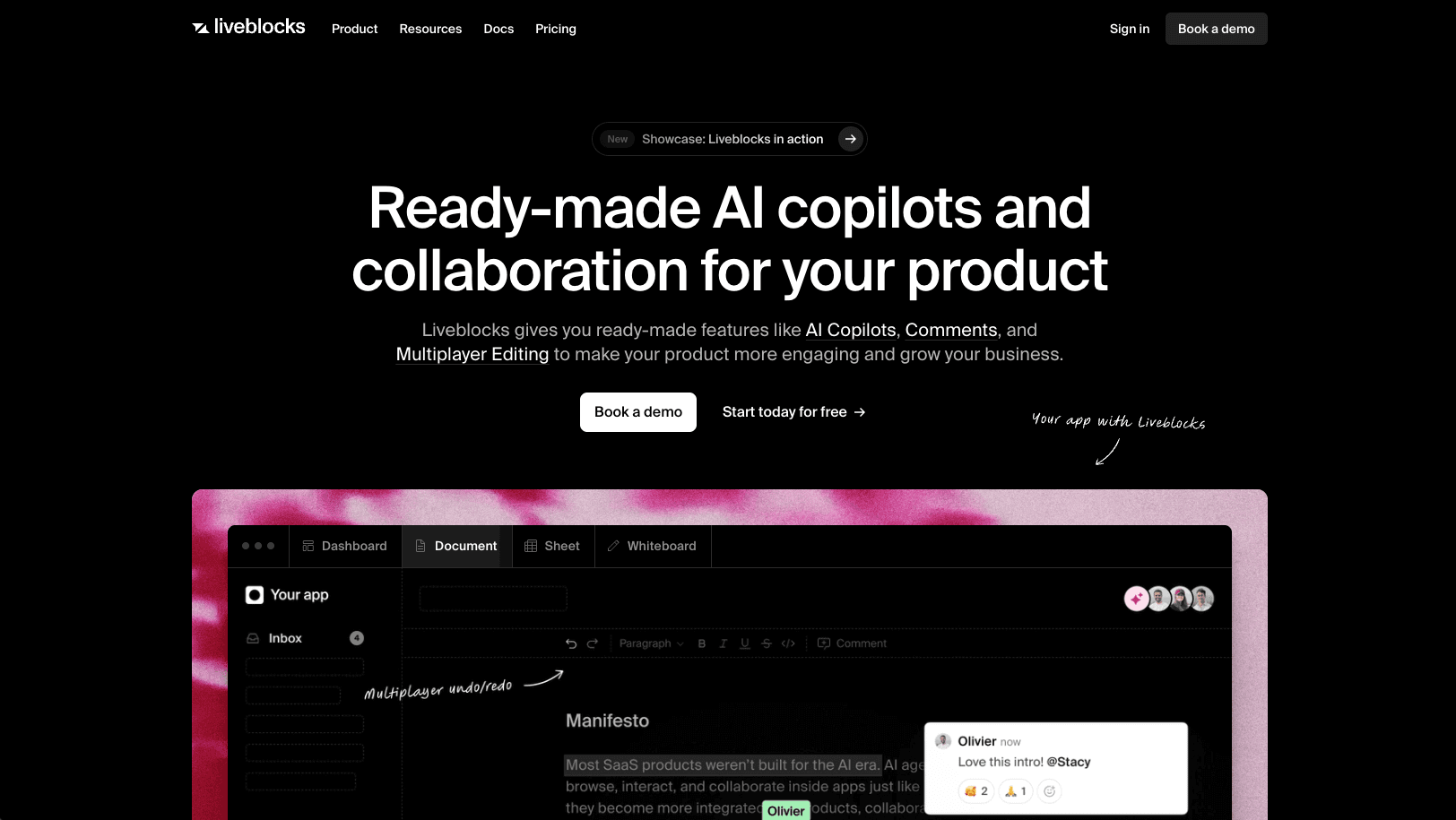
Liveblocks provides real-time infrastructure focused on backend synchronization and basic collaborative components for web applications.
### Key Features
Liveblocks offers a number of important features related to thread management:
- Real-time data synchronization using CRDT tech and WebSocket infrastructure for live updates across users
- Presence APIs showing online status and cursor positions to indicate who's viewing content
- Basic comment box UI component with storage for threaded discussions
- Integration hooks primarily for React with limited support for other frameworks
### Limitations
The SDK lacks key functionality. Comments don't automatically anchor to specific UI elements when content shifts. You'll write custom positioning logic to keep threads attached to the right locations.
### The Bottom Line
Liveblocks works for teams building React apps that need real-time data sync and basic commenting. You'll need development resources to build custom UI components for most collaboration features. Their MAU-based pricing model charges for every user who connects, including passive viewers. If you have reviewers who [occasionally check in, costs can increase](https://velt.dev/blog/liveblocks-sdk-review-alternatives-2025) since you're paying for users who aren't actively collaborating.
## Tiptap
Tiptap is a rich text editor framework with collaborative editing extensions for text document workflows. Tiptap Comments adds commenting features within text editing experiences.
### Key Features
Tiptap offers a number of important features related to thread management:
- Threaded conversations and inline suggestions anchored to text selections
- Real-time collaborative editing with user presence, avatars, and cursors
- Document synchronization using Yjs and Hocuspocus backend infrastructure
### Limitations
Tiptap Comments works only within Tiptap editors. The solution lacks task management, read receipts, notification systems, or voice and video integration. The Collaboration extension requires multiple dependencies including a Tiptap-hosted Document server.
### The Bottom Line
Tiptap cannot work beyond editor contexts like dashboards, design tools, video editors, or data visualizations requiring contextual feedback.
## Ably
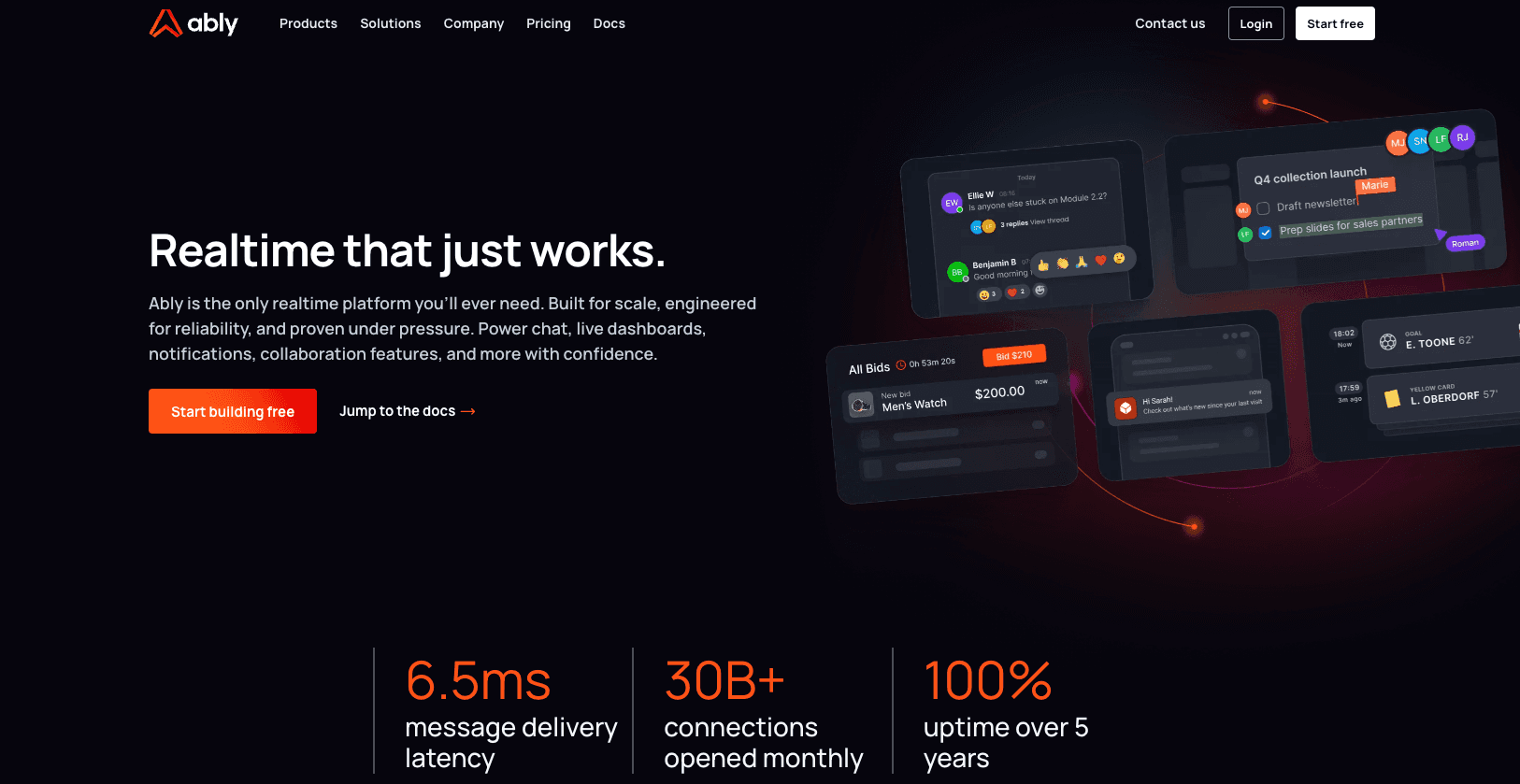
Ably provides realtime messaging infrastructure through pub/sub channels with WebSocket connectivity.
### Key Features
Ably offers a number of important features related to thread management:
- Pub/sub messaging channels with realtime WebSocket infrastructure that handle message delivery across connected clients
- Message history storage and retrieval through REST APIs for accessing past communications
- Presence indicators that track which users are currently connected to specific channels
- Cross-platform SDKs supporting JavaScript, Ruby, Python, Java, Go, and PHP
### Limitations
Ably provides only the messaging transport layer without pre-built commenting components, thread management features, or UI elements. You'll need to build thread hierarchies, comment resolution workflows, notifications, contextual anchoring, and all frontend components. No built-in support exists for comment-specific features like mentions, reactions, or status tracking.
### The Bottom Line
Ably works for development teams building custom realtime messaging systems from scratch who need reliable pub/sub infrastructure and can implement all commenting and threading logic themselves. The [SDK's JavaScript implementation](https://github.com/ably/ably-js) serves as infrastructure for custom messaging but requires a lot of development work to create thread management capabilities.
## Feature Comparison Table of Thread Management SDKs
| Feature | Velt | Liveblocks | Tiptap | Ably |
| --- | --- | --- | --- | --- |
| Contextual comment anchoring | Yes | Limited | Text-only | No |
| Threaded conversations | Yes | Yes | Yes | No |
| Comment resolution workflows | Yes | No | No | No |
| Real-time notifications | Yes | No | No | No |
| Presence indicators | Yes | Yes | Yes | Yes |
| Video/audio attachments | Yes | No | No | No |
| Dynamic positioning | Yes | No | No | No |
| Built-in UI components | Yes | Basic | Editor-only | No |
| Uptime guarantee | 99.999% | 99.9% | 99.9% | 99.999% |
| Pricing model | MAC-based | Document-based | Document-based | Message-based |
## Why Velt is the best thread management SDK
Thread management requires anchoring logic that adjusts when content shifts, UI components that integrate cleanly, and cross-channel notifications. Building this takes months. Velt provides automatic contextual anchoring that repositions threads as your content changes. The SDK includes pre-built UI components for comments, notifications, and presence that adapt to your design system.
The SDK works with React, Vue, Angular, or vanilla JavaScript. It supports self-hosted data for compliance needs while maintaining 99.999% uptime. You get comment threads, resolution workflows, and notifications in one SDK instead of managing multiple services.
Pricing is based on monthly active collaborators (MAC), not total users. This approach costs about 80% less than MAU models where passive viewers increase your bill.
## Final thoughts on thread management SDK options
The right [thread management SDK](https://velt.dev/) saves you months of development work and gives your users a better collaboration experience. Velt provides automatic anchoring, pre-built UI components, and real-time notifications without the overhead of building everything yourself. You get enterprise-grade infrastructure that adapts to your design system. Check out the SDK and start adding contextual comments to your app today.
## FAQ
### How do I choose the right thread management SDK for my app?
Start by identifying whether you need a complete solution with UI components or just infrastructure. If you're building a React app with basic commenting needs and have frontend ENG resources, Liveblocks or Ably might work. For apps requiring contextual anchoring, resolution workflows, and cross-framework support without building custom UI, Velt provides the most complete package.
### Which thread management SDK works best for non-text content like dashboards or design tools?
Velt and Liveblocks support commenting beyond text editors. Velt provides contextual comments that automatically repositions comments when content changes, while Liveblocks requires you to write custom positioning logic. Tiptap only works within text editor contexts and cannot handle visual content like charts, videos, or design mockups.
### What's the difference between MAU-based and MAC-based pricing for commenting SDKs?
MAU (Monthly Active Users) pricing charges for everyone who connects, including passive viewers who never comment. MAC (Monthly Active Collaborators) pricing only charges for users who actually create, edit, or resolve comments. MAC typically costs 80% less since only about 20% of users actively collaborate in most apps.
### Can I use these SDKs if I need to self-host collaboration data for compliance?
Velt supports data self-hosting for teams with strict compliance requirements while maintaining managed infrastructure. Ably offers self-hosted deployment options but requires building all commenting features yourself. Liveblocks and Tiptap primarily operate as cloud services without self-hosting options for the collaboration layer.
### How long does it take to implement a thread management SDK?
Implementation time varies by SDK complexity. Velt integrates in hours since it includes pre-built UI components and automatic anchoring. Liveblocks takes days to weeks depending on how much custom UI you build. Ably and Tiptap require weeks to months since you're building thread management logic and interfaces from scratch.
---
# The Best React WYSIWYG Editors for Developers in March 2026
https://velt.dev/blog/best-react-wysiwyg-editors-for-developers
Find the best React WYSIWYG editors for developers in March 2026. Compare Velt, CKEditor, ProseMirror, Draft.js, Quill, and TinyMCE for collaboration features.
*By Rakesh Goyal · March 13, 2026*
You need a [React WYSIWYG editor](https://velt.dev/) that fits into your component tree without fighting React's component model, but you also need live cursors and contextual comments without paying enterprise pricing. Draft.js integrates beautifully with React but has zero collaboration support, while editors with built-in multiplayer features charge premium rates or require complex manual integration. We tested React editors on both integration quality and collaboration capabilities to find which ones give you both without forcing you to choose.
**TLDR:**
- React WYSIWYG editors let users format text visually without HTML, but most lack built-in collaboration
- Velt adds CRDT-based multiplayer editing, live cursors, and contextual comments to any React editor
- CKEditor and TinyMCE lock real-time features behind premium tiers; ProseMirror requires months of custom work
- Draft.js is no longer maintained; Quill hasn't been updated in 4+ years
- Velt integrates with Tiptap, BlockNote, and CodeMirror to ship multiplayer features same-day
## What Are React WYSIWYG Editors?
React WYSIWYG editors are visual editing components that let users format text in your app without writing HTML. [What You See Is What You Get](https://www.techtarget.com/whatis/definition/WYSIWYG-what-you-see-is-what-you-get), meaning users can bold text, add lists, insert images, and style content while seeing the final output in real time. These editors work as React components that plug into your component tree. They manage their own state, handle user input events, and expose APIs for reading or manipulating the editor content programmatically. This React-native approach makes them easier to integrate than traditional jQuery-based editors that fought against React's component model.
You'll find React WYSIWYG editors powering rich text input fields in content management systems, blog apps, support ticket systems, and any app where users need to write formatted content.
## How We Ranked React WYSIWYG Editors
We tested each React WYSIWYG editor on five criteria that matter most when building production apps:
- First, **React integration quality**. We looked at how naturally each editor fits into React's component model, whether it uses hooks or class components, and if it handles state updates without fighting React's reconciliation.
- Second, **collaborative editing capabilities**. We checked for native CRDT support, real-time multiplayer features, and how each editor handles conflict resolution when multiple users edit simultaneously.
- Third, **customization options**. We assessed the flexibility of each editor's toolbar, styling system, and ability to add custom extensions or plugins without forking the codebase.
- Fourth, **performance with large documents**. We tested how editors handle thousands of nodes, rapid typing, and memory usage at scale.
- Fifth, **developer experience**. We checked documentation quality, TypeScript support, and how quickly you can go from install to working editor.
## Best Overall React WYSIWYG Editor: Velt

Velt is a collaboration SDK that adds real-time multiplayer features to any React WYSIWYG editor without replacing your existing implementation. The SDK provides CRDT-based collaborative editing, live cursors, contextual comments, and presence indicators that integrate with editors like Tiptap, BlockNote, and CodeMirror. It handles the backend infrastructure for conflict resolution, permissions, and notifications so you can ship multiplayer features in days instead of months.
### Key Features
- Integrates with existing React editors including Tiptap, BlockNote, CodeMirror, and custom implementations without replacing your current setup
- Provides CRDT-based real-time collaboration with automatic conflict resolution and live cursor tracking
- Includes contextual comments with DOM-aware positioning that prevents UI drift when layouts change
- Offers unified notifications across all documents with @mentions, activity feeds, and webhook integrations
- Supports recursive permission inheritance at organization, folder, and document levels with real-time authorization
### Limitations
- Requires integrating a third-party SDK into your application architecture instead of using a standalone editor
- Pricing is usage-based on Monthly Active Collaborators which may be unfamiliar compared to traditional seat-based models
- Works best when your application already has or needs collaboration features instead of basic text editing alone
- Depends on Velt's infrastructure for real-time features though self-hosted data storage is available
- May be overkill for simple single-user editing scenarios that don't require any collaborative capabilities
### Bottom Line
Velt works best for teams building collaborative SaaS applications that need real-time editing, comments, and presence without spending months on custom infrastructure. Organizations using React editors like Tiptap or BlockNote who want to add multiplayer features quickly will benefit most from Velt's plug-and-play approach. Development teams that need enterprise-grade collaboration with features like permission inheritance, activity tracking, and contextual comments should choose Velt over building these systems from scratch.
## CKEditor

CKEditor 5 is a mature JavaScript rich text editor that integrates into React apps through an official wrapper component. The editor provides controlled and uncontrolled modes with complete text formatting capabilities and a plugin architecture offering dozens of official extensions. It works well for teams building content management systems or blogs that need a feature-rich editor with extensive documentation and commercial support.
### Key Features
- Offers rich text formatting including bold, italic, underline, font family, and font size controls
- Supports media embedding for images and videos directly within the editor
- Provides a plugin architecture with dozens of official extensions for customization
- Delivers extensive documentation and commercial support for enterprise teams
- Integrates into React apps through an official wrapper component with controlled and uncontrolled modes
### Limitations
- CKEditor 5 is a relatively large library that may impact React app performance with bundle size overhead
- Real-time collaboration features are not included in the free version and require expensive premium plugins
- Multiplayer editing requires either manual integration work or purchasing costly premium tiers
- The plugin ecosystem, while extensive, can create vendor lock-in as you build on CKEditor-specific APIs
- Commercial licensing costs can escalate quickly as team size and feature requirements grow
### Bottom Line
CKEditor works best for content management systems, blogging platforms, and traditional publishing workflows where teams need a battle-tested editor with extensive documentation. Teams that favor a mature ecosystem over modern collaboration features and have budget for premium tiers when multiplayer editing becomes necessary will benefit most from CKEditor. Organizations building applications where users primarily work on content individually instead of collaboratively will find CKEditor's traditional editing features sufficient for their needs.
## ProseMirror

ProseMirror is a low-level toolkit for building rich text editors instead of a ready-to-use component. The View library displays documents through single-phase updates and lets the browser's native editing features handle certain modifications, pulling state changes from those view updates. The plugin system lets you add table editing, collaborative editing, and Markdown parsing without touching core code.
### Key Features
- Provides a structured document model that delivers solid performance even with complex documents
- Offers full control over document schema and transformations for highly customized editing experiences
- Includes a plugin system that provides features like table editing and Markdown parsing without modifying core code
- Works with integration libraries like Tiptap, BlockNote, and Remirror that wrap primitives in developer-friendly APIs
- Uses single-phase updates and uses the browser's native editing features for efficient rendering
### Limitations
- Requires weeks of effort to build a fully-featured editor from the low-level toolkit
- Does not provide real-time collaboration features out of the box and requires manual CRDT integration
- Lacks ready-to-use UI components and requires building your own toolbar and interface elements
- Demands a lot of technical expertise to implement properly compared to turnkey solutions
- Forces you to build your own collaboration infrastructure including presence, commenting, and notification systems
### Bottom Line
ProseMirror works best for experienced developers building highly customized editing experiences who need low-level control over document structure and are comfortable with complex integration work. Teams with strong engineering resources who require specific document models or unique editing behaviors will benefit most from ProseMirror's flexibility. Organizations willing to invest months of development time to achieve precise control over every aspect of their editor implementation should consider ProseMirror over simpler alternatives.
## Draft.js

Draft.js is a JavaScript rich text editor framework built by Facebook for React apps. It uses an immutable data model and integrates as a controlled component, fitting into React's state management patterns. The editor delivers declarative rich text through a familiar React API, making it straightforward for React developers who want tight integration with their existing component architecture.
### Key Features
- Uses an immutable data model that handles functional state updates and data persistence with predictable memory usage
- Integrates as a controlled component that fits naturally into React's state management patterns
- Delivers declarative rich text editing through a familiar React API for straightforward implementation
- Was built by Facebook and used in production for status updates, comment inputs, Notes, and [messenger.com](http://messenger.com)
- Provides straightforward formatted text input capabilities for basic rich text editing needs
### Limitations
- Facebook no longer actively maintains Draft.js, meaning no updates or bug fixes
- Lacks real-time collaboration features and provides zero support for multiplayer editing
- Does not include CRDT support for conflict-free collaborative editing
- Provides no built-in commenting systems or collaborative features
- Missing modern collaboration tools like presence indicators, live cursors, and notifications
### Bottom Line
Draft.js works best for React developers building straightforward formatted text inputs who want tight integration with React's component model without complex collaboration requirements. Teams that need only basic rich text editing capabilities and don't require any collaborative features may find Draft.js suitable for simple use cases. Organizations should be aware that choosing Draft.js means accepting a framework that is no longer maintained and lacks any path toward adding collaboration features in the future.
## Quill

Quill, available as a React component through react-quill, is used by over 1,000 projects in the npm registry. Originally developed for Salesforce, it offers a Toolbar Module API for configuring toolbar icons and uses the Quill Delta format instead of HTML strings for content representation. The editor provides a modular architecture that lets developers customize formatting options and extend functionality through modules.
### Key Features
- Provides a clean API with Delta format for representing rich text content and changes
- Offers modular architecture with built-in modules for toolbars, clipboard handling, and keyboard shortcuts
- Supports custom formats and blots for extending the editor with application-specific content types
- Delivers cross-browser compatibility with consistent behavior across different platforms
- Integrates into React apps through the react-quill wrapper component with controlled and uncontrolled modes
### Limitations
- The react-quill wrapper has not been updated in over four years despite ongoing bugs and compatibility issues
- Real-time collaboration requires manual integration with separate CRDT libraries and custom conflict resolution
- Lacks built-in presence indicators, live cursors, and other modern multiplayer editing features
- Requires building your own commenting, notification, and user presence systems from scratch
- Limited official support and documentation for collaborative editing implementations
### Bottom Line
Quill works best for blogs and content management systems where teams need straightforward rich text input without collaboration requirements. Developers who value a clean API and modular architecture for single-user editing experiences will find Quill's Delta format and extension system useful. Organizations should understand that adding any collaborative features to Quill requires a lot of custom development work and ongoing maintenance of integration code.
## TinyMCE

TinyMCE is one of the oldest actively developed rich text editors, dating back to 2004, and remains widely used in web apps today. The official TinyMCE React component is available through @tinymce/tinymce-react and provides 37 core toolbar plugins that extend default editor functionality or add new capabilities. The WYSIWYG interface displays content in the editor exactly as it will appear on the page, with both cloud-hosted and self-hosted deployment options for different infrastructure needs.
### Key Features
- Offers rich text formatting including bold, italic, underline, font family, and font size controls
- Supports media embedding for images and videos directly within the editor
- Provides 37 core toolbar plugins with extensive customization options for different use cases
- Delivers mature documentation and commercial support backed by decades of active development
- Integrates into React apps through the official @tinymce/tinymce-react wrapper component
### Limitations
- Requires an API key even for basic usage, creating barriers to getting started
- Real-time collaboration features are only available in expensive premium tiers
- Cloud-hosted model can create vendor lock-in without the flexibility of self-hosted collaboration infrastructure
- Premium pricing for multiplayer editing and contextual comments can escalate quickly
- The extensive plugin ecosystem may create dependencies on TinyMCE-specific APIs
### Bottom Line
TinyMCE works best for content management systems, blogging platforms, and traditional publishing workflows where teams need a mature, battle-tested editor with extensive documentation and commercial support. Teams that favor a proven ecosystem over modern collaboration features and have budget for premium tiers when multiplayer editing becomes necessary will benefit most from TinyMCE. Organizations building applications where users primarily work on content individually instead of collaboratively will find TinyMCE's traditional editing features sufficient for their needs.
## Feature Comparison Table of React WYSIWYG Editors
Here's a quick comparison of how each editor handles key features for collaborative React apps.
| Feature | Velt | CKEditor | ProseMirror | Draft.js | Quill | TinyMCE |
| --- | --- | --- | --- | --- | --- | --- |
| React Integration | Yes | Yes | Limited | Yes | Yes | Yes |
| Real-time Collaboration | Yes | Premium only | Manual | No | Manual | Premium only |
| CRDT Support | Yes | No | Manual | No | Manual | No |
| Live Cursors | Yes | No | Manual | No | No | Premium only |
| Contextual Comments | Yes | Premium only | Manual | No | No | Premium only |
| Presence Indicators | Yes | No | Manual | No | No | Premium only |
| Active Maintenance | Yes | Yes | Yes | No | Limited | Yes |
| Free Tier | Yes | Yes | Yes | Yes | Yes | Limited |
| Self-hosting Option | Yes | Yes | Yes | Yes | Yes | Yes |
## Why Velt Is the Best React WYSIWYG Editor
Velt solves the problem most React WYSIWYG editors ignore: collaboration requires more than text syncing. CKEditor and TinyMCE lock real-time editing behind premium tiers, while ProseMirror demands months of custom infrastructure work. Velt provides CRDT-based multiplayer editing, [contextual comments](https://velt.dev/blog/best-commenting-sdk-for-2025-ranked), live cursors, and notifications in the base SDK. The React integration works with Tiptap, BlockNote, [CodeMirror](https://velt.dev/libraries/codemirror), or any React editor. You can ship multiplayer features the same day. [Velt's components](https://velt.dev/blog/tiptap-vs-velt-comments-sdk-comparison) adapt to your design system while handling the backend logic that would otherwise take months to build.
## Final Thoughts on React WYSIWYG Editors for Your App
Picking a [React WYSIWYG editor](https://velt.dev/) comes down to whether you need collaboration features or just text formatting. Velt works with the editor you already like and adds real-time editing without forcing you into a premium tier or months of custom development. You can ship multiplayer features this week instead of building infrastructure from scratch. Start with what your users need today and add more as you grow.
## FAQ
### Which React WYSIWYG editor should I choose for a multiplayer editing app?
If you need real-time collaboration features like live cursors, presence indicators, and contextual comments, Velt works with existing React editors to add multiplayer editing through CRDT synchronization. ProseMirror offers more control but requires weeks of custom infrastructure work. CKEditor and TinyMCE lock collaboration behind premium tiers.
### Can I add collaboration features to an existing React text editor?
Yes. Velt integrates with Tiptap, BlockNote, CodeMirror, and other React editors to add real-time multiplayer editing, comments, and presence without replacing your current editor. You keep your existing implementation and add collaboration through the SDK.
### What's the difference between Draft.js and actively maintained React editors?
Draft.js is no longer actively maintained by Facebook and lacks modern collaboration features like CRDT support, real-time multiplayer editing, and contextual comments. ProseMirror, Velt, CKEditor, and TinyMCE receive regular updates and offer better collaboration capabilities for production apps.
### How do free tiers compare for React WYSIWYG editors with collaboration?
Velt includes CRDT-based multiplayer editing, live cursors, contextual comments, and presence indicators in the base SDK. CKEditor and TinyMCE only offer collaboration in expensive premium tiers. ProseMirror is free but requires manual integration with separate CRDT libraries and custom backend infrastructure.
### Should I build collaboration features myself or use a React editor SDK?
Building real-time collaboration from scratch requires implementing CRDT logic, conflict resolution, presence tracking, WebSocket infrastructure, and notification systems, typically months of work. React editor SDKs like Velt handle this backend complexity while letting you ship multiplayer features in days instead of quarters.
---
# What is a Commenting SDK? A Complete Guide (March 2026)
https://velt.dev/blog/what-is-commenting-sdk
Learn what a commenting SDK is and how it adds Figma-style in-app comments to your product in days. Compare SDK vs API vs build-from-scratch. March 2026.
*By Rakesh Goyal · March 11, 2026*
A commenting SDK lets you easily add in-app commenting, like in Figma or Google Docs, to your product. You can let users start threaded chats on top of text, designs, video frames, or data points while skipping months of backend effort. In this guide, we walk through how a [commenting SDK](https://velt.dev/comments) works, what to look for, and why it is now a favorite shortcut for product teams that want collaborative features.
**TLDR:**
- A commenting SDK handles all the hard real-time infrastructure + UI components so you can roll out in-app async comments in days.
- Features include text highlights, canvas pins, spreadsheet cells, video timestamps, and more.
- The best ones add presence, notifications, screen recording, and calls for a full collaboration stack.
- Velt ships all of the above with React-ready components, a complete API, and optional self-hosting for data.
## Why modern products need in-context discussion
Teams spend too much time copying URLs into chat apps and guessing which version of a file a teammate meant. In-app comments fix that friction. When feedback lives beside the thing under review, everyone stays on the same page.
**Key gains for both users and builders**
- **Faster review loops**: a reviewer clicks a highlight or pin and replies right away.
- **A living audit trail**: the chat sits inside the doc forever, so newcomers see past choices.
- **Higher stickiness**: people return to your product when the talk happens there instead of on Slack.
## Commenting SDK vs Commenting API vs Build-from-scratch
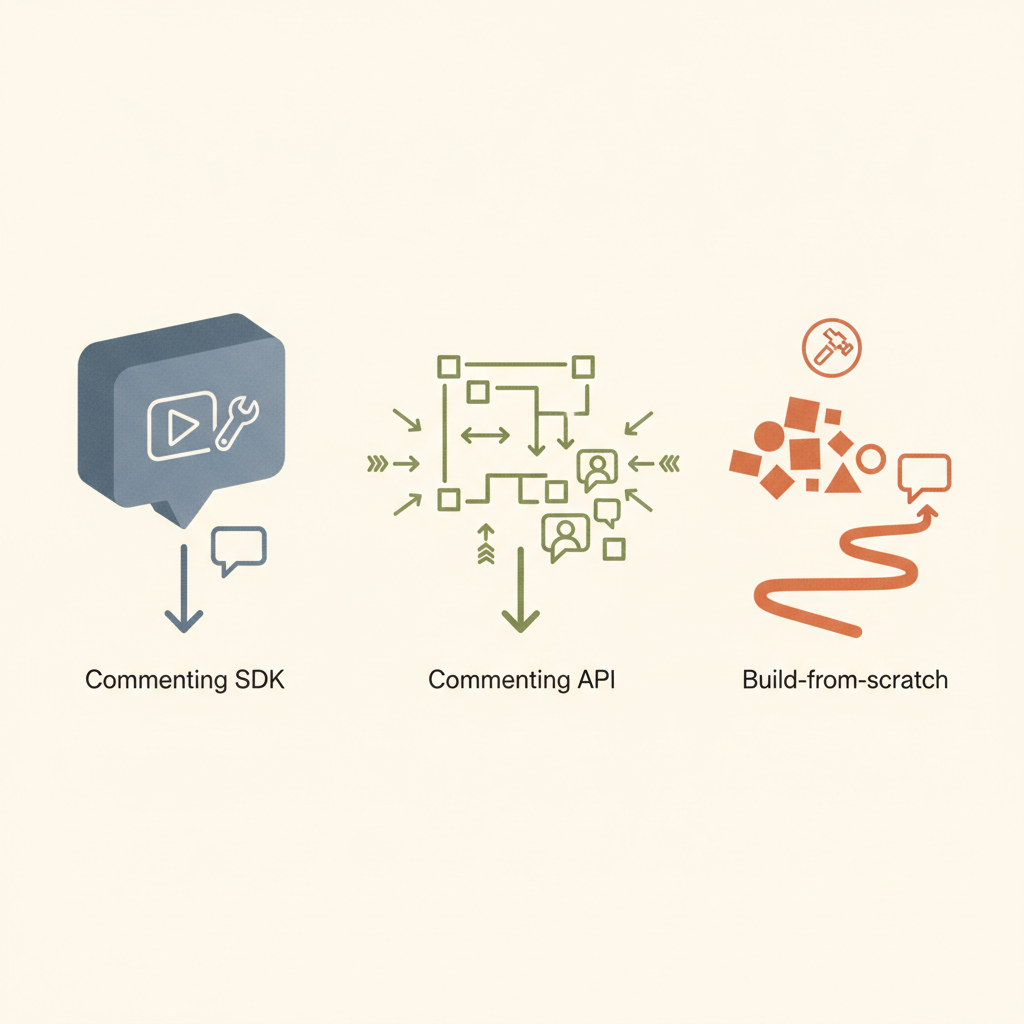
| Path | What you get | Time to Build | Ongoing burden |
| --- | --- | --- | --- |
| DIY | Full control over every thing | 3-6+ months | You own every bug and migration |
| Commenting API | Backend API endpoints only | 2-4 weeks | You still craft UI, websockets, anchoring |
| Commenting SDK | Data layer + ready UI + live sync | 1-5 days | Vendor handles infra, you style components |
An API helps but still leaves you building UI and handling sockets. An SDK goes further: it ships themed popovers, thread lists, presence badges, mentions, etc.
### The cost of rolling your own
Building comments looks easy until edge cases surface:
| Layer | Hidden work you would own without a comment SDK |
| --- | --- |
| Real-time | WebSocket fan-out, reconnect logic, offline queuing |
| Anchoring | Track offsets as text reflows, keep pin positions when a canvas zooms |
| UI polish | Hover previews, markdown, emoji, mobile gestures |
| Security | JWT handshake, row-level hides, audit exports |
| Ops | Scaling hot shards, paging oncall at 3 AM, privacy audits |
A seasoned team can ship all of that, but it keeps them away from the features that set your product apart. Velt makes that overhead vanish. We actually just wrote an updated [build vs buy guide for 2025](https://velt.dev/blog/commenting-sdk-build-vs-buy-guide-for-2025).
## Styles of comments you can ship
| Style | Where it shines | Sample apps |
| --- | --- | --- |
| Inline text | Editors, wikis, legal docs | Google Docs, Notion |
| Point pin | Design canvases, maps, floor plans | Figma, Miro |
| Cell note | Spreadsheets, grid dashboards | Google Sheets, Airtable |
| Timestamp | Video, audio, screencasts | Frame.io, Loom |
| Sidebar thread | Blog posts, tasks, stories | Trello |
With Velt you do not pick just one. You can start with inline text this quarter and light up timestamp comments next quarter without pulling a new vendor.
## Core features to watch for
- **Precise anchors**: pins stick even when content moves or resizes.
- **Threaded replies**: chats stay tidy instead of sprawling in one flat list.
- **Resolution flow**: mark done to keep the canvas clean.
- **@mentions**: tag a teammate and pull them in with one keystroke.
- **Live presence**: see cursors, selection boxes, and typing states for instant context.
- **Rich reactions**: a quick 👍 or ✅ means fewer “Looks good” posts.
- **Notifications**: in-product inbox and optional email for re-engagement.
- **Recording**: attach a 30-second video walkthrough when text falls short.
- **Access rules**: connect to your auth so private boards stay private.
- **Theme**: swap fonts, radius, and colors so the UI components blend into your brand.
## Getting started with the Velt collaboration SDK
1. **Install**
```typescript
npm install @veltdev/react
```
1. **Initialize the client**
```javascript
// Root.tsx / App.jsximport { VeltProvider, VeltComments} from "@veltdev/react";import Auth from "./Auth";import Document from "./Document";
export default function Root() { return ( {/* renders comment threads UI */}
{/* your app */} );}// Auth.tsx - identify the signed-in userimport { useIdentify } from "@veltdev/react";
export default function Auth() { const currentUser = { id: "u-123", name: "Ada Lovelace" }; useIdentify(currentUser); // must run inside VeltProvider return null; // no UI needed}
```
1. **Make something commentable**
```javascript
// Document.tsx - make something commentableimport { VeltCommentTool, VeltPresence, useSetDocumentId} from "@veltdev/react";import MyRichTextEditor from "./MyRichTextEditor";
export default function Document() { useSetDocumentId("my-document-id"); // tie comments to this doc
return (
{/* shows live cursors/avatars */} {/* drop a pin or draw an area to comment */}
);}
```
1. **Style**: drop CSS vars or Tailwind classes to match your palette.
2. **Ship**: open two tabs, leave a pin, and watch it sync live.
Read the [full quickstart](https://docs.velt.dev/get-started/quickstart) in our docs see advanced hooks and other setup.
### Custom workflows with Velt webhooks
Velt fires real-time webhook events (e.g., actionType: `newlyAdded` or actionType: `statusChanged`). Point them at your backend to:
- post to a `#design` channel
- create a Jira ticket
- log usage for analytics
No extra polling or cron jobs needed.
## Beyond comments: a full real-time collaboration layer
Comments spark the conversation, yet many teams soon ask for richer teamwork tools.
| Extra tool | What it brings | Velt support |
| --- | --- | --- |
| Presence & cursors | Know who is online and where their view sits | Yes |
| Follow mode | One click to follow another user’s viewport | Yes |
| Huddles | Drop-in audio/video with screen share | Yes |
| Screen recorder | Record, transcribe, attach to a thread | Yes |
| Page view analytics | See who opened a doc and when | Yes |
Because these add-ons share the same socket and auth, you can layer them without extra weight.
## Real-world use cases
- **Doc editors & wikis**: redline policy docs or blog drafts inside the tool.
- **Design platforms**: pin feedback on a Figma-style canvas so art directors can review quickly.
- **BI dashboards**: let analysts chat over a spike on a chart and store that insight.
- **Spreadsheet grids**: drop cell notes in a finance model.
- **E-learning**: students mark a confusing paragraph and instructors reply in context.
- **Dev sandboxes**: leave code review notes on a line without switching to GitHub. With [AI now generating 41% of all code](https://www.index.dev/blog/developer-productivity-statistics-with-ai-tools) and developers saving 30-60% of time on routine tasks, in-context commenting helps teams manage AI-assisted workflows efficiently.
- **Internal tools**: support reps drop a question on the form they find tricky, turning comments into tickets.
## Tips for picking the right SDK
1. **Measure fit**: draft a quick POC and let non-dev teammates play with it.
2. **Review legal needs**: some sectors need data self-hosted. Velt offers that.
3. **Plan customization early**: align the SDK with your styles + any custom behavior you need.
4. **Look at roadmap**: does the vendor ship new features often?
The [best commenting SDKs for 2025](https://velt.dev/blog/best-commenting-sdk-for-2025-ranked) article shares pointers.
## Look beyond just commenting
Commenting solves one collaboration problem: asynchronous feedback. But modern teams need more than threaded discussions to work effectively in your product. A commenting-only tool forces users to switch between your app, Slack for quick questions, Zoom for screen shares, and Loom for video walkthroughs. Each context switch breaks focus and scatters information across platforms. The table below looks at the collaboration stack your users actually need.
| Feature | Why it matters | What happens without it |
| --- | --- | --- |
| Live presence & cursors | See who's viewing the same content in real time | Users duplicate work or edit simultaneously without knowing |
| Follow mode | Junior team members can shadow senior colleagues' workflows | Training happens over screen shares instead of in-product |
| Huddles (audio/video) | Jump into a 30-second voice call without scheduling | Simple questions balloon into email threads |
| Screen recording | Show instead of tell with annotated walkthroughs | Complex feedback requires multiple screenshots and paragraphs |
| Unified notifications | One inbox for all activity across documents | Users miss critical updates buried in individual file threads |
Buying a commenting SDK, then a separate presence tool, then integrating a third-party recorder creates three problems:
1. **Authentication headaches**: Each vendor requires separate user sync and token management
2. **UI inconsistency**: Three different design systems compete for attention in your interface
3. **Data silos**: Comments live in one database, recordings in another, presence in a third, making cross-feature workflows impossible
A true collaboration SDK treats these features as one integrated system. When someone @mentions you in a comment, you get notified. Click the notification and you see their cursor position. Need clarification? Start a huddle without leaving the thread. That experience only works when one vendor owns the entire stack.
### **Start with comments, grow into full collaboration**
The smart approach: choose a collaboration SDK where commenting is just the entry point. Velt lets you ship async comments this quarter, add live cursors next quarter, and provide for huddles the quarter after, without switching vendors or refactoring your integration. You pay only for features you activate, but the foundation supports your collaboration roadmap for years.
Teams that pick a commenting-only tool eventually hit a ceiling. When users ask for presence or screen recording six months later, you're back to vendor research and another integration cycle. A collaboration SDK future-proofs that decision.
## Don't forget: hierarchy matters in collaboration systems
Hierarchy matters. One of the biggest hidden challenges in building collaboration features is how comments and discussions relate to the structure of your application. Most SaaS products are not simply a single document or canvas, they contain nested entities like organizations, workspaces, folders, dashboards, and individual documents. If your collaboration layer does not understand that hierarchy, developers must build complex logic themselves to connect conversations across different parts of the app.
Many real-time providers operate on a simple “room” model, where each document or canvas is an isolated connection. This works for small or single-canvas apps, but it becomes difficult to manage in larger SaaS products with hundreds or thousands of documents. Features like global notifications, cross-document search, or permission inheritance often require extensive custom backend work when using room-based systems like Liveblocks or socket platforms such as Pusher.
Velt approaches collaboration differently by modeling the same hierarchy your product already uses. Instead of isolated rooms, collaboration features attach directly to your app’s entities.
The typical structure is:
Organization
└ Workspace or Folder
└ Document or Page
└ Element or UI Location
Because Velt understands this structure, several things work automatically:
- **Permission inheritance**: access granted at a folder level can cascade to every document inside it.
- **Unified notifications**: users see activity across all documents in a single inbox.
- **Cross-document collaboration**: comments, mentions, and activity feeds can span an entire workspace instead of staying trapped in one document.
- **Cleaner architecture**: developers do not need to manually synchronize dozens or hundreds of “rooms.”
This hierarchy-aware model is especially useful for **entity-heavy SaaS products** like project management tools, document editors, analytics platforms, and CRMs. Instead of stitching together collaboration logic for every page of your app, Velt treats collaboration as a **native layer across your entire product structure**.
## Why Velt is the best choice for your collaboration SDK

**Framework vs primitive infrastructure**
Velt is built as a complete collaboration framework, not a basic real-time primitive. While alternatives like Liveblocks provide socket connections that require you to build folder trees, permission logic, and cross-document aggregation manually, Velt understands your app hierarchy out of the box. Organizations, workspaces, folders, and documents work together automatically, eliminating months of "glue code" engineering.
**DOM-aware precision that survives layout changes**
Velt's anchoring system binds comments directly to UI elements using data IDs, not fragile x/y coordinates. When users resize windows, zoom canvases, or reflow text, comments stay attached to the right element. This "high precision" approach prevents the floating comment problem that plagues coordinate-based systems.
**Enterprise-grade security and global reach**
Velt supports 45+ regions worldwide with data self-hosting options, compared to the 2-region limitation of many competitors. The real-time permission provider makes sure your database remains the absolute source of truth; revoke access and it takes effect immediately, not after token expiration. Velt meets SOC 2 Type II compliance and offers a 99.999% uptime SLA for enterprise accounts.
**Pricing that aligns with your growth**
Monthly Active Collaborator (MAC) billing means you only pay when users actually collaborate, not for every document they open. In typical B2B apps, only about 20% of document views result in collaboration actions. While room-based pricing grows exponentially with your document count, Velt's costs scale linearly with actual user value.
**Zero-docs implementation with Agent Skills**
Velt's Agent Skills teach AI coding agents the correct implementation patterns, letting developers build features by prompting Cursor or GitHub Copilot instead of reading documentation. This "zero-docs" approach cuts integration time from weeks to hours.
**Production-proven at scale**
Velt powers applications with over 1 million monthly active users, with customers like Leadpages and Trumpet reporting a lot of engagement increases after implementation. The infrastructure handles enterprise workloads while the SDK keeps your codebase clean.
## A final note on commenting SDKs
Collaboration no longer stops at file sharing. Users want chat, presence, voice, and rich media in the same window where they create value. A [commenting SDK](https://velt.dev/comments) is the fastest step toward that future. Velt let you roll out threaded talk today and grow into live cursors, calls, and more tomorrow.
## FAQ
### How long does it take to add a commenting SDK to my product?
Most teams ship basic threaded comments in 1-5 days with an SDK like Velt. Building the same feature from scratch takes 3-6 months because you must handle real-time sync, anchoring logic, UI components, and security layers.
### What is the difference between a commenting SDK and a commenting API?
A commenting API gives you backend endpoints for storing and retrieving comments, but you still build the UI, WebSocket connections, and anchoring yourself. A commenting SDK includes pre-built UI components, live sync, and anchor tracking, cutting your work from weeks to days.
### Can I use multiple comment styles in the same app?
Yes. Velt lets you mix inline text highlights, canvas pins, spreadsheet cell notes, and video timestamp comments in one product. You can start with one style and add others later without changing vendors.
### How does pricing work for a commenting SDK?
Velt uses Monthly Active Collaborator (MAC) billing, so you only pay when users actually leave comments or collaborate. This differs from MAU-based pricing where you pay for every user who opens a document, even if they never interact.
### Do I need to host the commenting infrastructure myself?
No. Velt handles all real-time infrastructure, scaling, and uptime. If you have compliance needs, Velt offers data self-hosting so collaboration data stays in your cloud while Velt manages the service layer.
---
# Best Vue.js Rich Text Editor Libraries in March 2026
https://velt.dev/blog/best-vuejs-rich-text-editor-libraries
Compare the best Vue.js rich text editor libraries in March 2026. See which editors include collaboration, CRDT sync, and live cursors out of the box.
*By Rakesh Goyal · March 11, 2026*
Adding a [Vue.js rich text editor](https://velt.dev/) sounds straightforward until you realize the formatting part is simple and the collaboration part takes six months. You'll find plenty of libraries with bold buttons and image uploads, but ask them about CRDT sync, live cursors, or offline editing and suddenly you're on your own. We tested the options to see which ones include the hard stuff beyond the toolbar.
**TLDR:**
- Velt adds multiplayer editing to Vue.js apps with CRDT sync, live cursors, and comments built in
- Traditional editors like CKEditor and TinyMCE charge extra for collaboration features
- ProseMirror and Quill lack real-time sync and require custom infrastructure work
- Velt charges per active collaborator, not per page load or document created
- Velt's SDK lets you add real-time collaboration features to Vue.js apps in days
## What Are Vue.js Rich Text Editors?
A Vue.js rich text editor is a component that lets users format text content inside your app. This includes bold, italic, bullet lists, links, images, and the formatting controls you'd expect in a text editor. These components integrate directly into Vue.js apps, giving you the UI and logic needed to handle user input beyond plain text.
The options range widely. Some libraries offer basic formatting b toolbars and leave the rest to you. Others come with collaborative features built in, syncing content across multiple users in real time. Your choice depends on whether you need a simple text box with styling or a full multiplayer editing experience. With [375.8 million employees using remote collaboration tools](https://agilityportal.io/blog/top-10-remote-collaboration-tools-for-2024) by 2028, the demand for collaborative editing features continues to grow.
## How We Ranked Vue.js Rich Text Editors
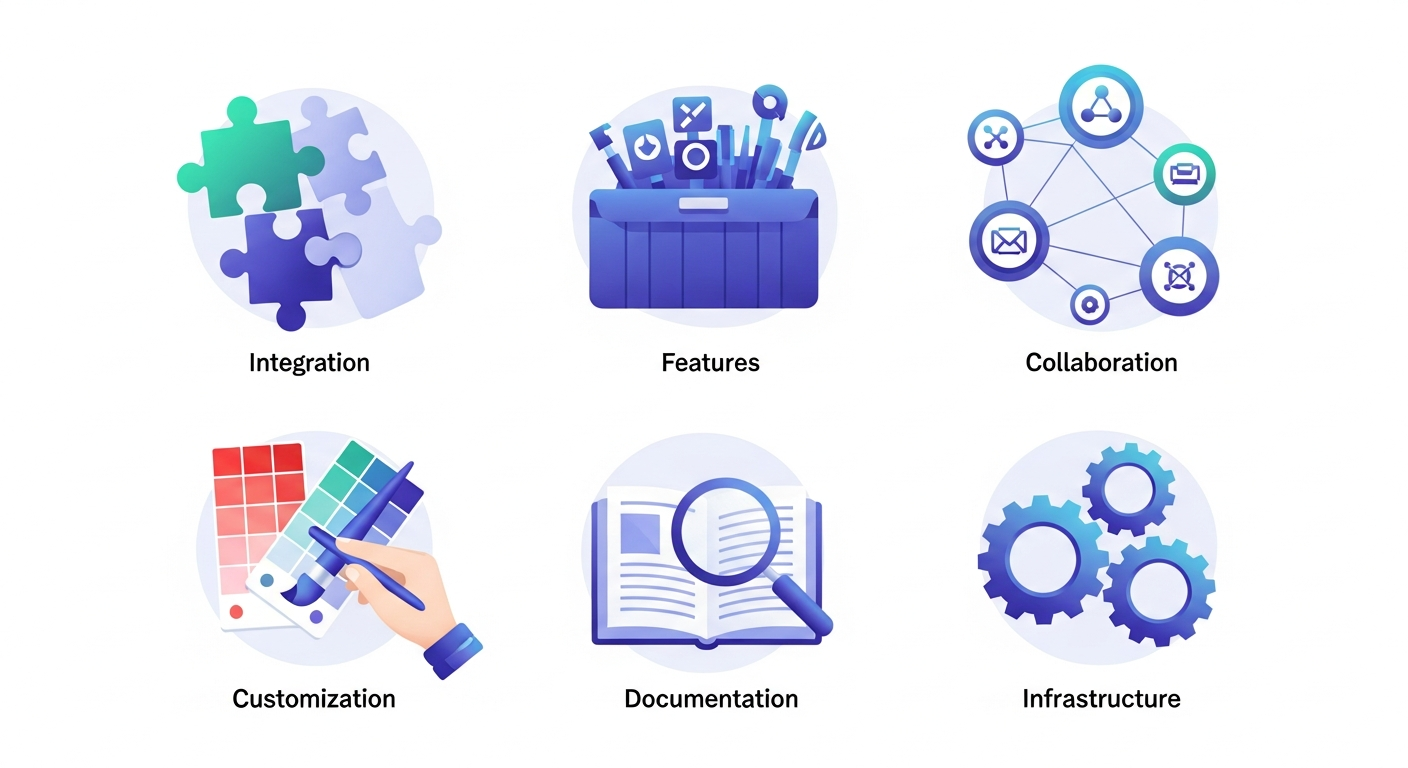
We tested each editor on six criteria:
- First, Vue.js integration quality, which measures how naturally the library works with Vue's reactive system and component structure.
- Second, core features like formatting toolbars, media embedding, and extensibility.
- Third, collaborative editing capabilities for real-time sync.
- Fourth, customization flexibility for matching your app's design.
- Fifth, documentation quality and developer experience.
- Sixth, whether the solution includes both the editor interface and synchronization infrastructure.
If you need basic formatting, a lightweight option works. For collaborative workspaces, you need an editor with multiplayer editing capabilities.
## Best Overall Vue.js Rich Text Editor: Velt

Velt is a collaboration SDK that adds real-time multiplayer editing to Vue.js apps. Instead of building sync logic from scratch, you get CRDT-powered collaborative editing through Yjs integration that works with Tiptap, BlockNote, and CodeMirror. The SDK handles infrastructure complexity including live cursors, user selections, contextual commenting with threaded discussions, mentions, notifications, audio/video huddles, and screen recording with transcription.
### **Key Features**
- CRDT-powered synchronization through Yjs integration works with popular editors like Tiptap and CodeMirror
- Production-ready UI components including comment boxes, notification panels, and user avatars built in
- Offline editing support with automatic synchronization when users reconnect
- Integration available for Vue 2, Vue 3, and Nuxt with straightforward setup
- Enterprise deployment options include 45+ regional data centers and SOC 2 Type II compliance
### **Limitations**
- Requires integration with existing editor frameworks instead of providing a standalone editor
- Monthly Active Collaborator pricing model may not suit all budget structures
- Learning curve exists for teams unfamiliar with collaborative editing concepts
- Requires API key setup and SDK initialization as part of implementation
- Not ideal for projects needing only basic text formatting without collaboration features
### **Bottom Line**
Velt works best for teams building collaborative editing experiences in Vue.js apps who need real-time synchronization and multiplayer features without custom infrastructure work. Development teams looking to add Google Docs-style collaboration and those requiring enterprise-grade reliability with regional data centers will find Velt suitable. The solution fits projects where multiple users need to edit content simultaneously with presence awareness, commenting, and team communication features built in.
## CKEditor

CKEditor is a mature WYSIWYG editor with official Vue.js support for both Vue 2 and Vue 3. The software comes with dual licensing under GPL or commercial terms. Real-time collaboration and revision history require separate premium subscriptions beyond the base editor.
### **Key Features**
- Official Vue.js components support both Vue 2 and Vue 3 with straightforward integration
- Customizable toolbar with formatting controls, media embedding, and table support
- Multiple UI language support through separate translation packages
- Detailed documentation written for Vue.js implementations
- Commercial licensing available for teams that need proprietary use cases
### **Limitations**
- Real-time collaboration features require premium add-ons with separate licensing costs
- No built-in presence indicators or live cursor tracking for multiplayer editing
- Lacks notification systems for team communication and activity alerts
- Does not include commenting features or discussion threads without paid upgrades
- Missing audio/video communication tools like huddles or screen recording
### **Bottom Line**
CKEditor works best for teams building single-user editing experiences in Vue.js apps who need a traditional WYSIWYG editor with extensive formatting options. Teams comfortable with premium subscriptions for collaboration features and those requiring detailed Vue.js documentation will find CKEditor suitable. The solution fits projects where real-time multiplayer editing is not a core requirement and where licensing costs for advanced features align with budget constraints.
## ProseMirror

ProseMirror is a toolkit for building rich text editors with Vue.js adapter packages available. Tiptap, a popular Vue editor framework, is built on top of ProseMirror. Most modern editor frameworks now support real-time collaboration through CRDT implementations.
### **Key Features**
- Node view and mark view factories let you render custom Vue components within the editor content
- Schema-based document model with transaction system for managing state changes
- Minimal wrapper packages provide basic editor initialization without heavy abstractions
- Plugin architecture allows extending editor functionality with custom features
- Low-level control over document structure and transformations for custom implementations
### **Limitations**
- Requires substantial development effort to build production-ready features from scratch
- Lacks any collaboration infrastructure or real-time synchronization capabilities
- Does not provide UI components for formatting toolbars or menus
- Developers must implement presence indicators and live cursor tracking independently
- No built-in commenting systems or notification features
### **Bottom Line**
ProseMirror works best for experienced developers building highly customized editors from scratch who need low-level control over document structure and transformations. Teams with a lot of engineering resources and those requiring complete flexibility in editor behavior will find ProseMirror suitable. The solution fits projects where custom editor experiences are critical and where teams can invest months of development time building collaboration features independently.
## Draft.js

Draft.js is a React framework for building rich text editors and doesn't work with Vue.js without custom adapter layers. The library provides an immutable editor state model with building blocks for text styles and embedded media. Built and maintained by Facebook, it includes community implementations with WYSIWYG interfaces and plugin systems.
### **Key Features**
- Immutable editor state model provides predictable content management and updates
- ContentState serialization handles saving and loading editor data efficiently
- Plugin system supports custom functionality through community-maintained extensions
- Rich text styling capabilities include inline styles and block-level formatting
- Proven architecture used by Facebook in production environments
### **Limitations**
- Designed exclusively for React with no official Vue.js integration available
- Custom wrapper development required for Vue apps adds a lot of implementation time
- No native collaboration features or real-time synchronization capabilities built in
- Lacks presence indicators, live cursors, or multiplayer editing infrastructure
- Does not include commenting systems or notification features
### **Bottom Line**
Draft.js works best for React developers building custom text editing experiences who need Facebook's proven editor architecture. Teams already invested in the React ecosystem and those requiring immutable state management patterns will find Draft.js suitable. The solution is not recommended for Vue.js projects due to the lack of native support and the substantial effort required to build custom adapter layers.
## Quill

Quill is a rich text editor with Vue 3 component packages like VueQuill providing integration. The editor is open source and works with Vue.js through community-maintained wrappers. VueQuill provides default toolbar options with customizable formatting controls and TypeScript support.
### **Key Features**
- Vue 3 integration available through community packages like VueQuill
- Modular architecture supports custom extensions for additional functionality
- Delta format handles document changes and content representation efficiently
- Open source licensing with active community support and contributions
- TypeScript support available in Vue wrapper implementations
### **Limitations**
- Lacks built-in collaborative editing or CRDT synchronization capabilities
- No presence indicators or live cursor tracking for multiplayer scenarios
- Does not include commenting systems or discussion thread features
- Missing real-time multi-user infrastructure for collaborative workflows
- Requires custom development for notification and team communication features
### **Bottom Line**
Quill works best for teams building single-user editing experiences in Vue.js apps who need straightforward rich text formatting with basic controls. Projects requiring simple text boxes with styling and those comfortable with community-maintained Vue wrappers will find Quill suitable. The solution fits applications where real-time collaboration is not needed and where open source licensing aligns with project requirements.
## TinyMCE

TinyMCE provides an official Vue component with extensive npm adoption across Vue.js projects. Recent pricing changes limit the free cloud version to 1,000 editor loads with $40 per 1,000 additional loads. The plugin system supports language packs and custom toolbars with formatting options. A self-hosted open-source version runs alongside the cloud offering. Premium commenting requires a paid add-on.
### **Key Features**
- Official Vue.js component with widespread npm adoption and community usage
- Self-hosted open-source version available alongside managed cloud offering
- Extensive plugin ecosystem for language packs and custom toolbar configurations
- Customizable formatting options with media embedding and content management
- Both cloud-hosted and self-managed deployment options for different needs
### **Limitations**
- Cloud pricing charges per page load instead of active usage metrics
- Collaborative features require premium subscriptions beyond the base editor
- No real-time presence indicators or live cursor synchronization built in
- Premium commenting add-on needed for discussion and feedback features
- Usage-based pricing can become expensive at scale with high traffic volumes
### **Bottom Line**
TinyMCE works best for teams comfortable with usage-based pricing who need a traditional rich text editor and can manage hosting infrastructure. Teams requiring self-hosted deployment options and those needing extensive plugin customization will find TinyMCE suitable. The solution fits projects where single-user editing is the primary use case and where teams can budget for premium collaboration features as separate add-ons.
## Side-by-Side Comparison of Vue.js Rich Text Editors

Here's a quick comparison of the top Vue.js rich text editor libraries and their key features:
| Feature | Velt | CKEditor | ProseMirror | Draft.js | Quill | TinyMCE |
| --- | --- | --- | --- | --- | --- | --- |
| Vue.js Native Support | Yes | Yes | Yes | No | Yes | Yes |
| Real-Time Collaboration | Yes | Premium Only | No | No | No | Premium Only |
| CRDT Synchronization | Yes | No | No | No | No | No |
| Live Cursors | Yes | No | No | No | No | No |
| Contextual Comments | Yes | Premium Only | No | No | No | Premium Only |
| Offline Editing | Yes | No | No | No | No | No |
| Built-in Notifications | Yes | No | No | No | No | No |
| Presence Indicators | Yes | No | No | No | No | No |
| Audio/Video Huddles | Yes | No | No | No | No | No |
| Self-Hosting Options | Yes | No | No | No | No | Yes |
Note that Draft.js lacks native Vue.js support, requiring additional wrapper libraries for integration. For real-time collaboration features, Velt stands out with built-in CRDT sync and presence awareness, while competitors like CKEditor and TinyMCE gate these behind premium tiers.
## Why Velt Is the Best Vue.js Rich Text Editor Solution
Velt solves the complete collaborative editing challenge beyond just text formatting. While [traditional editors handle content creation](https://velt.dev/blog/best-rich-text-editors-react-comparison), Velt adds the collaboration layer that turns single-user editing into real-time multiplayer experiences. The CRDT-powered synchronization infrastructure handles conflict resolution automatically. You get built-in presence indicators, live cursors, and contextual commenting that work together to create Google Docs-style collaboration without custom infrastructure work.
For Vue.js teams building content apps, project management tools, or any app requiring collaborative editing, Velt eliminates months of custom development. [Research shows](https://gitnux.org/workplace-collaboration-statistics/) that teams using collaborative platforms see a 25% increase in project completion speed, with 92% of employees reporting that collaboration tools boost their daily productivity.
The Vue.js integration requires minimal setup compared to self-hosting traditional editors and building sync logic separately. You get enterprise-grade reliability with [99.999% uptime](https://velt.dev/), 45+ regional data centers, and MAC-based pricing that charges only for active collaborators. You pay for value created, not infrastructure consumed.
## Final Thoughts on Vue.js Text Editing Solutions
A good [Vue.js rich text editor](https://velt.dev/) handles formatting, but collaborative editing needs more. Your users expect to see each other's cursors, leave contextual comments, and sync changes without conflicts. Building this infrastructure yourself takes months of development time that could go toward your actual product features. The math is simple: ready-made collaboration tools ship faster than custom-built ones.
## FAQ
### Which Vue.js rich text editor is best for adding real-time collaboration?
Velt provides the most complete solution for real-time collaboration in Vue.js apps. It includes CRDT synchronization, live cursors, presence indicators, and contextual commenting out of the box. CKEditor and TinyMCE offer collaborative features only through premium add-ons, while Quill, ProseMirror, and Draft.js lack built-in multiplayer support.
### How do I choose between a basic editor and a collaborative editing solution?
Pick a basic editor like Quill or CKEditor if you only need text formatting for single-user scenarios. Choose a collaborative solution like Velt when multiple users need to edit content simultaneously, leave comments, or see what others are doing in real time. The decision depends on whether your app requires multiplayer features or just a formatting toolbar.
### Can I use Draft.js in a Vue.js app?
Draft.js is built exclusively for React and lacks native Vue.js support. You would need to build custom wrapper layers to make it work with Vue, which adds development time and maintenance burden. If you're building a Vue.js app, choose an editor designed for Vue instead of forcing React libraries into your stack.
### What's the difference between self-hosting an editor and using a cloud solution?
Self-hosting means you run the editor on your own servers and manage the infrastructure yourself. Cloud solutions handle hosting for you but may charge per page load or user. Velt offers data self-hosting where you control where collaboration data lives while they manage the infrastructure, giving you both control and convenience.
### How much development time does building collaboration features from scratch typically take?
Building real-time collaboration from scratch usually takes several months with a full engineering team. You need to implement synchronization logic, conflict resolution, presence tracking, cursor sharing, and notification systems. Using a collaboration SDK like Velt reduces this timeline to days or weeks by providing these features pre-built.
---
# Best Collaboration SDKs in 2026: Ranked by Features and Performance
https://velt.dev/blog/best-collaboration-sdks
Compare the best collaboration SDKs in 2026. Review features, pricing, and performance of top platforms like Velt, Liveblocks, and Tiptap for February 2026.
*By Rakesh Goyal · February 26, 2026*
Most developers waste weeks assessing [collaboration platforms](https://velt.dev/) because the marketing sites all claim to offer real-time features, but the actual capabilities vary wildly. Some give you a full suite of components like comments, presence, and notifications that work across your entire app. Others provide messaging infrastructure where you'll build every collaboration feature from scratch. We broke down five leading SDKs to show you exactly what ships ready to use and what requires custom development work.
**TLDR:**
- Collaboration SDKs add real-time features like commenting, multiplayer editing, and presence to apps without months of custom development.
- Velt provides 25+ components with DOM-aware positioning, permission inheritance, and 45+ data regions on a 99.999% SLA.
- Liveblocks and Tiptap require building your own folder structures and permission logic for multi-document apps.
- Velt bills per Monthly Active Collaborator (users who actually collaborate) vs. per-room pricing that scales with document count.
- Velt offers Agent Skills that let AI coding assistants implement features through prompts without reading docs.
## What is a Collaboration SDK?
A collaboration SDK is a developer tool that lets you embed real-time collaborative features into your web or mobile app. Instead of spending months building commenting systems, live cursors, or notification infrastructure from scratch, you drop in an SDK that provides pre-built APIs and UI components for these capabilities. These SDKs handle the backend infrastructure like WebSockets, conflict resolution, and data sync while providing frontend components such as comment threads, presence indicators, and notification panels that you can customize to match your app's design. Common features include in-app commenting and annotations, multiplayer editing where multiple users can edit the same content simultaneously, live presence indicators showing who's online, cursor tracking, and notification systems that alert users to mentions or updates.
## How We Ranked Collaboration SDKs
We assessed collaboration SDKs based on publicly available documentation, pricing structures, and architectural disclosures. Given that [collaboration software spending is projected](https://www.gminsights.com/pressrelease/collaboration-software-market) to grow substantially over the next decade, selecting the right SDK has long-term implications for your product roadmap. Our criteria focused on six key dimensions:
- **Feature completeness**: Does the SDK provide a full suite of collaboration capabilities (commenting, presence, multiplayer editing, notifications) or just low-level primitives that require custom development?
- [**Architecture approach**](https://velt.dev/blog/collaboration-sdk-architecture-guide)**:** Is it a high-level framework that understands your app's hierarchy and permissions, or a primitive that leaves folder structures and cross-document features to you?
- Enterprise readiness: What security standards, compliance certifications, data residency options, and SLA commitments does it offer?
- **Developer experience**: How extensive is the documentation? Can you integrate quickly, or does it require weeks of custom backend work?
- [**Pricing model**](https://velt.dev/blog/collaboration-sdk-pricing-models)**:** Does billing align with user value (active collaborators) or infrastructure usage (open connections/rooms)?
- **Flexibility**: Can you customize UI components, self-host data, and integrate with different frameworks?
## Best Overall Collaboration SDK: Velt

Velt is a collaboration SDK designed for B2B SaaS applications that need real-time features without long development cycles. The platform provides over 25 pre-built components including contextual in-app comments with DOM-aware positioning, multiplayer editing through CRDT technology, real-time presence indicators, voice and video huddles, screen recording with AI transcription, and a unified notification system that aggregates activity across your entire application.
The architecture operates as a high-level framework instead of a primitive, meaning it understands your application's hierarchy and permissions from day one. Velt supports Organizations, Folders, and Documents using Google Drive-style permission inheritance, which eliminates the need to build folder structures and permission logic yourself. The SDK includes Agent Skills that allow AI coding assistants to implement Velt features through prompts without reading documentation.
### **Key Features**
Velt ships with contextual in-app comments and annotations that bind directly to specific data IDs instead of fragile x/y coordinates. This DOM-aware location system prevents UI drift where comments might float to the wrong place after layout updates or window resizing. The platform provides real-time presence and co-editing capabilities that display when other users are active and allow multiplayer editing of content with visible cursors and selections.
The SDK includes audio/video and screen recording functionality that provides Loom-style recording capabilities integrated directly in your application. Users can record their screen, voice, or webcam to share detailed feedback or walkthroughs asynchronously, with automatic transcription and AI-generated summaries. The huddles feature offers Slack-style audio or video chat functionality that can be launched within the application for quick live collaboration or support.
Velt's notification system keeps users informed of collaboration events through @mentions and alerts, with support for email or Slack/Teams notifications. These notifications are unified across documents, meaning users see activity across the entire organization in a global inbox instead of checking individual files. The platform integrates AI to auto-tag and categorize comments, generate summaries of long comment threads or recordings, and provide a contextual AI copilot for intelligent edits.
Analytics and activity insights provide logs showing which users viewed comments or participated, when they did so, and overall engagement metrics. The security model offers a dual-mode approach to authorization with sync mode for simpler setups or a real-time permission provider where the backend remains the absolute source of truth. Permission changes take immediate effect without waiting for token refreshes, and native inheritance cascades permissions from Organization to Folder to Document levels.
### **Limitations**
Velt requires using their managed hosting infrastructure for the real-time components, though data self-hosting is available for compliance needs. The framework approach means less granular control compared to building custom implementations on top of primitives, though this tradeoff eliminates months of backend development work.
The SDK focuses on collaboration features for web applications, so teams building native mobile apps or highly specialized real-time experiences outside of standard collaboration patterns may need to assess whether the pre-built components align with their specific requirements.
### **Bottom Line**
Velt works best for teams building multi-document B2B SaaS applications like project management tools, CRM platforms, analytics dashboards, or design software where users need to collaborate across complex organizational structures. Product teams who want a complete collaboration suite that ships ready to use without custom backend development will find the framework approach valuable. Engineering teams building applications with folders, workspaces, and permission hierarchies benefit from Velt's native understanding of organizational structures, while those building single-canvas experiences with simpler permission models might consider alternatives.
## Liveblocks
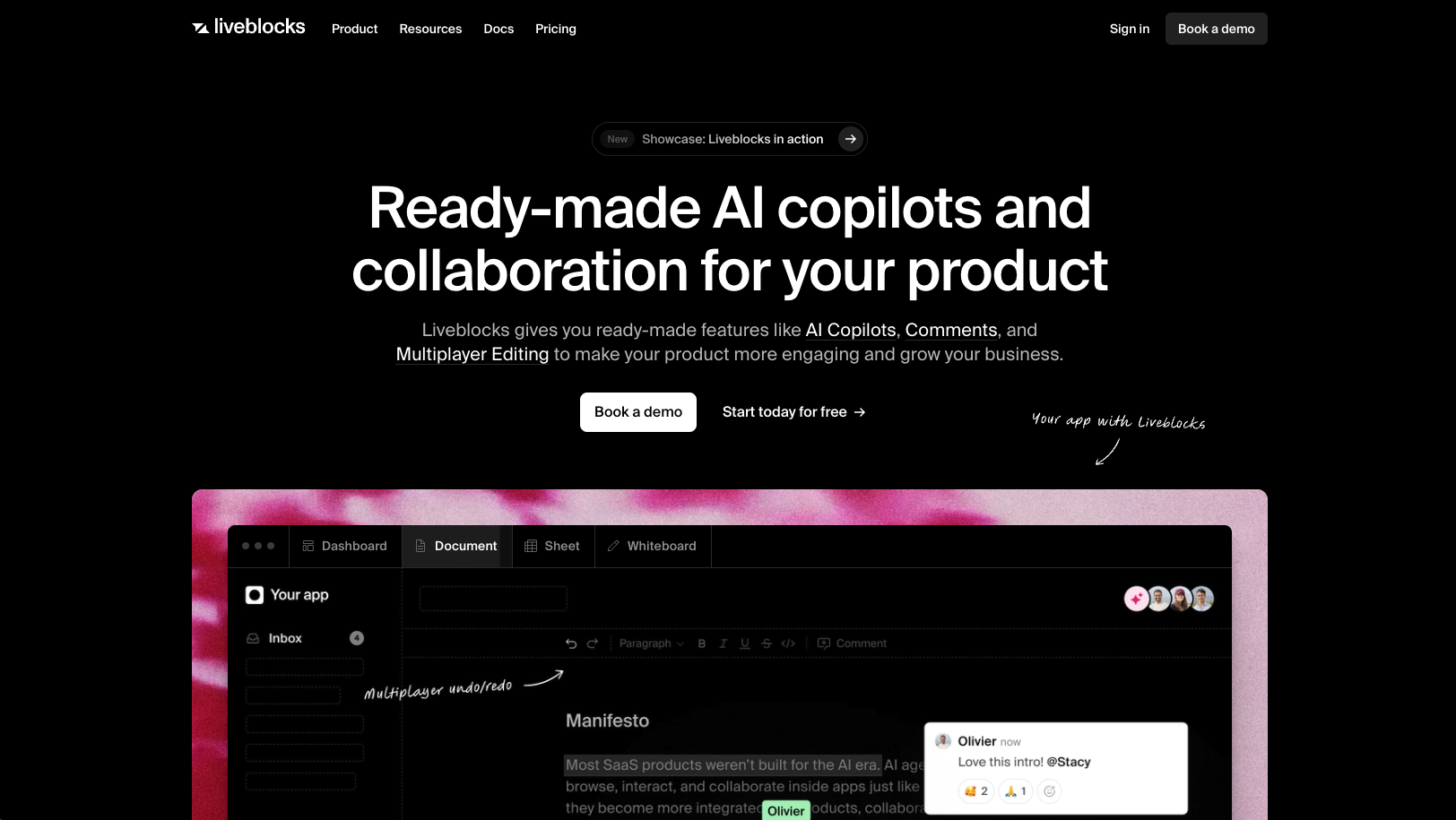
Liveblocks provides real-time infrastructure built on room-based primitives where each collaborative session operates as an isolated socket connection. The SDK includes presence tracking, storage primitives for shared state, and a Comments API, but requires developers to build their own folder hierarchies and permission inheritance logic. [**Liveblocks works well for single-canvas apps**](https://velt.dev/blog/velt-vs-liveblocks-comparison-2025) like whiteboards or simple document editors where the experience lives within one collaborative session.
### **Key Features**
- Real-time presence and cursor tracking with WebSocket infrastructure for showing who's online
- Storage primitives for shared state synchronization across multiple users
- Comments API with basic threading functionality for leaving feedback
- Notification system for collaboration events like mentions and replies
- Yjs-based CRDT for conflict-free multiplayer editing
### **Limitations**
- No native support for hierarchical data models or folder structures across multiple documents
- Requires custom engineering for multi-document B2B apps to build permission cascading and cross-room features
- Per-room pricing model charges whenever someone opens a document, even without collaboration activity
- Limited to 2 data regions compared to broader geographic coverage from enterprise-focused competitors
- JWT-based permissions don't update in real-time when user roles change mid-session
### **Bottom Line**
Liveblocks is best used for teams building single-canvas applications like whiteboards, design tools, or simple document editors where collaboration happens within one isolated session. Development teams with strong infrastructure expertise who want granular control over custom implementation and don't need cross-document features like unified inboxes or hierarchical permissions will find the most value in this approach.
## Tiptap
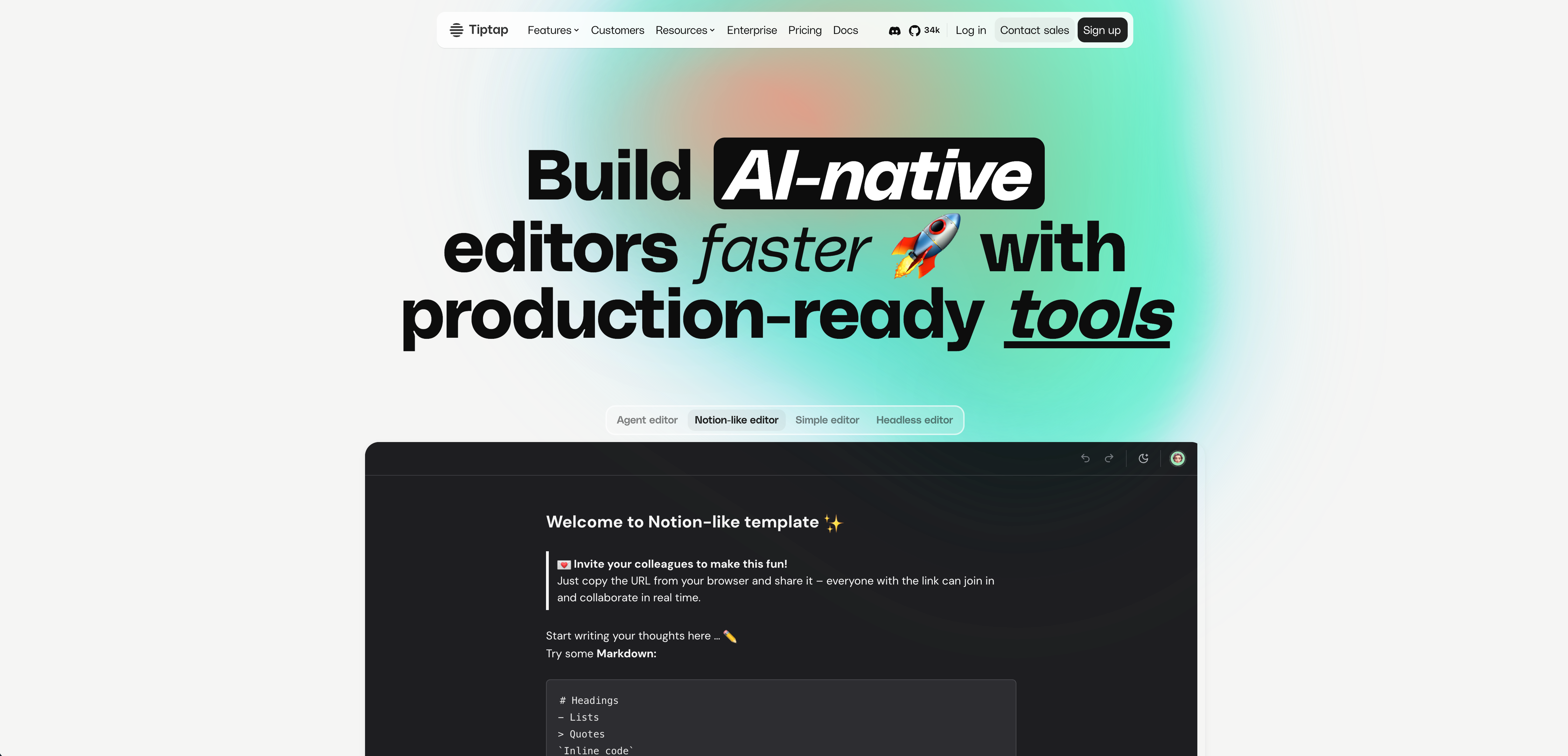
Tiptap is a text editor framework that offers a cloud sync service for rich text editing. [**Tiptap Cloud**](https://velt.dev/blog/tiptap-cloud-vs-velt) focuses on document-level collaboration within the editor component itself, not application-wide collaborative features. The service provides real-time synchronization for text content but lacks broader collaboration tools like presence indicators or cross-app notifications.
### **Key Features**
- Rich text editor with collaborative editing via Yjs for real-time synchronization across multiple users working on the same document
- Real-time synchronization for text content that handles conflict resolution and maintains document consistency
- Basic commenting within editor context, allowing users to leave feedback directly on text selections
- AI-powered editing features scoped to text, including content suggestions and automated formatting
- Extensible architecture that allows developers to build custom editor extensions and plugins
### **Limitations**
- No real-time cursors or presence indicators outside the editor component
- Lacks cross-application notification systems for collaboration events
- Does not provide data self-hosting options for customers with compliance requirements
- Limited to text editing use cases without support for other content types or collaboration modes
- Requires separate solutions for features like video huddles, screen recording, or unified activity feeds
### **Bottom Line**
Tiptap is best used for development teams building text-heavy apps like document editors or content management systems where collaboration needs are limited to the editing surface. Product teams who need only rich text editing capabilities with basic real-time synchronization and don't require broader collaboration features across their entire application will find this solution appropriate.
## Ably
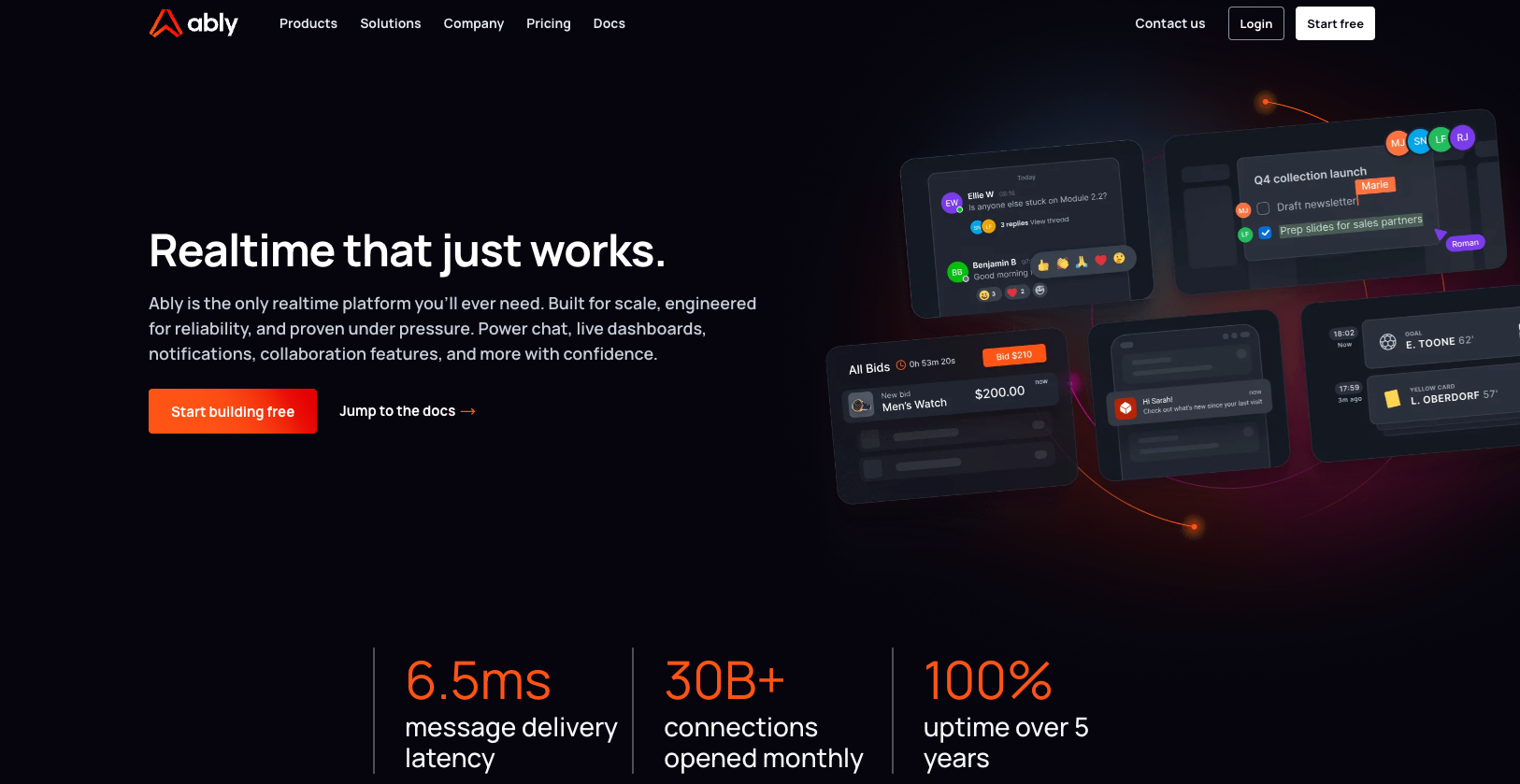
Ably is a real-time messaging infrastructure that powers WebSocket connections at scale, serving over a billion devices monthly. While powerful, it provides the underlying transport layer for real-time data delivery. Developers must build all collaboration features on top of it themselves.
### **Key Features**
- Pub/sub messaging infrastructure with guaranteed delivery for reliable real-time communication
- WebSocket and HTTP streaming protocols for flexible connection management across devices
- Global edge network for low-latency connections across multiple regions
- SDKs for multiple programming languages and frameworks to support diverse tech stacks
- Built-in connection state recovery and automatic reconnection handling for resilient applications
### **Limitations**
- No pre-built collaboration features like comments, presence, notifications, or editing components
- Requires [**building custom real-time features from scratch**](https://velt.dev/blog/liveblocks-sdk-review-alternatives-2025) on top of the messaging layer
- No UI components provided, meaning all user-facing elements must be developed in-house
- Lacks native support for collaborative data structures like CRDT for conflict resolution
- Does not include permission inheritance or hierarchical data models for multi-document applications
### **Bottom Line**
Ably is best used for engineering teams with strong infrastructure expertise who want to build custom real-time features from scratch and need only the reliable messaging transport layer without any pre-built UI components. Development teams building highly specialized real-time applications where existing collaboration SDKs don't fit their unique requirements will find this low-level approach most suitable.
## Knock
Knock is a notification infrastructure provider that offers APIs and components for building cross-channel notification experiences. Unlike Velt's complete collaboration stick, Knock focuses exclusively on notification workflows and delivery systems without real-time collaborative features like commenting or presence.
### **Key Features**
- Workflow-based notification routing across email, SMS, push, in-app, and Slack channels with customizable triggers
- Batch and digest functionality to prevent notification fatigue by grouping related alerts
- User preference management API that lets end-users control notification frequency and channels
- Template system with variable support and localization for multi-language notification content
- Notification activity logs and analytics to track delivery rates and user engagement
### **Limitations**
- No collaborative features like in-app commenting, multiplayer editing, or presence indicators
- Lacks real-time synchronization infrastructure for collaborative document editing
- Does not provide video/voice communication tools or screen recording capabilities
- No native support for hierarchical data models or permission inheritance across organizational structures
- Requires separate solutions for core collaboration features, meaning you'll need multiple vendors to build complete collaborative experiences
### **Bottom Line**
Knock works for product teams focused exclusively on notification delivery systems who need workflow-based routing for transactional alerts, marketing messages, and user preferences. Engineering teams building notification-heavy products like SaaS dashboards or mobile apps who don't need real-time collaboration features will find this notification-first approach suitable. However, teams building collaborative B2B applications will need to integrate additional SDKs for commenting, presence, and multiplayer editing features.
## Feature Comparison Table of Collaboration SDKs
When assessing collaboration SDKs for your app, comparing feature sets helps identify which solution matches your technical requirements. Each SDK takes a different approach to real-time collaboration, from focused rich-text editing tools to full-stack collaboration suites. The table below breaks down key capabilities across five leading options:
| Feature | Velt | Liveblocks | Tiptap | Ably | Knock |
| --- | --- | --- | --- | --- | --- |
| In-App Comments | Yes | Yes | Editor only | No | No |
| Multiplayer Editing (CRDT) | Yes | Yes | Yes | No | No |
| Real-Time Presence | Yes | Yes | No | No | No |
| Video Huddles | Yes | No | No | No | No |
| Screen Recording | Yes | No | No | No | No |
| Notification System | Yes | Yes | No | No | Yes |
| Permission Inheritance | Yes | No | No | No | No |
| Data Self-Hosting | Yes | No | No | No | No |
| DOM-Aware Location Binding | Yes | No | No | No | No |
| Agent Skills for AI Integration | Yes | No | No | No | No |
| Pricing Model | Per Collaborator | Per Room | Per Document | Per Message | Per Event |
## Why Velt is the Best Collaboration SDK
Velt solves the core challenge B2B SaaS teams face: shipping real-time features without months of backend work. The [unified collaboration market](https://www.precedenceresearch.com/unified-communication-and-collaboration-market) will hit $145 billion by 2032, making this a long-term architectural choice. Where Liveblocks requires building folder trees and permissions yourself, Velt handles app hierarchy from day one. Where Tiptap focuses only on editors, Velt spans your entire app. Where Ably and Knock solve narrow infrastructure problems, Velt ships 25+ components that work together. With [63% of teams](https://scoop.market.us/collaboration-software-statistics/) citing integration complexity as their biggest barrier, billing by active collaborators keeps costs predictable as your document library grows.
## Final Thoughts on Finding Your Collaboration SDK
Most B2B apps need the same collaboration features, but building them yourself means reinventing solved problems. The [best collaboration SDK](https://velt.dev/) for your team depends on whether you want infrastructure primitives or ready-to-ship components. If your roadmap includes comments, notifications, and real-time editing across multiple documents, compare setup time against your actual shipping timeline. [Grab a demo](https://velt.dev/book-demo) to see what's possible without writing backend infrastructure.
## FAQ
### How do I choose the right collaboration SDK for my app?
Start by identifying your scope: if you need only rich-text editing, Tiptap works. For full-stack collaboration (comments, presence, notifications, recordings), choose Velt. If you're building a single-canvas whiteboard and want to code custom features yourself, consider Liveblocks or Ably.
### Which collaboration SDK is better for multi-document B2B apps with complex permissions?
Velt handles hierarchical apps with folders and permission inheritance out of the box. Liveblocks requires you to build folder trees, cross-document search, and permission cascading yourself. Expect months of backend work for multi-document products.
### What's the difference between billing per collaborator versus billing per room?
Billing per collaborator (Velt) charges only when users perform collaboration actions. Billing per room (Liveblocks) charges whenever someone opens a document, even if they never comment or edit. In B2B apps, document counts grow 20x faster than user counts, making room-based pricing more expensive at scale.
### Can I self-host collaboration data to meet compliance requirements?
Velt supports data self-hosting, allowing you to store collaboration data in your own cloud while Velt manages the real-time infrastructure. Liveblocks keeps all data on their infrastructure. Ably and Knock offer global infrastructure but don't provide data isolation in your environment.
### How long does it take to implement a collaboration SDK?
Velt ships with pre-built UI components and can be integrated in hours to days. Liveblocks provides primitives requiring weeks to months of custom development for features like notifications and permission systems. Ably and Knock are infrastructure layers requiring you to build all collaboration features from scratch.
---
# Building Scalable In-App Notification Systems: Proven Architecture and Best Practices (February 2026)
https://velt.dev/blog/scalable-in-app-notification-systems-best-practices
Learn how to architect scalable in-app notification systems with proven practices for performance, delivery guarantees, and cross-document aggregation. June 2026.
*By Rakesh Goyal · February 24, 2026*
Everyone budgets two weeks for development of notifications functionality. The requirements seem clear: capture events, render them in a list, let users mark them as read. Then you deploy and find out that your [in-app notification systems](https://velt.dev/) need to query across every accessible document in your app, verify permissions before each delivery, and sync read state between mobile, web, and email clients. A single comment tagging 200 users creates 200 database writes. Global inbox queries slow down at moderate scale. Each delivery channel needs its own retry logic and rate limiting. That simple feature now requires message brokers, distributed queues, and permission caching layers before you can handle basic email fallback or mobile push.
**TLDR:**
- Notification systems hit database IOPS limits before write capacity at moderate scale
- Event-driven architecture with message brokers prevents notification logic from blocking primary requests
- Cross-document aggregation requires permission filtering across hierarchies that slow queries as access grows
- Rate limiting protects both infrastructure (provider quotas) and users (notification fatigue from spam)
- Velt's SDK handles unified notifications across documents with automatic permission inheritance and cross-channel sync
## The Hidden Engineering Cost Behind Simple Notification Features

Building a [basic notification system](https://velt.dev/blog/best-notification-sdks-developers-2025) looks straightforward at first. Store events in a table, display them in a list, mark them as read. Most teams budget two weeks. But, reality arrives in production:
- A global inbox queries across every accessible document
- @mentions need permission checks before delivery
- Read state must sync across mobile, web, and email
Each feature spawns three backend services and two database migrations. Systems handling 2,000 transactions per second show cracks under normal load. Some teams report P99 latency jumping from 2 seconds to 4 seconds at just 1,000 TPS after notifications launch.
Performance isn't the only cost, though. Cross-document aggregation requires joins across folder hierarchies. Real-time delivery needs WebSocket state management. Your two-week feature now consumes a quarter's infrastructure work before handling [email fallback or mobile push](https://velt.dev/blog/best-notification-sdks-in-app-email-integration).
## Why Notification System Scaling Is Different From General System Scaling
Notification systems break typical scaling approaches because they face constraints that don't exist elsewhere in your stack. When you ship a feature update or a document gets shared with 500 team members, every recipient needs their notification instantly. Traditional load balancers assume random request distribution. Notification bursts hit all workers simultaneously, creating [thundering herd problems](https://blog.algomaster.io/p/design-a-scalable-notification-service) that horizontal scaling alone can't fix.
A comment thread with five replies must appear in sequence whether viewed in-app, email, or mobile. Other systems can process requests independently. Notifications require coordination across delivery methods, making stateless horizontal scaling insufficient for maintaining message order.
Users expect sub-second delivery. Your database can't execute permission checks for 10,000 notifications in 100ms. Scaling notification systems means building queuing layers, caching permission state, and pre-computing aggregations. Adding servers doesn't solve architectural bottlenecks in the delivery pipeline.
## The Database Bottleneck: Why IOPS Become Your First Scaling Wall
Most notification systems hit their first hard limit at the database layer. Read queries slow down before write traffic becomes an issue. Every inbox load runs a query filtered by user permissions, unread status, and timestamp. At moderate scale, these operations consume available IOPS faster than writes. Vertical scaling from smaller to larger instances buys months, not years.
Database architecture is what sets your scaling ceiling. Eager insertion writes one row per recipient when events fire. A [comment tagging 200 users](https://www.velt.dev/blog/velt-webhooks-automate-collaboration-workflows) creates 200 writes immediately. Lazy generation stores events once and builds notifications on read. Eager insertion trades write amplification for fast reads; lazy generation defers work until queries run.
Thankfully, there are data architecture choices that can help scale notifications. For example,
- sharding splits load when single databases can't handle throughput,
- user-based partitioning distributes requests but requires cross-shard queries for organization feeds, and
- time-based partitioning archives old data but forces inbox queries across multiple shards.
NoSQL databases like DynamoDB or MongoDB handle notification metadata better past relational write limits. Schema flexibility with NoSQL databases supports varying payloads without migrations, and partition keys naturally support user queries at scale.
## Event-Driven Architecture: Decoupling Notification Creation From Delivery
But selecting the right data architecture isn't the only way to improve scaling for notification systems. Event-driven architecture separates notification creation from delivery by introducing a broker, such as a message bus like Kafka, RabbitMQ, or AWS SNS/SQS, between your app and notification processors. When a user comments on a document, your backend publishes an event to the broker and returns immediately. Downstream services consume that event asynchronously to generate emails, push notifications, and in-app alerts. This decoupling prevents notification logic from blocking your primary requests. A comment API endpoint completes in [50ms instead of waiting 300ms](https://www.cloudflare.com/learning/performance/more/what-is-latency/) for email templates to render and SMTP connections to complete. If your email service falls behind or goes down, events queue in the broker without failing user actions.
Each delivery channel runs its own consumer process. Your email worker scales to 10 instances during peak hours while push notification workers stay at two. One channel experiencing high load doesn't slow others, and independent scaling extends to failure isolation. A bug in SMS delivery won't take down in-app notifications because each processor operates autonomously.
### A Note On Message Queue Architecture
Distributed queue systems like Kafka or RabbitMQ split work across multiple broker nodes, letting you scale throughput by adding capacity horizontally. Each processor pulls from the queue independently, so notification workers for email, push, and in-app channels scale at different rates based on their specific load. Priority tiers prevent low-value messages from delaying critical ones. For example, P0 queues handle login codes and security alerts that need delivery in seconds. P1, on the other hand, processes transactional notifications like payment confirmations. Finally, P2 handles digest emails and promotional content that can wait minutes. Each priority level runs on dedicated workers with separate throughput limits.
Channel processors own retry logic for their delivery method. [Email workers](https://velt.dev/integrations/resend) retry SMTP failures with exponential backoff. Push processors handle device token invalidation. SMS workers manage carrier rate limits. When email delivery degrades, your in-app notifications continue unaffected because each channel manages its own failure modes and recovery strategy.
## Delivery Guarantees That Actually Matter in Production
At the heart of notifications is an assumption about the guarantee of delivery. Regardless of the channel which delivers the notification, the message must be delivered. [Overall delivery rates](https://www.cometchat.com/blog/chat-push-notification-deliverability) range from 14% to 48% across all devices. Even targeting active users on iOS 10 or later, [average delivery rates](https://medium.com/@bangermadhur/design-a-notification-system-a-complete-system-design-guide-3b20d49298de) reach only 85%. Why aren't delivery rates higher? It's both a function of the scale of your notification system in conjunction with device-level challenges. For example, OEM battery optimizations kill background processes, etwork connectivity drops mid-delivery, and ackground process limits prevent apps from waking.
To try and tackle these challenges, most systems choose at-least-once delivery because duplicates are recoverable but lost notifications aren't. Your queue processor acknowledges messages only after successful delivery, meaning failures trigger redelivery. Users might see the same notification twice, but idempotency keys prevent duplicate actions. At-most-once delivery acknowledges messages before processing. Failures lose notifications silently. This works for non-critical analytics events but fails for transactional alerts where missing a notification breaks user workflows. Exactly-once semantics sound perfect but require distributed transaction coordination across your queue, database, and delivery channels. The performance cost makes this impractical for notification scale.
## Rate Limiting Strategies That Protect Your Infrastructure and Users

Rate limiting serves two purposes: keeping your provider accounts in good standing and preventing users from muting your notifications permanently. So how should you approach rate-limiting?
- For email, services throttle senders exceeding hourly quotas.
- Push notification providers suspend apps that spam. Per-channel limits protect your delivery infrastructure by capping email at [100 per user per hour](https://sendgrid.com/blog/avoid-rate-limiting-email-api/), SMS at 10 per day, and push at 50 per hour based on provider tolerances.
- Per-user caps prevent notification fatigue. Receiving 40 alerts in one afternoon drives users to disable notifications entirely.
- Per-notification-type limits stop one feature from monopolizing attention, giving comment replies higher quotas than activity digests.
Burst allowances handle legitimate spikes when a document gets shared with 500 people and quality-of-service tracking monitors open rates and click behavior, moving users who never engage to digest-only delivery while responsive users maintain real-time notifications.
## The Unified Notification Challenge: Aggregating Activity Across Your Entire Organization
Beyond the scaling challenges of parallel reads and writes along with real-time notifications, users expect [one inbox for everything](https://velt.dev/blog/liveblocks-vs-velt-notifications-sdk-comparison-aug-2025), not separate feeds per workspace or document. One global view of every @mention, reply, and approval across the entire organization.
Cross-document aggregation, though, is where teams often underestimate the work. Queries must fetch notifications from projects users own, folders they subscribe to, and documents shared with them. Each source requires permission filtering. Joining across this hierarchy at read time creates slow queries that degrade as users accumulate access. But, read state tracking also gets worse with scale. Marking a notification as read means updating state referenced from multiple locations. Storing read state per user per notification creates tables that grow faster than your user base.
And what happens when one action triggers multiple rules? Spam. Deduplication can mitigate this problem. A comment that @mentions you and replies to your thread shouldn't create two notifications. Your aggregation layer needs rule precedence logic to merge events before delivery.
## Implementing Unified Notifications with Agent Skills
Velt's notification system handles cross-document aggregation and permission filtering through AI agent implementation.
The `velt-notifications-best-practices` Agent Skills package contains 11 structured rules that teach coding agents like Cursor or GitHub Copilot how to implement unified notifications correctly. Install with `npx skills add velt-js/agent-skills`, then prompt your AI agent to "add a global notification inbox that shows activity across all documents." The agent pulls from verified patterns instead of guessing from outdated training data.
Agent Skills prevent common mistakes through explicit correct/incorrect examples. Rules show how to initialize the notification panel at the document level so it inherits permission context automatically, avoiding manual permission checks on every notification.
Because Velt understands your app hierarchy at the SDK level, notifications aggregate across folders and workspaces without custom backend queries. Notification state syncs across delivery channels automatically. Mark something read in-app and it reflects in email. Reply via email and the in-app thread updates.
## Final Thoughts on Managing Notification Scale
Your [in-app notification system](https://velt.dev/) becomes the bottleneck because notification bursts create thundering herd problems that standard load balancers can't distribute. Permission checks on 10,000 notifications can't finish in 100ms without caching layers and pre-computed aggregations. to see how Velt handles cross-document notification aggregation without custom backend queries, or grab the Agent Skills package to teach your coding tools the right architecture patterns. The two-week feature estimate doesn't have to turn into months of queue infrastructure and database sharding.
## FAQ
### How do you prevent notification queries from slowing down as users gain access to more documents?
Pre-compute aggregations at write time and cache permission state in a separate layer. Store notification metadata in NoSQL databases partitioned by user ID, which lets you avoid cross-shard joins when loading inbox views.
### What's the difference between eager insertion and lazy generation for notification storage?
Eager insertion writes one database row per recipient immediately when events fire, trading write amplification for fast reads. Lazy generation stores events once and builds individual notifications during query time, deferring work until users actually check their inbox.
### When should you choose at-least-once delivery over exactly-once semantics?
Use at-least-once delivery for notifications where duplicate alerts are tolerable but missing messages break user workflows. Exactly-once requires distributed transaction coordination that kills performance at scale, making it impractical for most notification systems.
### Why do notification systems need separate priority queues instead of one shared queue?
Different notification types have different urgency requirements. Security alerts and login codes need sub-second delivery while digest emails can wait minutes. Dedicated priority tiers prevent low-value messages from delaying critical notifications in the same queue.
### Can Velt's Agent Skills implement notifications without reading documentation?
Yes. Install `npx skills add velt-js/agent-skills` and prompt your AI coding agent to add notification features. The agent pulls from 11 verified implementation rules that handle cross-document aggregation and permission filtering automatically.
---
# Rich Text Editor UI Design: Best Practices and Examples for February 2026
https://velt.dev/blog/rich-text-editor-ui-design-best-practices
Learn rich text editor UI design best practices for February 2026. Covers toolbars, responsive design, accessibility, and multiplayer features with examples.
*By Rakesh Goyal · February 17, 2026*
Every [multiplayer text editor](https://velt.dev/) starts with the same building blocks: somewhere to type, buttons for formatting, and indicators for status. The tricky part is arranging those pieces so keyboard users, screen readers, and mobile browsers all work without separate interfaces. We're covering the structural decisions that keep editors usable across devices and input methods.
**TLDR:**
- Group toolbar actions by context (text styling, headings, media) with visual separators for faster scanning
- Your editor needs 44×44px touch targets on mobile and logical keyboard navigation with visible focus states
- WYSIWYG interfaces require complex toolbars while markdown editors rely on syntax, choose based on your audience
- Multiplayer editors need color-coded cursors and comment anchoring that tracks content, not fixed positions
- Velt SDK adds real-time collaboration to Tiptap, BlockNote, or CodeMirror editors with pre-built presence and commenting components
## Core Components of Rich Text Editor UI Design

Every rich text editor includes the same core pieces, whether you're using Google Docs, Notion, or building something custom. Understanding this structure helps you make smarter design choices.
- **The editing canvas**. This is where users type and format content. It needs visual breathing room without pushing formatting controls out of reach. Most editors use a white or light background to mimic paper, though dark mode is table stakes now.
- **Toolbars**. These UI elements contain the formatting controls. You'll see them above the canvas or in a sidebar. Common actions like bold, italic, headings, and lists go here. Some editors use contextual toolbars that appear only when text is selected, reducing clutter during normal typing.
- **The menu bar**. This handles file operations, advanced formatting, or settings. Simpler editors skip this and rely on keyboard shortcuts or right-click menus instead.
- **Status indicators**. These show word count, save status, or collaboration data. In multiplayer text editors, this area displays active viewers and editors, creating real-time awareness without overwhelming the canvas.
Now, let's dig into some of those components and look at a few of the best practices that can help make sure the collaborative features in your app provide the best functionality and user experience.
## Toolbar Organization and Visual Hierarchy
It may not seem very important, but toolbars play an intrinsic role in the user experience. If users can't find the formatting tools they want, they can quickly become frustrated. Here are some best practices to consider as you think about how your toolbar is visually organized:
- **Group formatting actions by context instead of alphabetically**. Text styling like bold, italic, and underline should sit together. Headings and paragraph styles form a second cluster. Link insertion and media embedding create a third group.
- **Visual separators between groups help users scan faster.** A thin vertical line or subtle spacing prevents toolbars from becoming walls of icons. Place frequent actions on the left side where left-to-right readers look first. Save rarely used commands for overflow menus.
- **Icon clarity matters more than visual novelty**. If your icon requires a tooltip to make sense, add a text label. Contextual toolbars reduce clutter by showing alignment options only when an image is selected or table controls when the cursor sits inside a table cell.
## Responsive Design Considerations for Text Editors
Text editors face a harder responsive challenge than most interfaces. You need to preserve dozens of formatting actions while adapting to screens that range from 27-inch displays to 5-inch phones. So, what can you do to make sure that your text editing feature is responsive?
- **Start by identifying your editor's core actions**. Bold, italic, headings, and lists are non-negotiable. Everything else can move to overflow menus on smaller screens. A three-dot menu icon lets you hide less-frequent options like text color, indentation controls, or table insertion without losing functionality.
- **Touch targets need at least 44×44 pixels on mobile**. Desktop toolbar icons can sit at 32 pixels, but phone users need more surface area to avoid misclicks. On narrow viewports, you'll need fewer visible buttons.
- **Horizontal scrolling breaks the editing experience**. If your toolbar extends beyond the viewport width, users lose track of available options. Stack toolbars vertically on tablets or collapse them into a single row with progressive disclosure. Some editors switch to bottom-anchored toolbars on mobile, keeping formatting controls within thumb reach. Test your editor at 320px width to verify users can access basic formatting without hunting through menus.
## Accessibility and Keyboard Navigation Best Practices
Keyboard navigation is required, not optional, for users who can't operate a mouse. Every interactive element needs a logical tab order that moves from toolbar to canvas to status area without random jumps. Consider these best practices:
- **Focus indicators show where keyboard input lands**. Custom focus states should meet [3:1 contrast ratios](https://www.w3.org/WAI/WCAG21/Understanding/non-text-contrast.html) against the background. Removing focus outlines entirely leaves keyboard users unable to track their position.
- **Standard shortcuts like Ctrl+B for bold or Ctrl+K for links reduce learning curves**. Document your shortcut list in an accessible location. Inventing novel shortcuts creates friction because power users expect consistent patterns across editors.
- **ARIA labels tell screen readers what each button does**. A bold button showing a "B" icon needs `aria-label="Bold"` to announce properly. Heading dropdowns need `aria-expanded` states. The editing canvas requires `role="textbox"` and `aria-multiline="true"` so assistive tech recognizes it as editable.
- **Semantic HTML improves compatibility**. Use actual `