

Best Notification SDKs: In-App & Email (January 2026)
Compare the top 5 notification SDKs for in-app alerts and email integration in January 2026. Expert analysis of Velt, OneSignal, Knock, Courier, and Novu.
When you add notifications to your app, you quickly realize you need more than just push alerts. Users expect in-app notification centers, email fallbacks when they're offline, and control over what they receive. Instead of building all that infrastructure yourself, a notification center SDK gives you the full stack out of the box. We tested the leading options to see which ones are worth your time.
TLDR:
- Notification SDKs consolidate in-app alerts, email, and push notifications into one API
- The push notification service market is growing driven by growing adoption of enterprise automation and AI-powered personalization
- 5 evaluation criteria: Integration complexity, Feature completeness, Customization capabilities, Developer experience, Scalability
- Velt delivers notifications with collaboration context like comments and mentions built-in
- Most SDKs require separate integrations for each channel; Velt handles all natively
What are Notification SDKs
The push notification service market is projected to grow from USD 9.9 billion in 2025 to USD 43.6 billion by 2035. This uptick is due to growing adoption of enterprise automation and AI-powered personalization. With more technology comes more notifications, and a notification SDK is the driving force to alert users of new information.
Notification SDKs are developer tools that centralize how apps communicate with users across multiple channels. Instead of building separate systems for each notification type, you integrate one SDK that handles everything from real-time in-app alerts to email fallbacks when users are offline.
These SDKs provide APIs and pre-built components that manage the entire notification lifecycle. When an event occurs in your application, the SDK determines the best channel to reach each user based on their online status, preferences, and notification history.
The core value lies in consolidation. A notification SDK typically includes delivery infrastructure for in-app notification centers, push notifications, email, SMS, and sometimes Slack or webhooks. You connect once and access all channels through a unified API without having to integrate Twilio for SMS, SendGrid for email, and build custom in-app components separately.
User preference management is another key function. These SDKs provide interfaces where users control which notifications they receive and through what channels. The SDK respects these preferences automatically across all your notification triggers.
Multi-channel orchestration adds intelligence to delivery. If a user doesn't see an in-app notification within a certain timeframe, the SDK can automatically send an email follow-up.
How we ranked Notification SDKs
We evaluated each SDK across five core dimensions that matter when choosing a notification solution.
Integration complexity
How long it takes to go from npm install to sending your first notification across multiple channels. SDKs requiring extensive backend configuration or separate integrations for each channel scored lower than those with unified APIs.
Feature completeness
Are native support for in-app notification centers, email delivery, push notifications, and real-time updates provided without third-party services?
Customization capabilities
Whether you can match notifications to your brand and workflows. We tested UI component flexibility, preference management options, and delivery rule customization.
Developer experience
Developer experience encompasses documentation quality, example code availability, and support responsiveness.
Scalability
We looked at infrastructure reliability and performance under concurrent user loads.
Best Overall Notification SDK: Velt
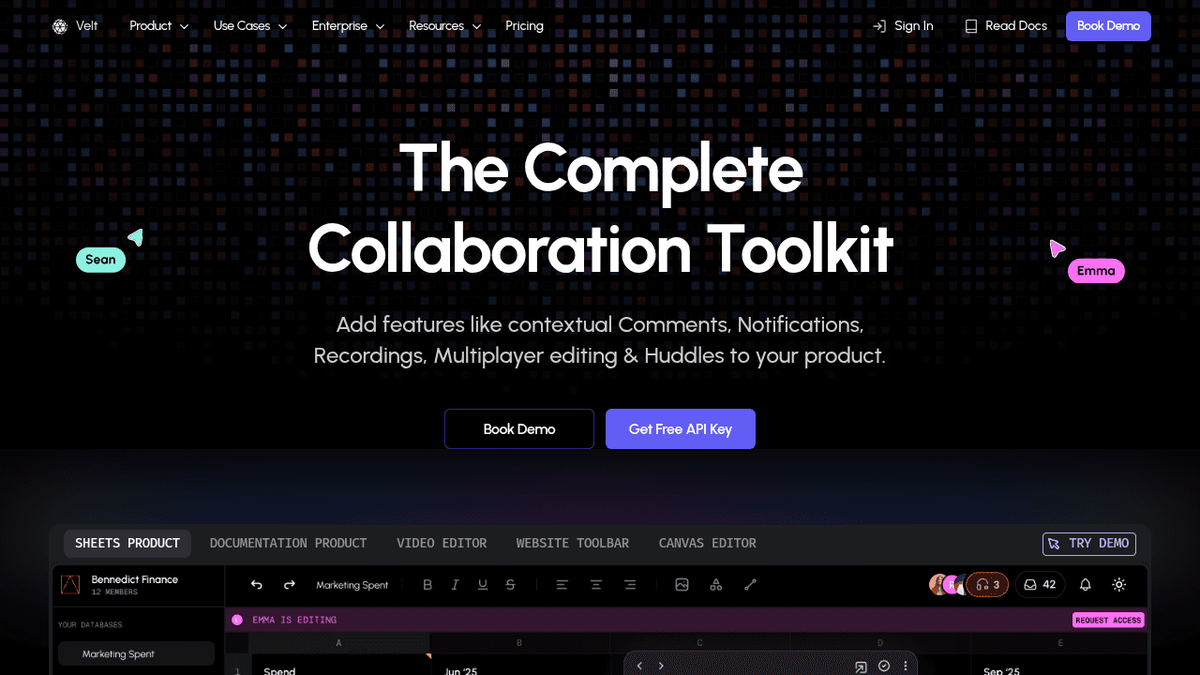
Velt functions as a collaboration stack where notifications connect with contextual comments, live presence, video huddles, and screen recordings. When a user mentions someone in a comment thread or starts a huddle, the notification system routes alerts through in-app centers and email based on user status and preferences.
Implementation requires about 10 lines of code. Add the SDK to your app, configure your API key, and drop in the notification component.
The system handles real-time delivery, email fallbacks, and preference management.
The notification center includes AI-powered summaries that condense comment threads and recording transcripts. Users see what the discussion was about and why it matters. The contextual copilot can suggest notification preferences based on user behavior patterns.
Security features include self-hosting options, GDPR compliance, and HIPAA certification, making it suitable for enterprise deployments.
The SDK works across React, Vue, Svelte, and Angular with full styling customization.
OneSignal
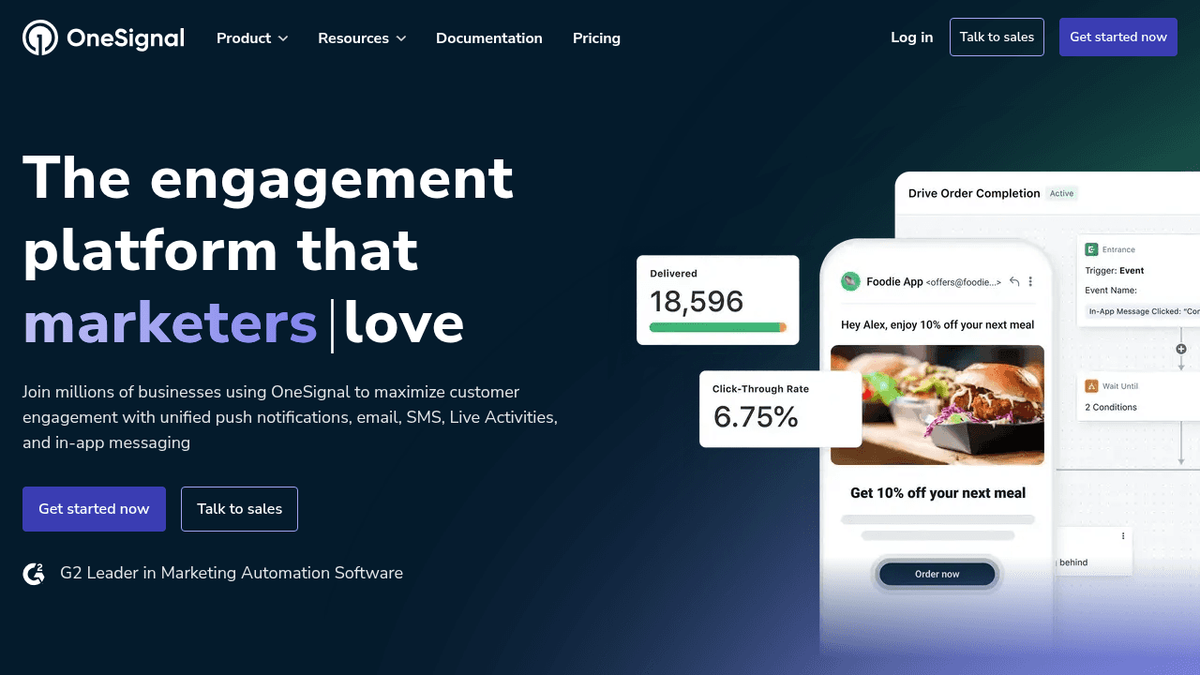
OneSignal functions as a cross-platform push notification service supporting iOS, Android, and web browsers with basic email capabilities. The service focuses primarily on marketing-driven notifications, not product-integrated messaging.
What they offer
- Multi-platform push notification delivery across mobile and web
- Basic segmentation and targeting features for audience management
- Free tier designed for promotional message distribution
- Simple dashboard for campaign creation and scheduling
The main limitation is design philosophy. OneSignal optimizes for marketing campaigns where you broadcast announcements to user segments. If you need transactional alerts that integrate with app workflows or trigger based on user actions within collaborative features, the architecture becomes cumbersome.
The notification center functionality is minimal compared to developer-first solutions. You get delivery infrastructure but limited UI components for building in-app experiences where users manage preferences or view notification history contextually.
Knock
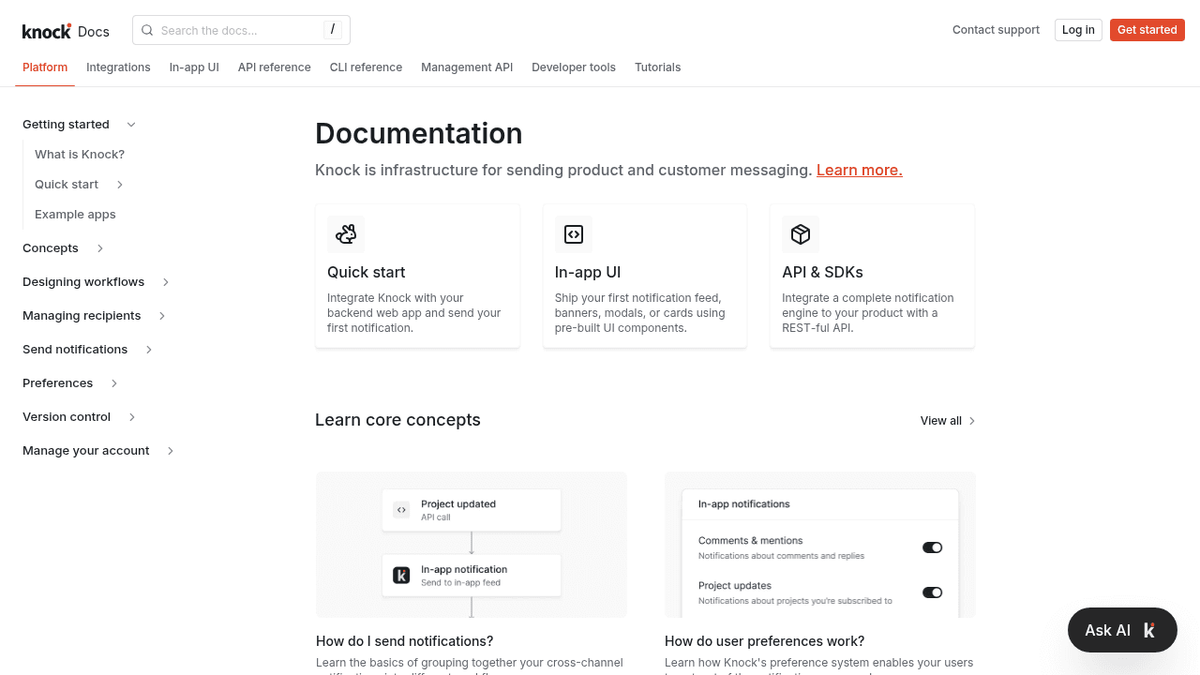
Knock routes notifications through third-party providers like SendGrid and Twilio. The service handles workflow orchestration but requires separate integrations for each communication channel.
What they offer
- Cross-channel routing and orchestration
- Template management for multiple channels
- Workflow automation capabilities
- Analytics and delivery tracking
The architecture requires you to bring your own delivery providers. Email notifications need SendGrid or Postmark. SMS requires Twilio. This creates dependency chains where troubleshooting delivery issues spans multiple vendor relationships.
The workflow builder supports conditional logic for multi-step notification sequences. Knock doesn't include pre-built notification center components, so you build the UI layer separately while Knock manages backend routing.
Courier
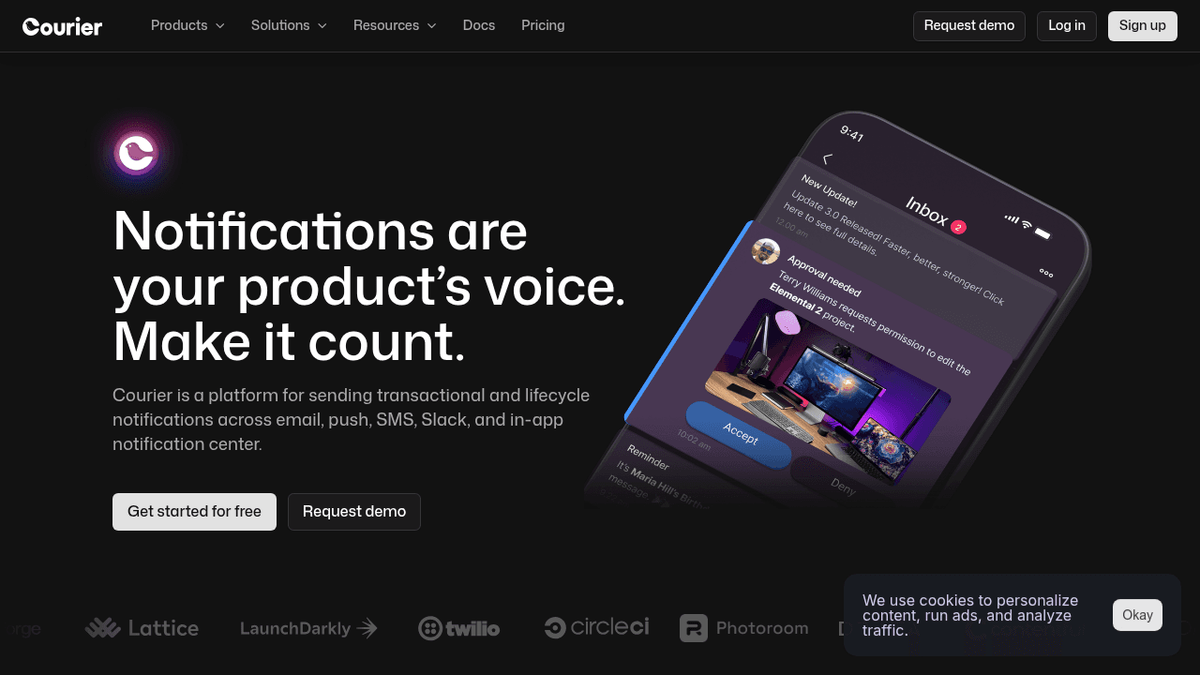
Courier acts as an orchestration layer between your app and third-party providers like FCM, Expo, and Twilio. The single API connects to over 50 services, letting you switch email providers or add SMS without changing your application code.
What they offer
- Single API for multiple notification channels including push, email, and SMS
- Provider flexibility with 50+ integrations for easy switching between services
- Template management across channels so you write notification content once
- Automatic failover routing that switches to backup providers without manual intervention
The routing engine handles provider outages by automatically switching to your backup. Templates sync across channels, so Courier formats your content for push, email, or SMS.
Courier focuses on delivery infrastructure. It doesn't include notification center components or collaborative features that connect notifications to in-app activities like comments or mentions.
Novu
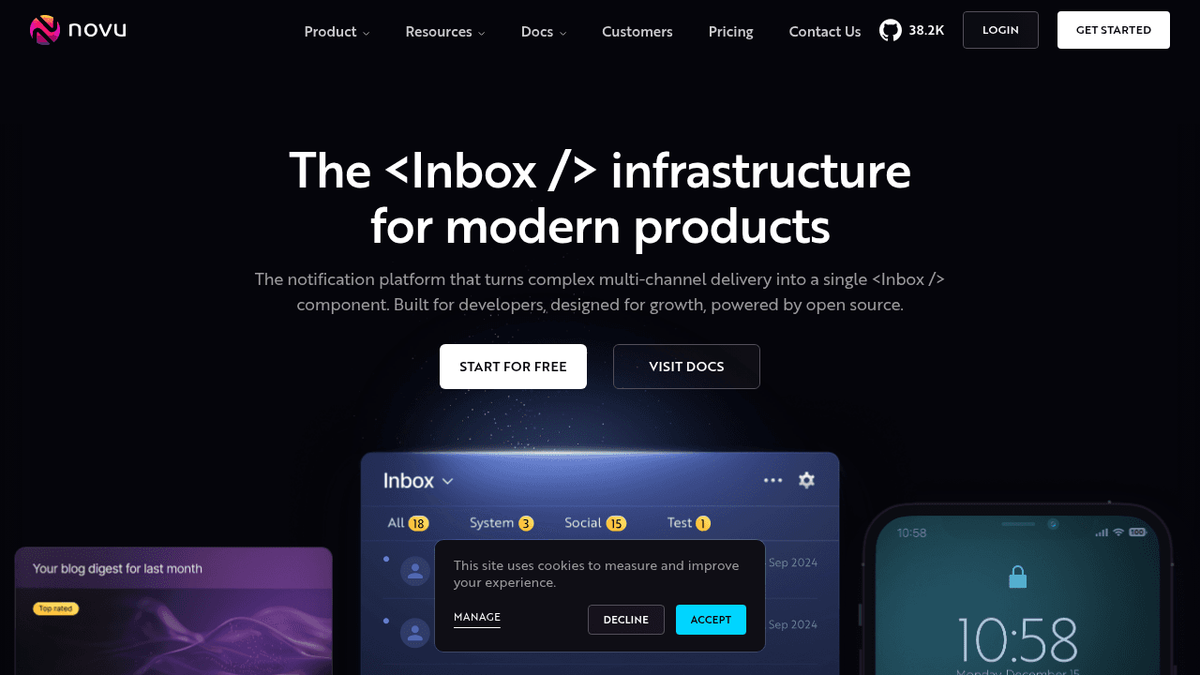
Novu operates as open-source notification infrastructure with self-hosting options and cloud-managed services. The architecture appeals to teams wanting full control over their notification data and deployment environment.
What they offer
- Open-source codebase with self-hosting capabilities for complete infrastructure control
- Multi-channel support including in-app, email, SMS, and push notifications
- Workflow builder for creating notification sequences and conditional routing
- API-first design with TypeScript SDK and REST endpoints
The self-hosting approach requires DevOps expertise to maintain servers, handle scaling, and manage updates. You're responsible for uptime, security patches, and infrastructure costs.
Novu focuses on notification delivery as opposed to collaborative workflows. It lacks features connecting notifications to contextual activities like comment threads or mentions within documents.
Feature Comparison Table of Notification SDKs
Here's how the top notification SDKs for in-app and email integration stack up across key features:
| Feature | Velt | OneSignal | Knock | Courier | Novu |
|---|---|---|---|---|---|
| In-app notifications | ✅ | ✅ | ✅ | ✅ | ✅ |
| Email integration | ✅ | Basic | ✅ | ✅ | ✅ |
| Real-time collaboration | ✅ | ❌ | ❌ | ❌ | ❌ |
| Multi-channel orchestration | ❌ | Limited | ✅ | ✅ | ✅ |
| Enterprise security | ✅ | Basic | ✅ | ✅ | ✅ |
| Self-hosting options | ✅ | ❌ | ❌ | ❌ | ✅ |
| AI-powered features | ✅ | ❌ | ❌ | ❌ | ❌ |
Why Velt is the best Notification SDK
The API market is growing at 23% annually, driven by demand for unified integration experiences. Most notification SDKs force you to manage separate providers for email, SMS, and push delivery. Velt handles everything natively, including in-app notification center UI components that match your brand.
Implementation takes 10 lines of code versus weeks of integration work across multiple services. You get AI-powered summaries, preference management, and delivery orchestration immediately. For enterprises requiring data control, self-hosting is available alongside cloud infrastructure.
When someone mentions you in a comment thread, records a screen walkthrough, or starts a video huddle, the notification arrives with full context about the collaborative activity that triggered it. This connection between alerts and actual work eliminates the context-switching that fragmented notification systems create.
Final thoughts on notification infrastructure
Switching between notification providers or adding new channels shouldn't require rewriting your application code. In-app notifications work best when they connect to actual user activities like comment mentions or huddle invitations, not just broadcast messages. Velt gives you that context along with AI summaries, preference management, and multi-channel delivery in one SDK. Your time is better spent building features than debugging delivery chains across multiple services.
FAQ
What is the main difference between a notification SDK and using separate services for email and push notifications?
A notification SDK provides a unified API that handles multiple channels (in-app, email, SMS, push) through one integration, while separate services require you to manage distinct integrations for each channel. This consolidation reduces implementation time from weeks to hours and simplifies maintenance across your notification infrastructure.
How long does it typically take to implement a notification SDK?
Most notification SDKs can be integrated in a few hours to a few days, depending on complexity. Developer-focused solutions like Velt require about 10 lines of code to get started, while orchestration platforms that route through third-party providers may take longer due to additional service configurations.
Can notification SDKs automatically send email follow-ups if users miss in-app alerts?
Yes, multi-channel orchestration is a core feature of modern notification SDKs. They monitor user engagement and can automatically escalate notifications from in-app to email or SMS based on delivery rules you configure, such as sending an email if an in-app notification goes unread for a specified timeframe.
What should I consider when choosing between self-hosted and cloud-managed notification infrastructure?
Self-hosted solutions give you complete data control and customization but require DevOps expertise to maintain servers, handle scaling, and manage security updates. Cloud-managed services handle infrastructure maintenance for you but may have limitations on data residency and customization options for enterprises with strict compliance requirements.
Do notification SDKs include pre-built UI components for notification centers?
This varies by provider. Some SDKs include ready-to-use notification center components that you can drop into your app and customize to match your brand, while others focus purely on backend delivery infrastructure and require you to build the UI layer separately.