

Real-Time Collaborative Editor Features Every Developer Needs (November 2025)
Build collaborative editors with 25 features in 10 lines of code. Learn WebSocket infrastructure, CRDTs, live cursors, and real-time sync in November 2025.
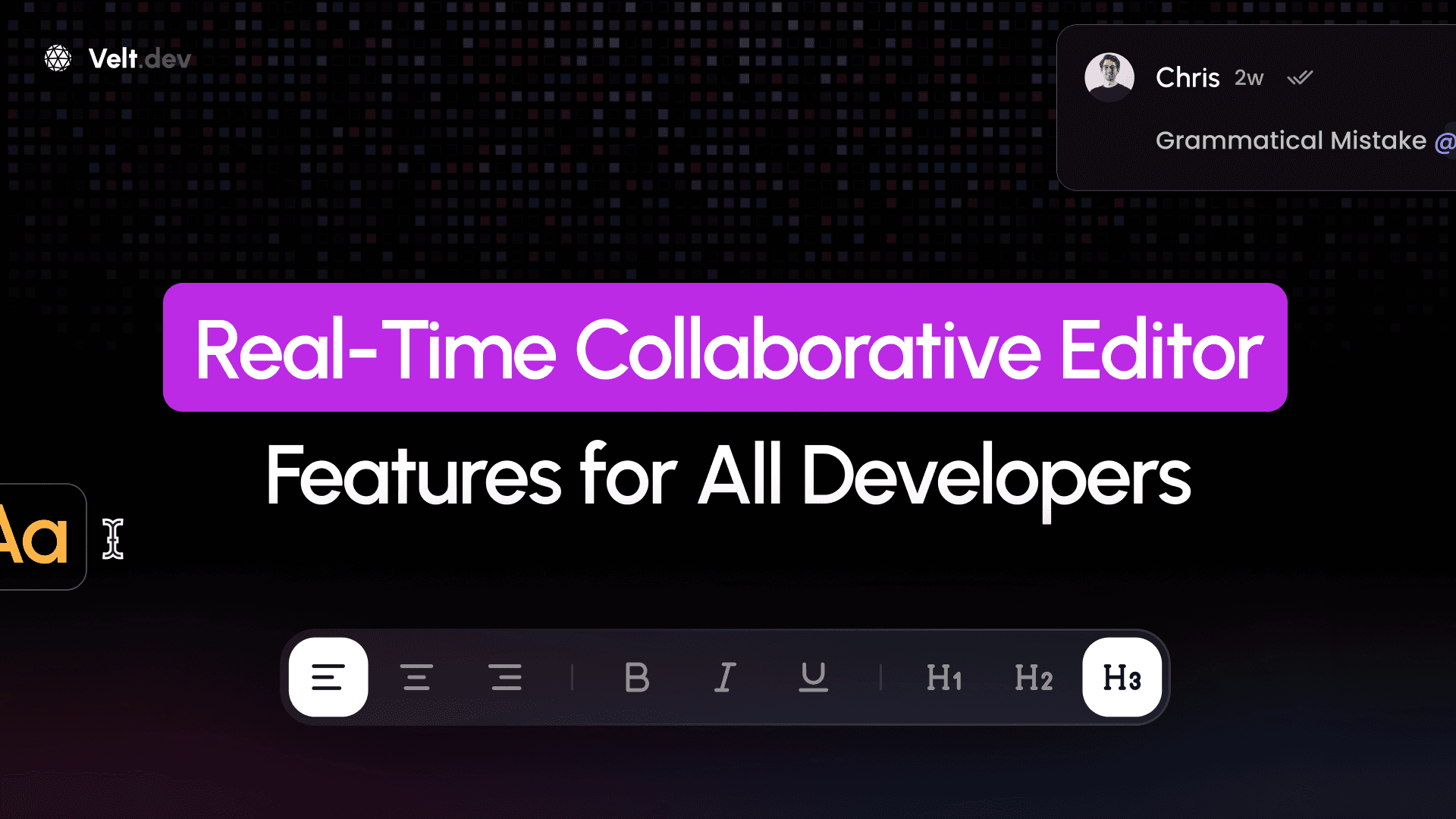
Real-time collaborative editing features such as live cursors, commenting, and multi-player editing have been made popular by modern tools and workspaces like Google Docs. But implementing these capabilities requires more than just saving everyone's changes to one file. It involves complex architecture with WebSocket servers, CRDT implementations, and conflict resolution algorithms just to get basic collaborative editing working. Most developers face the same frustrating choice: build complex real-time infrastructure from scratch or compromise on the features your users actually need. Fortunately, modern collaborative editor solutions can give you the premium collaboration features that users expect, letting you focus on your core product instead of reinventing collaboration infrastructure.
TLDR:
- Collaborative editors use WebSocket infrastructure and CRDTs to handle real-time edits without conflicts
- Live cursors and presence tracking reduce editing conflicts through visual user coordination
- Voice/video integration and contextual comments change basic editing into structured team workflows
- Building from scratch requires 1000s of lines vs 10 lines with complete collaboration SDKs
- Velt provides 25 collaboration features across all frameworks with 99.999% uptime and enterprise compliance
Core Infrastructure Features
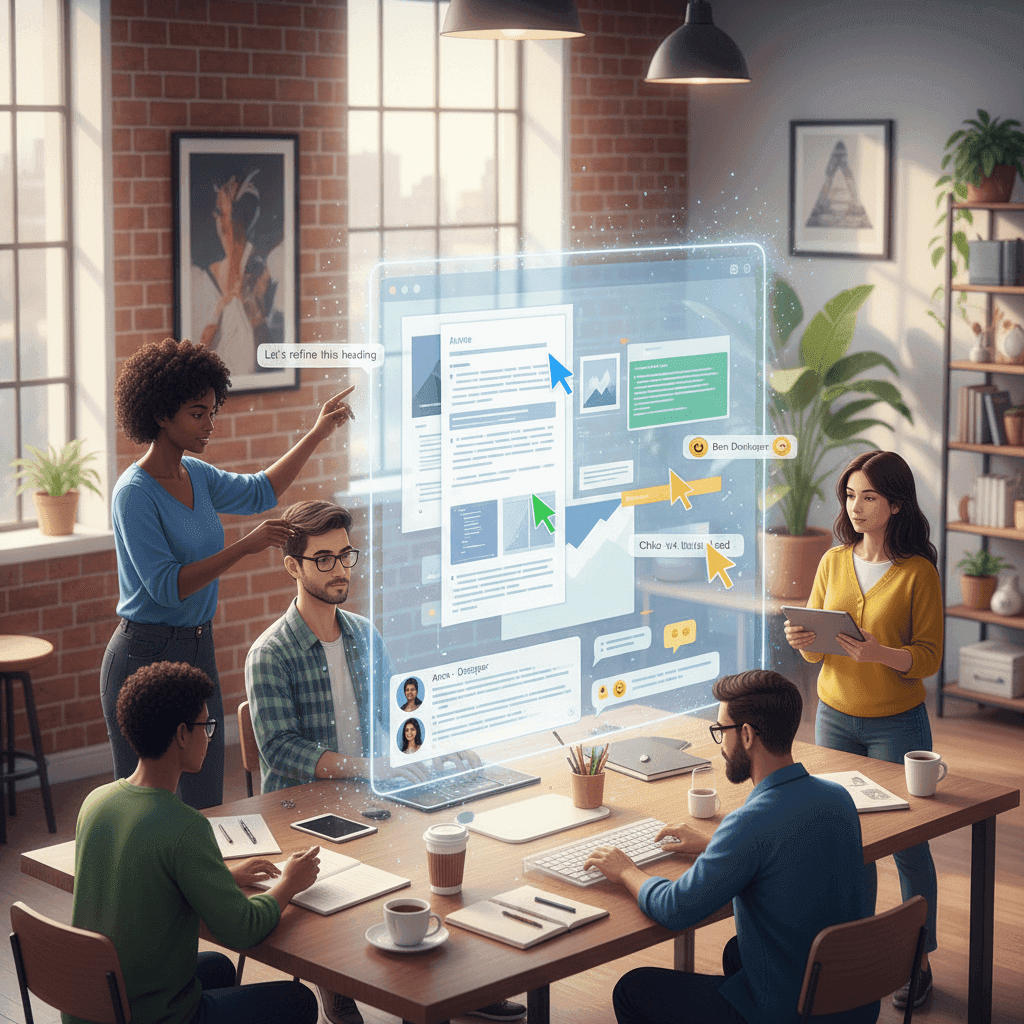
Building a collaborative editor requires solid technical foundations that can handle multiple users editing simultaneously without breaking. The backbone of any real-time collaborative system starts with WebSocket connections.
WebSocket servers allow full-duplex communication, meaning your server can push updates to clients instantly without waiting for requests. This bidirectional channel is what makes changes propagate to others in milliseconds instead of seconds.
But WebSockets are just the transport layer. The real magic happens with Conflict-free Replicated Data Types (CRDTs), which automatically merge concurrent edits from multiple users without creating conflicts. When two people edit the same paragraph simultaneously, CRDTs make sure both changes appear correctly.
Modern collaborative editors need strong client-server communication patterns that handle network drops, reconnections, and state synchronization smoothly.
Your architecture also needs smart state management. This means tracking document versions, managing user sessions, and handling edge cases like users going offline mid-edit.
The infrastructure challenge is why many teams choose complete solutions that provide both frontend SDKs and backend APIs across all major frameworks.
CRDT Technology and Conflict Resolution
CRDTs solve the core problem of collaborative editing: what happens when multiple users modify the same content simultaneously. Traditional approaches use locks or complex merge algorithms, but CRDTs eliminate conflicts entirely through mathematical properties.
CRDTs assign an immutable ID to each character and sort these IDs using a total order. When two users insert text at the same position, their edits don't conflict because each character gets a unique position identifier that determines its final placement.
The magic lies in three mathematical properties: commutativity (operations work in any order), associativity (grouping doesn't matter), and idempotence (duplicate operations have no effect). These properties guarantee that all clients reach the same final state regardless of network delays or operation ordering.
CRDTs allow multiple users to edit a shared document concurrently, with the assurance that conflicts will not arise during synchronization.
We've covered CRDT implementation strategies in detail if you're building your own solution. However, implementing CRDTs correctly requires deep understanding of distributed systems. Most teams benefit from solutions that handle CRDT complexity while providing simple APIs for common collaborative features.
Real-Time Presence and Cursor Tracking
Real-time presence changes collaborative editing from a confusing mess into an intuitive experience. When users can see exactly where others are working, accidental conflicts drop dramatically.
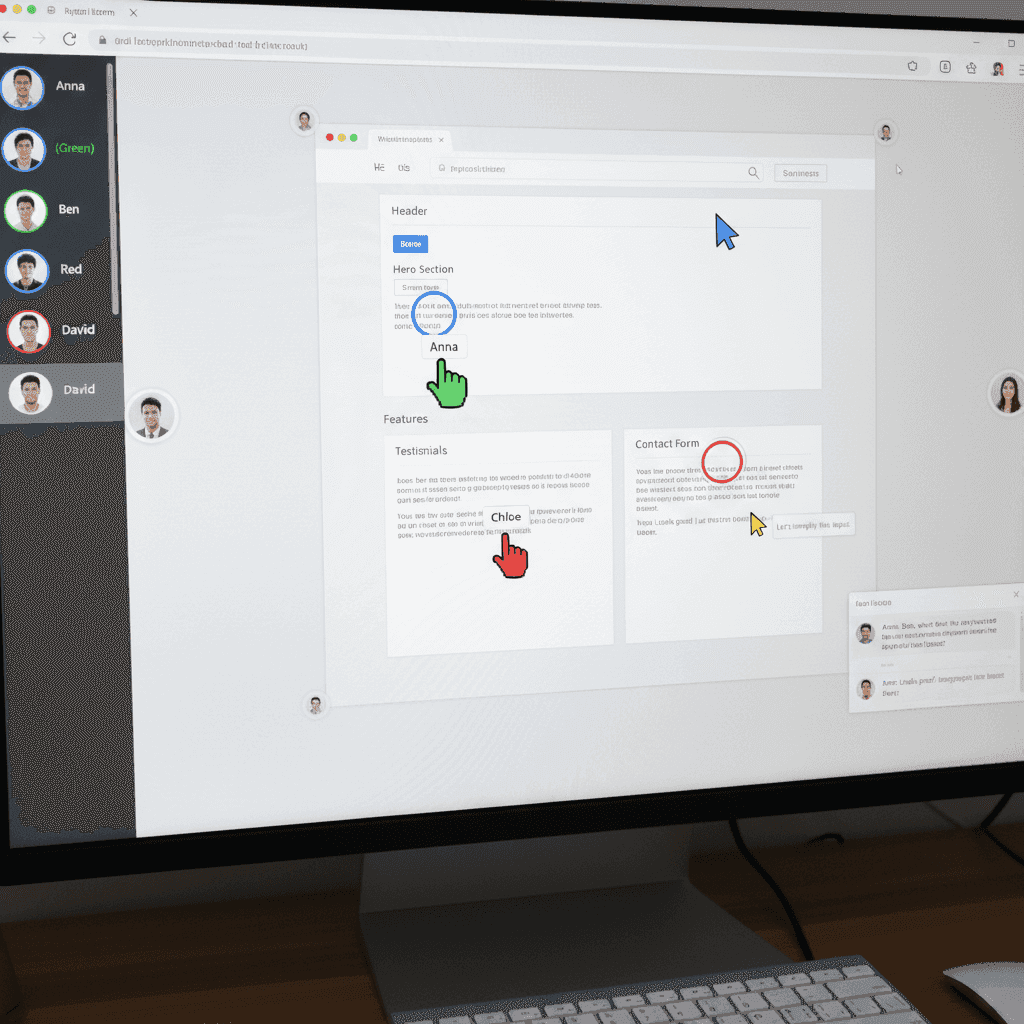
Live cursor tracking shows each user's position with colored indicators and avatars. You'll see cursors move as people type, select text, or move through the document. This visual feedback prevents users from editing the same section simultaneously.
Presence detection goes beyond just cursors. It tracks who's actively viewing the document, when they joined, and their current focus area. User profiles and changes sync in real-time to show avatars, selections, and other collaborative indicators.
Follow-me mode takes presence further by letting one user guide others through content. Perfect for code reviews, document walkthroughs, or collaborative debugging sessions.
Effective presence systems balance information density with visual clarity; they show enough detail to prevent conflicts without cluttering the interface.
The technical implementation requires careful tuning. You need configurable inactivity thresholds to handle users who step away, avatar limits to prevent interface overcrowding, and presence events that trigger at the right moments.
Comments and Annotation Systems
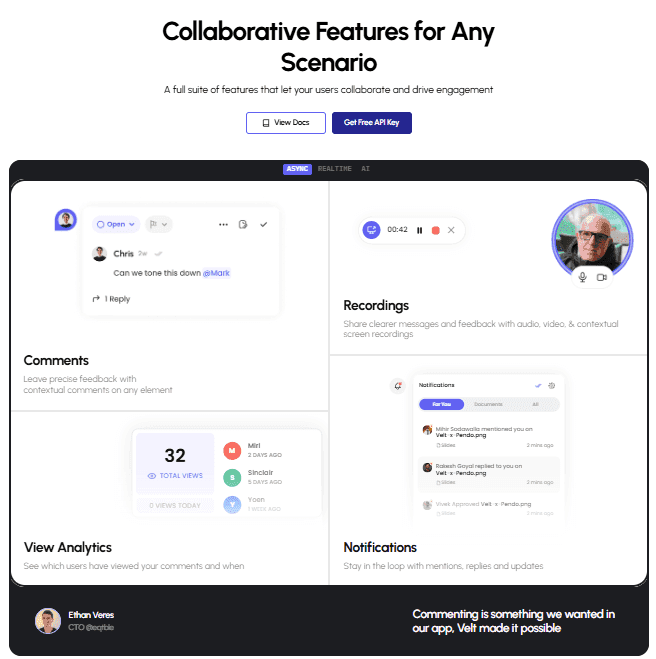
Comments change collaborative editing from basic text sharing into structured workflows where teams can discuss, review, and iterate on content effectively. Unlike simple chat systems, contextual commenting anchors conversations to specific document sections.
Threaded comments create organized discussions around particular content areas. Users can reply to comments, mention teammates, add reactions, and mark threads as resolved when issues are handled. This structure prevents important feedback from getting lost in general conversation.
Effective commenting systems separate discussion metadata from core document content, making sure comments don't interfere with the underlying text structure or version history.
Technical implementation requires careful data architecture. Comments need persistent storage with real-time synchronization, but they can't disrupt the document's CRDT operations. Most systems store comments as separate entities linked to document positions or DOM elements.
Voice and Video Integration
Text-based collaboration hits limits when complex changes need explanation. These changes require real-time discussion features beyond text-based comments. Voice and video integration bridges this gap by allowing instant face-to-face communication without disrupting the editing workflow.
One-click audio and video calls let users jump into synchronous discussions directly from the editor interface. No external meeting apps or context switching required. Teams can debate edits, explain complex logic, or walk through changes while maintaining their document focus.
Screen sharing takes this further by allowing users to show edits visually. Instead of describing "the third paragraph in section two," collaborators can point directly at content while explaining their reasoning or proposed changes.
Recording features add another dimension. Loom-style screen recording with AI transcription creates searchable archives of collaborative sessions. These recordings accept time-coded comments, turning async review into structured feedback workflows.
WebRTC handles peer-to-peer communication efficiently, but integrating it with document synchronization requires careful coordination. Voice calls can't interfere with CRDT operations, and video streams need bandwidth optimization to prevent editor lag.
Offline Support and Synchronization
Network connectivity isn't guaranteed, especially for mobile users or teams in areas with unreliable internet. Collaborative editors must handle offline scenarios gracefully while maintaining data integrity when users reconnect.
Text CRDTs like RGA support offline editing. Edits are captured as operations and applied when connectivity returns. This approach prevents data loss and maintains the collaborative experience regardless of network conditions.
Modern collaborative systems must support offline created content and merge it smoothly once users reconnect to maintain workflow continuity.
Connection status indicators can also help users understand their current state. Clear visual feedback shows when they're working offline, when changes are queued locally, and when synchronization completes successfully.
Security and Access Control
Collaborative editing creates unique security challenges because multiple users access shared documents simultaneously, often with different permission levels. Traditional single-user security models don't handle the complexities of real-time multi-user environments.
Role-based access control becomes important for managing editing permissions. Users need granular scopes for presence visibility, document editing rights, and viewing access. Some team members might only observe cursors and comments, while others can modify content directly.
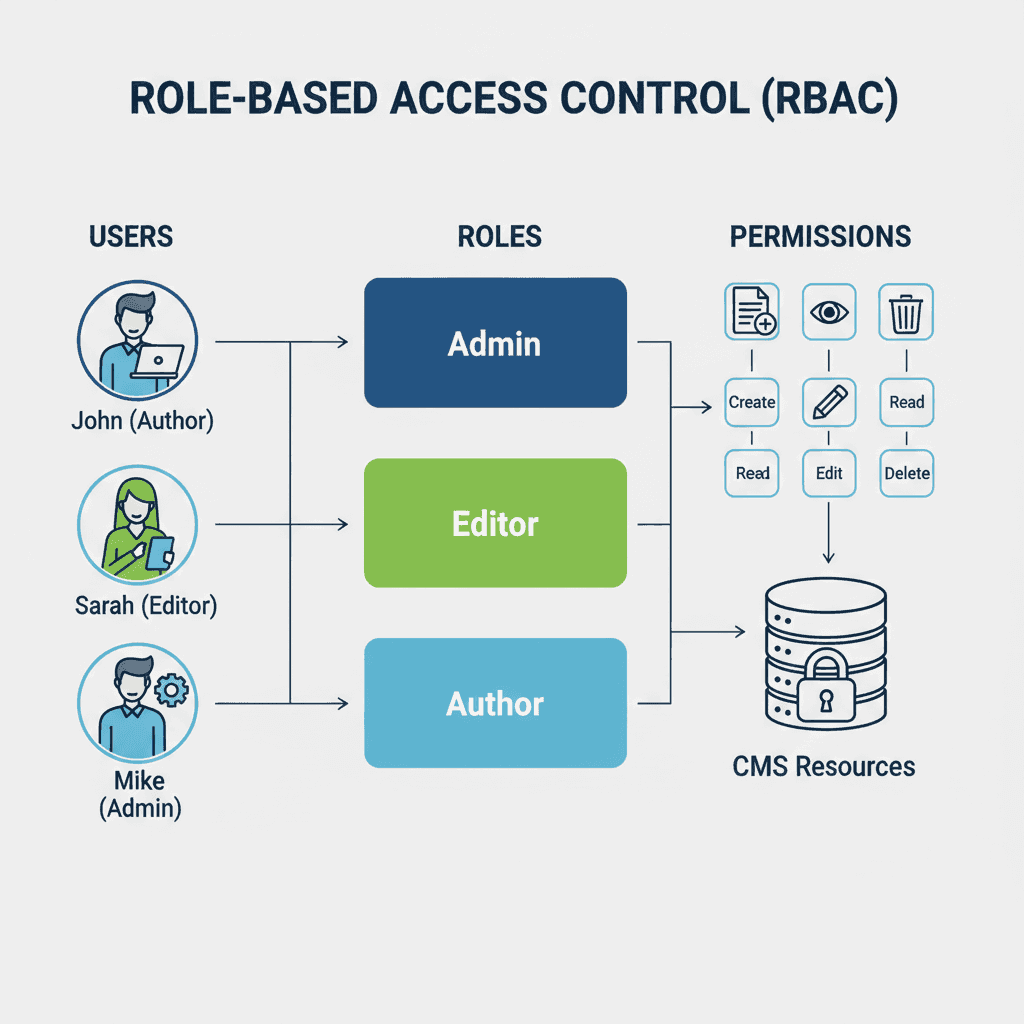
WebSocket connections require secure authentication patterns. Unlike HTTP requests with per-call authorization, WebSocket sessions maintain persistent connections that need continuous validation. Token-based authentication with refresh mechanisms prevents unauthorized access during long editing sessions.
Fine-grained roles and scopes for presence, editing, and viewing make sure users only access features appropriate to their permission level.
Data encryption protects content during transmission and storage. Real-time communications need end-to-end encryption that doesn't interfere with CRDT operations or introduce latency that disrupts collaborative workflows.
Compliance requirements like GDPR, SOC 2, and HIPAA also demand specific data handling practices. Self-hosted solutions offer data privacy by keeping sensitive content within your infrastructure instead of third-party servers.
Audit trails track all collaborative activities including document changes, user access patterns, and administrative actions. These logs support compliance reporting and security investigations while maintaining performance during active editing sessions.
Performance and Scalability Considerations
Collaborative editors face unique performance challenges as user counts grow. Unlike traditional apps where scaling means handling more requests, collaborative systems must maintain real-time synchronization across potentially thousands of simultaneous connections.
Each collaboration feature has a performance impact which requires a specific optimization strategy. Depending on your user count and data load, a combination of strategies might be necessary.
| Feature | Performance Impact | Optimization Strategy |
|---|---|---|
| Live Cursors | Low | Throttle position updates |
| Document Sync | Medium | Use change tracking |
| Video Calls | High | WebRTC peer connections |
| Large Files | High | Lazy loading and chunking |
| Comments | Low | Separate from document state |
Payload optimization reduces bandwidth consumption. Instead of sending entire document states, efficient systems transmit minimal operation deltas. Smart batching combines multiple small changes into single network calls without sacrificing responsiveness.
Why Choose Velt for Collaborative Editing
Building collaborative editing features from scratch means months of infrastructure work before you ship a single user-facing feature. Most teams need a solution where a single engineer can add comments and collaboration features in just a few minutes instead of building complex WebSocket servers and CRDT implementations.
With Velt, you get 25 premium features including live cursors, contextual comments, voice huddles, screen recording, and presence tracking without maintaining any backend infrastructure.
The SDK works across all major frameworks: React, Vue, Svelte, and Angular, with first-class TypeScript support. No vendor lock-in or framework restrictions that force architectural compromises.
The 10 lines vs 1000s difference becomes key for shipping speed when teams need to focus on core product features instead of collaboration infrastructure.
Scalability comes built-in with 200M comments capacity and 99.999% uptime. Your collaborative features work reliably from prototype to enterprise scale without performance tuning or infrastructure management.
Velt provides custom encryption allowing you to encrypt CRDT data before it's stored by registering a custom encryption provider. In a few lines of code you can have total control of your data with end-to-end payload encryption and support for your own keys (BYOK).
For compliance-sensitive applications, Velt also offers self-hosting options that run in your VPC while maintaining the same developer experience. GDPR, SOC 2, and HIPAA compliance with regular security audits.
We provide dedicated Slack channels for developer support, helping teams integrate faster compared to email-only alternatives. Check out our collaboration tools guide to see how Velt accelerates collaborative editing development.
FAQ
How long does it take to implement collaborative editing features?
With full-featured SDKs like Velt, you can add collaborative features in just 10 lines of code within minutes, while building from scratch typically requires thousands of lines of code and months of development time.
What are CRDTs and why do I need them for collaborative editing?
CRDTs (Conflict-free Replicated Data Types) automatically merge concurrent edits from multiple users without creating conflicts by assigning unique IDs to each character and using mathematical properties to make all clients reach the same final state.
How do I handle users going offline during collaborative editing sessions?
Modern collaborative editors use local persistence with IndexedDB to queue changes during offline periods, then automatically sync these operations when connectivity returns, preventing data loss while maintaining document integrity.
What's the difference between building collaboration features and using an existing solution?
Building from scratch means months of WebSocket server development, CRDT implementation, and infrastructure management, while solutions like Velt provide 25 collaboration features across all frameworks with enterprise-grade scalability and compliance built-in.
When should I consider voice and video integration in my collaborative editor?
Voice and video become important when text-based collaboration hits limits during complex discussions, code reviews, or when teams need to explain changes visually through screen sharing without leaving the editing workflow.
Final thoughts on building collaborative editing experiences
Real-time collaborative editing changes how teams work together, but the technical complexity can overwhelm even experienced developers. The choice between building custom infrastructure or using complete collaborative solutions often determines whether your collaborative features ship in weeks versus months. Velt handles the complex WebSocket servers, CRDT implementations, and scaling challenges so you can focus on your core product. Your users will appreciate the smooth collaboration experience, and your development team will thank you for avoiding months of infrastructure work.