

Best Follow-Me Mode SDKs for Collaborative Presentations in December 2025
Compare the best follow-me mode SDKs in May 2026. Velt, Liveblocks, Yjs, SuperViz, and TogetherJS ranked by live cursor tracking, viewport sync, and guided collaboration features.
Walking a team through a presentation shouldn't require constant "are you seeing this?" check-ins. But that's what happens when everyone's navigating independently or stuck watching a static screen share. Live cursor trails and collaborative navigation keep everyone synced to the presenter's view automatically. Zoom into a detail, pan across a canvas, or jump pages, and your audience sees exactly what you see. If you're building collaborative presentations into your product, the SDK you pick matters. We tested the ones that handle viewport syncing, cursor tracking, and presence indicators so you can ship faster instead of building collaboration infrastructure from scratch.
TLDR:
- Follow-me mode syncs viewports in real-time so presenters guide teams through documents or apps
- Integration takes weeks instead of quarters by bundling infrastructure and interface components
- Velt includes SOC 2 compliance, data self-hosting, and 99.999% uptime for enterprise requirements
- Velt offers a JavaScript SDK combining follow-me mode with comments, recordings, and video huddles
What is Follow-Me Mode?
Follow-me mode is a guided collaboration feature that lets one person lead while others automatically follow along in real-time. When a presenter navigates through a document, design file, or application, everyone else's viewport syncs to match those exact movements.
The feature synchronizes views across all participants. If the presenter zooms into a chart, pans across a canvas, or jumps to a different page, followers see those changes instantly. Unlike screen sharing, each participant maintains their own interactive session and can temporarily break away to explore independently before rejoining the guided view.
How We Ranked Follow-Me Mode SDKs
We assessed each SDK against criteria that matter most when building collaborative presentation experiences:
- Live cursor tracking quality and smoothness across multiple users
- Viewport synchronization accuracy and latency
- Presence awareness features that show who's active and where they're looking
- Collaborative navigation controls for leading and following
- UI component availability to reduce custom development work
We also considered integration complexity, documentation quality, and pricing transparency. Deployment options factored in since some teams need self-hosting while others prefer managed infrastructure. Complementary features like commenting, notifications, or recording capabilities were assessed where they enhance the presentation experience beyond basic follow-me functionality.
Best Overall Follow-Me Mode SDK: Velt
Velt includes follow-me mode within a full collaboration SDK that runs on real-time presence tech and live cursor tracking. The package contains pre-built UI components for guided navigation alongside the underlying infrastructure APIs.The setup handles viewport synchronization, cursor trails showing participant focus, and presence indicators displaying active users. Quick integration is possible because Velt manages both back-end infrastructure and front-end UI.
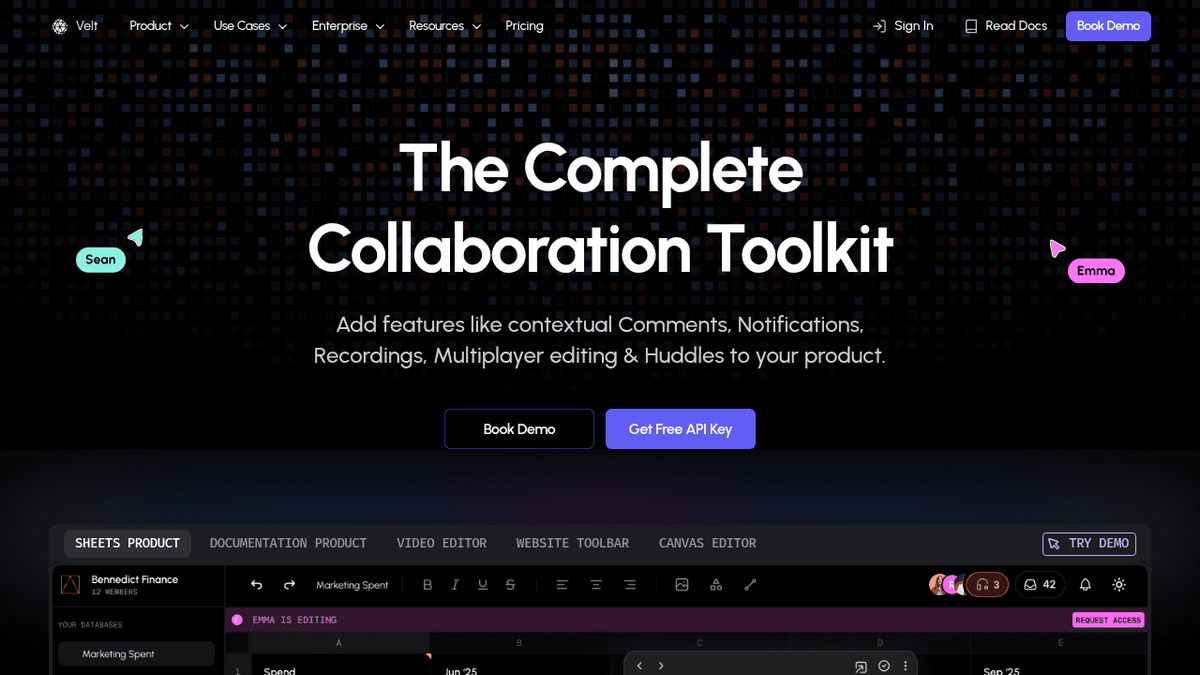
The SDK bundles commenting, in-app huddles, screen recording with AI transcription, and contextual notifications alongside follow-me functionality. Design reviews can add annotations, while data walkthroughs support voice discussion without coordinating separate vendors.
Security includes SOC 2 Type II compliance and HIPAA BAA availability. Data self-hosting gives control over collaboration information storage, while managed hosting removes infrastructure maintenance.
Liveblocks
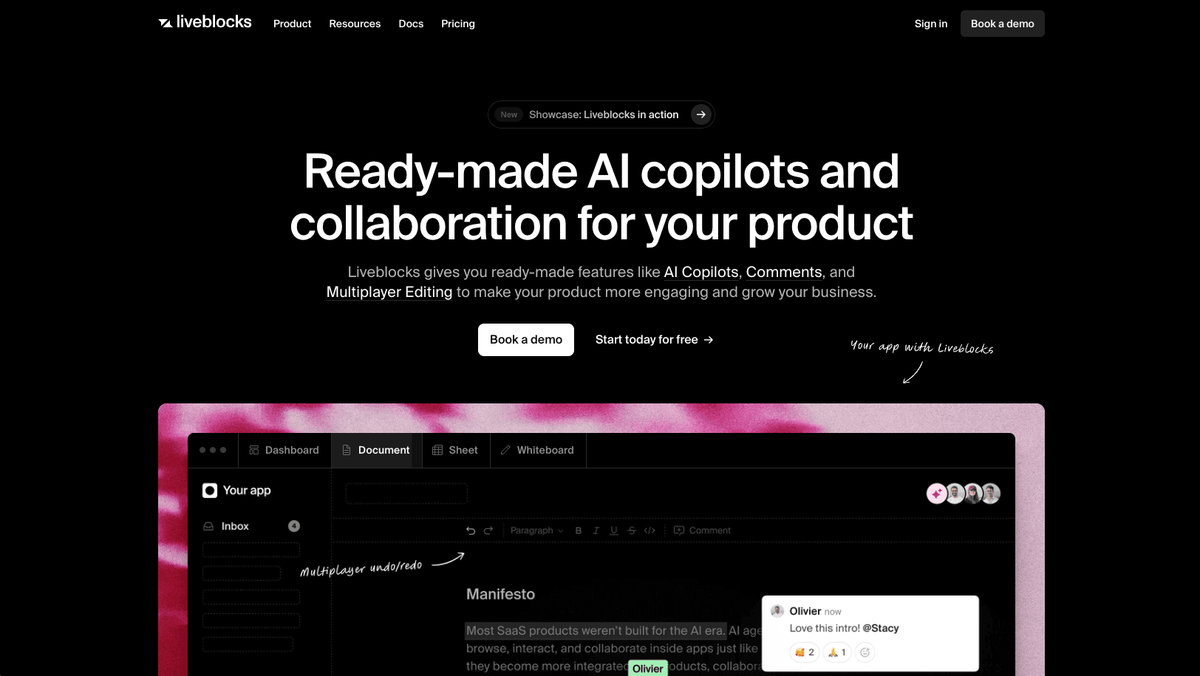
Liveblocks provides real-time collaboration infrastructure focused on presence and cursor tracking for React applications.
Key Features
Liveblocks has a number of key follow-me mode SDK features:
- Presence API for tracking online users and cursor positions in real-time
- Storage API with CRDT-backed data synchronization for shared state
- React hooks for live cursor rendering and user awareness
- Basic comment and text editor UI starters requiring additional customization
Limitations
Liveblocks requires front-end development to build complete guided collaboration experiences, as Liveblocks provides infrastructure and minimal UI components. Teams must build viewport synchronization logic, navigation controls, and notification systems. The SDK lacks native support for screen recording, video huddles, or AI assistance. Pricing scales by monthly active users and documents with restrictive storage limits (8GB on free tier), and there is no self-hosting option for regulated industries.
The Bottom Line
Liveblocks is best for React-first development teams building custom collaboration interfaces who need low-level primitives and have engineering capacity to develop front-end experiences.
Yjs
Yjs is an open-source CRDT framework that handles data synchronization for collaborative applications. It requires separate integrations for networking and UI components.
Key Features
Yjs has a number of key follow-me mode SDK features:
- High-performance CRDT implementation for conflict-free data synchronization that works across multiple connection types including WebSocket, WebRTC, and peer-to-peer
- Awareness CRDT for basic presence and cursor position sharing across connected users
- Pre-built bindings for text editors like Monaco, Quill, CodeMirror, and ProseMirror
Limitations
Yjs provides only data synchronization primitives without pre-built UI components. Implementing follow-me mode requires custom viewport tracking logic, separate connection providers, and infrastructure management. Teams must build their own presence indicators, cursor rendering, user management, and navigation features from scratch.
The Bottom Line
Yjs is great for engineering teams building custom collaborative text editing experiences who need granular control over their tech stack and have expertise in distributed systems.
SuperViz
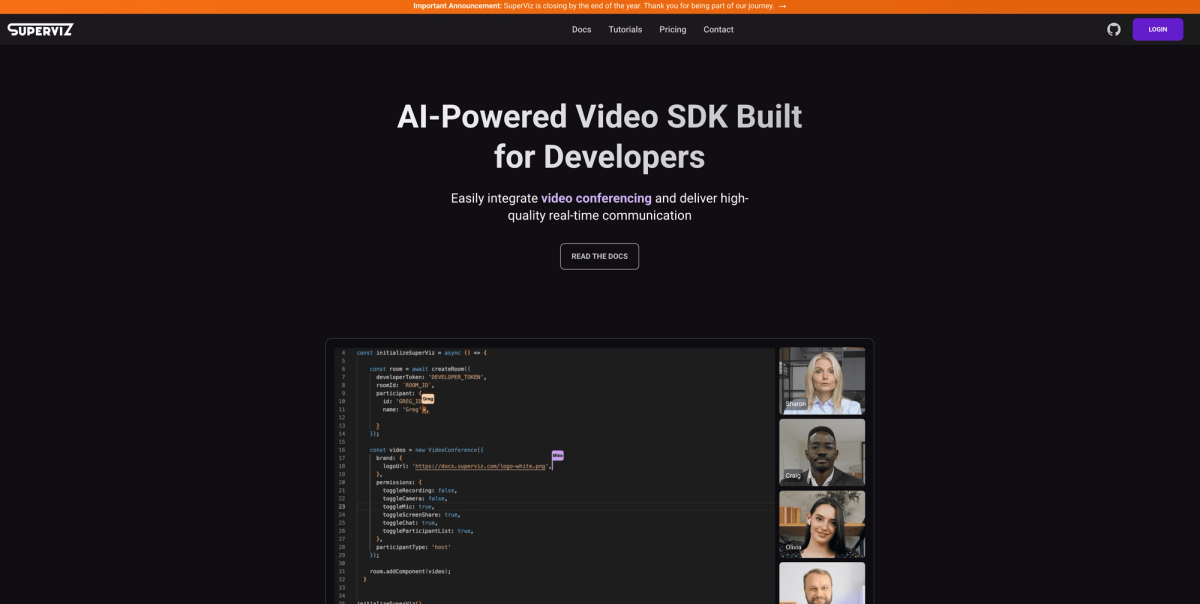
SuperViz offers a JavaScript SDK for real-time collaboration features like live cursor tracking and presence indicators in web apps.
Key Features
SuperViz has a number of key follow-me mode SDK features:
- Real-time mouse pointer tracking that displays cursor positions for all participants
- Presence awareness that shows which users are active in collaborative sessions
- Video conferencing SDK for voice and video communication
- Integration components for cursor tracking within specific HTML elements
Limitations
SuperViz focuses on presence and cursor tracking without viewport synchronization or follow-me navigation controls. The SDK lacks contextual commenting systems, notification management, screen recording with transcription, or AI-powered collaboration enhancements. Documentation and ecosystem support are limited, with minimal information about deployment flexibility, compliance certifications, or data residency options required by regulated industries.
The Bottom Line
SuperViz is great for development teams building visual collaboration tools or diagramming applications that need cursor tracking alongside video communication features.
TogetherJS
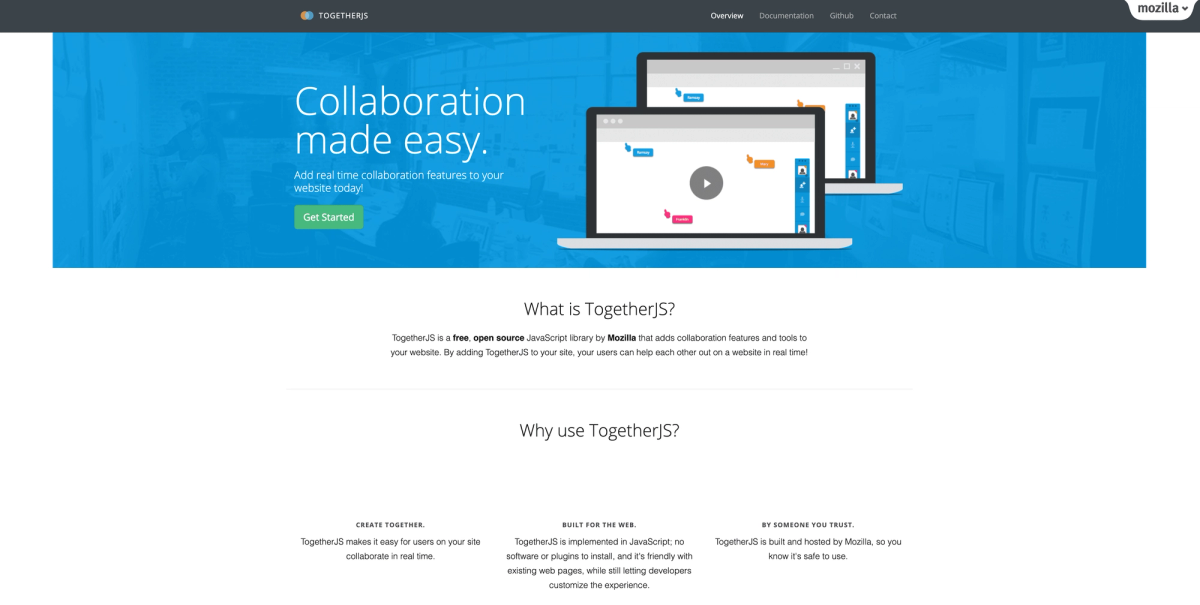
TogetherJS is an open-source JavaScript library by Mozilla that adds basic real-time collaboration to websites, including cursor visibility and page following.
Key Features
TogetherJS has a number of key follow-me mode SDK features:
- Mouse cursor visibility showing where users are clicking
- Page following allowing users to navigate together across pages on the same domain
- Chat functionality for instant messaging between collaborators
- WebRTC-based screen and content synchronization
Limitations
Mozilla no longer actively maintains TogetherJS, raising concerns about long-term viability, security updates, and compatibility with current web technologies. The library provides only rudimentary collaboration features without advanced capabilities like rich presence indicators, structured commenting, or notification systems. It lacks enterprise features including access controls, compliance certifications, scalability guarantees, and professional support.
The Bottom Line
TogetherJS may work for simple prototypes or hobby projects, but its unmaintained status and limited feature set make it unsuitable for professional applications requiring reliability and ongoing support. It is great for open-source projects or educational applications needing basic free collaboration capabilities.
Feature Comparison Table of Follow-Me Mode SDKs
| Feature | Velt | Liveblocks | Yjs | SuperViz | TogetherJS |
|---|---|---|---|---|---|
| Live Cursor Tracking | ✓ Pre-built UI | ✓ Build your own | ✓ Build your own | ✓ Basic | ✓ Basic |
| Viewport Synchronization | ✓ Built-in | ✗ Custom build | ✗ Custom build | ✗ Not available | ✓ Page-level |
| Presence Indicators | ✓ Ready avatars | ✓ API only | ✓ Awareness CRDT | ✓ Basic | ✓ Basic |
| Contextual Comments | ✓ Full threading | ✗ Starter kit | ✗ Not included | ✗ Not available | ✗ Not available |
| Screen Recording | ✓ With AI transcription | ✗ Not available | ✗ Not available | ✗ Not available | ✗ Not available |
| Video Huddles | ✓ Built-in | ✗ Not available | ✗ Not available | ✓ Separate SDK | ✗ Not available |
| Self-Hosting Options | ✓ Data self-hosting | ✗ Cloud only | ✓ Fully self-hosted | ✗ Unknown | ✓ Open source |
Why Velt is the Best Follow-Me Mode SDK
The presentation software market is expanding as teams demand collaborative capabilities built directly into their tools. Users expect unified experiences for presenting, annotating, and discussing instead of switching between separate apps. But, teams building collaborative presentations need cursor tracking, comments for feedback, recordings for async review, and voice calls for live discussion. Assembling these from multiple vendors creates integration headaches and delayed launches.
Velt's SDK packages follow-me navigation with live cursors, viewport syncing, contextual annotations, screen recording with AI transcription, video huddles, and notifications with webhooks. One integration covers the full collaboration stack. Velt's architecture handles both infrastructure and interface. Working UI components alongside the real-time sync engine cut implementation from quarters to weeks. For teams evaluating whether to build or buy, our Commenting SDK: Build vs Buy Guide for 2025 breaks down the decision framework. Data self-hosting and SOC 2 compliance address enterprise requirements that rule out competitors offering only cloud-hosted infrastructure.
When collaboration features keep users engaged inside your app instead of forcing context switches to external tools, retention improves measurably.
Final thoughts on building guided collaboration features
Your users expect live cursor trails and viewport syncing to work alongside comments and recordings, not as separate tools. Velt packages the full collaboration stack with working UI components, so you can ship complete presentation features without coordinating multiple vendors. One integration covers everything from presence indicators to AI-powered transcription, keeping your users focused on their work instead of switching between apps.
FAQ
What is follow-me mode in collaborative applications?
Follow-me mode is a guided collaboration feature where one person leads a presentation and all other participants' viewports automatically sync to match the leader's navigation, zooming, and panning in real-time. Unlike screen sharing, each participant maintains their own interactive session and can temporarily break away to explore independently.
How long does it take to implement follow-me mode with Velt?
Most teams can integrate Velt's follow-me mode in minutes to hours instead of the months required to build custom solutions. The SDK includes pre-built UI components and handles both infrastructure and interface, reducing implementation time from quarters to weeks for full deployment.
Can participants temporarily leave follow-me mode to explore on their own?
Yes, participants can break away from the guided view to explore content independently, then rejoin the leader's viewport when ready. This flexibility lets users investigate details at their own pace while maintaining the option to sync back to the presentation flow.
What's the difference between follow-me mode and screen sharing?
Follow-me mode synchronizes viewports across participants while each person maintains their own interactive session, allowing them to click, zoom, or temporarily explore independently. Screen sharing broadcasts a static video feed where viewers passively watch without interaction or the ability to control their own view.
Do I need separate tools for comments and recordings during presentations?
With Velt, contextual comments, screen recording with AI transcription, video huddles, and notifications are included alongside follow-me mode in one SDK. This eliminates the need to integrate multiple vendors or coordinate separate collaboration tools for presentation workflows.