


Thread Management SDKs for Contextual Commenting (March 2026)
Compare top thread management SDKs for contextual commenting in March 2026. See how Velt, Liveblocks, Tiptap, and Ably handle comment anchoring workflows.
Your users need to leave feedback on specific parts of your interface, whether that's a design mockup, a video frame, or a data visualization. You could build comment resolution workflows and thread management yourself, but that's a massive detour from your roadmap. The smarter move is using an SDK that handles the hard parts. The problem, though, is choosing the right one. Some thread management SDKs give you complete solutions with UI included. Others provide real-time infrastructure but expect you to build everything else. We ranked the top SDKs based on their threading features, contextual anchoring support, and how much development work they actually save you.
TLDR:
- Thread management SDKs add contextual commenting to apps without building from scratch
- Velt provides dynamic comment anchoring that auto-repositions threads when content changes
- MAC-based pricing charges only for active collaborators, typically 80% less than MAU models
- Other players like Liveblocks offers real-time sync but requires custom ENG work for most features
What are thread management SDKs for contextual commenting?
There are three elements to implementing comments in your application using an SDK:
- Thread management SDKs. These give developers pre-built tools to add contextual commenting directly into their apps. Instead of building discussion threads from scratch, you can integrate an SDK that handles the comment infrastructure, from nested replies to user mentions and notifications.
- Contextual commenting systems. These let users attach feedback to specific elements. Comments stay anchored to exact locations, so everyone knows what's being discussed. Each comment can spawn replies, creating discussion threads that preserve context.
- Comment resolution workflows. These let users mark threads as resolved once feedback is resolved, keeping active discussions separate from completed ones. Thread management SDKs handle data synchronization across users, store comment metadata, track resolution states, and trigger notifications when someone joins a thread.
How we ranked thread management SDKs
We assessed thread management SDKs based on publicly available documentation, published specifications, and developer resources. This ranking reflects what you can verify before choosing an SDK, not proprietary benchmarks or internal testing.
The criteria we focused on:
- Depth of threading features like nested replies, hierarchical organization, and thread grouping
- Comment resolution workflows and status tracking capabilities
- Contextual anchoring support for attaching comments to specific UI elements or content
- Notification systems for mentions, replies, and thread updates
- Collaboration features beyond basic commenting
- Published uptime guarantees and service level commitments
- Pricing transparency and billing model clarity
- Developer integration experience based on documentation quality, setup speed, and SDK size
Each SDK excels in different areas. Some offer a lot of infrastructure with minimal UI components, while others provide complete solutions including pre-built interfaces. We favored SDKs that support threaded discussions with contextual anchoring, instead of general real-time infrastructure requiring custom development.
Best Overall Thread Management SDK: Velt
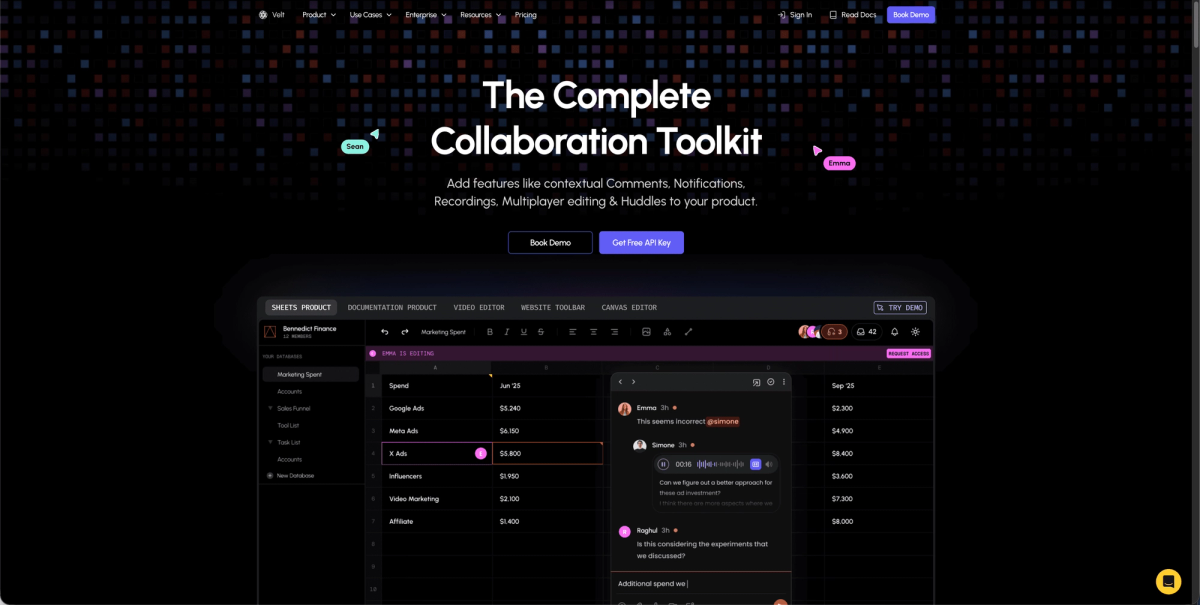
Velt handles thread management without the usual development overhead. The SDK includes everything you need for contextual commenting, from nested reply structures to resolution workflows, in a single integration. Dynamic comment anchoring makes us different us from basic threading systems. Comments automatically reposition when your content changes, with context-aware design tools boost efficiency 30% in feedback cycles. If a user adds text above an existing comment, the thread stays attached to the correct element without requiring manual updates or custom positioning logic.
Key Features
Velt offers a number of important features related to thread management:
- Complete contextual commenting with threaded discussions, status management, priority levels, and resolution tracking. Automatic comment positioning handles dynamic content without requiring custom logic.
- Real-time presence indicators, live cursors, audio/video recording attachments, and voice huddles within comment threads.
- Built-in notification system supporting in-app, email, and webhook delivery for thread updates.
The Bottom Line
Velt provides the full UI layer alongside the infrastructure. Comment boxes, notification menus, and user avatars come styled and functional. You can customize the appearance to match your app without building these interfaces from scratch.
Velt charges based on Monthly Active Collaborators (MAC) who actually use the features, not all connected users. We maintain 99.999% uptime for enterprise accounts and support data self-hosting for teams with strict compliance requirements.
Liveblocks
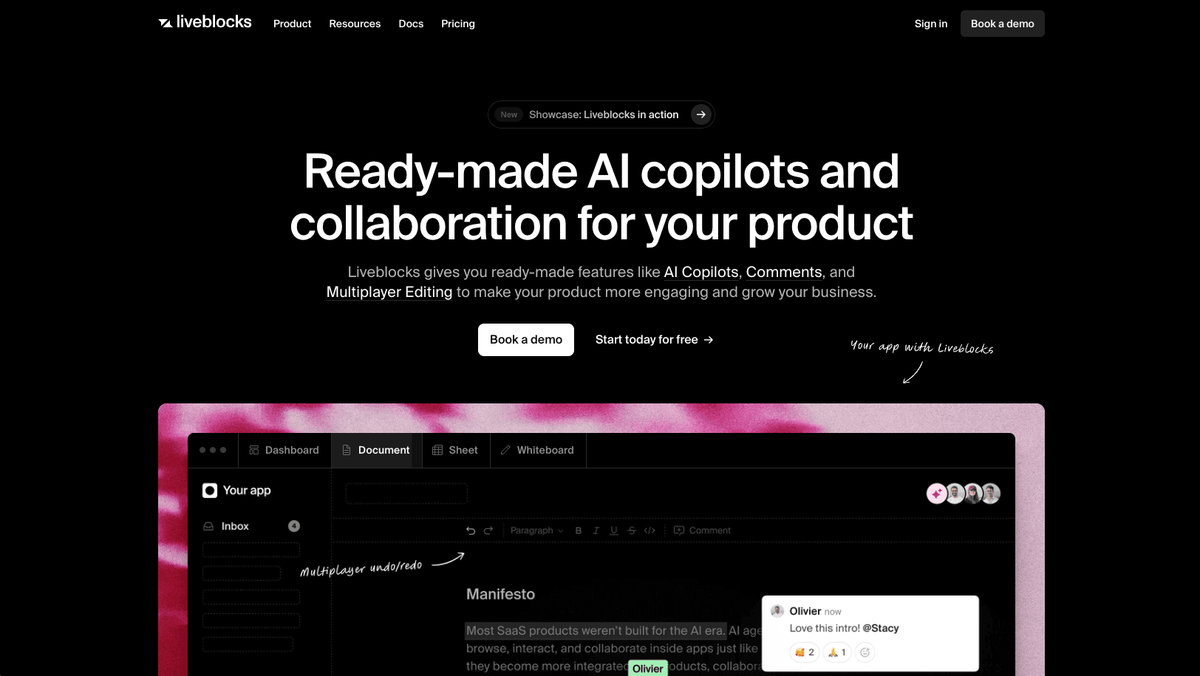
Liveblocks provides real-time infrastructure focused on backend synchronization and basic collaborative components for web applications.
Key Features
Liveblocks offers a number of important features related to thread management:
- Real-time data synchronization using CRDT tech and WebSocket infrastructure for live updates across users
- Presence APIs showing online status and cursor positions to indicate who's viewing content
- Basic comment box UI component with storage for threaded discussions
- Integration hooks primarily for React with limited support for other frameworks
Limitations
The SDK lacks key functionality. Comments don't automatically anchor to specific UI elements when content shifts. You'll write custom positioning logic to keep threads attached to the right locations.
The Bottom Line
Liveblocks works for teams building React apps that need real-time data sync and basic commenting. You'll need development resources to build custom UI components for most collaboration features. Their MAU-based pricing model charges for every user who connects, including passive viewers. If you have reviewers who occasionally check in, costs can increase since you're paying for users who aren't actively collaborating.
Tiptap
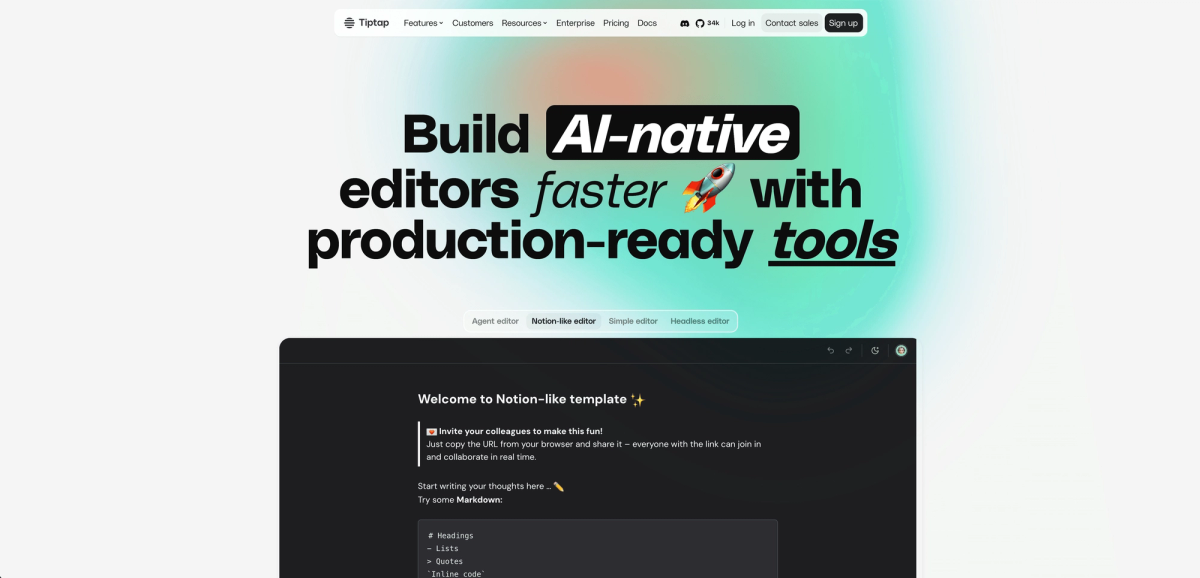
Tiptap is a rich text editor framework with collaborative editing extensions for text document workflows. Tiptap Comments adds commenting features within text editing experiences.
Key Features
Tiptap offers a number of important features related to thread management:
- Threaded conversations and inline suggestions anchored to text selections
- Real-time collaborative editing with user presence, avatars, and cursors
- Document synchronization using Yjs and Hocuspocus backend infrastructure
Limitations
Tiptap Comments works only within Tiptap editors. The solution lacks task management, read receipts, notification systems, or voice and video integration. The Collaboration extension requires multiple dependencies including a Tiptap-hosted Document server.
The Bottom Line
Tiptap cannot work beyond editor contexts like dashboards, design tools, video editors, or data visualizations requiring contextual feedback.
Ably
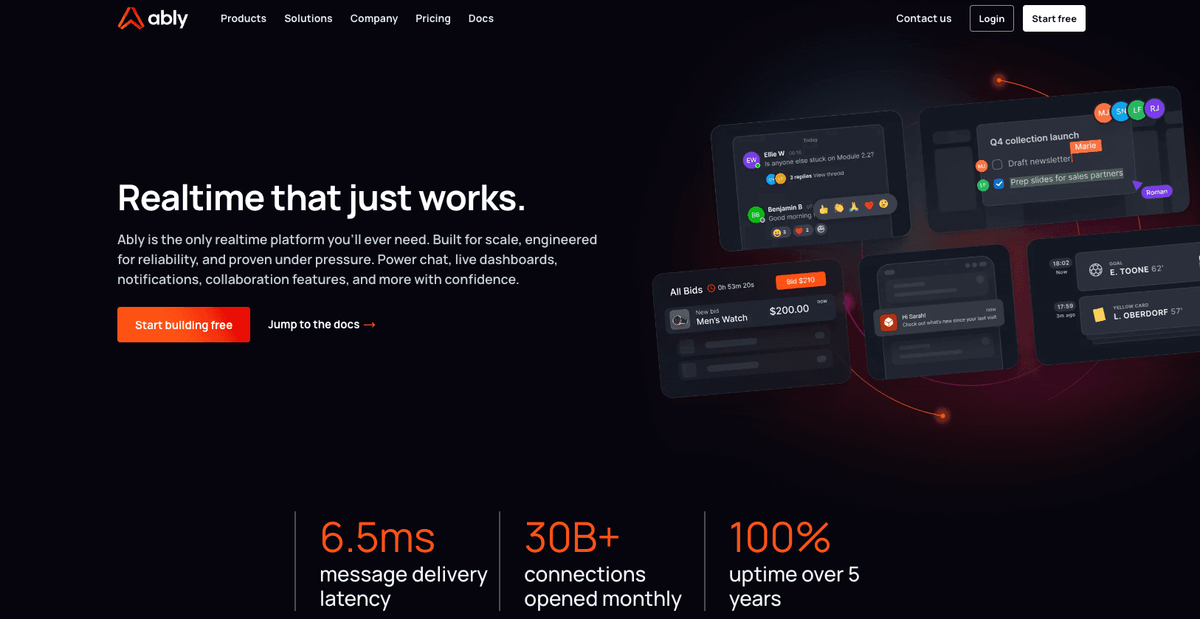
Ably provides realtime messaging infrastructure through pub/sub channels with WebSocket connectivity.
Key Features
Ably offers a number of important features related to thread management:
- Pub/sub messaging channels with realtime WebSocket infrastructure that handle message delivery across connected clients
- Message history storage and retrieval through REST APIs for accessing past communications
- Presence indicators that track which users are currently connected to specific channels
- Cross-platform SDKs supporting JavaScript, Ruby, Python, Java, Go, and PHP
Limitations
Ably provides only the messaging transport layer without pre-built commenting components, thread management features, or UI elements. You'll need to build thread hierarchies, comment resolution workflows, notifications, contextual anchoring, and all frontend components. No built-in support exists for comment-specific features like mentions, reactions, or status tracking.
The Bottom Line
Ably works for development teams building custom realtime messaging systems from scratch who need reliable pub/sub infrastructure and can implement all commenting and threading logic themselves. The SDK's JavaScript implementation serves as infrastructure for custom messaging but requires a lot of development work to create thread management capabilities.
Feature Comparison Table of Thread Management SDKs
| Feature | Velt | Liveblocks | Tiptap | Ably |
|---|---|---|---|---|
| Contextual comment anchoring | Yes | Limited | Text-only | No |
| Threaded conversations | Yes | Yes | Yes | No |
| Comment resolution workflows | Yes | No | No | No |
| Real-time notifications | Yes | No | No | No |
| Presence indicators | Yes | Yes | Yes | Yes |
| Video/audio attachments | Yes | No | No | No |
| Dynamic positioning | Yes | No | No | No |
| Built-in UI components | Yes | Basic | Editor-only | No |
| Uptime guarantee | 99.999% | 99.9% | 99.9% | 99.999% |
| Pricing model | MAC-based | Document-based | Document-based | Message-based |
Why Velt is the best thread management SDK
Thread management requires anchoring logic that adjusts when content shifts, UI components that integrate cleanly, and cross-channel notifications. Building this takes months. Velt provides automatic contextual anchoring that repositions threads as your content changes. The SDK includes pre-built UI components for comments, notifications, and presence that adapt to your design system.
The SDK works with React, Vue, Angular, or vanilla JavaScript. It supports self-hosted data for compliance needs while maintaining 99.999% uptime. You get comment threads, resolution workflows, and notifications in one SDK instead of managing multiple services.
Pricing is based on monthly active collaborators (MAC), not total users. This approach costs about 80% less than MAU models where passive viewers increase your bill.
Final thoughts on thread management SDK options
The right thread management SDK saves you months of development work and gives your users a better collaboration experience. Velt provides automatic anchoring, pre-built UI components, and real-time notifications without the overhead of building everything yourself. You get enterprise-grade infrastructure that adapts to your design system. Check out the SDK and start adding contextual comments to your app today.
FAQ
How do I choose the right thread management SDK for my app?
Start by identifying whether you need a complete solution with UI components or just infrastructure. If you're building a React app with basic commenting needs and have frontend ENG resources, Liveblocks or Ably might work. For apps requiring contextual anchoring, resolution workflows, and cross-framework support without building custom UI, Velt provides the most complete package.
Which thread management SDK works best for non-text content like dashboards or design tools?
Velt and Liveblocks support commenting beyond text editors. Velt provides contextual comments that automatically repositions comments when content changes, while Liveblocks requires you to write custom positioning logic. Tiptap only works within text editor contexts and cannot handle visual content like charts, videos, or design mockups.
What's the difference between MAU-based and MAC-based pricing for commenting SDKs?
MAU (Monthly Active Users) pricing charges for everyone who connects, including passive viewers who never comment. MAC (Monthly Active Collaborators) pricing only charges for users who actually create, edit, or resolve comments. MAC typically costs 80% less since only about 20% of users actively collaborate in most apps.
Can I use these SDKs if I need to self-host collaboration data for compliance?
Velt supports data self-hosting for teams with strict compliance requirements while maintaining managed infrastructure. Ably offers self-hosted deployment options but requires building all commenting features yourself. Liveblocks and Tiptap primarily operate as cloud services without self-hosting options for the collaboration layer.
How long does it take to implement a thread management SDK?
Implementation time varies by SDK complexity. Velt integrates in hours since it includes pre-built UI components and automatic anchoring. Liveblocks takes days to weeks depending on how much custom UI you build. Ably and Tiptap require weeks to months since you're building thread management logic and interfaces from scratch.