

Best Rich Text Editors: Top 10 Options Compared (Updated in July 2026)
Compare the 10 best rich text editors for React updated for July 2026. Lexical, TipTap, Quill, SlateJS, Monaco, and more. Find the right editor for your app.

When you're adding text editing to your app, you need a rich text editor for React that balances features with performance. The options range from minimal WYSIWYG libraries to full frameworks with plugin systems. Some editors are framework-agnostic, others are built for React or Vue. Lexical and TipTap lead for React; ProseMirror serves teams that need maximum low-level control; Froala, TinyMCE, and CKEditor 5 suit teams wanting pre-built UI. Velt adds review and approval infrastructure on top of any React editor.
TLDR:
- Rich text editors range from low-level toolkits like ProseMirror to headless frameworks like Lexical and TipTap, to commercial solutions like Froala, TinyMCE, and CKEditor 5
- Lexical and TipTap offer the most flexibility for custom implementations in React apps
- Code-focused editors like Monaco and CodeMirror handle syntax coloring better than traditional rich text editors
- Velt adds real-time collaboration features to any React editor through DOM-aware comment binding and Yjs infrastructure
What Is a Rich Text Editor and Why It Matters
A rich text editor is a text input component that lets users format content directly in the browser. Unlike plain text fields, these editors provide formatting controls for bold, italics, headings, lists, images, links, and tables. For developers building web apps, rich text editors solve a critical problem: users expect formatting capabilities without leaving your interface. Whether you're building a content management system, project management tool, or collaborative workspace, a rich text editor becomes the bridge between simple text input and full document creation. And if you don't believe us, just consider that according to CKEditor's 2024 report, 71% of respondents consider rich text editors critical to their apps.
Today's rich text editors range from lightweight WYSIWYG libraries to extensible frameworks that support custom nodes, real-time collaboration, and advanced formatting. Some are headless (you build the UI), while others provide complete interfaces out of the box. The choice depends on your app's complexity, your team's resources, and whether you need features like mentions, commenting, or multiplayer editing. Framework-based editors like Lexical give you architectural control but require more setup while drop-in solutions like TinyMCE get you up-and-running faster but offer less customization.
Key Factors to Consider When Choosing a Rich Text Editor
Choosing a rich text editor means balancing control, performance, and features. According to CKEditor's 2024 developer survey (check for a more recent edition), 52% of developers want full control over their editor's experience.
Here's what to consider:
- Framework compatibility: Verify native support for React, Vue, or Angular. Some editors offer framework-agnostic APIs, while others provide dedicated wrapper components.
- Customization depth: Decide between headless frameworks (you build the UI) and pre-built interfaces. Headless gives you full design control but requires more engineering.
- Bundle size and performance: Check the minified size and paint speed. Editors range from roughly 100KB (Quill) to 2MB+ (Monaco), and that gap matters for mobile users and content-heavy pages.
- Collaborative features: If you need real-time editing, comments, or presence, confirm whether the editor supports these natively or requires third-party integration.
- Licensing: Review whether the editor is open-source (MIT, GPL) or requires commercial licensing for production use.
Lexical: Meta's Extensible Text Editor Framework
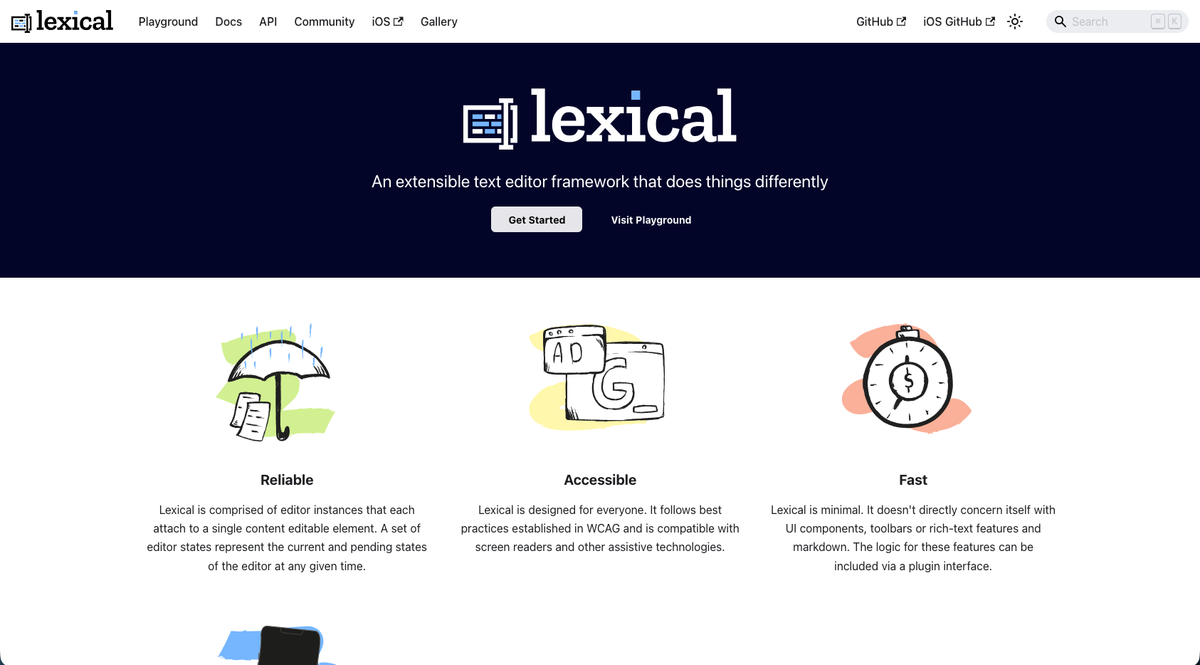
Lexical is Meta's text editor framework, powering Facebook, WhatsApp, and other Meta products. Unlike monolithic editors, Lexical provides a minimal core with a plugin architecture that lets you build the editor you need. The framework is framework-agnostic but includes official React bindings. Its plugin system handles mentions, hashtags, custom node types, and toolbar controls. You compose features instead of stripping out unwanted functionality. And, performance is a priority. Lexical uses an immutable state model and efficient reconciliation to handle large documents without lag. It meets WCAG standards with proper ARIA labels and keyboard navigation.
The lexical-playground provides a live testing environment to experiment with plugins and review implementation patterns before building your own editor. This makes Lexical ideal for teams that need flexibility and control with reliability from a framework used at scale.
TipTap: The Headless Rich Text Editor Built on ProseMirror
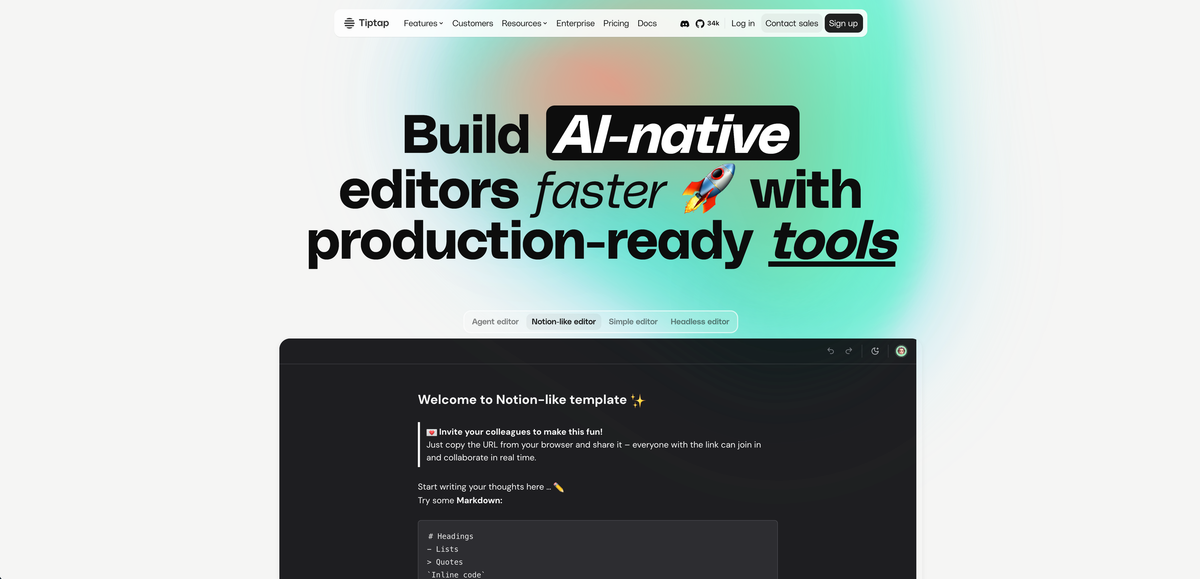
TipTap is a headless rich text editor built on ProseMirror. The framework provides editor logic and state management without imposing a UI, letting you design every button, menu, and interaction. Its headless approach makes TipTap a strong choice for teams building Notion-style editors or custom content creation interfaces. You control markup, styling, and behavior while TipTap handles the document model.
The extension system is extensive. TipTap ships with pre-built extensions for formatting, lists, tables, code blocks, and mentions. You can write custom extensions to handle domain-specific content types or behaviors. Each extension is composable, so you add only what you need.
Real-time collaboration comes through Yjs integration. TipTap supports multiplayer editing with conflict-free merging, making it viable for collaborative app development. Historically, you'd need to configure Yjs infrastructure and connection handling separately. Velt now ships @veltdev/tiptap-crdt (currently in beta), a dedicated Yjs-based CRDT library that bridges Velt's review and approval infrastructure directly with TipTap's document model, removing the need to wire that up yourself and giving TipTap-based products access to Velt's full review layer: contextual comments, approval workflows, presence, notifications, audit trails, and recording.
With over 1.8 million monthly npm downloads, TipTap ranks among the most popular editor frameworks. Its TypeScript support, active community, and clear documentation reduce integration friction. If you're comparing TipTap against a dedicated SDK, the TipTap vs Velt commenting SDK comparison breaks down where each wins.
Quill: The Powerful and Lightweight WYSIWYG Editor
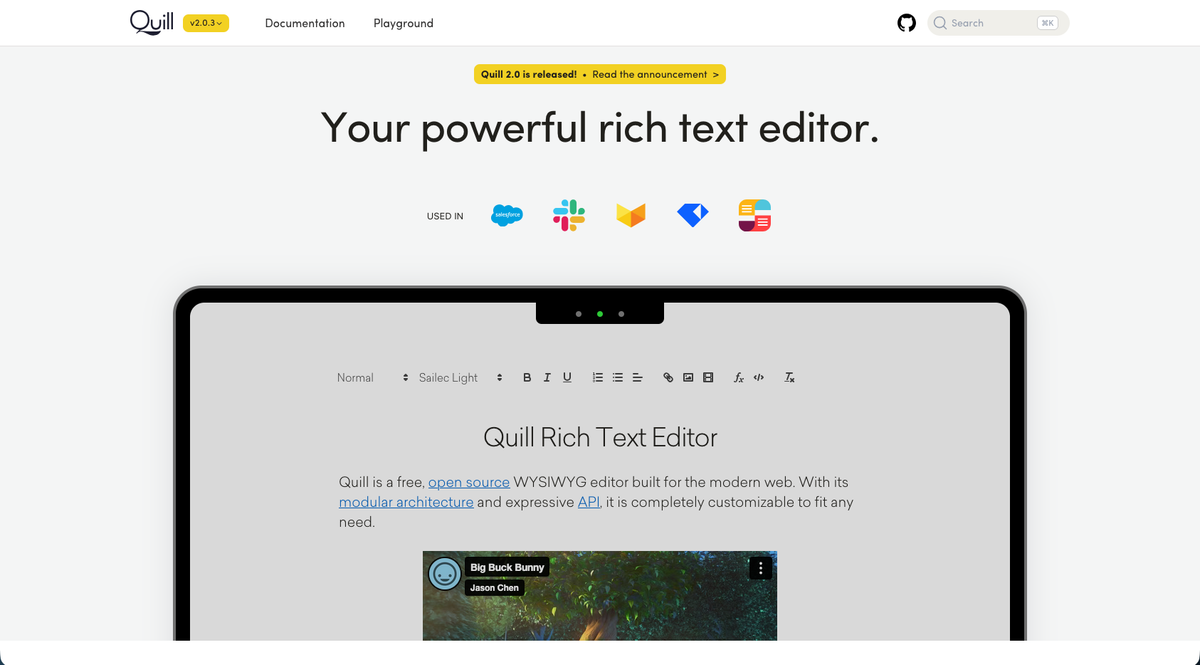
Quill is a WYSIWYG editor maintained by Slab that focuses on simplicity and extensibility. Its modular architecture lets you add or remove formatting options through a clean API. The editor uses a JSON-based delta format to represent document changes, making it straightforward to save, version, and sync content. Quill handles the conversion between user actions and delta operations automatically. Theming is built into the core with two options: Snow (toolbar-based) and Bubble (Medium-style tooltip). You can customize either or build your own using CSS variables and the module system. For more options in this category, our guide to best React WYSIWYG editors covers additional picks.
React integration works through react-quill, a wrapper that exposes Quill's API as React props. The integration supports both controlled and uncontrolled component patterns. With 1,482,043 weekly downloads, Quill is one of the most deployed rich text editors. Its stability and documentation make it a reliable choice when you need solid formatting functionality.
SlateJS: The Completely Customizable React Framework
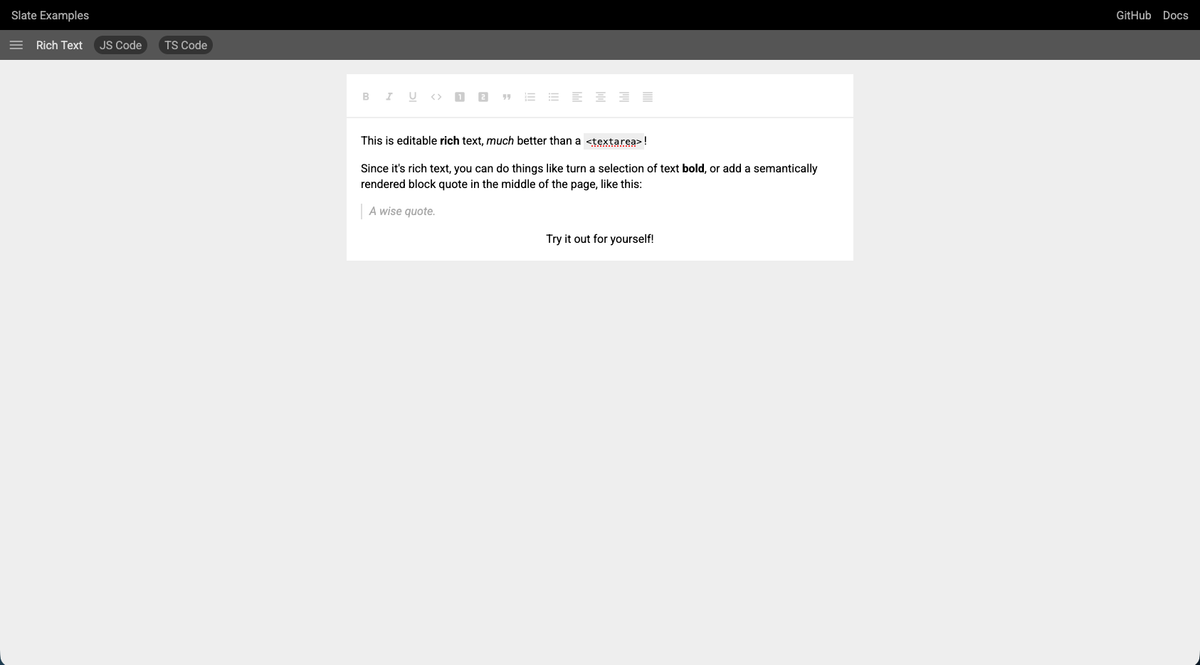
SlateJS is a React framework that treats the editor as a customizable primitive. Its schema-less core uses a nested document model similar to the DOM, giving you control over every node, operation, and output decision. The plugin architecture is unrestricted. You define custom block types, inline elements, and editing behaviors without working around library constraints. This makes Slate viable for specialized use cases like legal document markup, medical records, or technical specification editors where standard WYSIWYG patterns don't fit.
Slate is currently in beta and maintained by contributors instead of a commercial entity. The API surface has evolved across major versions, which means migration effort when updating. This positioning makes it ideal for advanced React teams who need complete control and can manage framework-level decisions.
BlockNote: Block-Based Editor for React Applications
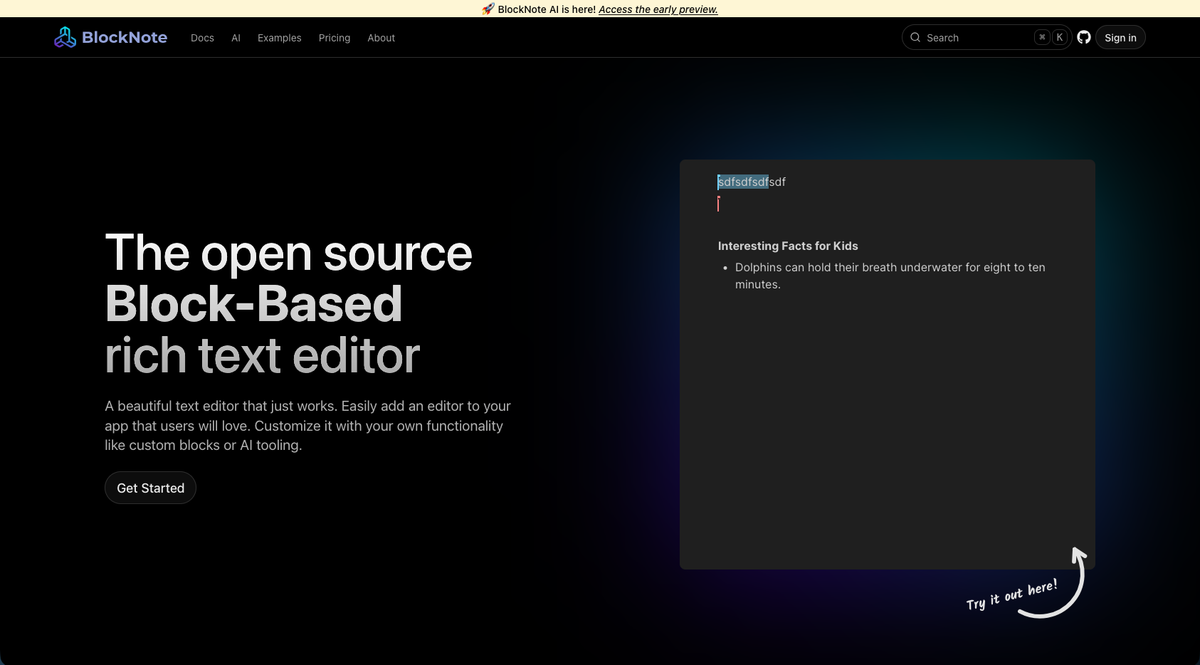
BlockNote brings Notion-style editing to React apps with a block-first architecture. Each piece of content (paragraph, heading, image, table) exists as an independent block that users can manipulate, drag, and convert. The slash command interface lets users insert blocks by typing "/" and selecting from a menu. This pattern reduces toolbar clutter and speeds up content creation for users familiar with Notion. TypeScript support is native, with full type definitions for the editor API and custom block creation. You can extend BlockNote by defining new block types with their own schemas, display logic, and conversion rules. For a deeper look, see our BlockNote open source block editor review.
BlockNote handles block manipulation logic, keyboard shortcuts, and drag-and-drop reordering out of the box, making it faster to ship compared to building block functionality from scratch in SlateJS or Lexical.
Froala: The Commercial WYSIWYG for Broad Framework Support
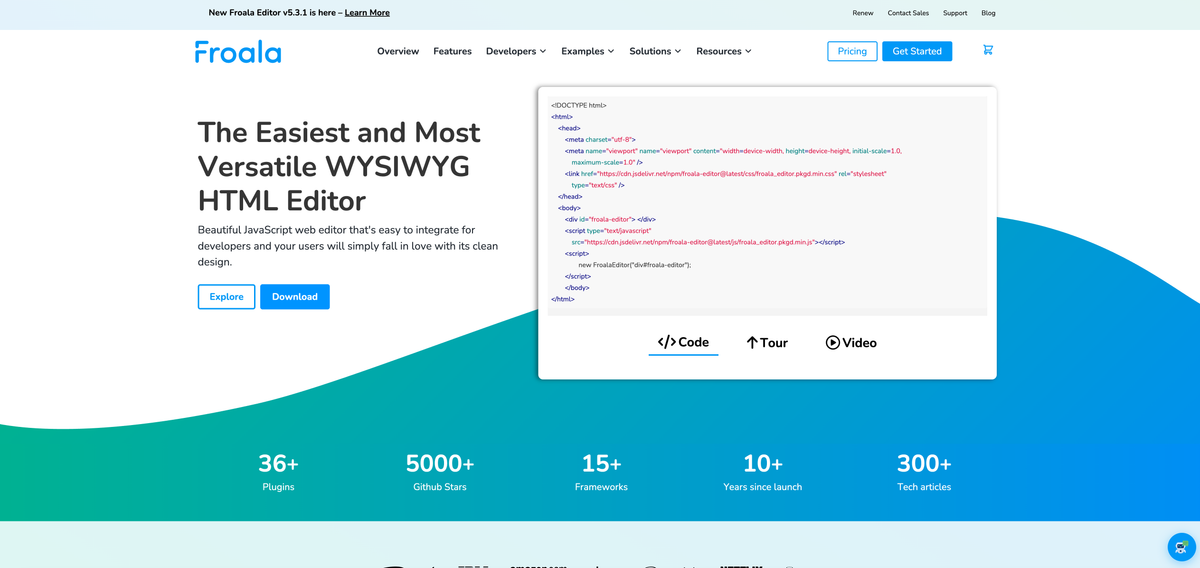
Froala is a commercial WYSIWYG HTML editor supporting React, Vue, Angular, and 12 additional frameworks. Its react-froala-wysiwyg package gives React apps a polished editor with a configurable toolbar UI and minimal setup required. With 36+ plugins covering tables, image upload, video embeds, file management, and media integration, Froala sits closer to TinyMCE in positioning than to headless options like TipTap.
The plugin system is modular: load only the features you need to control bundle size. The editor handles both inline and block editing modes, and the toolbar is configurable through a JavaScript options object. Froala's API exposes content-change events, programmatic control over toolbar state, and custom button definitions.
Licensing follows a commercial model with a free trial. The editor is used in production at Samsung, Apple, IBM, and Amazon. For teams that want a stable, well-documented commercial WYSIWYG with broader framework coverage than TinyMCE's official integrations, Froala is worth considering alongside it.
TinyMCE: The Enterprise-Grade WYSIWYG Editor
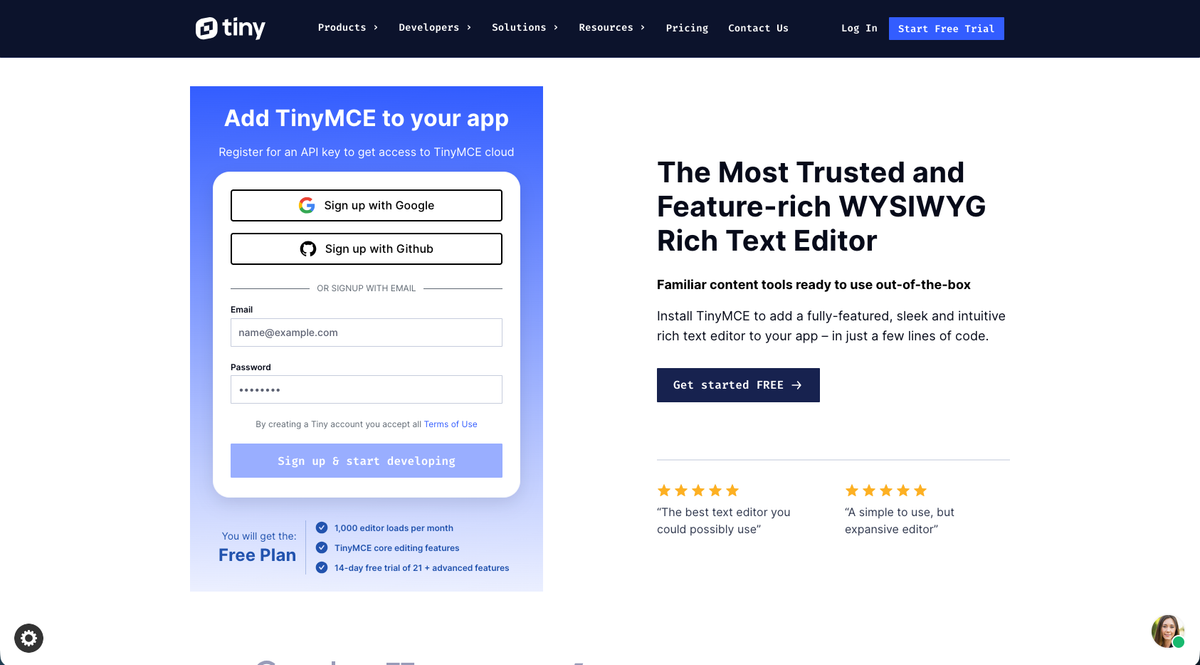
TinyMCE is a commercial WYSIWYG editor with a free core and over 50 plugins. More than 1.5 million developers use it globally. The editor includes AI-powered content generation, automated formatting, and cloud-based media management. Premium plugins add advanced tables, spell checking, and accessibility checking.
TinyMCE works with React, Angular, and Vue through official integrations. Enterprise customers get dedicated support, SLAs, and priority bug fixes. The licensing model splits functionality between open-source core features and paid premium plugins.
CodeMirror: The Code Editor for Technical Content
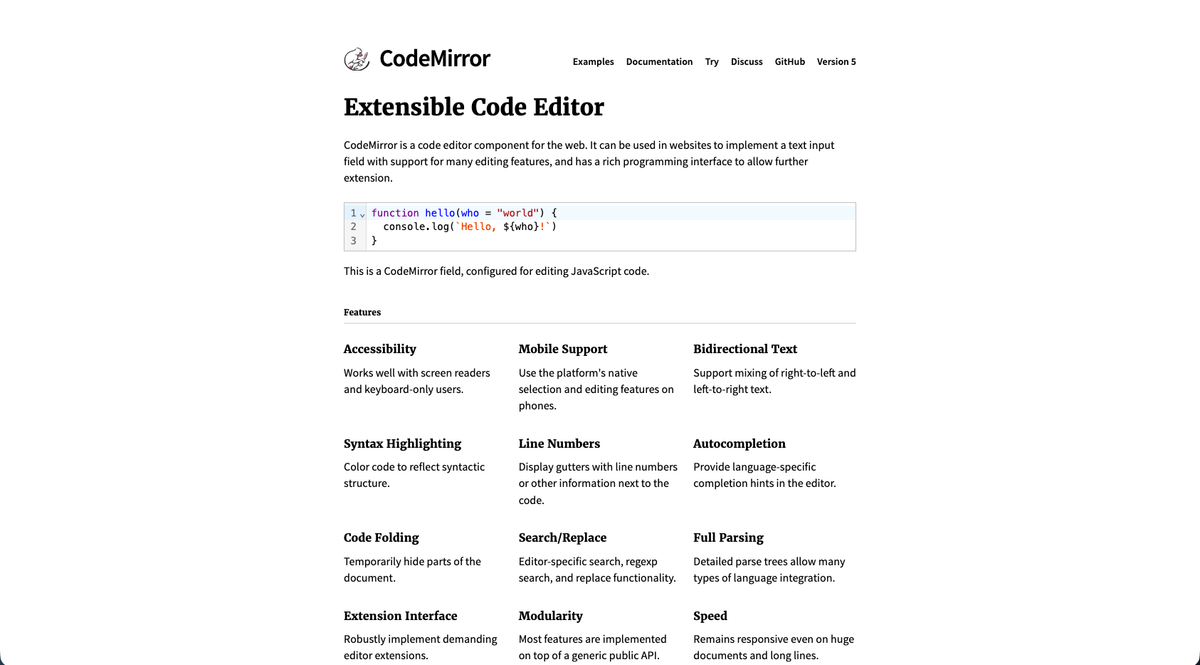
CodeMirror is a code editor built for embedding syntax-colored code editing into web apps. It works as a rich text solution for technical content requiring syntax coloring and code formatting. The editor supports over 100 programming languages with tokenization, bracket matching, and code folding. Its incremental parsing handles large documents without the performance issues common in DOM-heavy rich text editors. CodeMirror's extension system lets you add custom language modes, linters, and editing behaviors. The architecture separates editor state from the view layer, which allows predictable updates and straightforward testing.
For apps that blend prose with code (documentation tools, technical wikis, developer notebooks), CodeMirror provides stronger code editing capabilities than traditional rich text editors while maintaining text formatting features.
Monaco Editor: VS Code's Editor Technology
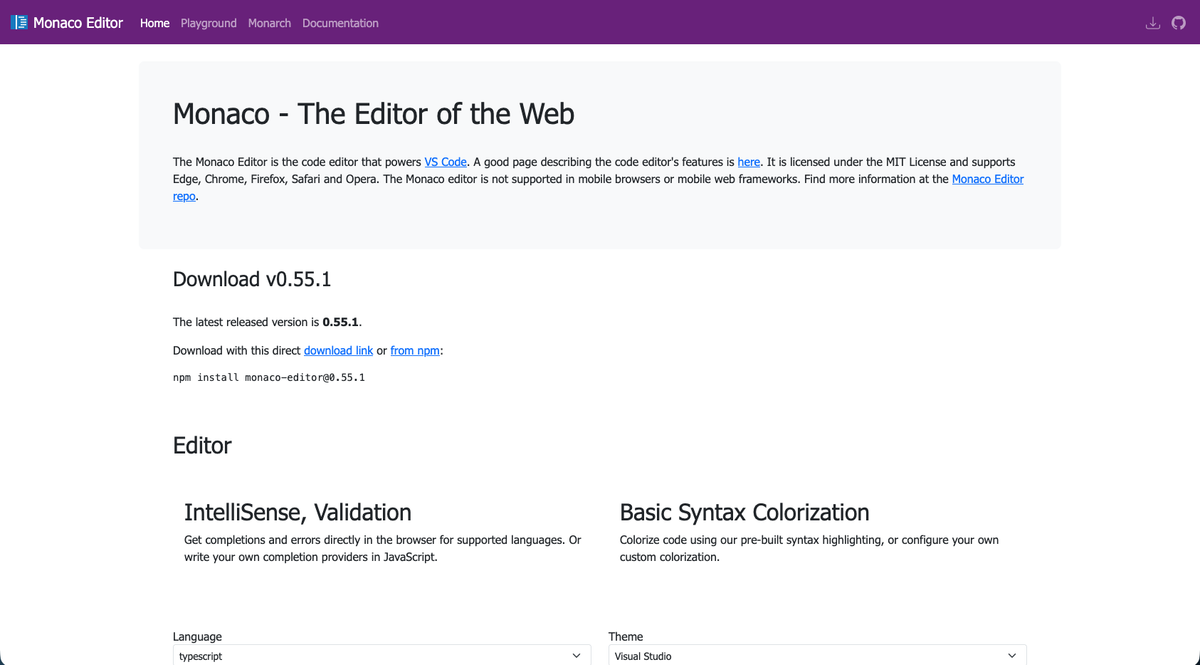
Monaco Editor powers Visual Studio Code and brings the same editing experience to web apps. Microsoft maintains the project with IntelliSense, syntax coloring, and diff viewing built into the core. The editor handles over 60 languages with intelligent code completion, parameter hints, and error detection. Its diff editor lets users compare versions side-by-side for code review interfaces and version control features. Monaco meets accessibility standards with full keyboard navigation and screen reader support. Integration requires more setup than lighter-weight editors due to its worker-based architecture and larger bundle size.
For developer tools like online IDEs, code playgrounds, or notebook interfaces, Monaco delivers the full code editing experience developers expect from desktop editors.
ProseMirror: The Low-Level Editing Toolkit
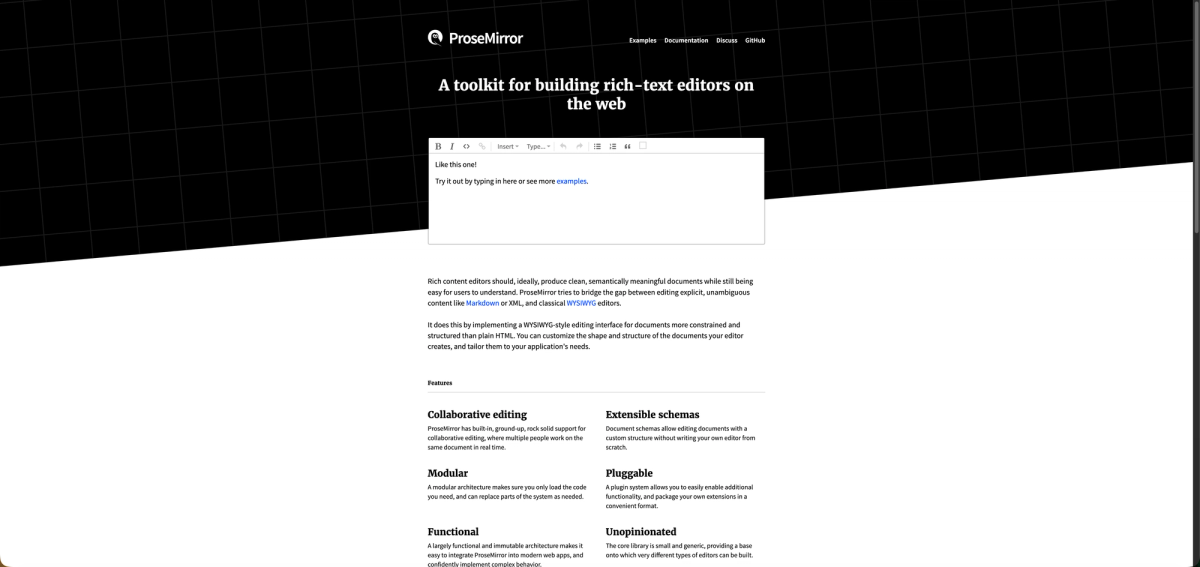
ProseMirror is the editing toolkit underlying TipTap, BlockNote, CKEditor 5, and Atlassian's editor. It doesn't ship a ready-to-use editor; instead, it gives you the building blocks: a schema-based document model, a plugin system, and built-in support for real-time collaborative editing. Most teams reach ProseMirror indirectly through a higher-level framework, but those needing maximum control use it directly.
The schema system defines what a valid document looks like, including node types, marks, and allowed nesting rules. ProseMirror enforces that schema on every edit, keeping output consistent and predictable. This matters for structured content tools and CMS editors where format consistency is non-negotiable.
Collaborative editing is part of the core, not bolted on. ProseMirror's collab module provides the primitives for multi-user editing with a step-based history. The framework is small, generic, and runs in any browser environment. The trade-off: almost nothing works out of the box. You build the toolbar, commands, keymaps, and UI from scratch. If TipTap or Plate already covers your feature set, start there. ProseMirror is for teams building an editor framework of their own.
CKEditor 5: The Collaborative Editing Solution
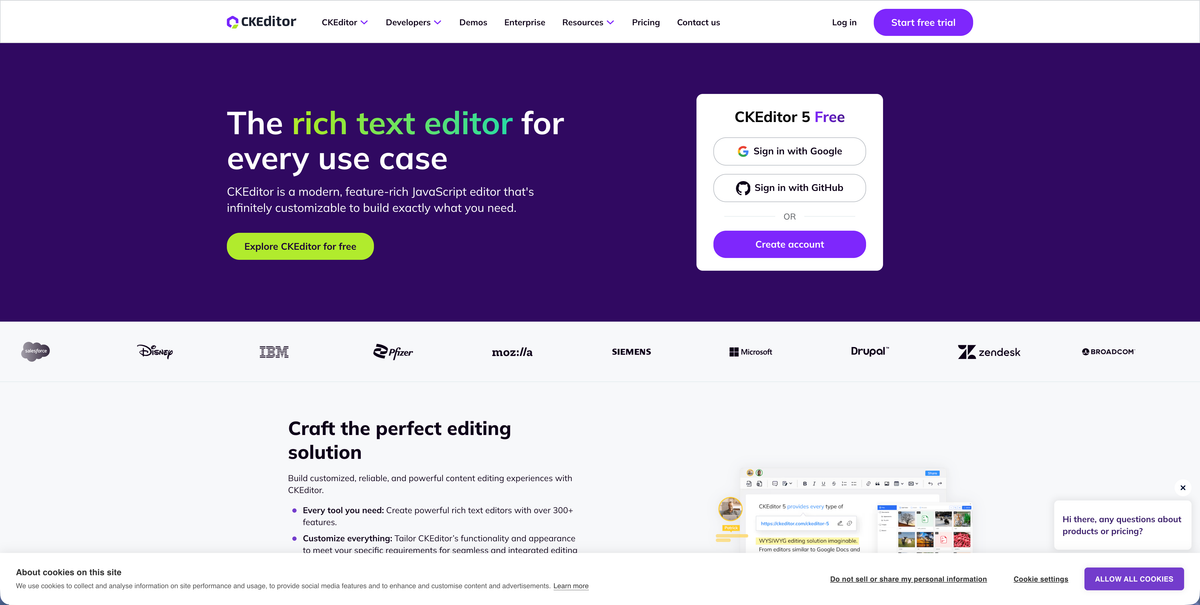
CKEditor 5 is a modular rich text editor built for collaborative document editing. The editor supports real-time multiplayer editing with track changes, comments, and revision history. The custom data model separates content structure from presentation, which allows consistent output across formats. The plugin architecture lets you configure formatting options and editing behaviors through a builder interface. Premium features include AI-powered writing assistance and export to Word and PDF. Commercial licensing provides enterprise support and SLAs. If native commenting isn't meeting your needs, a contextual commenting system can layer on top of any editor.
CKEditor works well for apps needing document-grade editing with pre-built collaboration features.
Side-By-Side Comparison of Text Editors
| Editor | Type | Best For | Framework Support | Bundle Size | Collaboration Support | License |
|---|---|---|---|---|---|---|
| Lexical | Headless framework | Teams needing flexibility and control with enterprise-scale reliability | React (official bindings), framework-agnostic core | Minimal core with plugin-based loading | Requires third-party integration | Open-source (MIT) |
| TipTap | Headless framework built on ProseMirror | Notion-style editors and custom content creation interfaces | Framework-agnostic with strong React support | Plugin-based, load only what you need | Premium Plugins available | Open-source with commercial options |
| Quill | WYSIWYG editor | Solid formatting functionality with straightforward implementation | React via react-quill wrapper, framework-agnostic | ~100KB minified | Requires third-party integration | Open-source (BSD) |
| SlateJS | Completely customizable React framework | Specialized use cases requiring complete control over document structure | React native | Varies based on implementation | Requires custom implementation | Open-source (MIT) |
| BlockNote | Block-based editor | Notion-style block editing with slash commands in React apps | React native with full TypeScript support | Moderate, includes block manipulation logic | Requires third-party integration | Open-source |
| Froala | Commercial WYSIWYG editor | Teams wanting a polished commercial WYSIWYG with broad framework support and 36+ plugins | React, Vue, Angular, and 12+ additional frameworks via official integrations | Modular, load only what you need | Requires third-party integration | Commercial with free trial |
| TinyMCE | Enterprise WYSIWYG editor | Enterprise applications needing pre-built advanced features and support | React, Angular, Vue via official integrations | Feature-rich, larger footprint | Premium plugins available | Open-source core with commercial premium plugins |
| CodeMirror | Code editor | Technical content requiring syntax coloring and code formatting | Framework-agnostic with wrapper libraries | Moderate, incremental parsing for performance | Requires third-party integration | Open-source (MIT) |
| Monaco Editor | VS Code's editor technology | Developer tools like online IDEs, code playgrounds, and notebook interfaces | Framework-agnostic, requires more setup | Large (2MB+), worker-based architecture | Requires third-party integration | Open-source (MIT) |
| ProseMirror | Low-level editing toolkit | Teams building custom editor frameworks from the ground up, or needing schema-enforced document output | Framework-agnostic | Small core, modular plugins | Built-in collab module for real-time multi-user editing | Open-source (MIT) |
| CKEditor 5 | Modular collaborative editor | Document-grade editing with pre-built collaboration features | Framework-agnostic with official integrations | Modular, builder-based configuration | Native real-time multiplayer, track changes, comments, revision history | Open-source core with commercial premium features |
Adding Review and Approval Infrastructure to Your Rich Text Editor with Velt
Now that you have a lay-of-the-land regarding rich text and code editors, let's talk about what happens after your editor ships. Most rich text editors handle formatting and content structure well, but adding review features like contextual comments, approval workflows, audit trails, presence indicators, and notifications typically requires months of development work.
Velt is review and approval infrastructure that works alongside any React-based rich text editor. The SDK integrates with Lexical, TipTap, Quill, SlateJS, and other editors to add comments, approval workflows, presence, notifications, audit trails, and recording without rebuilding your editor. Initialize Velt in your app, then add review components where you need them using React components that layer on top of your existing editor. Here's what Velt provides beyond a standard commenting system:
- DOM-aware comment location binding
- Recursive hierarchy for document relationships
- Real-time synchronization infrastructure
DOM-Aware Comment Location Binding
Standard commenting systems rely on x/y coordinates or custom positioning logic that breaks when your UI updates. Velt's commenting uses DOM-aware location binding, which attaches comments to specific data IDs instead of pixel positions. When you bind a comment thread to a document element, Velt tracks that relationship through layout changes, window resizes, and content updates. No UI drift when your editor repaints.
For rich text editors with complex document structures like nested blocks, frequently changing content, or embedded media, this location binding works with your existing data model by mapping document IDs to Velt's location API. The practical result: feedback stays attached to the content being reviewed, not floating in a sidebar disconnected from the artifact.
Recursive Hierarchy for Document Relationships
Velt organizes review and approval data as Organization → Folder → Document → Location. This structure means features like unified notifications, cross-document activity feeds, and permission inheritance work without custom aggregation logic. Users see all review activity across your app in a single inbox instead of checking individual documents. This model removes the glue code typical of room-based collaboration infrastructure, cutting the need to write recursive queries to fetch comments across folder structures or build permission cascading logic manually.
Real-Time Synchronization Infrastructure
Velt uses Yjs and WebSockets to handle real-time synchronization and conflict-free merging when multiple users edit simultaneously. The CRDT layer manages concurrent operations across document state without requiring manual conflict resolution logic on your end. REST APIs provide server-side CRDT access for backend-driven document automation, and webhooks fire on CRDT data changes so your app can hook into the synchronization lifecycle for auditing or downstream triggers.
Final Thoughts on Finding Your Rich Text Editor
The right rich text editor for React depends on your customization needs and development timeline. Low-level toolkits like ProseMirror give maximum control but require building nearly everything from scratch; frameworks like Lexical and SlateJS offer a stronger starting point; commercial options like Froala, TinyMCE, and CKEditor 5 provide ready-made interfaces. Adding collaboration features like comments and presence becomes straightforward with Velt, which works alongside any React-based editor. Pick what fits your team's skills and project scope.
FAQ
What's the difference between a headless editor and a WYSIWYG editor?
Headless editors like TipTap and Lexical provide the editor logic and state management but leave the UI implementation to you, giving full design control. WYSIWYG editors like TinyMCE and Quill include pre-built interfaces that work immediately but offer less customization flexibility.
Which rich text editor works best with React 19?
Lexical and TipTap both offer native React support with TypeScript definitions and work well with React 19. Lexical provides official React bindings from Meta, while TipTap's headless architecture integrates cleanly with React's component model.
How do I add real-time collaboration to an existing rich text editor?
Most editors don't include collaboration features natively, requiring months of custom development. Velt's SDK layers on top of React-based editors like Lexical, TipTap, or Quill to add review workflows, approval states, comments, presence, notifications, and audit trails without rebuilding your editor infrastructure.
When should I choose a code editor over a rich text editor?
Use code editors like Monaco or CodeMirror when your app needs syntax coloring, code completion, or diff viewing for technical content. Rich text editors work better for document creation, content management, or general text formatting needs.
What's the typical bundle size impact of adding a rich text editor?
Lightweight editors like Quill add around 100KB minified, while feature-rich options like Monaco can exceed 2MB. Headless frameworks like Lexical and TipTap let you load only the plugins you need, keeping bundle sizes smaller for performance-sensitive apps.