


Self-Hosted Collaboration Tools for Compliance (Jan 2026)
Discover the top self-hosted collaboration tools for HIPAA, SOC 2, and GDPR compliance in Jan 2026. Compare features, security, and deployment options.
Every healthcare data breach costs an average of over $10 million, which is why HIPAA collaboration tools that you can self-host matter so much for regulated industries. You need to control where your data lives, who can see it, and how long it stays there. But we've found that most self-hosted tools give you either compliance or capability, rarely both.
TLDR:
- Self-hosted collaboration keeps data in your infrastructure for HIPAA, SOC 2, and GDPR compliance
- Self-hosted solutions require you to manage uptime, updates, and security patches
- Most self-hosted solutions focus on messaging or file storage without real-time collaboration capabilities
- Velt delivers 25 collaboration features with 10 lines of code across all major frameworks
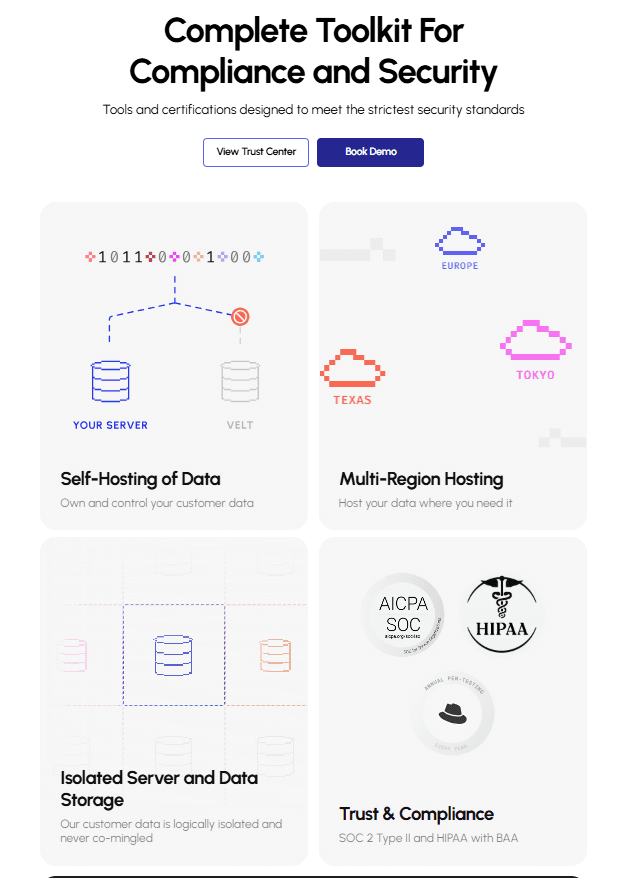
- Velt supports self-hosting with SOC 2 Type II, HIPAA compliance, and 99.999% uptime guarantees
What is Self-Hosted Collaboration
Self-hosted collaboration refers to communication and productivity software that runs on your own infrastructure versus a vendor's cloud. You install these tools on servers you control, whether that's your own data center, a private cloud, or a virtual private cloud (VPC) within a public cloud provider.
The defining characteristic is data residency. Every message, file, comment, and piece of user activity stays within your perimeter. This matters when you're bound by HIPAA, SOC 2, GDPR, or industry-specific regulations that restrict where sensitive information can live.
Cloud collaboration tools like Slack or Microsoft Teams store your data on their servers, in regions they choose. Self-hosted alternatives flip that model. You decide the geography, the encryption keys, the backup schedule, and the access policies.
Beyond compliance, self-hosting eliminates recurring subscription fees tied to user counts. You pay for infrastructure and maintenance instead of per-seat licenses. For enterprises with thousands of users, that cost structure can be more predictable.
The tradeoff is operational overhead. You're responsible for uptime, updates, security patches, and scaling.
How We Ranked Self-Hosted Collaboration Tools
We evaluated each tool against five core criteria that determine whether a self-hosted solution can meet enterprise compliance requirements.
Data residency
Can you choose exactly where data lives and guarantee it never leaves that boundary?
Compliance certifications
We looked for audited security frameworks like SOC 2 Type II, HITRUST CSF, or NIST alignment that prove the vendor takes security seriously.
Deployment flexibility
Does the tool support Docker, Kubernetes, bare metal, or air-gapped environments?
Security architecture
We prioritized end-to-end encryption, granular access controls, and audit logging.
Integration depth
Can the tool connect to your existing identity providers, ticketing systems, and data warehouses without exposing data to third parties?
Each tool was scored on publicly documented capabilities, not marketing claims.
Best Overall Self-Hosted Collaboration Tools: Velt
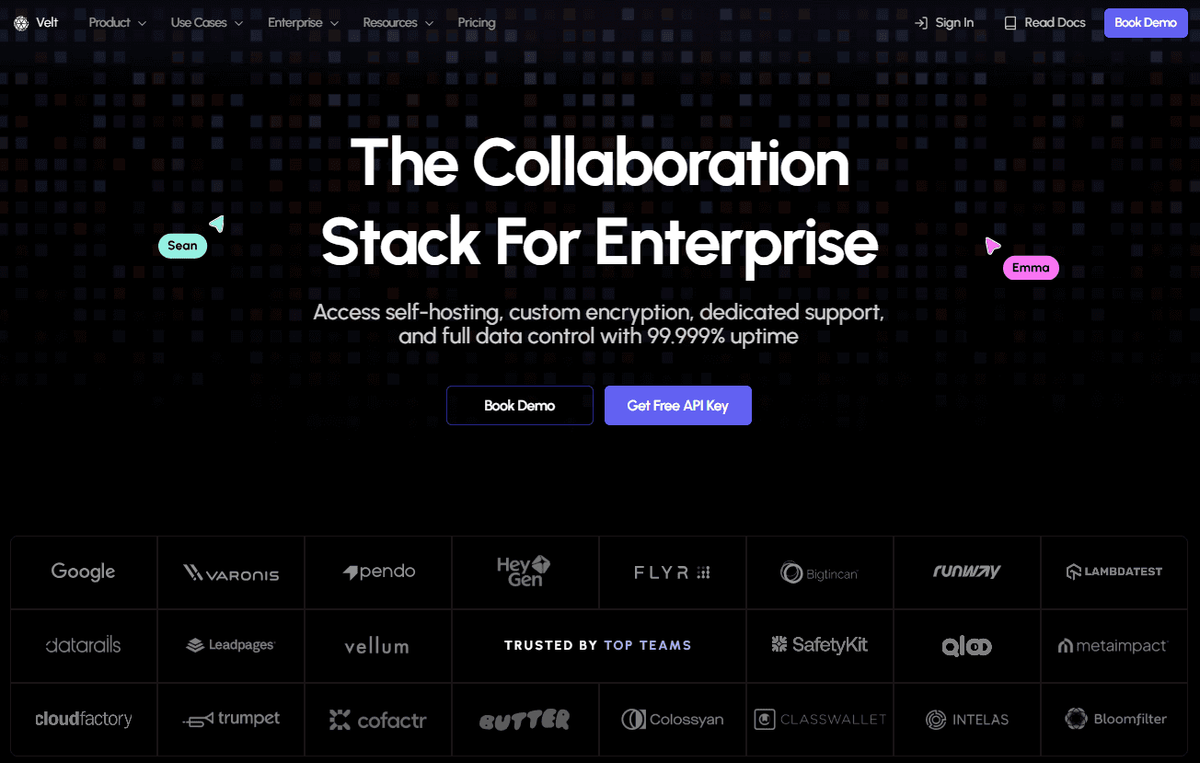
Velt is a collaboration layer you can self-host collaboration data in your own VPC or data center. The stack was built for product teams embedding collaboration into SaaS applications where compliance requirements are strict.
What we offer
- Data self-hosting: all user PII and user generated comments are stored in your own database to help comply with HIPAA, and GDPR requirements. Velt does store some non-sensitive metadata to power the SDK eg: document id, comment id etc
- You control the encryption keys, choose the AWS region or private cloud, and own the audit logs
- Regular pentests validate the security posture, and custom encryption configurations let you meet sector-specific mandates
- Comes with a pre-built access control system providing enterprise-grade permissions designed for complex use cases
- Each component integrates into your JavaScript stack with roughly 10 lines of code, whether you're working in React, Vue, Svelte, or Angular
Velt provides 25 features out of the box including contextual comments, live video huddles, real-time cursors, screen recording with AI transcription, and presence indicators. These features are backed by comprehensive security which features secure architecture (SOC II), end-to-end encryption, and stringent access controls.
Mattermost
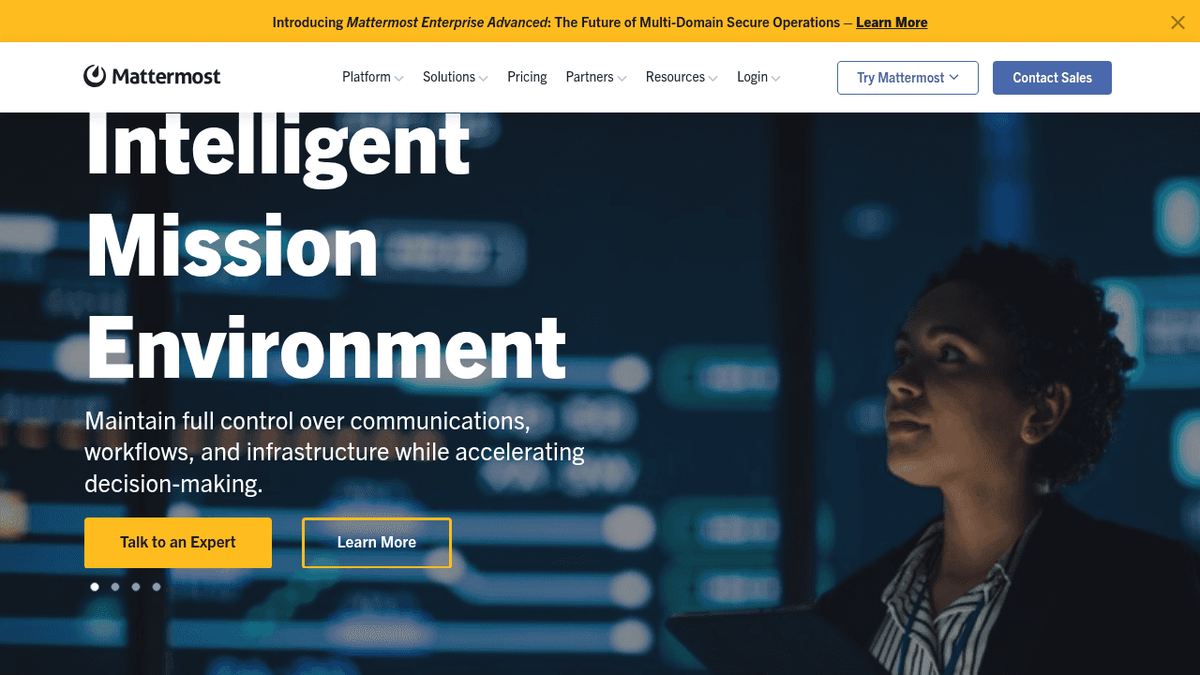
Mattermost operates as an open-source collaboration hub designed for mission-critical environments. Organizations choose it to maintain sovereignty and full data control, making it a fit for teams that need complete ownership of their communication stack.
What they offer
- Self-hosted deployment with air-gapped network support, allowing organizations to run the software completely isolated from external networks for maximum security
- Integration capabilities with existing enterprise tools through webhooks, APIs, and pre-built connectors
- Compliance features for regulated industries including audit logs, data retention policies, and encryption controls
- Open-source customization options that let development teams modify the codebase to meet specific requirements
The Limitations
The primary limitation is frontend components. You'll need to build much of the interface yourself, which adds months of development time if you want rich collaboration experiences like contextual commenting or real-time presence.
The Bottom Line
Mattermost works when you have engineering capacity and need deep customization. If you're looking for ready-to-ship collaboration features, the development overhead becomes a bottleneck.
Nextcloud
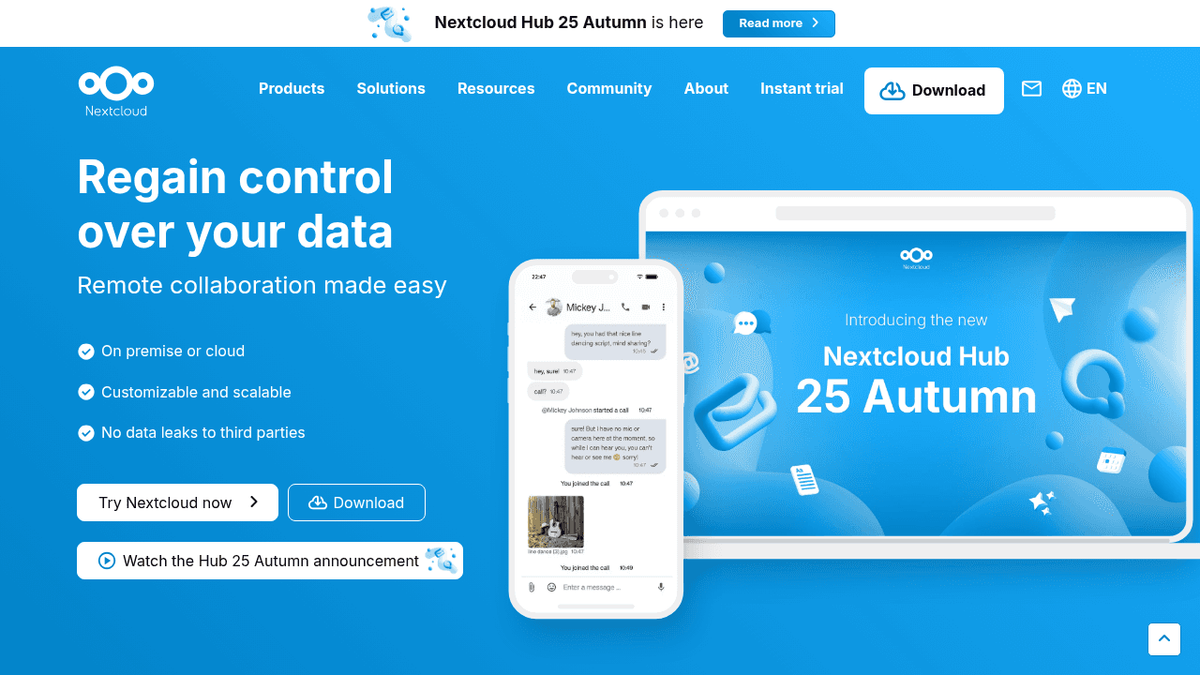
Nextcloud provides file storage and collaboration services through a self-hosted infrastructure model. The solution combines file management, video calls, document editing, and calendar tools into a single workspace.
What they offer
- Document collaboration with LibreOffice integration for real-time co-editing
- File sync across desktop and mobile devices with automatic versioning
- Calendar and contact management features that replace Google Workspace functionality
- On-premise video conferencing capabilities through Nextcloud Talk
The Limitations
Nextcloud lacks real-time collaboration features product teams expect such as no live cursors, no contextual commenting on specific UI elements, no presence indicators beyond basic online/offline status.
The Bottom Line
The core strength is file-centric workflows. If your team treats collaboration as "share a document, edit, repeat," Nextcloud handles that reliably.
Rocket.Chat
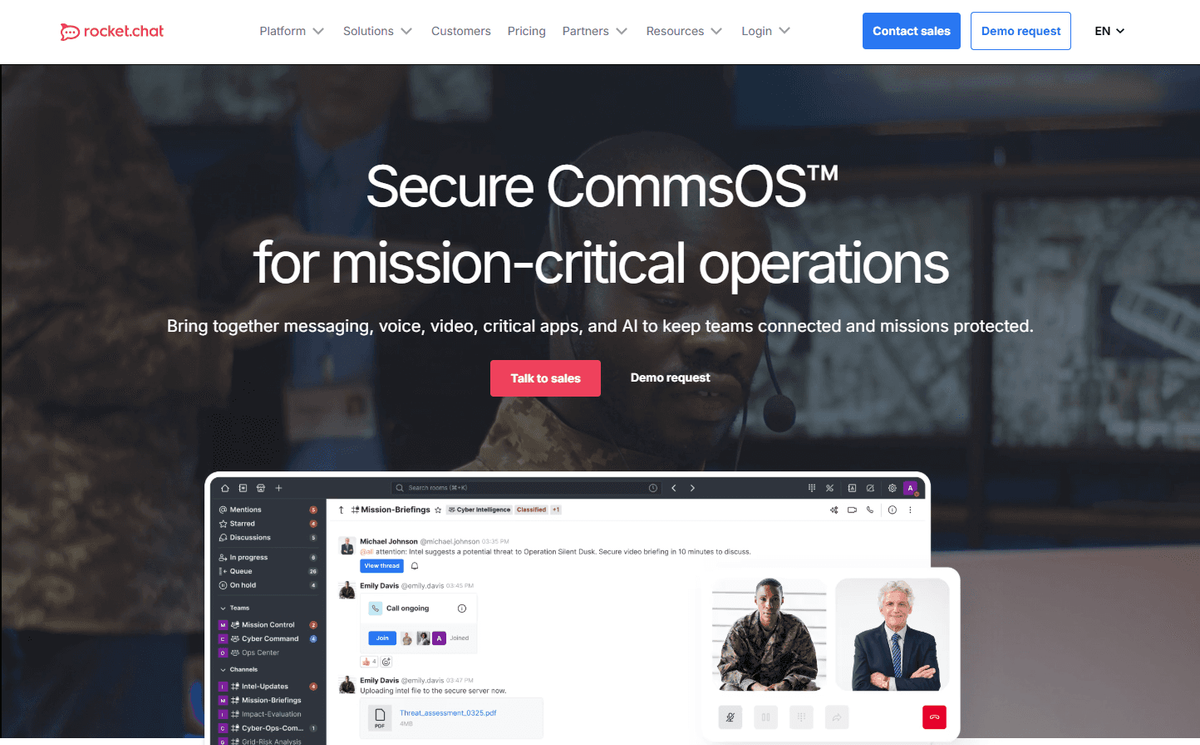
Rocket.Chat functions as an open-source messaging alternative with self-hosting capabilities. Organizations deploy it when they need a Slack-like experience but want to keep conversation data inside their own infrastructure.
What they offer
- Customizable messaging experiences with white-label options that let you rebrand the interface
- Multi-channel customer communication integration connecting internal teams with external support workflows
- Air-gapped deployment for high-security environments that prohibit internet connectivity
- HIPAA, GDPR, and FINRA compliance support through configurable data retention and encryption policies
The Limitations
The core limitation is scope. Rocket.Chat solves secure messaging but stops there. You won't find contextual commenting on documents, real-time presence cursors, or embedded collaboration features that integrate into your application UI.
The Bottom Line
It works when your compliance requirement is "chat must stay on-premise." If you need collaboration beyond threaded conversations, you'll be adding other tools to fill the gaps.
Pydio Cells
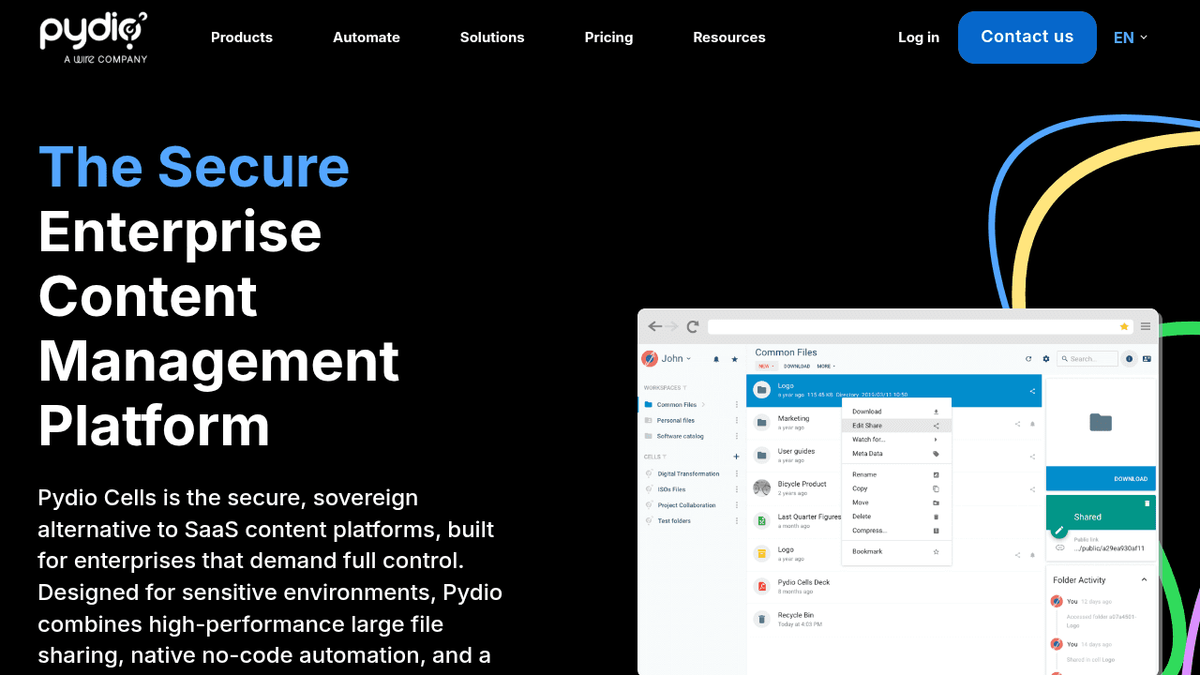
Pydio Cells is a self-hosted document sharing solution for organizations that need file management with compliance controls. The architecture is cloud-native and built for quick deployment.
What they offer
- Document management with version control and file tracking
- Advanced search with AI-powered assistance to surface relevant content
- Mobile access across devices with sync functionality
- Customizable compliance and audit tools that adapt to regulatory requirements
The Limitations
The primary limitation is scale. Pydio Cells is designed for organizations under 50 users, which makes it unsuitable for enterprise deployments that need to support thousands of seats.
The Bottom Line
It works for smaller teams with straightforward file-sharing needs. If you're building collaboration into a product or need real-time features, you'll outgrow it quickly.
Feature Comparison Table of Self-Hosted Collaboration Tools
| Feature | Velt | Mattermost | Nextcloud | Rocket.Chat | Pydio Cells |
|---|---|---|---|---|---|
| Real-time Presence | ✓ | ✗ | ✗ | ✗ | ✗ |
| Contextual Comments | ✓ | ✗ | ✗ | ✗ | ✗ |
| Video Huddles | ✓ | ✗ | ✓ | ✗ | ✗ |
| Screen Recording | ✓ | ✗ | ✗ | ✗ | ✗ |
| HIPAA Compliance | ✓ | ✓ | ✗ | ✓ | ✗ |
| SOC 2 Support | ✓ | ✓ | ✗ | ✗ | ✗ |
| Framework Support | All Major | Limited | Web Only | Limited | Web Only |
Most self-hosted solutions focus on messaging or file storage. Velt is the only option that delivers real-time collaboration features while maintaining the compliance posture enterprises require.
Why Velt is the Best Self-Hosted Collaboration Tool
Data residency requirements force enterprises to make hard choices about where collaboration tools run. Healthcare data breaches average over $10 million per incident, making high level security non-negotiable for organizations handling sensitive information.
Most self-hosted tools make you choose between compliance and capability. Data residency requirements demand that you maintain control over where information lives, while SOC 2 compliance mandates specific security controls that cloud services can't always guarantee.
Final thoughts on self-hosted collaboration for regulated industries
Data residency requirements push you toward self-hosting, but that doesn't mean settling for basic features. The best enterprise compliance tools give you full control over where data lives while delivering contextual comments, real-time presence, and video collaboration. The best approach is to match your compliance needs to the tool's architecture, then verify it can scale with your team.
FAQ
What's the main difference between self-hosted and cloud collaboration tools?
Self-hosted tools run on your own infrastructure, giving you complete control over data location, encryption keys, and access policies, while cloud tools store data on vendor servers in regions they choose. Self-hosted solutions eliminate per-seat licensing costs but require you to manage uptime, updates, and security patches.
How long does it take to implement a self-hosted collaboration solution?
Velt integrates in about 10 lines of code and can be deployed in hours, while open-source alternatives like Mattermost or Nextcloud require weeks to months of development time to build frontend components and configure infrastructure. Implementation speed depends on whether you need custom features or can use pre-built components.
When should I choose self-hosting over a cloud collaboration service?
Choose self-hosting when you're bound by HIPAA, SOC 2, GDPR, or industry regulations that restrict where sensitive data can live, or when you have thousands of users and want predictable infrastructure costs instead of per-seat fees.
What compliance certifications should I look for in a self-hosted collaboration tool?
Look for audited frameworks like SOC 2 Type II, HITRUST CSF, or NIST alignment that prove security controls meet regulatory standards. HIPAA support, GDPR compliance features, and regular penetration testing are critical for healthcare, finance, and other regulated industries.