

The Best React WYSIWYG Editors for Developers in March 2026
Find the best React WYSIWYG editors for developers in March 2026. Compare Velt, CKEditor, ProseMirror, Draft.js, Quill, and TinyMCE for collaboration features.
You need a React WYSIWYG editor that fits into your component tree without fighting React's component model, but you also need live cursors and contextual comments without paying enterprise pricing. Draft.js integrates beautifully with React but has zero collaboration support, while editors with built-in multiplayer features charge premium rates or require complex manual integration. We tested React editors on both integration quality and collaboration capabilities to find which ones give you both without forcing you to choose.
TLDR:
- React WYSIWYG editors let users format text visually without HTML, but most lack built-in collaboration
- Velt adds CRDT-based multiplayer editing, live cursors, and contextual comments to any React editor
- CKEditor and TinyMCE lock real-time features behind premium tiers; ProseMirror requires months of custom work
- Draft.js is no longer maintained; Quill hasn't been updated in 4+ years
- Velt integrates with Tiptap, BlockNote, and CodeMirror to ship multiplayer features same-day
What Are React WYSIWYG Editors?
React WYSIWYG editors are visual editing components that let users format text in your app without writing HTML. What You See Is What You Get, meaning users can bold text, add lists, insert images, and style content while seeing the final output in real time. These editors work as React components that plug into your component tree. They manage their own state, handle user input events, and expose APIs for reading or manipulating the editor content programmatically. This React-native approach makes them easier to integrate than traditional jQuery-based editors that fought against React's component model.
You'll find React WYSIWYG editors powering rich text input fields in content management systems, blog apps, support ticket systems, and any app where users need to write formatted content.
How We Ranked React WYSIWYG Editors
We tested each React WYSIWYG editor on five criteria that matter most when building production apps:
- First, React integration quality. We looked at how naturally each editor fits into React's component model, whether it uses hooks or class components, and if it handles state updates without fighting React's reconciliation.
- Second, collaborative editing capabilities. We checked for native CRDT support, real-time multiplayer features, and how each editor handles conflict resolution when multiple users edit simultaneously.
- Third, customization options. We assessed the flexibility of each editor's toolbar, styling system, and ability to add custom extensions or plugins without forking the codebase.
- Fourth, performance with large documents. We tested how editors handle thousands of nodes, rapid typing, and memory usage at scale.
- Fifth, developer experience. We checked documentation quality, TypeScript support, and how quickly you can go from install to working editor.
Best Overall React WYSIWYG Editor: Velt
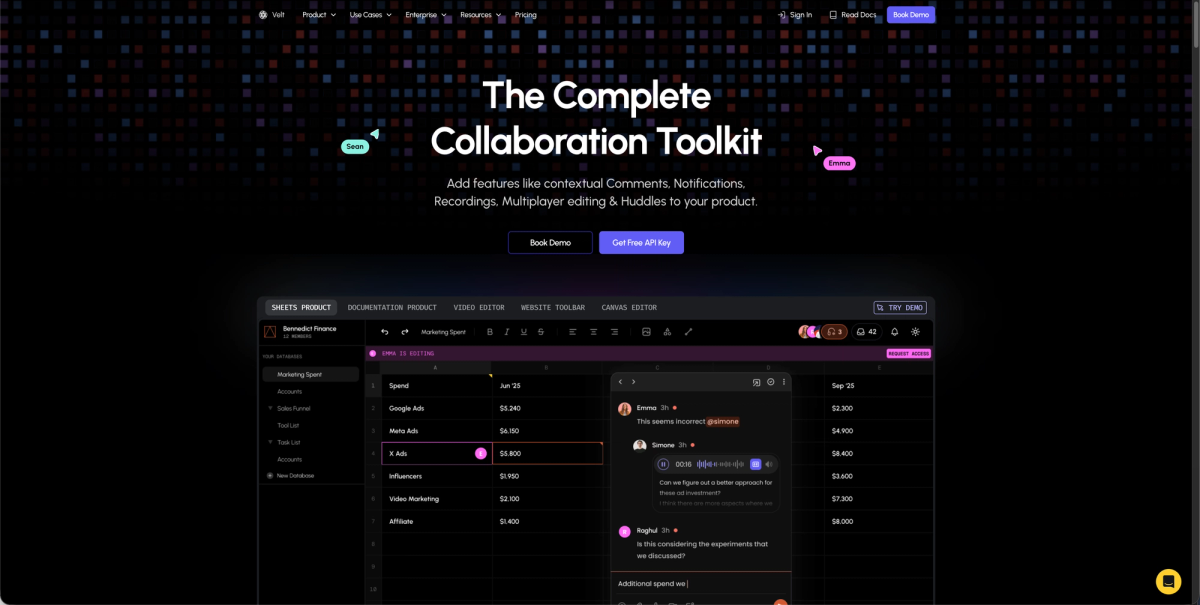
Velt is a collaboration SDK that adds real-time multiplayer features to any React WYSIWYG editor without replacing your existing implementation. The SDK provides CRDT-based collaborative editing, live cursors, contextual comments, and presence indicators that integrate with editors like Tiptap, BlockNote, and CodeMirror. It handles the backend infrastructure for conflict resolution, permissions, and notifications so you can ship multiplayer features in days instead of months.
Key Features
- Integrates with existing React editors including Tiptap, BlockNote, CodeMirror, and custom implementations without replacing your current setup
- Provides CRDT-based real-time collaboration with automatic conflict resolution and live cursor tracking
- Includes contextual comments with DOM-aware positioning that prevents UI drift when layouts change
- Offers unified notifications across all documents with @mentions, activity feeds, and webhook integrations
- Supports recursive permission inheritance at organization, folder, and document levels with real-time authorization
Limitations
- Requires integrating a third-party SDK into your application architecture instead of using a standalone editor
- Pricing is usage-based on Monthly Active Collaborators which may be unfamiliar compared to traditional seat-based models
- Works best when your application already has or needs collaboration features instead of basic text editing alone
- Depends on Velt's infrastructure for real-time features though self-hosted data storage is available
- May be overkill for simple single-user editing scenarios that don't require any collaborative capabilities
Bottom Line
Velt works best for teams building collaborative SaaS applications that need real-time editing, comments, and presence without spending months on custom infrastructure. Organizations using React editors like Tiptap or BlockNote who want to add multiplayer features quickly will benefit most from Velt's plug-and-play approach. Development teams that need enterprise-grade collaboration with features like permission inheritance, activity tracking, and contextual comments should choose Velt over building these systems from scratch.
CKEditor
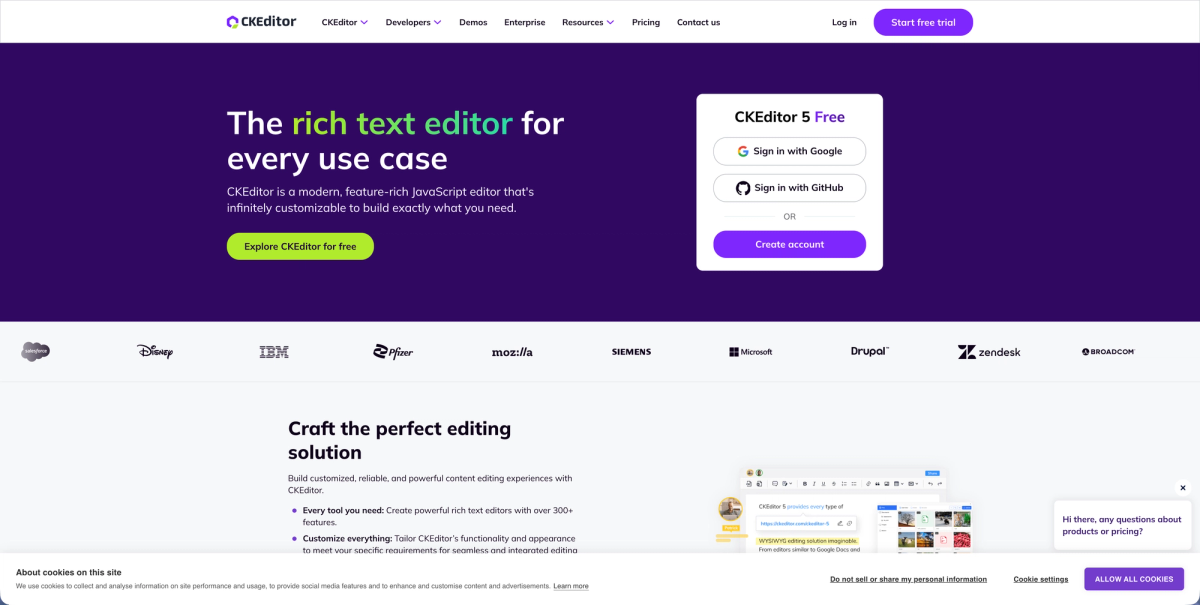
CKEditor 5 is a mature JavaScript rich text editor that integrates into React apps through an official wrapper component. The editor provides controlled and uncontrolled modes with complete text formatting capabilities and a plugin architecture offering dozens of official extensions. It works well for teams building content management systems or blogs that need a feature-rich editor with extensive documentation and commercial support.
Key Features
- Offers rich text formatting including bold, italic, underline, font family, and font size controls
- Supports media embedding for images and videos directly within the editor
- Provides a plugin architecture with dozens of official extensions for customization
- Delivers extensive documentation and commercial support for enterprise teams
- Integrates into React apps through an official wrapper component with controlled and uncontrolled modes
Limitations
- CKEditor 5 is a relatively large library that may impact React app performance with bundle size overhead
- Real-time collaboration features are not included in the free version and require expensive premium plugins
- Multiplayer editing requires either manual integration work or purchasing costly premium tiers
- The plugin ecosystem, while extensive, can create vendor lock-in as you build on CKEditor-specific APIs
- Commercial licensing costs can escalate quickly as team size and feature requirements grow
Bottom Line
CKEditor works best for content management systems, blogging platforms, and traditional publishing workflows where teams need a battle-tested editor with extensive documentation. Teams that favor a mature ecosystem over modern collaboration features and have budget for premium tiers when multiplayer editing becomes necessary will benefit most from CKEditor. Organizations building applications where users primarily work on content individually instead of collaboratively will find CKEditor's traditional editing features sufficient for their needs.
ProseMirror
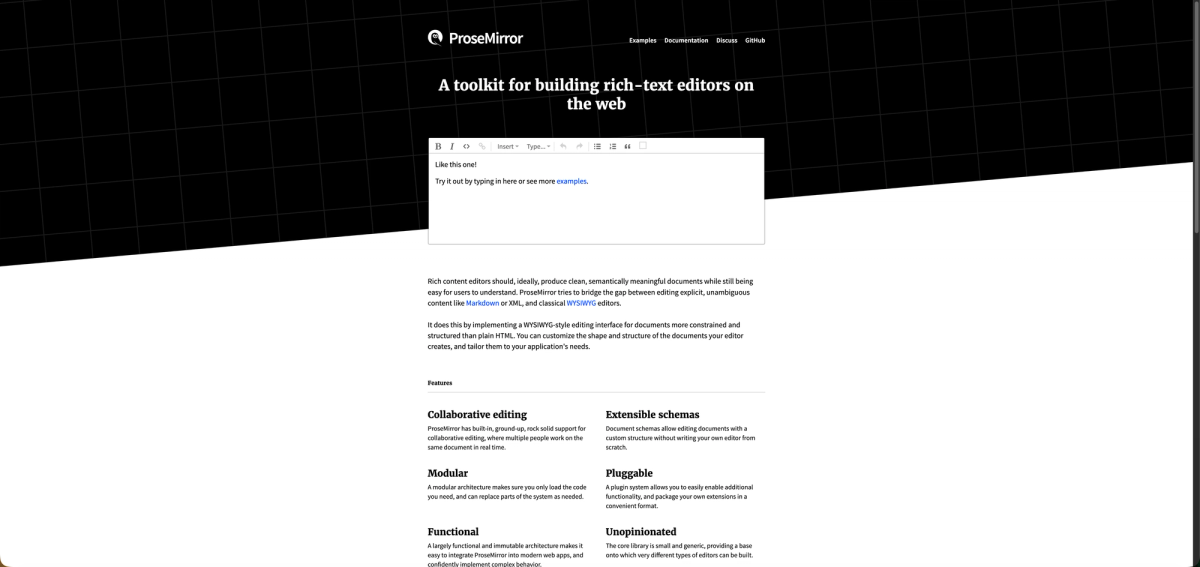
ProseMirror is a low-level toolkit for building rich text editors instead of a ready-to-use component. The View library displays documents through single-phase updates and lets the browser's native editing features handle certain modifications, pulling state changes from those view updates. The plugin system lets you add table editing, collaborative editing, and Markdown parsing without touching core code.
Key Features
- Provides a structured document model that delivers solid performance even with complex documents
- Offers full control over document schema and transformations for highly customized editing experiences
- Includes a plugin system that provides features like table editing and Markdown parsing without modifying core code
- Works with integration libraries like Tiptap, BlockNote, and Remirror that wrap primitives in developer-friendly APIs
- Uses single-phase updates and uses the browser's native editing features for efficient rendering
Limitations
- Requires weeks of effort to build a fully-featured editor from the low-level toolkit
- Does not provide real-time collaboration features out of the box and requires manual CRDT integration
- Lacks ready-to-use UI components and requires building your own toolbar and interface elements
- Demands a lot of technical expertise to implement properly compared to turnkey solutions
- Forces you to build your own collaboration infrastructure including presence, commenting, and notification systems
Bottom Line
ProseMirror works best for experienced developers building highly customized editing experiences who need low-level control over document structure and are comfortable with complex integration work. Teams with strong engineering resources who require specific document models or unique editing behaviors will benefit most from ProseMirror's flexibility. Organizations willing to invest months of development time to achieve precise control over every aspect of their editor implementation should consider ProseMirror over simpler alternatives.
Draft.js
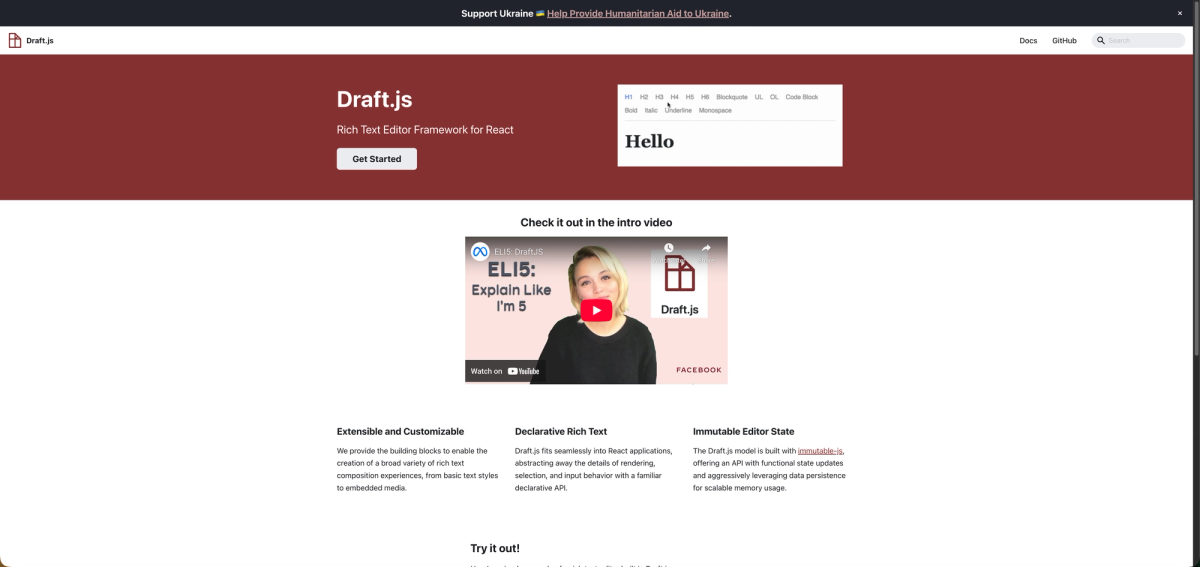
Draft.js is a JavaScript rich text editor framework built by Facebook for React apps. It uses an immutable data model and integrates as a controlled component, fitting into React's state management patterns. The editor delivers declarative rich text through a familiar React API, making it straightforward for React developers who want tight integration with their existing component architecture.
Key Features
- Uses an immutable data model that handles functional state updates and data persistence with predictable memory usage
- Integrates as a controlled component that fits naturally into React's state management patterns
- Delivers declarative rich text editing through a familiar React API for straightforward implementation
- Was built by Facebook and used in production for status updates, comment inputs, Notes, and messenger.com
- Provides straightforward formatted text input capabilities for basic rich text editing needs
Limitations
- Facebook no longer actively maintains Draft.js, meaning no updates or bug fixes
- Lacks real-time collaboration features and provides zero support for multiplayer editing
- Does not include CRDT support for conflict-free collaborative editing
- Provides no built-in commenting systems or collaborative features
- Missing modern collaboration tools like presence indicators, live cursors, and notifications
Bottom Line
Draft.js works best for React developers building straightforward formatted text inputs who want tight integration with React's component model without complex collaboration requirements. Teams that need only basic rich text editing capabilities and don't require any collaborative features may find Draft.js suitable for simple use cases. Organizations should be aware that choosing Draft.js means accepting a framework that is no longer maintained and lacks any path toward adding collaboration features in the future.
Quill
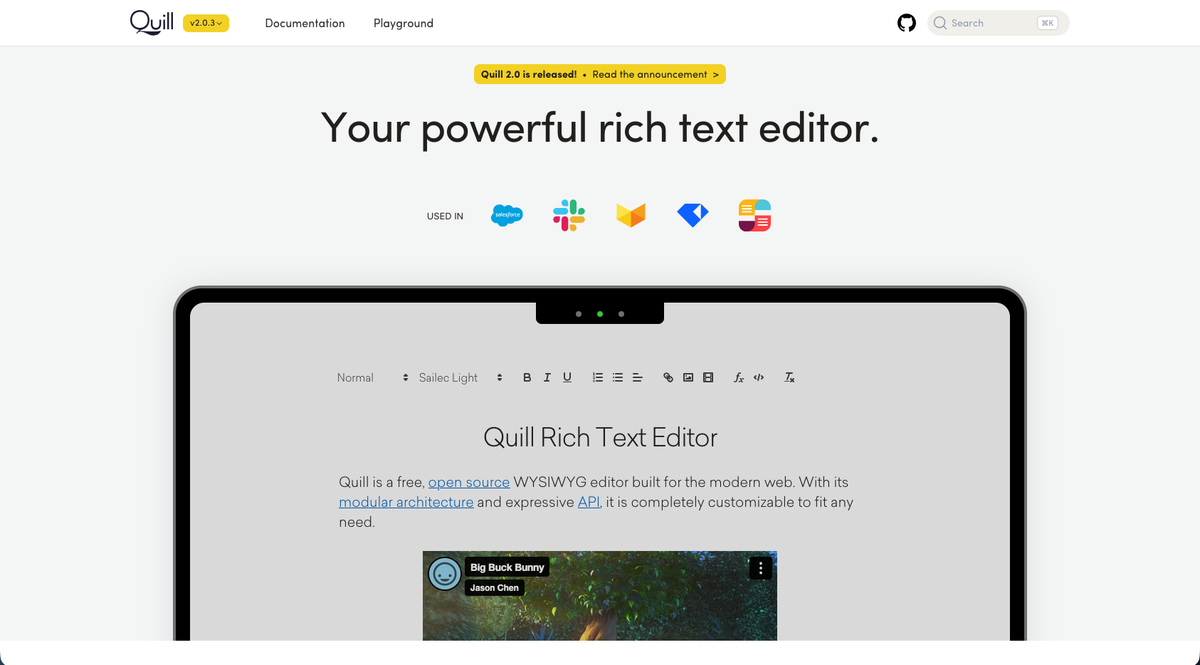
Quill, available as a React component through react-quill, is used by over 1,000 projects in the npm registry. Originally developed for Salesforce, it offers a Toolbar Module API for configuring toolbar icons and uses the Quill Delta format instead of HTML strings for content representation. The editor provides a modular architecture that lets developers customize formatting options and extend functionality through modules.
Key Features
- Provides a clean API with Delta format for representing rich text content and changes
- Offers modular architecture with built-in modules for toolbars, clipboard handling, and keyboard shortcuts
- Supports custom formats and blots for extending the editor with application-specific content types
- Delivers cross-browser compatibility with consistent behavior across different platforms
- Integrates into React apps through the react-quill wrapper component with controlled and uncontrolled modes
Limitations
- The react-quill wrapper has not been updated in over four years despite ongoing bugs and compatibility issues
- Real-time collaboration requires manual integration with separate CRDT libraries and custom conflict resolution
- Lacks built-in presence indicators, live cursors, and other modern multiplayer editing features
- Requires building your own commenting, notification, and user presence systems from scratch
- Limited official support and documentation for collaborative editing implementations
Bottom Line
Quill works best for blogs and content management systems where teams need straightforward rich text input without collaboration requirements. Developers who value a clean API and modular architecture for single-user editing experiences will find Quill's Delta format and extension system useful. Organizations should understand that adding any collaborative features to Quill requires a lot of custom development work and ongoing maintenance of integration code.
TinyMCE
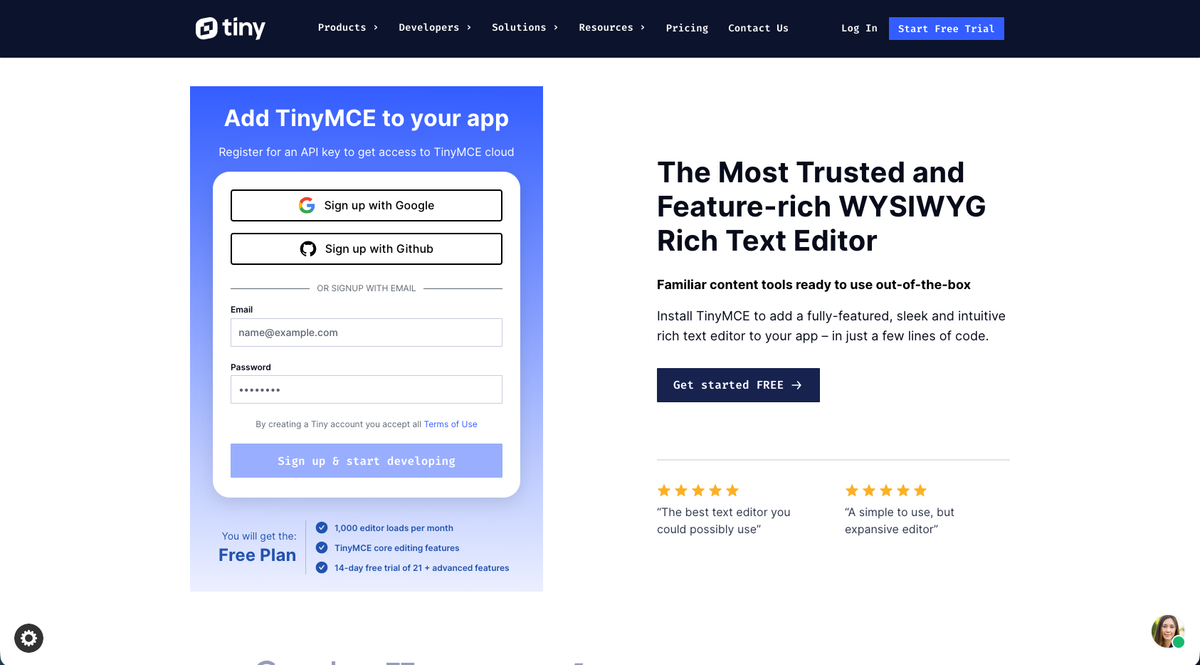
TinyMCE is one of the oldest actively developed rich text editors, dating back to 2004, and remains widely used in web apps today. The official TinyMCE React component is available through @tinymce/tinymce-react and provides 37 core toolbar plugins that extend default editor functionality or add new capabilities. The WYSIWYG interface displays content in the editor exactly as it will appear on the page, with both cloud-hosted and self-hosted deployment options for different infrastructure needs.
Key Features
- Offers rich text formatting including bold, italic, underline, font family, and font size controls
- Supports media embedding for images and videos directly within the editor
- Provides 37 core toolbar plugins with extensive customization options for different use cases
- Delivers mature documentation and commercial support backed by decades of active development
- Integrates into React apps through the official @tinymce/tinymce-react wrapper component
Limitations
- Requires an API key even for basic usage, creating barriers to getting started
- Real-time collaboration features are only available in expensive premium tiers
- Cloud-hosted model can create vendor lock-in without the flexibility of self-hosted collaboration infrastructure
- Premium pricing for multiplayer editing and contextual comments can escalate quickly
- The extensive plugin ecosystem may create dependencies on TinyMCE-specific APIs
Bottom Line
TinyMCE works best for content management systems, blogging platforms, and traditional publishing workflows where teams need a mature, battle-tested editor with extensive documentation and commercial support. Teams that favor a proven ecosystem over modern collaboration features and have budget for premium tiers when multiplayer editing becomes necessary will benefit most from TinyMCE. Organizations building applications where users primarily work on content individually instead of collaboratively will find TinyMCE's traditional editing features sufficient for their needs.
Feature Comparison Table of React WYSIWYG Editors
Here's a quick comparison of how each editor handles key features for collaborative React apps.
| Feature | Velt | CKEditor | ProseMirror | Draft.js | Quill | TinyMCE |
|---|---|---|---|---|---|---|
| React Integration | Yes | Yes | Limited | Yes | Yes | Yes |
| Real-time Collaboration | Yes | Premium only | Manual | No | Manual | Premium only |
| CRDT Support | Yes | No | Manual | No | Manual | No |
| Live Cursors | Yes | No | Manual | No | No | Premium only |
| Contextual Comments | Yes | Premium only | Manual | No | No | Premium only |
| Presence Indicators | Yes | No | Manual | No | No | Premium only |
| Active Maintenance | Yes | Yes | Yes | No | Limited | Yes |
| Free Tier | Yes | Yes | Yes | Yes | Yes | Limited |
| Self-hosting Option | Yes | Yes | Yes | Yes | Yes | Yes |
Why Velt Is the Best React WYSIWYG Editor
Velt solves the problem most React WYSIWYG editors ignore: collaboration requires more than text syncing. CKEditor and TinyMCE lock real-time editing behind premium tiers, while ProseMirror demands months of custom infrastructure work. Velt provides CRDT-based multiplayer editing, contextual comments, live cursors, and notifications in the base SDK. The React integration works with Tiptap, BlockNote, CodeMirror, or any React editor. You can ship multiplayer features the same day. Velt's components adapt to your design system while handling the backend logic that would otherwise take months to build.
Final Thoughts on React WYSIWYG Editors for Your App
Picking a React WYSIWYG editor comes down to whether you need collaboration features or just text formatting. Velt works with the editor you already like and adds real-time editing without forcing you into a premium tier or months of custom development. You can ship multiplayer features this week instead of building infrastructure from scratch. Start with what your users need today and add more as you grow.
FAQ
Which React WYSIWYG editor should I choose for a multiplayer editing app?
If you need real-time collaboration features like live cursors, presence indicators, and contextual comments, Velt works with existing React editors to add multiplayer editing through CRDT synchronization. ProseMirror offers more control but requires weeks of custom infrastructure work. CKEditor and TinyMCE lock collaboration behind premium tiers.
Can I add collaboration features to an existing React text editor?
Yes. Velt integrates with Tiptap, BlockNote, CodeMirror, and other React editors to add real-time multiplayer editing, comments, and presence without replacing your current editor. You keep your existing implementation and add collaboration through the SDK.
What's the difference between Draft.js and actively maintained React editors?
Draft.js is no longer actively maintained by Facebook and lacks modern collaboration features like CRDT support, real-time multiplayer editing, and contextual comments. ProseMirror, Velt, CKEditor, and TinyMCE receive regular updates and offer better collaboration capabilities for production apps.
How do free tiers compare for React WYSIWYG editors with collaboration?
Velt includes CRDT-based multiplayer editing, live cursors, contextual comments, and presence indicators in the base SDK. CKEditor and TinyMCE only offer collaboration in expensive premium tiers. ProseMirror is free but requires manual integration with separate CRDT libraries and custom backend infrastructure.
Should I build collaboration features myself or use a React editor SDK?
Building real-time collaboration from scratch requires implementing CRDT logic, conflict resolution, presence tracking, WebSocket infrastructure, and notification systems, typically months of work. React editor SDKs like Velt handle this backend complexity while letting you ship multiplayer features in days instead of quarters.