


Best Vue.js Rich Text Editor Libraries in March 2026
Compare the best Vue.js rich text editor libraries in March 2026. See which editors include collaboration, CRDT sync, and live cursors out of the box.
Adding a Vue.js rich text editor sounds straightforward until you realize the formatting part is simple and the collaboration part takes six months. You'll find plenty of libraries with bold buttons and image uploads, but ask them about CRDT sync, live cursors, or offline editing and suddenly you're on your own. We tested the options to see which ones include the hard stuff beyond the toolbar.
TLDR:
- Velt adds multiplayer editing to Vue.js apps with CRDT sync, live cursors, and comments built in
- Traditional editors like CKEditor and TinyMCE charge extra for collaboration features
- ProseMirror and Quill lack real-time sync and require custom infrastructure work
- Velt charges per active collaborator, not per page load or document created
- Velt's SDK lets you add real-time collaboration features to Vue.js apps in days
What Are Vue.js Rich Text Editors?
A Vue.js rich text editor is a component that lets users format text content inside your app. This includes bold, italic, bullet lists, links, images, and the formatting controls you'd expect in a text editor. These components integrate directly into Vue.js apps, giving you the UI and logic needed to handle user input beyond plain text.
The options range widely. Some libraries offer basic formatting b toolbars and leave the rest to you. Others come with collaborative features built in, syncing content across multiple users in real time. Your choice depends on whether you need a simple text box with styling or a full multiplayer editing experience. With 375.8 million employees using remote collaboration tools by 2028, the demand for collaborative editing features continues to grow.
How We Ranked Vue.js Rich Text Editors

We tested each editor on six criteria:
- First, Vue.js integration quality, which measures how naturally the library works with Vue's reactive system and component structure.
- Second, core features like formatting toolbars, media embedding, and extensibility.
- Third, collaborative editing capabilities for real-time sync.
- Fourth, customization flexibility for matching your app's design.
- Fifth, documentation quality and developer experience.
- Sixth, whether the solution includes both the editor interface and synchronization infrastructure.
If you need basic formatting, a lightweight option works. For collaborative workspaces, you need an editor with multiplayer editing capabilities.
Best Overall Vue.js Rich Text Editor: Velt
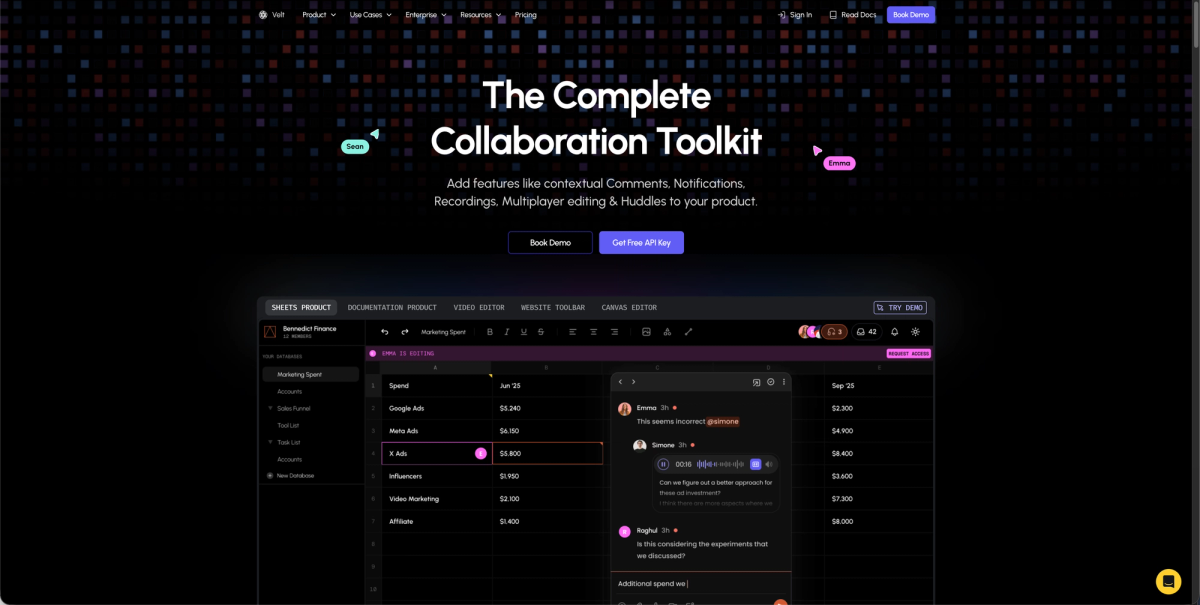
Velt is a collaboration SDK that adds real-time multiplayer editing to Vue.js apps. Instead of building sync logic from scratch, you get CRDT-powered collaborative editing through Yjs integration that works with Tiptap, BlockNote, and CodeMirror. The SDK handles infrastructure complexity including live cursors, user selections, contextual commenting with threaded discussions, mentions, notifications, audio/video huddles, and screen recording with transcription.
Key Features
- CRDT-powered synchronization through Yjs integration works with popular editors like Tiptap and CodeMirror
- Production-ready UI components including comment boxes, notification panels, and user avatars built in
- Offline editing support with automatic synchronization when users reconnect
- Integration available for Vue 2, Vue 3, and Nuxt with straightforward setup
- Enterprise deployment options include 45+ regional data centers and SOC 2 Type II compliance
Limitations
- Requires integration with existing editor frameworks instead of providing a standalone editor
- Monthly Active Collaborator pricing model may not suit all budget structures
- Learning curve exists for teams unfamiliar with collaborative editing concepts
- Requires API key setup and SDK initialization as part of implementation
- Not ideal for projects needing only basic text formatting without collaboration features
Bottom Line
Velt works best for teams building collaborative editing experiences in Vue.js apps who need real-time synchronization and multiplayer features without custom infrastructure work. Development teams looking to add Google Docs-style collaboration and those requiring enterprise-grade reliability with regional data centers will find Velt suitable. The solution fits projects where multiple users need to edit content simultaneously with presence awareness, commenting, and team communication features built in.
CKEditor
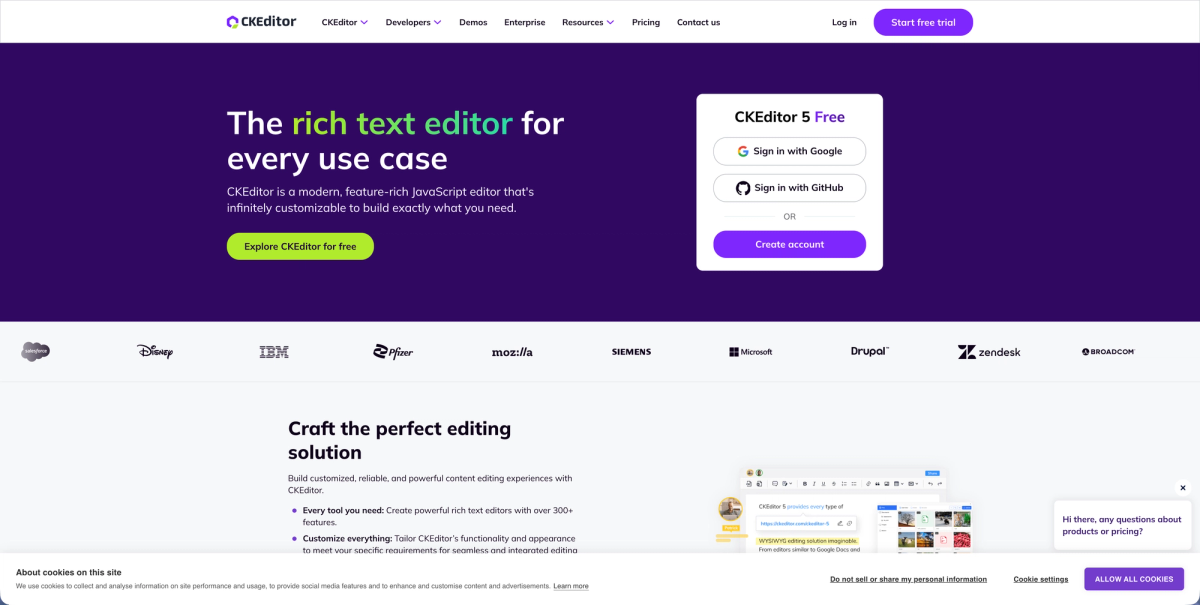
CKEditor is a mature WYSIWYG editor with official Vue.js support for both Vue 2 and Vue 3. The software comes with dual licensing under GPL or commercial terms. Real-time collaboration and revision history require separate premium subscriptions beyond the base editor.
Key Features
- Official Vue.js components support both Vue 2 and Vue 3 with straightforward integration
- Customizable toolbar with formatting controls, media embedding, and table support
- Multiple UI language support through separate translation packages
- Detailed documentation written for Vue.js implementations
- Commercial licensing available for teams that need proprietary use cases
Limitations
- Real-time collaboration features require premium add-ons with separate licensing costs
- No built-in presence indicators or live cursor tracking for multiplayer editing
- Lacks notification systems for team communication and activity alerts
- Does not include commenting features or discussion threads without paid upgrades
- Missing audio/video communication tools like huddles or screen recording
Bottom Line
CKEditor works best for teams building single-user editing experiences in Vue.js apps who need a traditional WYSIWYG editor with extensive formatting options. Teams comfortable with premium subscriptions for collaboration features and those requiring detailed Vue.js documentation will find CKEditor suitable. The solution fits projects where real-time multiplayer editing is not a core requirement and where licensing costs for advanced features align with budget constraints.
ProseMirror
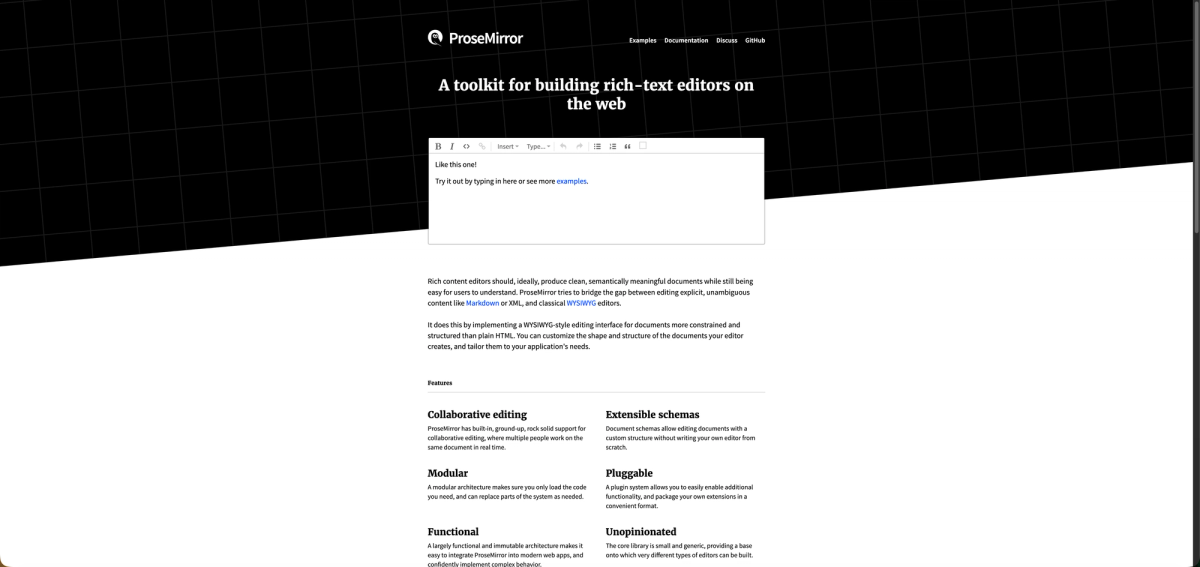
ProseMirror is a toolkit for building rich text editors with Vue.js adapter packages available. Tiptap, a popular Vue editor framework, is built on top of ProseMirror. Most modern editor frameworks now support real-time collaboration through CRDT implementations.
Key Features
- Node view and mark view factories let you render custom Vue components within the editor content
- Schema-based document model with transaction system for managing state changes
- Minimal wrapper packages provide basic editor initialization without heavy abstractions
- Plugin architecture allows extending editor functionality with custom features
- Low-level control over document structure and transformations for custom implementations
Limitations
- Requires substantial development effort to build production-ready features from scratch
- Lacks any collaboration infrastructure or real-time synchronization capabilities
- Does not provide UI components for formatting toolbars or menus
- Developers must implement presence indicators and live cursor tracking independently
- No built-in commenting systems or notification features
Bottom Line
ProseMirror works best for experienced developers building highly customized editors from scratch who need low-level control over document structure and transformations. Teams with a lot of engineering resources and those requiring complete flexibility in editor behavior will find ProseMirror suitable. The solution fits projects where custom editor experiences are critical and where teams can invest months of development time building collaboration features independently.
Draft.js
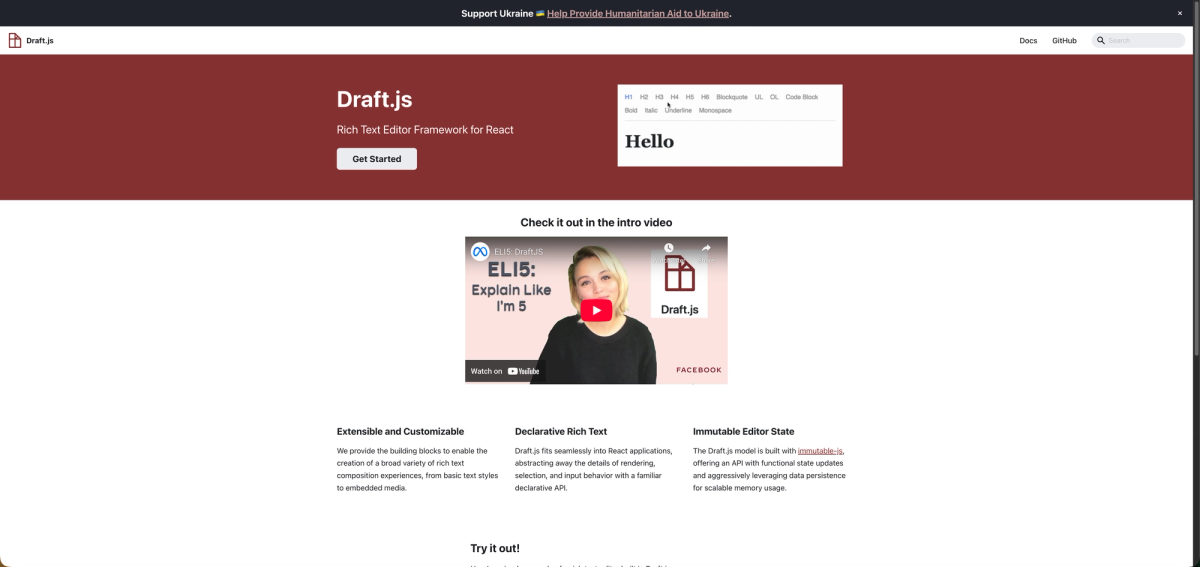
Draft.js is a React framework for building rich text editors and doesn't work with Vue.js without custom adapter layers. The library provides an immutable editor state model with building blocks for text styles and embedded media. Built and maintained by Facebook, it includes community implementations with WYSIWYG interfaces and plugin systems.
Key Features
- Immutable editor state model provides predictable content management and updates
- ContentState serialization handles saving and loading editor data efficiently
- Plugin system supports custom functionality through community-maintained extensions
- Rich text styling capabilities include inline styles and block-level formatting
- Proven architecture used by Facebook in production environments
Limitations
- Designed exclusively for React with no official Vue.js integration available
- Custom wrapper development required for Vue apps adds a lot of implementation time
- No native collaboration features or real-time synchronization capabilities built in
- Lacks presence indicators, live cursors, or multiplayer editing infrastructure
- Does not include commenting systems or notification features
Bottom Line
Draft.js works best for React developers building custom text editing experiences who need Facebook's proven editor architecture. Teams already invested in the React ecosystem and those requiring immutable state management patterns will find Draft.js suitable. The solution is not recommended for Vue.js projects due to the lack of native support and the substantial effort required to build custom adapter layers.
Quill
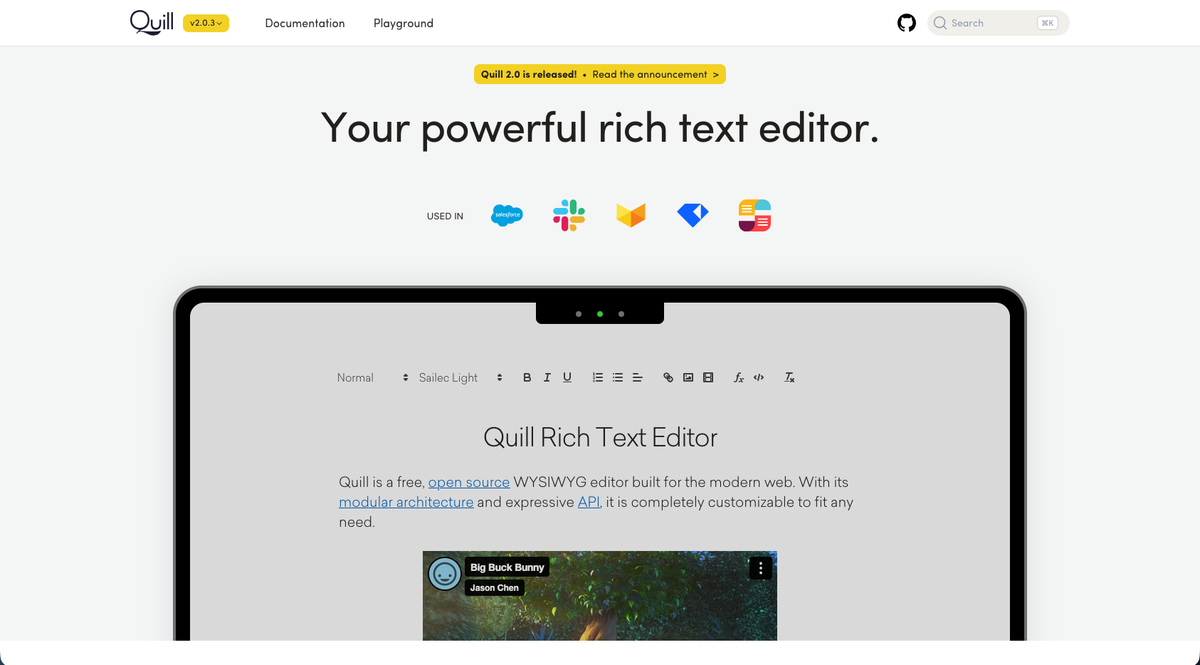
Quill is a rich text editor with Vue 3 component packages like VueQuill providing integration. The editor is open source and works with Vue.js through community-maintained wrappers. VueQuill provides default toolbar options with customizable formatting controls and TypeScript support.
Key Features
- Vue 3 integration available through community packages like VueQuill
- Modular architecture supports custom extensions for additional functionality
- Delta format handles document changes and content representation efficiently
- Open source licensing with active community support and contributions
- TypeScript support available in Vue wrapper implementations
Limitations
- Lacks built-in collaborative editing or CRDT synchronization capabilities
- No presence indicators or live cursor tracking for multiplayer scenarios
- Does not include commenting systems or discussion thread features
- Missing real-time multi-user infrastructure for collaborative workflows
- Requires custom development for notification and team communication features
Bottom Line
Quill works best for teams building single-user editing experiences in Vue.js apps who need straightforward rich text formatting with basic controls. Projects requiring simple text boxes with styling and those comfortable with community-maintained Vue wrappers will find Quill suitable. The solution fits applications where real-time collaboration is not needed and where open source licensing aligns with project requirements.
TinyMCE
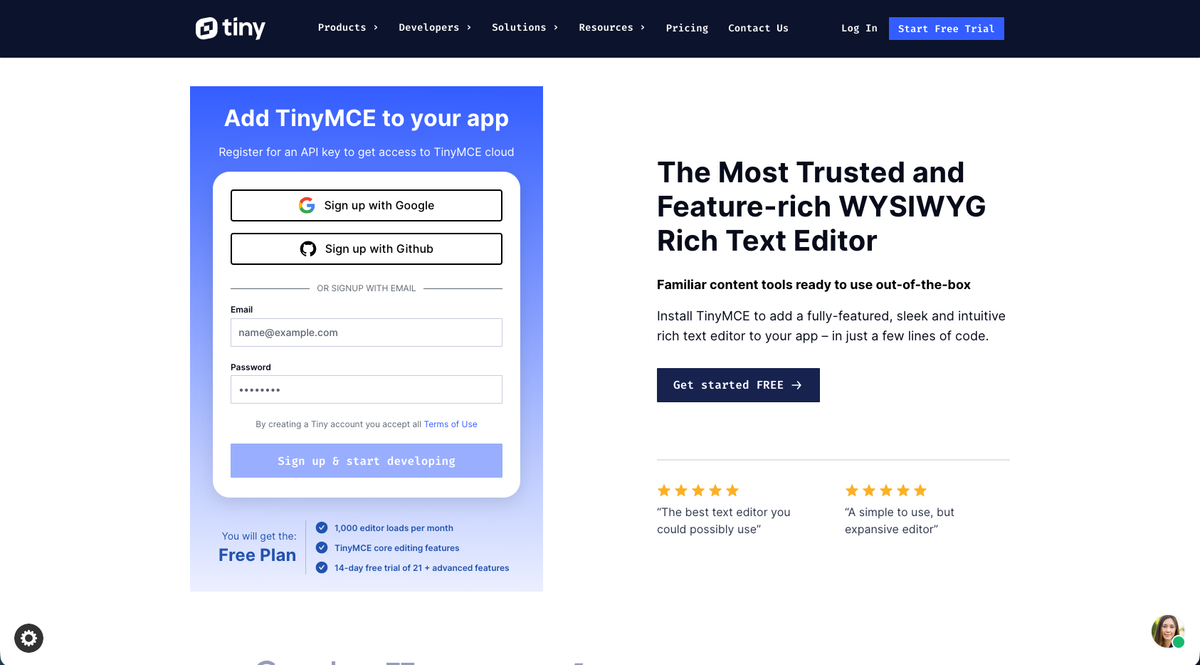
TinyMCE provides an official Vue component with extensive npm adoption across Vue.js projects. Recent pricing changes limit the free cloud version to 1,000 editor loads with $40 per 1,000 additional loads. The plugin system supports language packs and custom toolbars with formatting options. A self-hosted open-source version runs alongside the cloud offering. Premium commenting requires a paid add-on.
Key Features
- Official Vue.js component with widespread npm adoption and community usage
- Self-hosted open-source version available alongside managed cloud offering
- Extensive plugin ecosystem for language packs and custom toolbar configurations
- Customizable formatting options with media embedding and content management
- Both cloud-hosted and self-managed deployment options for different needs
Limitations
- Cloud pricing charges per page load instead of active usage metrics
- Collaborative features require premium subscriptions beyond the base editor
- No real-time presence indicators or live cursor synchronization built in
- Premium commenting add-on needed for discussion and feedback features
- Usage-based pricing can become expensive at scale with high traffic volumes
Bottom Line
TinyMCE works best for teams comfortable with usage-based pricing who need a traditional rich text editor and can manage hosting infrastructure. Teams requiring self-hosted deployment options and those needing extensive plugin customization will find TinyMCE suitable. The solution fits projects where single-user editing is the primary use case and where teams can budget for premium collaboration features as separate add-ons.
Side-by-Side Comparison of Vue.js Rich Text Editors

Here's a quick comparison of the top Vue.js rich text editor libraries and their key features:
| Feature | Velt | CKEditor | ProseMirror | Draft.js | Quill | TinyMCE |
|---|---|---|---|---|---|---|
| Vue.js Native Support | Yes | Yes | Yes | No | Yes | Yes |
| Real-Time Collaboration | Yes | Premium Only | No | No | No | Premium Only |
| CRDT Synchronization | Yes | No | No | No | No | No |
| Live Cursors | Yes | No | No | No | No | No |
| Contextual Comments | Yes | Premium Only | No | No | No | Premium Only |
| Offline Editing | Yes | No | No | No | No | No |
| Built-in Notifications | Yes | No | No | No | No | No |
| Presence Indicators | Yes | No | No | No | No | No |
| Audio/Video Huddles | Yes | No | No | No | No | No |
| Self-Hosting Options | Yes | No | No | No | No | Yes |
Note that Draft.js lacks native Vue.js support, requiring additional wrapper libraries for integration. For real-time collaboration features, Velt stands out with built-in CRDT sync and presence awareness, while competitors like CKEditor and TinyMCE gate these behind premium tiers.
Why Velt Is the Best Vue.js Rich Text Editor Solution
Velt solves the complete collaborative editing challenge beyond just text formatting. While traditional editors handle content creation, Velt adds the collaboration layer that turns single-user editing into real-time multiplayer experiences. The CRDT-powered synchronization infrastructure handles conflict resolution automatically. You get built-in presence indicators, live cursors, and contextual commenting that work together to create Google Docs-style collaboration without custom infrastructure work.
For Vue.js teams building content apps, project management tools, or any app requiring collaborative editing, Velt eliminates months of custom development. Research shows that teams using collaborative platforms see a 25% increase in project completion speed, with 92% of employees reporting that collaboration tools boost their daily productivity.
The Vue.js integration requires minimal setup compared to self-hosting traditional editors and building sync logic separately. You get enterprise-grade reliability with 99.999% uptime, 45+ regional data centers, and MAC-based pricing that charges only for active collaborators. You pay for value created, not infrastructure consumed.
Final Thoughts on Vue.js Text Editing Solutions
A good Vue.js rich text editor handles formatting, but collaborative editing needs more. Your users expect to see each other's cursors, leave contextual comments, and sync changes without conflicts. Building this infrastructure yourself takes months of development time that could go toward your actual product features. The math is simple: ready-made collaboration tools ship faster than custom-built ones.
FAQ
Which Vue.js rich text editor is best for adding real-time collaboration?
Velt provides the most complete solution for real-time collaboration in Vue.js apps. It includes CRDT synchronization, live cursors, presence indicators, and contextual commenting out of the box. CKEditor and TinyMCE offer collaborative features only through premium add-ons, while Quill, ProseMirror, and Draft.js lack built-in multiplayer support.
How do I choose between a basic editor and a collaborative editing solution?
Pick a basic editor like Quill or CKEditor if you only need text formatting for single-user scenarios. Choose a collaborative solution like Velt when multiple users need to edit content simultaneously, leave comments, or see what others are doing in real time. The decision depends on whether your app requires multiplayer features or just a formatting toolbar.
Can I use Draft.js in a Vue.js app?
Draft.js is built exclusively for React and lacks native Vue.js support. You would need to build custom wrapper layers to make it work with Vue, which adds development time and maintenance burden. If you're building a Vue.js app, choose an editor designed for Vue instead of forcing React libraries into your stack.
What's the difference between self-hosting an editor and using a cloud solution?
Self-hosting means you run the editor on your own servers and manage the infrastructure yourself. Cloud solutions handle hosting for you but may charge per page load or user. Velt offers data self-hosting where you control where collaboration data lives while they manage the infrastructure, giving you both control and convenience.
How much development time does building collaboration features from scratch typically take?
Building real-time collaboration from scratch usually takes several months with a full engineering team. You need to implement synchronization logic, conflict resolution, presence tracking, cursor sharing, and notification systems. Using a collaboration SDK like Velt reduces this timeline to days or weeks by providing these features pre-built.